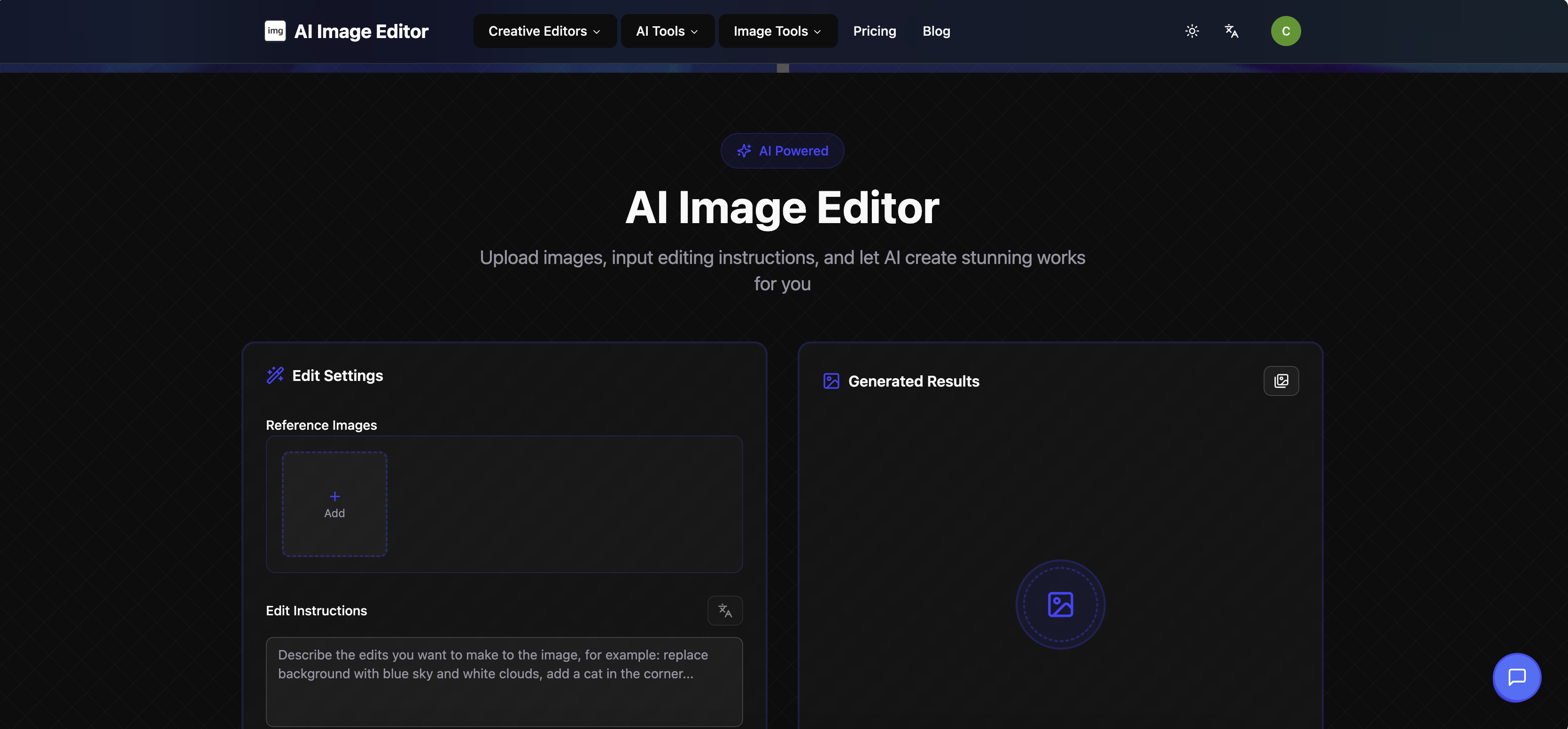
AI Image Editor - README
Official Tool Link: https://imageaieditor.app/
What is AI Image Editor?
A user-friendly AI-powered visual editing tool designed to simplify complex image tweaks. It lets you turn text descriptions into precise, professional edits—no advanced design skills required. Whether you’re adjusting backgrounds, preserving character consistency, or creating stylized visuals, it delivers trace-free, photo-realistic results 10x faster than traditional tools like Photoshop.
Core Features
- Text-to-Edit Functionality: Describe your needs (e.g., "change the background to a sunny beach") in plain English—AI executes edits instantly.
- Strong Character Consistency: Maintains facial features, clothing, and details across all edits (no distorted characters after tweaks).
- Fast & Realistic Results: Generates edits without visible traces; recalculates light/shadows to match real-world physics.
- Multi-Scenario Use: Supports e-commerce product photos, social media content, old photo restoration, and sketch-to-image transformation.
Who Is It For?
- UI/UX Designers & Creative Professionals
- E-commerce Sellers (product photo editing)
- Social Media Content Creators
- Developers & Product Managers
- Anyone needing quick, high-quality image edits without design expertise
Key Advantages
- No Learning Curve: No need to master complex software—text instructions are all you need.
- Speed: 10x faster than traditional editing workflows.
- Cost-Effective: Only 1% of the expense of professional design tools/workflows.
- Versatility: Handles tasks other AI tools can’t (e.g., extracting specific people from group photos).
How to Use
- Visit the official link: https://imageaieditor.app/
- Upload your target image.
- Type your editing request in plain English (e.g., "add a plant to the desk").
- Wait for AI to generate the edited image—download and use.
Slogan
"Describe, Edit, Perfect—AI Turns Your Words Into Stunning Visuals."
Built With
- ts

Log in or sign up for Devpost to join the conversation.