-
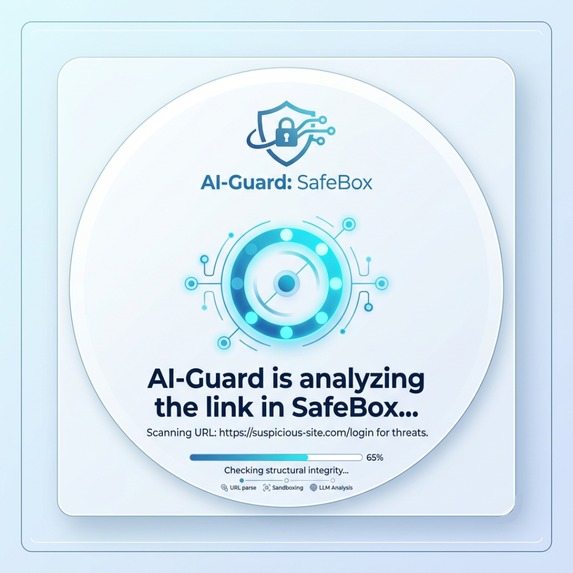
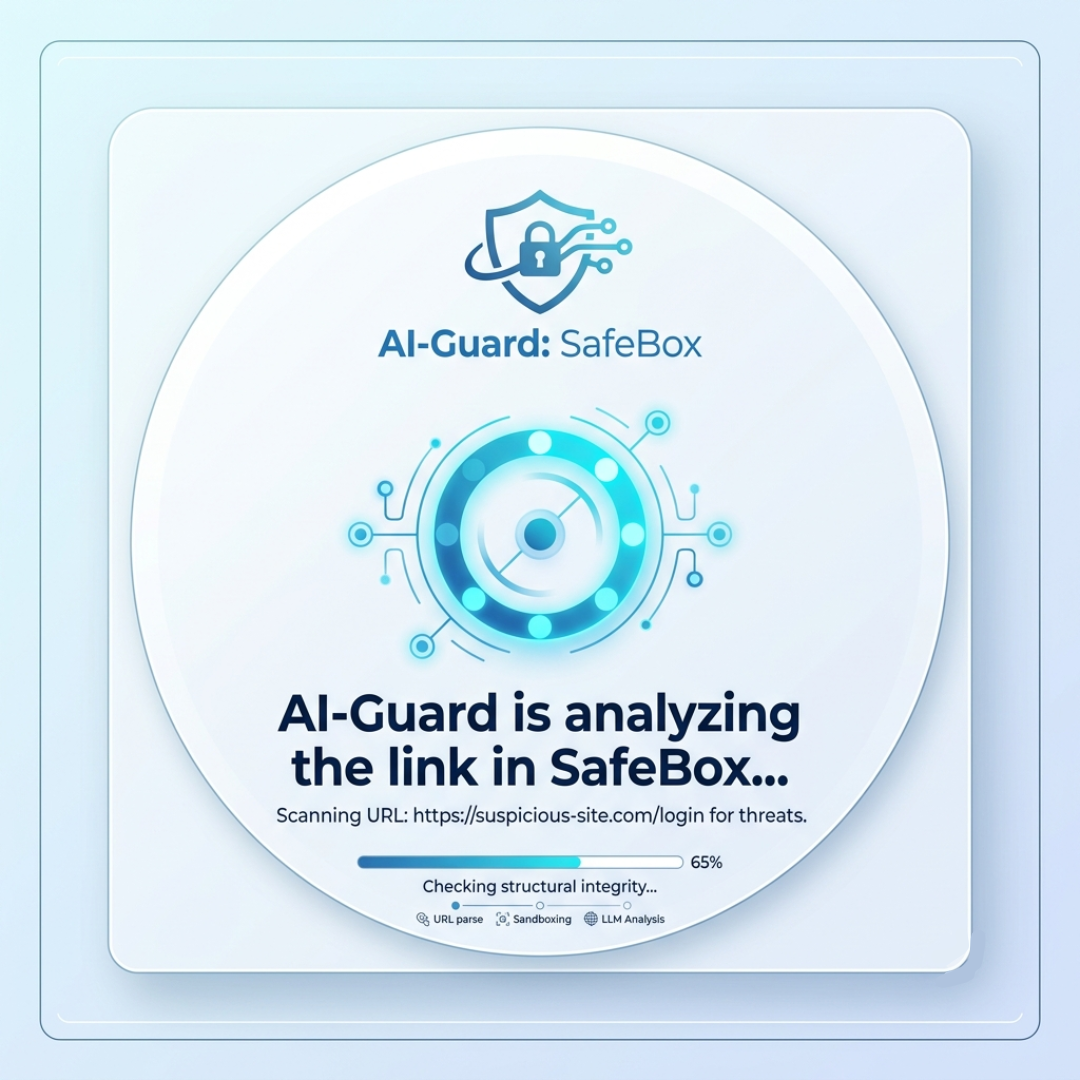
SafeBox Extension Analyzing UI
-
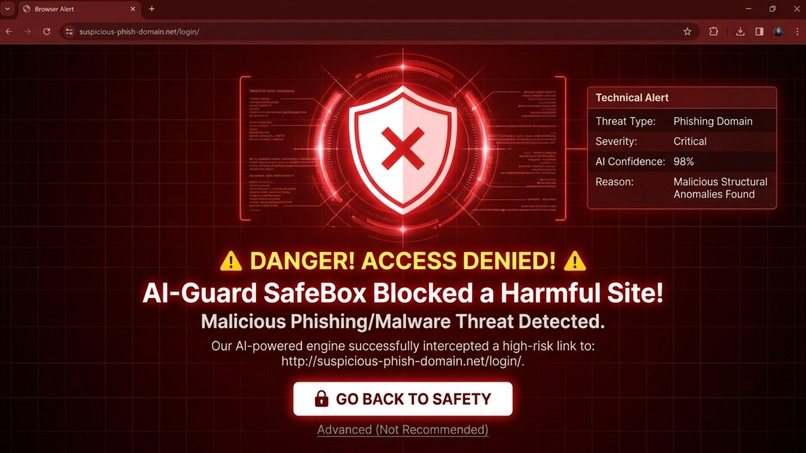
SafeBox Blocked Link Alert
-

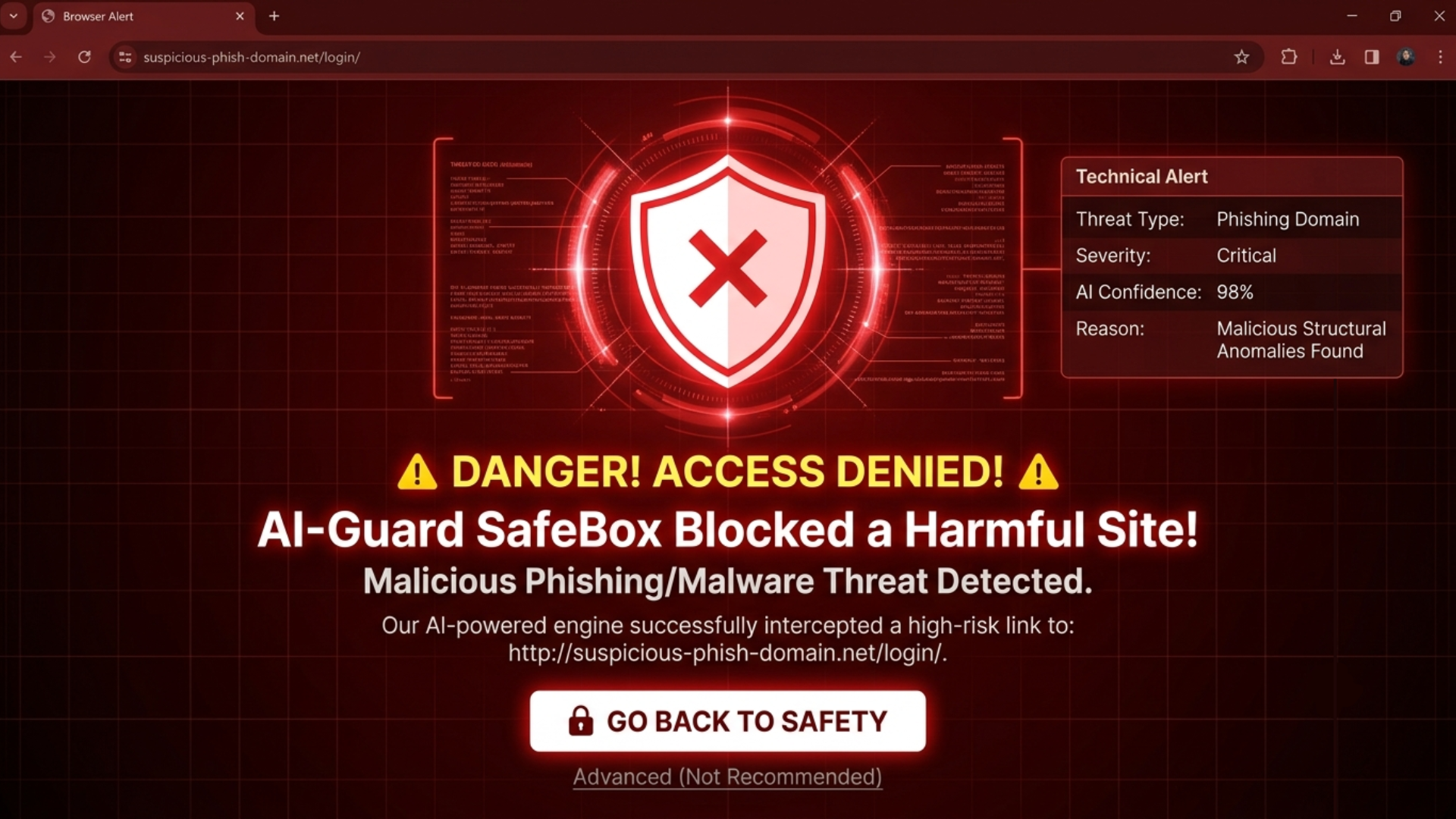
SafeBox App Blocked Link Alert

Inspiration
Every day, everyday internet users fall victim to sophisticated phishing attacks. What makes this incredibly dangerous is social engineering: hackers compromise accounts belonging to friends or family members and use them to blast malicious links. Because the message comes from a trusted contact, users click without secondguessing it. In seconds, their personal data, accounts, and private information are stolen.
What it does
AI-Guard: SafeBox is a lightweight security application that acts as a silent digital guardian. The moment a user clicks on any link—and before it even touches their local browser—the app intercepts it and runs a two-tier defense system:
- Structural Analysis: It instantly scans the URL structure to detect typosquatting (e.g., swapping letters with numbers like faceb0ok instead of facebook) to catch deceptive links right away.
- AI Cloud Sandbox: If the link passes the first check, an AI agent opens and navigates the website inside an isolated, secure cloud environment (Sandbox), completely detached from the user’s device. The AI analyzes the site's behavior and underlying code. If it detects suspicious credential harvesting or malicious scripts, it blocks the connection and throws up an immediate red warning screen.
How we built it
We designed AI-Guard: SafeBox to work seamlessly as a cross-platform solution, combining a lightweight browser extension (for instant redirection) with a secure, cloud-based backend.
- The Frontend (Browser Extension): Built using JavaScript (HTML/CSS), the extension monitors outgoing clicks. When a user clicks a link, the extension intercepts the request and temporarily pauses it, routing the URL to our backend server instead of loading it on the user's browser.
- The Backend (The Core Engine): Developed using Python, which handles the main logic, URL parsing, and structural checks.
- The AI & Sandbox Environment: We utilize cloud-hosted virtual instances (like Docker containers in a secure sandbox) combined with Large Language Models (LLMs) via APIs. The AI agent navigates the rendered page inside the sandbox, scans the DOM structure, detects input fields demanding passwords, and analyzes the page text to identify phishing patterns before giving the green light.
Challenges we ran into
- The Latency Trap (Speed vs. Security): Opening a website inside a cloud sandbox and letting an AI analyze it takes time. Modern internet users expect pages to load in milliseconds; they won't wait 10 or 15 seconds for a link to open. To solve this, we had to design a hybrid approach: the system first performs a lightning-fast structural and database check. If a link is highly trusted (like official, verified domains), it bypasses the deep sandbox scan to keep things fast, reserving the sandbox power only for suspicious or unknown URLs.
- Bypassing Anti-Bot Measures: Many modern phishing sites employ anti-bot scripts or CAPTCHAs to hide their source code from automated scanners. To overcome this, our AI sandbox must simulate realistic human behavior—like mouse movements, scrolling, and delayed interactions—to successfully render and expose the malicious content hidden behind those barriers.
Accomplishments that we're proud of
We are proud of designing a Zero-Effort, Real-Time Protection system. Most existing security tools require users to manually copy and paste links into external scanners, which the average user doesn't have the time or technical know-how to do. SafeBox automates this entire verification process seamlessly in the background without interrupting the user's workflow.
What we learned
During the ideation phase, we learned how critical it is to balance security with speed (latency). We also gained deep insights into how modern phishing sites attempt to evade automated bot detectors, which helped us architect a more resilient human-simulating AI sandbox environment.
What's next for AI-Guard: SafeBox
- Building a Working MVP: Our immediate next step is to build a minimal working prototype using Python, a lightweight headless browser (like Playwright), and a fine-tuned local LLM to test the response times and detection accuracy on real-world phishing samples.
- Expanding to Mobile (The Big Target): Phishing links are most dangerous on mobile apps like WhatsApp, Messenger, and SMS, where browser extensions don't work. We plan to develop a secure custom DNS or local VPN service for mobile devices, routing all system-wide link clicks through the SafeBox engine.
- Community-Driven Threat Database: We want to build a decentralized, anonymized database where blocked phishing attempts are instantly logged to protect other users globally in real-time.
Built With
- ai
- cybersecurity
- docker
- javascript
- python
