-

home page
-
reddit api

Inspiration
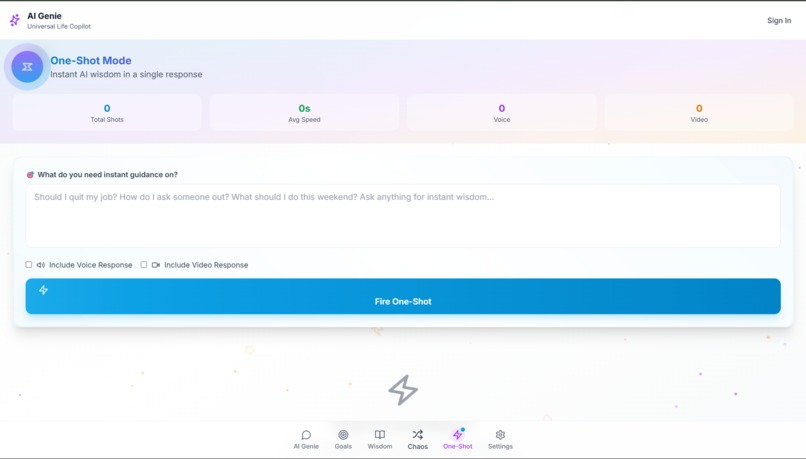
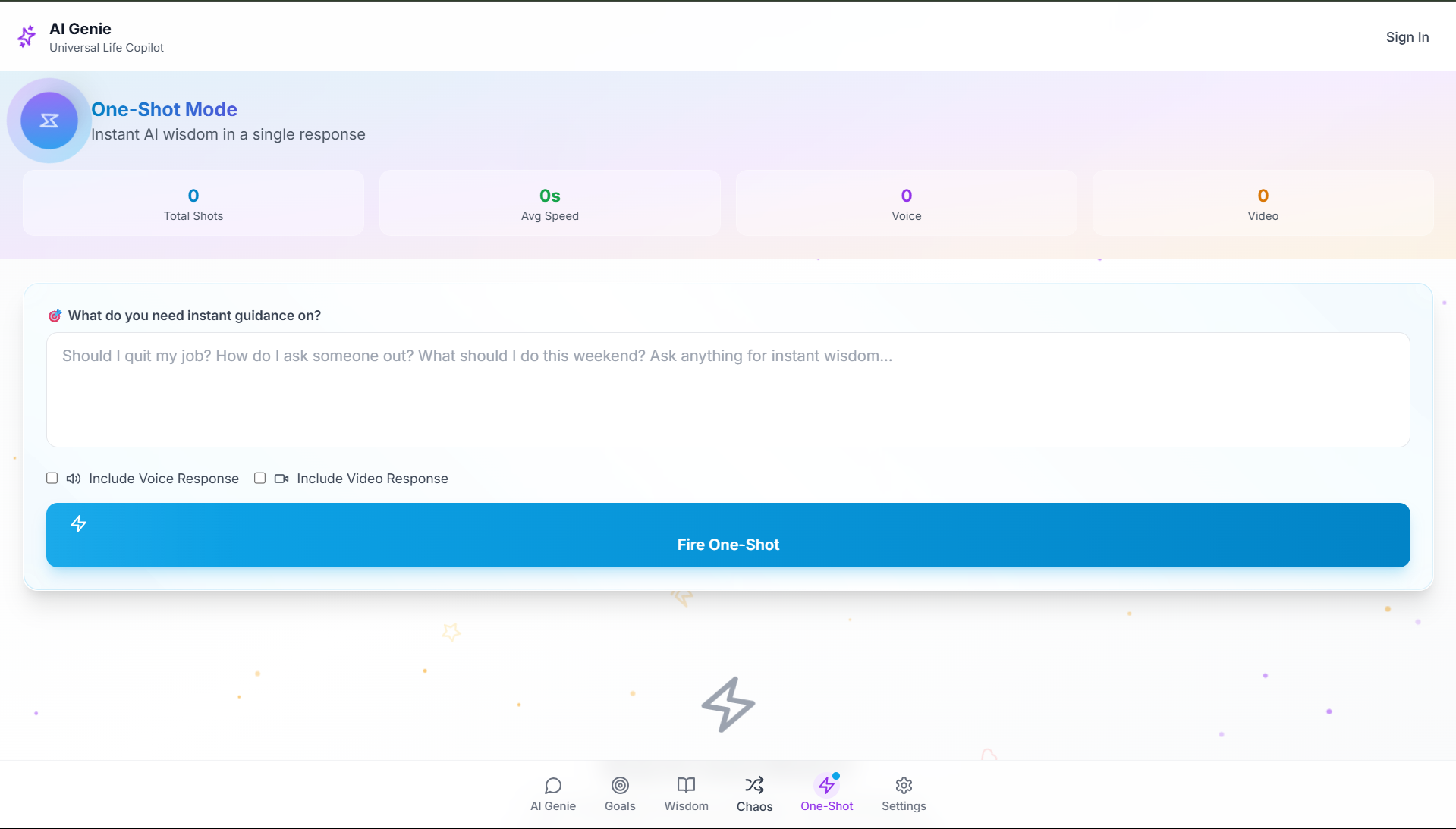
We wanted to break the monotony of traditional life-planning or productivity tools. While most apps are either too serious or boring, we envisioned an AI that gives wise advice with humor, chaos, and creativity. That's how AI Genie was born — a comically smart life advisor powered by GPT, voice, video, and even blockchain.
What it does
AI Genie answers your most important (or ridiculous) life questions using GPT. It:
Speaks advice with ElevenLabs voice AI
Converts answers into video narration using Tavus
Offers a Reddit Chaos Mode for meme-level suggestions
Saves your wisdom to the Algorand blockchain
Exports everything to PDF
Lets you unlock features via RevenueCat paywall
It's your life coach, narrator, and meme-generator — all in one app.
How we built it
React + TypeScript (Frontend)
Tailwind CSS (Styling)
OpenAI GPT API (Answer generation)
ElevenLabs API (Voice)
Tavus API (Video)
Algorand SDK (Blockchain)
RevenueCat (Subscription/paywall)
html2canvas + jsPDF (Export)
Netlify
Challenges we ran into
Managing multiple API integrations with async flows
Ensuring voice and video content matched context
Blockchain write-access integration for casual users
Aligning with multiple prize category requirements
Deploying with custom domain DNS in time
Accomplishments that we're proud of
Fully functional multi-API integration with a clean UX
Custom .tech domain deployed via Netlify + IONOS
Blockchain-backed advice feature working smoothly
A truly fun, voice-powered AI life planner
Qualifies for every single prize track of the hackathon
What we learned
Mastering ElevenLabs + Tavus API integration
Handling voice, video, PDF, and blockchain in one stack
Deploying a real project with monetization and domain
The power of humor in creating user engagement
What's next for AI-Genie
Real-time voice conversation mode
Create-your-own-Genie with voice/avatar personalization
Social sharing of AI-generated video responses
Mobile app version with offline GPT caching
Going viral on TikTok
Built With
- bolt
- css
- netlify
- openai
- react
- revenuecat
- tailwind
- typescript
- vite


Log in or sign up for Devpost to join the conversation.