-
-
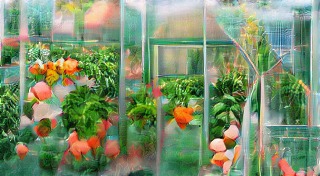
Text Prompt: "Greenhouse" Iteration: 20
-
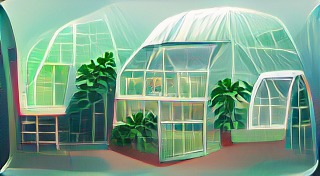
Text Prompt: "Greenhouse" Iteration: 240
-
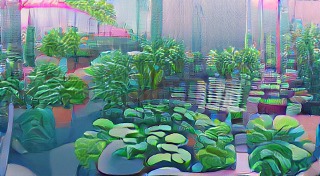
Text Prompt: "Greenhouse | Artstation" Iteration: 20
-
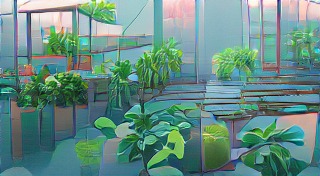
Text Prompt: "Greenhouse | Artstation" Iteration: 60
-
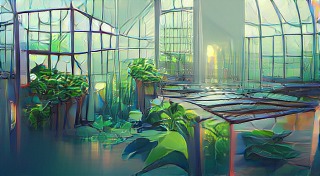
Text Prompt: "Greenhouse | Artstation" Iteration: 140
-
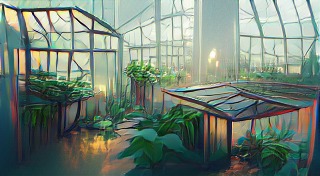
Text Prompt: "Greenhouse | Artstation" Iteration: 320
-
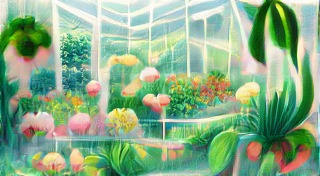
Text Prompt: "Greenhouse | Deviantart" Iteration: 60
-
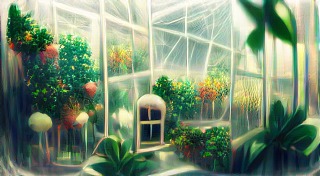
Text Prompt: "Greenhouse | Deviantart" Iteration: 220
-
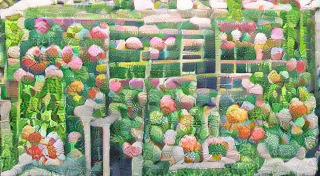
Text Prompt: "Greenhouse | Pixelart" Iteration: 20
-
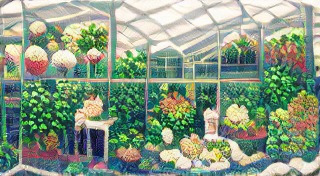
Text Prompt: "Greenhouse | Pixelart" Iteration: 80
-
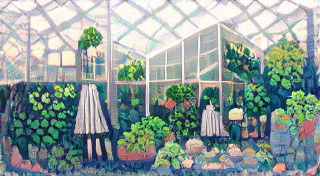
Text Prompt: "Greenhouse | Pixelart" Iteration: 340
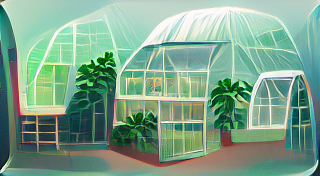


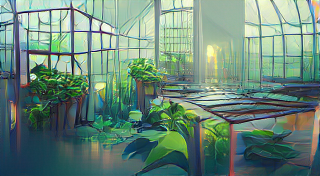
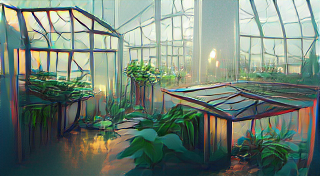

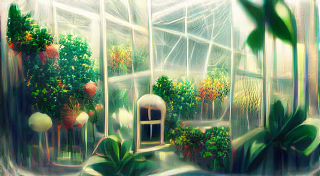


Inspiration
While brainstorming ideas for a potential project, I thought of this post that I saw a few weeks earlier: link Somebody had used an AI to generate art for every character in the Overwatch game. This inspired me to research how I could make my own AI-generated art.
How does AI make art?
VQGAN, which stands for "Vector Quantized Generative Adversarial Network", was trained to generate images using convolutional neural networks and Transformers. CLIP, which stands for "Contrastive Language–Image Pre-training", was trained using Transformers and zero-shot-learning to produce accuracy scores between images and text prompts. Using the terminology introduced in Katherine Crowson’s notebook, VQGAN is the “Generator” and CLIP is the “Perceptor”. Together, VQGAN+CLIP create a feedback loop where VQGAN generates images, and CLIP provides feedback on how accurate the image matches the given text prompt.
How I built my project
I used the Pixray Python package, which implements the VQGAN+CLIP algorithm, while providing additional settings for me to use to alter the generated image. Since Pixray's functionality was built around Google Colab, I built my project on the Google Colab platform.
Challenges I ran into
The main challenge I ran into was the fact that using AI to generate art was incredibly memory intensive. My program would sometimes stop midway because my laptop had run out of additional memory to use. As a result, I was restricted to producing images with the quality set to "normal".
Accomplishments that I'm proud of
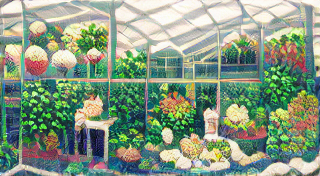
I discovered that by adding the names of different art websites to the end of the text prompt, such as "Artstation" or "Deviantart", the program would produce art with similar styles to user-created art on the platform. Additionally, by forcing the program to show me the current image every 20 iterations, I could not only see the final resulting art, but the intermediate process. Earlier iterations tended to look more abstract, but in the world of art, that can sometimes be a good thing. These two tweaks in addition to other details such as altering the "custom_loss" and "smoothness_type" settings allowed me to have access to a wide range of potential generated artworks.
What's next for AI-Generated Greenhouse Art
AI-generated art still has far to go before it can be accessible to everyone. Using the Pixray package on Google Colab might be difficult for anyone without programming experience, and the fact that it is so memory intensive (at least 16gb of RAM required) means that people without access to the necessary technologies will not have access. Although some websites offer these services for free, there tends to be a long waiting period. One website that I tried told me that I would need to wait 6 months in order to receive my art! In the future, through improvements to AI algorithms and modern hardware, these problems can be mitigated, and using AI to generate art can become more accessible.
Built With
- clip
- google-cloud
- google-colab
- pixray
- python
- vqgan


Log in or sign up for Devpost to join the conversation.