Inspiration
As a beginner developer, I wanted to build something simple, practical, and fun for the CodeSprint with Gemini hackathon. I often find myself staring into an almost empty fridge wondering what to cook, so I decided to build a smart assistant that solves this everyday dilemma!
What it does
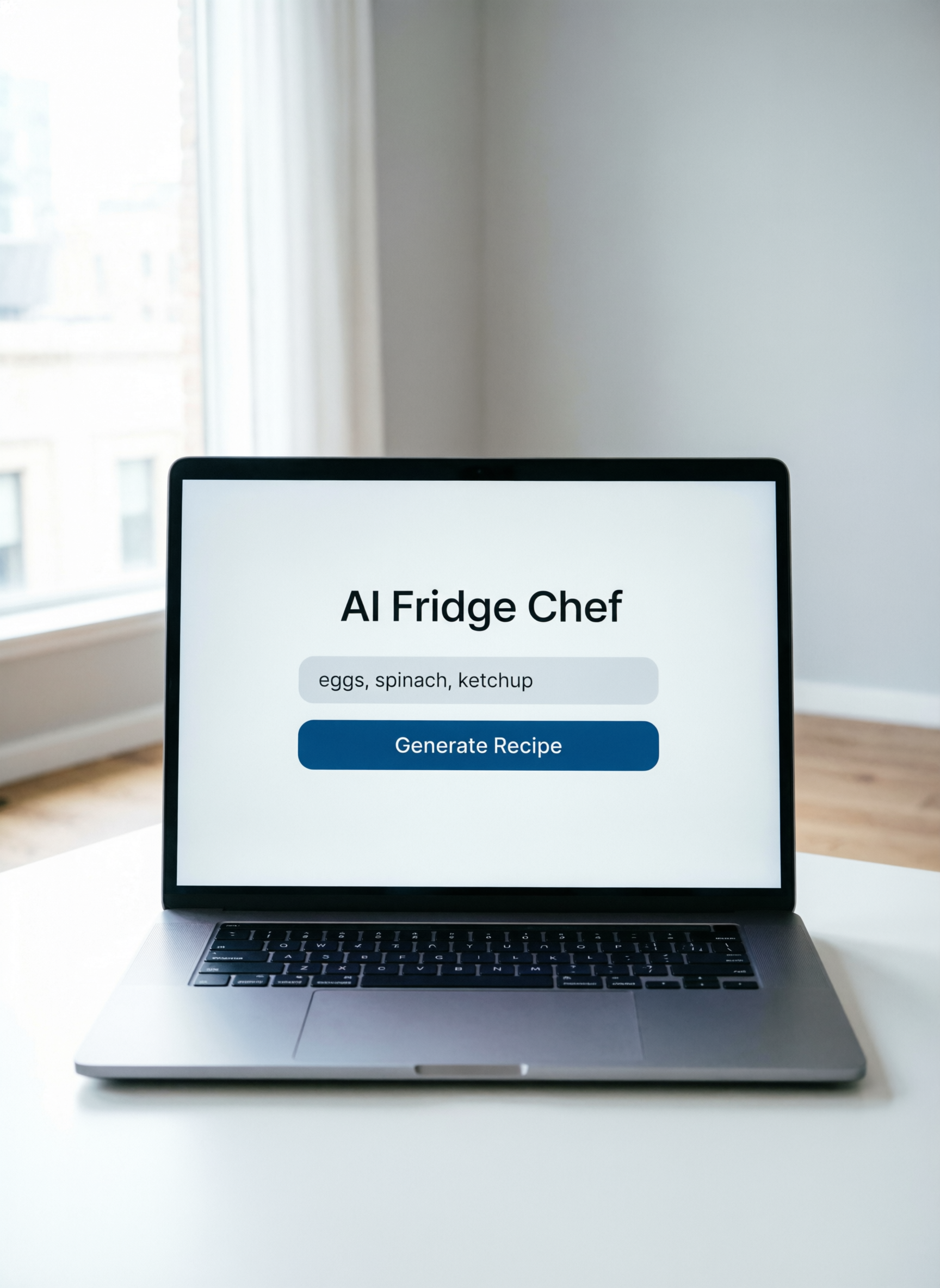
AI Fridge Chef is a simple web application where users can type in a list of random ingredients they have left in their kitchen. Using the Gemini API, the app instantly generates a creative, step-by-step recipe tailored exactly to those ingredients so nothing goes to waste.
How I built it
I kept the stack completely beginner-friendly: Frontend: HTML and CSS for a clean, simple user interface, and basic JavaScript to handle user inputs. Backend/API: Integrated Google's Gemini API to take the text input (ingredients) and generate a structured recipe response.
Challenges I ran into
Since this is my first project, figuring out how to connect the frontend to an API and handle the response was a bit tricky at first. I had to learn how to properly format my prompt so that Gemini would return clear, easy-to-read cooking steps instead of a massive block of text.
Accomplishments that I'm proud of
I am incredibly proud of taking a project from an absolute blank page to a fully functioning AI assistant! Getting my first successful response back from the Gemini API felt like a huge milestone.
What I learned
I learned the basics of API integration, how to write effective prompts for LLMs, and how to structure a simple web application from scratch.
What's next for AI Fridge Chef
In the future, I’d love to add a feature where users can select dietary restrictions (like vegan or gluten-free) or upload a photo of their fridge instead of typing out the ingredients!
