-
-
AI form Generator
Inspiration
Recently, I became a technical team member of my college's Google Developer's Club. One of the tasks assigned to me was to create an attendance and feedback form in a short amount of time. Although tools like Google Forms existed, it was my first time using them, and I wasn’t sure what kind of questions I should include. While it may seem trivial to some, as a new member, I didn’t want to mess up and wanted to provide a high-quality form to make a great impression. This desire to deliver a perfect form led to the creation of this project. Additionally, I envisioned a website theme where a character narrates the story of my website, much like in video games, creating an interactive and fun experience for users.
What it does
AI Form Generator allows users to generate, customize, save, and share dynamic forms easily. By simply inputting form requirements, the app leverages the power of Gemini 1.5 Flash to generate the form and then lets users dynamically edit it. It also includes features like:
- AI-powered form generation: Generate forms based on user inputs.
- Dynamic customization: Add, remove, and edit form fields on the go.
- User authentication: Secure authentication with Django Allauth.
- Form saving and sharing: Save and share forms via unique links.
- Data visualization: View responses and analyze form data with bar graphs.
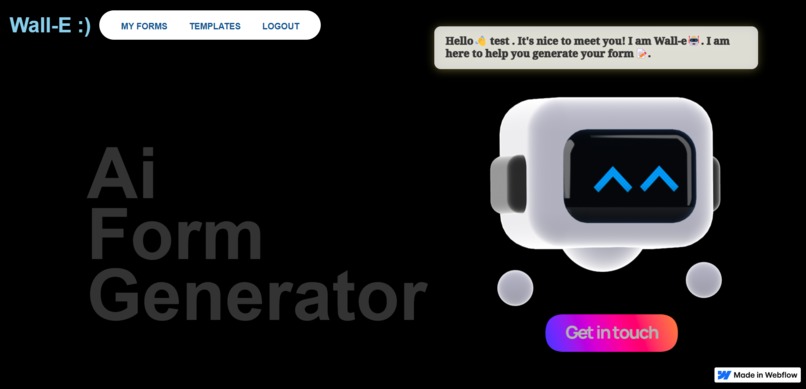
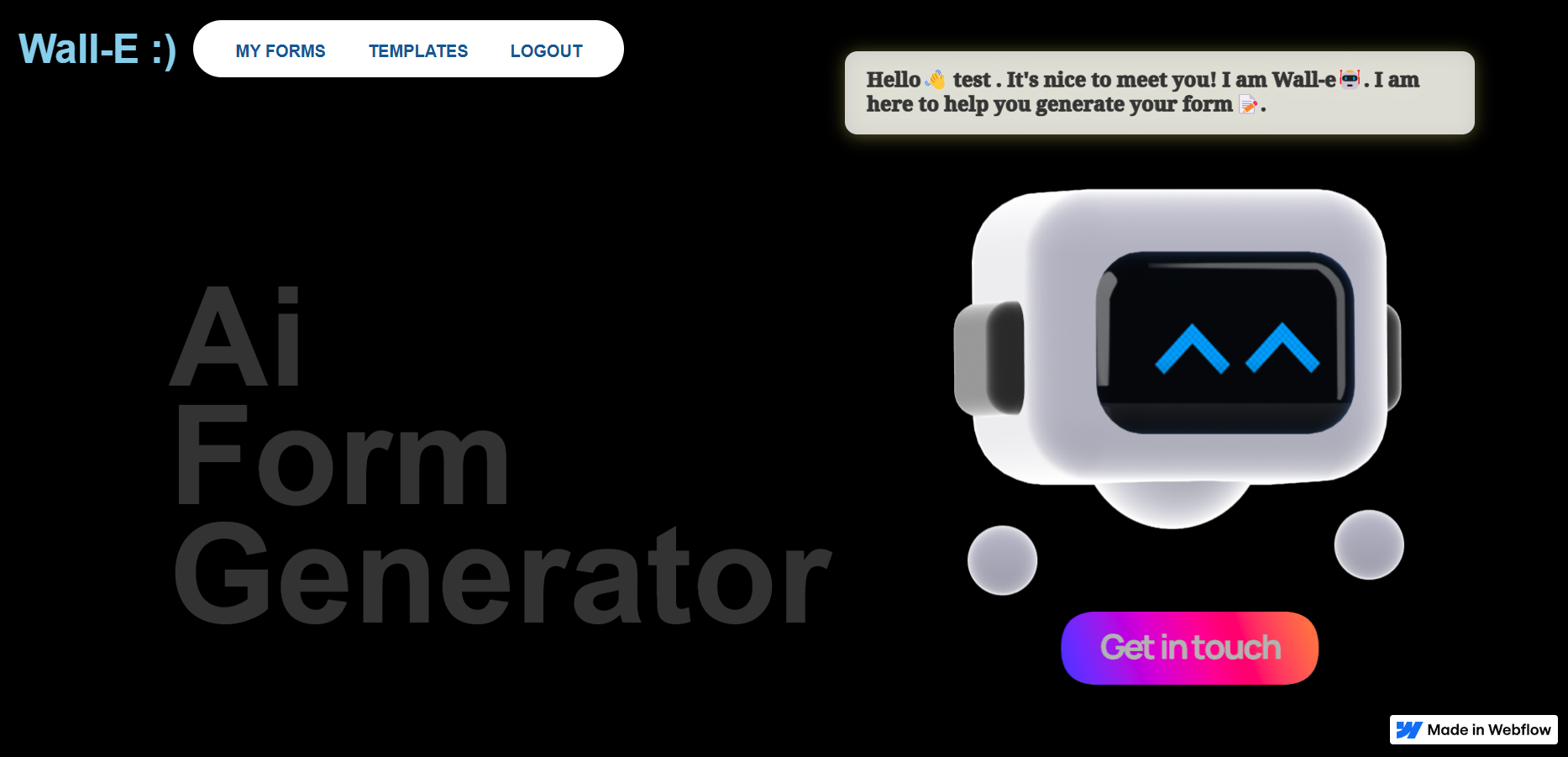
- Wall-E guidance: Enjoy a 3D Wall-E guide that makes the form-building process more fun and interactive.
How we built it
The project was built using:
- Frontend: Webflow for the design and layout, HTMX for dynamic form behavior.
- Backend: Django, powered by Python, for handling the form logic and user authentication.
- 3D Model: Spline (created by VictorGG) was used to integrate the Wall-E character.
- AI Integration: The Gemini 1.5 Flash model via Google's Generative AI API for form generation.
- Database: SQLite for form storage (can be swapped for PostgreSQL or MySQL).
- Data visualization: Matplotlib and Pandas for visualizing form responses.
Challenges we ran into
- The most challenging part of the project was deciding on a good prompt for Gemini, which required a lot of fine-tuning to ensure accurate and useful responses.
- Converting the JSON response generated by Gemini into an HTML form that users could interact with was another significant challenge.
- Additionally, handling the rendering of various buttons like 'Add Field,' 'Save Form,' and 'Choose Template' while ensuring the form remained user-friendly was tricky.
- The analytical side, such as visualizing responses, also presented challenges in terms of creating clear, actionable insights for the users.
Accomplishments that we're proud of
- Successfully integrating AI (Gemini 1.5 Flash) to generate dynamic forms based on user input. This was my first time integrating an LLM in my project
- Creating a 3D Wall-E character that guides users through the form creation process, making the experience more engaging.
- Offering an interactive data analysis feature that allows users to visualize their form responses in real-time. Though its still not that powerful, I am proud of it.
What we learned
- Throughout the development process, I learned the importance of fine-tuning AI models for real-world applications.
- I also gained valuable experience with integrating dynamic features using HTMX, which added a whole new layer of interactivity to the forms.
- Most importantly, I have broadened my perspective on solving such problems, which will help me a lot in future hackathons and projects.
What's next for AI Form Generator
The next steps for AI Form Generator include:
- Making the product more robust and flexible by allowing users to customize more aspects of their forms.
- Adding functionality to let users set a custom name for their forms.
- Expanding the design templates to provide users with more options.
- Enhancing response analysis by adding more complex visualization techniques and interactive graphs.

Log in or sign up for Devpost to join the conversation.