-
-
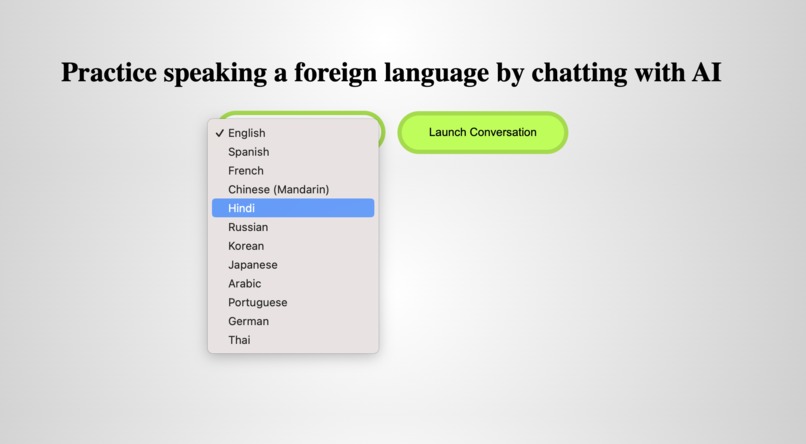
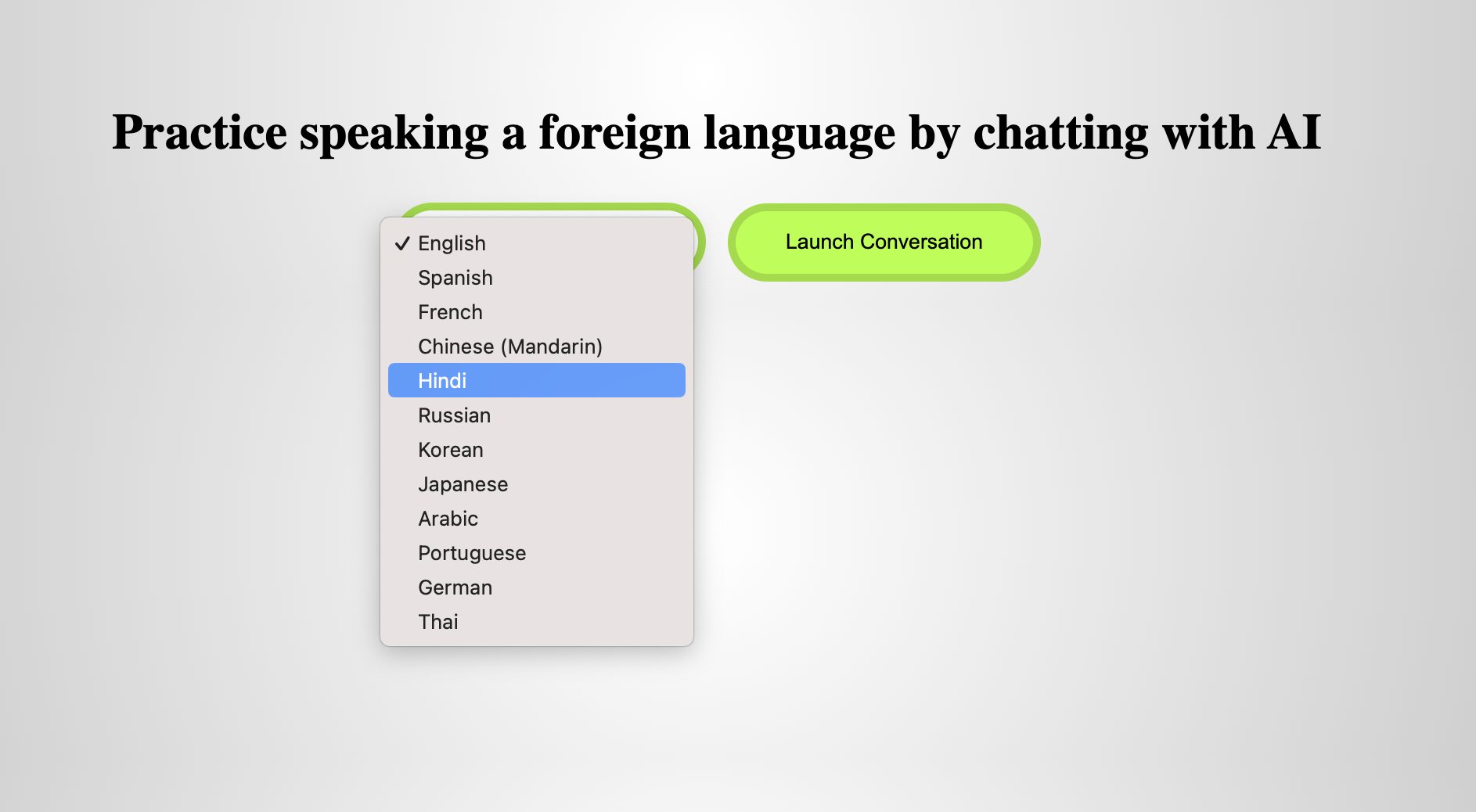
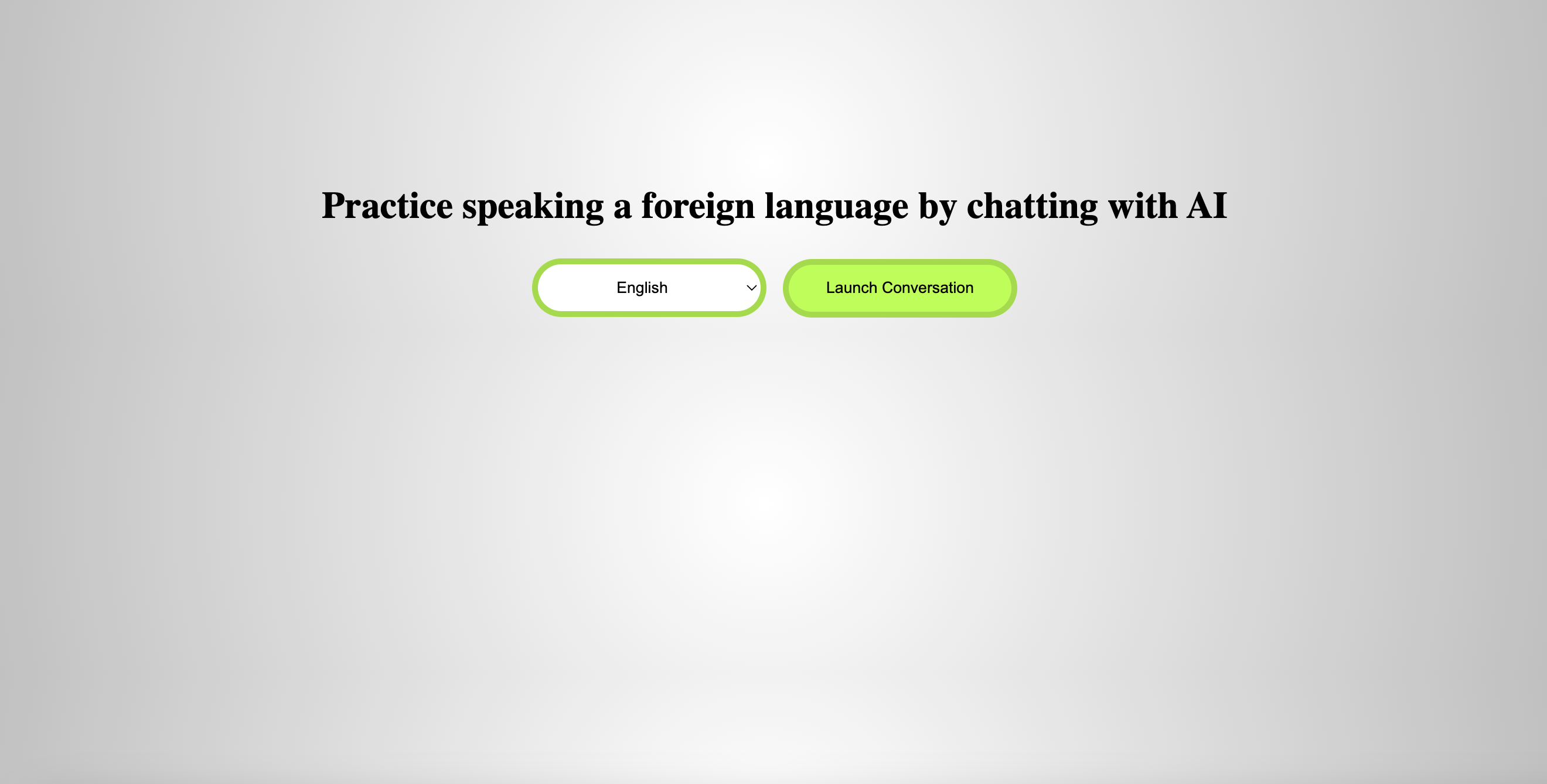
Select a language from the dropdown
-
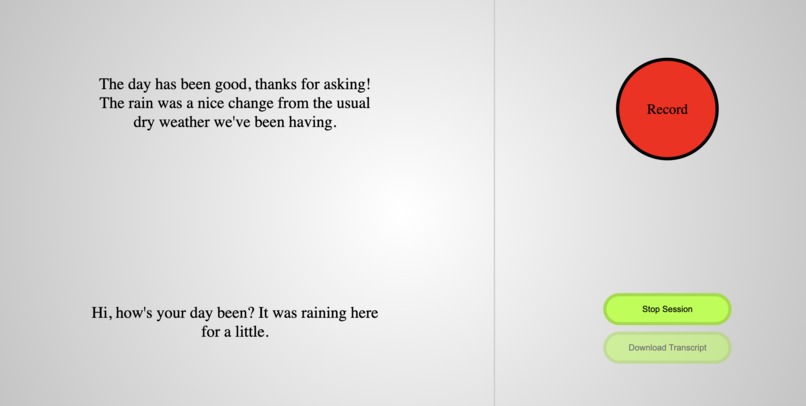
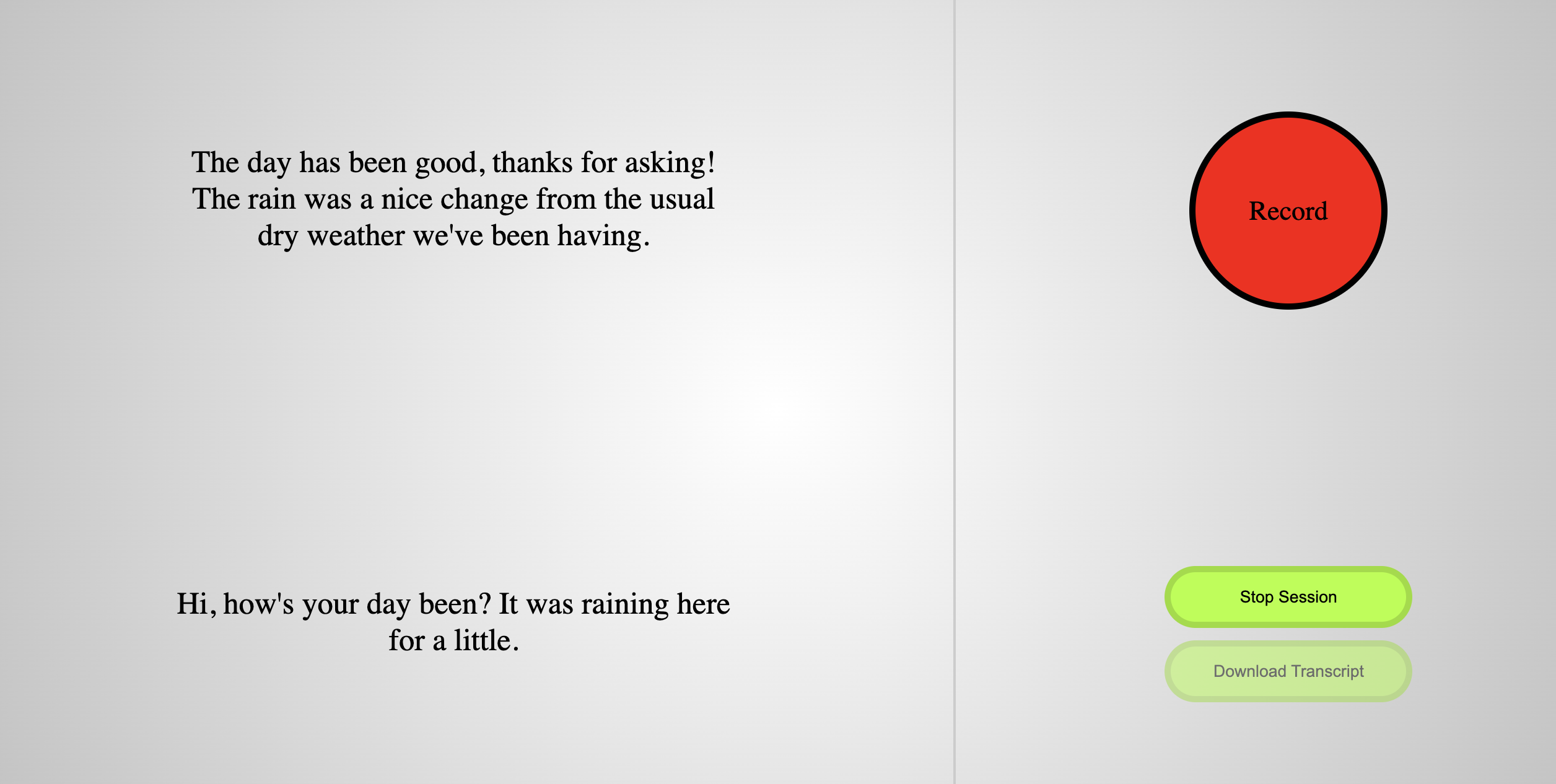
What a conversation looks like
-
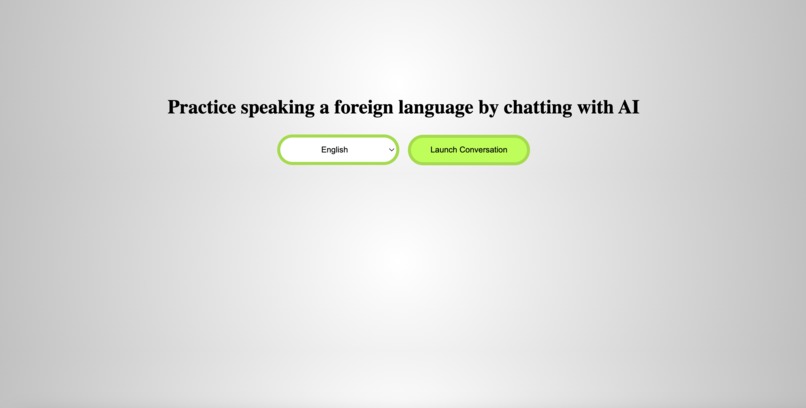
Start page
Inspiration
I have been trying for several years to learn languages on Duolingo. It is great at times but can be hard to advance out of the early stages without verbal practice, and verbal practice with natives is not only difficult when you are at a low level, but also hard to come by in places where English is ubiquitous. I created this because I feel it is a tool I can use to advance my own language learning.
What it does
Creates a conversation session between the user and the Google Gemini AI. The user can talk into their computer microphone and they will receive a response from the computer that was generated by Gemini. It can be used as a sort of sandbox for users to play around with speaking a language without feeling self-conscious that they are making too many mistakes. This can be done in 12 languages currently.
How I built it
I created a simple Flask app as an interface for the user. It uses Google Gemini API to craft responses to the user input text; specifically I used Google Vertex AI so I could give a system instruction and so that chat history is remembered throughout the conversation. Additionally, OpenAI Whisper is used to convert the user's speech to text, and audio is played with Pygame. I designed the frontend to be feel responsive with JavaScript and HTML/CSS.
Challenges I ran into
I have never made a Flask app this complicated before, so there were many things that caused me to stumble. Most notable were:
- Using all of the Google APIs. There are so many and they each work in their own specific ways, and the Google Cloud management console can be quite complex for people who've never used it before. This took most of my time.
- Finding a way to capture audio from user. For some reason my computer had a lot of difficulty installing PyAudio, so instead I had to use a workaround using OpenAI Whisper model to convert audio to text.
- Coordinating the timing of events on the pages. To make the page feel responsive and more satisfying I had to make sure things happened at certain times (for instance, the audio had to play while the machine was outputting the text). For me this was quite challenging figuring out how to send forms and requests back and forth from app.py to the .html file.
- The recording button animation. Sounds silly but I thought it would be a make-or-break part of the UI. I came up with the animation for that by watching how the Shazam app button animates over and over again and making a simplified version of it. (unfortunately the Zoom video is super choppy and does not capture this or the chat generation very well)
Accomplishments that I'm proud of
Definitely happy that I can use this for myself now. I will be trying it out in the coming days and fine tuning the UI to make it more comfortable for myself to use. Also proud that I was able to utilize the Gemini AI for something personally important to me.
What I learned
Learned quite a bit about how the Google Cloud console works and got introduced to a few different APIs. Was a great way to play around with the Google Cloud services. Also learned some new CSS tricks and got a deeper understanding of what UI users might feel satisfied/dissatisfied using.
What's next for AI Foreign Language Conversation Partner
Features I will be adding in the next few weeks:
- Alerts for grammatical mistakes. This will require a lot of fine tuning with the models I imagine.
- Accent feedback and critiques. I am not sure how feasible this will be to make, but it would be the most helpful for language learners.
- Click text to show translation in English via Google Translate API. A relatively easy thing to add (didn't have time to put this in before the deadline)
- Nicer looking UI


Log in or sign up for Devpost to join the conversation.