-
Main Page
Inspiration
The idea came from our own struggles with studying. Manually creating flashcards is time-consuming, so we wanted to build a tool that could do it instantly using AI and along with that help studying with summarised notes and a chat bot to enquire about the content.
About
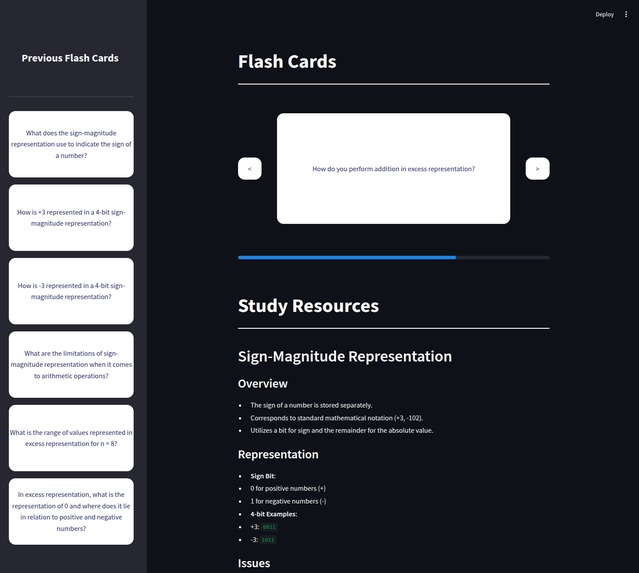
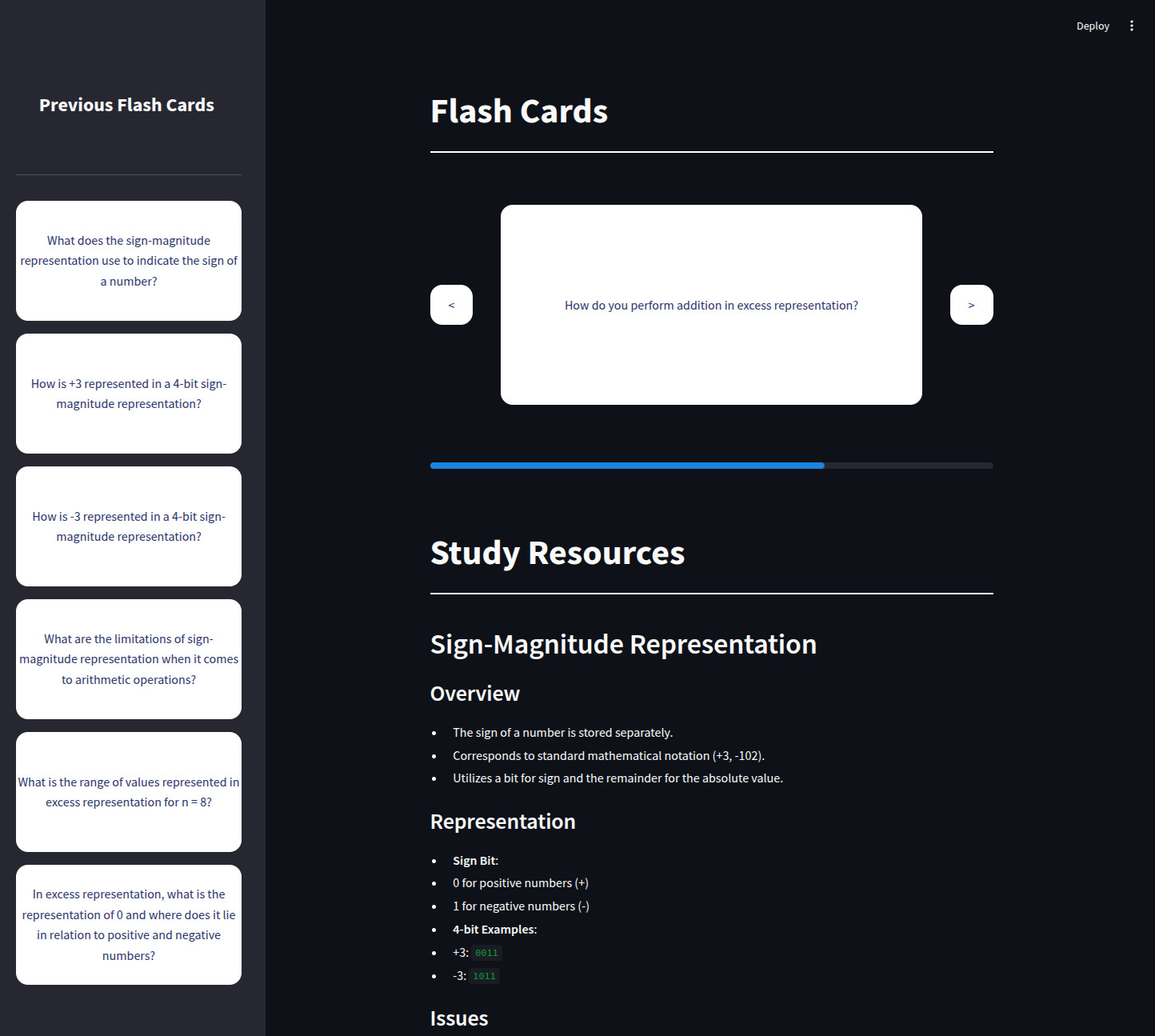
Student Pilot is an AI-powered study tool that transforms your text files into interactive study cards and notes. Simply upload a file, and our AI extracts key questions and answers to generate flashcards, helping you reinforce your learning efficiently.
How to try the application
Requirements
Ensure you have the following dependencies installed before running the project:
- Python 3.12+
- Streamlit (Python Library)
- OpenAI (Python Library)
- PyPDF2 (Python Library)
- OpenAI API key
- Make
Installation & Setup
Follow these steps to set up and run the project:
- Clone the repository:
git clone https://github.com/Aleks-Tacconi/Hackathon-RoyalHolloway2025.git
- Navigate to the project directory:
cd Hackathon-RoyalHolloway2025
- Create and activate a virtual environment:
python -m venv venv
source venv/bin/activate  # On macOS/Linux
venv\Scripts\activate  # On Windows
- Install dependencies:
pip install -r requirements.txt
- Set the OpenAI API key:
export OPENAI_API_KEY="your_api_key"  # On macOS/Linux
set OPENAI_API_KEY="your_api_key"  # On Windows
- Run the project:
make run
Once the server starts, open your browser and navigate to http://localhost:8501 to use the application.
Built With
- openai
- python
- streamlit

Log in or sign up for Devpost to join the conversation.