-
-
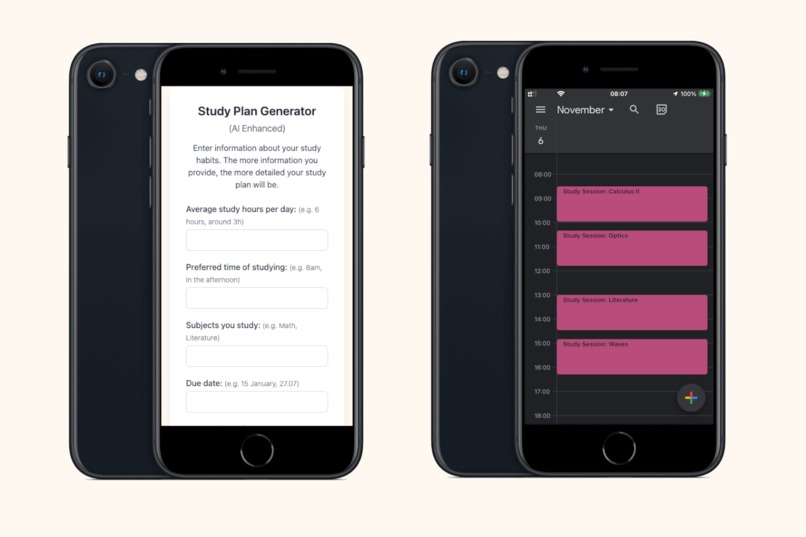
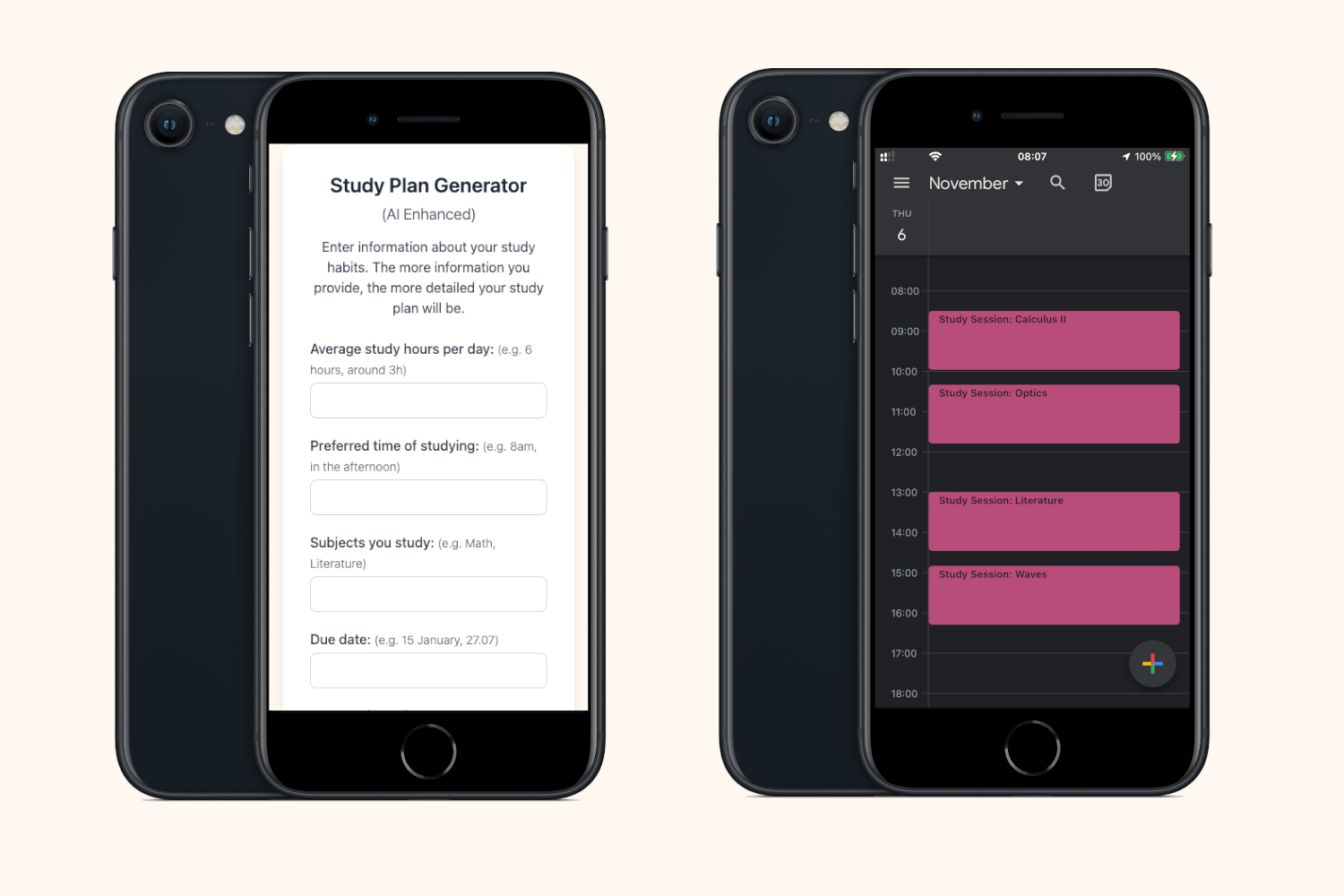
App optimised for mobiles
-
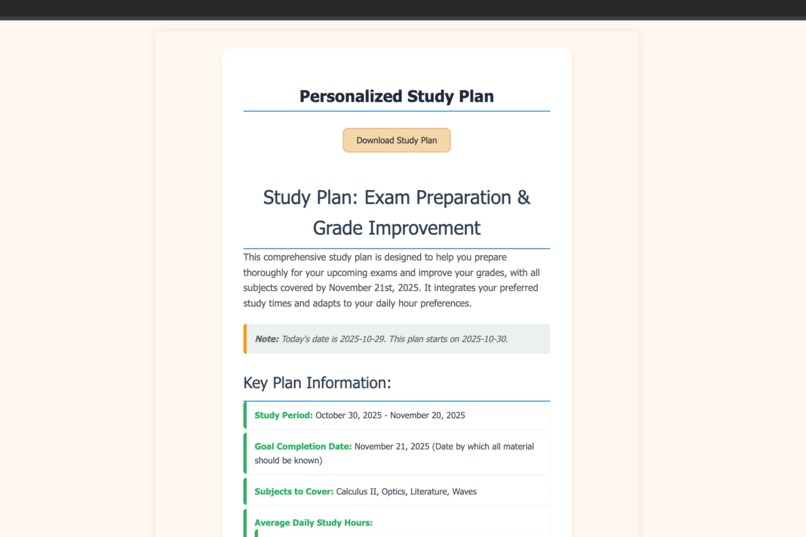
...and computers.
-
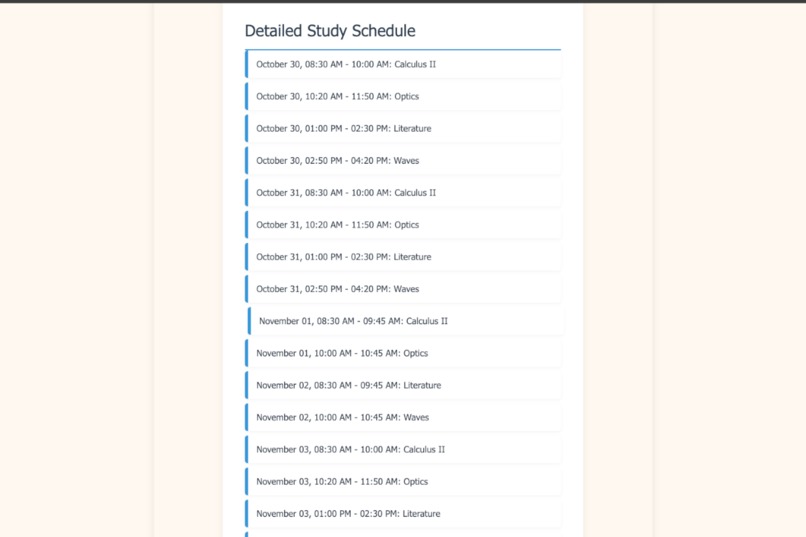
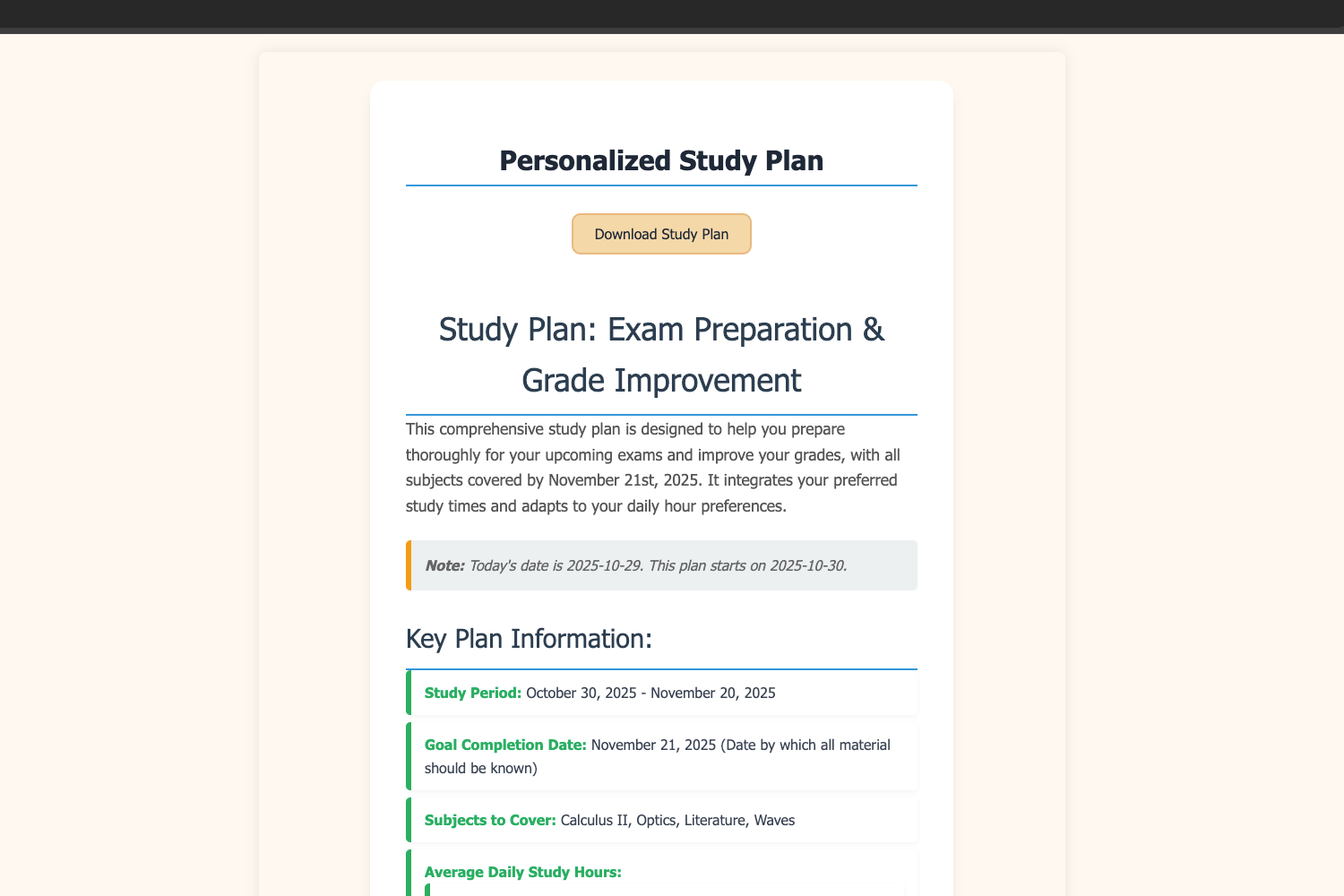
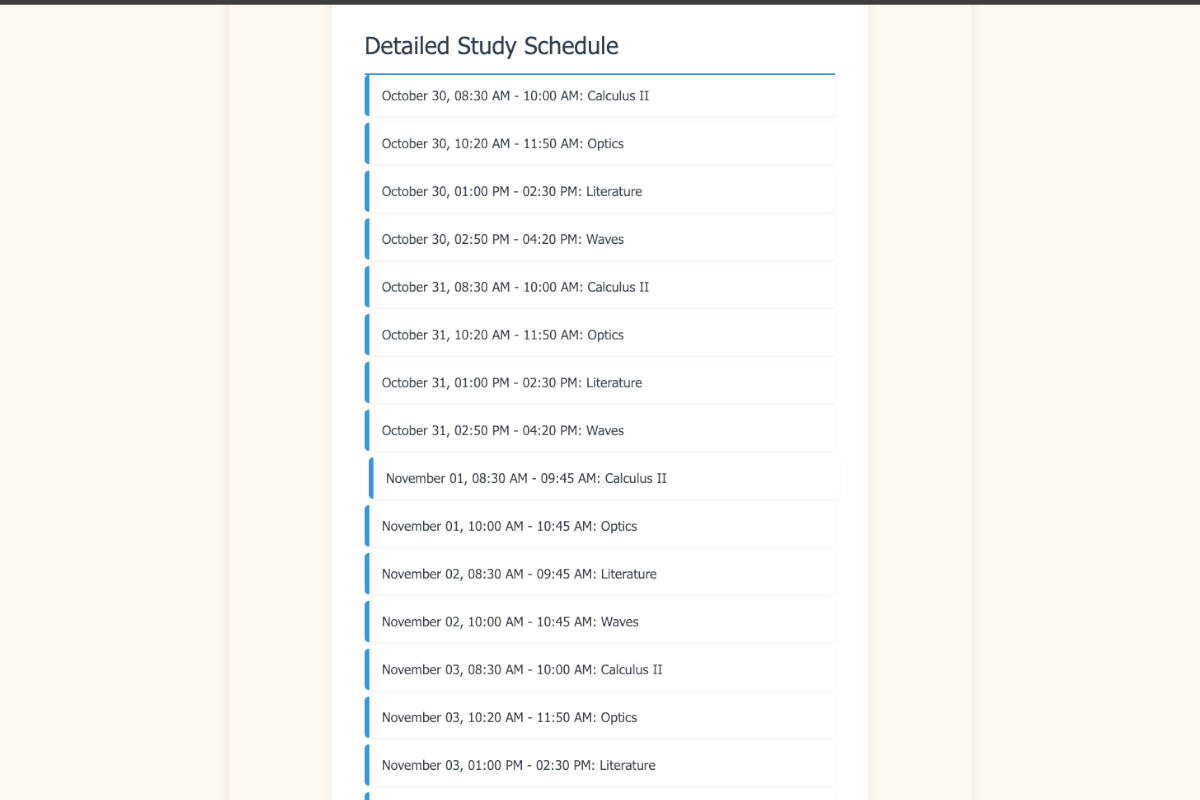
Example of an study schedule, ready to be exported to calendar app
-
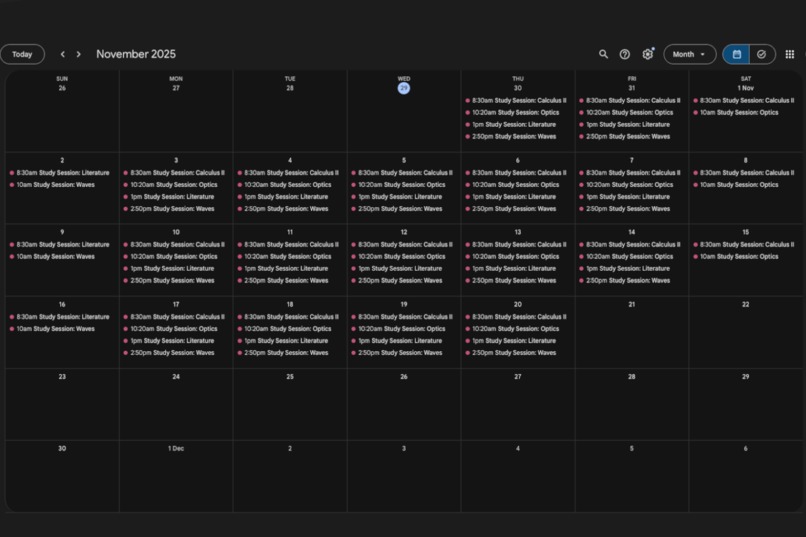
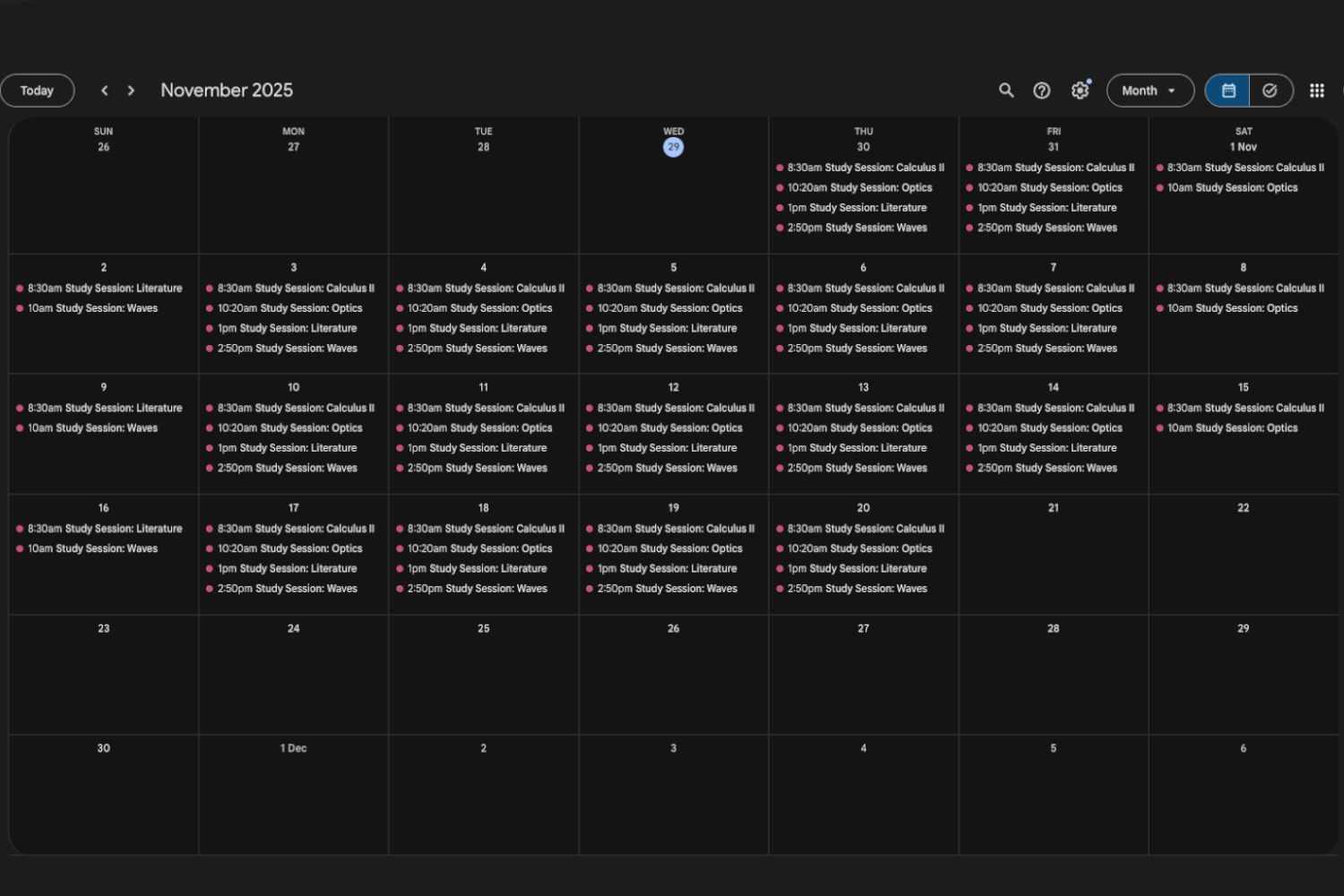
Study Plan exported to Google Calendar
Inspiration
As students, we often struggle to stay consistent with our study plans — either due to poor time management or lack of personalized guidance.
I wanted to create something that could think like a mentor and plan like a calendar app.
That’s how the idea of an AI Enchanced Study Plan Generator was born — a web app that uses generative AI to analyze a student’s study habits, subjects, and goals to create a personalized, structured schedule they can follow effortlessly.
What It Does
The app allows students to enter their study habits through a simple, mobile-friendly form — including study hours, subjects, preferred times, and goals.
Using the Gemini API - Gemini 2.5 Flash, it generates a fully customized study plan, complete with daily sessions, breaks, and time allocations.
Then, with one click, the plan can be exported to your favourite calendar app (as an .ics file) — preserving all the times, subjects, and descriptions.
How It Was Built
Frontend: HTML + Tailwind CSS for a clean, responsive interface.
Backend: Flask (Python) to handle user input and AI interactions.
AI Engine: Google’s Gemini API (Gemini 2.5 Flash) for generating personalized study plans.
Calendar Integration: Python’s ics generation to create downloadable .ics files.
Parsing: BeautifulSoup and regex to convert AI-generated HTML into structured calendar events.
System flow:
- User submits study information via form.
- Flask sends the data to Gemini with a detailed prompt.
- Gemini responds with an HTML-formatted plan.
- The app cleans and displays the plan neatly.
- User can download it as a calendar file and import it into any calendar app (e.g. Google Calendar).
Challenges Faced
- Parsing AI-generated HTML into a usable, consistent format.
- Ensuring events didn’t overlap in the calendar and that end times were accurate.
What I Learned
- How to effectively use Gemini’s generative API within Flask applications.
- Techniques for parsing natural-language time expressions into structured events.
- Creating
.icscalendar files programmatically.

Log in or sign up for Devpost to join the conversation.