-
-
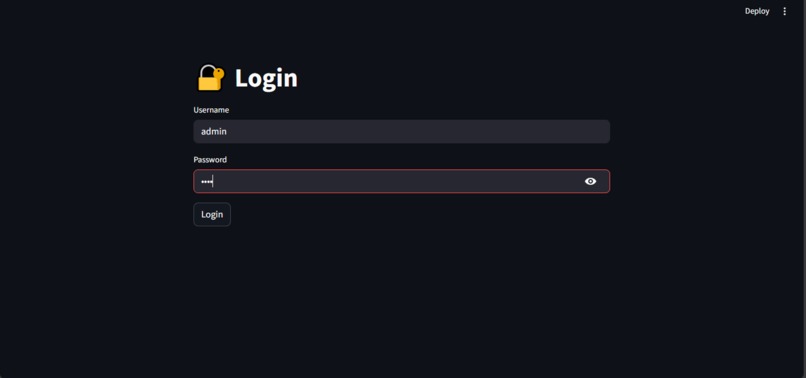
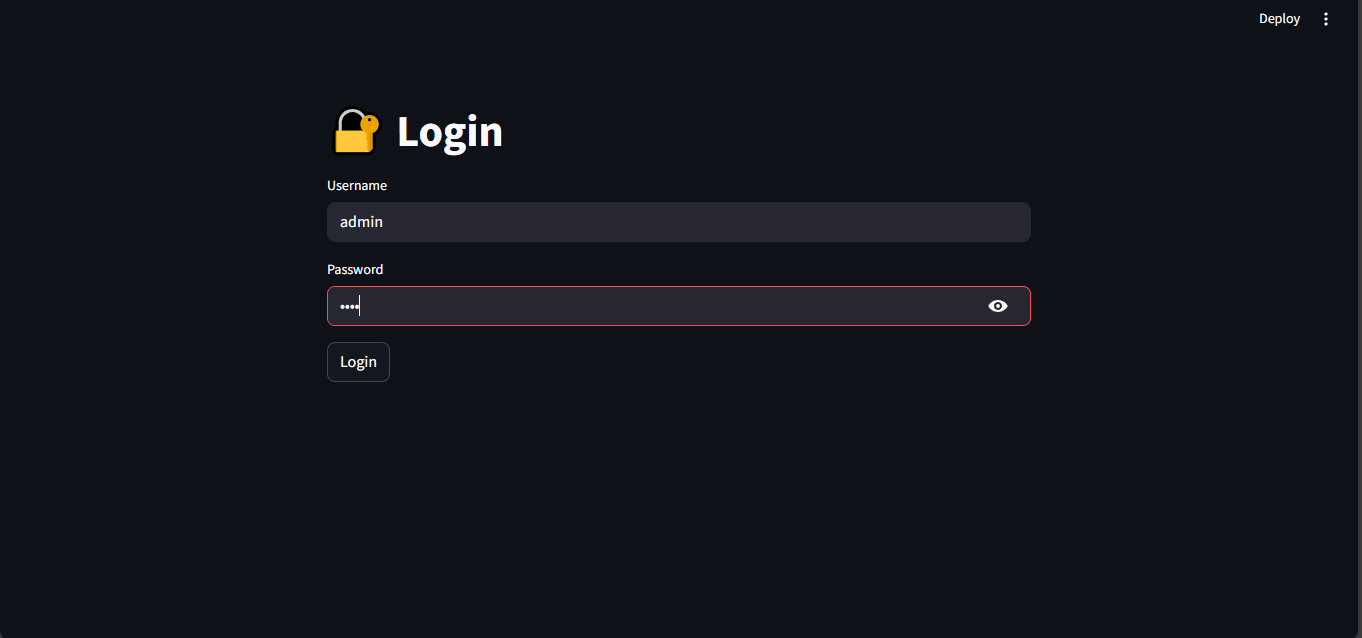
This image shows that secure login page.
-
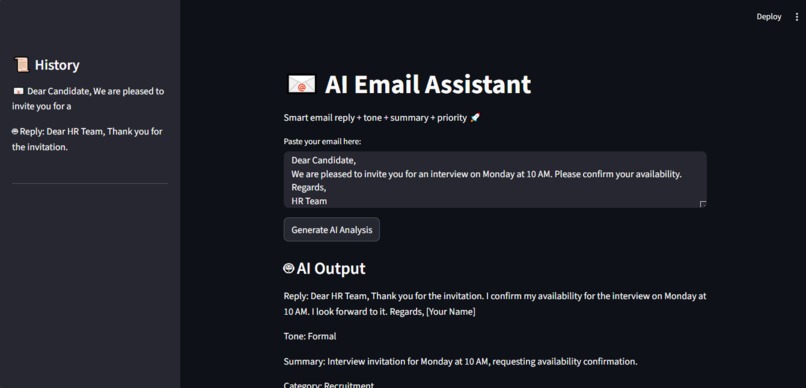
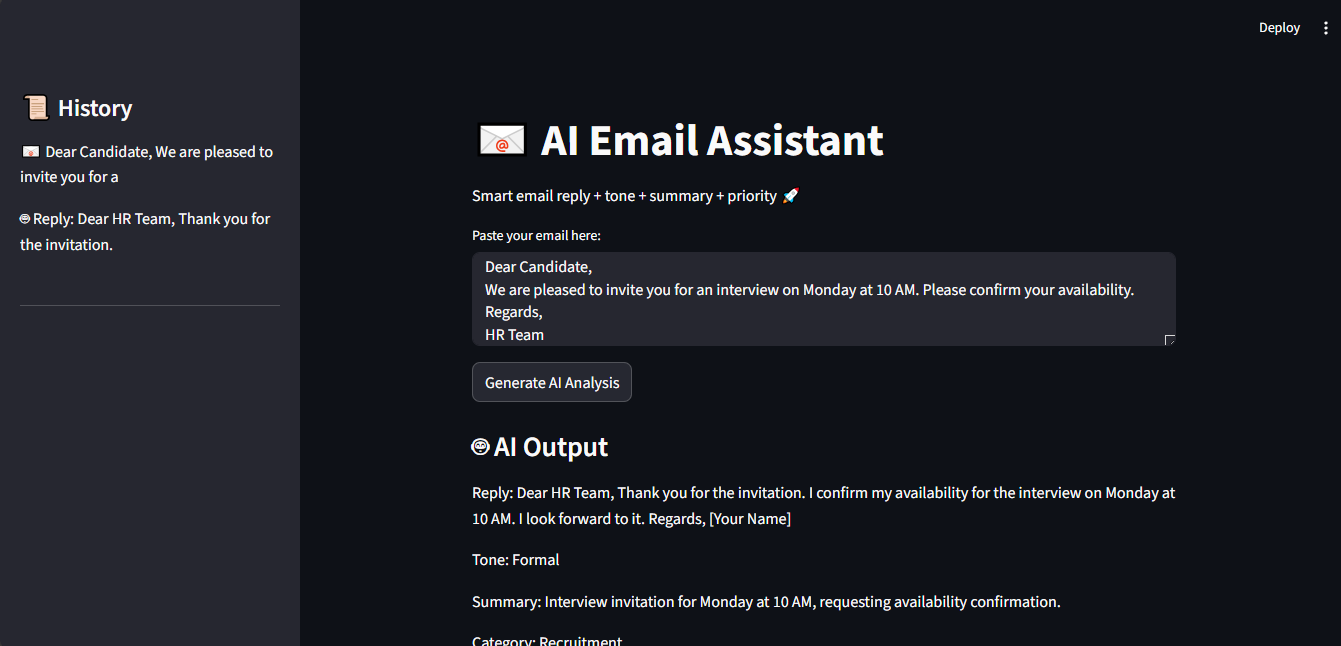
This image shows sample email input and history of your works.
-
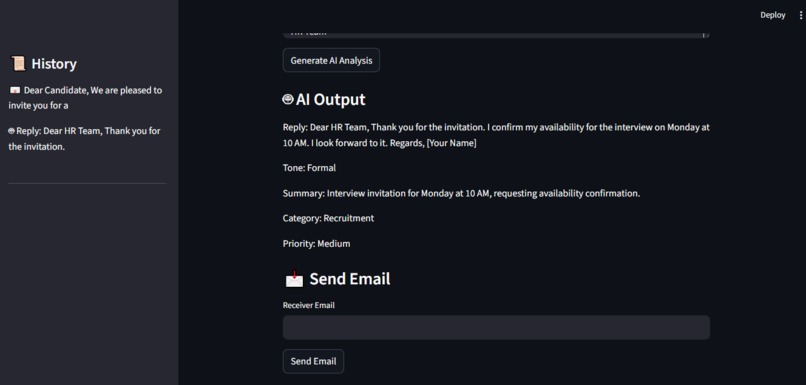
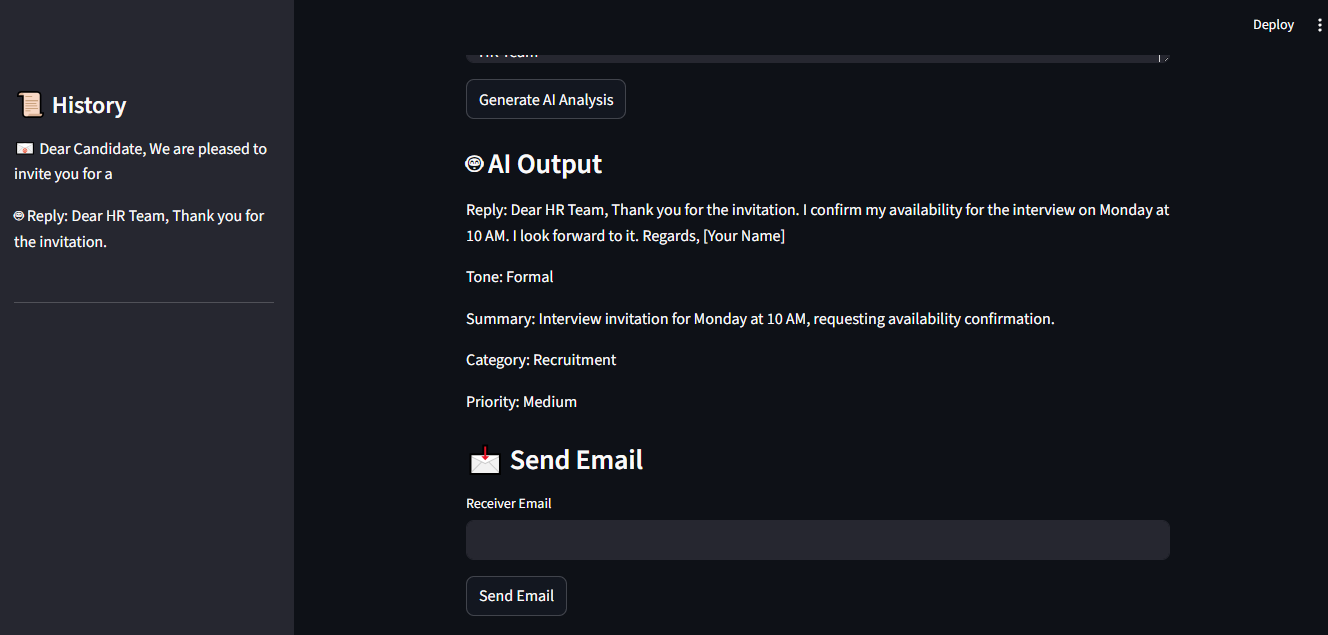
This image shows output of the sample email input and Email receiver button (to send to another person)
Inspiration Email communication is a daily task, but writing professional replies, understanding tone, and prioritizing emails can be time-consuming. I wanted to build an AI-powered assistant that simplifies this process and improves productivity.
What it does This project is an AI Email Assistant that:
- Generates professional email replies
- Detects tone (formal, informal, urgent, etc.)
- Summarizes email content
- Classifies emails (work, spam, personal, etc.)
- Detects priority (High, Medium, Low)
- Stores history for quick access
- Allows sending emails directly
How I built it I built this project using:
- Python
- Streamlit (for UI)
- Gemini API (for AI processing)
- SMTP (for email sending)
The AI model analyzes user input and returns structured insights such as reply, tone, summary, category, and priority.
Challenges I ran into
- Model errors and deprecated APIs (had to switch models)
- Handling API integration properly
- Designing a clean and user-friendly UI
- Managing session state for login and memory
What I learned
- How to integrate AI APIs into real applications
- Building interactive apps using Streamlit
- Importance of UI/UX in user-facing tools
- Debugging API and model-related issues
What's next
- Add voice assistant support
- Improve UI design
- Integrate real email services (Gmail API)
- Add secure authentication (Auth0)
- Improve more features
Blog
During this hackathon, I built an AI Email Assistant to solve a real-world problem of managing emails efficiently. Initially, I faced challenges in integrating the Gemini API, especially handling API key errors and environment variables. Debugging these issues helped me understand how APIs work in real applications.
Another challenge was structuring the AI response properly to include reply, tone, summary, and priority in a clear format. I improved this by designing better prompts and testing different outputs.
I also implemented features like login authentication, email sending using SMTP, and maintaining user history. These features helped me learn how to build a complete end-to-end application.
One of my key learnings was handling sensitive data securely using environment variables instead of hardcoding API keys. This improved the security of my project.
Overall, this project helped me improve my skills in Python, Streamlit, and AI integration. I gained confidence in building real-world applications and solving practical problems using AI.
Built With
- gemini-api
- python
- smtp
- streamlit

Log in or sign up for Devpost to join the conversation.