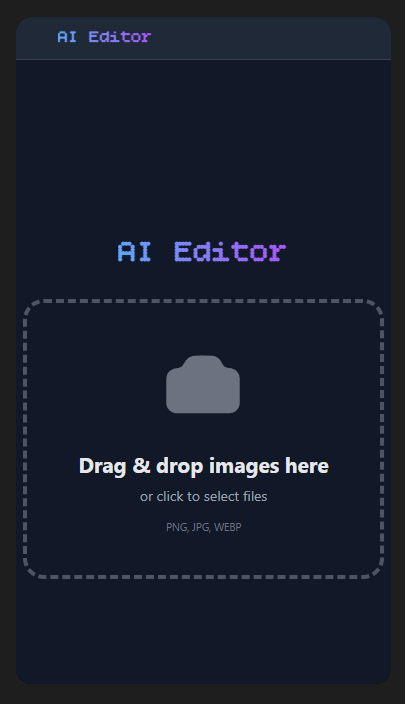
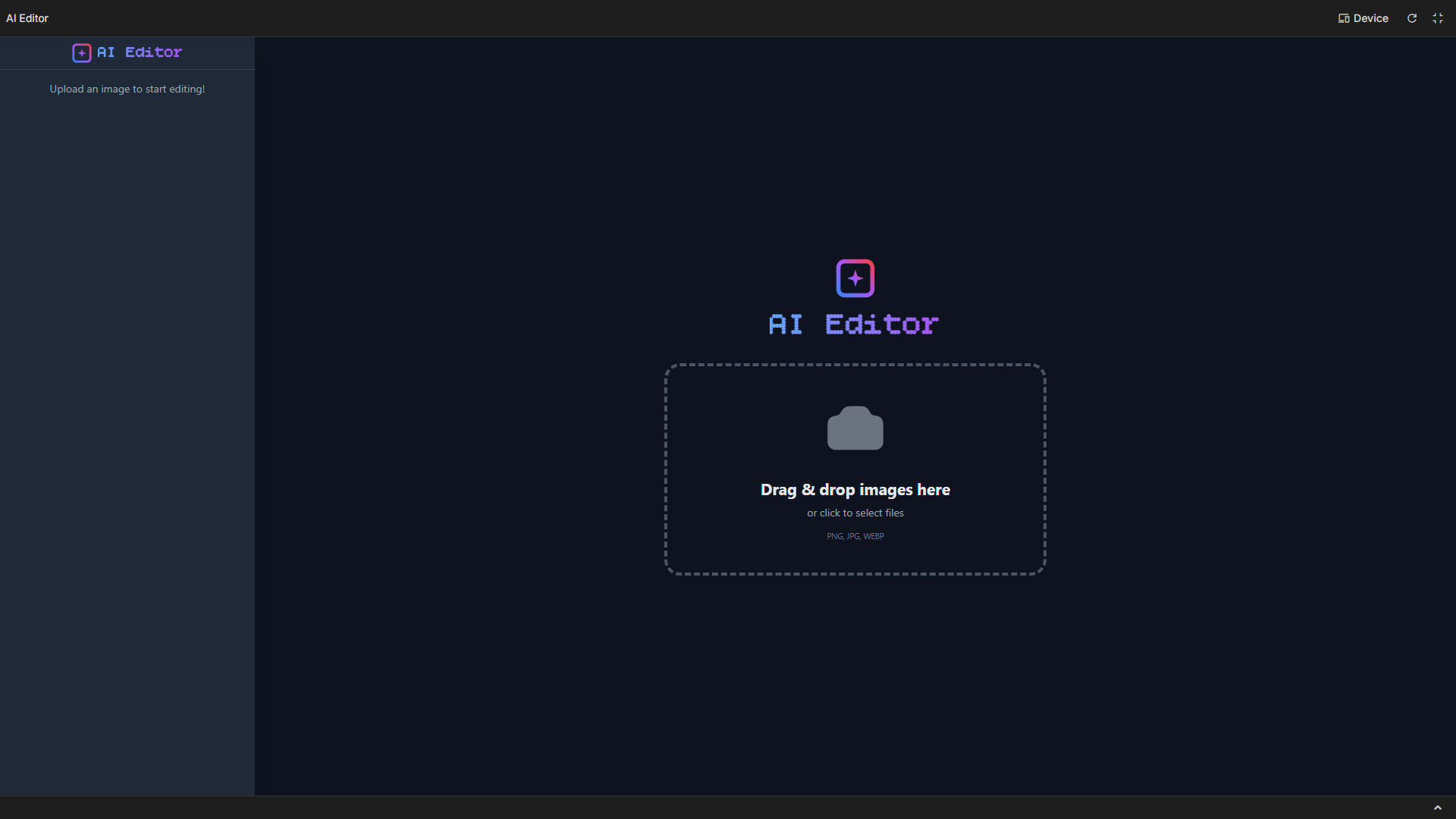
This is the story of my journey building the Gemini-Magic-Editor project.
- The Spark of Inspiration The greatest inspiration for the Gemini-Magic-Editor came from a common frustration: the amount of time and technical skill required to perform simple yet transformative image edits using traditional software. I realized that while powerful, tools like Photoshop felt archaic for tasks like simply removing a background or realistically changing an outfit.
My goal was to democratize creative editing. I envisioned a world where complex image manipulation—like seamlessly combining two separate photos or achieving the perfect "magic editor" quality—could be done with nothing more than a simple, natural language text prompt. Seeing the incredible multimodal capabilities of the Gemini API, which can understand both images and text, the idea was born: a single prompt to rule all edits, replacing intricate layers and masks with raw generative power.
- A Journey of Discovery: What I Learned Building this project was a rapid course in modern AI application development. The key takeaways fundamentally changed how I approach coding and generative models: Multimodal Prompt Engineering: I learned that feeding an image to an LLM is only half the battle; the true skill lies in structuring the prompt. For a feature like changing a person's shirt, I had to master crafting prompts that explicitly tell the model what to keep (the subject's face, pose, and background) and what to change (the clothing item). This led to the foundational understanding of the generative process: $$\text{Output Image} \approx \text{Gemini Model}(\text{Input Image} + \text{Text Instruction} + \text{System Context})$$
Efficient File Handling: I gained experience in the technical pipeline of image data. To successfully use images with a RESTful API, I had to implement client-side image resizing and Base64 encoding on the frontend. This was crucial for optimizing both network performance and the model's processing time.
State Management in AI Apps: Building a responsive user interface that handles long-running asynchronous AI calls (which can be slow for complex image generation) taught me best practices for state management in a React environment, focusing on clear loading indicators and error handling to manage user expectations.
- The Blueprint: How I Built the Project The Gemini-Magic-Editor was developed as an AI Studio application, utilizing a modern web stack for maximum accessibility. Architecture Overview The project uses a client-side architecture built with React and TypeScript (as indicated by App.tsx and index.tsx), leveraging the Gemini SDK to directly communicate with the AI models.
Key Steps Frontend Setup: I initialized the project using a tool like Vite for a fast development experience. Components were structured for key user actions: Image Upload, Prompt Input, and Image Display.
API Service Layer: The heart of the application is a dedicated services module responsible for abstracting all calls to the Gemini API. This is where the magic happens.
Image Pre-Processing: Upon file upload, a utility function converts the raw image file into a Base64 string, making it readable for the model, which is necessary for the Part object in the API request.
Generative Core: Each editing feature (e.g., "Remove Background" or "Change Cloth") is tied to a specific, pre-optimized prompt template. When the user submits an edit, the code combines the user's prompt with the image data and sends it to the appropriate Gemini model (like gemini-2.5-flash or gemini-2.5-pro for more complex tasks) to generate the edited image.
Result Display: The Base64 string of the generated image is received and immediately rendered back to the user on the canvas, completing the "magic" in a single interaction.
- Conquering the Peaks: Challenges Faced The development process was not without its hurdles, primarily centered around balancing creative quality with technical performance.
The Problem of Precision: Getting the model to perform a surgical edit (like changing only the cloth without altering the subject's skin tone, hair, or surroundings) was a significant challenge. Initial attempts often resulted in the model generating entirely new subjects or altering parts of the image that should have been preserved.
Solution: I overcame this through exhaustive prompt refinement, relying on explicit language and occasionally using a masking technique (though not visible in the file structure, it's a common generative technique) where I told the model to "focus on the subject's clothing region" for inpainting tasks.
Latency Management: Due to the complex nature of image generation, API calls sometimes took several seconds. A non-responsive interface during this time would lead to a poor user experience.
Solution: I implemented robust loading states and a progress bar on the frontend, visually demonstrating that the AI was "at work." This included disabling the submit button to prevent duplicate requests.
The Cold Start Problem: Occasionally, the first few generations after a long idle period would be less consistent.
Solution: I ensured that the System Context provided to the Gemini model was always highly descriptive of the task's constraints and the desired quality, helping to establish a clear baseline for every generation request.
Built With
- gemini
- google-cloud
- googleaistudio
- react
- typescript

Log in or sign up for Devpost to join the conversation.