-
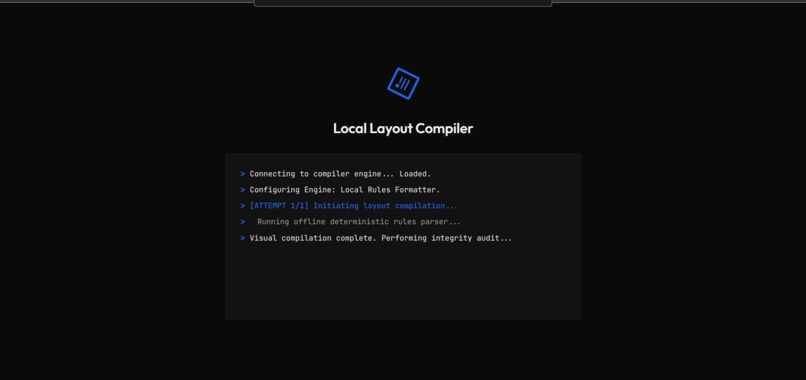
AI Formatting
-
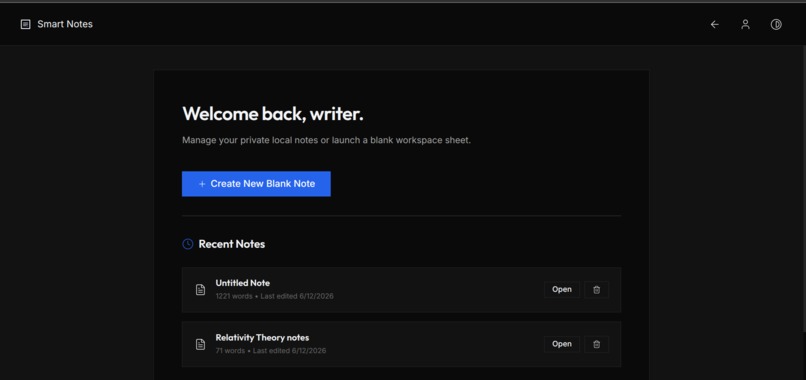
File View
-
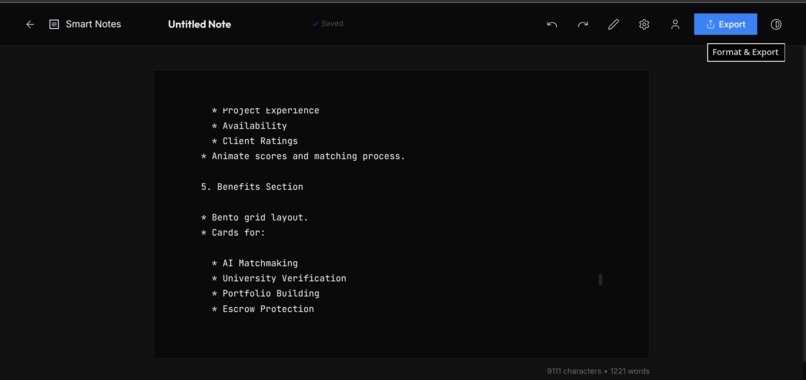
Text Editor
-
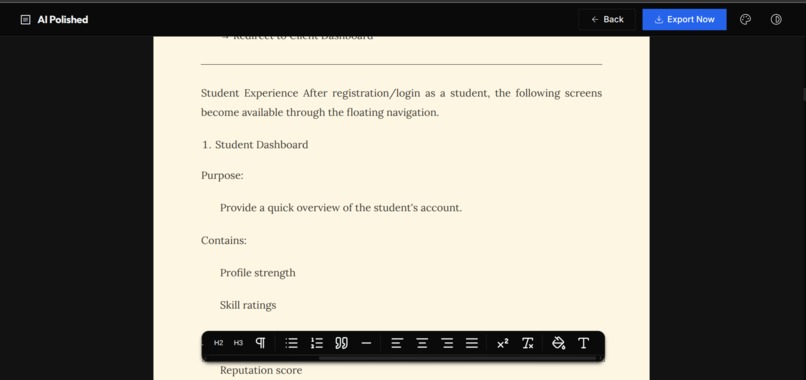
WYSIWYG Editor
-
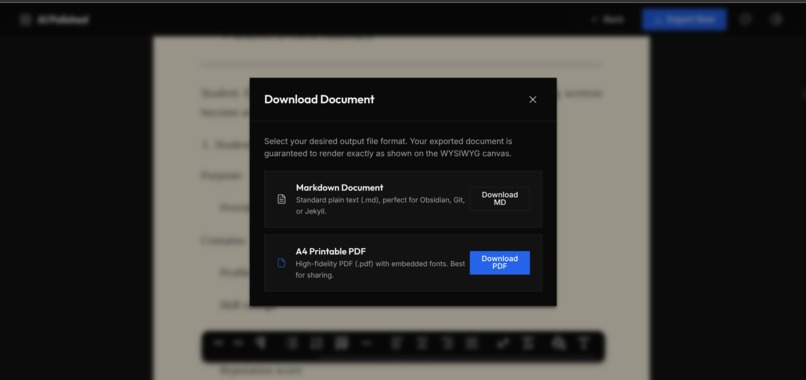
Export dialog
-
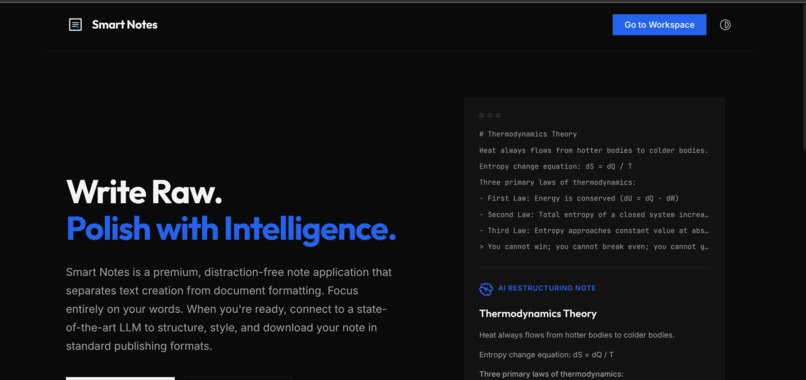
Home Page

Inspiration
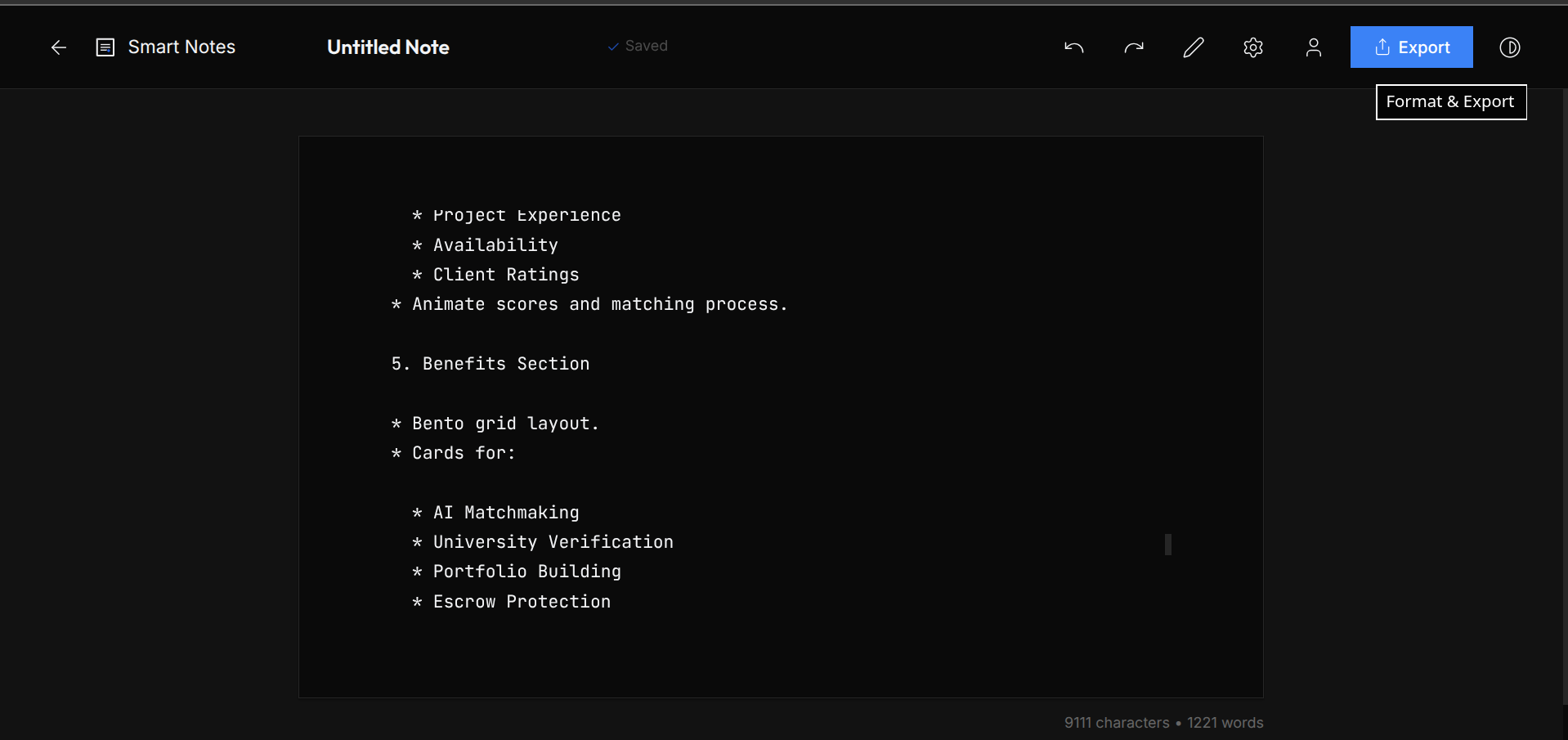
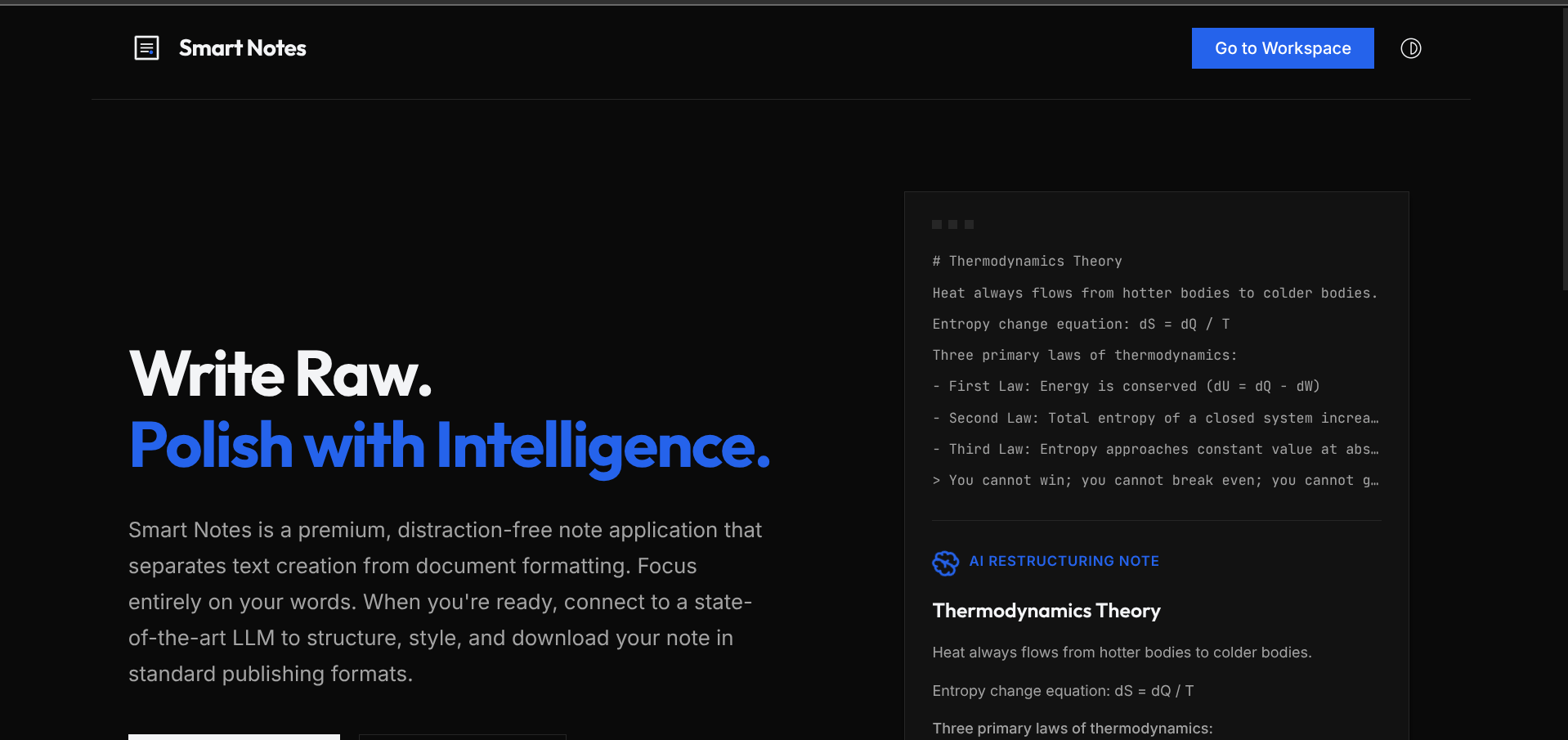
Most text editors make you fight with formatting (adjusting fonts, spacing, margins, lists) while you are in the middle of capturing your thoughts. We wanted to create a workspace that completely separates creation from presentation. Write raw Markdown and thoughts without distractions, and when you are ready, let an AI Layout Compiler instantly structure, style, and compile your text into a gorgeous, publication-ready document.
What it does
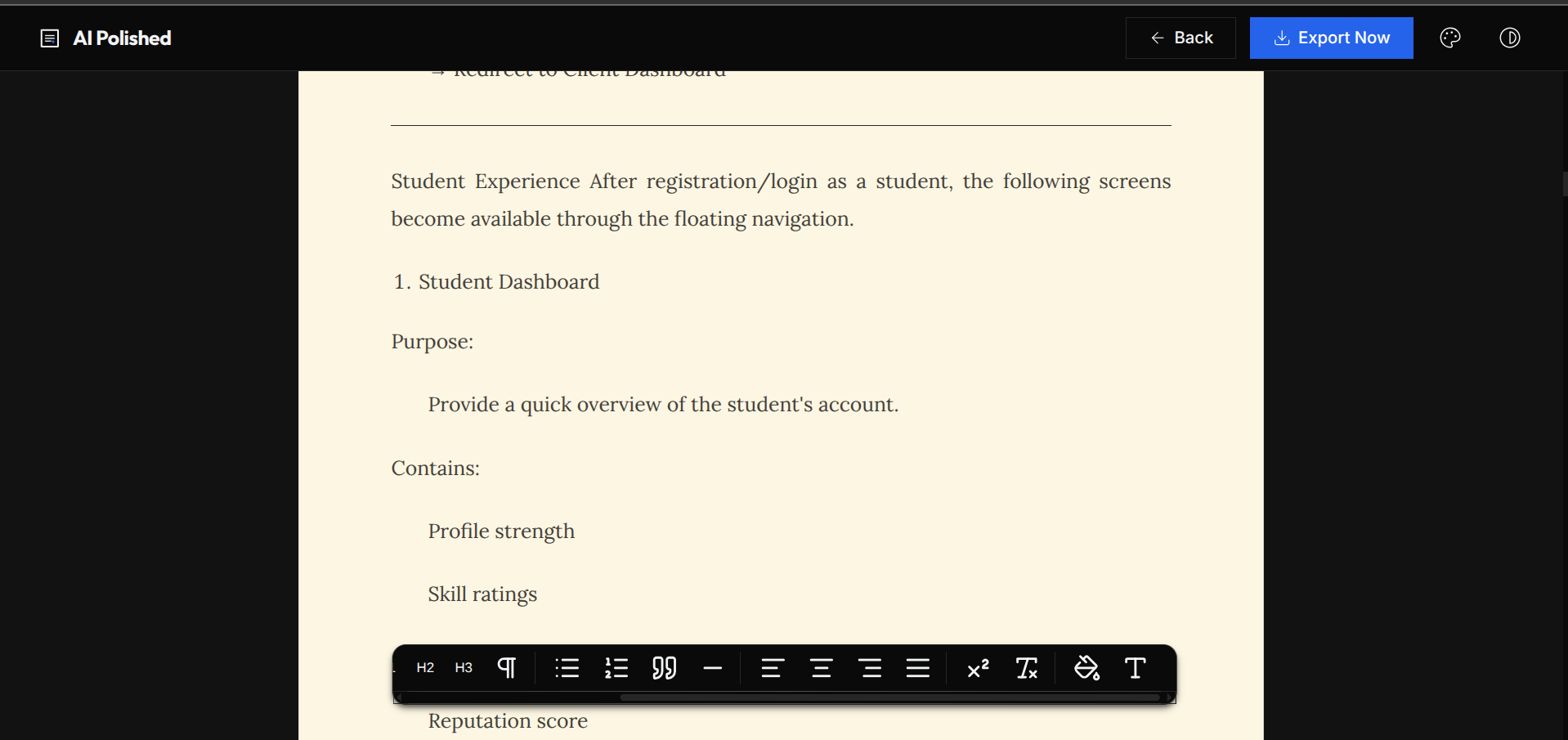
- Dual-Pane Workspace: A sleek split screen featuring a distraction-free raw text editor and a live, interactive WYSIWYG sheet.
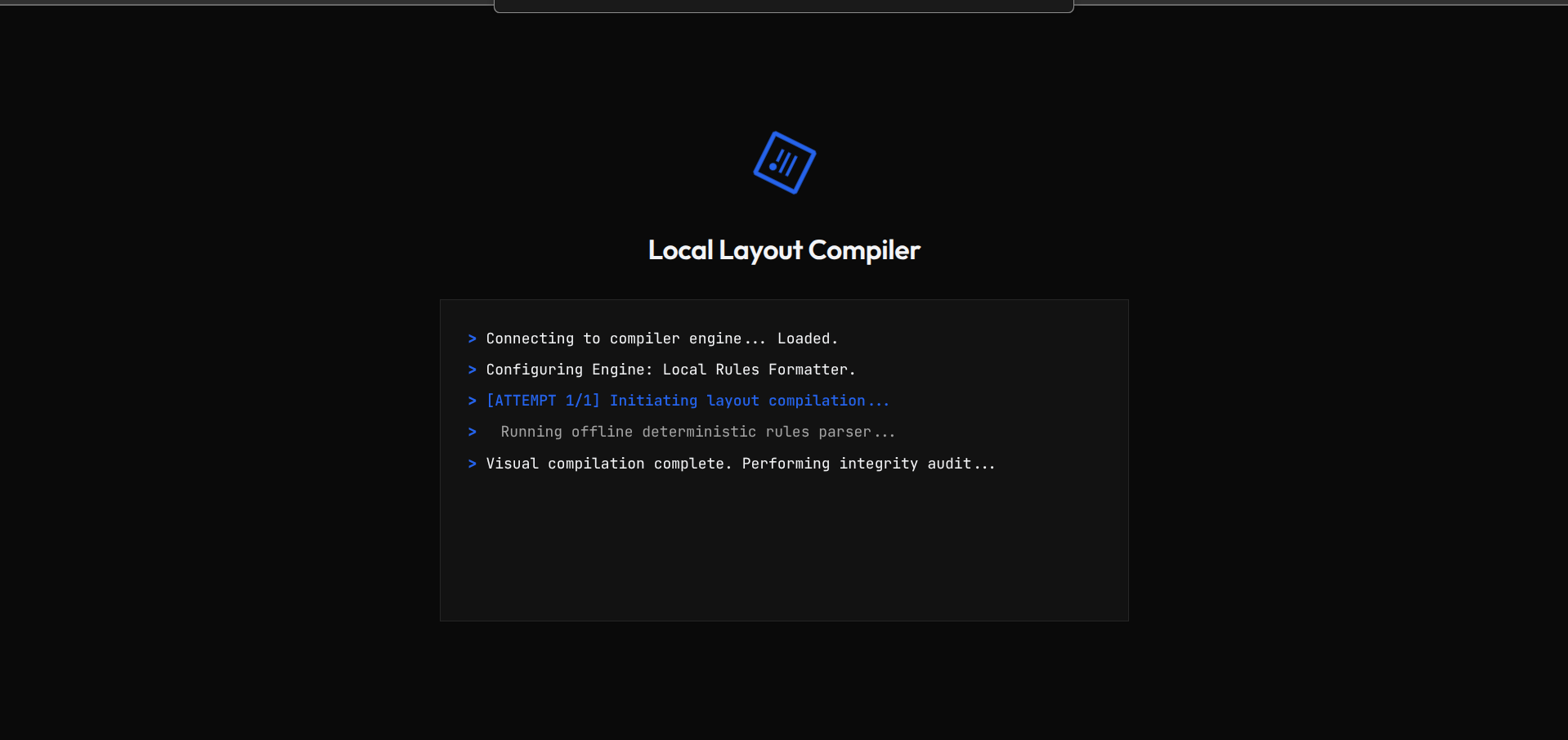
- AI-Powered Layout Compiler: Compiles raw Markdown, short notes, and lists into structured paragraphs, headings, blockquotes, and pre-formatted code boxes.
- Customizable Themes: Instantly swap between "Modern" (sans-serif), "Academic" (serif), and "Minimal" (monospaced) styles.
- Granular Page Customization: Select background colors and text colors directly from the toolbar, with dynamic legibility contrast checking that alerts the user and suggests readable combinations.
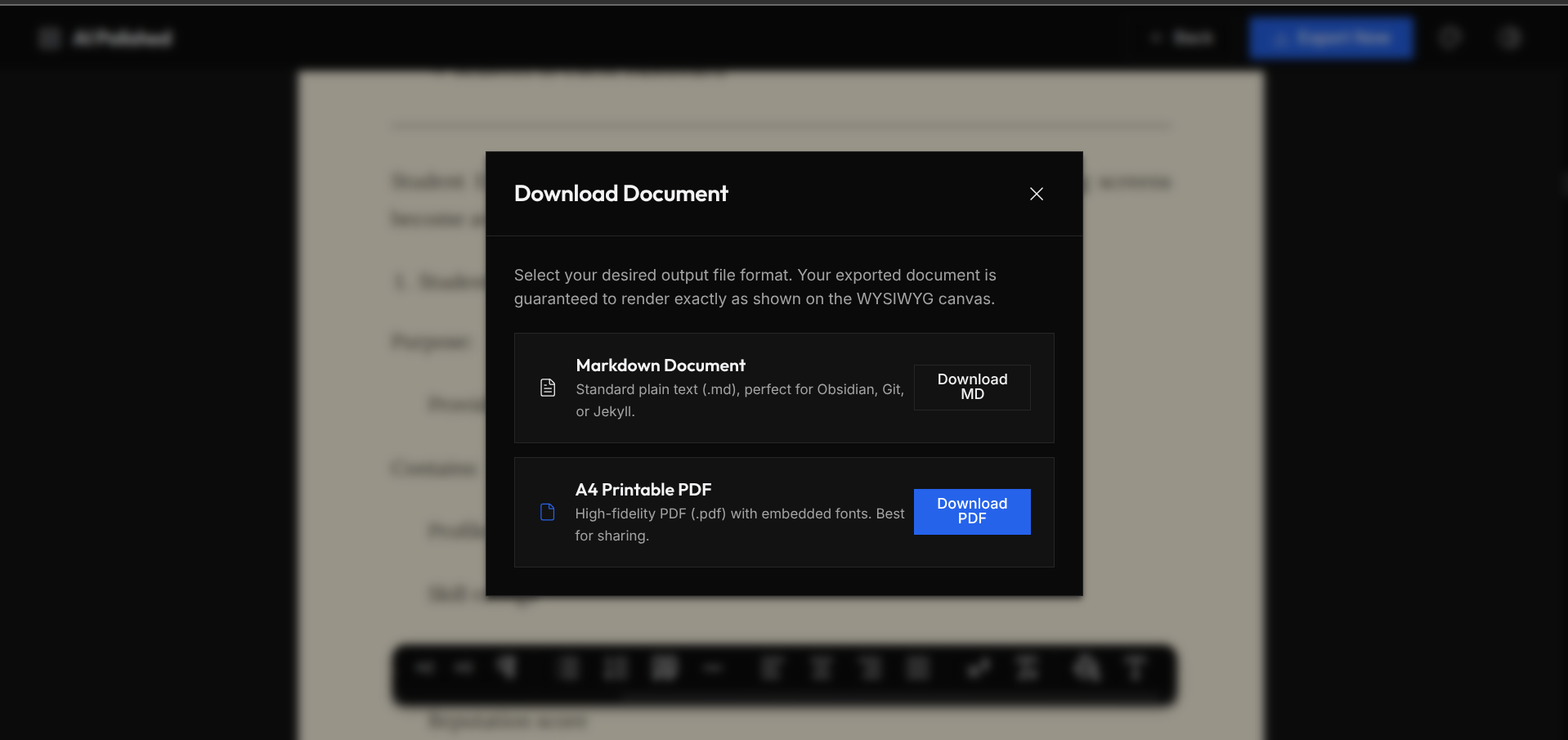
- High-Fidelity PDF Export: Downloads print-ready PDFs with standard A4 page margins. Features full-bleed background colors (painting the margin spaces edge-to-edge) and text wrapping.
- Offline Fallback Engine: A local compilation rules compiler that operates instantly without network calls or API keys, ensuring you can write offline.
- Streamlined Settings Modal: Toggle engines between Local, Google Gemini (
gemini-2.5-flash), or OpenRouter, with secure API key entry and visibility toggling.
How we built it
We chose a modern vanilla web stack (HTML5, Vanilla CSS, and JavaScript) to keep the application incredibly fast, responsive, and lightweight without heavy framework overhead.
- We structured the layout with CSS Grid and Flexbox, applying contemporary glassmorphism and HSL variables for dark/light themes.
- We implemented custom formatting logic using JavaScript ES6 modules.
- We integrated the Google Gemini API directly client-side for immediate model inference, with OpenRouter as a gateway choice.
- We integrated the
html2pdf.jslibrary to generate PDFs on the client side, usinghtml2canvasto capture the DOM layout andjsPDFto compile pages.
Challenges we ran into
- Isolated jsPDF Constructor:
html2pdf.jsbundles its own isolated version ofjsPDF, meaning global modifications towindow.jsPDFwere ignored. We had to access the underlying generated PDF instance via the.toPdf().get('pdf')promise chain. - Reference Mutation & Render Ordering: In jsPDF, the page stream (
pdf.internal.pages[i]) is stored as a mutable array of command strings. When we tried to draw a background rectangle, the drawing commands were appended to the end of the stream, rendering the solid background on top of the text, hiding all content. By shallow-copying the stream array using[...pdf.internal.pages[i]]before drawing, we resolved the mutation bug, successfully extracted the added drawing commands, and prepended them (q ... Q) so the background renders underneath the text canvas. - Color Contrast Calculations: Creating a parser to compute contrast ratios between nested transparent text elements and custom sheet backgrounds, and building logic to dynamically override illegible text.
- SVG Click Propagation: SVG icons inside Lucide buttons were capturing clicks and immediately closing active popovers. We implemented robust
.contains()checks to handle nested SVGs correctly.
Accomplishments that we're proud of
- Full-Bleed PDF Margins: Solving the low-level PDF stream ordering to create colored page margins is a complex task for a browser application.
- Seamless Local Rules Compiler: Creating a rule-based parser that maps leading indentation spaces and nested bullet symbols offline, allowing full list nesting structure preservation.
- Zero-Dependency Core Styling: Building a premium, state-of-the-art UI with rich HSL gradients, glassmorphic cards, and smooth transitions entirely in Vanilla CSS.
What we learned
- High-precision canvas graphics and PDF page stream structures.
- Managing asynchronous promise states and reference-based data arrays in vanilla JavaScript.
- Practical UI principles
What's next for Smart Notes
- Inline LaTeX Equations: Real-time compilation of mathematical formulas.
- Cloud Synching: Syncing files to Firebase or decentralized storage.
- Collaborative Writing: Real-time editing with peers.
Built With
- css3
- gemini
- html2pdf
- html5
- javascript
- openrouterapi


Log in or sign up for Devpost to join the conversation.