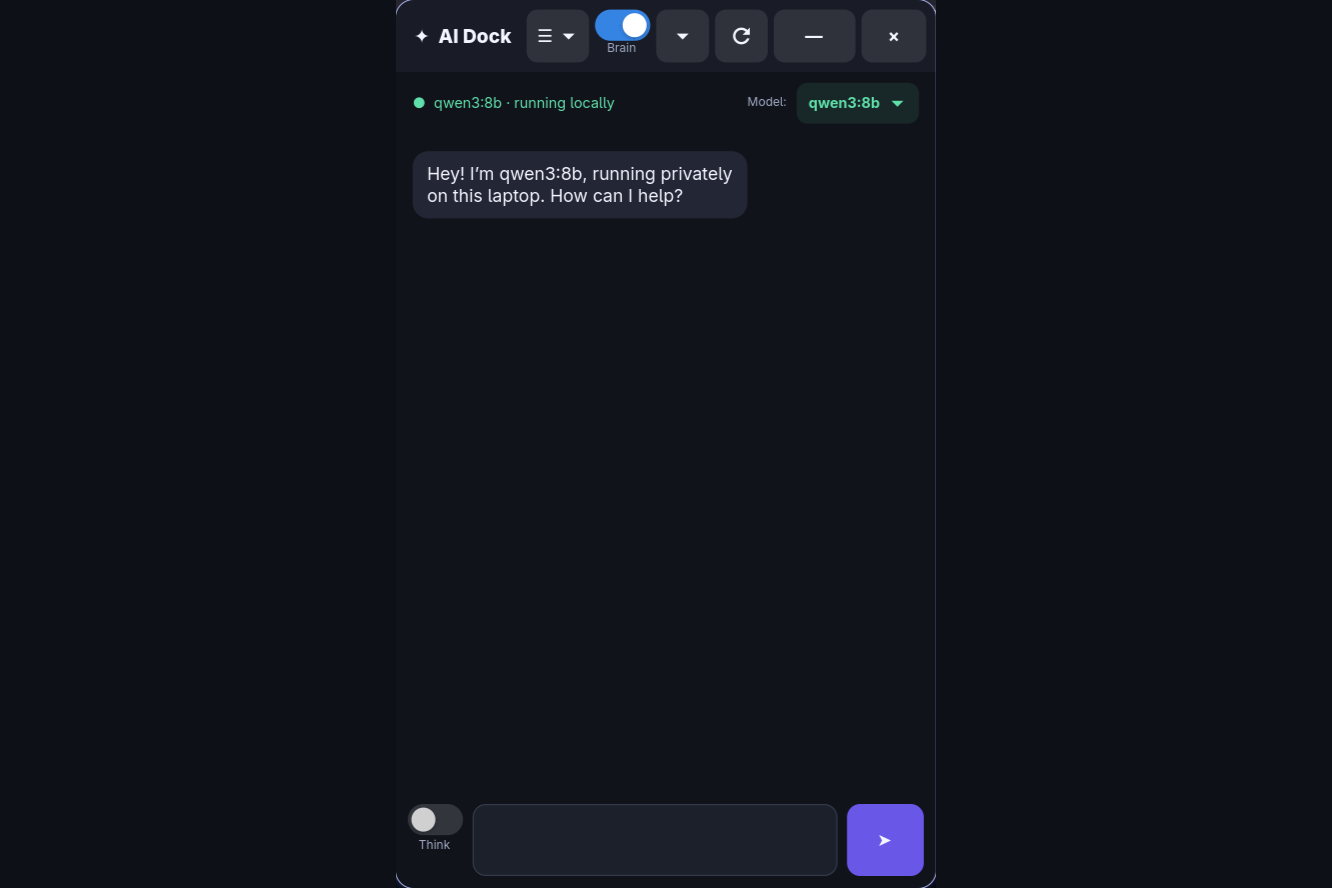
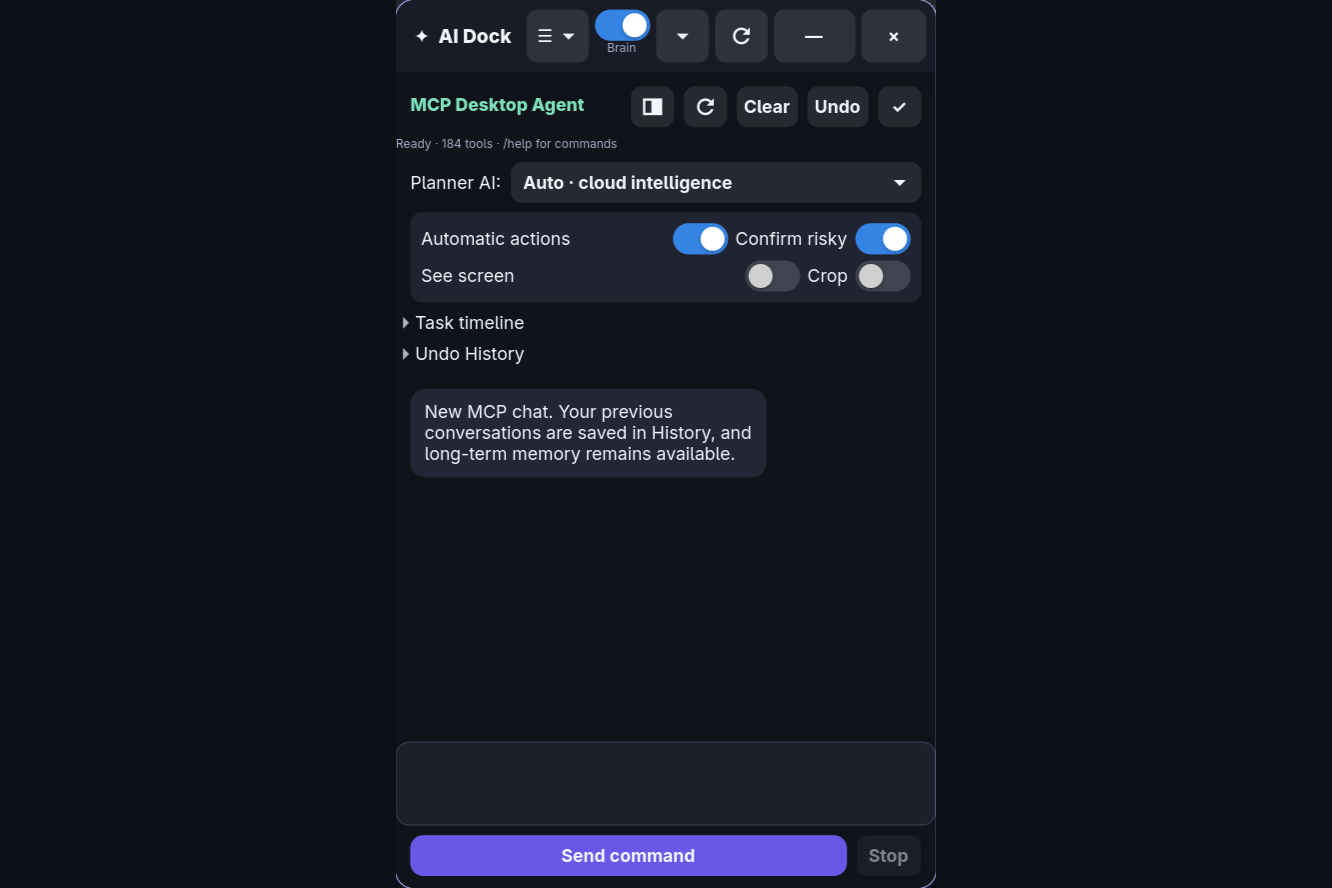
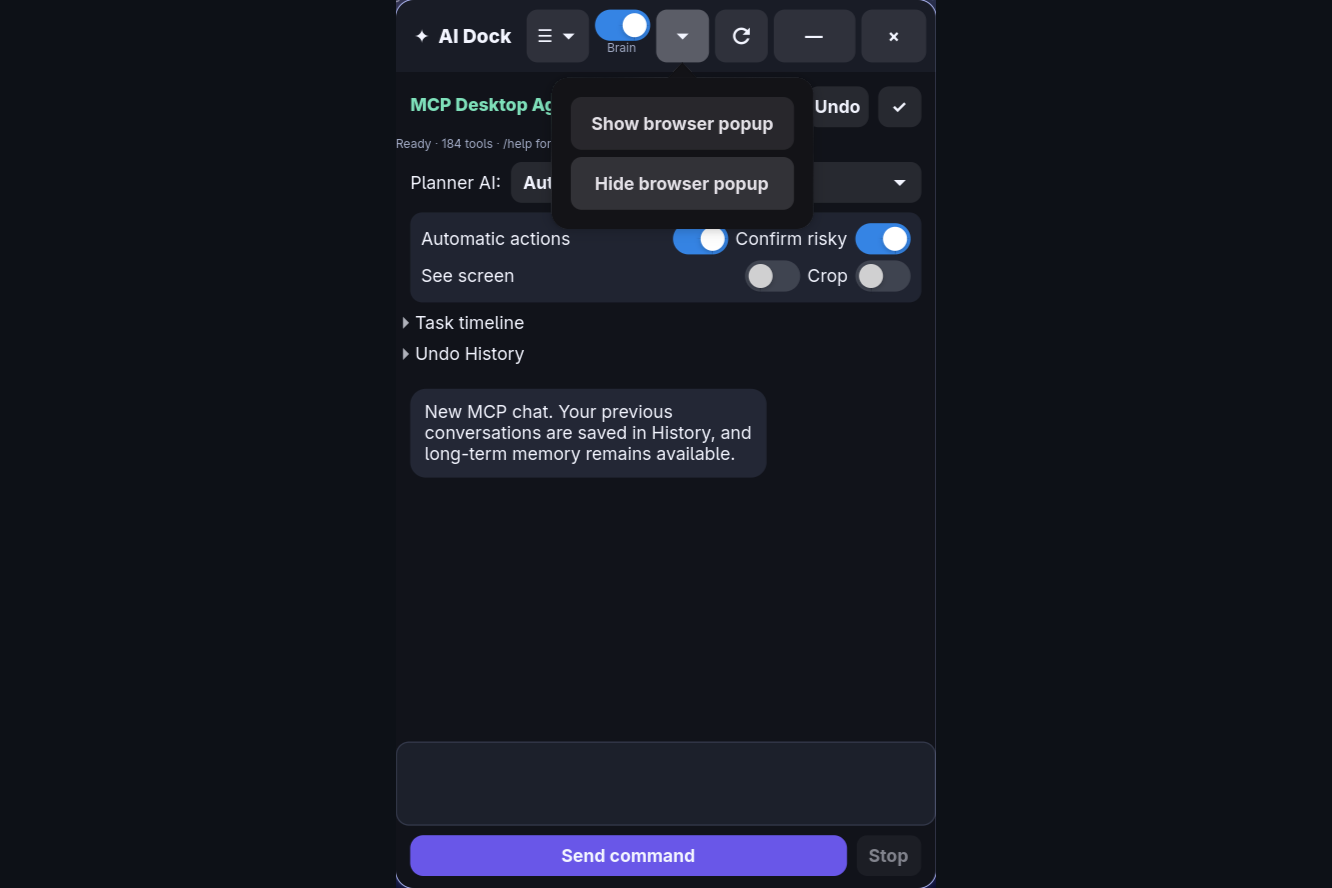
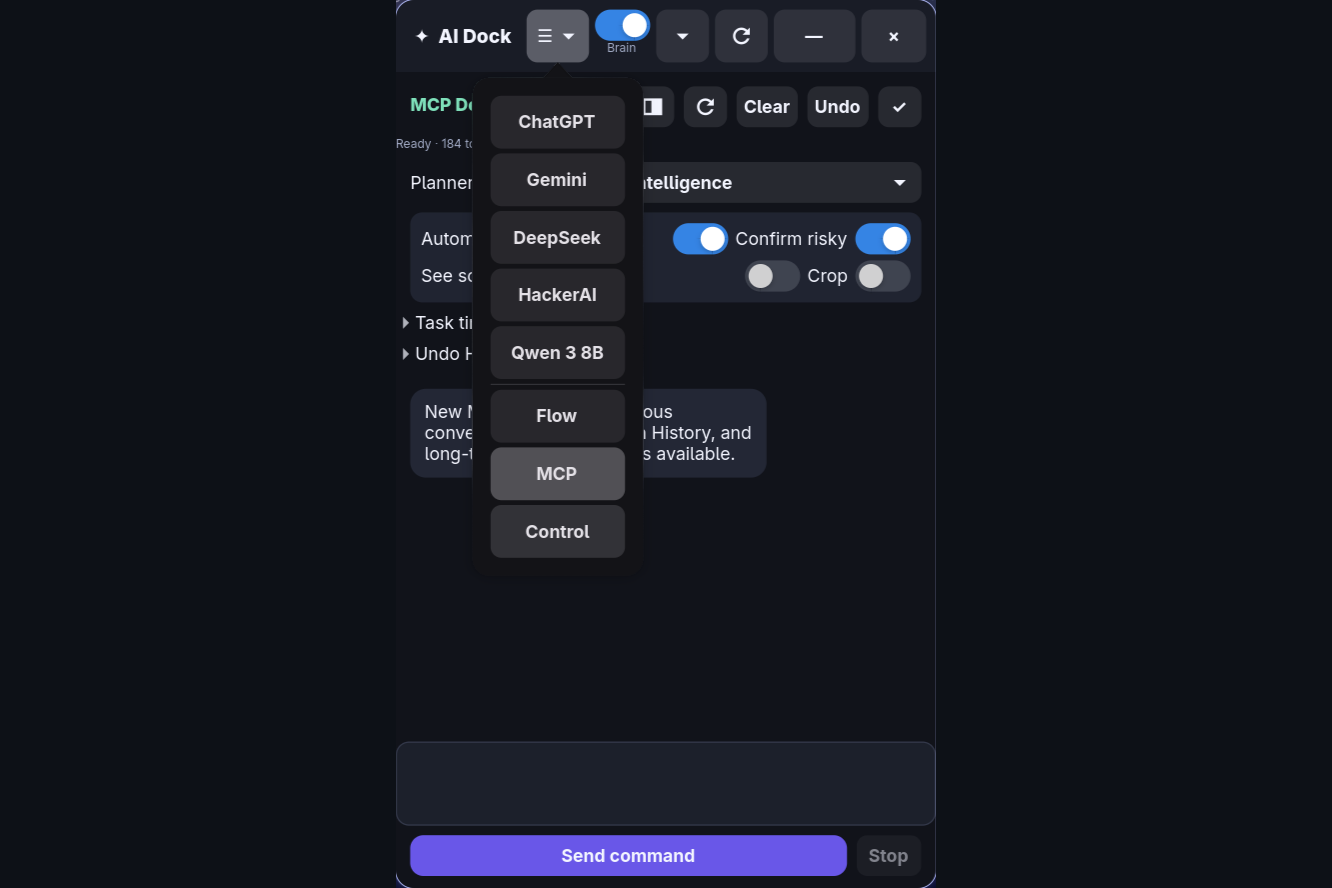
I built AI Dock because I got tired of jumping between different browser tabs and copying-pasting stuff between different AI chatbots. I also wanted to be able to run local models (using Ollama) alongside cloud models, and control my Linux system (running CachyOS and Hyprland) using simple chat commands without giving untrusted models raw terminal access.
So, I built a keyboard-triggered GTK panel (using Python and WebKit) that functions as a unified launcher for all my AI tools.
What it actually does
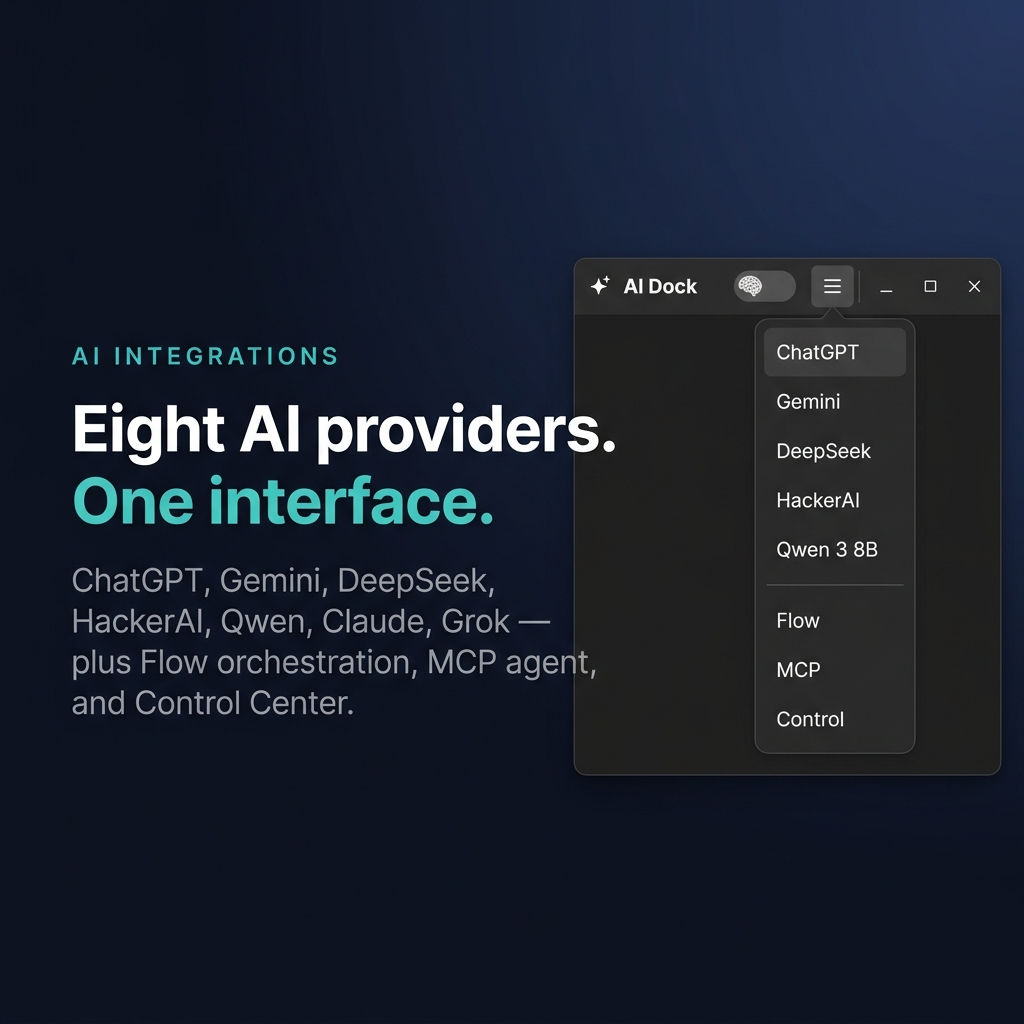
- Unified AI Panel: It embeds ChatGPT, Gemini, DeepSeek, and HackerAI in one simple vertical launcher. I can toggle it into view instantly using the Super + C hotkey.
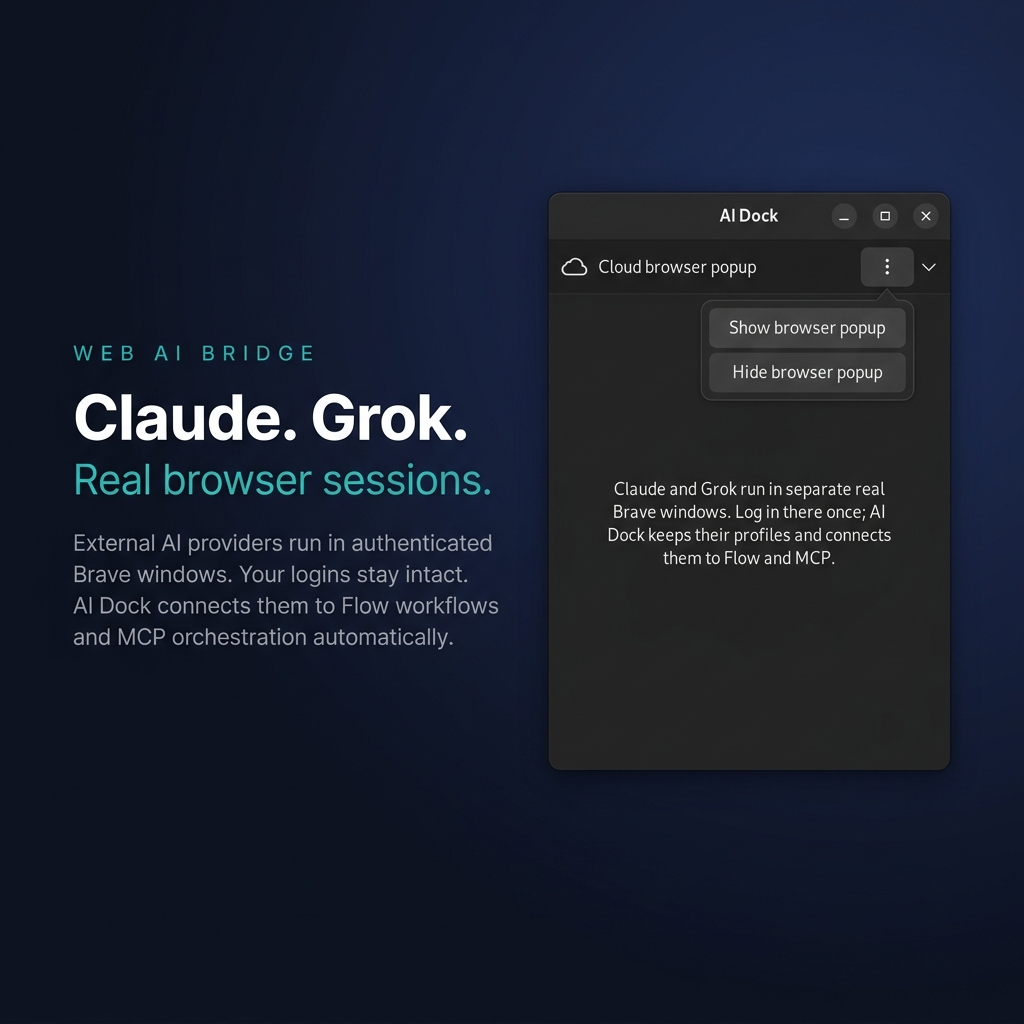
- Claude and Grok Bridge: Since Claude and Grok don't have free API access, AI Dock connects directly to my active Brave browser profiles. Once I log in once on my browser, the app can route prompts to them automatically.
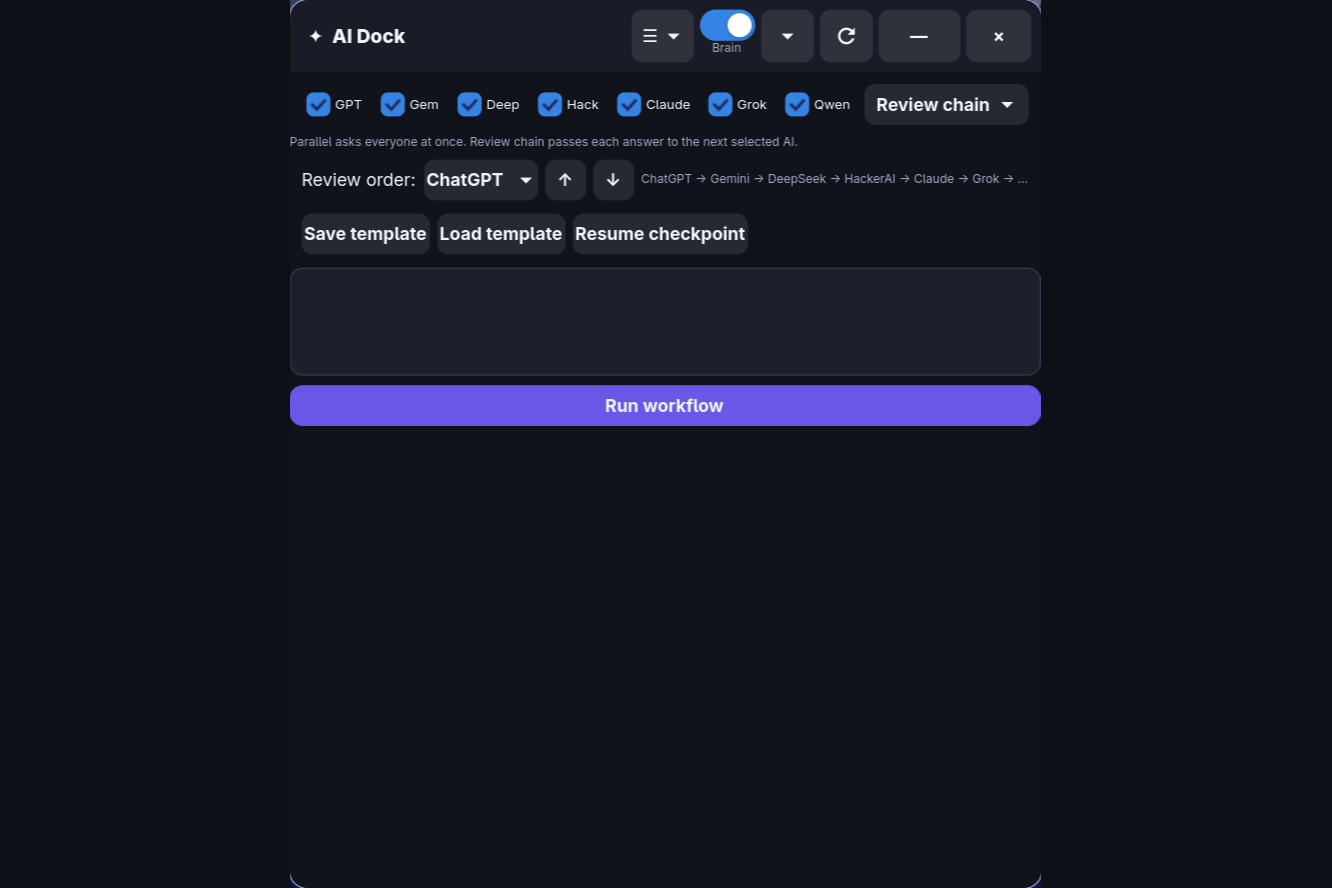
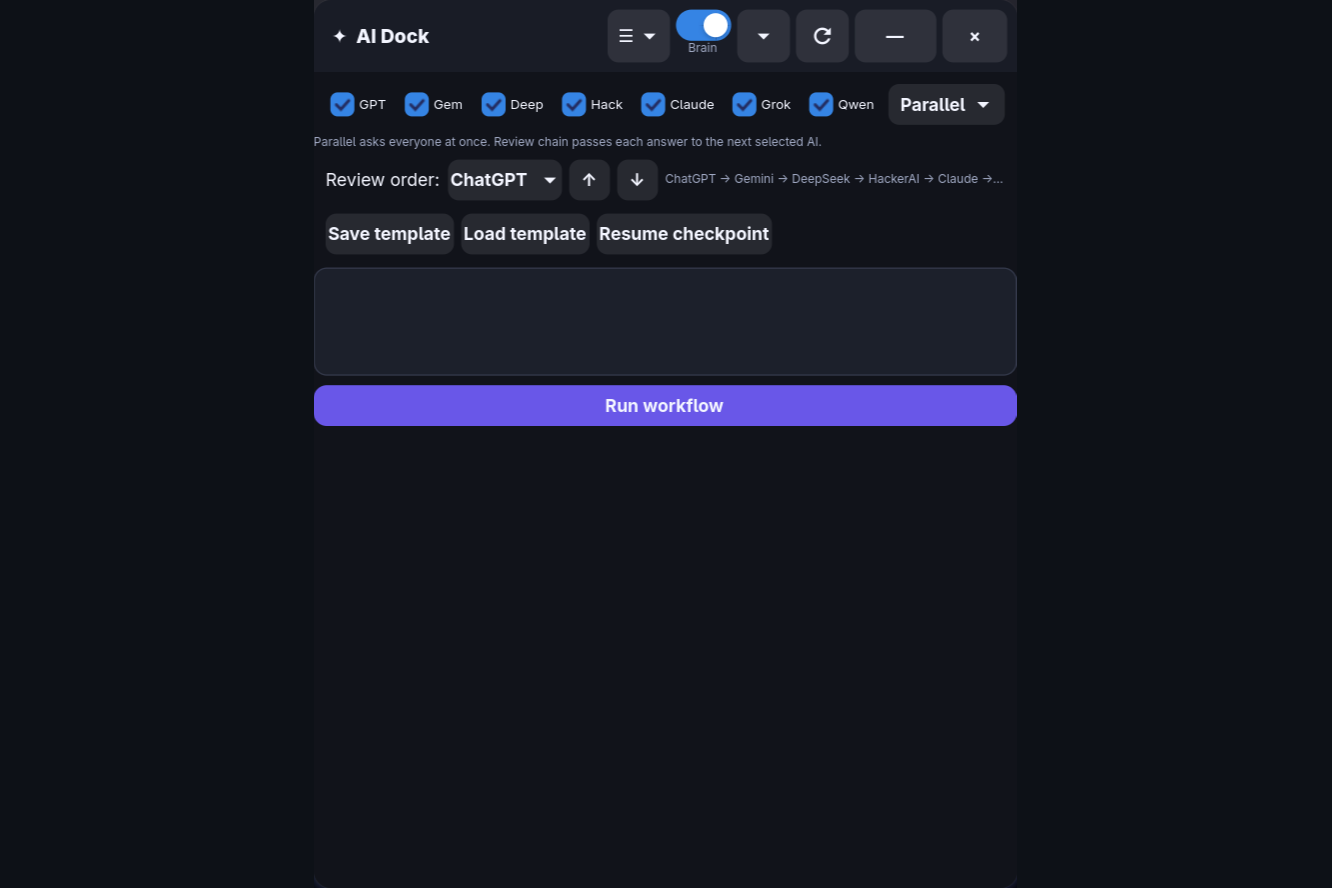
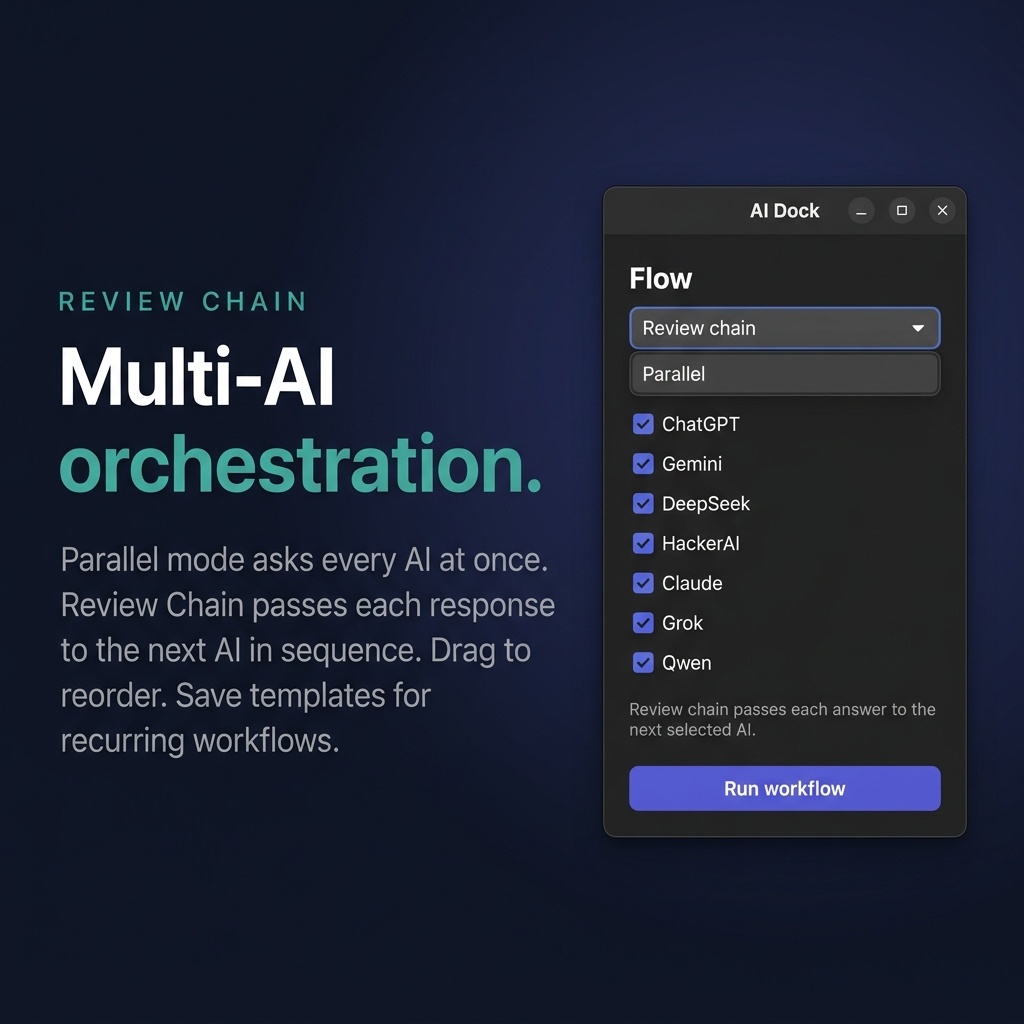
- Multi-AI Flows:
- Parallel Mode: Asks my question to all active models at the exact same time so I can compare responses.
- Review Chain: Runs a pipeline where one model generates code (like local Qwen), the second audits it (like DeepSeek), and a third refines it (like ChatGPT) in a sequence I can drag-and-drop to reorder.
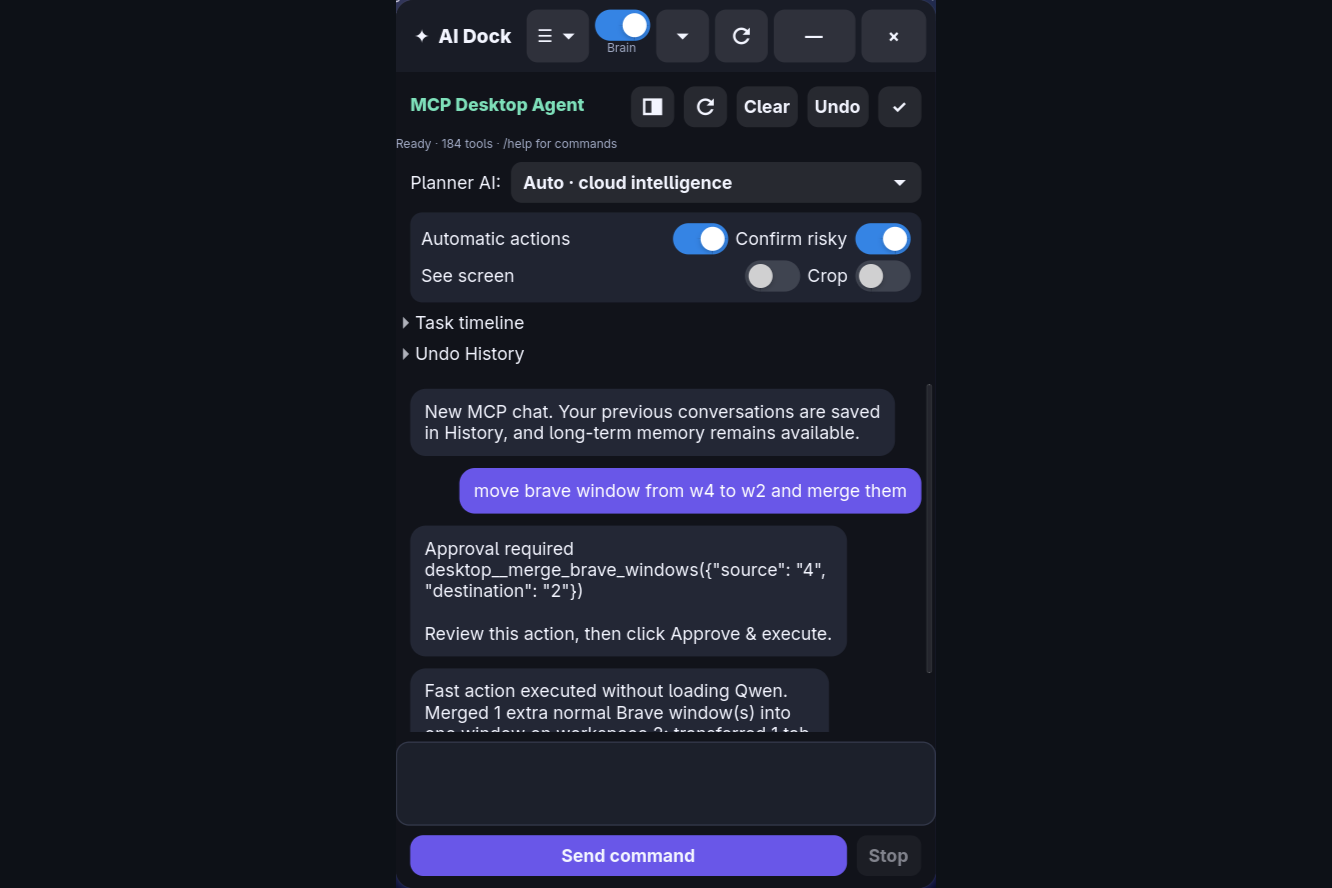
- Desktop Automation (MCP): A sandboxed agent that lets me control my desktop (windows, system resources, workspace navigation, files) through natural language.
- Obsidian Integration: The agent reads and indexes my local Obsidian markdown notes to retrieve context.
How I built it
I used Python with GTK 4 and WebKitGTK 6 to keep it fast, lightweight, and native to my Linux desktop. The local AI runs via Ollama (Qwen 8B), and the session data is stored locally in SQLite. The Brave browser bridge is powered by Python-based automation.
The biggest challenges
The hardest part was managing logins. Social logins (like Google OAuth) inside embedded WebKit views usually break. I had to build a custom cookie persistence layer with SQLite so I don't get logged out.
Securing the agent was also tricky. To stop the AI from accidentally running a destructive command, I created a rule validation engine. The AI planner writes a "contract" of what it wants to do, and my local Python code validates the risk and gets my manual consent before executing it.
Accomplishments I'm proud of
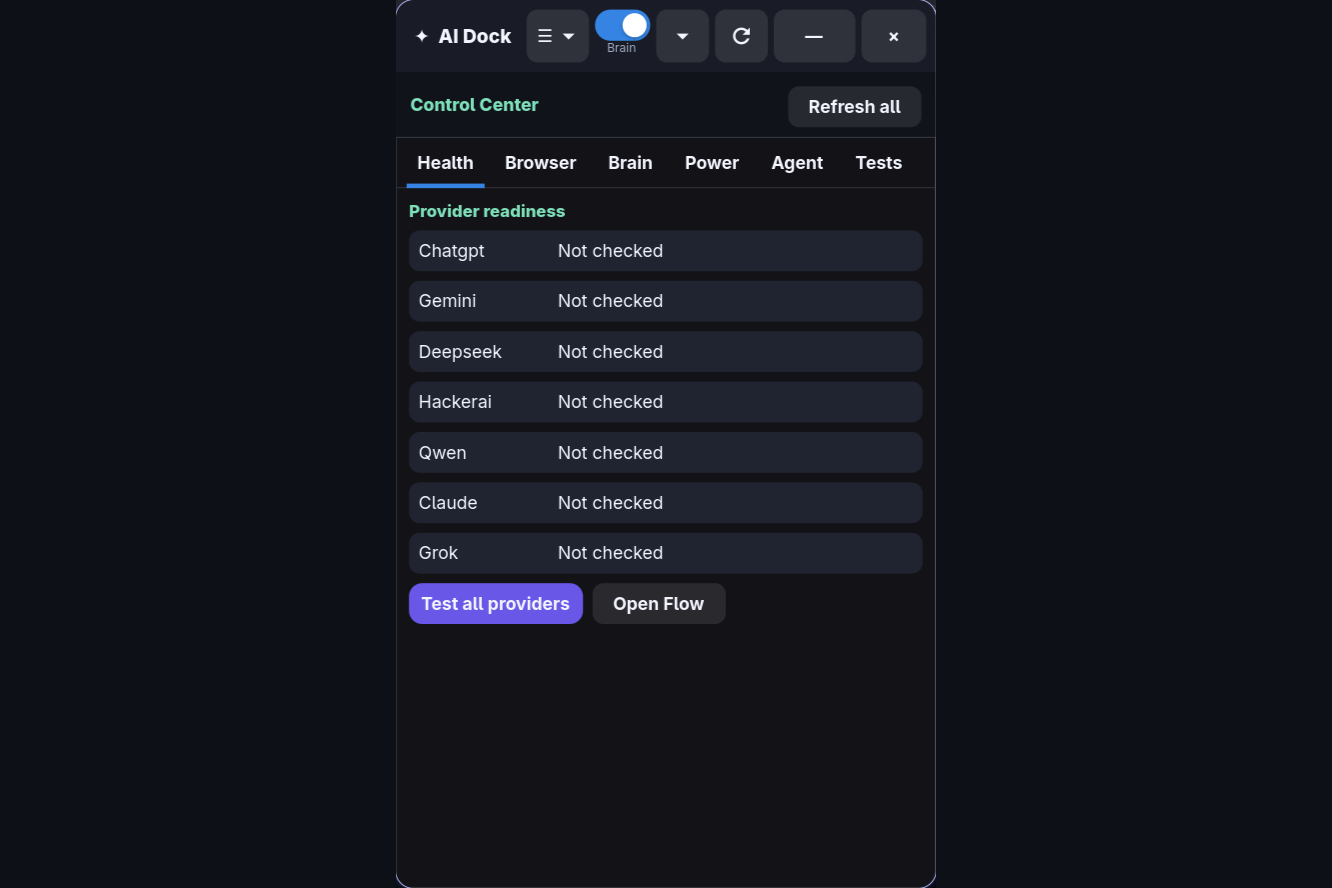
I built a full test suite with 54 automated checks. It validates everything from crash recovery to system command safety, and they all pass!
What's next
I want to port the GTK layout to Windows/Mac using Qt so more people can use it, and make the Obsidian notes integration smarter by using vector embeddings for semantic search.


Log in or sign up for Devpost to join the conversation.