-
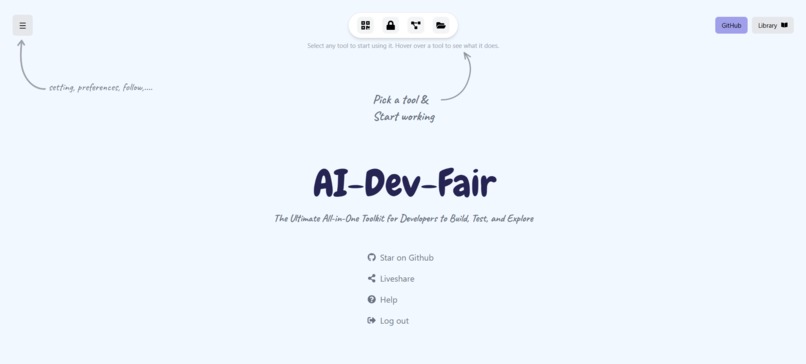
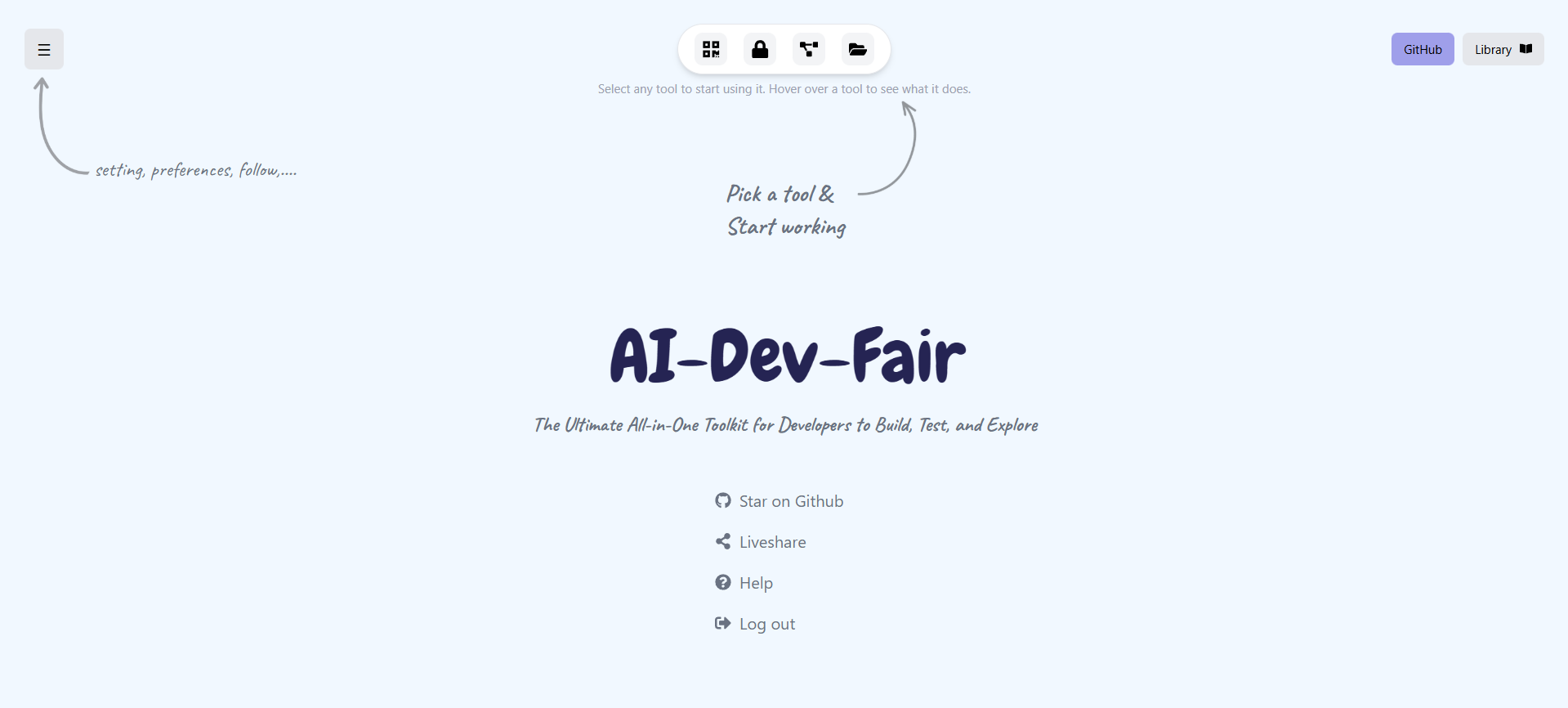
work bench UI
🚀 Inspiration
Most AI tools today behave like glorified chatboxes.
Developers don’t need another chatbot — they need a system that understands code, navigates real repositories, explains architectures, generates documentation, and removes the boring parts of software engineering.
We wanted to build something ChatGPT simply cannot do without uploads:
fetch a full GitHub repository → analyze → document → visualize → teach.
The idea came from our own frustration:
reading huge repos, onboarding to new projects, and understanding unfamiliar codebases wastes hours.
So we built a tool that acts like a senior engineer compressed into a single button.
⚡ What it does
AI-Dev-Fair is a full AI Code Intelligence Platform.
Given a GitHub repo URL, it can:
- Generate a complete, professional README
- Create architecture diagrams using Mermaid
- Analyze folder structures and explain system design
- Map dependencies between files and modules
- Provide natural-language file search and exploration
- Generate backend API documentation
- Convert any repo into a learning course: flashcards, tutorials, quizzes
- Predict potential issues or risks in the code
- Provide a complete codebase summary & tech stack extraction
All of this works automatically without uploading code —
the system fetches repo content through the GitHub API and processes it using a custom pipeline + Gemini Flash AI.
🛠 How I built it
We built the system as a combination of:
1. GitHub API Pipeline
- Fetch repo metadata
- Fetch tree SHA and recursive file structure
- Smart selection of meaningful files (
package.json, routes, controllers, configs, src/, etc.) - Base64 decode safely and chunk content to avoid token overflow
2. Static Analysis Engine
- Identify tech stack
- Extract file and folder structure
- Detect key server entry points
- Recognize patterns in routes/services/controllers
- Build dependency lists
3. AI Reasoning Layer (Gemini Flash)
- Strong structured prompts
- Strict JSON-only responses
- Automatic JSON repair pipeline
- Multi-stage reasoning for architecture → docs → diagrams
4. Visualization Layer
- Mermaid diagram generation
- Clean UI components for dependency trees & structure visualizations
5. Sleek React Frontend
- Input box for repo URL
- Code-aware file explorer
- Documentation + README preview
- Architecture diagram renderer
Together, this creates a system that feels like an AI senior engineer that can read and explain any codebase.
🧩 Challenges I ran into
- GitHub Trees API does NOT accept branch names — it needs the actual tree SHA.
- Many repos contain massive or binary files; selecting the right ones was tricky.
- AI models hallucinate JSON → required a robust repair layer.
- Bigger repos risk token overflow → chunking + file slicing was essential.
- Some repos have weird structures → required fallback logic.
- Non-UTF8 encodings sometimes broke base64 decoding.
- Generating stable Mermaid diagrams from unpredictable trees was tough.
- Preventing AI from inventing routes/components required very strict prompts.
Each challenge forced us to engineer a more robust pipeline instead of depending blindly on the LLM.
🏆 Accomplishments I'm proud of
- Built a tool that understands real code, not just text prompts.
- Achieved stable JSON-only AI responses with a custom sanitization layer.
- Designed a full architecture extraction system that works for any language.
- Created a developer tool that actually saves hours of manual engineering work.
- Built an interface that feels like magic: > paste GitHub URL → get full docs, diagrams, structure.
- Used completely free-tier APIs efficiently.
- Broke out of the “AI chatbot” stereotype and delivered true AI system intelligence.
📚 What I learned
- LLMs become powerful when combined with real system data, not isolated prompts.
- GitHub’s API ecosystem is more complex than expected, especially around trees/blobs.
- Great developer tools aren’t about fancy UI — they’re about removing pain.
- Stable AI pipelines require:
- strict prompts
- defined JSON schemas
- post-processing fixes
- careful chunking
- deterministic fallbacks
- strict prompts
- Architecture visualization is harder than it looks but extremely rewarding.
- The gap between a “cool demo” and a real product is robustness.
🔮 What’s next for AI-Dev-Fair
🔥 AI-Powered File Explorer (Natural Language Search)
- “Find the file that handles JWT authentication.”
- “Show code related to email sending.”
- “Find the biggest function in the repo.”
🔥 Dependency Graph Generator
A full visual network of imports, modules, routes, files, and flows.
🔥 API Documentation Auto-Generator
Backend code → Swagger/OpenAPI 3 spec.
🔥 Training Course Generator
Turn any repo into a complete learning package:
- tutorials
- flashcards
- quizzes
- onboarding roadmap
🔥 Security Analysis Module
Detect:
- SQL injection risk
- missing validation
- insecure auth
- outdated dependencies
🔥 AI Bug Predictor & Risk Score
Highlight risky or suspicious code areas using patterns + heuristics.
🔥 Multi-Repo Analysis
Compare two repos → differences in architecture, stack, complexity.
🔥 CLI Tool (npx aifair <repo-url>)
For devs who want everything right inside the terminal.

