-
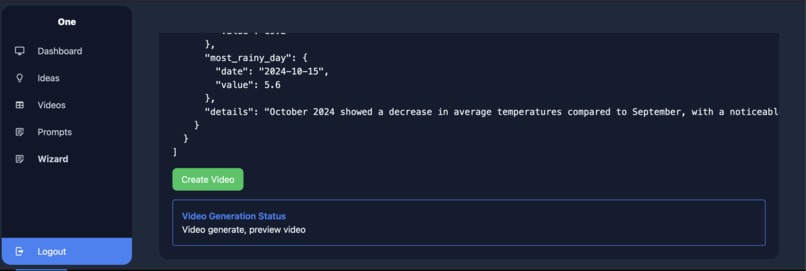
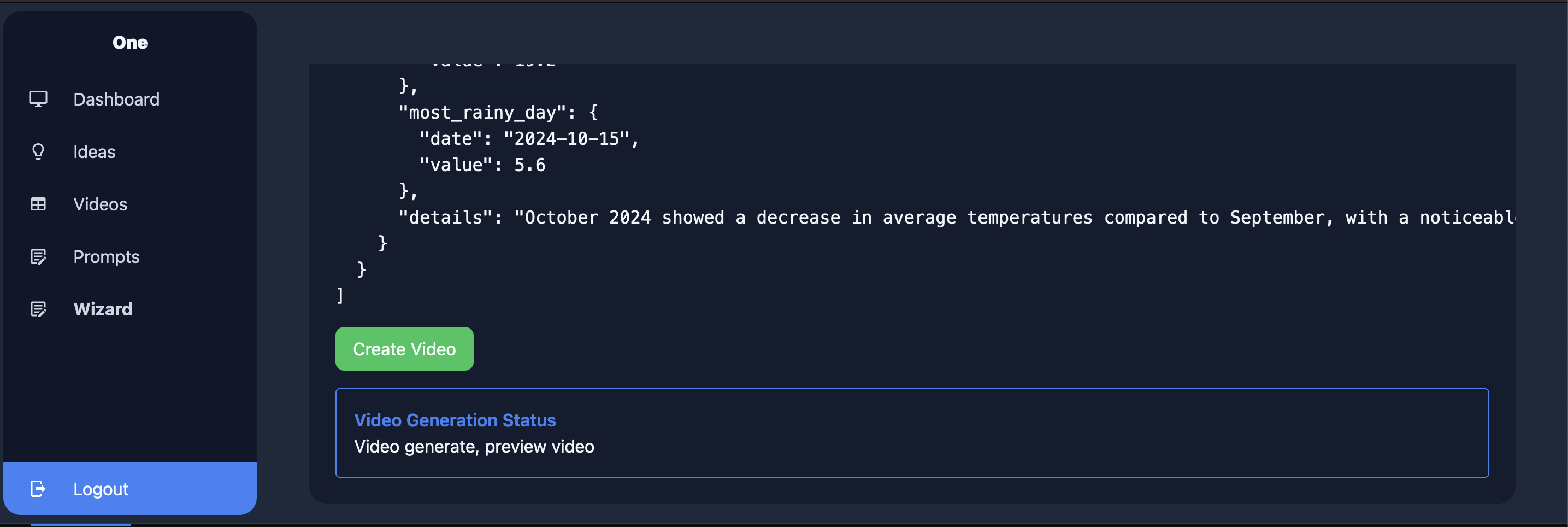
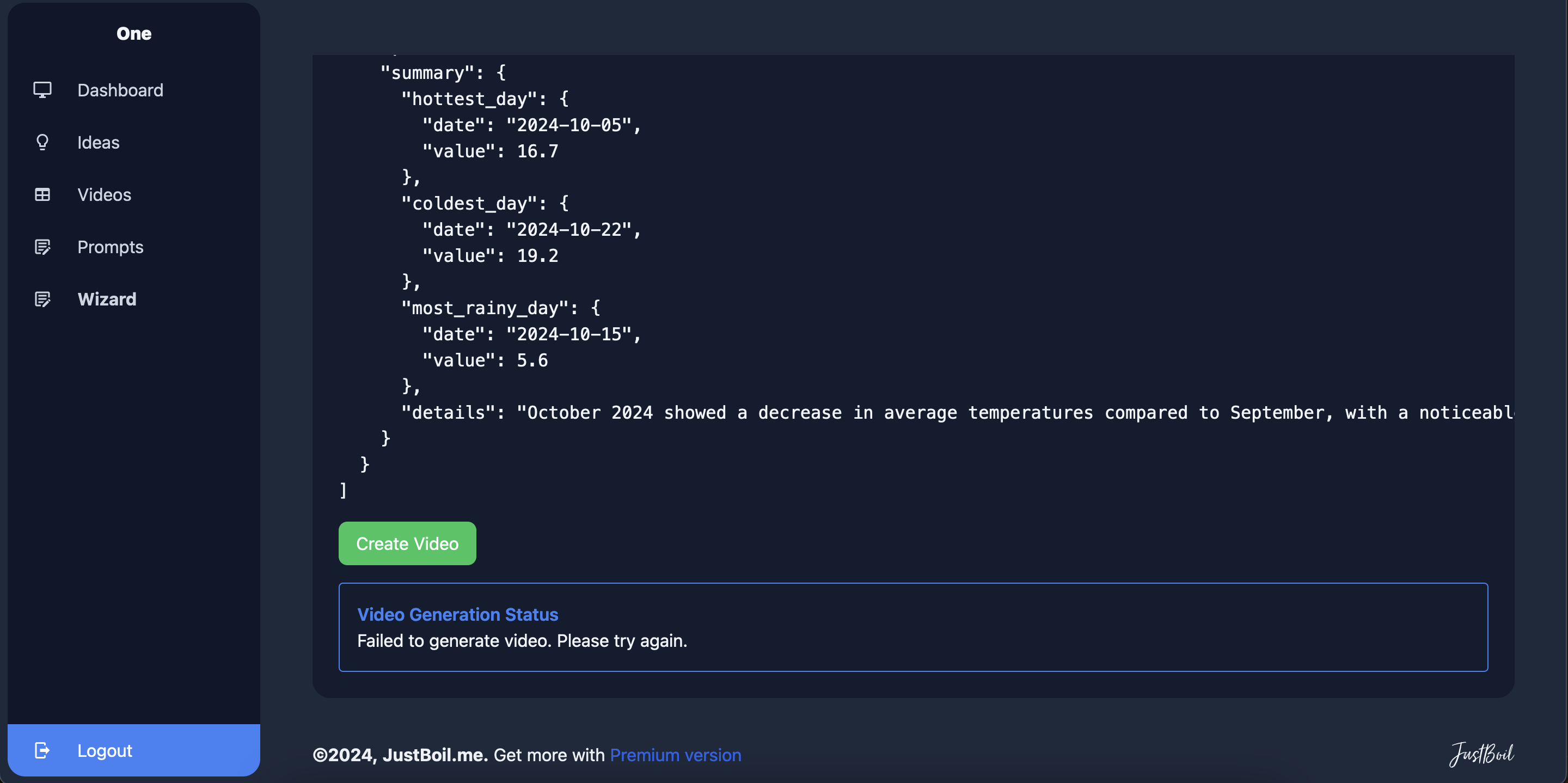
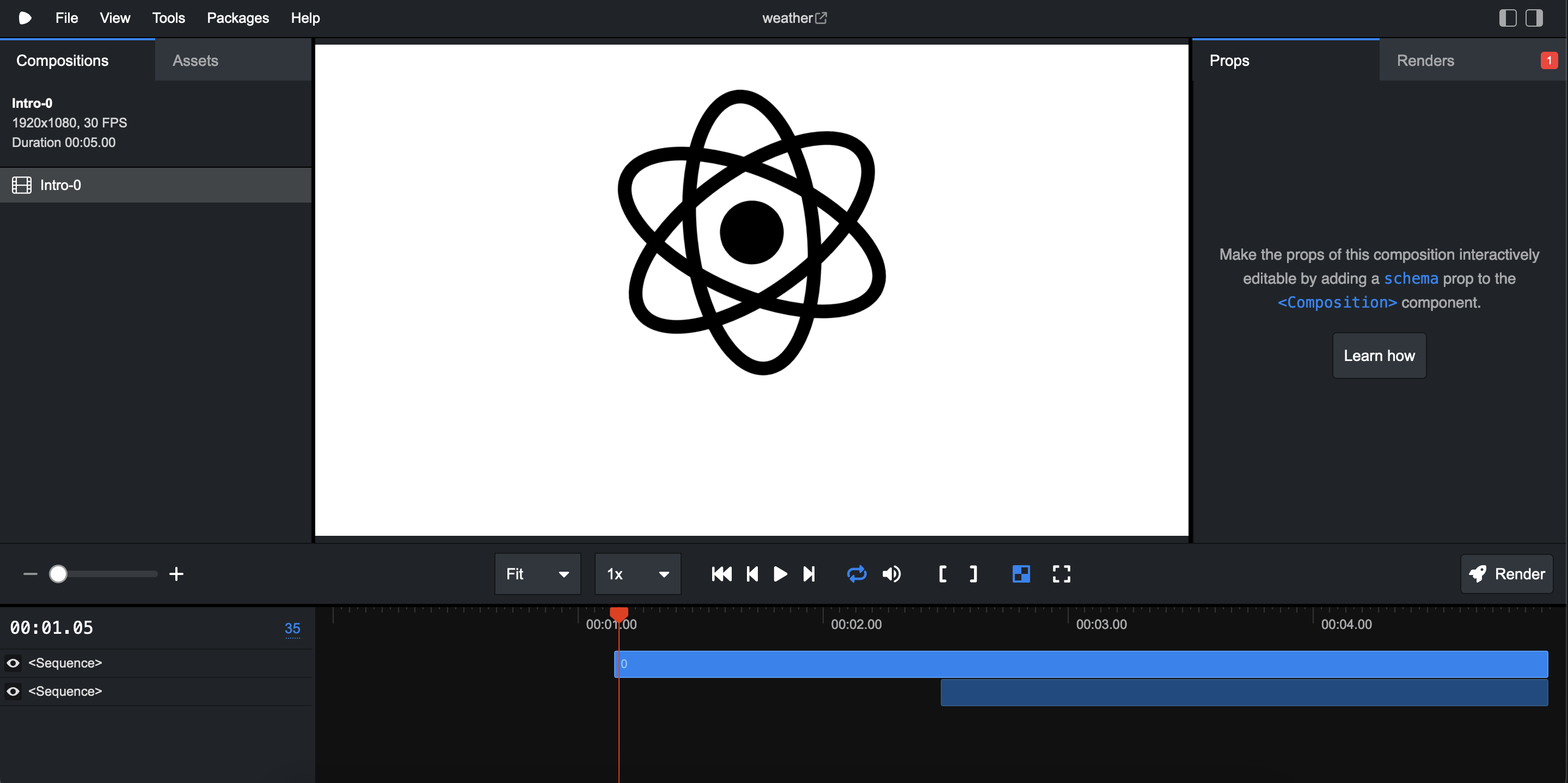
w step 6 - video generated in remotion
-
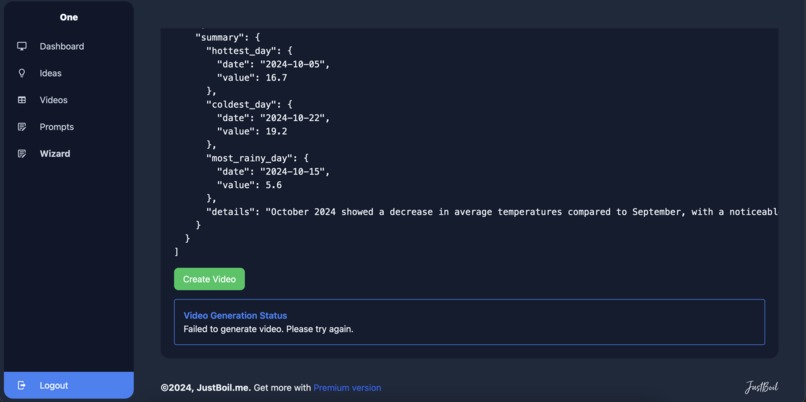
w step 5 - save video to queue and call render video
-
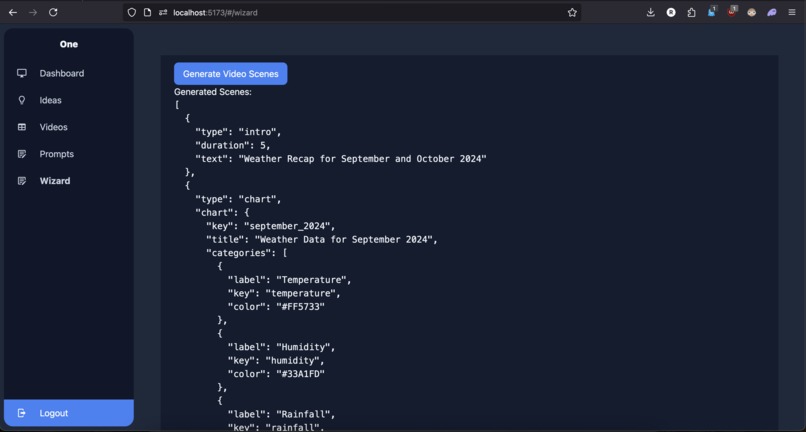
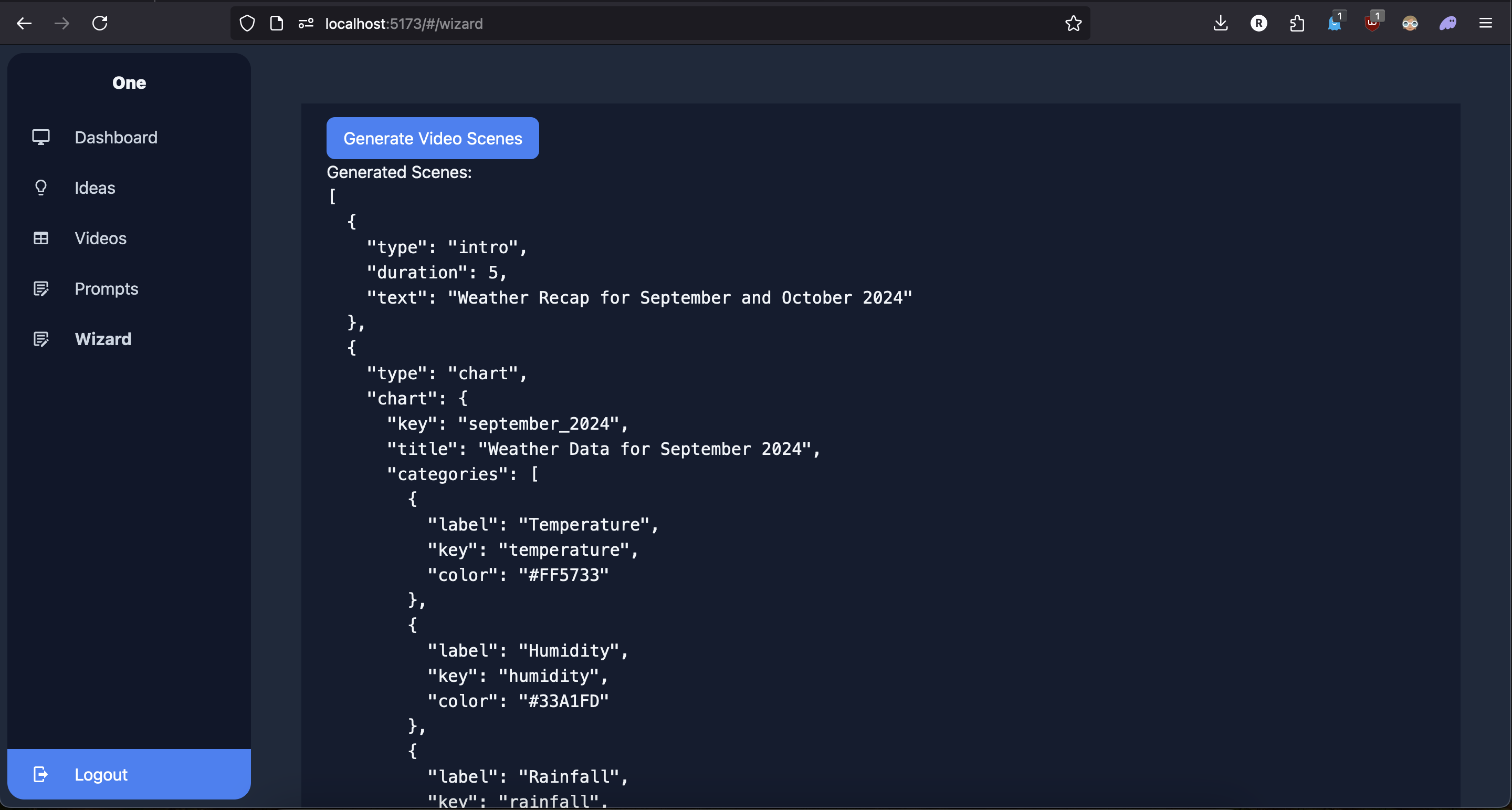
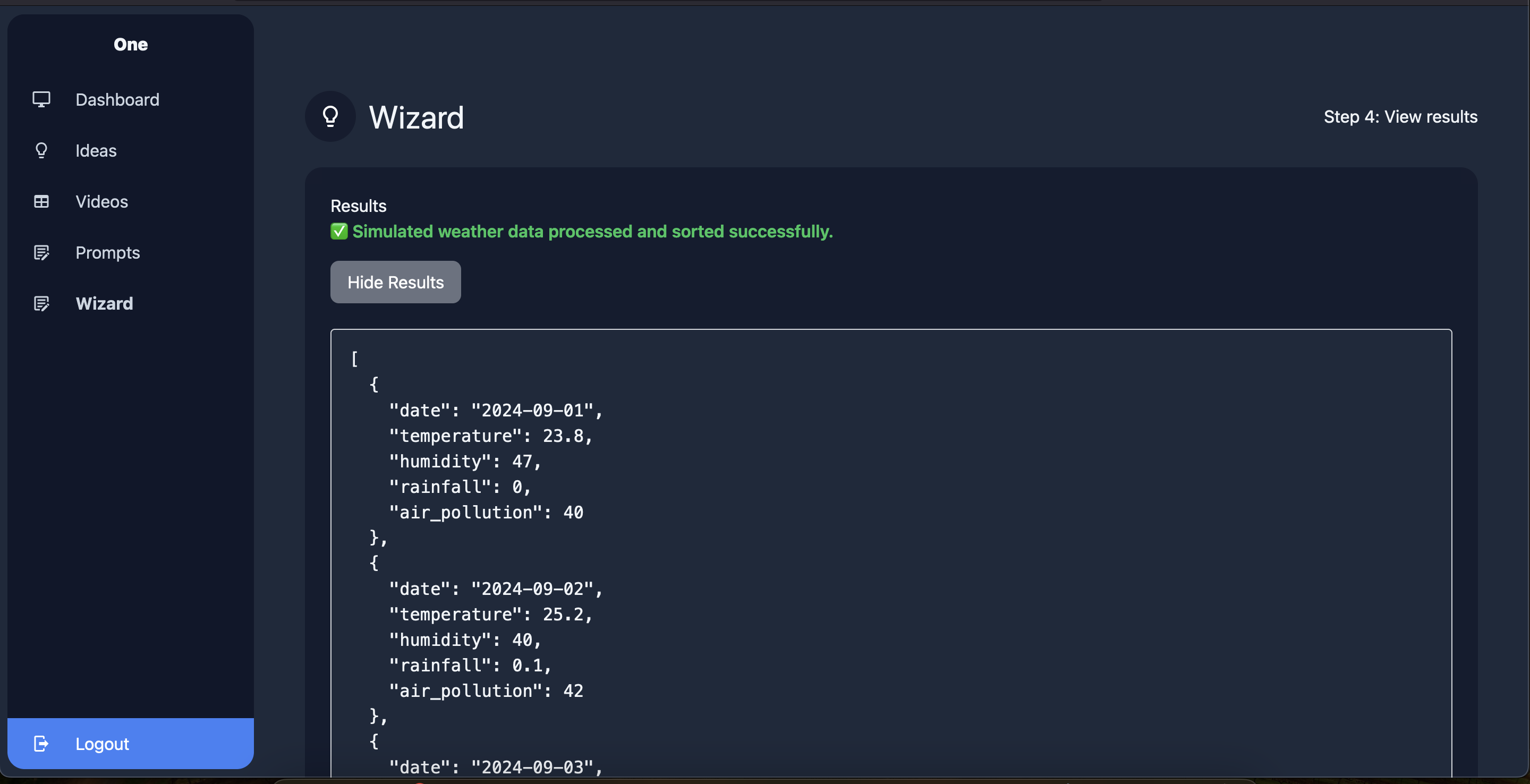
W step 4 - generate video scenes script
-
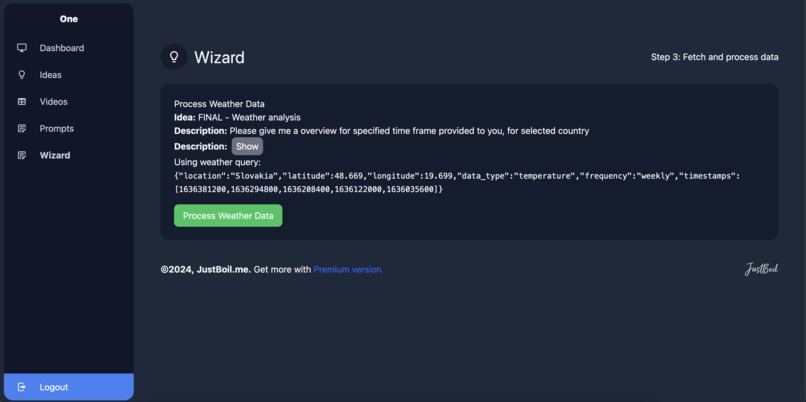
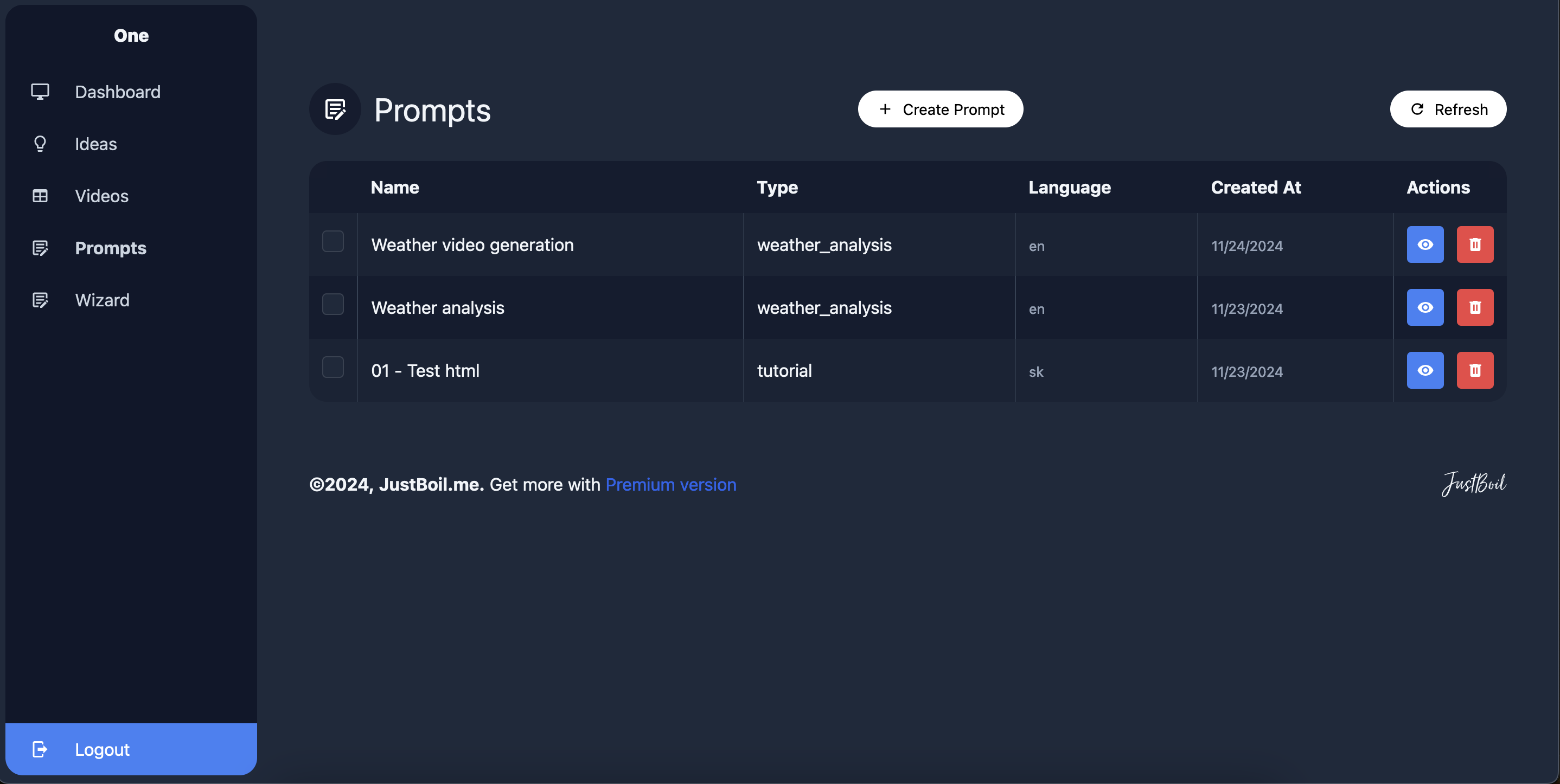
W step 2 - prompt to query
-
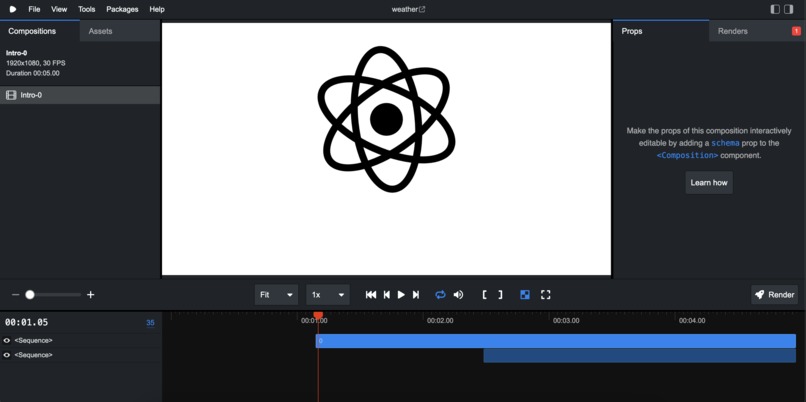
just studio screenshot
-
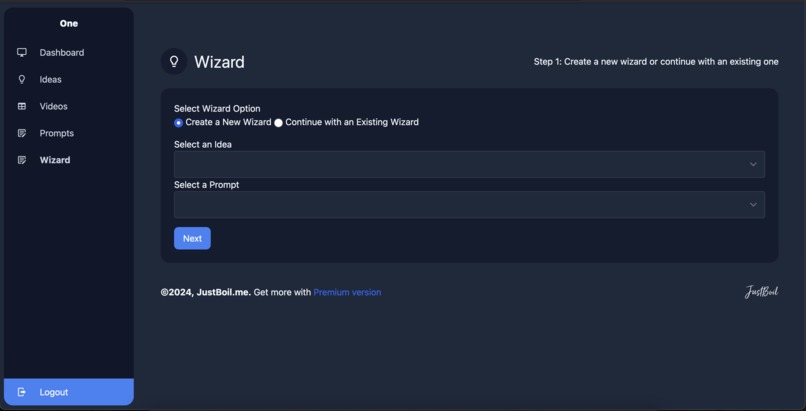
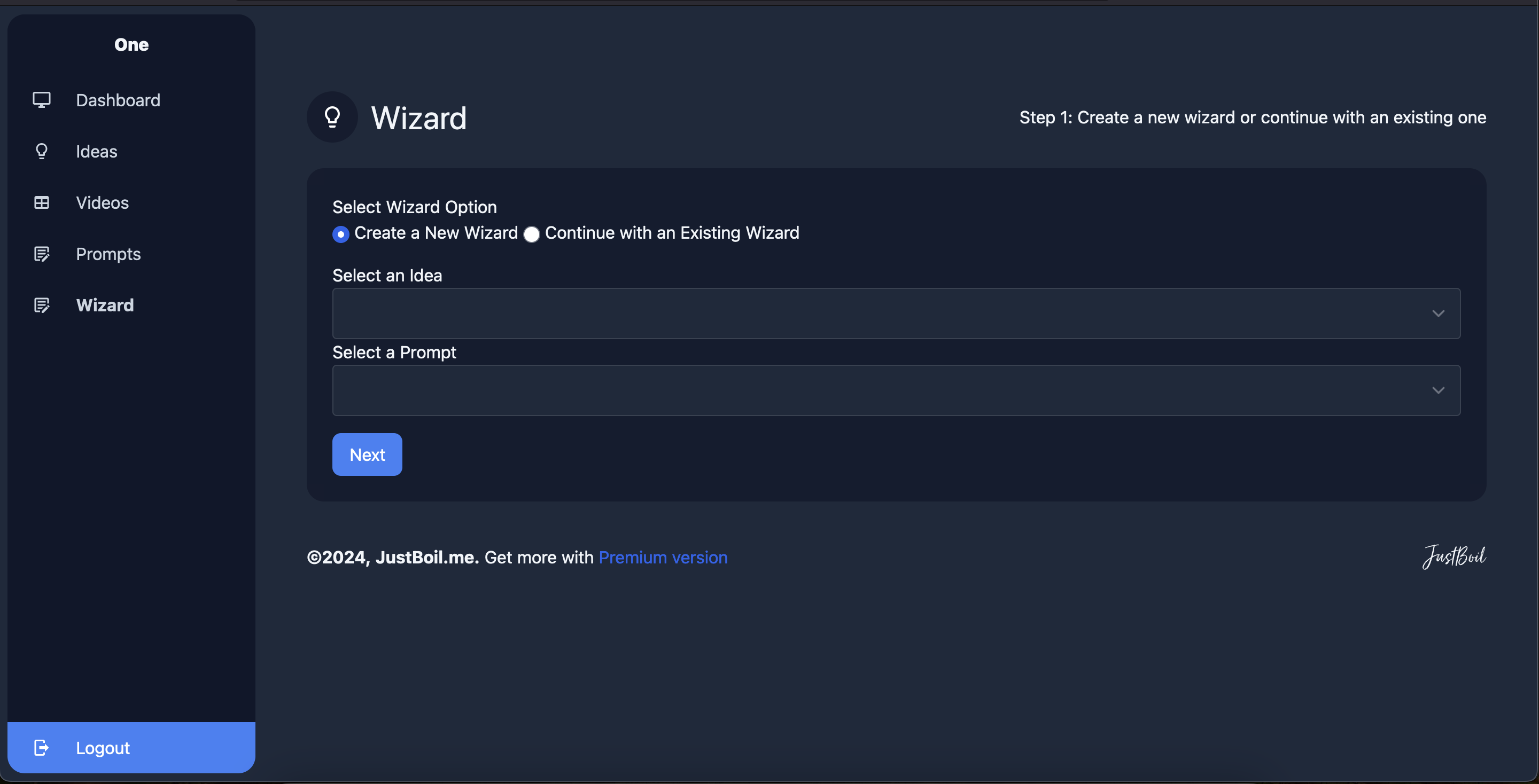
Wizard step 1 - setup
-
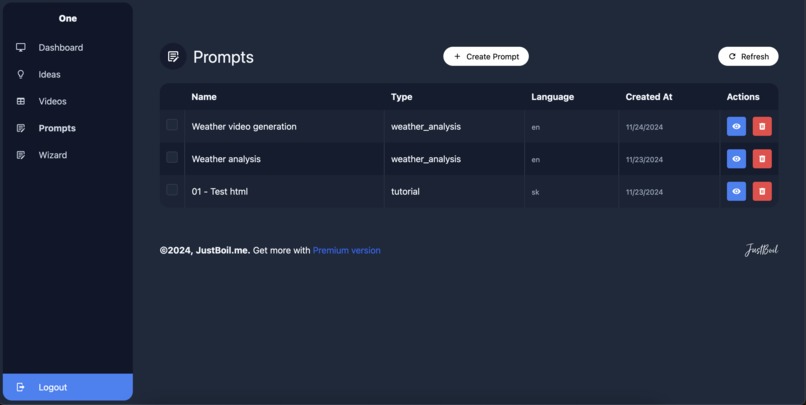
Promps saving
-
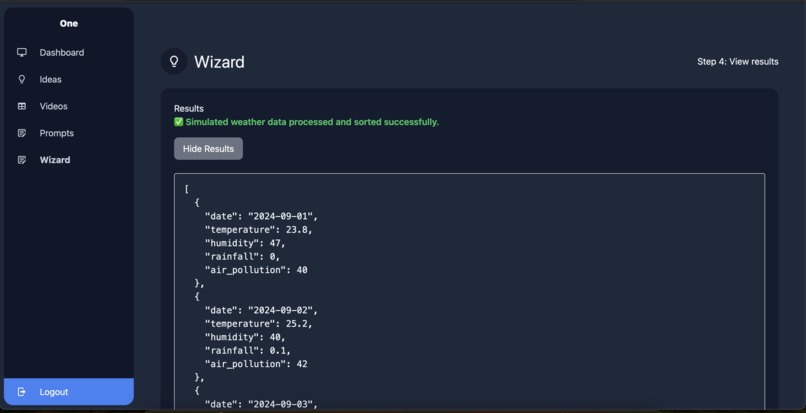
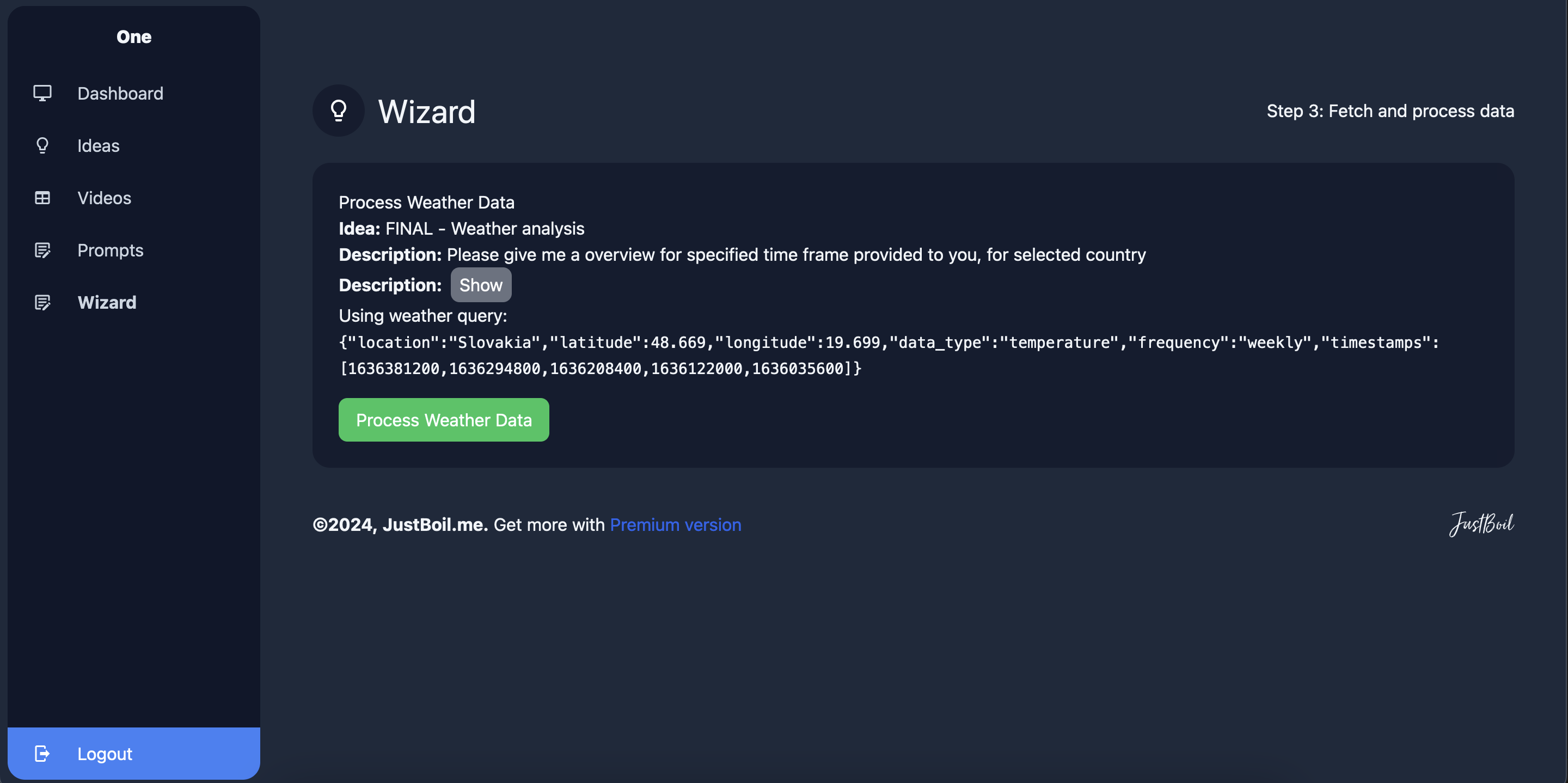
W step 3 - api data crawleda
-
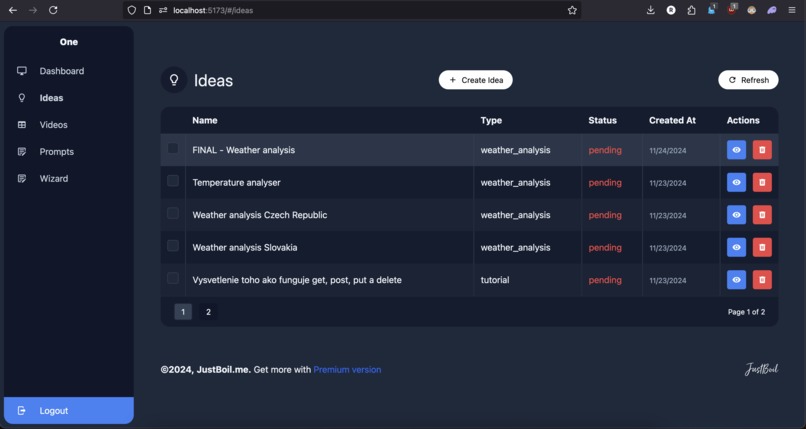
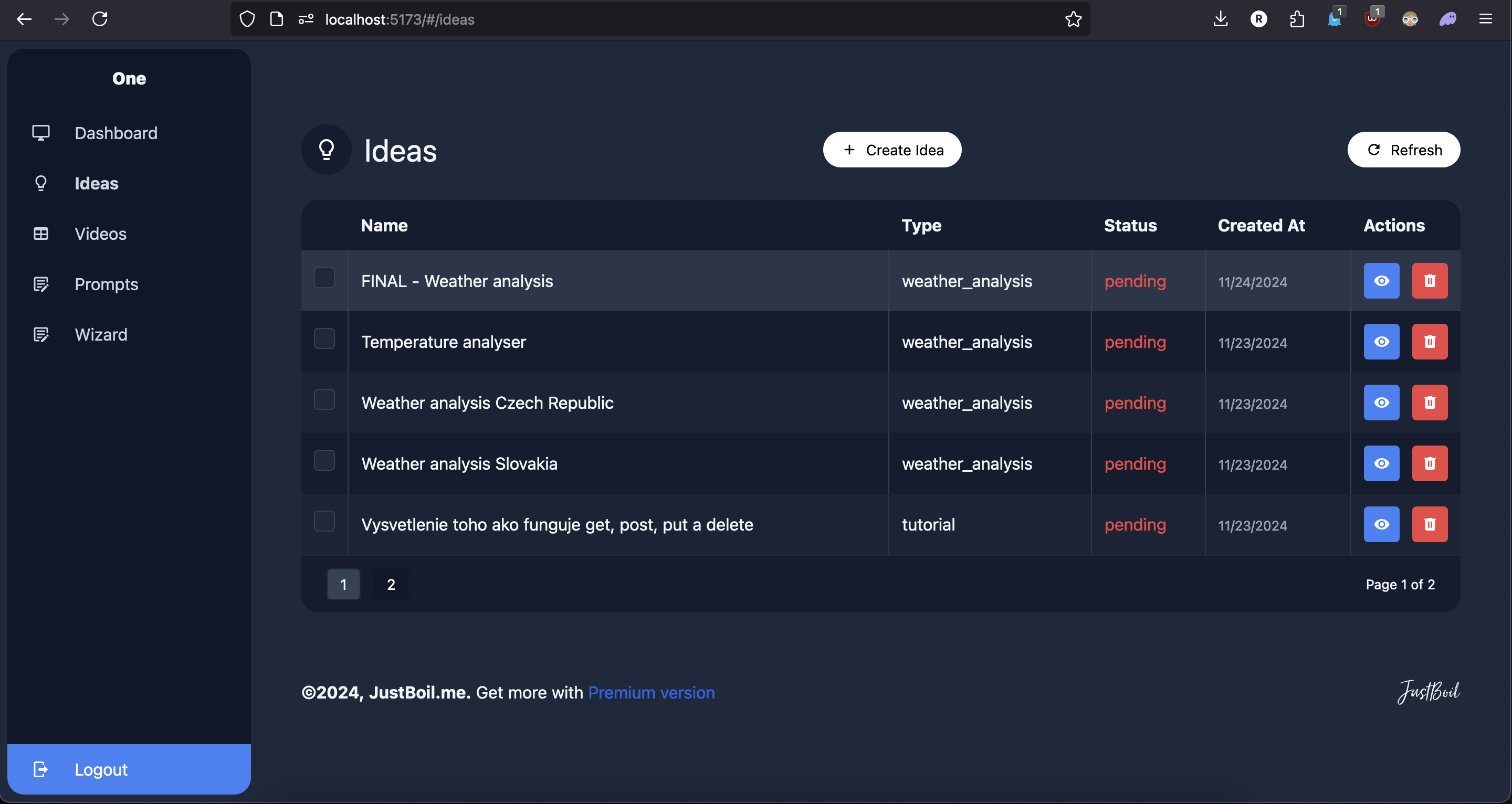
Idea creation
Inspiration
As a developer, I often find myself needing to create videos for various purposes—whether it’s summarizing data, presenting findings, or creating engaging content. But diving into complex video editing software for every project is a massive time sink. I wanted a tool that could take a simple idea and automate the entire process, from data gathering to a polished, professional video. That’s where this project started: a way to make dynamic video creation accessible to everyone, regardless of their video editing skills.
What it does
This project automates the process of video creation. Here's how it works:
1 Start with an Idea: The user provides a simple one-liner, like "Show a weather summary for the last two months." 2 Data Fetching: The application gathers the required data from APIs or pre-existing datasets (or simulates data when needed). 3 AI-Powered Structure: GPT is used to transform the idea into a detailed video structure, including scene layouts, animations, and chart specifications. 4 Video Composition: Using Remotion, the tool generates animations, integrates charts, and builds scenes automatically. 5 Rendering & Exporting: The video is rendered in high quality and ready to be shared or uploaded anywhere.
How we built it
- Frontend: I used Svelte to create a clean, minimal dashboard where users can submit ideas and track progress.
- Backend: A Node.js server manages everything from API requests to handling render jobs.
- Database: MySQL stores user ideas, scene configurations, and rendering statuses.
- Video Creation: I used Remotion to dynamically generate video scenes based on structured data.
- AI Integration: GPT helps convert user input into actionable video structures by outputting detailed JSON instructions.
- API - OpenWeatherMap - did not work, sadly
Challenges we ran into
- API Access Issues: OpenWeatherMap’s API key wasn’t working, so I had to simulate weather data to proceed.
- Connecting an Idea to Execution: Figuring out how to take a one-line user idea and transform it into a video required a lot of thought and iteration.
- Learning Remotion: I’d never used Remotion before this hackathon, so getting up to speed and implementing it effectively in such a short time was a challenge.
- Dynamic Compositions: Handling multiple video scenes on a single timeline while maintaining flexibility was trickier than expected.
Accomplishments that we're proud of
I learned and successfully implemented Remotion—a tool I’d never used before—and made it the core of the project. I created a pipeline where a single idea can be transformed into a professional-grade video. The modular design allows for easily adding new data types, scenes, and styles in the future.
What we learned
Prompt Engineering: I gained a deeper understanding of how to craft prompts for GPT to return structured JSON data. Video Automation: I learned how to generate animations dynamically and combine them seamlessly into a timeline using React and Remotion. Data Visualization in Videos: I explored how to turn raw datasets into visually appealing, video-ready charts.
What's next for AI Data visualiser
Modular Video Creation: Build a system where smaller video components—like intros, charts, and summaries—can be generated and stitched together into one cohesive video. Support for Any Data Type: Expand the tool to handle any structured dataset, enabling videos for everything from financial reports to user analytics. Custom Summaries: Add tailored summarization logic for domain-specific use cases, like education or marketing. Platform Integration: Automate uploads to platforms like YouTube, Instagram, and TikTok to save even more time. Advanced Personalization: Allow users to tweak animations, themes, and transitions to fully customize their videos.
This project started as a simple idea to make video creation less painful, and I’m thrilled with how much it’s grown in just 24 hours. It’s been a challenging but rewarding journey, and I can’t wait to take it even further.
Built With
- bash
- chatgpt
- mysql
- node.js
- openweathermap
- react
- remotion
- vue


Log in or sign up for Devpost to join the conversation.