-
-
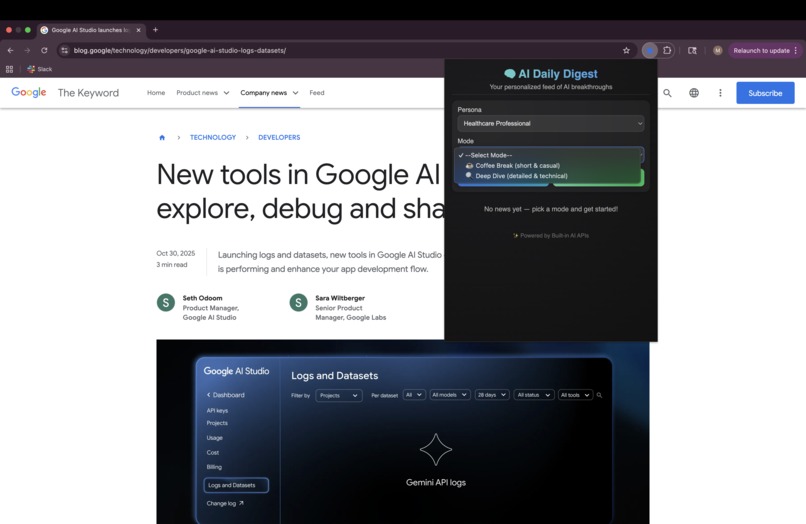
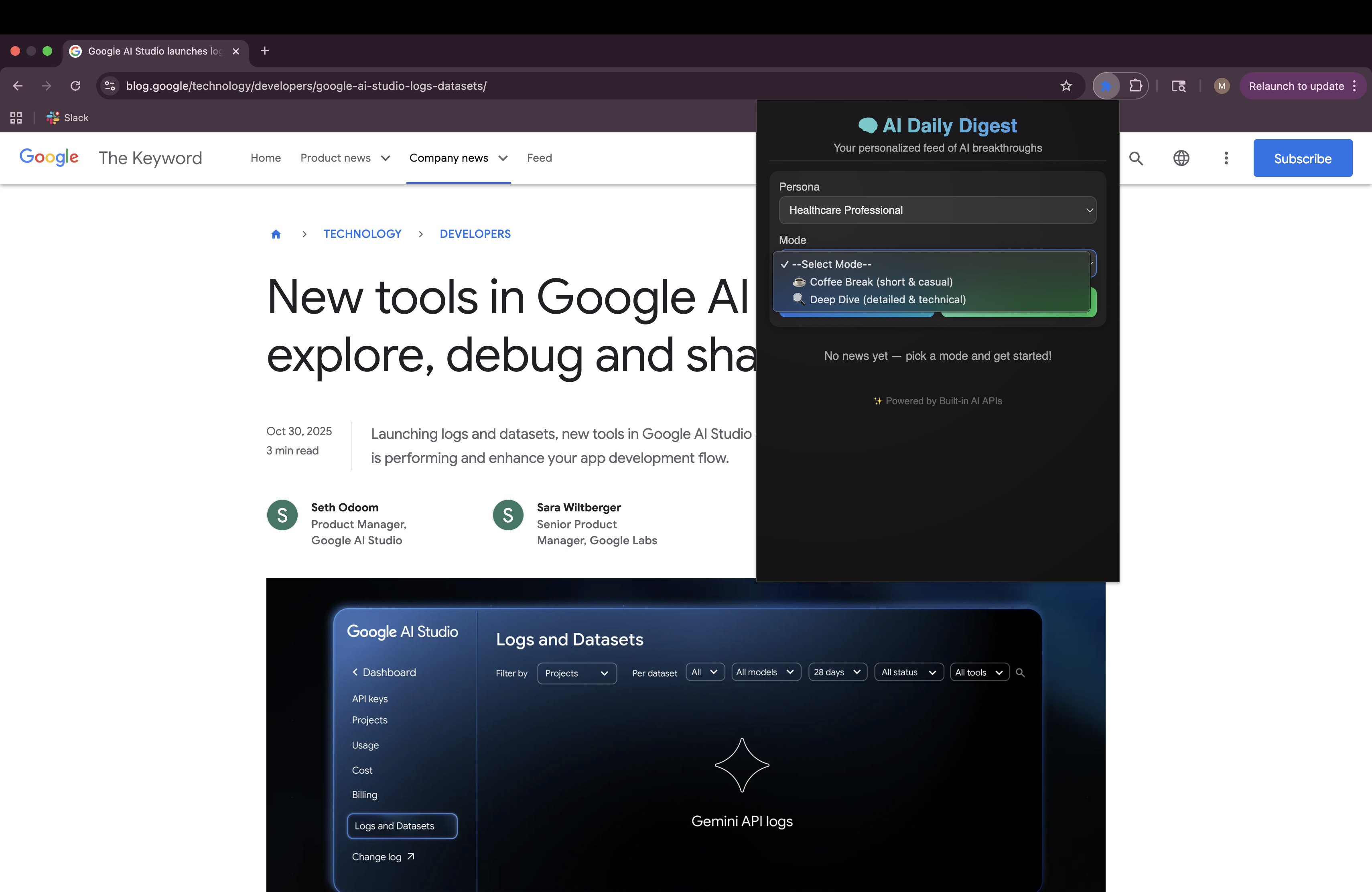
Landing View for the extension. Can choose persona and mode.
-
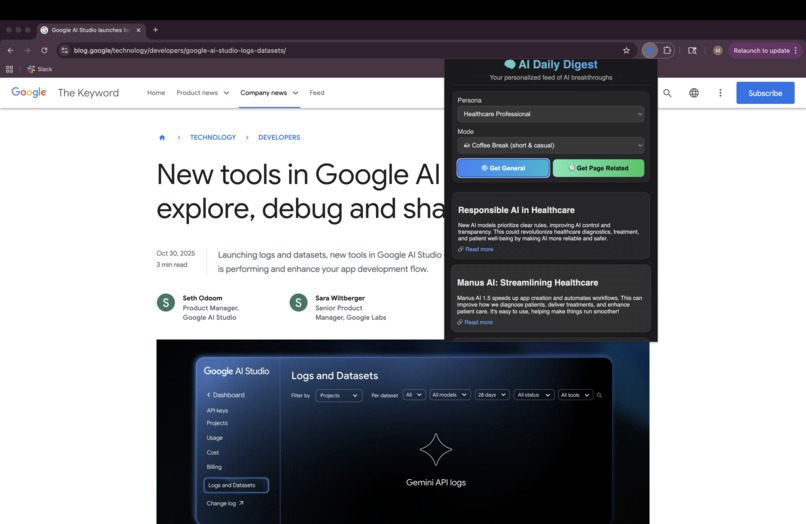
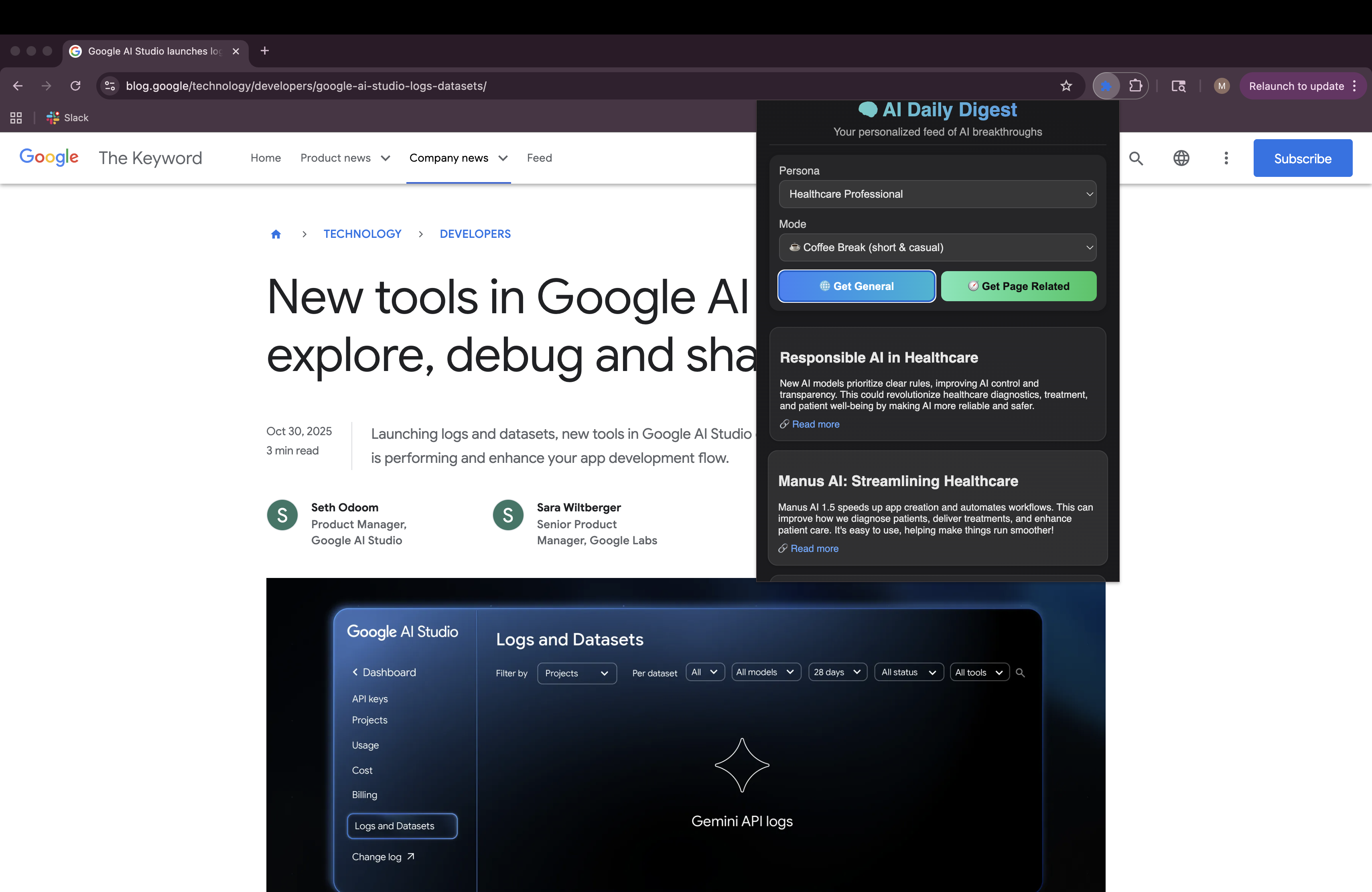
Healthcare professional persona chosen with Coffee Break mode.
-
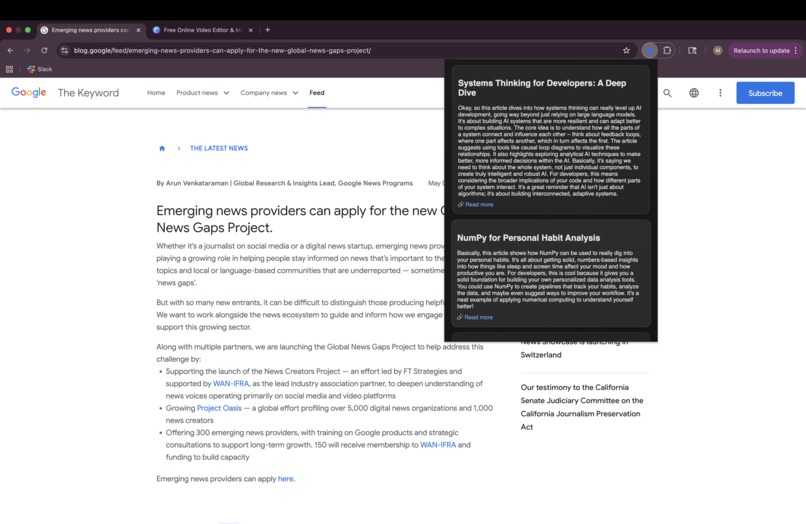
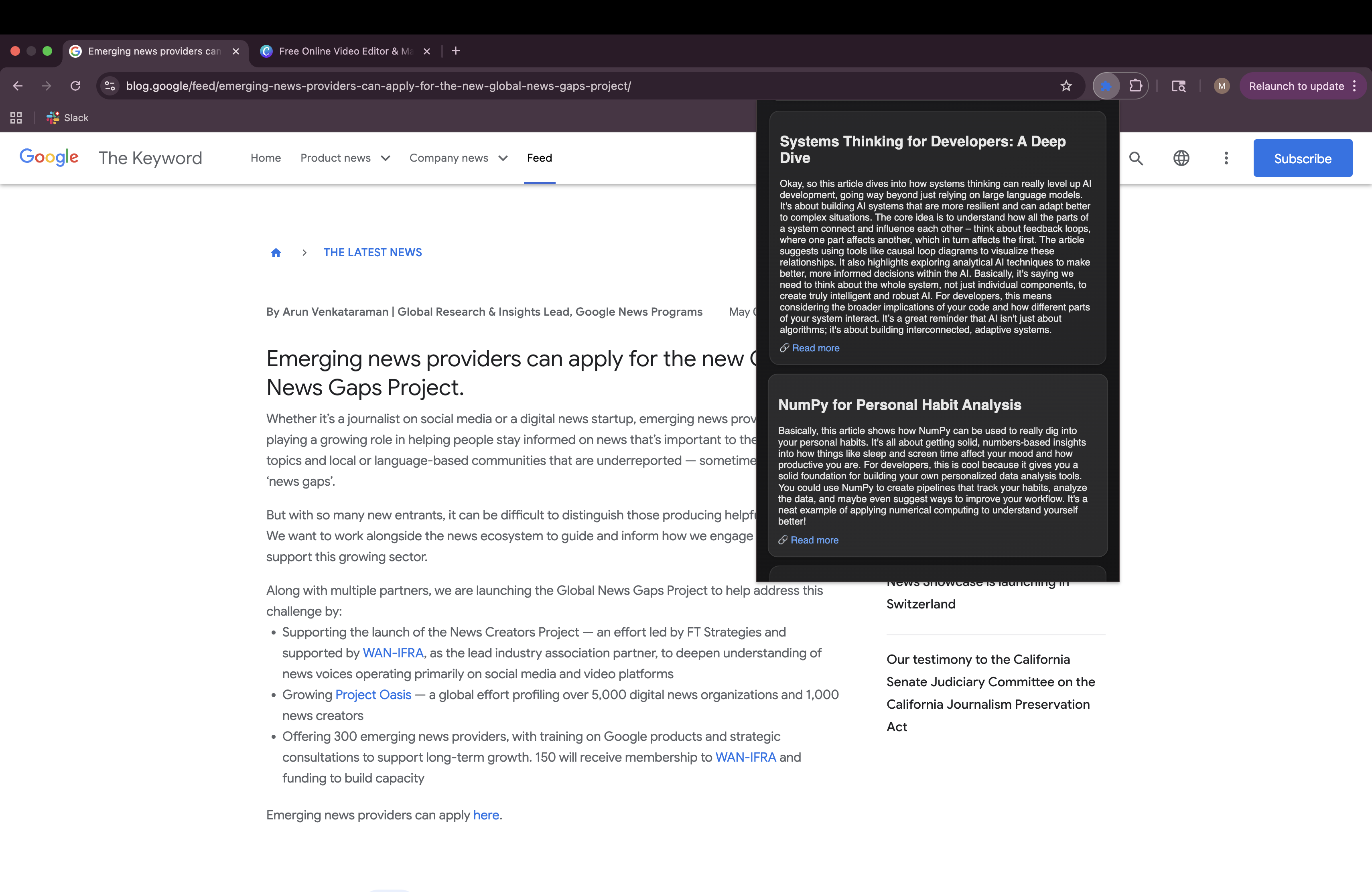
Software Developer persona chosen with Deep Dive mode.
-
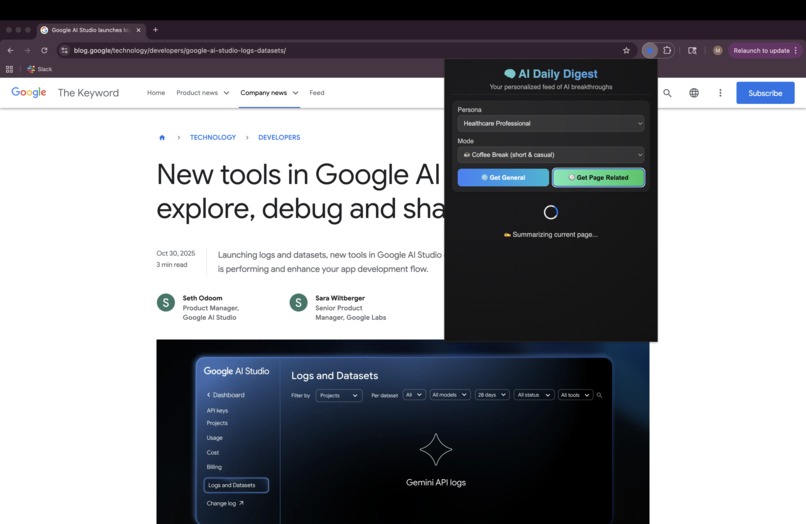
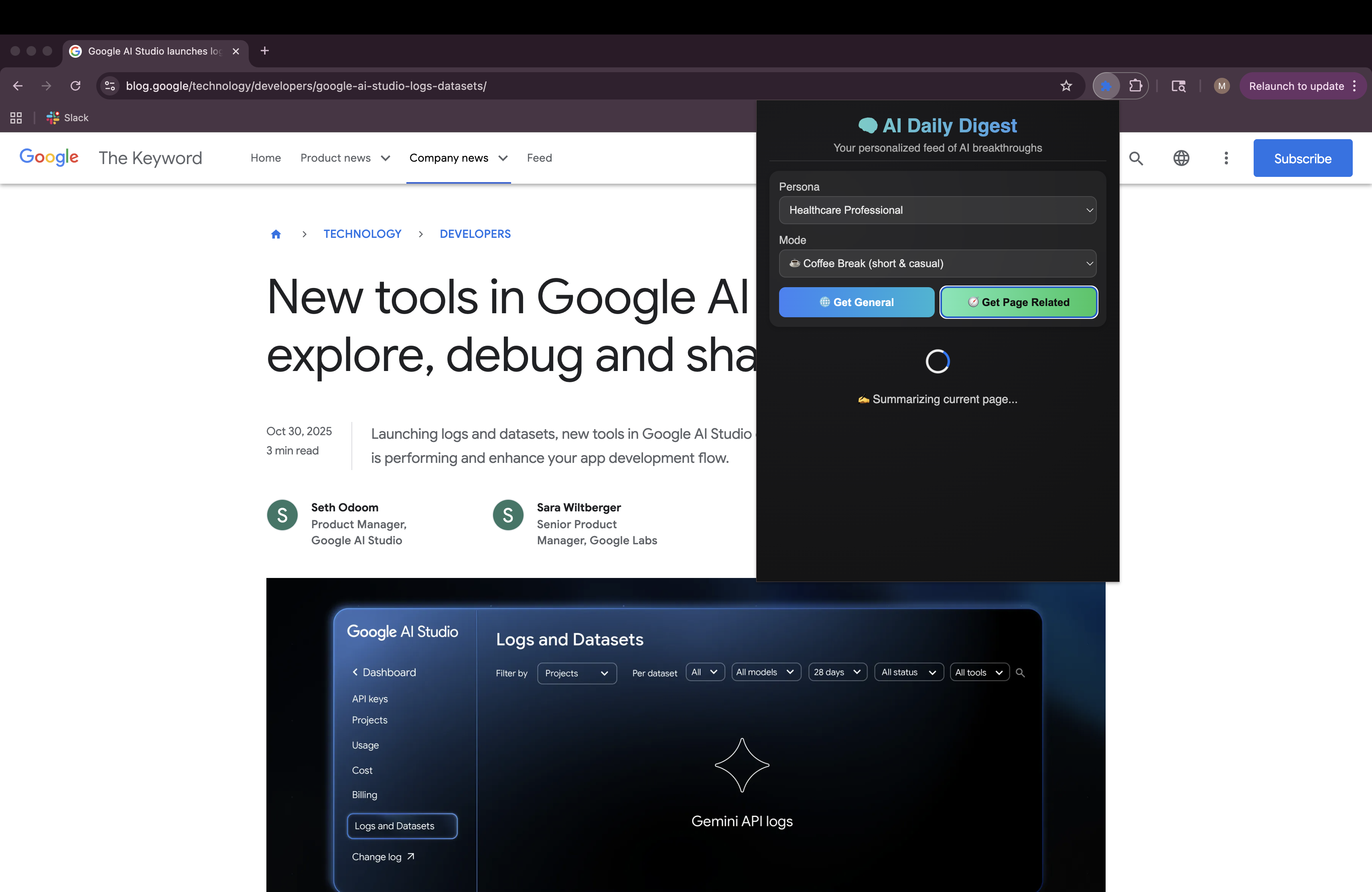
Loader page when selecting 'Get Page Related' option. Summarizing the contents of the page.
-
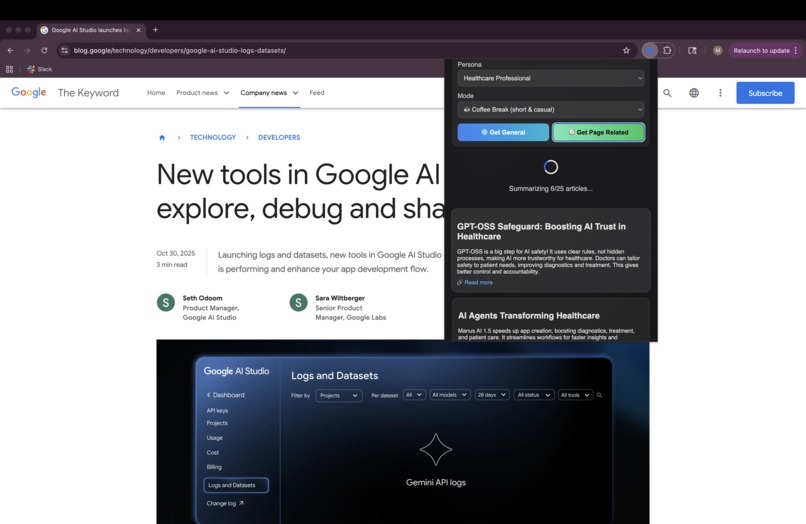
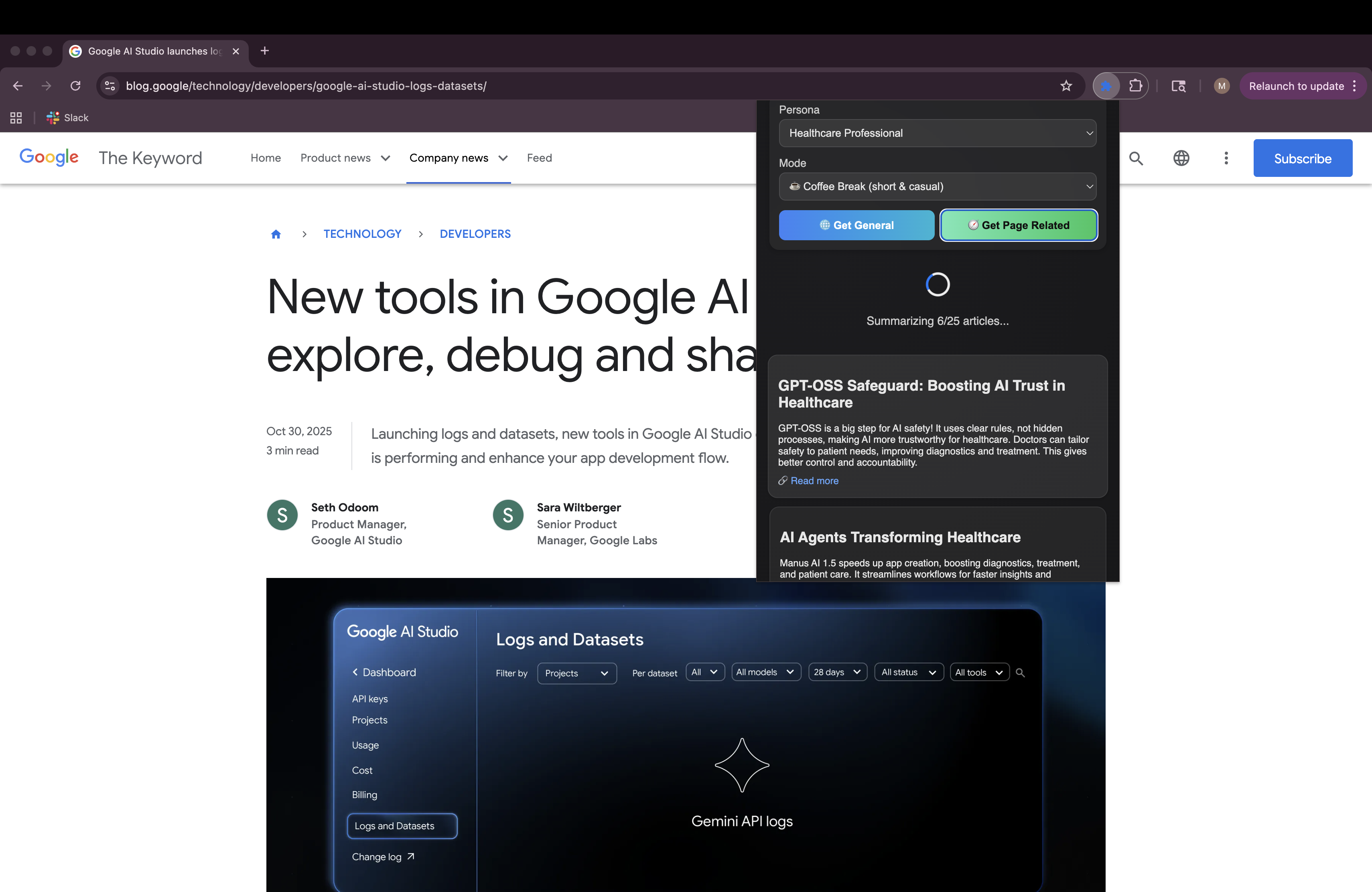
Getting Page related articles for healthcare professional. Gives uses of AI agents in healthcare.
Inspiration
I love the technology revolution that AI is bringing to the world now. As my sole goal for choosing software engineering was to solve real problems. And with AI, that becomes easier and more relevant. But with the progress of each new tool and model everyday, it becomes challenging for anybody to keep up with the changes, just like it did for me. So many sources, repeating the same things, and yet all so different. So, I wanted to build something that gives me news about AI targeted to my persona. The same news about Google launching a new model can mean different things to a software developer, a finance analyst and a marketing specialist, so I wanted to extract the relevant information out of that as per reader requirement.
What it does
AI Daily Digest curates the latest and most credible AI news, videos, and insights, and summarizes them through the lens of your chosen persona, whether you’re a developer, finance analyst, or educator. You can choose between “General AI News” or “Page-Related Insights” to either catch up broadly or get contextually relevant updates based on the webpage you’re viewing. Modes like Coffee Break, or Deep Dive further tailor the tone and depth, so your AI news experience fits your schedule and focus level.
How I built it
Built using chrome built-in AI and Gemini APIs for a hybrid architecture and smoother user experience, in case built-in APIs are not available for a browser.
- Frontend: Built as a Chrome Extension with HTML, CSS, and JavaScript for a smooth, compact popup interface.
- Backend: Developed using Python + FastAPI, integrating with Gemini 2.5 Flash for intelligent summarization and persona adaptation. In case the browser does not support Built-in APIs, it falls back on Gemini API calls using the Python Code.
- AI Features: Uses Chrome’s Built-in AI APIs (Prompt API, Summarizer API and Rewriter API) for on-device processing when available, falling back to backend APIs, calling Gemini, for hybrid-AI support.
- Data Sources: Combines curated RSS feeds, along with page-level scraping to dynamically extract and summarize fresh AI content.
Challenges I ran into
- No frontend experience, so learning Javascript as required for the project helped it.
- High latency during initial fetch and summarization, which I solved through async batching and a dynamic loader system, but this still persists.
Accomplishments that I'm proud of
- Built my first ever fully functional Chrome extension, even better that it is AI-powered.
- Solving an actual problem that I know other people have too.
- Created a system that feels personal, adapting not just what it shows, but how it speaks.
- Learning Javascript, at least the basics.
- Achieved a hybrid summarisation flow using both Chrome’s on-device AI and Gemini API, depending on availability.
What I learned
- The power of context and tone in AI communication, technical accuracy alone isn’t enough, relevance to audience is key.
- How to effectively combine frontend AI APIs with backend LLMs for reliability and performance.
- The challenges of real-time web summarization and ensuring factual accuracy when curating from multiple live sources.
- Building with Gemini + Chrome Built-in AI taught me how rapidly client-side AI is evolving.
What's next for AI Daily Digest
- Minimise latency to ensure good user experience.
- Add 'Additional requirements' tab for reader to ask for specific topics such as 'Nano Banana' and would fetch personalised AI news for that.
- Custom write persona details if not a part of the mentioned list.
- Auto-detect if the current tab has AI-related content and pop-up the extension with some fact/news related to that.
- Add scheduler to get news at a given time.
- Introduce user accounts and personalization memory, so summaries learn from what you read.
- Add summary from podcasts, YouTube videos, etc. as well to make it multimodal.

Log in or sign up for Devpost to join the conversation.