Why I Did It I got sick of those clunky, robotic “help” bots and the sky‑high cost of real‑human support that never really scales. So I decided to mash up the best of both worlds: AI that feels like a natural conversation, without breaking the bank. I figured, “What if customers could literally talk to an AI avatar and get spot‑on, voice‑powered answers?” Spoiler: that’s exactly what I built.
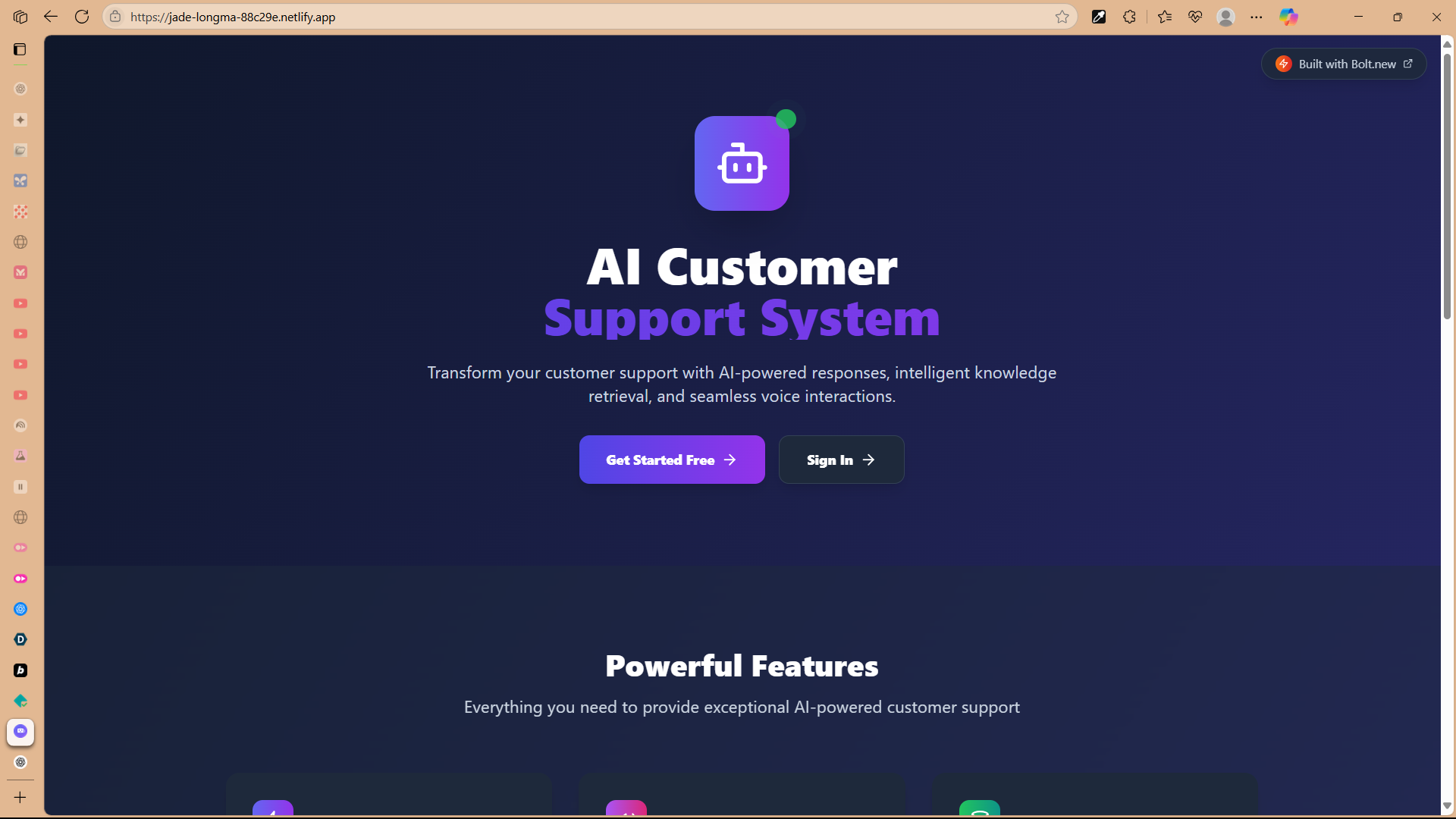
What It Actually Does My AI Customer Support System flips the script on boring FAQs. You hit a simple link, and—boom—you can start chatting with me in text or voice. But I don’t just spew generic replies. I dive into your actual docs, FAQs, and manuals to pull out the perfect answer.
The real flex? Voice chat. You ask a question out loud, I run it through Whisper, hunt down the right info with GPT‑4, then fire back a natural‑sounding response via ElevenLabs. And if you’re feeling lazy, “live chat mode” lets you just babble away—no keyboard required.
How I Built It I whipped this up as a full‑stack web app with React + TypeScript on the front end and Supabase doing double duty for the database, auth, and real‑time magic. The AI pipeline is a tech cocktail of:
OpenAI Whisper for speech‑to‑text
GPT‑4o‑mini for smart replies
text‑embedding‑3‑small for indexing knowledge
ElevenLabs for lifelike text‑to‑speech
Supabase pgvector to power similarity searches
Netlify to host and run serverless functions
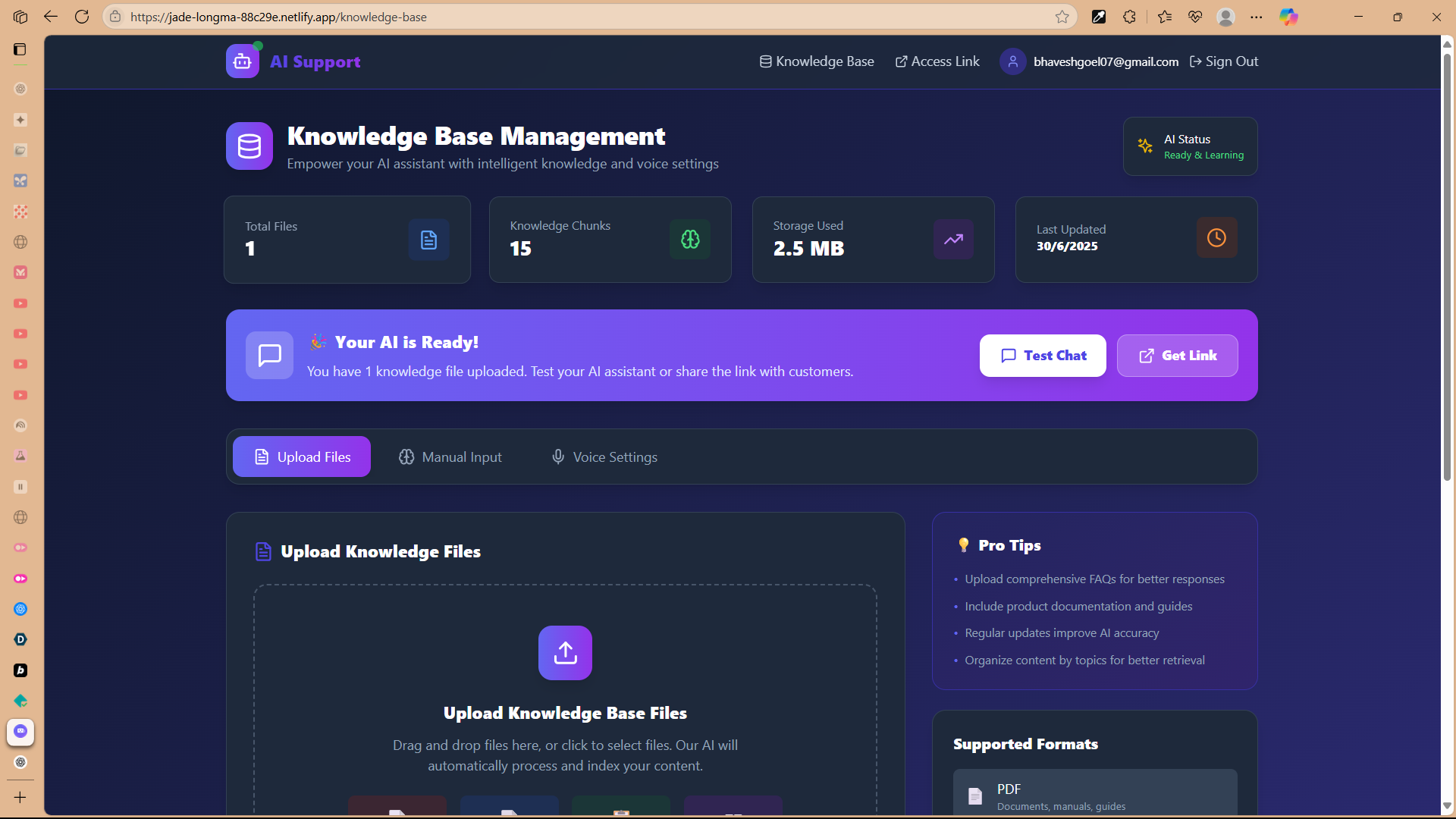
Every uploaded doc gets chunked, embedded, and stashed in a vector DB. When you ask me something, I embed your question, grab the top matches, then let GPT‑4 cook up an answer based on that exact context.
The Headaches (aka “Challenges I Conquered”) Getting real‑time voice to flow smoothly felt like juggling flaming chainsaws. Syncing speech recognition, vector search, response gen, and TTS without awkward pauses? Painful but worth it. Browser audio permissions and mic‑level monitoring were another saga in themselves.
Then there was wrangling Supabase pgvector—tuning embeddings, indexes, and search queries took way more debugging than I expected. And keeping the front‑end state machine sane across recording, processing, and playback? Let’s just say I drank a lot of coffee.
Finally, slapping on secure, multi‑tenant auth so every biz’s docs stay siloed (while still letting anonymous users chat) was trickier than I’d thought.
Proudest Mic‑Drop Moments
A truly flowing voice‑to‑voice convo that actually feels human.
Laser‑accurate knowledge retrieval that nails the right docs every time.
“Live chat mode” is like having a hands‑free AI buddy.
That sleek, production‑ready UI that makes AI look easy.
Multi‑tenant setup: any company can spin this up in minutes, upload their own KB, and start helping customers.
Lessons Learned
Real‑time audio in the browser is a whole different beast—visual cues, loading states, and mic errors deserve their own design patterns.
Vector search = magic, but only if you tune it properly.
Handling edge cases (permission denials, flaky networks, rate limits) is crucial to avoid “uh oh” moments.
Coordinating half‑a‑dozen external APIs needs rock‑solid environment and deployment configs.
What’s Next
Video avatars via Tavus AI so you can actually see your AI rep.
Conversation memory so I remember past chats and get more personal.
Integrations with Slack, Zendesk, CRMs—you name it.
Multilingual support and custom voice modeling to match any brand’s swag.
Analytics dashboard for deep conversation insights and smooth human handoffs when things get spicy.
And that’s the story of how I went from “there’s gotta be a better way” to “here’s your new, AI‑powered support agent”—all built solo on Bolt.new. Hope you think it’s as cool (and slightly insane) as I do!
Built With
- bolt.new
- elevenlabs
- gpt?4o?mini-(llm)
- netlify
- netlify-serverless-hosting
- openai-whisper-(stt)
- react?+?typescript-frontend
- supabase
- supabase-(postgresql?+?pgvector-auth/real?time)
- text?embedding?3?small


Log in or sign up for Devpost to join the conversation.