-
-
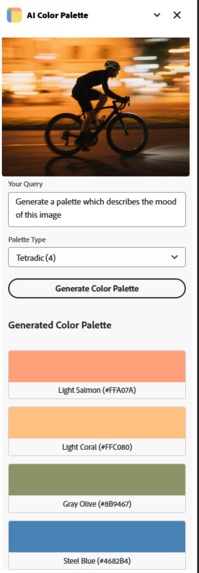
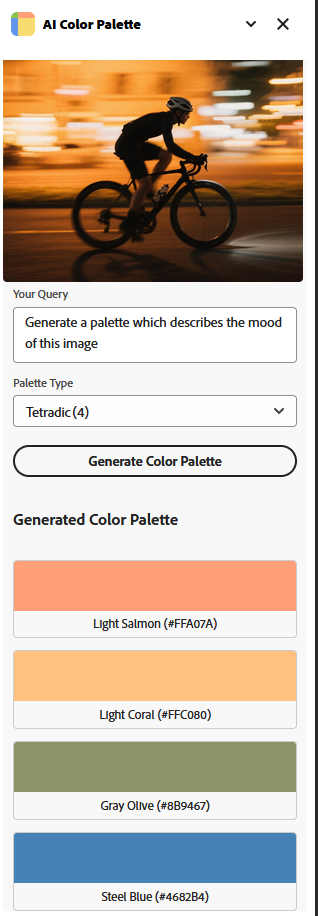
A Tetradic Pallete generated by using image
-
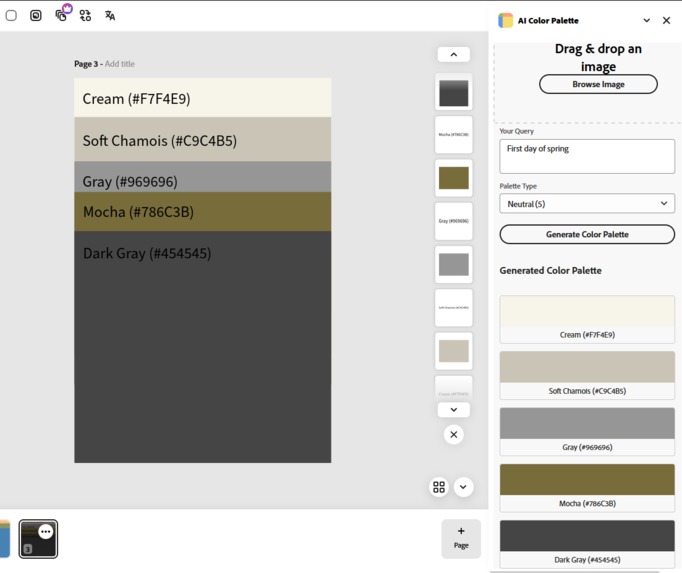
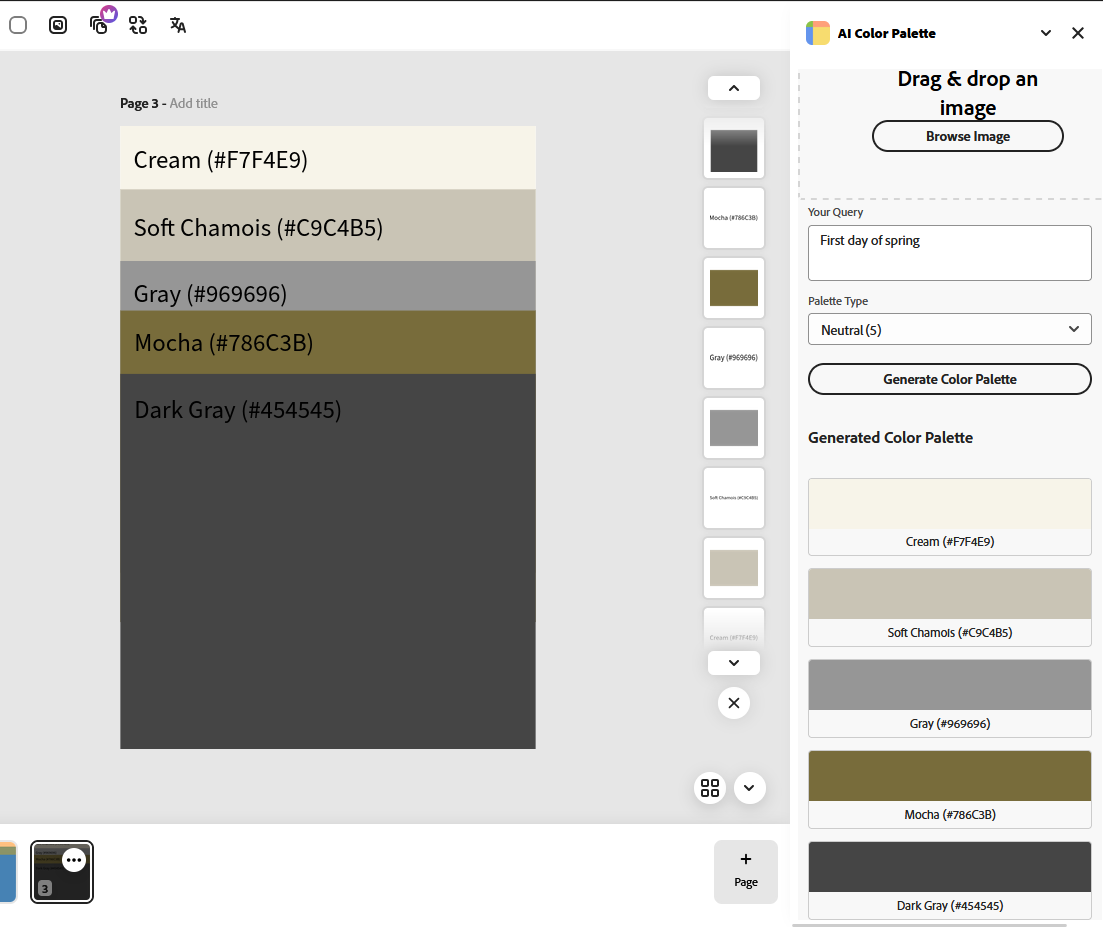
A neutral palette generated by using just text
Inspiration
In the past I have struggled a lot while choose a color palette for projects and I believe other designers and creators often struggle with finding the right color palette that matches their vision or fits the mood. AI Color Palette was born from the idea of making this process effortless. By combining user input or images with the power of AI, I wanted to create a tool that bridges creativity and technology to enhance visual storytelling for everyone—from professionals to hobbyists.
What it does
AI Color Palette is an Adobe Express Add-on that allows users to generate color palettes using natural language or image inputs. Users can drag and drop an image or describe what they’re looking for, select a palette type (like Analogous, Triadic, or Monochromatic), and receive a curated set of colors complete with hex codes and color names. Each swatch can also be added directly as an image or a note in the Express document, helping creators seamlessly apply their chosen palette to their design workflow.
How we built it
The add-on is built using React and Adobe’s React Spectrum design system, integrating with the Adobe Express Add-on SDK to interact with the user’s document. We used Ai model to generate intelligent color palette suggestions based on user prompts and images. For image handling, I implemented a pipeline using Cloudflare R2 and presigned URLs to securely upload and serve user images. We designed the UI to be clean, responsive, and intuitive for all types of users.
Challenges we ran into
One of the biggest challenges was reliably handling and uploading image files, especially when dealing with presigned URLs and storage permissions. Another tricky aspect was ensuring the AI-generated JSON response followed the expected structure, as even small inconsistencies could break the parsing logic. We also had to fine-tune the prompt instructions for the language model to ensure consistent and accurate results, particularly when the input varied between image-only and text-only scenarios.
I did face some challenges which coding the ad-on but it was solved after I re-read the documentation.
Accomplishments that we're proud of
I am proud that I was able to create a smooth, end-to-end experience—from image upload and query entry to AI-generated results and real-time palette visualization. The add-on is fast, intuitive, and integrates tightly into the Express ecosystem. We’re especially happy with how visually clean and user-friendly the interface is, and how easy it is for users to take their color palettes and apply them directly into their projects.
What we learned
Working with the Adobe Express Add-on SDK gave me valuable insight into how Adobe enables third-party developers to extend the Express platform. We learned how to use the addOnUISdk to interact with the document, add images dynamically, and insert text notes programmatically. Integrating with React Spectrum made it easy to build accessible, responsive UIs that align with Adobe’s design standards. I also explored the sandbox API for interacting with document content in a controlled and secure way, gaining a deeper understanding of how Express maintains performance and security while allowing extensibility. Overall, the developer experience with Adobe's APIs is well-documented and helped a lot to bring my idea to life quickly and effectively.
What's next for AI Color Palette
After the judging period I plan to do the following:
- Add some limits to the number of generation.
- Make the package public.
- Make sure the design is consistent with adobe platform.
Built With
- addonsdkapi
- adobe/react-spectrum
- documentsandboxapi

Log in or sign up for Devpost to join the conversation.