-
-
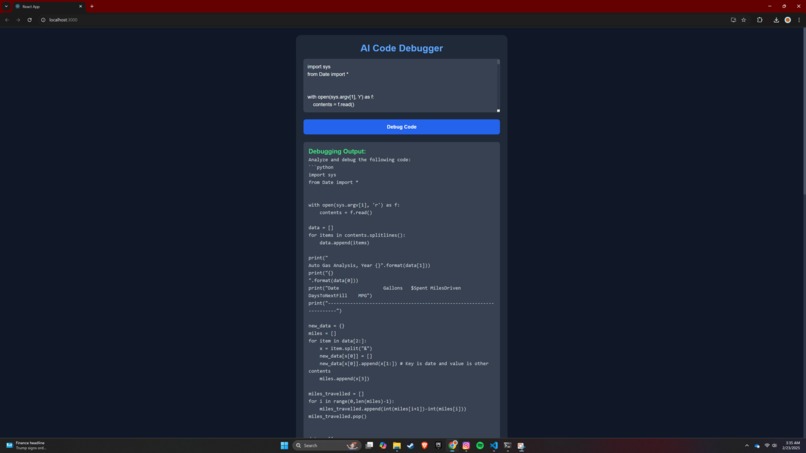
Sample Output
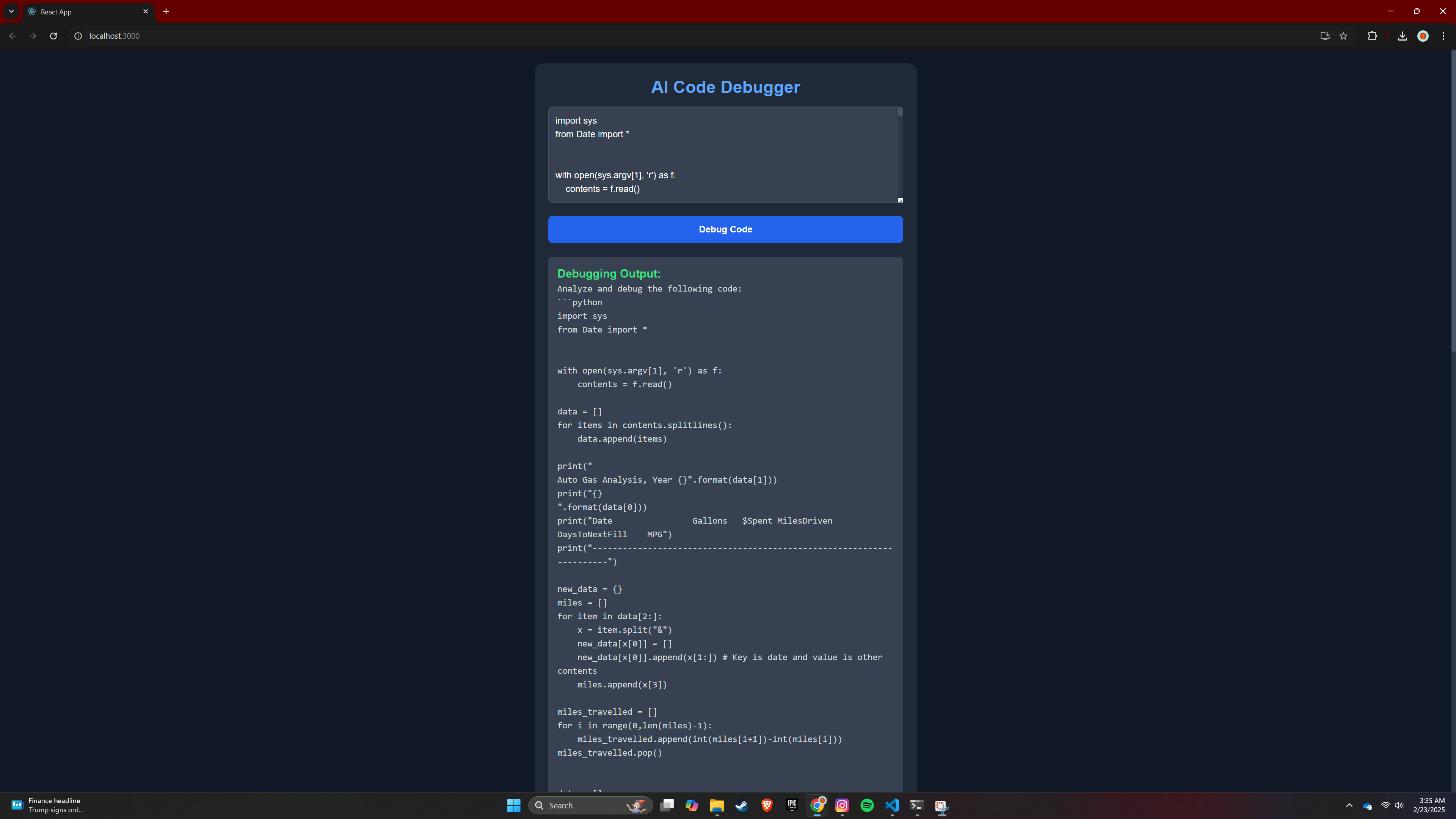
🚀 AI Code Debugger – Project Overview
🌟 Inspiration
The inspiration for this project came from the struggles beginner programmers face when debugging code. Traditional debugging tools often require deep technical knowledge, making it difficult for students and new developers to understand their errors clearly. By leveraging Generative AI, we aimed to create a smart code debugging assistant that not only detects issues but also explains them in simple terms.
🛠️ How I Built It
We developed the AI Code Debugger using a combination of modern technologies to ensure a smooth user experience and powerful AI capabilities.
Frontend (React + Chakra UI)
- Built with React.js for a dynamic, interactive UI.
- Used Chakra UI for a component-based, accessible design.
- Axios for handling API requests to the backend.
Backend (Flask + AI Model Integration)
- Developed a Flask API to handle debugging requests.
- Initially used OpenAI GPT-4, later switched to LLaMA.cpp (Mistral 7B) for local AI inference.
- Used LangChain for structured AI responses.
AI Model (LLaMA.cpp + Mistral 7B)
- Integrated Mistral 7B to perform on-device debugging.
- Eliminated API costs and rate limits by using a local AI model.
Deployment (Future Plan)
- Planning to deploy the frontend on Vercel or Netlify.
- Backend could be hosted on Render/Railway with a GPU instance for AI processing.
🚧 Challenges We Faced
1. Chakra UI Integration Issues
- Faced dependency conflicts with
react19. - Fixed by downgrading React to v18 for better compatibility.
2. OpenAI API Limitations
- Quota exceeded and high API costs forced us to switch to LLaMA.cpp.
- Challenge: Setting up Mistral 7B on Windows (CMake, CUDA, and GPU issues).
- Solution: Used
llama.cppwithggufmodels and optimized GPU layers.
3. Windows-Specific Issues
'chakra-ui' dependency conflictsdue to peer dependencies not supporting React 19.- Fixed by using: ```sh npm install --legacy-peer-deps

Log in or sign up for Devpost to join the conversation.