-
-
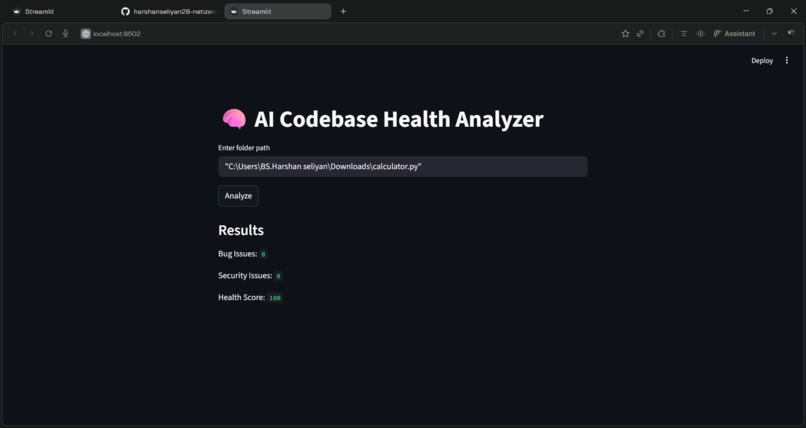
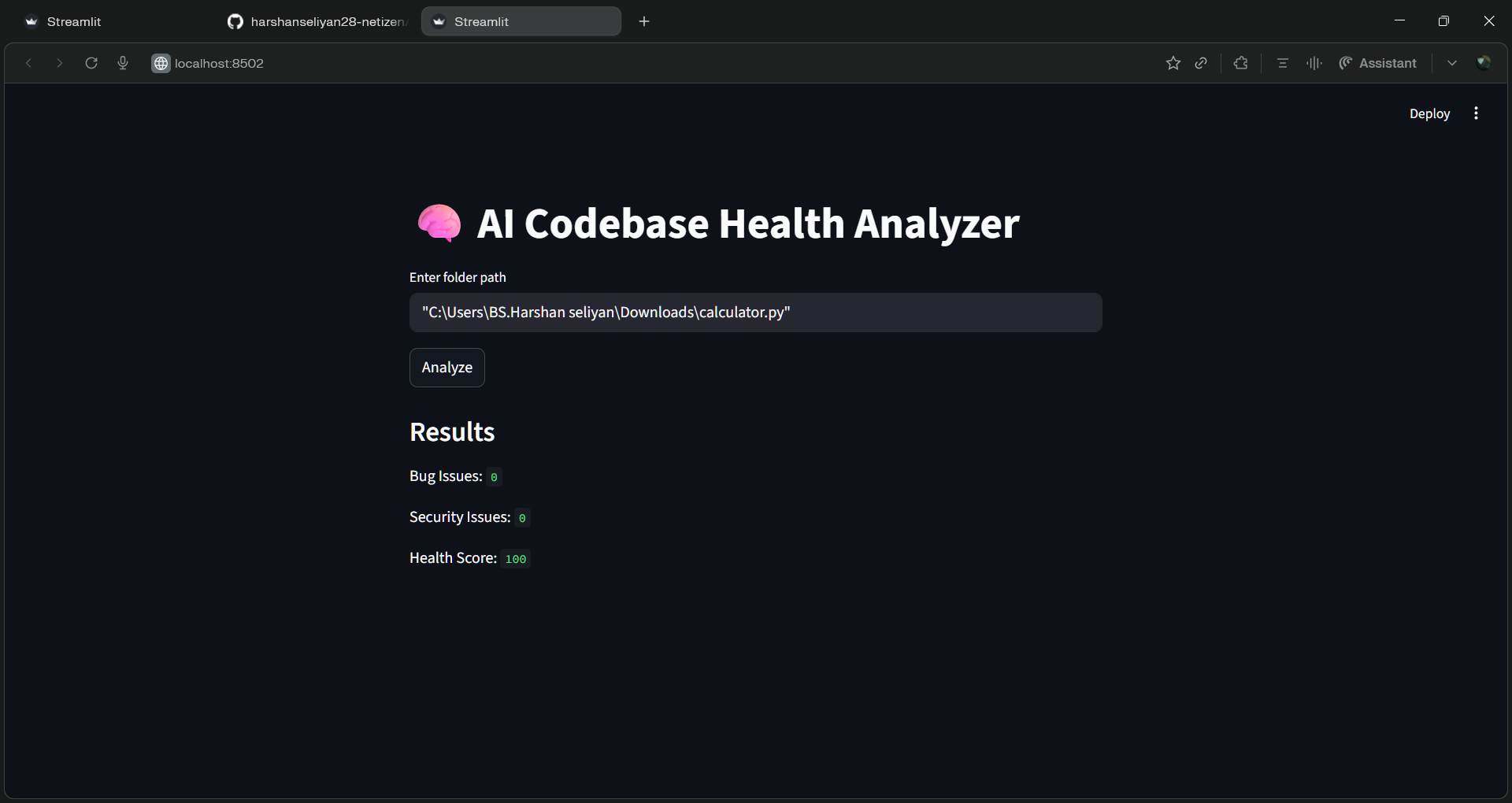
proof
Inspiration
We were inspired by the challenges developers face while debugging and improving their code efficiently. Beginners often struggle to understand errors, while experienced developers spend significant time reviewing and optimizing code. This motivated us to build an AI-powered solution that simplifies code analysis and enhances productivity.
What it does
AI Code Analyzer helps developers:
Detect errors and bugs in code Suggest improvements and optimizations Provide readability and performance insights Support multiple programming languages Give instant feedback using AI
It acts like a smart assistant that reviews your code and guides you to write better, cleaner, and more efficient programs.
How we built it Frontend: Streamlit for a simple and interactive UI Backend: Python AI Integration: OpenAI API (or any LLM) for code analysis Logic: Input code → Process with AI → Display suggestions and improvements Challenges we ran into Integrating AI responses in a structured and readable way Handling different programming languages correctly Managing API responses and latency Designing a clean and user-friendly interface Fixing environment/setup issues (like Streamlit errors) Accomplishments that we're proud of Successfully built a working AI-powered code analyzer Created a simple UI that anyone can use Achieved real-time code feedback Completed the project within hackathon time constraints What we learned How to integrate AI into real-world applications Building and deploying apps using Streamlit Handling errors and debugging efficiently Importance of UI/UX in developer tools Working under pressure in a hackathon environment What's next for AI Code Analyzer Add support for more programming languages Improve accuracy of AI suggestions Add code auto-fix feature Integrate with IDEs like VS Code Enable team collaboration features Deploy as a web platform for public use
Built With
- api
- openai
- python
- streamlit
- vs


Log in or sign up for Devpost to join the conversation.