-
-
AI classroom
Inspiration
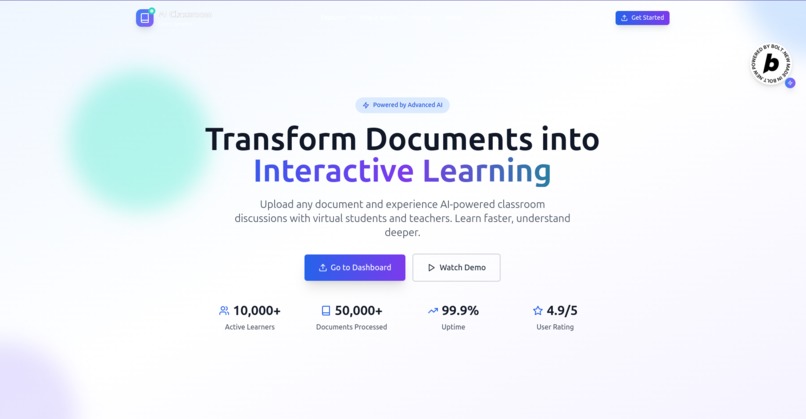
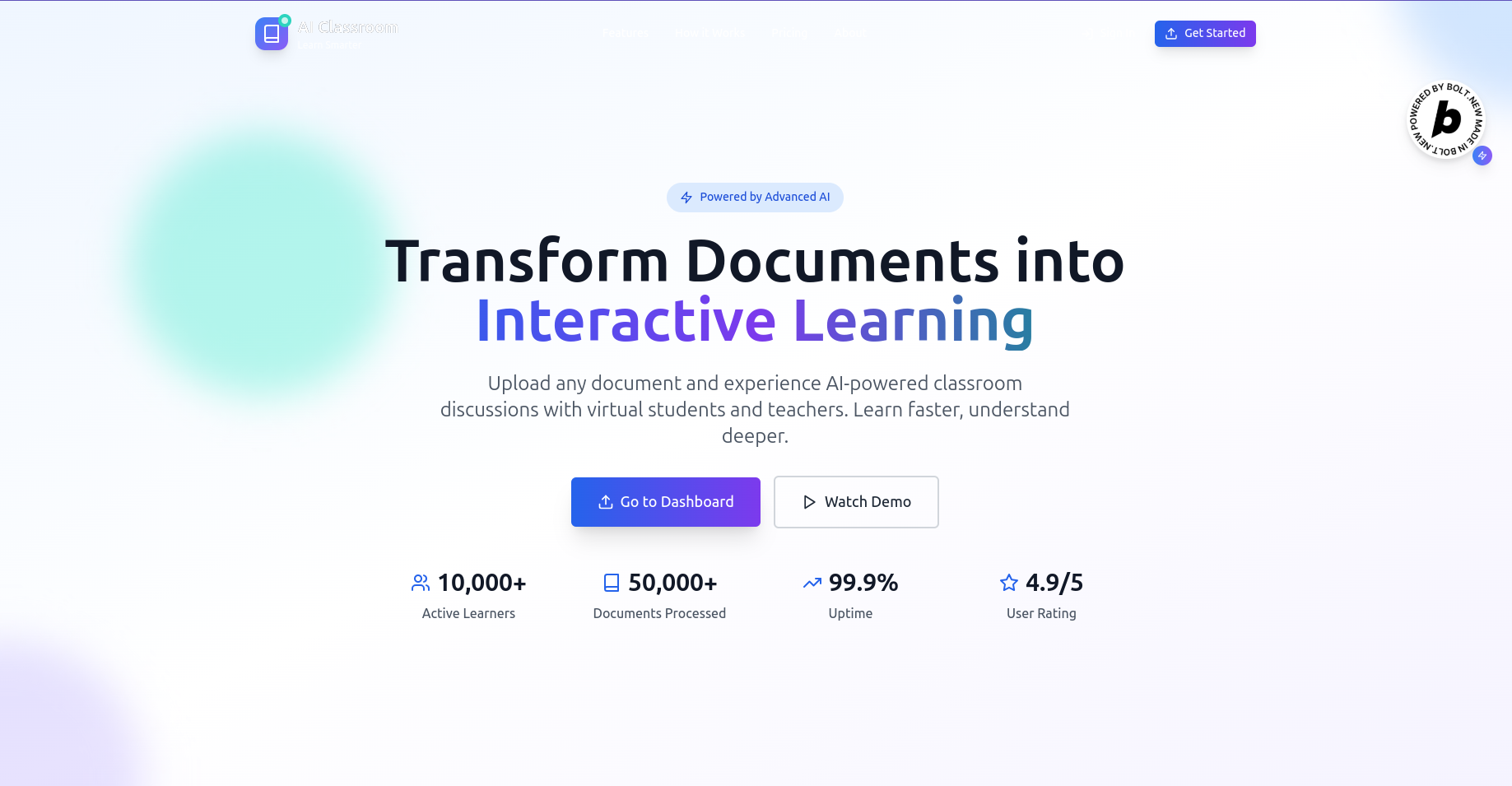
AI Classroom is a revolutionary AI-powered learning platform born from the desire to make traditional document-based learning more engaging and interactive. The Idea behind AI Classroom is to provide an optimal self leaning experience to student and other learners.
What it does
AI Classroom allows users to upload learning materials (PDFs or DOCX files) and these materials are converted to structured contents optimized for faster and more convenient learning. AI simulated classroom is generated with AI generated persona, both student and teacher persona, Users can engage in real-time conversations with AI personas, listen to realistic AI voice narration with personalized voice for each of the personas, and switch between reading and discussion modes.
How we built it
This web application was built on bolt with Text to speech integration for AI discussion, and text to speech in reading. The technology stacks used are Node.js on the backend with Google Oauth authentication and Next.js on the frontend.
The AI layer is powered by Google Gemini 2.0 Flash, which generates context-aware discussions and teacher-student personas. We used Socket.IO to enable real-time interaction and adaptive conversations.
Challenges we ran into
- Ensuring smooth and accurate parsing of diverse document formats (especially large PDFs)
- Synchronizing AI persona conversations with dynamically changing document content
- Managing real-time discussion flows with context preservation across sessions.
Accomplishments that we're proud of
- Seamlessly integrated document analysis and AI-powered discussion in real time
- Created an immersive user experience that simulates actual classroom conversations
- Achieved responsive, accessible design.
- Enabled adaptive learning with AI personas that evolve based on user interactions.
What we learned
- How Large documents can be broken down into simpler and more structured learning using AI.
- How AI tools like Bolt can improve development speed.
- Efficient file parsing and structuring techniques for unstructured documents.
- Best practices in real-time communication and context sharing.
- The importance of accessibility and intuitive UX in edtech platforms.
What's next for AI Classroom
- Multi-user Classrooms: Enable real students to join shared sessions alongside AI personas
- Custom AI Teachers: Let users create their own teaching personas with tailored knowledge
- Assessment Tools: Auto-generated quizzes and knowledge checks based on document content
- Mobile App: Bring AI Classroom to Android and iOS for learning on the go
- Language Support: Add multilingual support for global learners
- LMS Integration: Seamless embedding with platforms like Moodle and Google Classroom
🌟 Features
📚 Document Processing
- Smart Upload: Support for PDF and DOCX files up to 50MB
- AI Analysis: Automatic content extraction and chapter generation
- Cloud Storage: Secure file storage with Cloudinary integration
🤖 AI-Powered Learning
- Interactive Discussions: Real-time classroom simulations with AI personas
- Multiple AI Voices: ElevenLabs integration for realistic speech synthesis
- Adaptive Conversations: Context-aware responses that evolve with user input
- Smart Chapter Breakdown: Automatic content structuring for optimal learning
🎯 Learning Experience
- Reading Mode: Structured content consumption with audio narration
- Discussion Mode: Interactive classroom conversations
- Auto-Read Mode: Hands-free learning with automatic progression
🔐 Authentication & Security
- Google OAuth: Secure authentication with Google accounts
- Session Management: Persistent login sessions with MongoDB storage
- User Profiles: Personalized learning experiences
- Data Privacy: Secure handling of user documents and data
🎨 Modern UI/UX
- Responsive Design: Optimized for desktop, tablet, and mobile
- Apple-Inspired Design: Clean, intuitive interface with smooth animations
- Accessibility: WCAG compliant design for inclusive learning
🚀 Technology Stack
Frontend
- Framework: Next.js 14 with TypeScript
- Styling: Tailwind CSS with custom design system
- Animations: Framer Motion for smooth interactions
- Icons: Lucide React for consistent iconography
- Audio: ElevenLabs TTS integration
- State Management: Zustand for client-side state
Backend
- Runtime: Node.js with TypeScript
- Framework: Express.js with modern middleware
- Database: MongoDB with Mongoose ODM
- Authentication: Google OAuth 2.0 with Session authentication
- File Processing: PDF parsing and DOCX text extraction
- AI Integration: Google Gemini for content generation
- Real-time: Socket.IO for live discussions
- Cloud Storage: Cloudinary for file and thumbnail storage
AI & Machine Learning
- Content Generation: Google Gemini 2.0 Flash
- Voice Synthesis: ElevenLabs API
- Document Processing: Advanced text extraction and analysis
- Conversation AI: Context-aware discussion generation
Built With
- bolt
- elevenlabs
- nextjs
- node.js


Log in or sign up for Devpost to join the conversation.