-
-
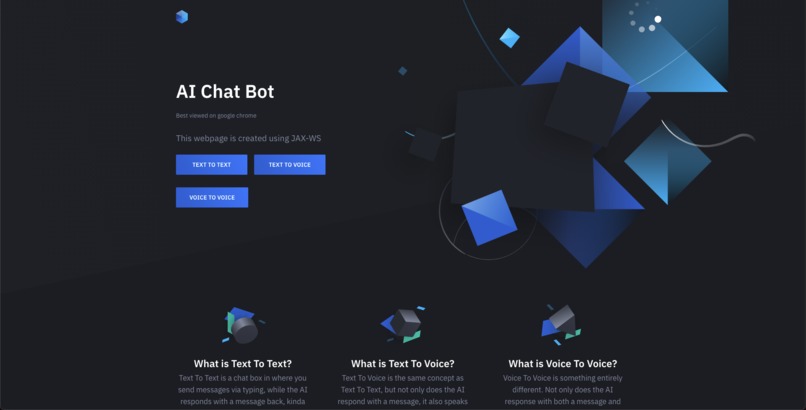
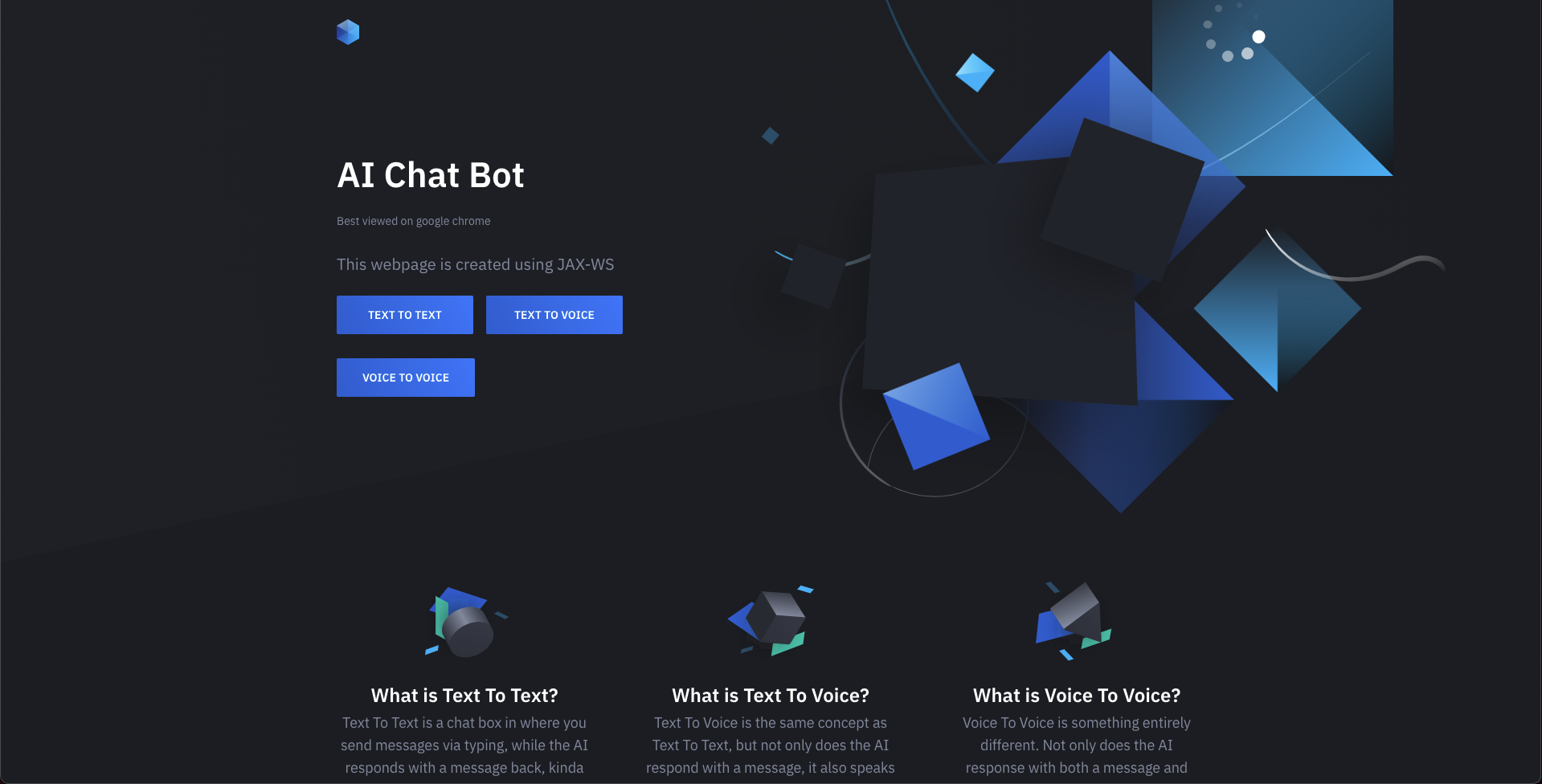
Home page.
-
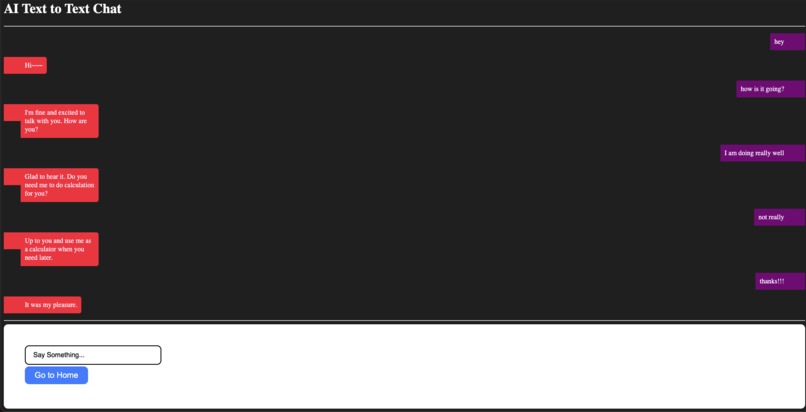
What the Text To Text page looks like.
-
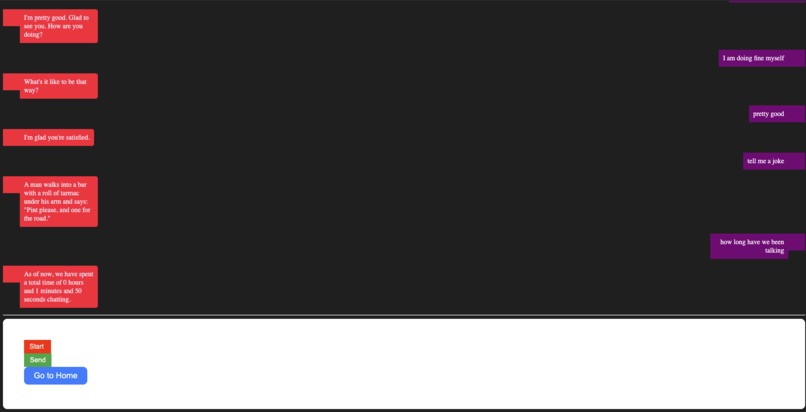
What the Voice To Voice page looks like. This is also showing "special command" where you can see how long you have been chatting.
-
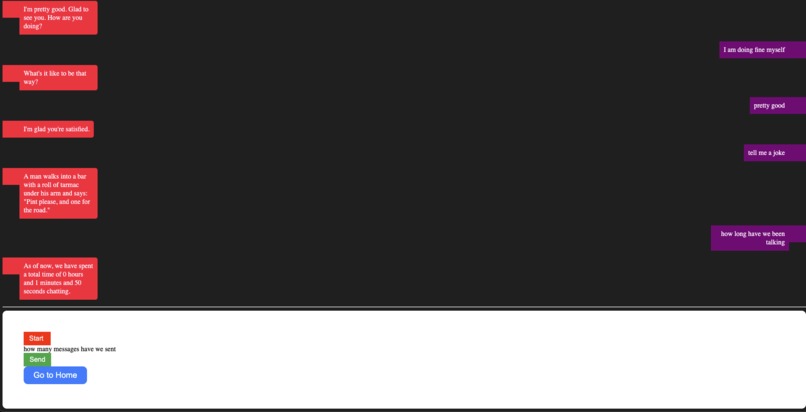
What the Voice To Voice page looks like when you are speaking.
-
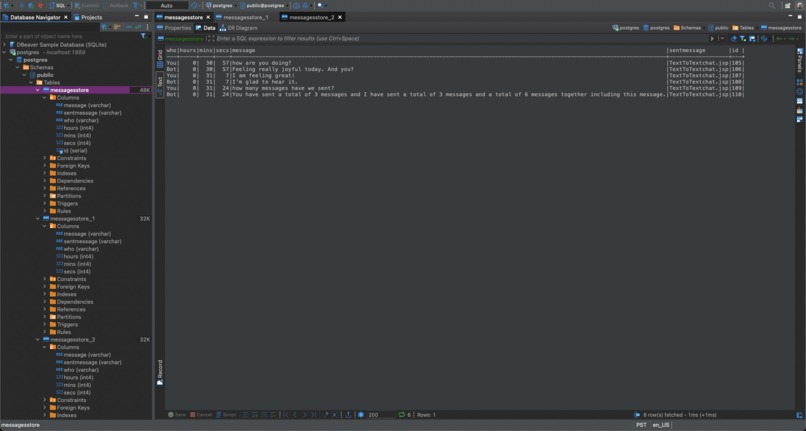
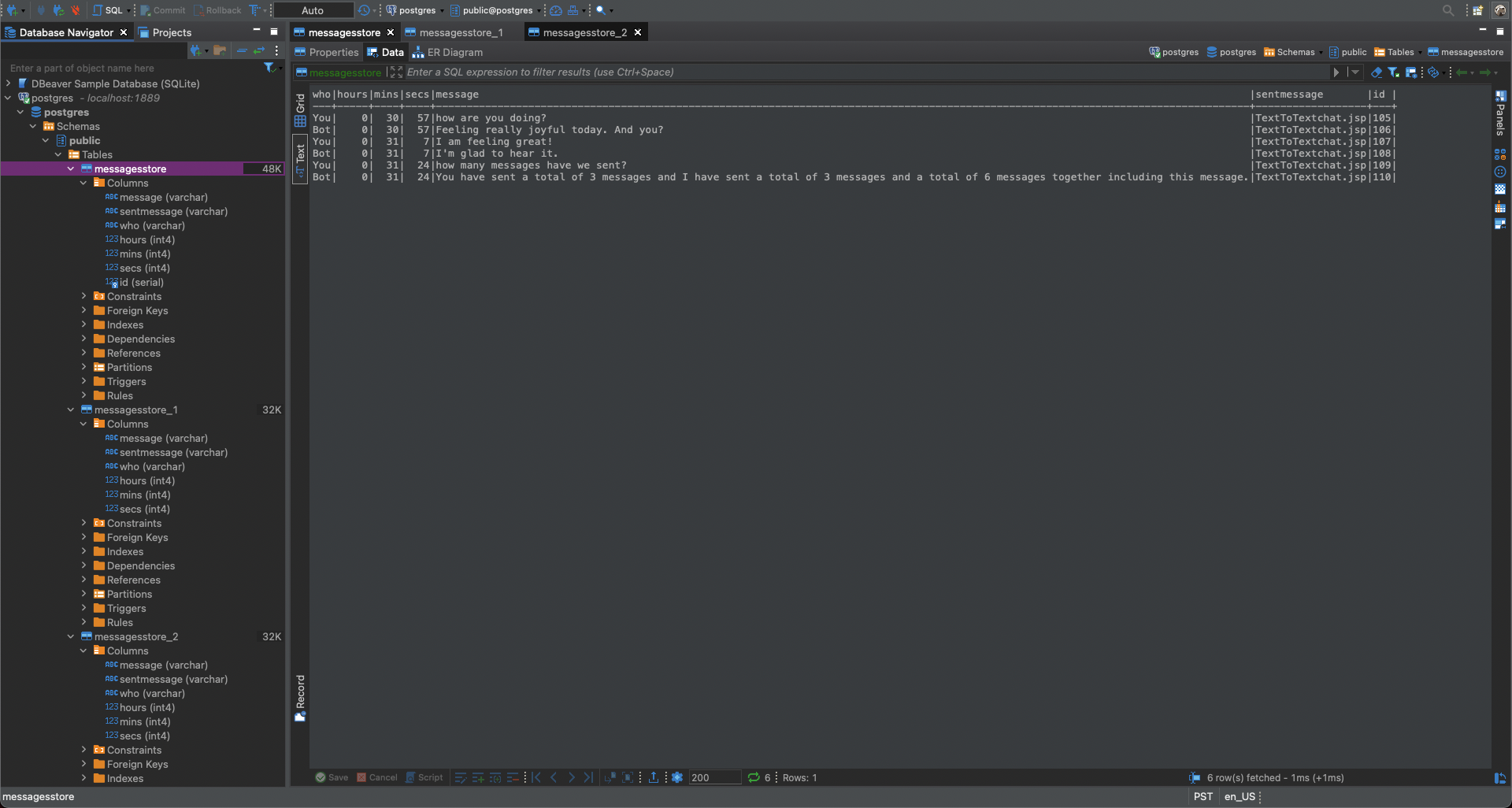
This is the Dbeaver IDE, and shows the data from the table that corresponds to Text To Text.
-
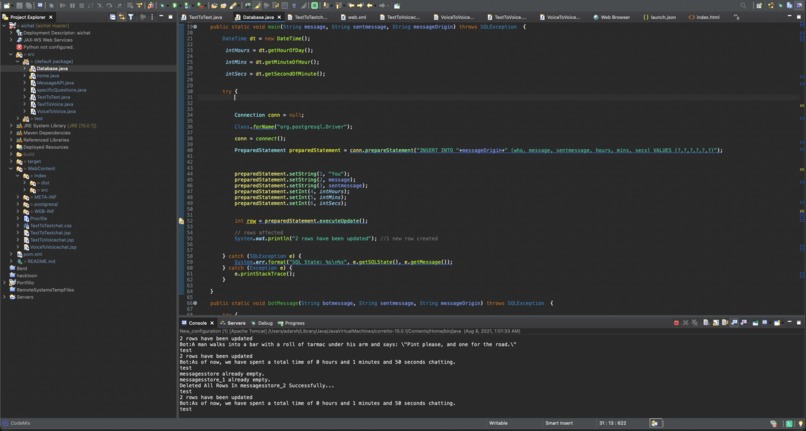
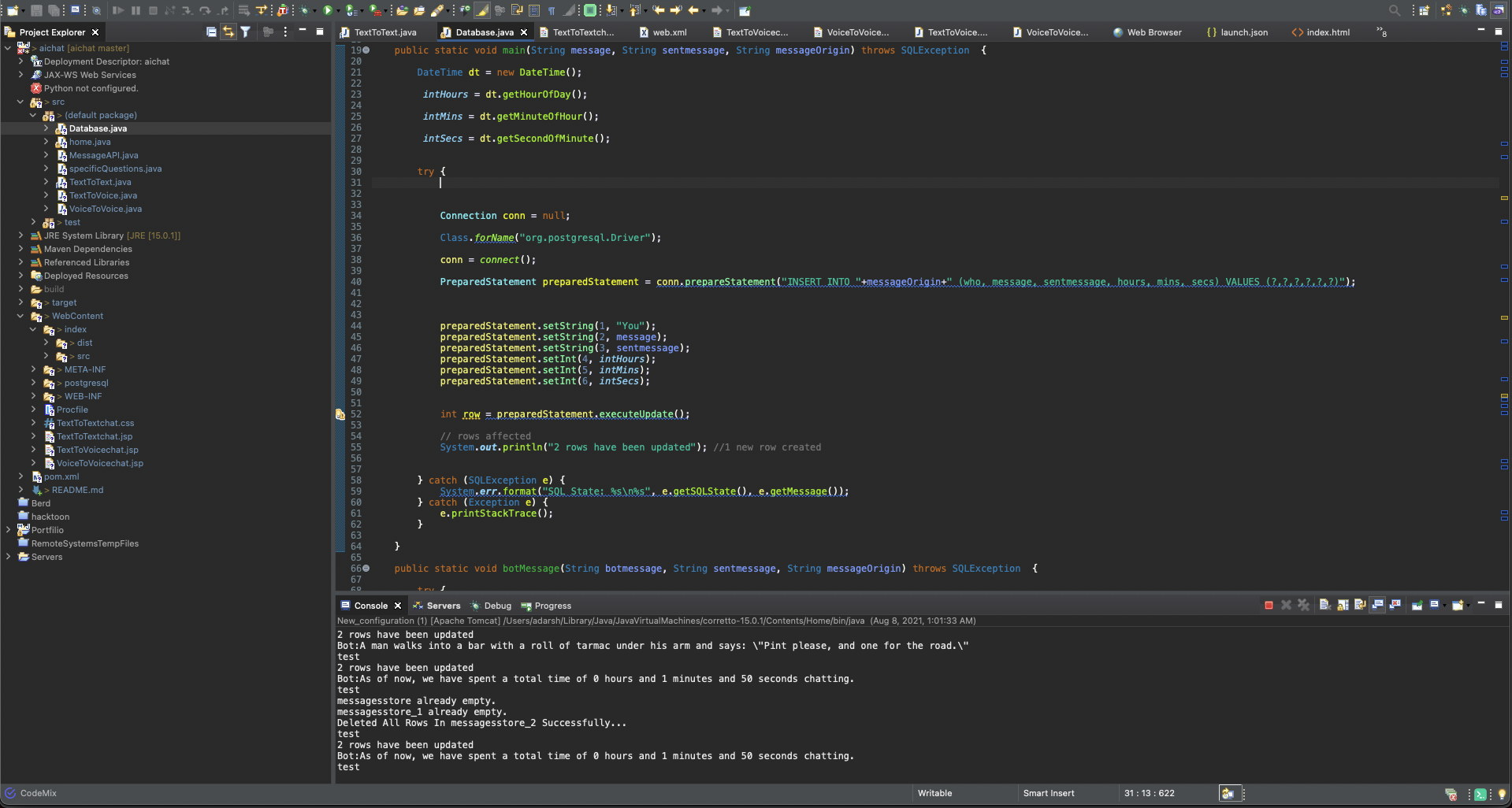
This is the JDBC class that pulls and pushes data to and from the database.
-
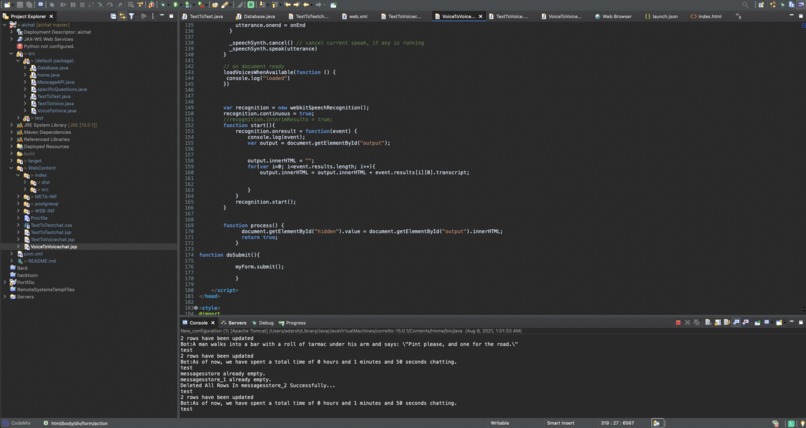
This is the WebSpeech API by google.This only works on chrome and is inside in Voice To Voice.This is how your speech is becoming words.



https://boogeyman.us/ai-chat
This is the Home Page of my project, its just a static page but it shows all the main functionality.
Inspiration
My inspiration for this was back to school. Some of us haven't had a lot of social interaction or spoken to people outside your family. And instead of gaming, you could talk to a person that is well, fake.
What it does
This application is a way to speak, and be spoken back to. It is a webpage that lets you speak, and in return an AI will speak back. It also keeps track of the conversation ex: how long the conversation is, how many messages you have sent.
How I built it
Well it started with making a pretty simple chatbot on a webpage. Using JSP, the user would send a message, it would run through an API, the chatbot API, and it could come up with a response, and sending that back. And then with that, I created other "versions". So for the thing that I just created, you would have to type a response and send it to the bot and it would send a message only. Then I created another so called "version" where you would type a message but the bot would speak, yes I said speak, its response. Its using a google TTS API. And then I created the "best version" yet. I used a google web speech API only works on chrome so you could speak your messages, and it would speak back. Just like having a real conversation. Then I wanted to incorporate the actual chat, within the chat. So I created a PostgreSQL database and stored all the messages that were coming through as well as the time of when the message was sent. This helped me count how long the conversation is, and also how many messages have been sent. And then it was pretty much done.
Challenges I ran into
The first one was using an REST API. The ChatBot API was a rest API from rapidapi.com. The API didn't make much sense to me because this was my first time using one. However after I figured out I needed to decode it from a json form, it was amazing. The second challenge was using both the google text-to-speech and the web-speech-api. Both were challenging because I had to send the data from Java to Javascript which was really really confusing. The next challenge was using PostgreSQL entirely. This is my first time using it and it was pretty hard. The hardest part about this was that I had to query the data from the database, then compare it with new data and then create a string. It was pretty hard but I got through it! And the messages were being stored in the database but every time the user left the page, all the old data was there, so i had to clear the database, and also the contents of the page once you left it. But thats where my last challenge was. Unfortunately I couldn't overcome this because your browser doesn't allow it. Short story I needed to use the cache of a servlet, but once i left the page I needed to delete it.
There's no way a browser will let you clear its cache. It would be a huge security issue if that were possible. This could be very easily abused - the minute a browser supports such a "feature" will be the minute I uninstall it from my computer.
yeah its pretty sad.
Accomplishments that I am proud of
I am very proud of how everything works together. For example, you sending a message, makes it get stored in a database and lets it have a response. Also I am proud that I got the web-speech-api to work and it respons ewith another voice. I am also proud that I created a Database and I also query data from it.
What I learned
- I learned so much.
- I learned more about jsp and servlets, more about API's, REST API's, Google API's, and Library API's.
- I learned how to create and query data from a database.
- I learned how the sql language works along with JDBC.
- I learned how to pass data from Backend to front end.
What's next for AI Chat Bot
There could be anything, even an an app or something on an iPhone using Swift, for maybe on Android using Kotlin.
video link: https://www.youtube.com/watch?v=zP15ktYRMp0


Log in or sign up for Devpost to join the conversation.