-
-
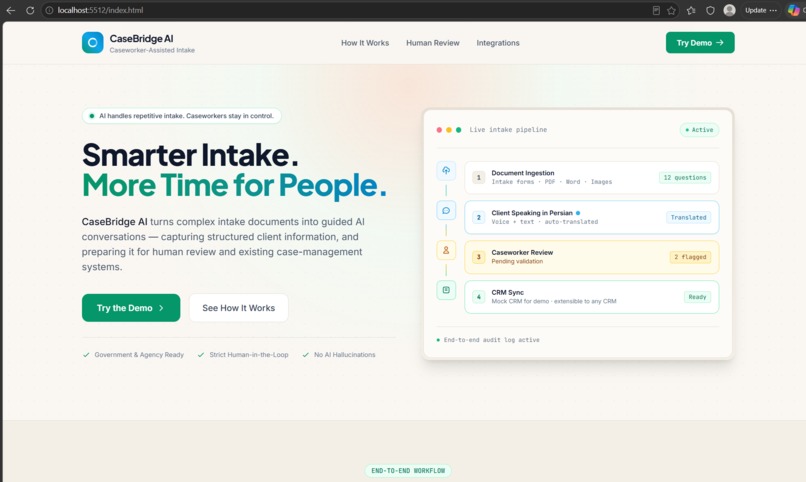
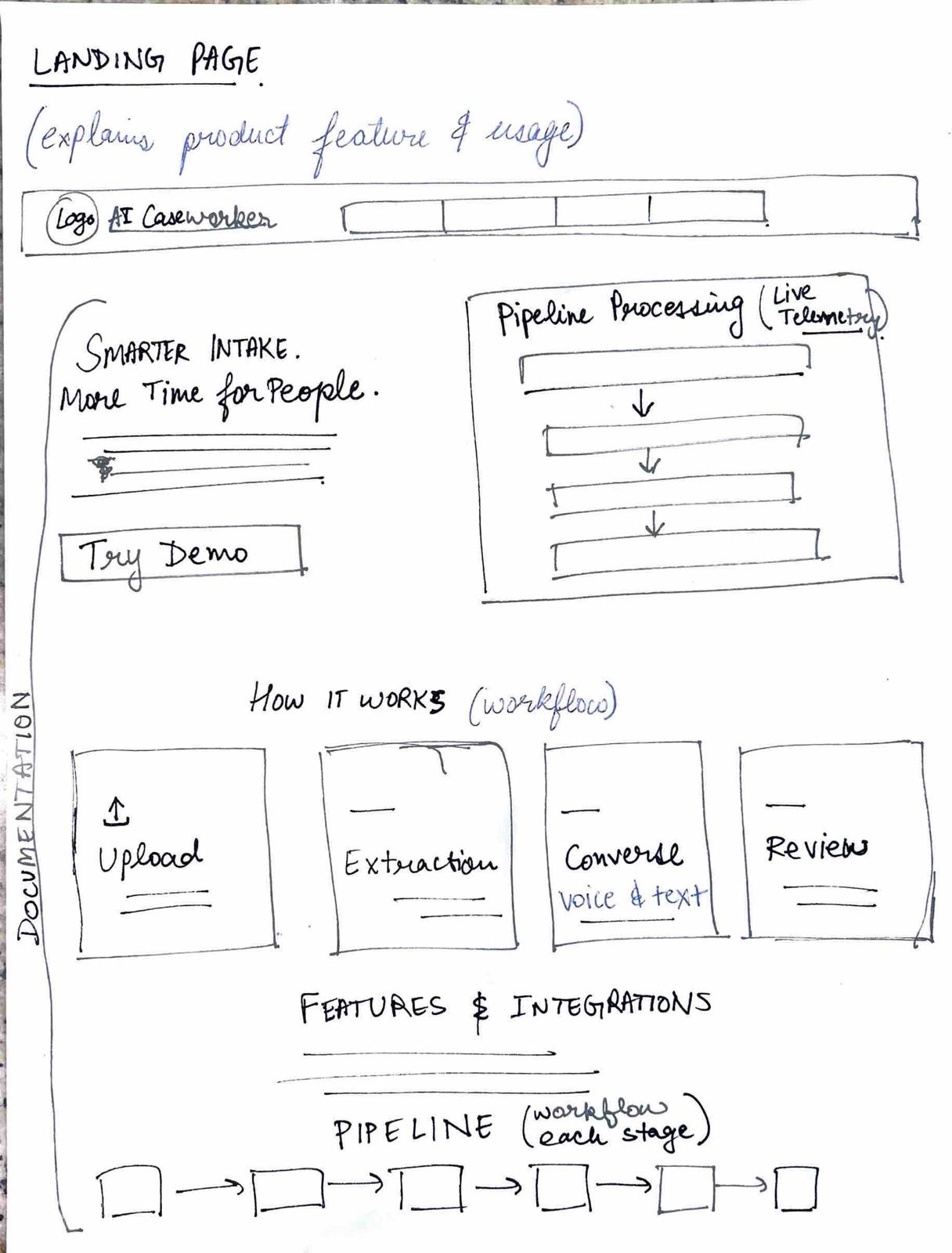
Landing Page
-
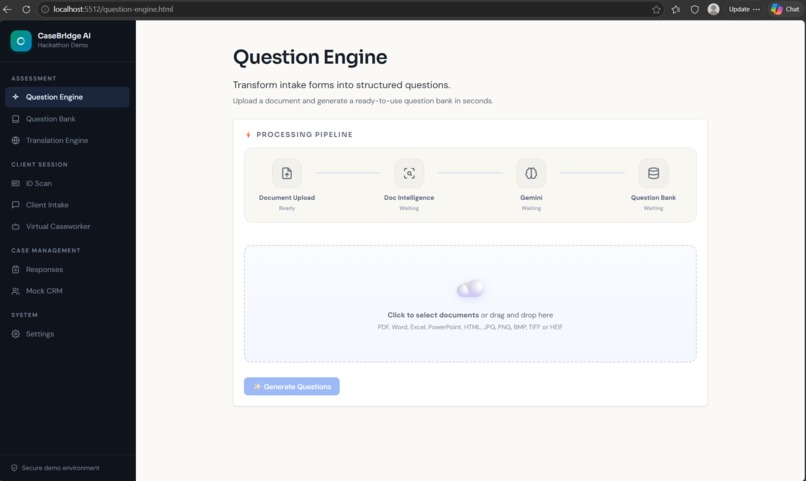
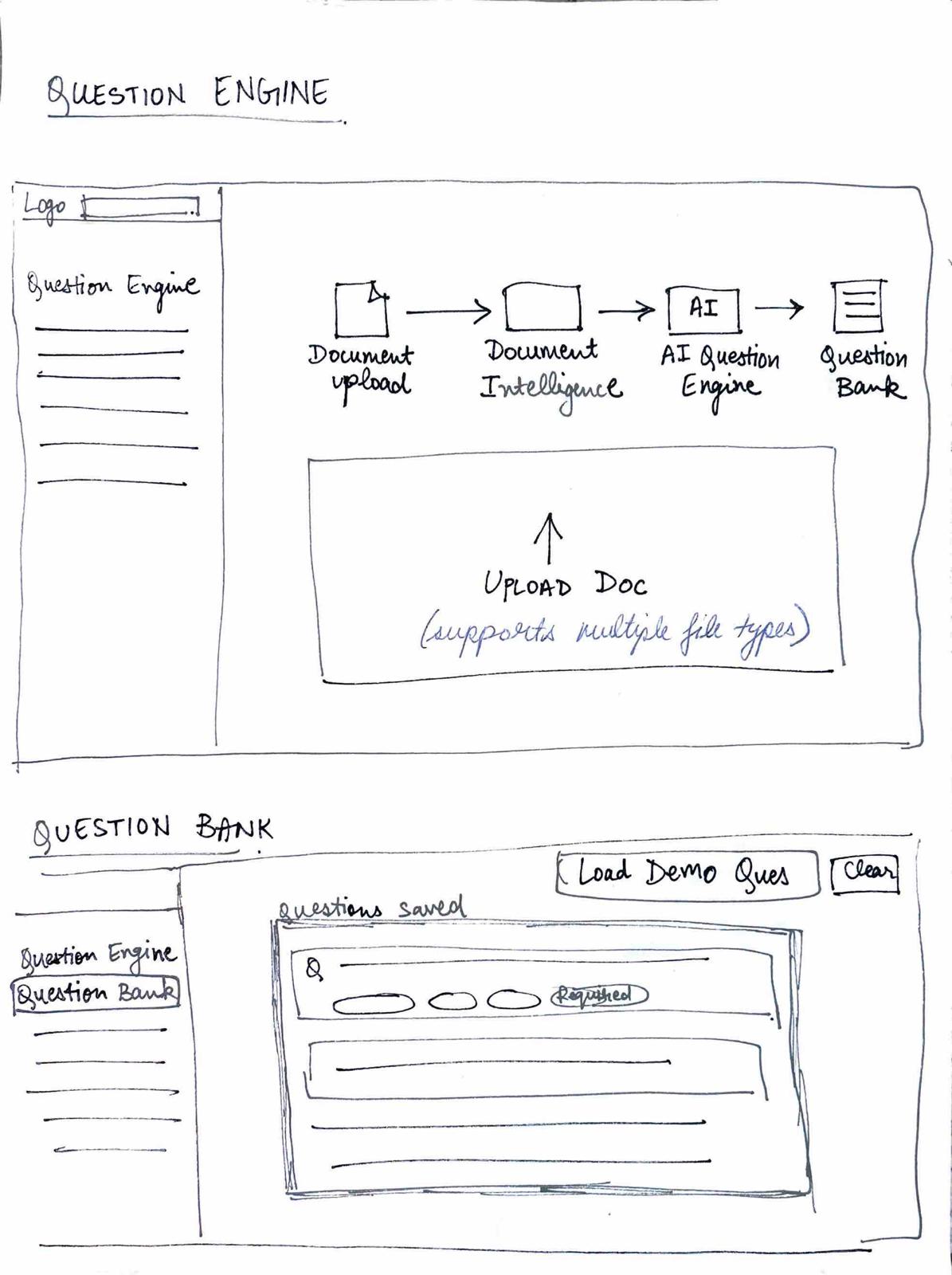
Question Engine
-
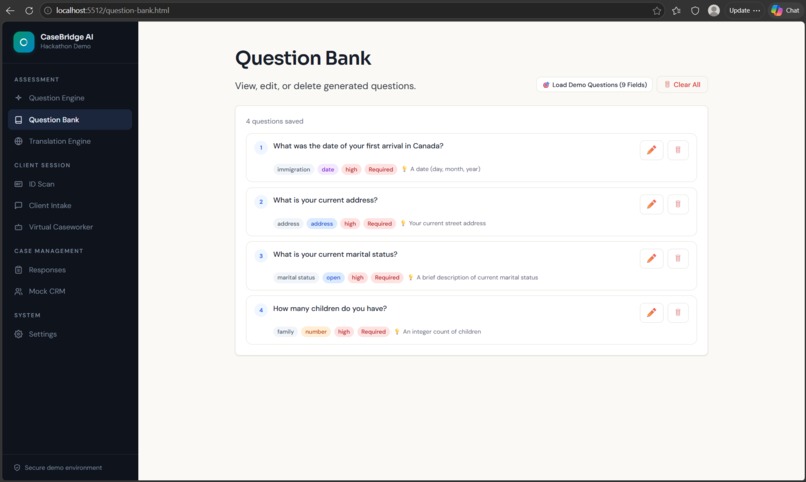
Question Bank
-
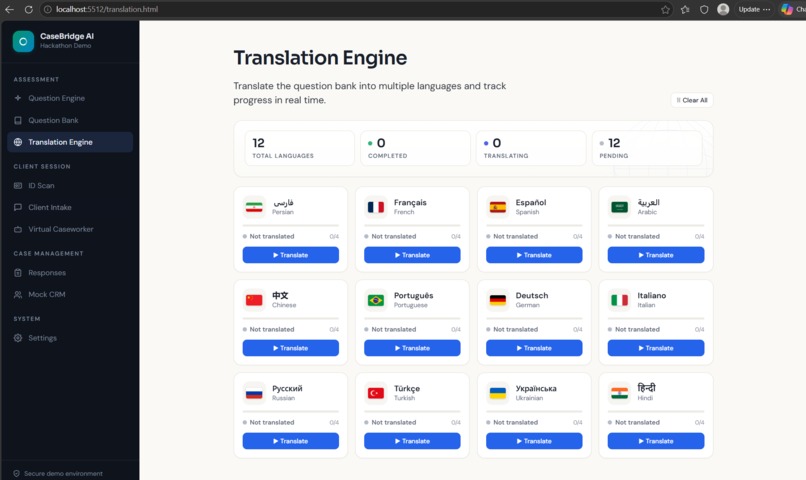
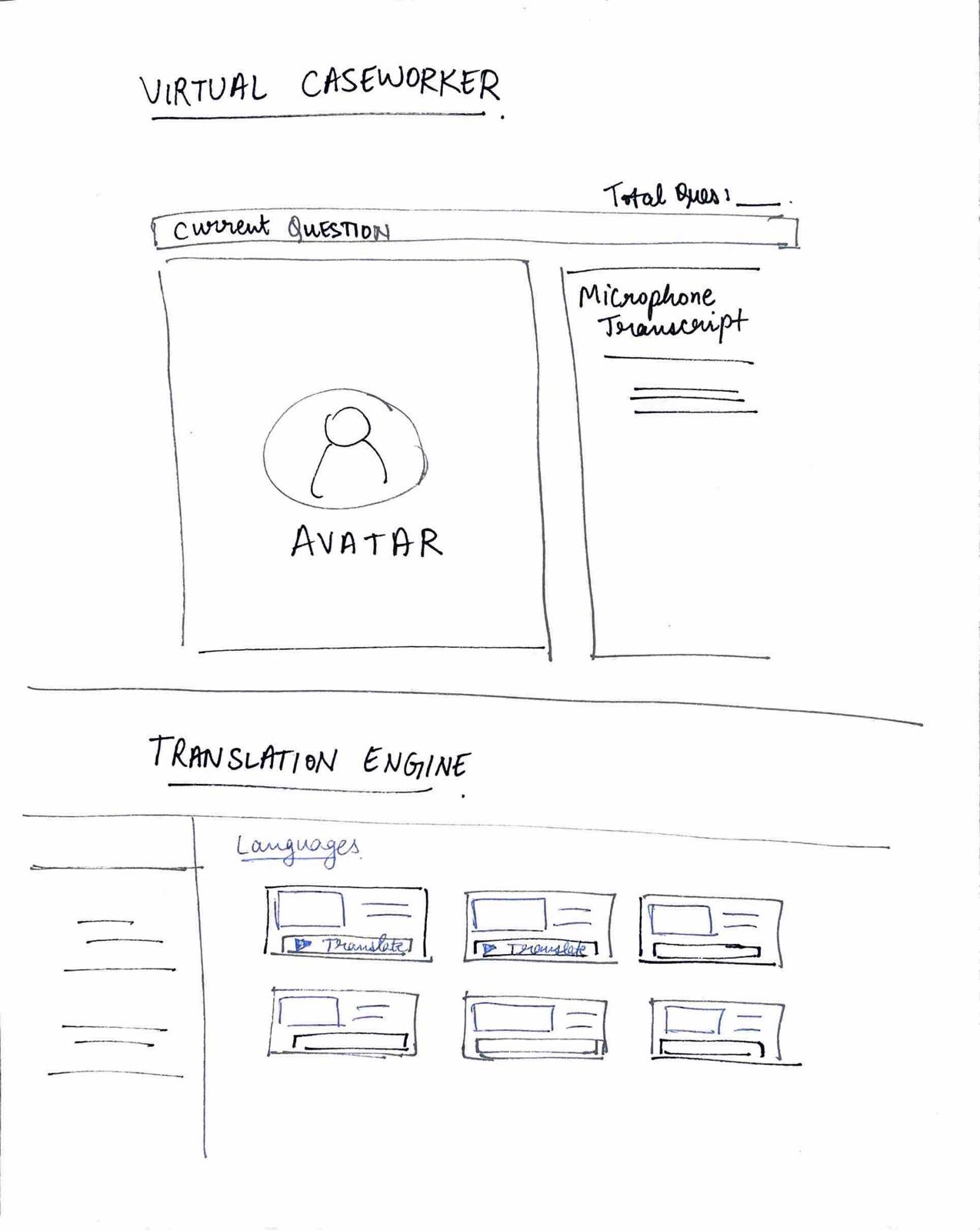
Translation Engine
-
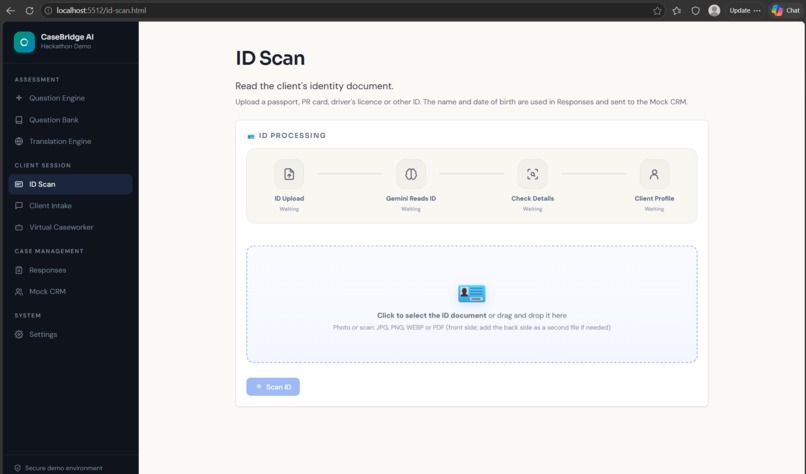
ID Scan
-
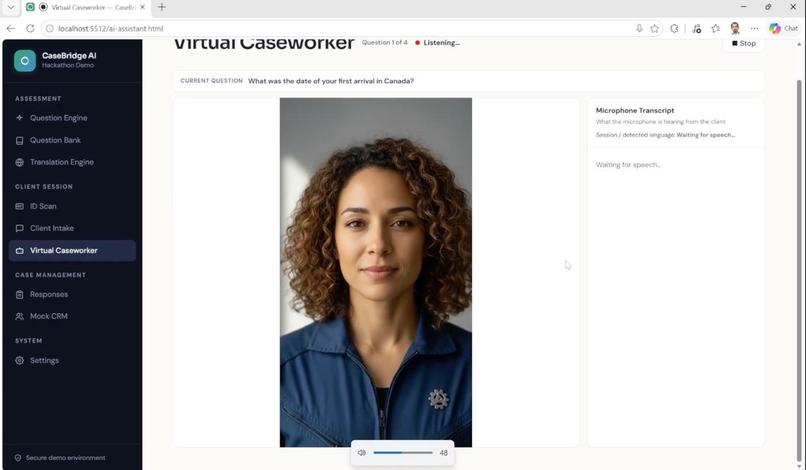
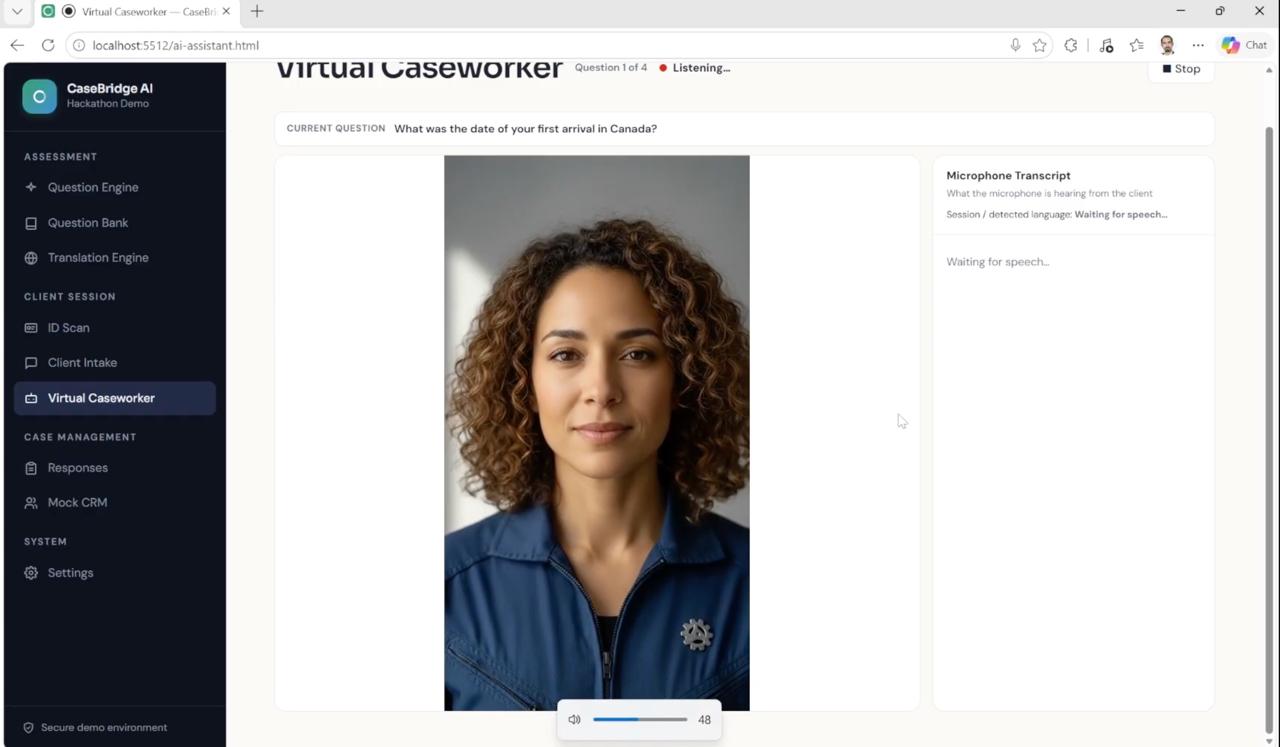
Virtual Assistant
-
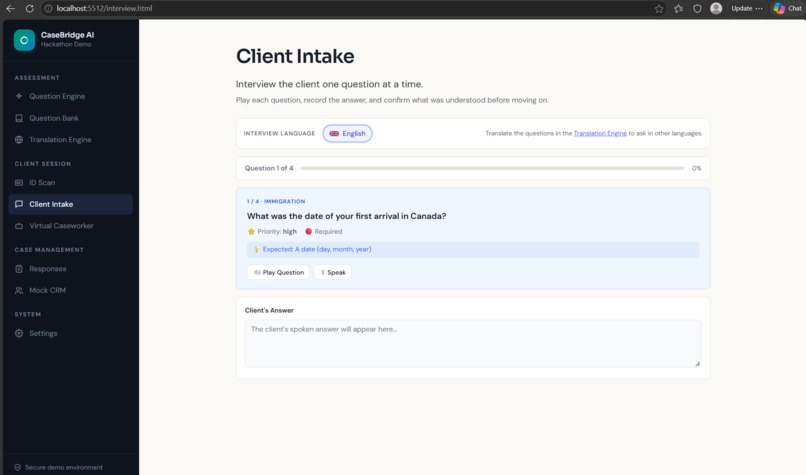
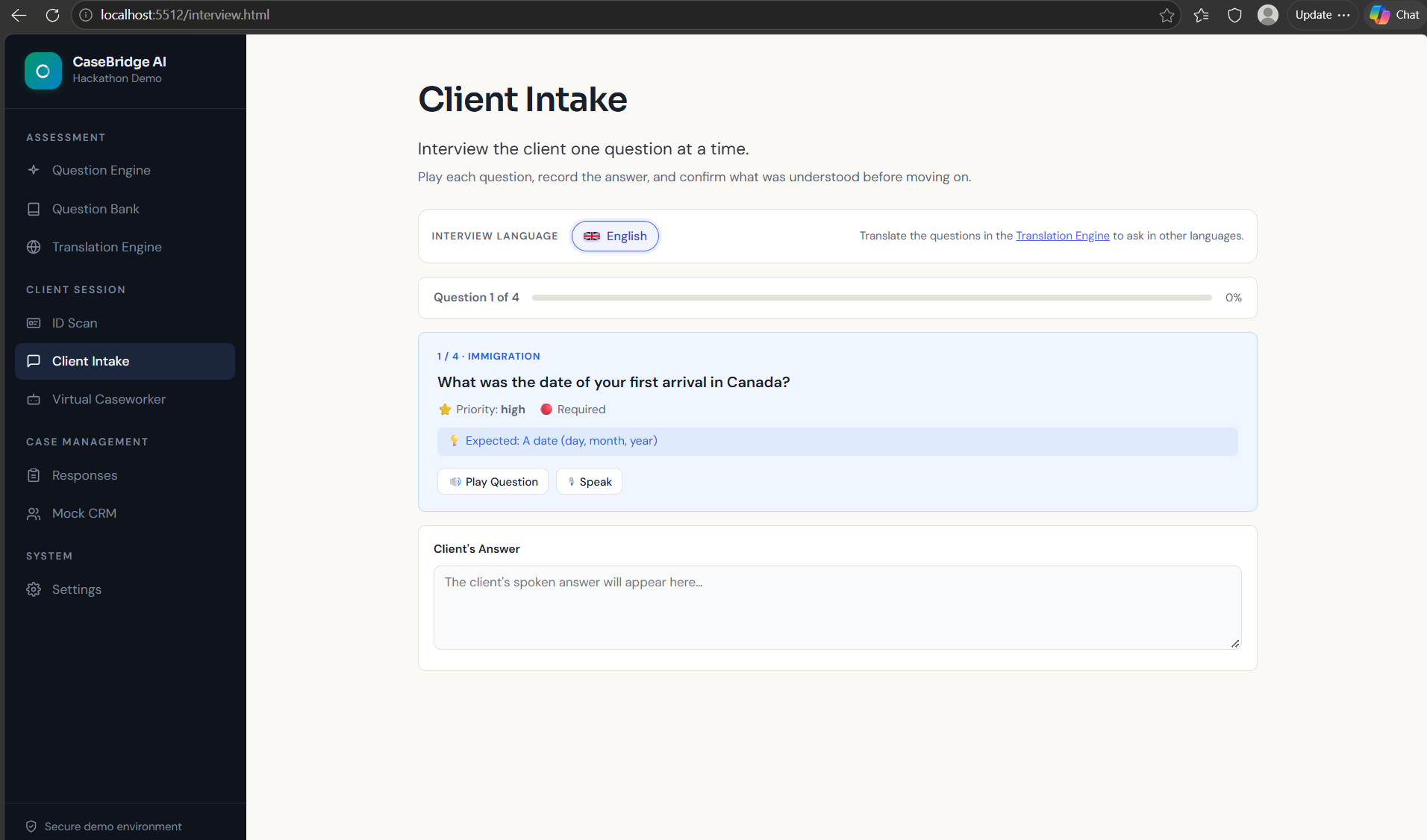
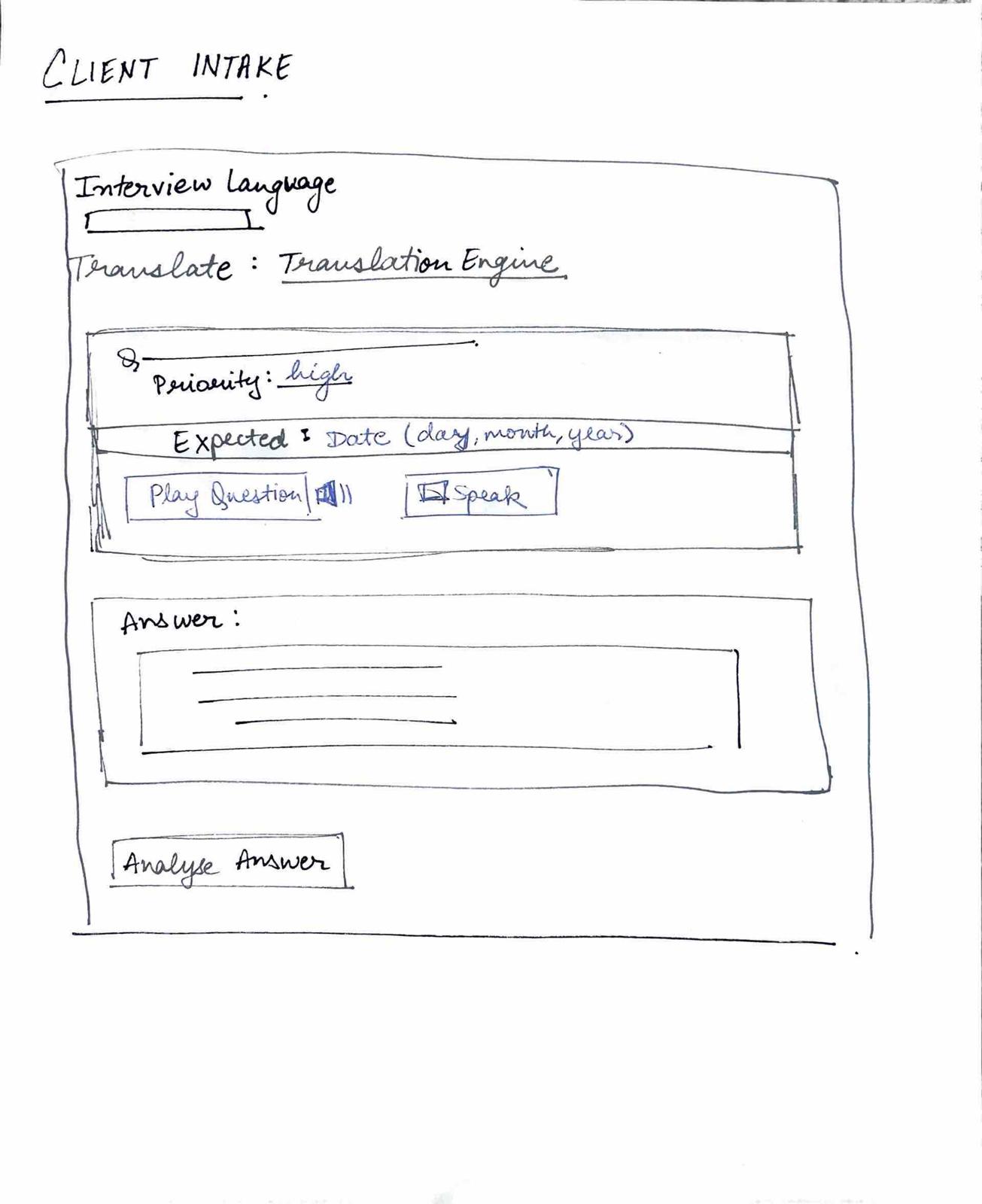
Client Intake
-
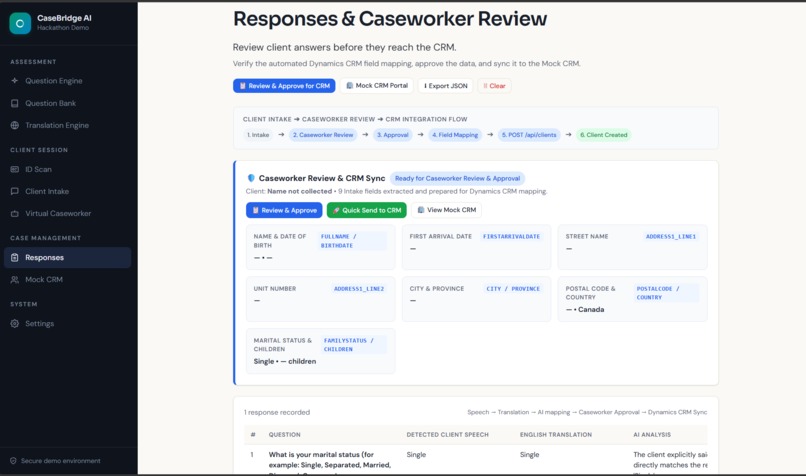
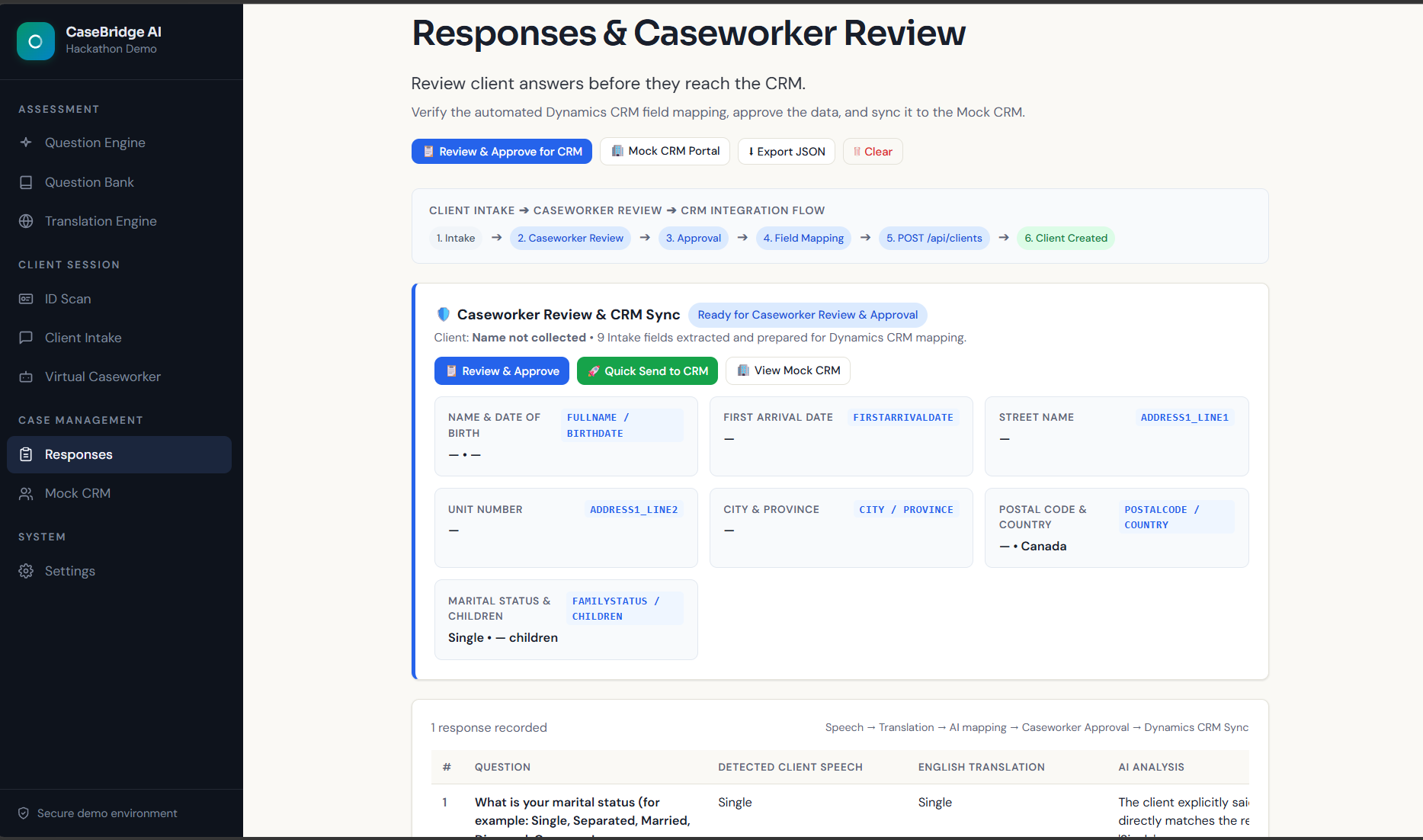
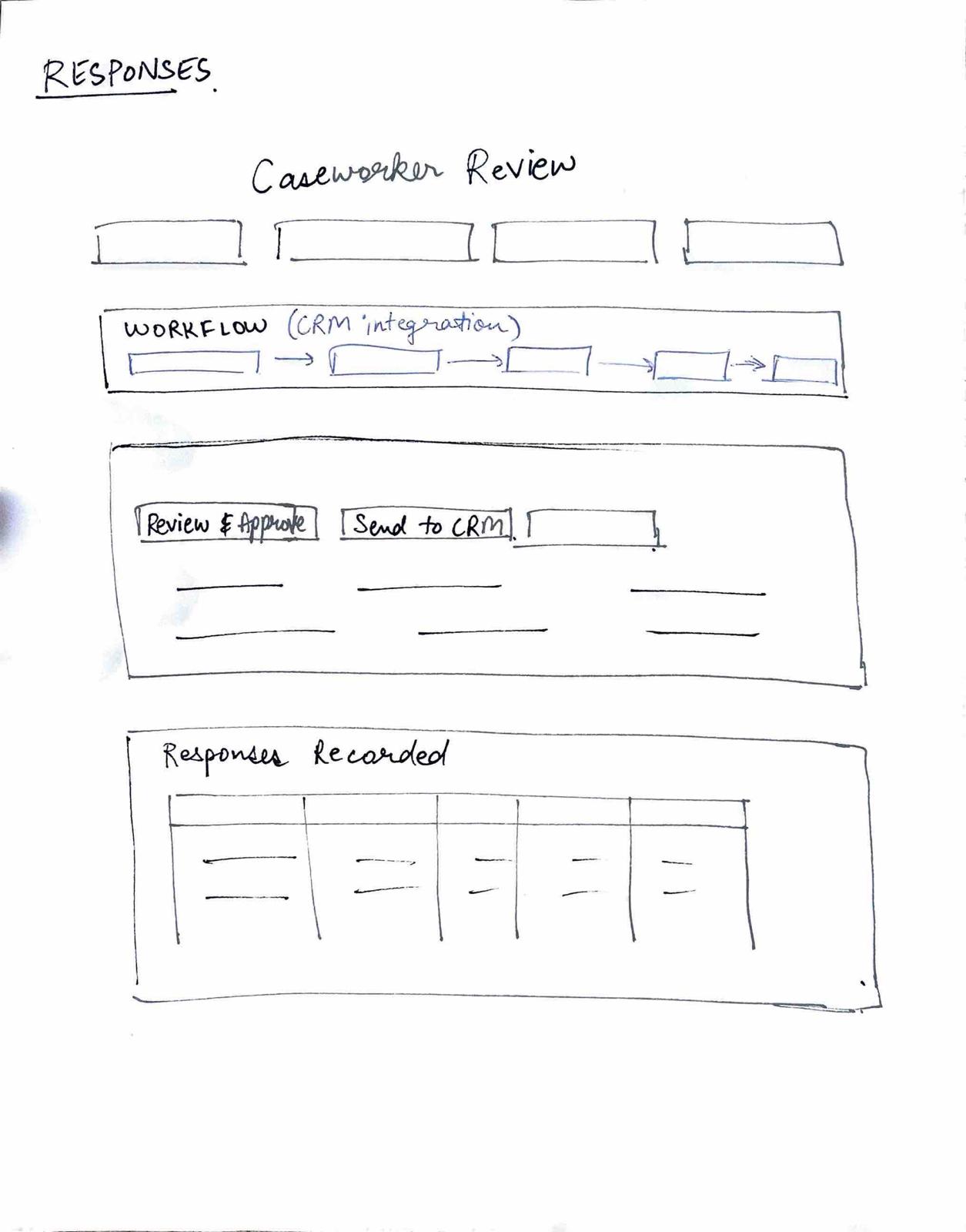
Responses
-
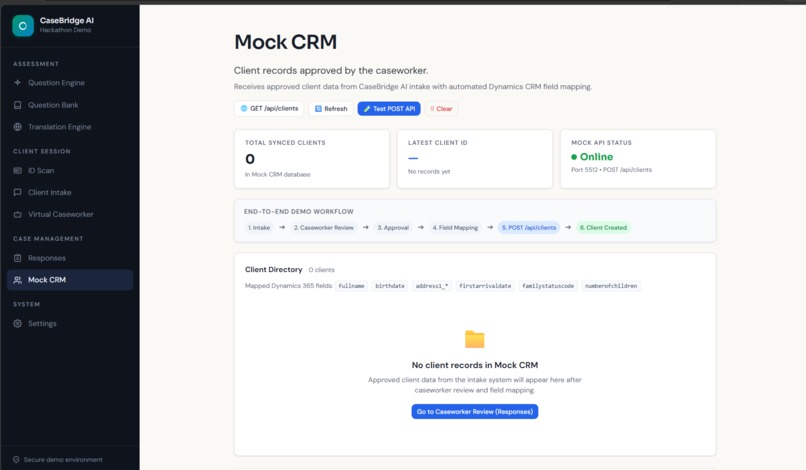
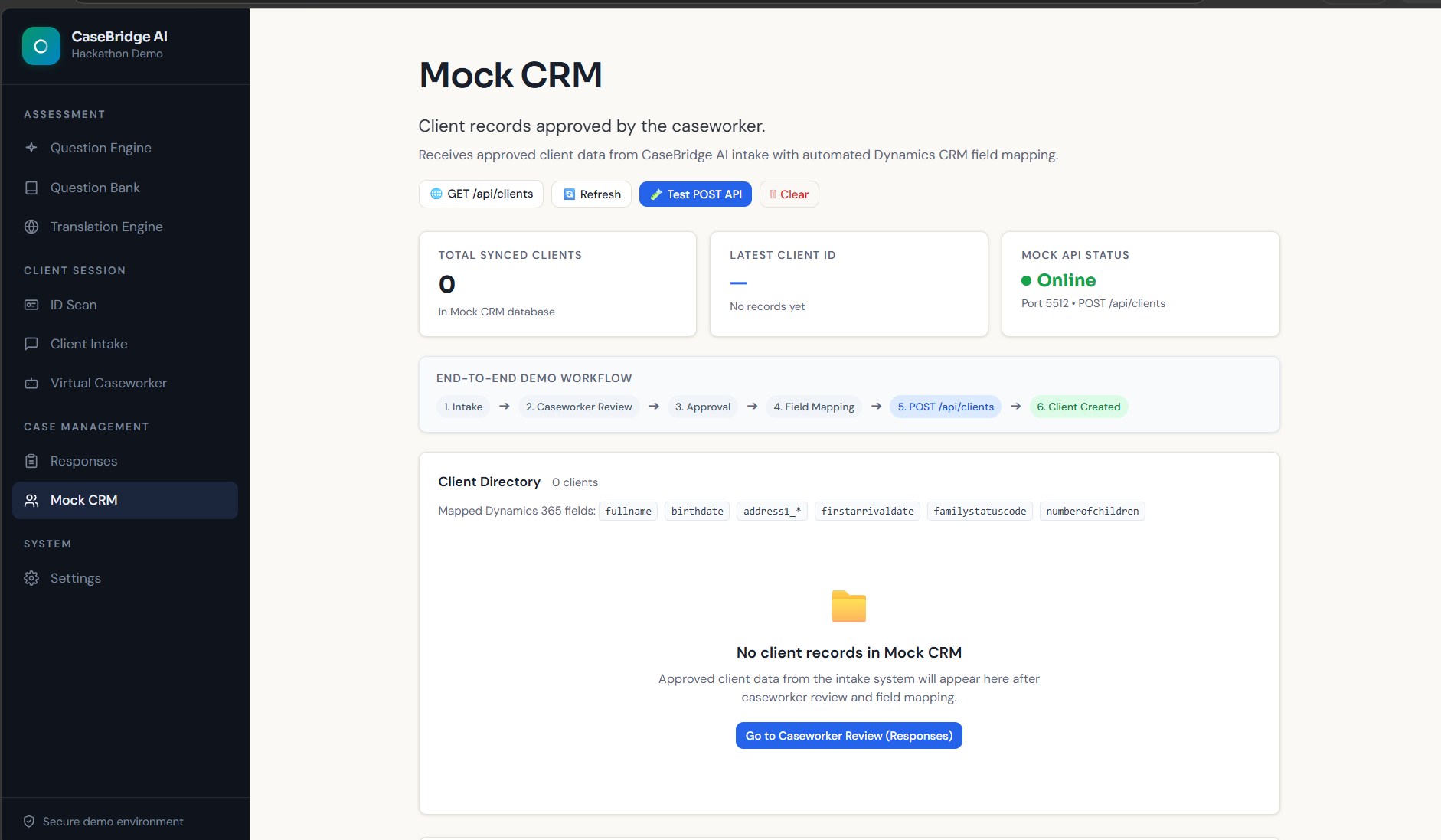
Mock CRM
-
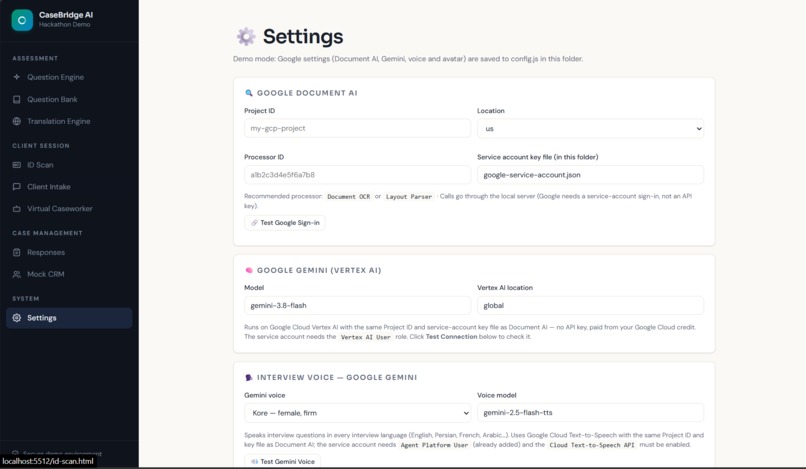
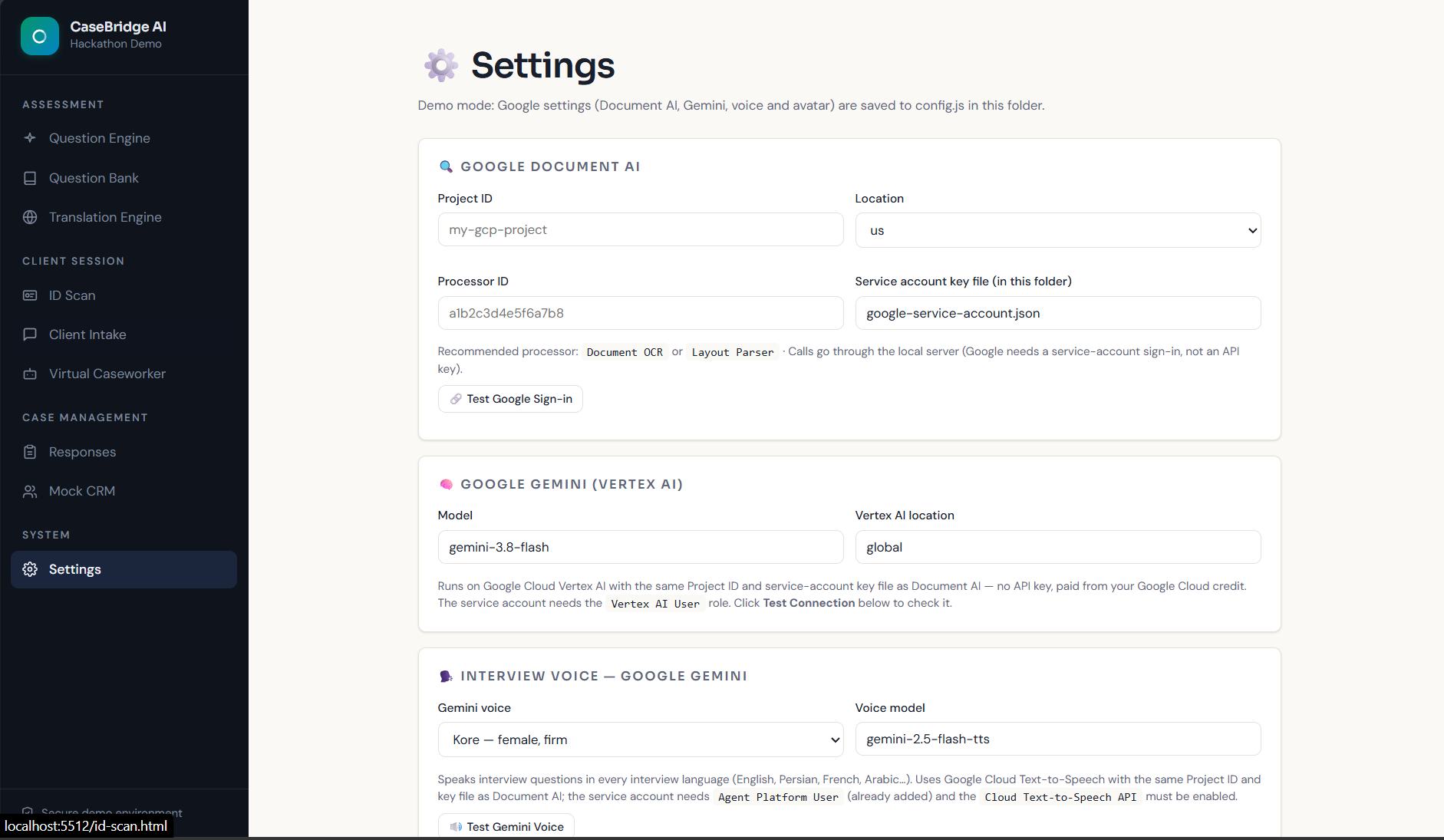
Settings
-
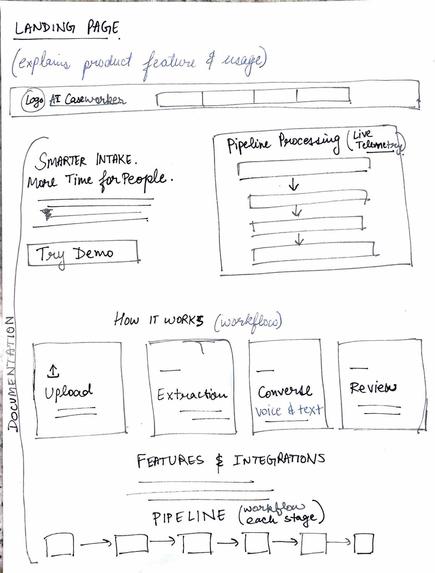
Landing-page Mock Design
-
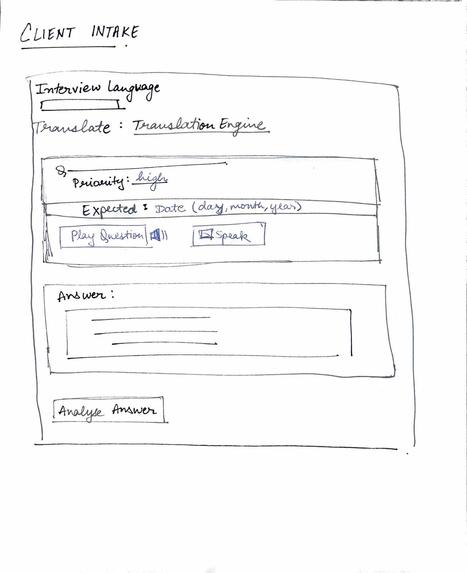
Client-intake Mock Design
-
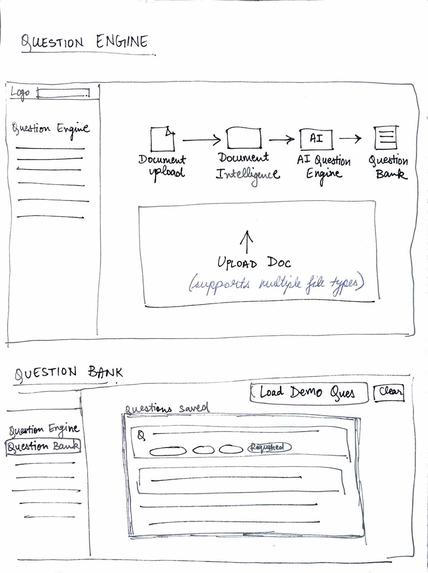
Question-engine Mock Design
-
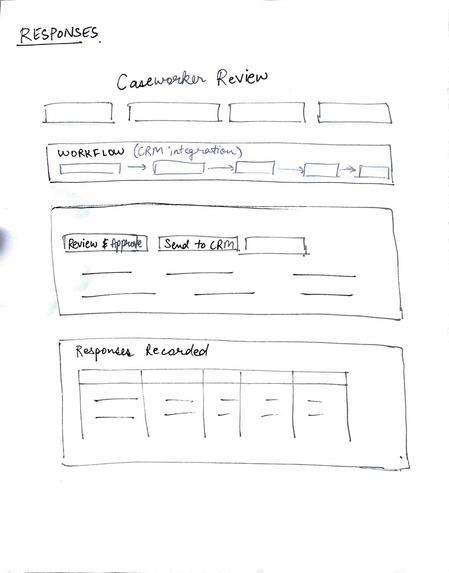
Responses Mock Design
-
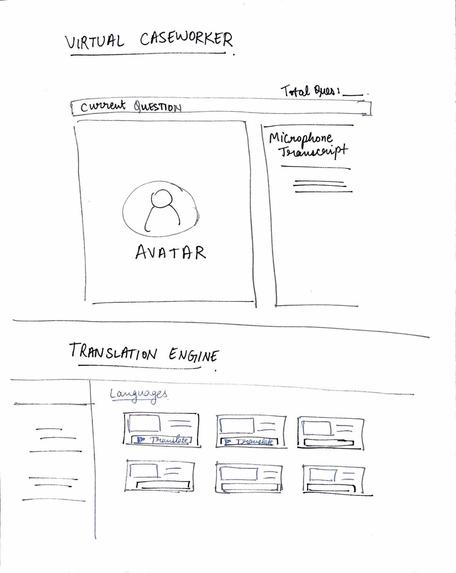
Virtual-caseworker Mock Design
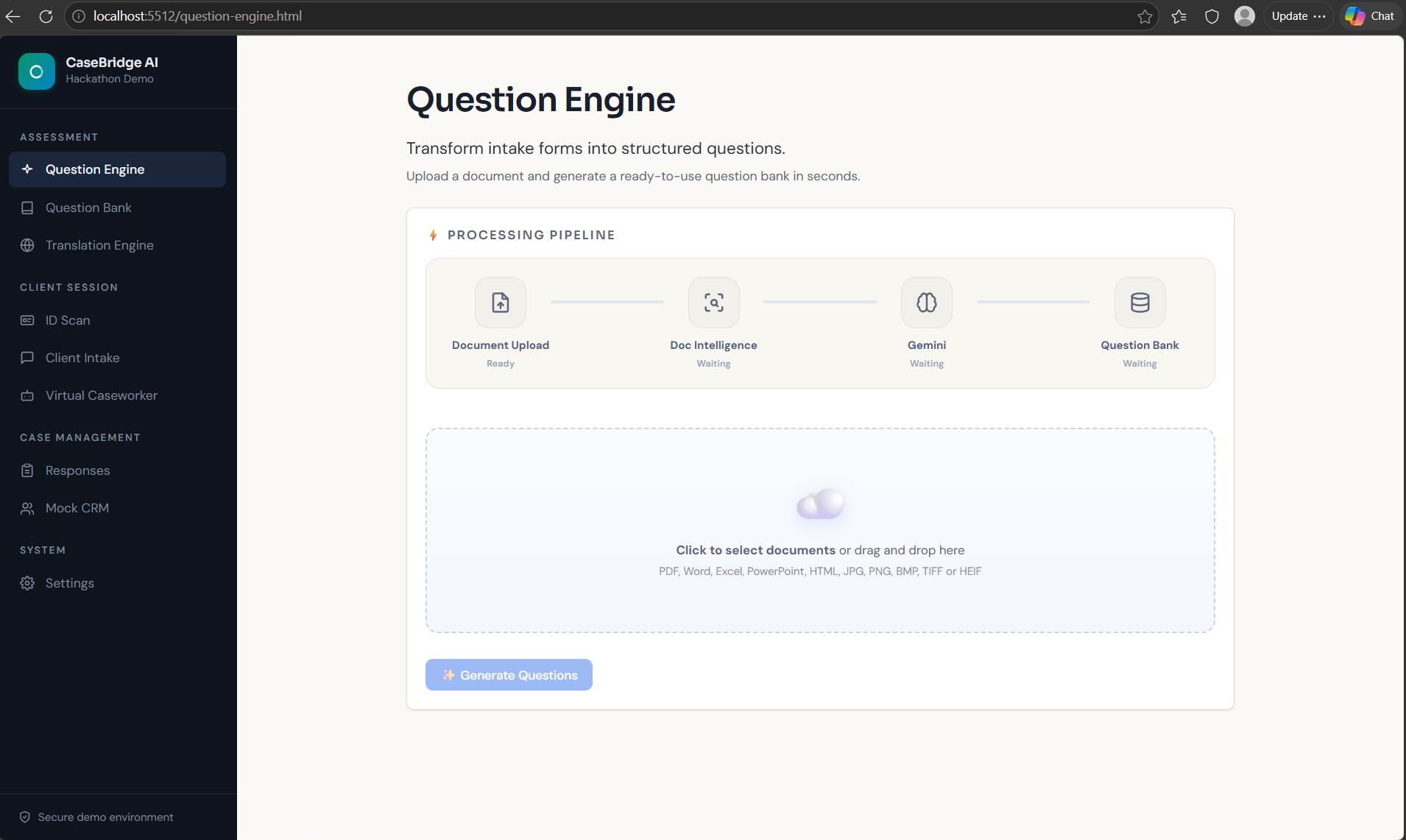
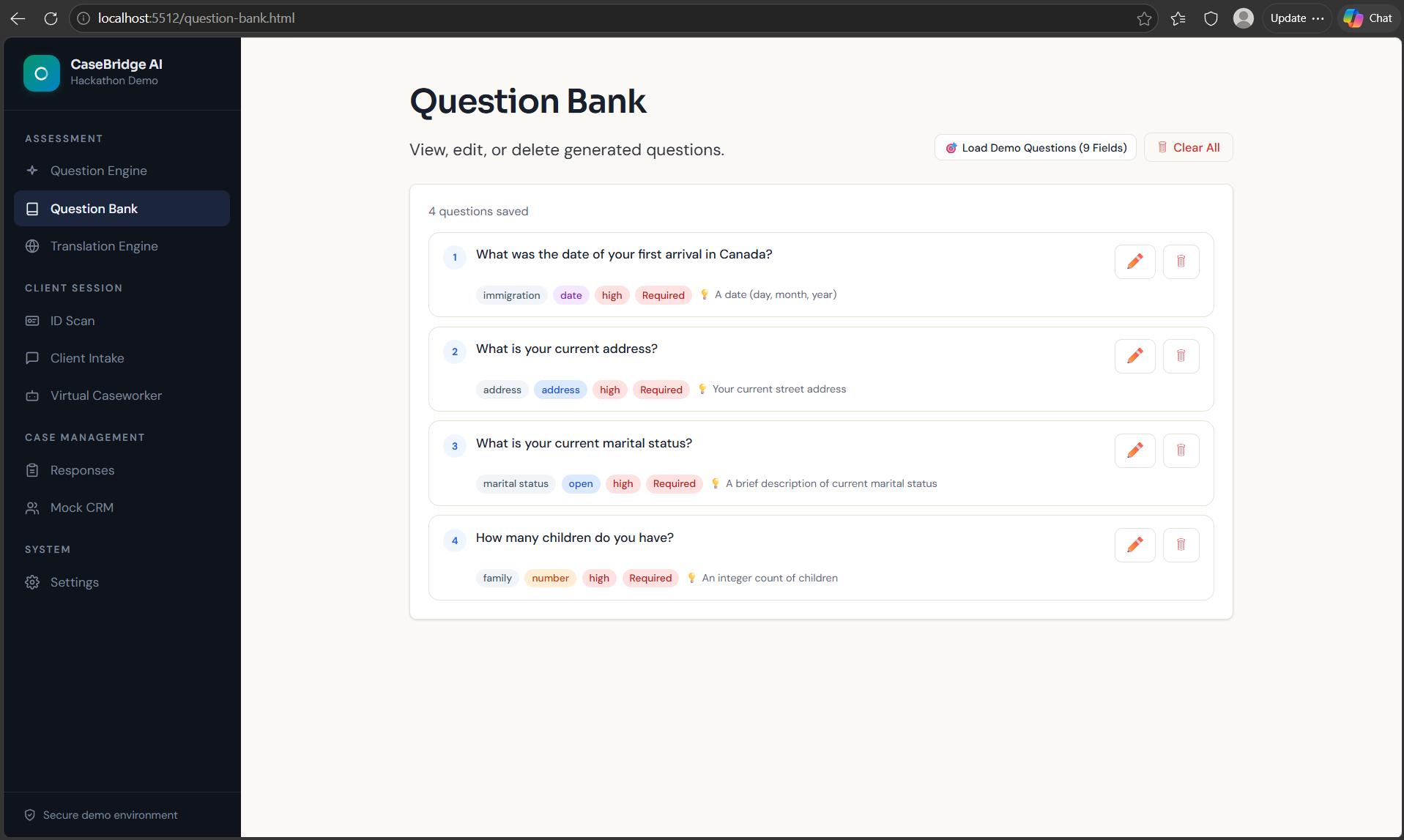
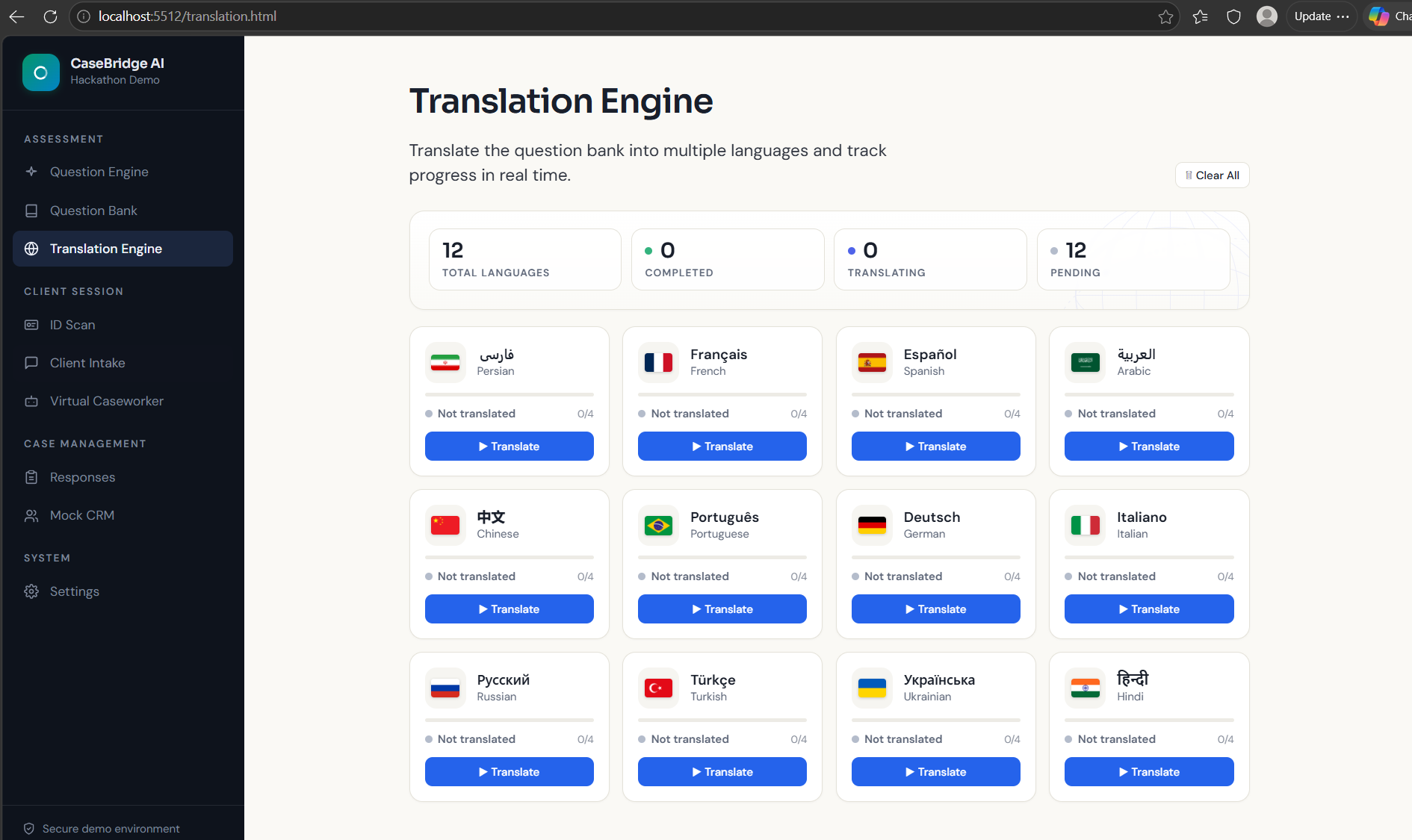
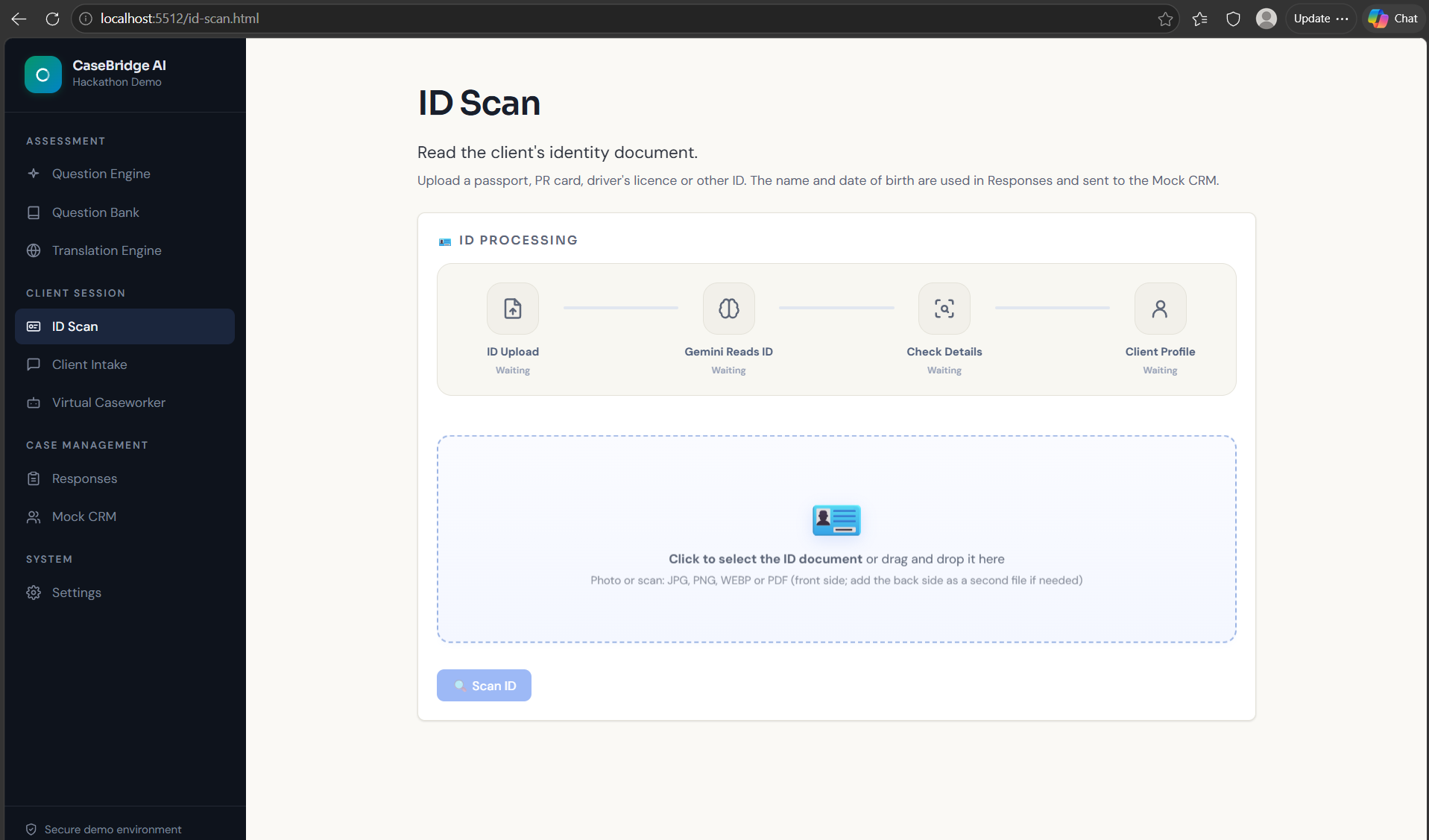
Inspiration
Intake is one of the first things a caseworker does with a new client in settlement agencies and public service organizations, but it can also be one of the most repetitive and time-consuming.
Caseworkers often work through long forms question by question, support clients who may face language barriers, verify information, and then enter the same data into a CRM. Small mistakes such as a misspelled name or an incorrect date of birth can then follow the client through the system.
We wanted to reduce that repetitive work while keeping the caseworker in control, so they can spend more time supporting clients and less time doing paperwork and data entry.
What it does
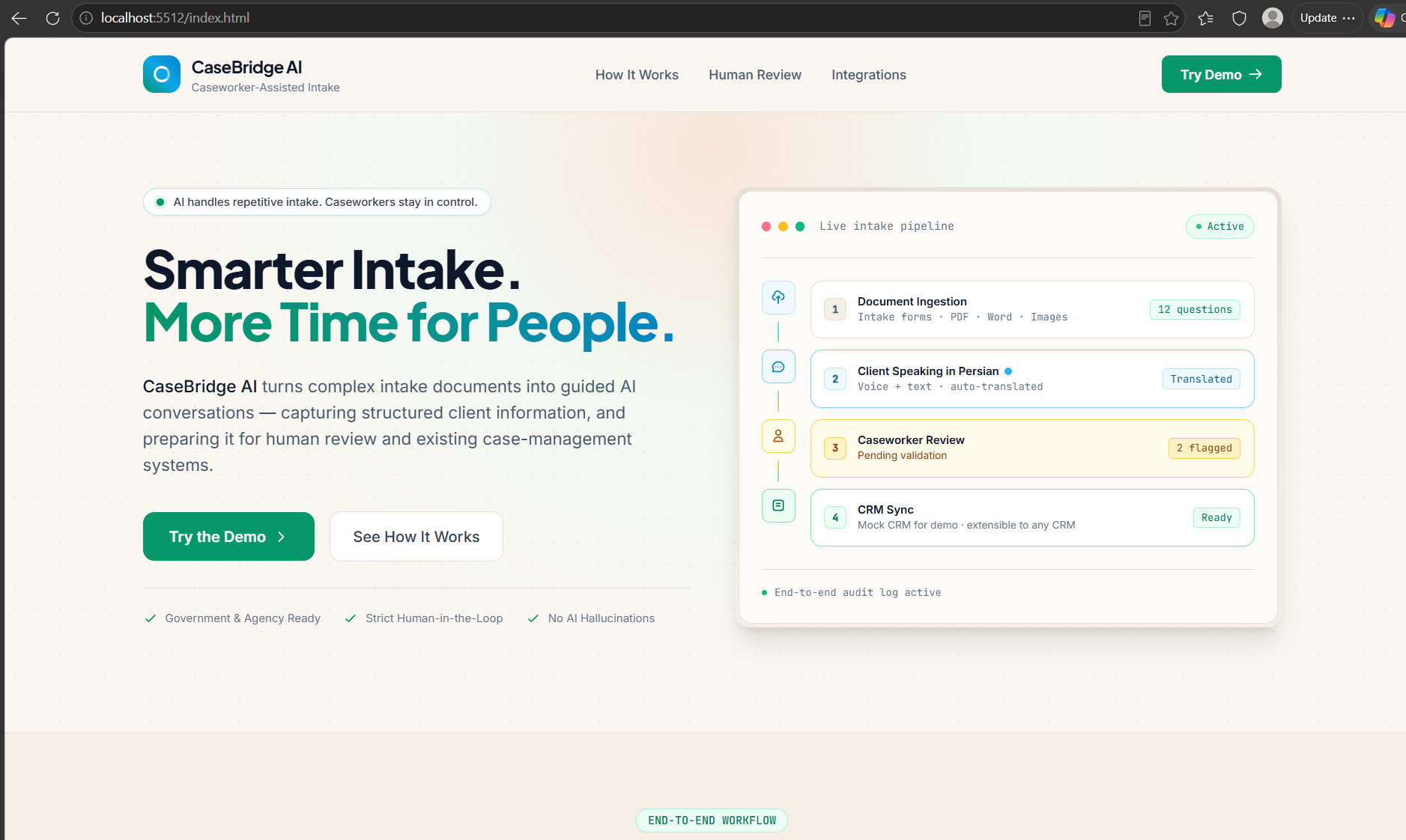
CaseBridge AI turns an existing intake form into an interactive multilingual voice interview.
A caseworker uploads the organization's form, and CaseBridge extracts the questions and prepares them in the client's preferred language.
The interview can then be completed with a caseworker or through Lisa, our conversational AI avatar.
During the interview, CaseBridge:
• listens to the client's answers • translates and structures them in English • detects incomplete or unclear responses • asks follow-up questions when necessary • validates fields such as dates, names, and addresses • reads important information back to the client for confirmation • flags out-of-scope questions for a human caseworker
The client can also scan an ID, allowing the system to extract information such as name and date of birth and flag issues such as an expired document.
Nothing is finalized until the information is confirmed and reviewed by the caseworker.
Finally, the approved data is mapped into structured fields and sent to a mock CRM, demonstrating how CaseBridge could integrate with existing case-management systems.
How we built it
CaseBridge uses a lightweight HTML/JavaScript front end with a Python backend, with the AI services running on Google Cloud.
Our AI pipeline uses:
• Google Document AI to read uploaded intake forms
• Gemini on Vertex AI to extract questions, analyze answers, generate follow-up questions, translate responses, validate information, and process identity documents
• Gemini Live to handle real-time conversational interaction and power Lisa's conversational avatar experience
• Gemini TTS to provide voice output during the caseworker-led interview
The backend manages authentication and API access so service credentials are never exposed in the browser. ID images are processed for the current interaction and are not stored by the application.
Challenges we ran into
Mixed-language answers
A client speaking Persian might suddenly say an English street name, postal code, or person's name. Speech recognition can easily misinterpret these mixed-language responses. We added additional transcription and language checks to improve the result before accepting an answer.
Garbage in, garbage out
A language model may understand the sentence but still accept invalid data for example, a future date of birth or February 31. We added field-specific validation rules and confirmation steps instead of relying only on the model.
Names and addresses
Names and addresses are especially sensitive to transcription errors. We created dedicated workflows for them, including breaking information into smaller steps and spelling important names back letter by letter for confirmation.
Echo and browser audio
During voice conversations, the system's speech could be picked up again by the microphone. We used browser audio handling and echo cancellation to reduce this problem. We also had to handle browser restrictions that prevent audio playback before the user interacts with the page.
Staying on topic
Clients may ask questions such as, “What are my chances of getting permanent residence?” CaseBridge should not invent legal or eligibility advice, so we added guardrails that detect out-of-scope requests, redirect them to a human caseworker, and avoid treating them as answers to the intake question.
Latency
Even a few seconds of silence can make a voice interview feel unnatural. We reduced perceived latency by streaming audio and tuning speech-end detection so the conversation can move forward more quickly without constantly interrupting the client.
What we learned
The biggest lesson was that reliability does not come from the AI model alone. A simple confirmation step reading important information back and allowing the client to approve or correct it can prevent more errors than trying to make the model perfectly accurate. We also learned that AI becomes much more reliable when it operates inside clear boundaries. Validation rules, structured workflows, guardrails, and human review were more effective than relying on open-ended prompts. Multilingual accessibility is also more than translation. Real conversations mix languages, names, addresses, accents, and incomplete answers, so the system has to adapt while preserving the client's original meaning. Most importantly, we learned that the strongest role for AI in this workflow is not replacing the caseworker. It is handling repetitive collection and organization while leaving judgment and final approval with a human.
What's next
Next, we want to make the voice experience faster and more natural by further reducing conversational latency. We also plan to expand CaseBridge beyond intake by adding case note generation, so important information from client interactions can automatically be summarized into structured notes for the caseworker. Another major step is adding service offering support. Based on the information collected during intake, CaseBridge could help identify relevant programs and services for the client, while keeping the final decision with the caseworker. We also want to replace the mock CRM with real integrations, support more languages and dialects, and continue improving privacy, security, and production readiness.
Built With
- css3
- document-ai
- gemini
- gemini-live
- gemini-tts
- google-auth
- google-cloud
- google-cloud-text-to-speech
- html5
- javascript
- json
- localstorage
- mediasource-api
- python
- requests
- rest-api
- vertex-ai
- webrtc
- websockets

Log in or sign up for Devpost to join the conversation.