Inspiration
The Creator's Dilemma: As someone who loves learning from carousel posts—especially on platforms like LinkedIn—I often found the process of making them a huge hassle. Switching between design tools, manually gathering text, and drowning in dozens of tabs felt inefficient.
I wondered, "What if I could just prompt an app to build a carousel for me?" That single question sparked Quickdraft: an all-in-one, AI-powered tool that makes creating beautiful carousels and researching content seamless and fast.
What it does
Quickdraft is a new, end-to-end workflow for creators, integrating two powerful components into one platform:
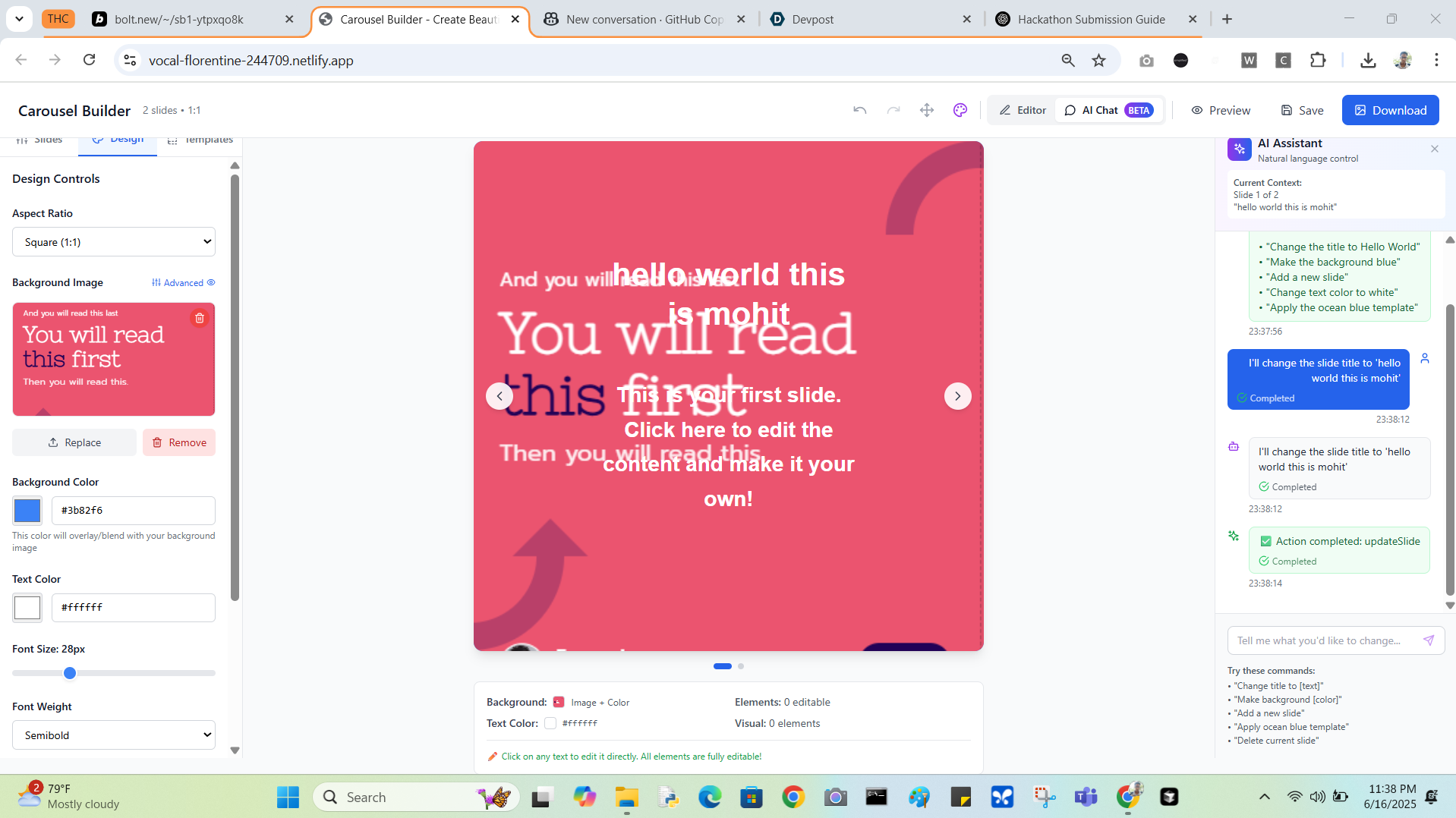
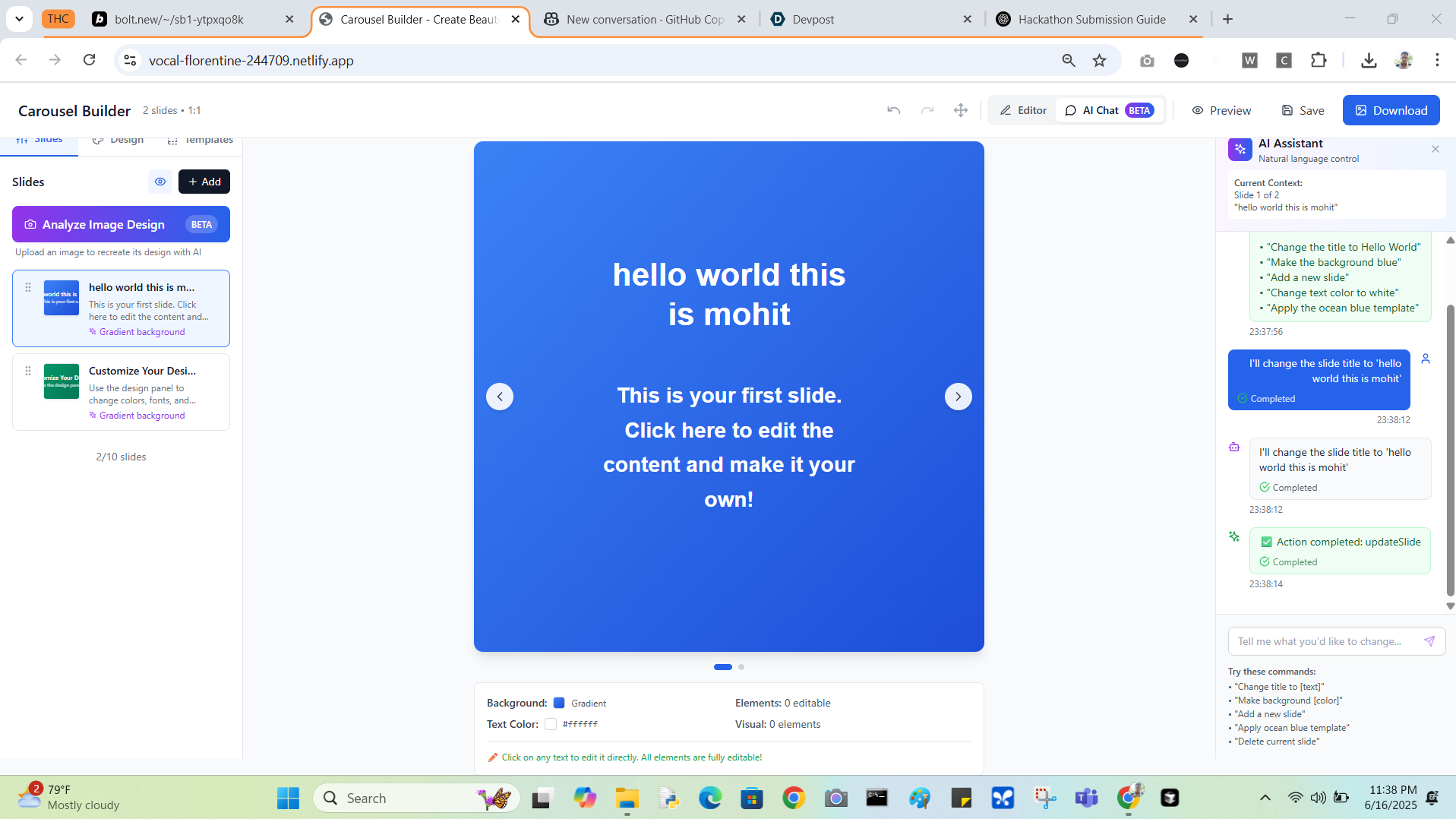
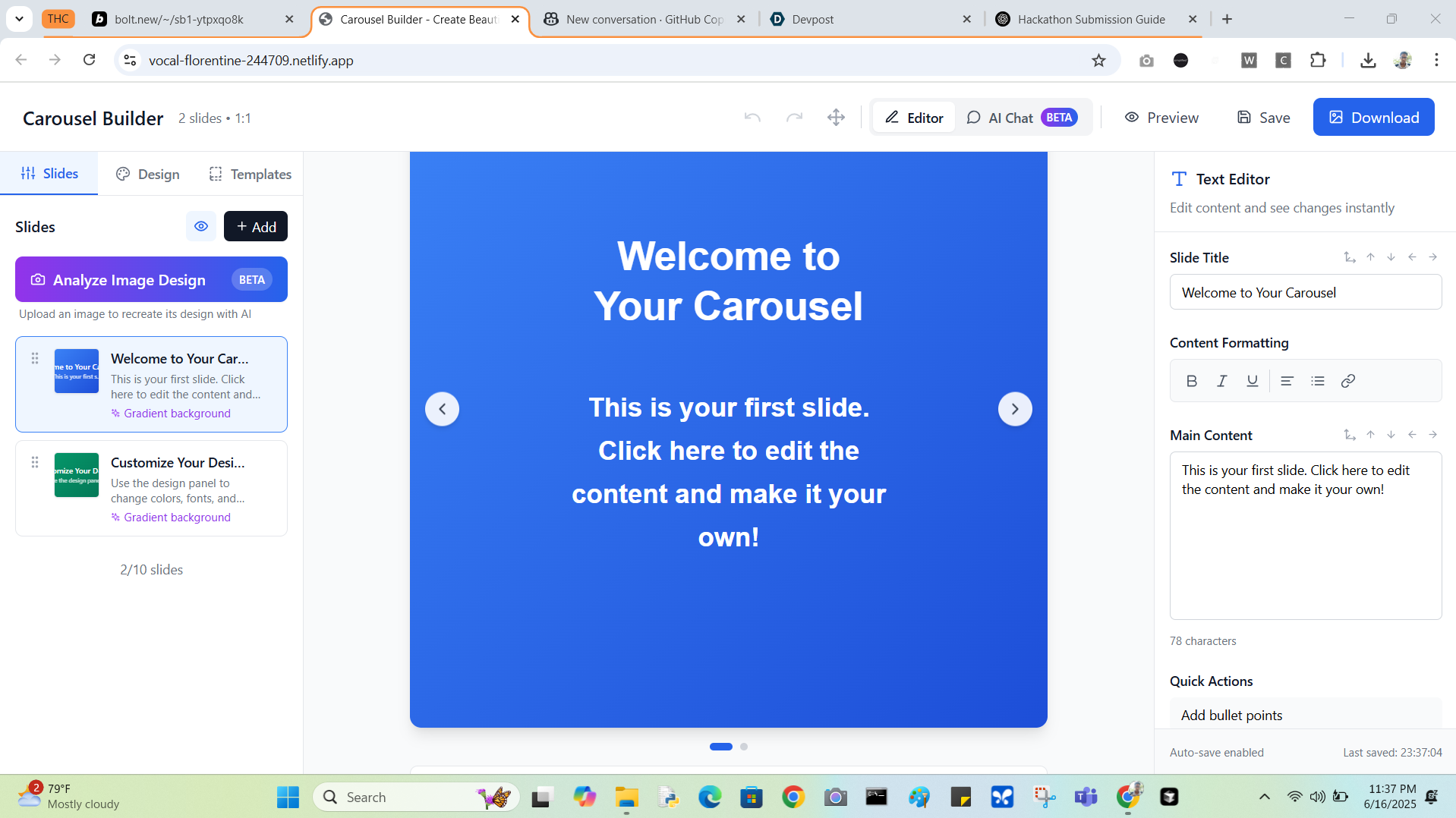
An AI-Powered Carousel Builder: Create and edit stunning carousels using simple text prompts. A Smart Research Tool: A Chrome extension that captures and organizes web content, eliminating tab overload and making your research instantly usable. • Quickdraft provides a super‑friendly, responsive interface that feels like Photoshop or Canva. You can upload existing designs, screenshots, photos, or templates as slide backgrounds.
• With the Gemini API, you can regenerate any image into a fully editable design layer—or edit it freely like in a basic paint tool—all within the same app.
• Even better: instead of clicking buttons, you simply prompt your instructions (“change the title to hello world") and Quickdraft routes you to the right workflow.
• Nowadays we have tools like Cursor AI and also similar ones for video editing. But what if you could simply prompt your instructions instead of using the input buttons or the interface directly? That's totally possible!
• Cherry on the cake -By combining our “Declutter & Clip” chrome extensions with AI prompting, Quickdraft will let creators gather, refine, and publish content without resource or memory hassles—turning tabs into tools and ideas into impact. (coming soon..)
How we built it
(Bolt AI + WindSurf + Gemini API) Tech stack:
• Frontend: React + Tailwind CSS
• Backend: Node.js + Express
• Prompt Routing: Hugging Face Zero‑Shot Classifier (BART MNLI)
• AI Content Generation: Gemini API
• Chrome Extension: Debugger API for full‑page screenshots + HTML/text capture
• Hosting: Netlify
This full‑stack setup creates a seamless bridge between design and AI.
Challenges we ran into
• Building a Chrome extension that captures both the DOM and visual elements in real time
• Integrating zero‑shot classification into the frontend routing flow
• Formatting AI outputs to fit a multi‑slide carousel structure
• Styling a scrollable, responsive UI under time pressure
• Coordinating multiple async data flows (prompt routing, clip import, AI generation)
Accomplishments that we're proud of
• True “prompt → tool” experience with AI‑powered content suggestions
• Custom extension that eliminates tab overload and replaces OCR hacks
• Clean UI with dynamic layout switching and one‑click export
• First integration of multiple AI tools into a single, user‑facing carousel builder
What we learned
• Merging real‑world workflows (browsing + clipping) into one interface adds huge value
• Chrome Extensions can do far more than simple screenshotting
• Prompt engineering with Gemini and Hugging Face unlocks new UX possibilities
• Simplifying complex tasks delights users
What's next for Quickdraft
• Our goal is to make content collection and carousel generation as seamless and insightful as possible! We know that researching ideas often leads to Browse countless pages and frustrating tab overload. To tackle this, we're integrating a Chrome extension, inspired by "Declutter!", that captures full-page screenshots of any URL without needing external servers or resources—it just uses Chrome's APIs.
The Magic: Interactive Screenshots with HTML Mapping
This is the most exciting part. We're solving the biggest problem with web research: getting content from a webpage into your draft. Imagine capturing an entire webpage as an image, but instead of a static picture, the text is selectable and copyable. Here’s how it works:
•Capture & Parse: The extension captures a full-page screenshot along with its corresponding HTML DOM. •Map with AI: The Gemini API parses the captured HTML and intelligently maps each text element and its structure directly onto the image. •Create & Use: This creates an interactive overlay of selectable text exactly as it appeared on the original webpage. No more clunky OCR or re-typing!
(This feature is almost ready, and it will allow users to drag-and-drop text from any website directly into their Quickdraft carousel content.)
🚀 Try it out 🌐 Live Demo: https://vocal-florentine-244709.netlify.app 📦 GitHub Repo: https://github.com/BabuMohit/Quickdraft 🎥 Demo Video: https://youtu.be/r5rkXk2uedo
Built With
- and-css-frameworks/libraries:-react-(ui)
- api
- bolt-ai-languages:-typescript
- gemini
- html
- javascript
- lucide-react-(icons)-platforms/services:-google-gemini-api-(ai-features)
- netlify-(deployment)-apis:-gemini-2.0-flash-model-(via-google-gemini-api)-other-technologies:-node.js-(runtime-environment)
- npm
- package
- tailwind-css-(styling)
- vite-(build-tool-and-development-server)

Log in or sign up for Devpost to join the conversation.