-
-
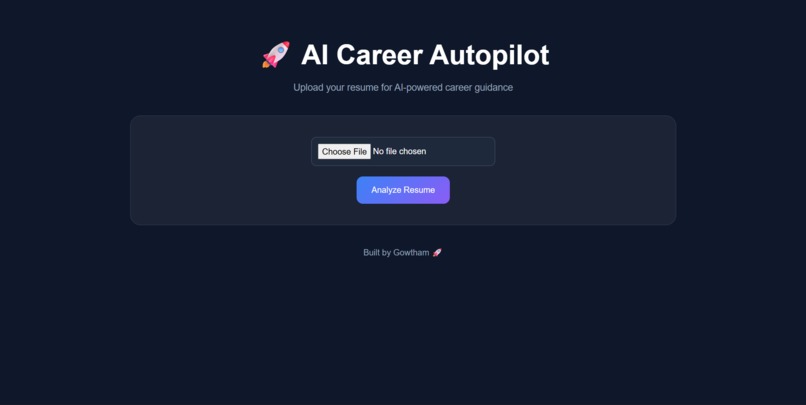
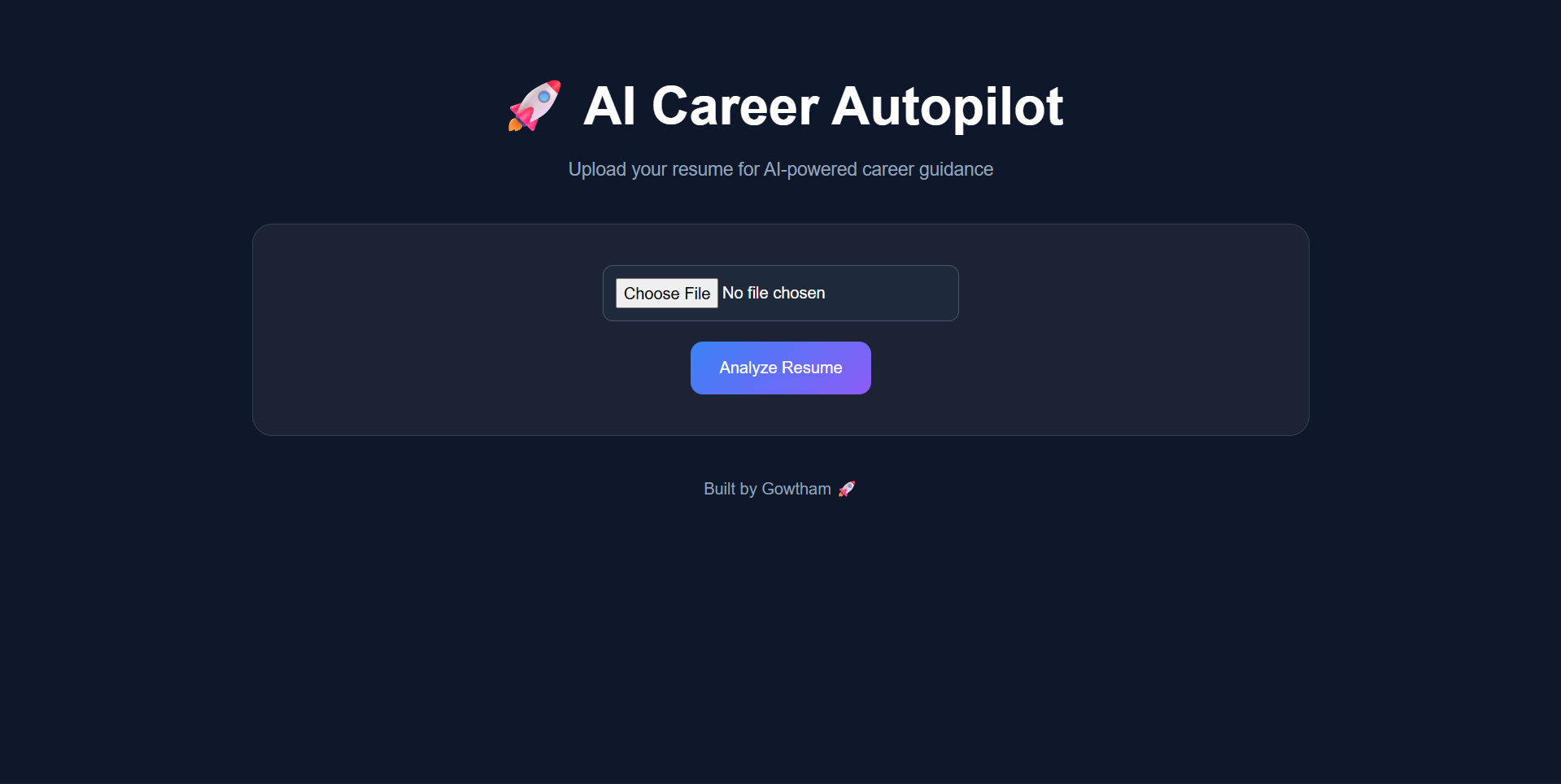
AI Career Autopilot landing page with a modern dark-themed interface for resume upload and AI-powered career guidance.
-
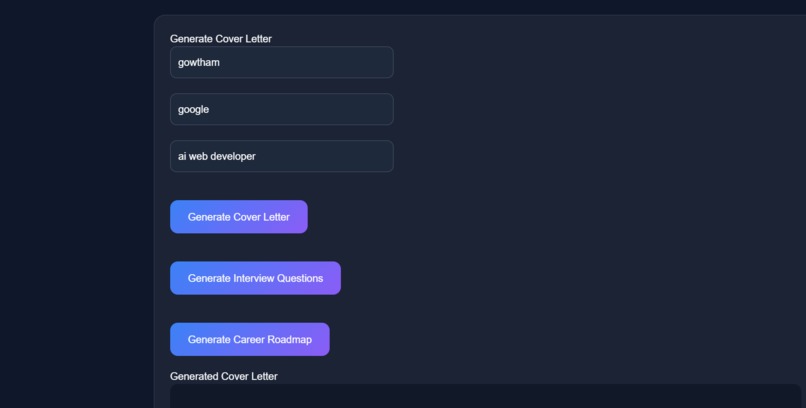
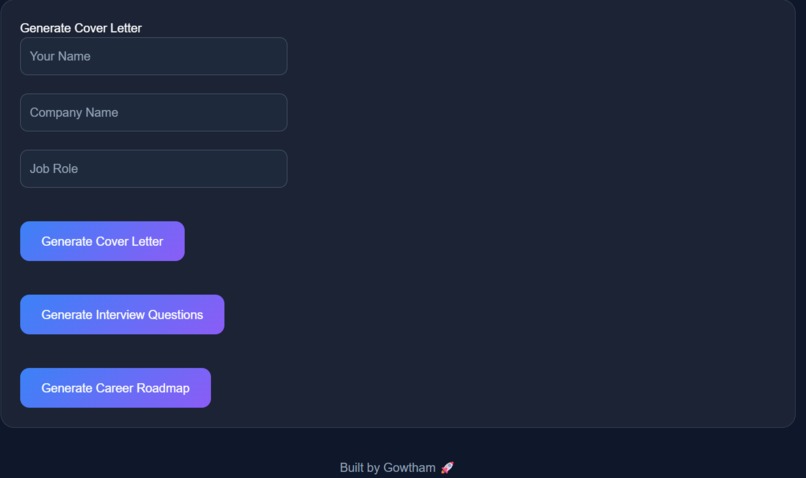
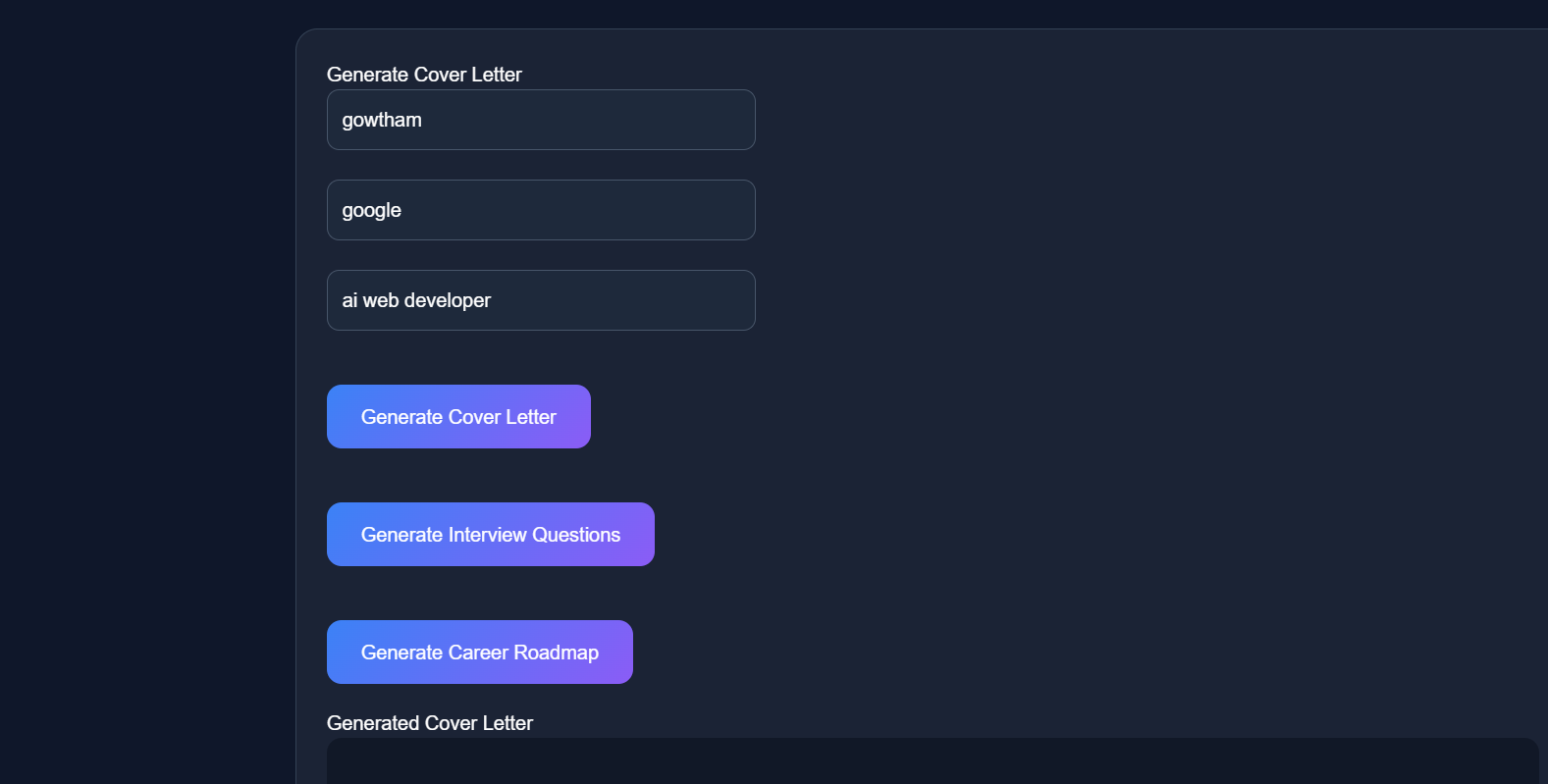
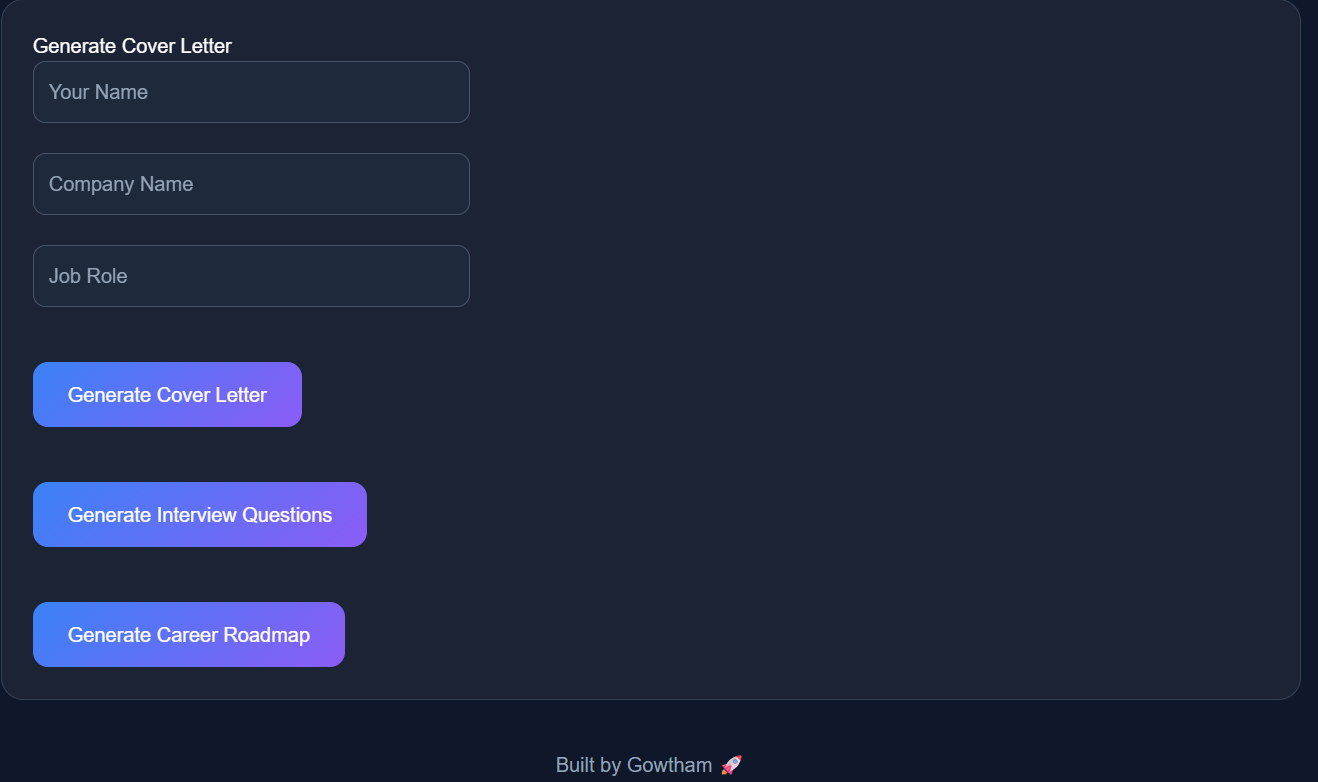
Interactive cover letter generator that creates personalized cover letters based on the user's name, company, and target job role.
-
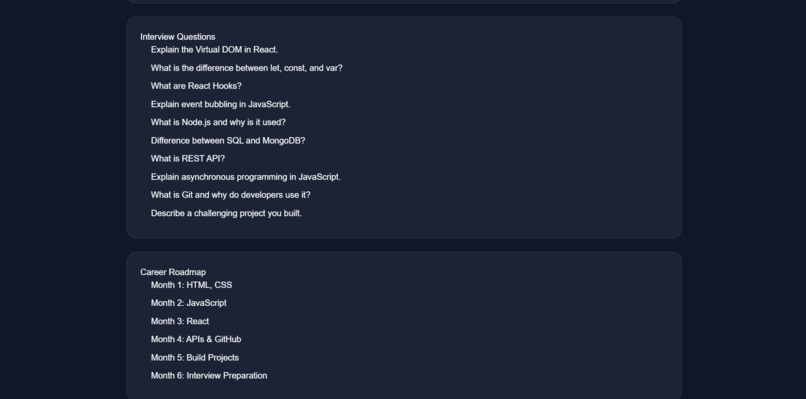
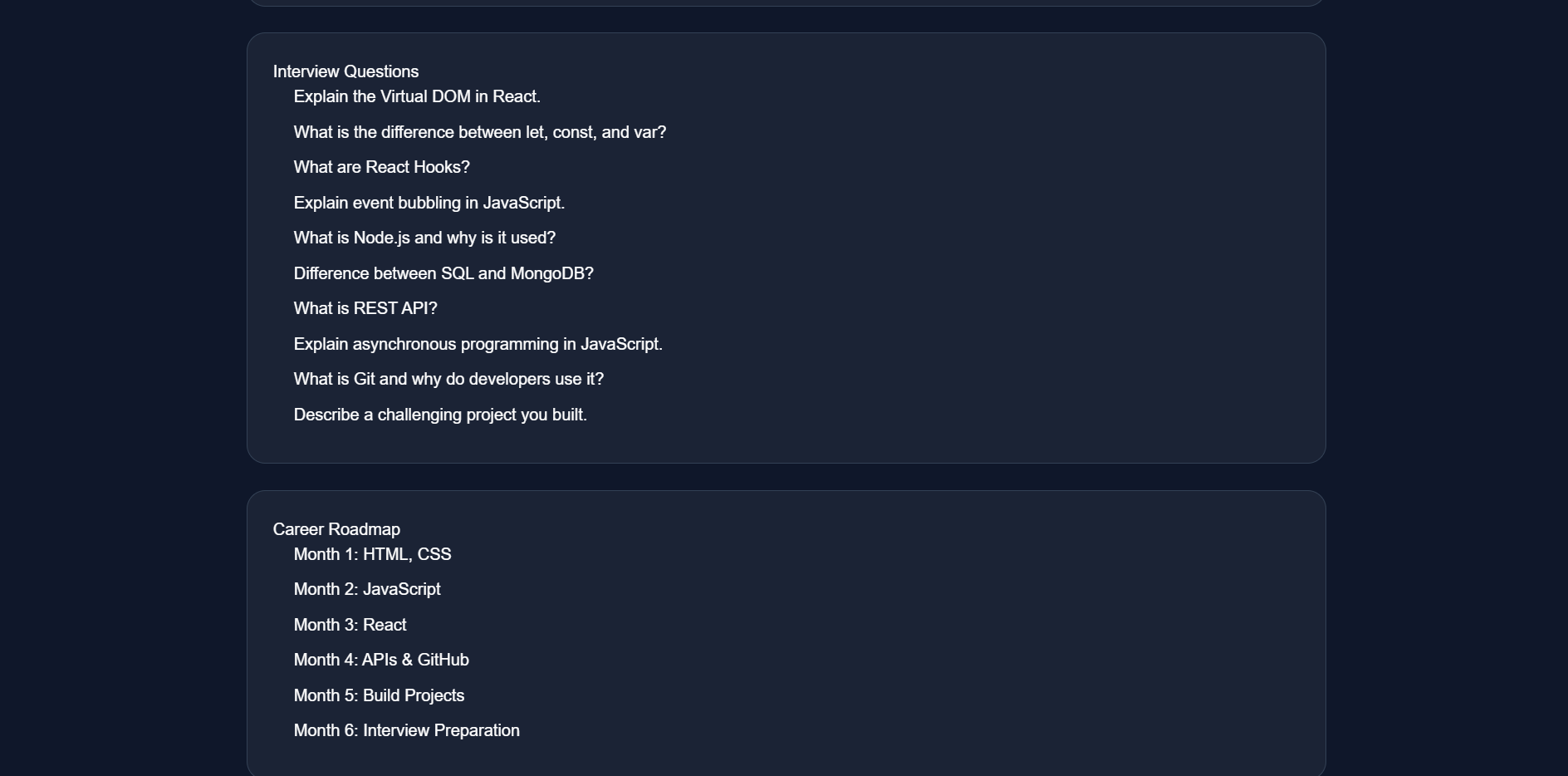
Career preparation tools featuring interview questions and a structured learning roadmap to help users improve their skills and job readines
-
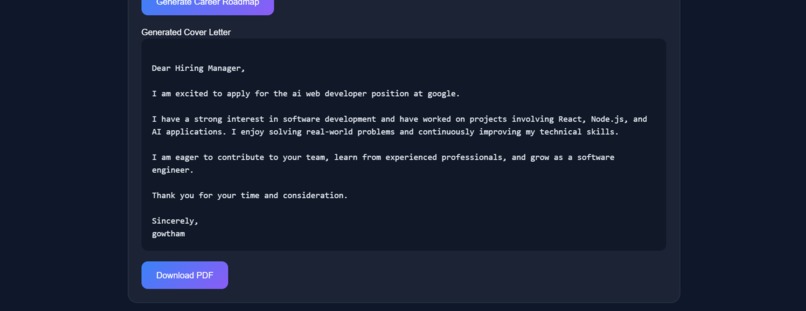
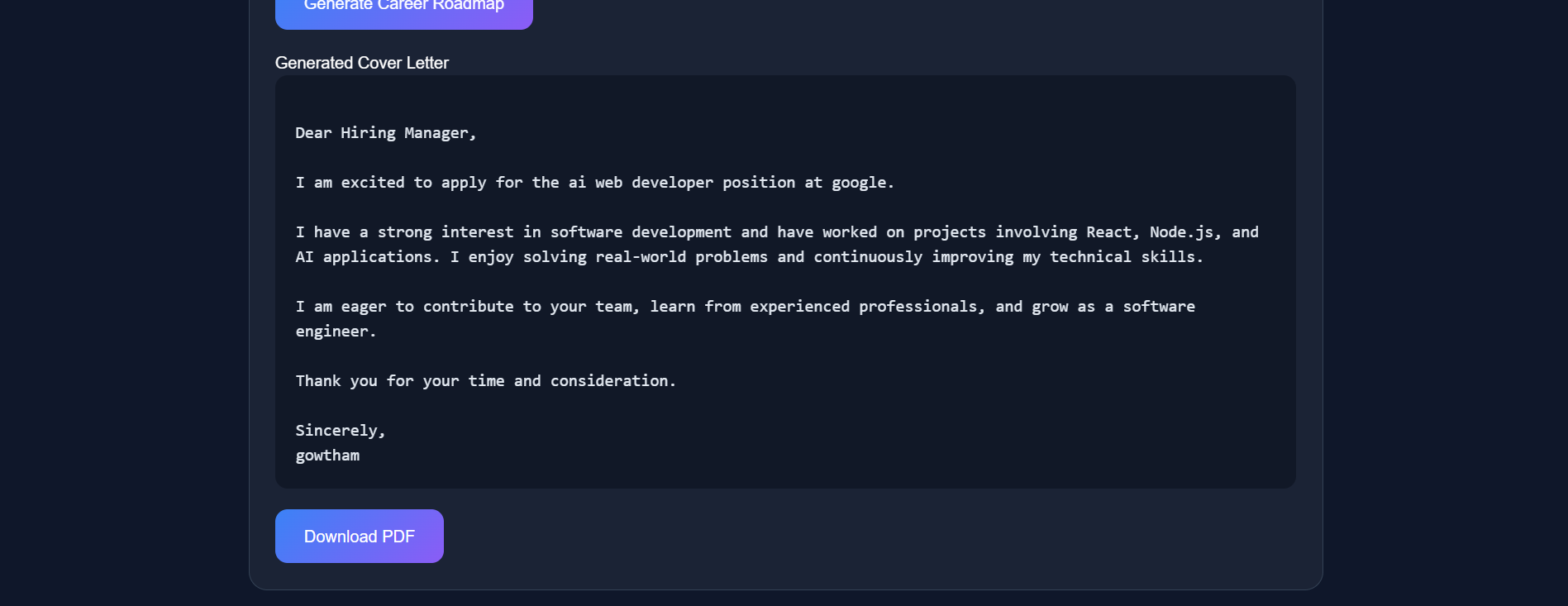
Automatically generated professional cover letter with PDF download functionality for job applications.
-
Resume analysis dashboard displaying career insights, resume score, personalized suggestions, and recommended job roles.
AI Career Autopilot
Inspiration
As a student, I often see my friends struggling with resumes, interviews, and figuring out what skills they should learn next. Many students know they want a good career but don't know where to start. While there are many tools available online, they are usually scattered across different websites.
I wanted to create a single platform that could help students with career preparation in a simple and practical way. That idea led me to build AI Career Autopilot.
What it Does
AI Career Autopilot helps users improve their career preparation by providing multiple features in one place.
Users can upload their resumes, receive suggestions for improvement, explore recommended career roles, generate cover letters, and practice with interview questions.
The goal is to make career preparation easier and more accessible, especially for students and freshers.
How I Built It
I built the project using React.js for the frontend and Node.js with Express.js for the backend. I used Multer to handle resume uploads, Axios for API communication, and jsPDF to generate downloadable cover letters.
The frontend and backend communicate through REST APIs, and the project is managed using Git and GitHub.
Challenges I Faced
The biggest challenge was getting the resume upload feature to work properly. I spent a lot of time debugging frontend and backend communication issues, dependency problems, and file upload errors.
Another challenge was integrating multiple features into a single application while keeping the interface clean and easy to use.
There were several moments when things broke unexpectedly, but solving those issues taught me a lot about real-world development and debugging.
What I Learned
This project helped me improve my understanding of full-stack development.
Some of the things I learned include:
- Building applications with React and Node.js
- Creating and consuming APIs
- Handling file uploads
- Generating PDFs programmatically
- Using Git and GitHub effectively
- Debugging frontend and backend issues
- Structuring a complete project from idea to implementation
Future Plans
In the future, I want to integrate real AI models for deeper resume analysis, ATS scoring, personalized career roadmaps, and mock interview experiences.
I also plan to deploy the application online so that students can access it from anywhere.
Final Thoughts
This project started as an idea to help students prepare for their careers more effectively. While it is still evolving, building it gave me valuable experience in full-stack development and showed me how technology can be used to solve practical problems faced by students every day.
Built With
- axios
- css
- express.js
- git
- github
- html
- javascript
- jspdf
- multer
- node.js
- react.js


Log in or sign up for Devpost to join the conversation.