-
-
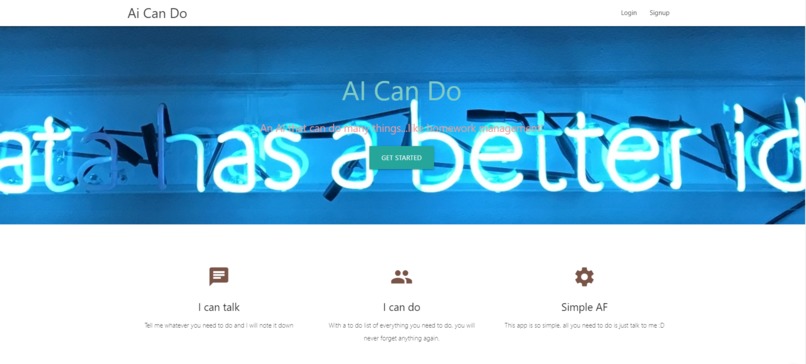
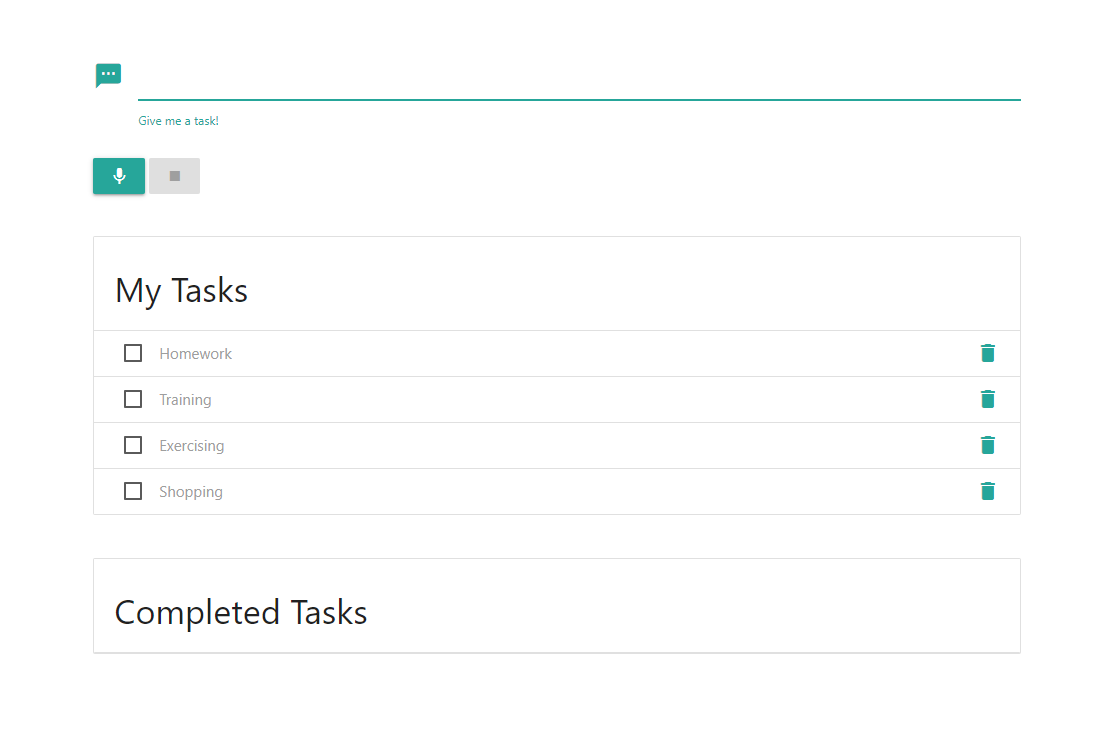
Home Screen
-
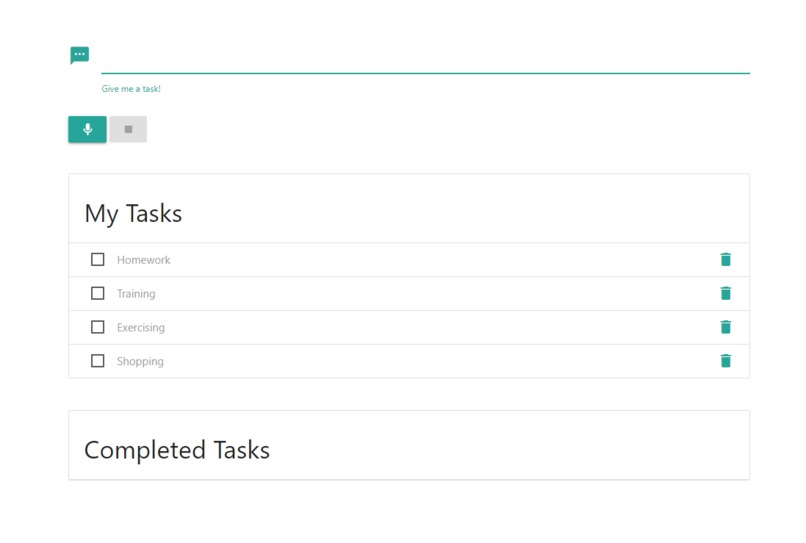
After adding tasks
-
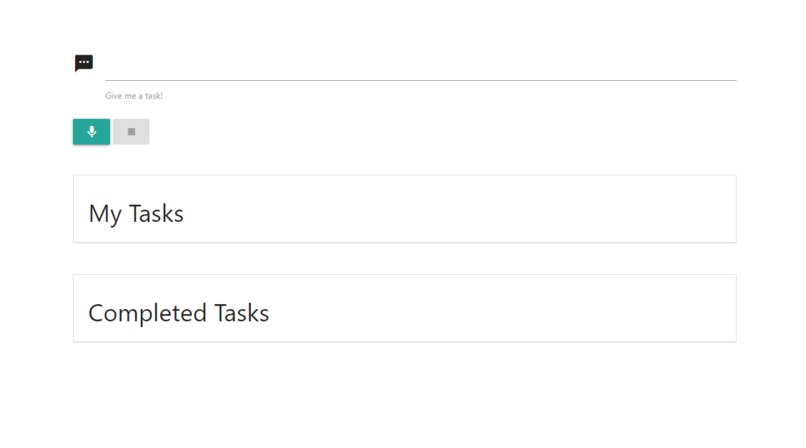
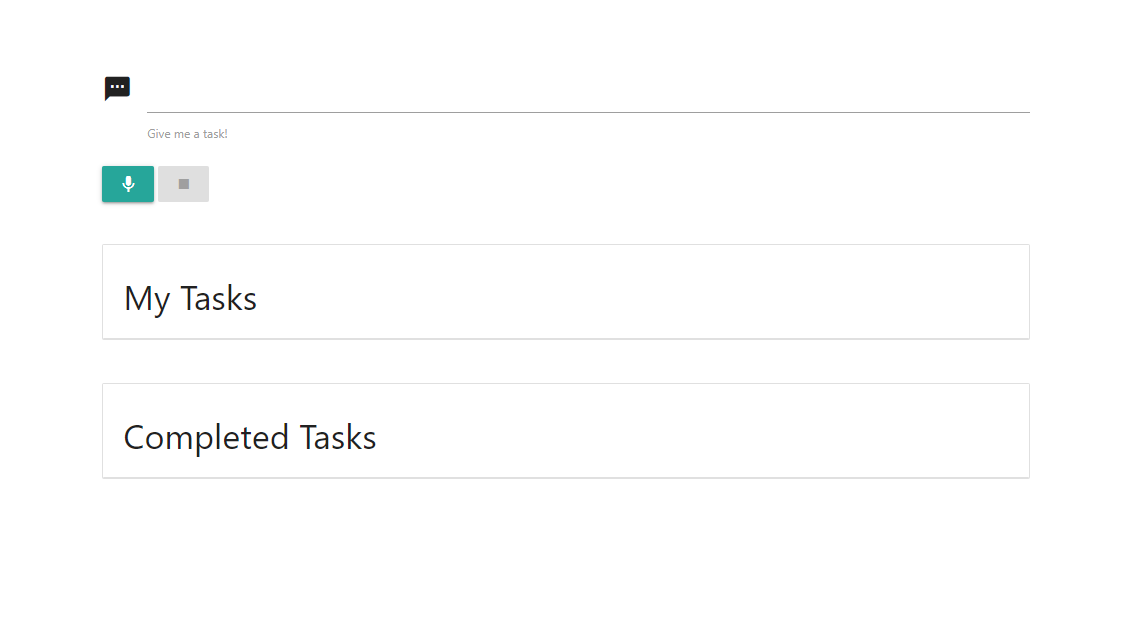
Before adding tasks
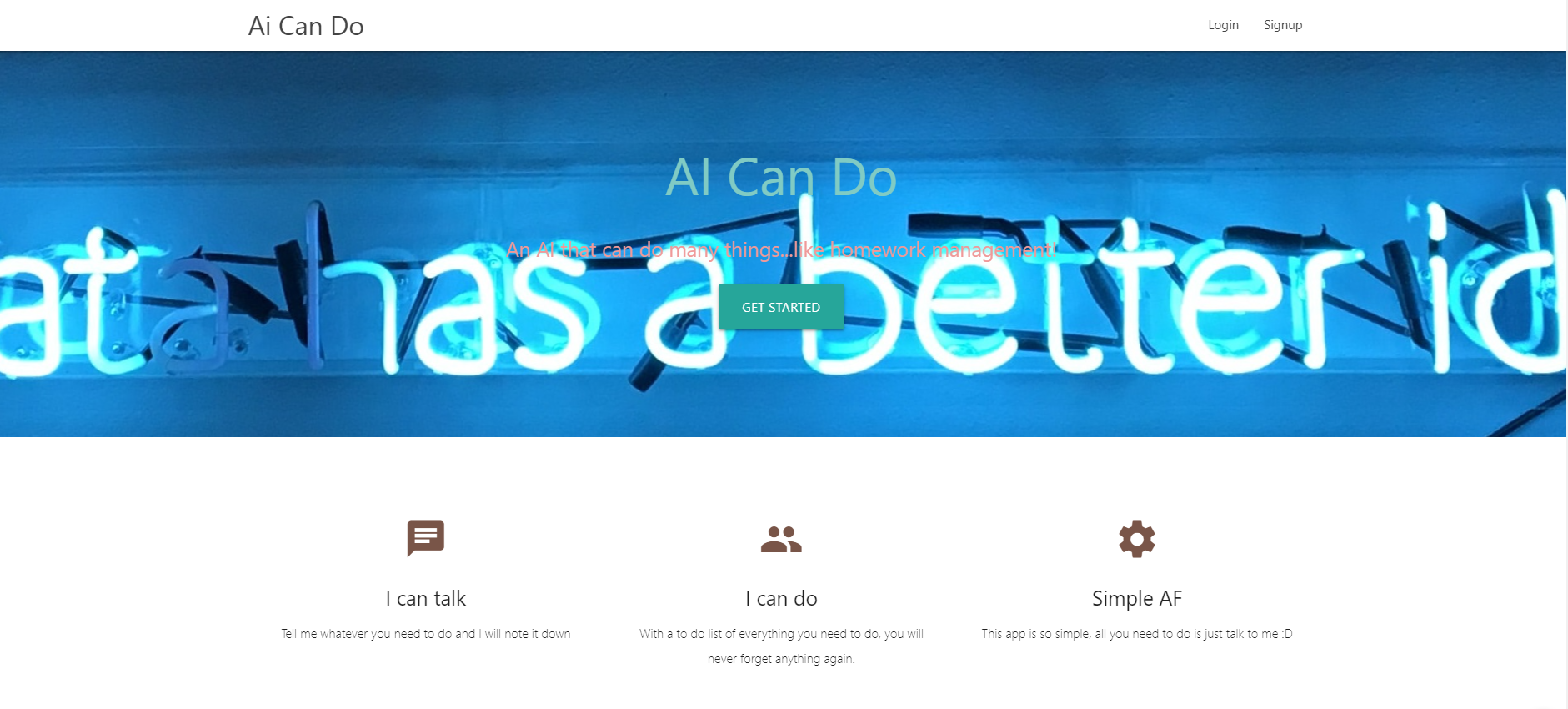
Inspiration
We got the idea after trying to find a solution to automate the process of creating reminders and to-do list. As we use these systems quite a lot in our day to day life, we felt that the current solution was quite clunky, requiring the user to type and create these reminders. As such the idea of creating an AI bot that listens to what you have to do and creating these reminders for you was what lead us to start on this project.
What it does
This simple to-do list web app can authenticate users and take in text or audio input to identify keywords in your queries and add it into your very own to-do list.
The web app can be accessed here: https://ai-can-do.web.app/
How we built it
Materialize CSS Framework
The materialize CSS framework was used to build a simple and user-friendly website to run our application for both PC and mobile users.
Firebase Serverless Framework
The entire backend workings of our application is handled by Firebase, ranging from user authentication to retrieving the todo-list from our firestore database.
Firebase database rules are configured to ensure clients can only access their documents and not others'.
Wit.ai
We trained a custom NLP model on the Wit.ai platform. This AI was able to take in both text and audio input, processing and extracting both the intent and title of a reminder. With this, we were able to automate the process of creating reminders by allowing users to simply talk to the app and the app would process this information, creating a to-do list of reminders for the user.
Overall, the front-end is hosted using firebase serverless framework. Then, HTTP requests are made on the client-side to communicate with our Wit.AI client to facilitate the intent and entity extraction.
Challenges we ran into
- CORS policy prevented us from making HTTP requests from the client-side from fear of falling victim to XSS attacks
- we used the cors-anywhere API for a temporary workaround
- https://cors-anywhere.herokuapp.com/
- Permissions to access audio mic on mobile users do not prompt automatically and users will have to go into their browser settings to enable it manually
- Permissions are automatically prompted for PC users
Accomplishments that we're proud of
- Our Wit.AI chatbot is correctly identifying most keywords in the queries
- This entire project was built and finished in less than 2 days
What we learned
- Wit.ai toolkit
- Learning to create simple and powerful NLP models using wit.ai framework
- Structuring our project around the capabilities of the wit.ai model
- Implementing Wit.AI functionalities into our web application through API calls
- How to record audio input from browsers
- Authenticating and updating documents in our firestore database through a serverless framework like Firebase
What's next for AI Can Do
- Include commands the AI can detect to facilitate functions like finishing or deleting a task through audio input
- Implement our application with Google Calendars, a widely used and popular calendar so that tasks can directly be added there
- Add more configurations to each task
- Eg. due date, type of task, additional descriptions, adding teammates (other users) to tasks etc.
- The AI will also be trained to identify these configurations
- Enable Facebook sign-in
- A Facebook for developers account will have to be set up to obtain the app ID and secret to enable this feature
Built With
- axios
- css
- firebase
- html5
- javascript
- serverless
- webapp
- wit.ai




Log in or sign up for Devpost to join the conversation.