-
-
Logo
-
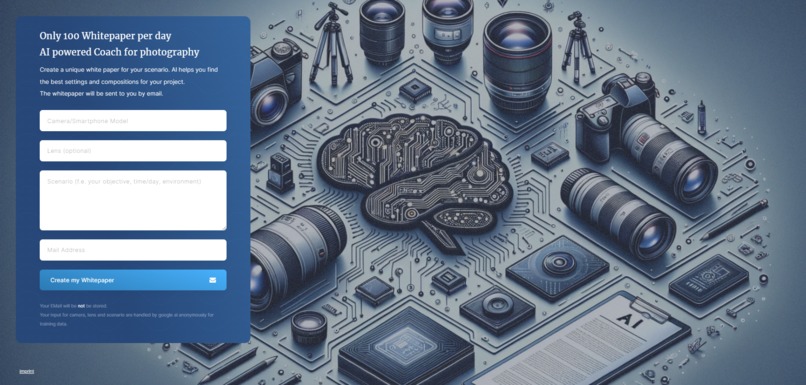
Website Frontend
Inspiration
Learn to take photos with YOUR camera and YOUR equipment. Don't make the same mistakes over and over again. Workshops and books are good, but AI based on your equipment adds both creativity and personal preference.
What it does
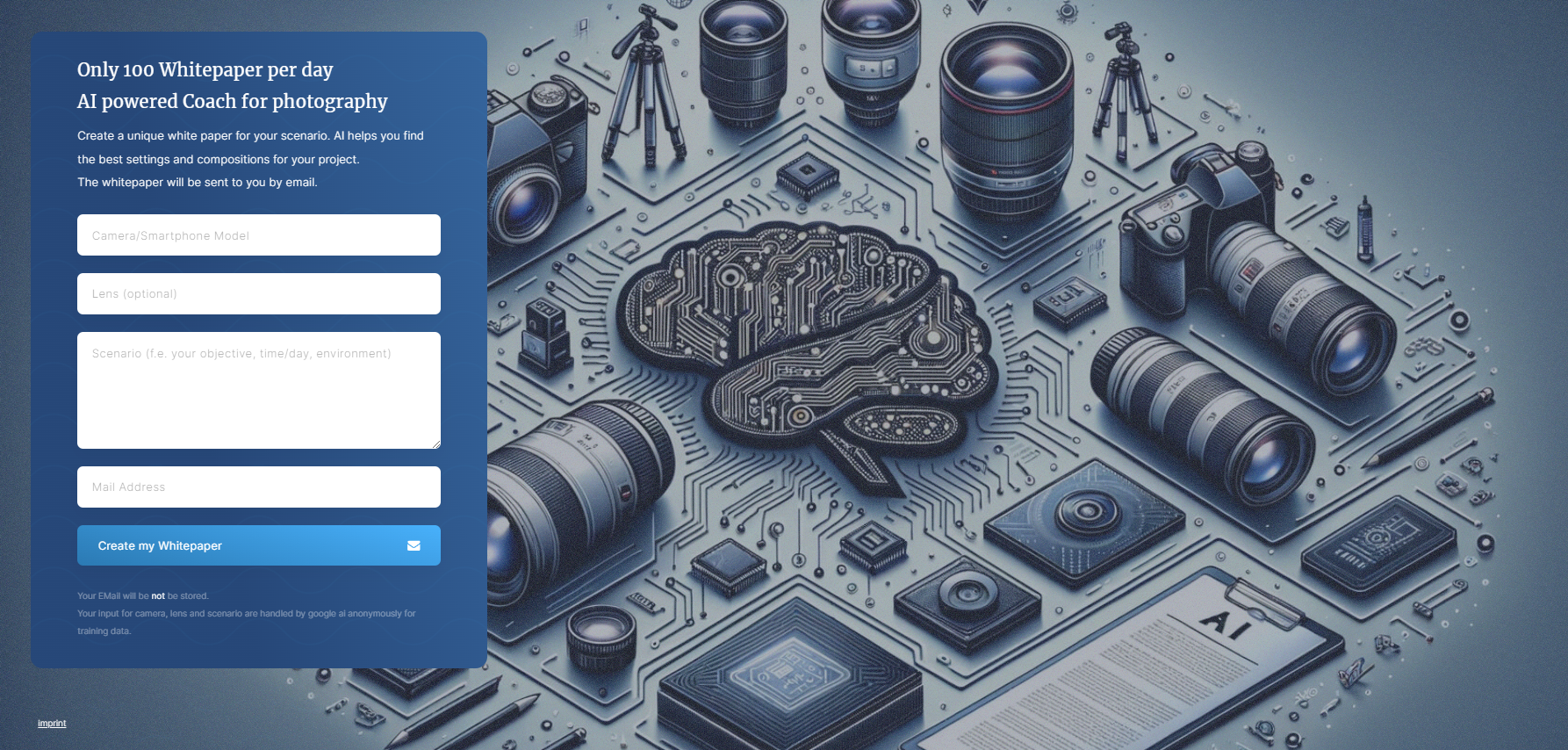
Based on your camera, lens and scenario description a whitepaper will be created with camera settings and composition ideas. Also common mistakes to avoid are added.
How we built it
It is a nodejs backend. There are 3 api endpoints. One for the backend for frontend to store the request. The second one is the processor with the connection to vertex ai. The third one is for local development and prompt engeneering. Everything is dockerized. So you just need the .env file and run the docker-compose command. The frontend is build with carrd.co because only a input form was needed. In google cloud 2 Cloud Runs are used, a cloud scheduler for triggering the processor and a google storage bucket to store the requests.
Challenges we ran into
1) RequestPerMinute Limit. This is the reason that the deployed version use gemini 1.0 pro model and not 1.5. Also this is the reason why choosing cloud scheduler as trigger for the processor and not doing it in multiple instances. 2) Output format of the prompt. Converting the markdown output to html was hard. Forcing HTML output in the prompt leads to shorter results.
Accomplishments that we're proud of
Made a working prototype. A few iterations more and it would be production ready. Also the backend could be used by a mobile app in ther future.
What we learned
Vertex AI and google Cloud at all.
What's next for AI Camera Assistant
Buy a domain name :) Rework the html template for the pdf to be more stable and more attractive Work on a flutter app
Built With
- cloud
- docker
- gemini
- google-storage
- node.js
- scheduler
- vertexai

Log in or sign up for Devpost to join the conversation.