-
-
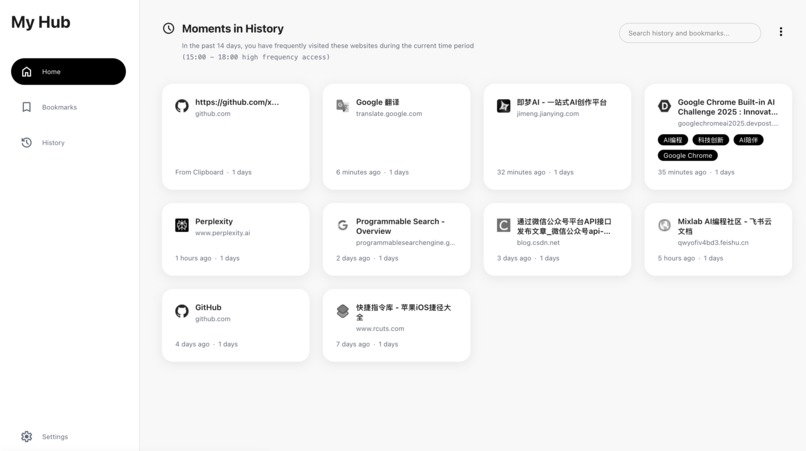
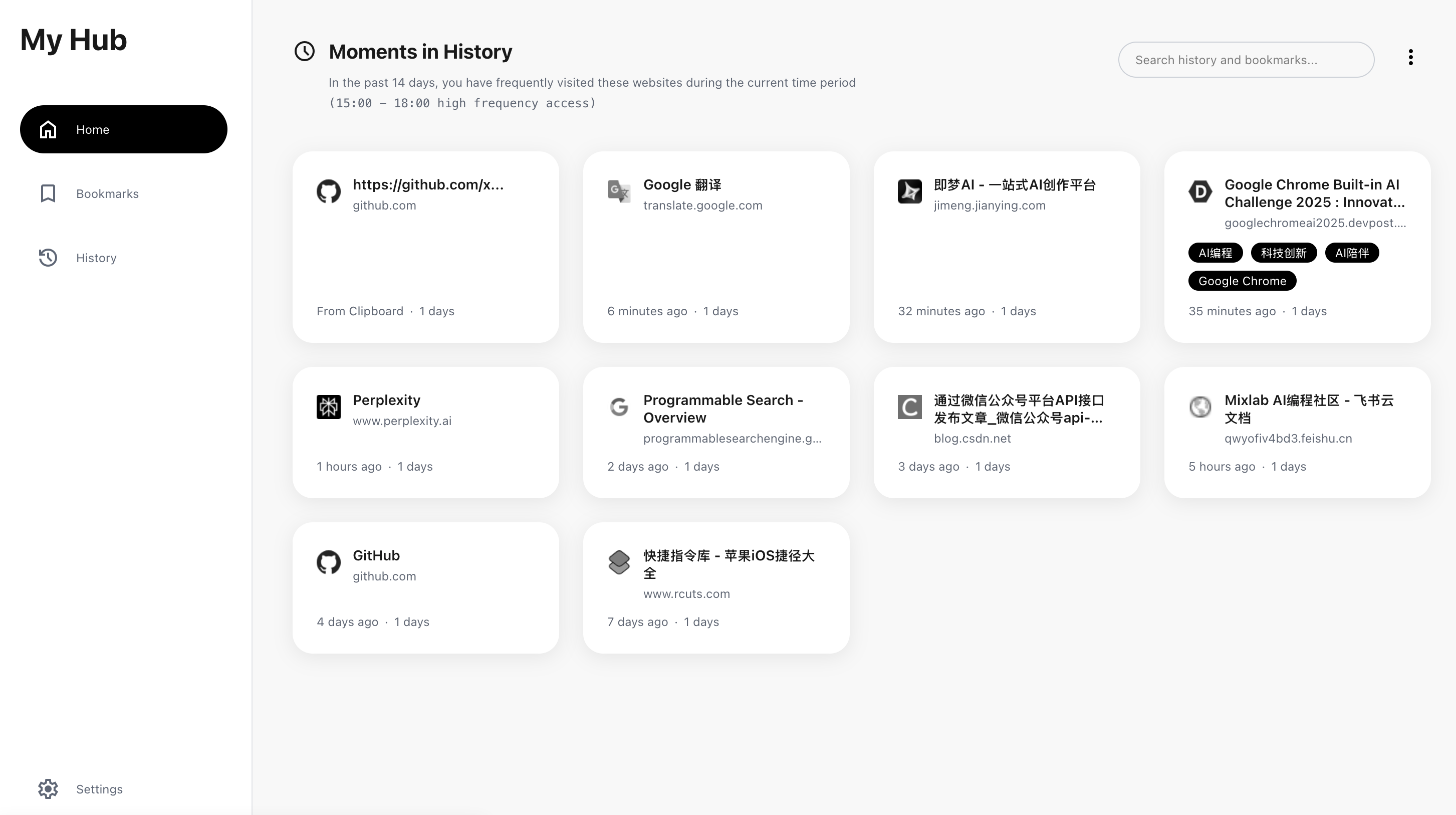
Newtab-home
-
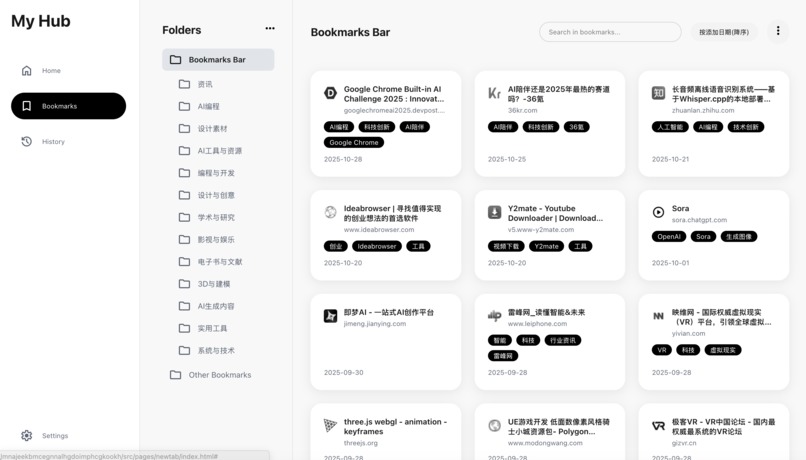
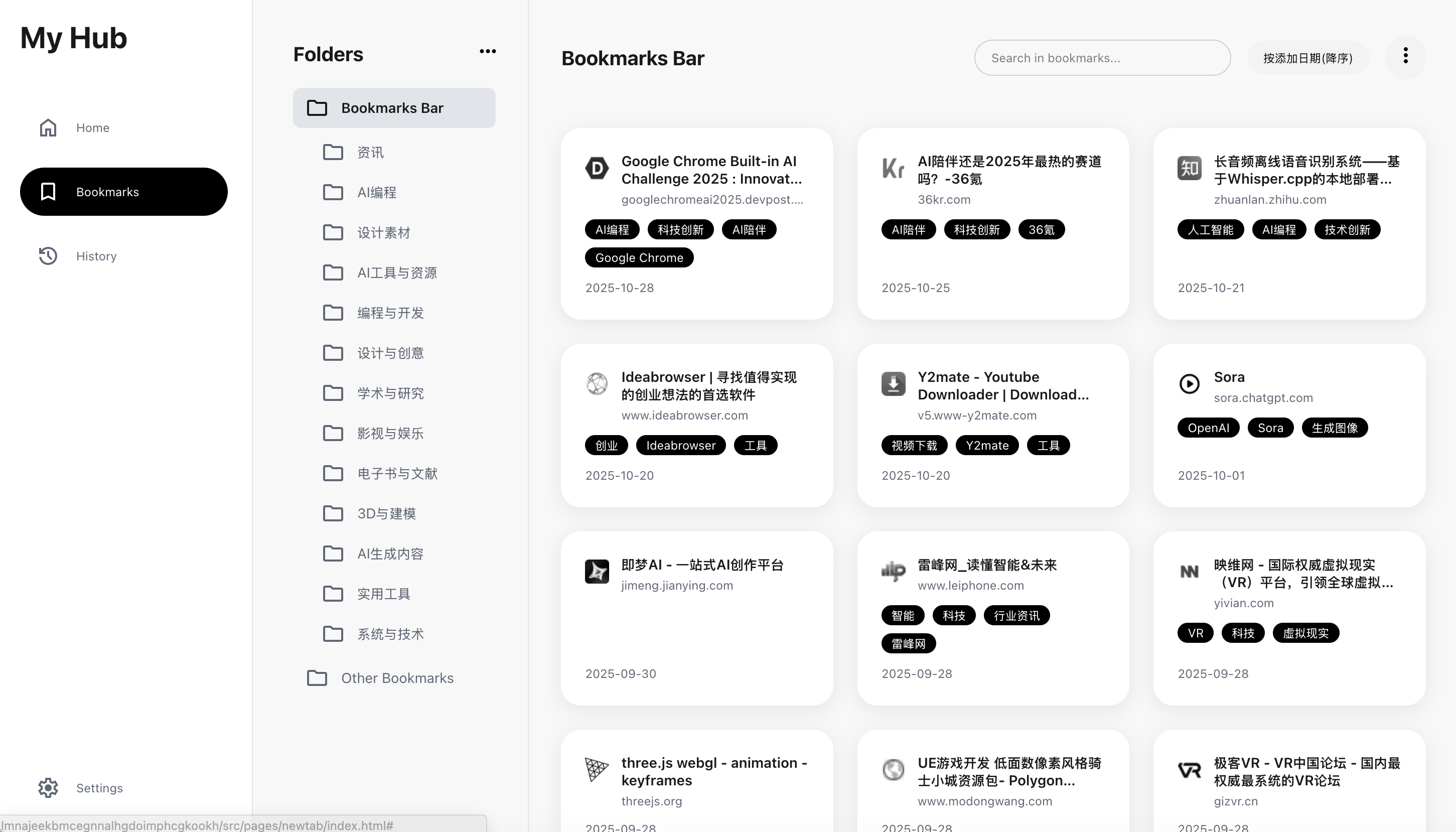
Newtab-bookmark
-
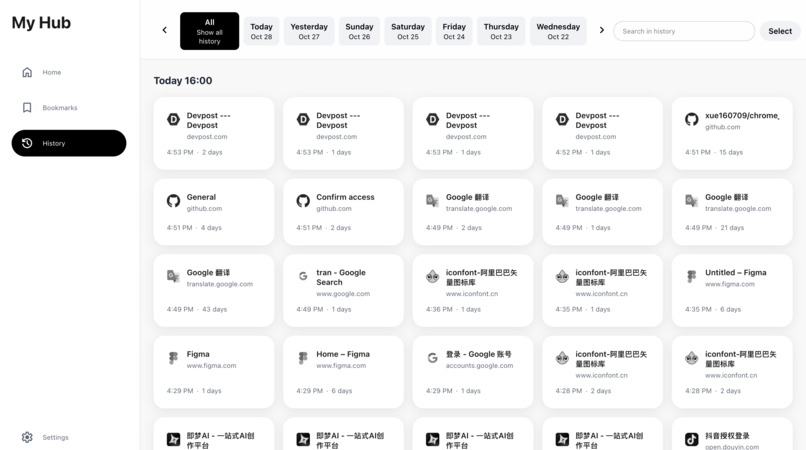
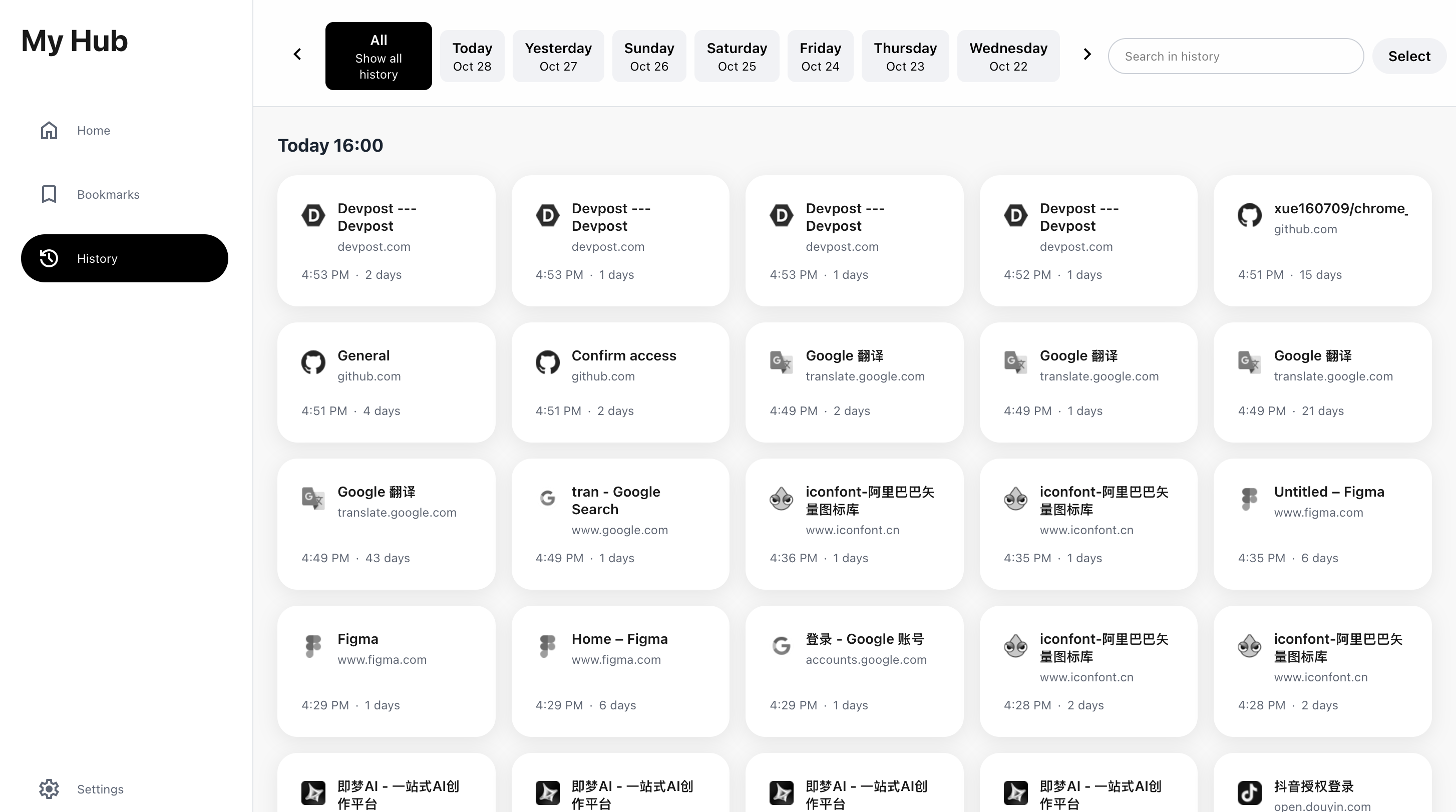
Newtab-history
About the Project
My Hub is a browser extension built with Vite, React, TypeScript, Tailwind CSS, and CRX (Manifest V3). It augments the default History and Bookmarks experience with AI-assisted global search (history + bookmarks + tags), faster organization and batch ops, and an auto-organize feature powered by local Gemini Nano or cloud LLMs.
Inspiration
- The default bookmarks and history pages are hard to use for real organization and retrieval—especially at scale and across devices.
- I personally have thousands of bookmarks with no folder structure at all; finding anything is slow and frustrating.
- I want an AI assistant that can automatically categorize my bookmarks, generate useful tags, and power a unified, fast search.
- Over time, it should learn from my past behavior to predict what website I likely need next and surface it proactively.
What I Learned
- MV3 + CRX builds: using
@crxjs/vite-pluginto unify Chrome/Firefox builds and split outputs (dist_chrome/dist_firefox). - Service Worker lifecycle: listening to
chrome.bookmarksin the background and handling folder‑level recursive deletes, URL migration, and id→url mapping. - IndexedDB concurrency: extending the native model with a
bookmark_tagsstore keyed byurl, implementing batch updates/deletes with reliable transaction completion. - Two‑tier LLM strategy: prioritize
LanguageModel(Gemini Nano), fall back to cloud on failure; support both SSE streaming deltas and non‑streamed full responses with thorough error/abort handling. - Unified search ergonomics:
useGlobalSearchruns history + bookmark(tag) search in parallel, fuses results, and keeps UI latency predictable.
How It Was Built
- Frontend: Vite, React 19, TypeScript 5, Tailwind CSS 4.
- Build setup:
- Base config
vite.config.base.tsfor shared plugins and a common manifest. - Chrome build
vite.config.chrome.ts: MV3 service worker (src/pages/background/index.ts) anddist_chrome. - Firefox build
vite.config.firefox.ts: background scripts anddist_firefox.
- Base config
- Surfaces:
- New Tab override (
src/pages/newtab): Home, History, Bookmarks, Settings (incl. LLM settings). - Popup and Options for quick input and configuration.
- Content Scripts and DevTools for broader coverage and easier debugging.
- New Tab override (
- Data & storage:
- Native:
chrome.bookmarks,chrome.history,chrome.sessions. - Extended: IndexedDB (
src/db/indexedDB.ts) for tags; localStorage for LLM settings (src/lib/llmUtils.ts).
- Native:
- AI/LLM:
- Single entrypoint
src/services/llmService.ts: try Gemini Nano first, fall back to cloud. - Predefined providers and models in
src/data/models.ts, with custom endpoints/models supported. - Auto‑organize prompts and flow documented in PRDs and implemented in services/components.
- Single entrypoint
Build Story: A Small Adventure in the Land of MV3
It started as an itch: my reading habits sprawled across devices, and “where did I save that?” became a daily ritual. Day 1 was scaffolding—Vite, React, Tailwind, CRX—and a humble New Tab with a search box. Then I met the first boss fight: the background service worker would quietly disappear just when I needed state the most. I learned to lean on events instead of long‑lived state, rebuilt an id→url map from the full bookmark tree at startup, and migrated tags on every onChanged.
Next came the “vanishing folder” bug. Deleting a folder nuked dozens of bookmarks at once, but my IndexedDB store still cherished their tags. I wrote a recursive collector for all URLs in a folder and wired a single write transaction to clear them in batches. The log went from red to quiet.
Then I tried AI. On paper, Gemini Nano was perfect—fast, private, offline. In practice, availability is contextual. I added a polite handshake: check LanguageModel.availability(), attempt a session, stream tokens when possible; if anything fails, fall back to the cloud. I also met SSE in the dark: partial lines, chunky frames, stray JSON. A small streaming parser—split by lines, ignore noise, stop on [DONE]—made the deltas feel smooth.
Finally, search. History is huge; bookmarks have tags; users expect instant feedback. I resisted complex rankers and chose a pragmatic approach: parallel queries, simple union, predictable ordering. It’s not a research paper, but it’s the kind of speed that makes a UI feel alive.
Key Challenges (and How They Were Tackled)
- LLM availability and fallbacks:
- Probe Gemini Nano, stream when possible; on any error or unsupported context, auto‑fallback to the configured cloud provider.
Credits
This project evolved from the vite-web-extension template (MIT), with substantial extensions around history, bookmarks, and LLM integration.
Built With
- llm
- localstorage
- react
- vite

Log in or sign up for Devpost to join the conversation.