-
-
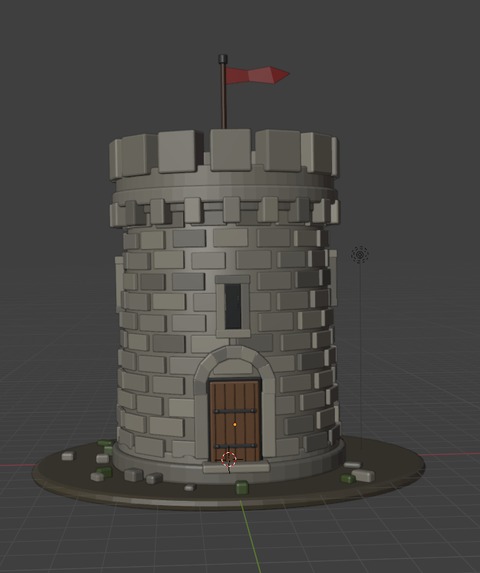
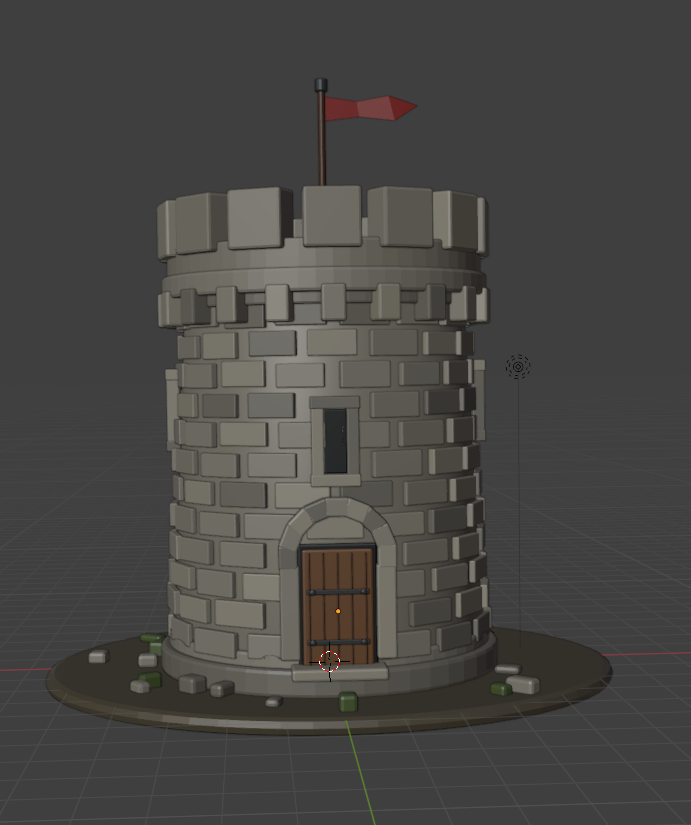
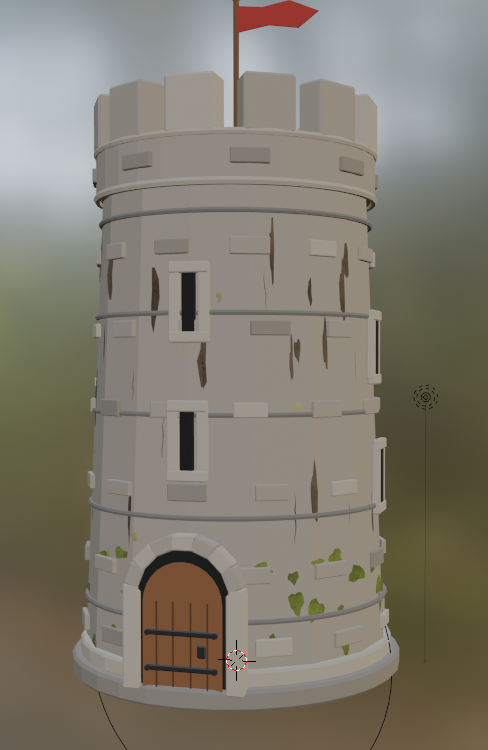
This is a watch tower that was generated from a single prompt
-
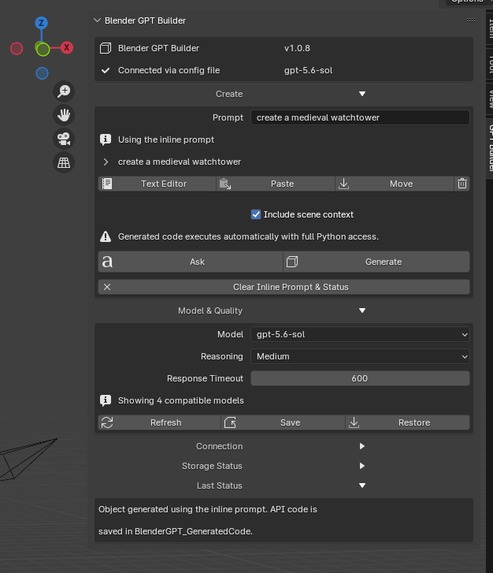
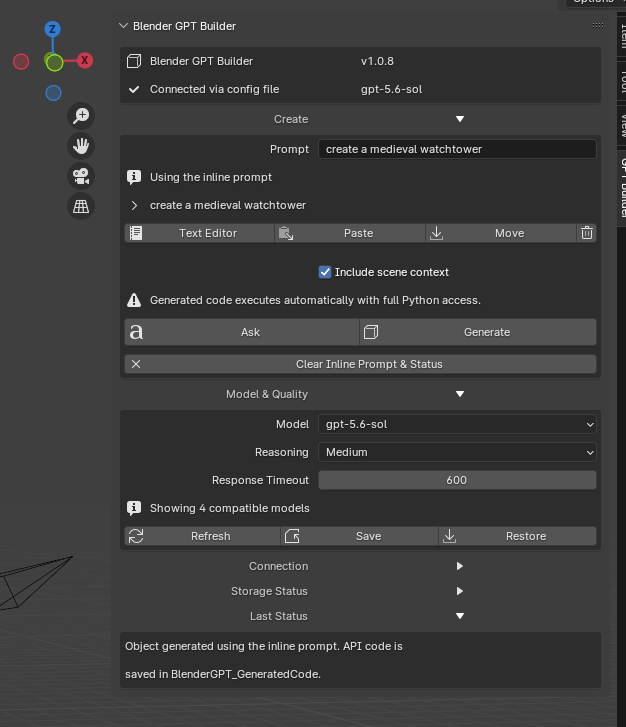
This is the prompt that created the watchtower
-
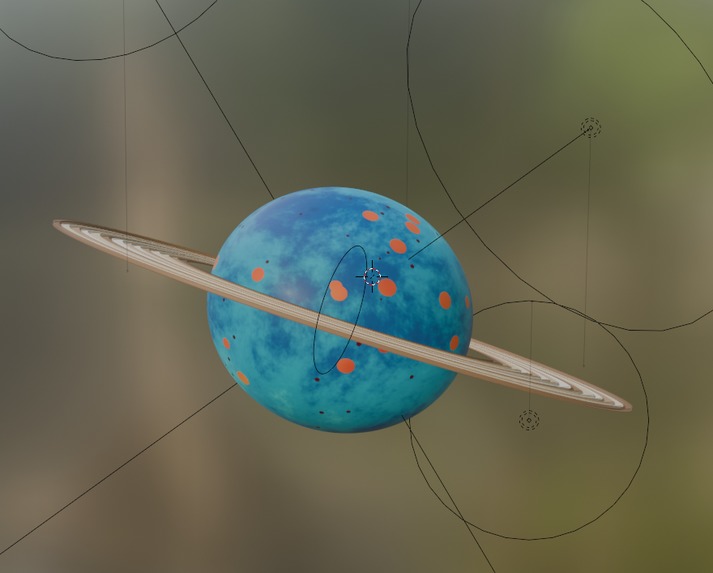
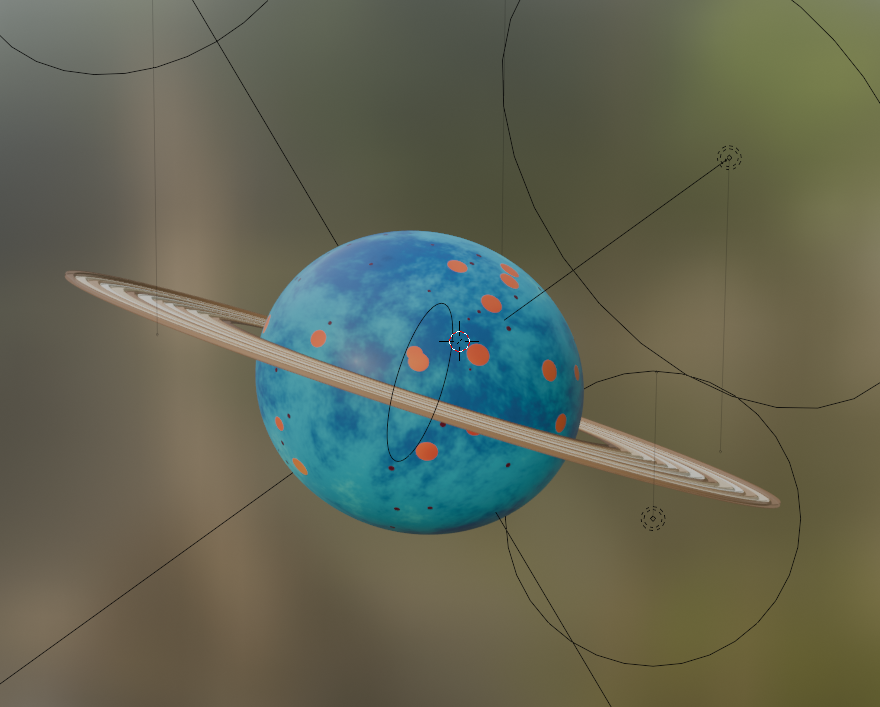
A planet and rings
-

A planet with rings that is animated
-
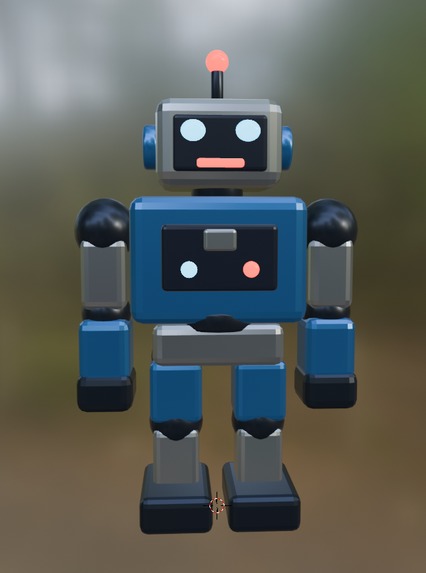
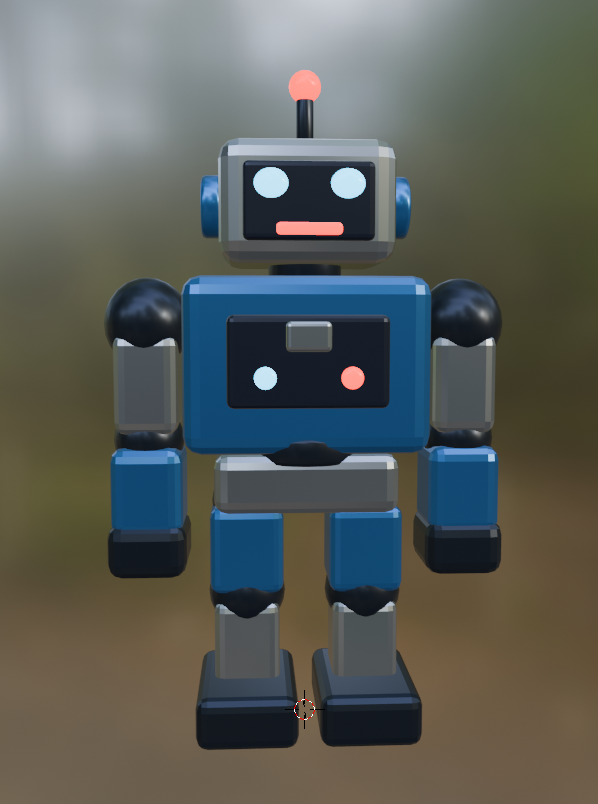
Robot model from single prompt
-
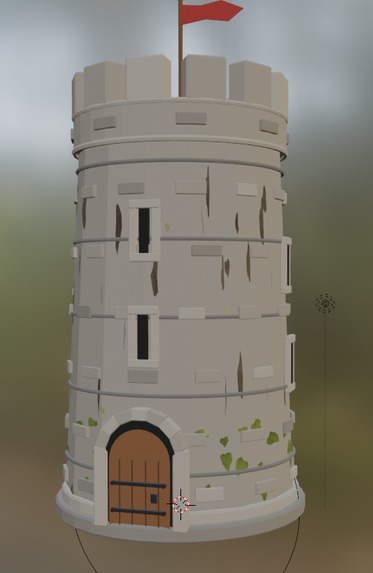
watch tower with weathering

Inspiration
AI Blender Builder was created to simplify the Blender workflow and become the kind of tool I wish had existed when I first started learning 3D modeling. As a hobbyist, finding clear answers was often difficult, so the goal was to make Blender easier to learn while exploring how AI could support the creative process.
What it does
AI Blender Builder brings GPT-5.6 directly into Blender. Users can describe what they want in plain English, and the add-on can generate or edit 3D objects, build scenes, create materials, produce animations, answer Blender-related questions, and run generated Python code directly inside the active workspace.
How we built it
The project was built as a Blender Python add-on using bpy, with a custom interface connected to GPT-5.6 through the OpenAI API. Codex was used throughout development to help design, write, test, and debug scene-context handling, prompt processing, code generation, direct execution, animation creation, and safety checks.
Challenges we ran into
One of the biggest challenges was giving GPT enough accurate scene information to understand what was happening inside Blender. Generated Python code also needed to be reliable and safe to execute without unexpectedly disrupting the user’s project.
Another major challenge involved securely storing OpenAI API keys. The keys needed to remain available after Blender was closed or the computer was restarted, while still protecting user privacy and keeping sensitive information out of .blend files.
Blender’s character limits and storage restrictions made persistent API-key handling especially difficult to implement.
Accomplishments that we're proud of
The result is a working Blender add-on that can turn plain-English ideas into editable objects, scenes, materials, animations, and executable Python code.
The project also includes scene-aware assistance, secure and persistent API-key storage, direct code execution, and a simple interface designed to make advanced Blender features more approachable for beginners.
What we learned
Building an AI-powered creative tool involves much more than generating code. It requires understanding user intent, managing scene data, handling unpredictable model responses, protecting sensitive information, and giving users control over the final result.
The project provided valuable experience combining Blender, Python, Codex, and GPT-5.6 into a practical workflow while balancing automation, reliability, safety, usability, and creative freedom.
What's next for AI Blender Builder
Future improvements will focus on better scene understanding, more consistent code generation, and expanded support for advanced modeling, animation, and material workflows.
Planned features also include stronger safety controls, improved error recovery, reference-image support, and more interactive editing so users can refine results through an ongoing conversation with the add-on.
Built With
- codex
- python

Log in or sign up for Devpost to join the conversation.