Inspiration
Phishing links are one of the most common attack vectors for everyday users — a single misleading URL can lead to stolen credentials or malware. We wanted a lightweight tool that could look at a URL the way a security analyst would: structure, domain history, and page behavior, then give an instant verdict.
What it does
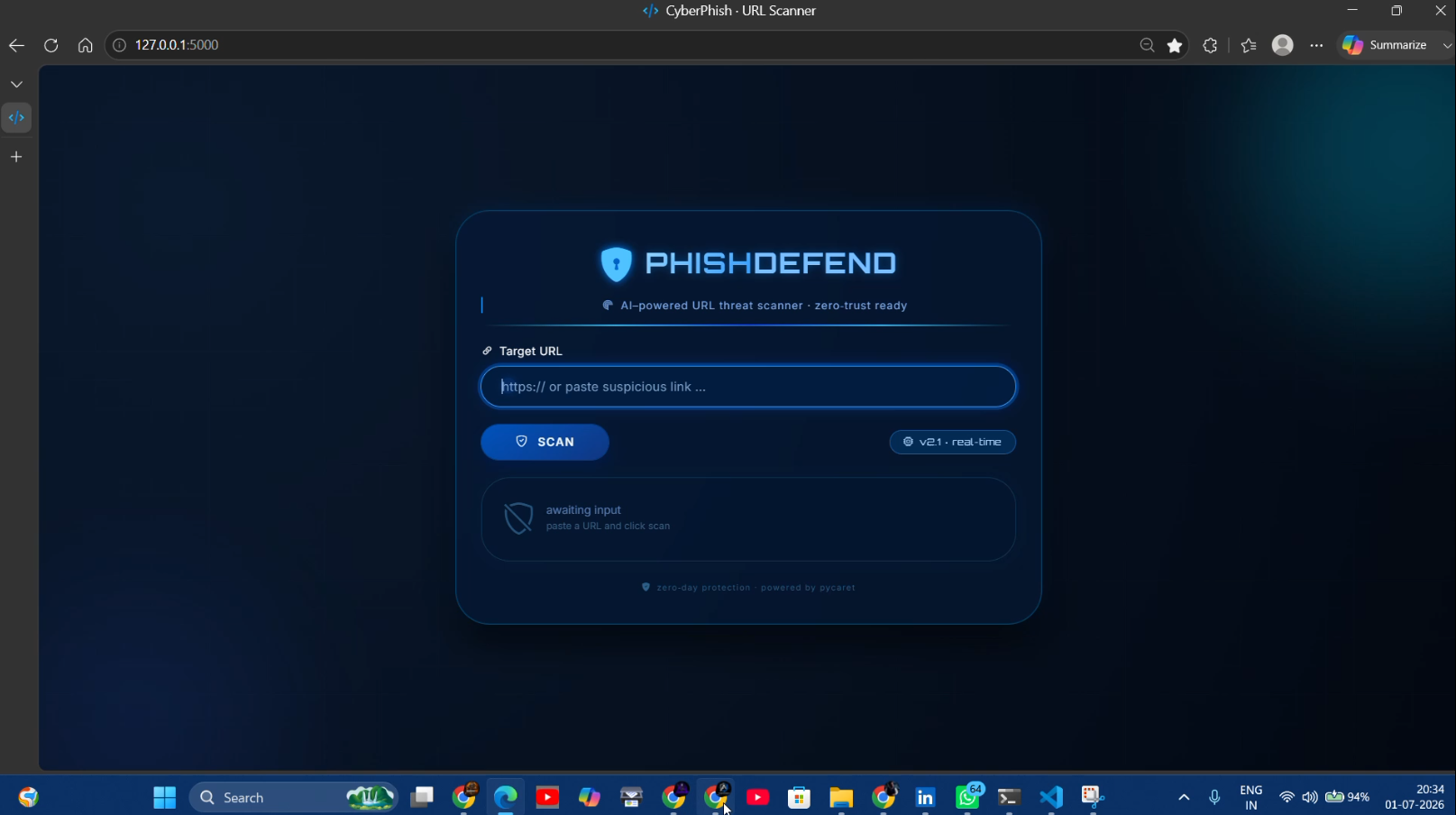
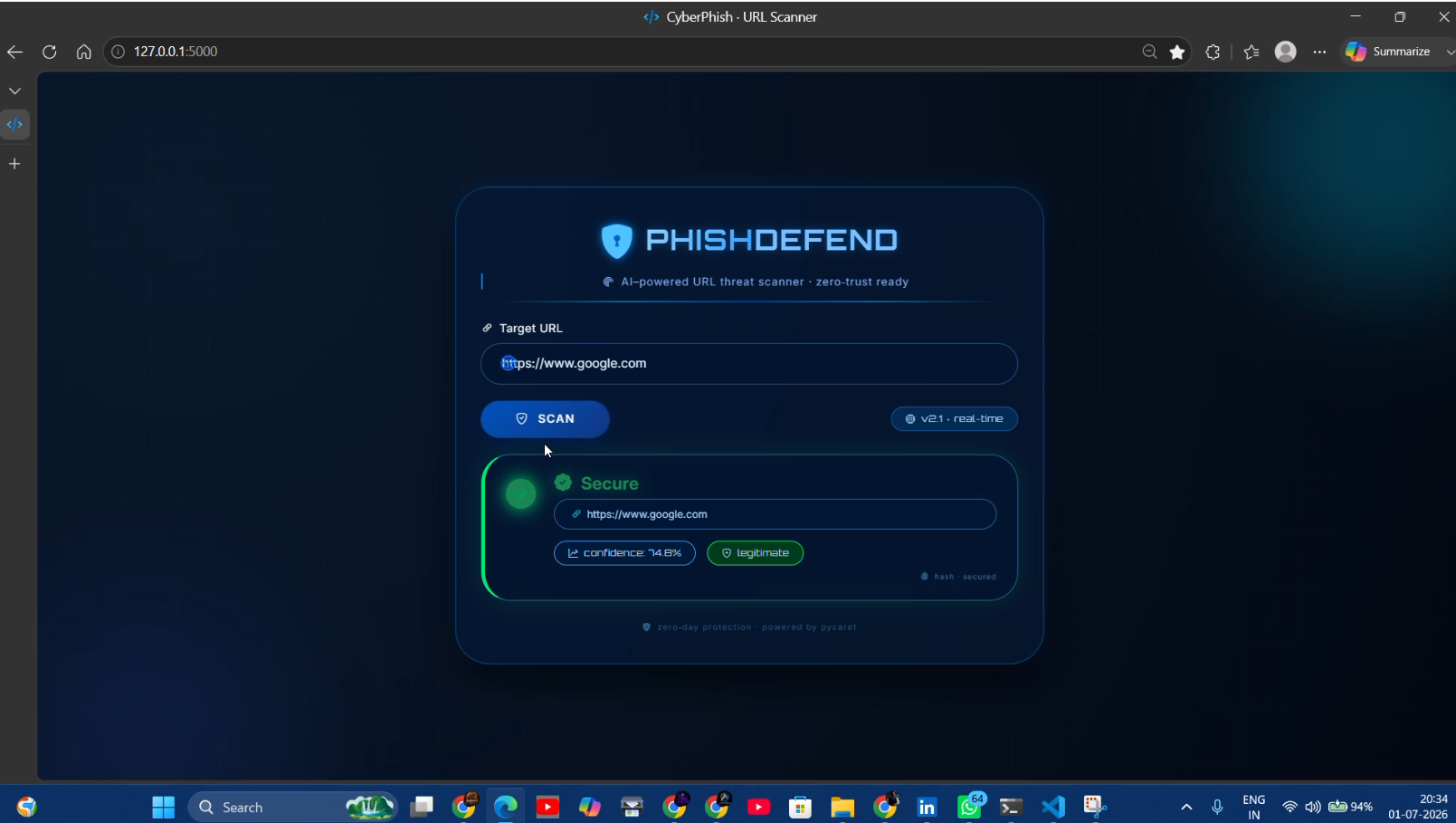
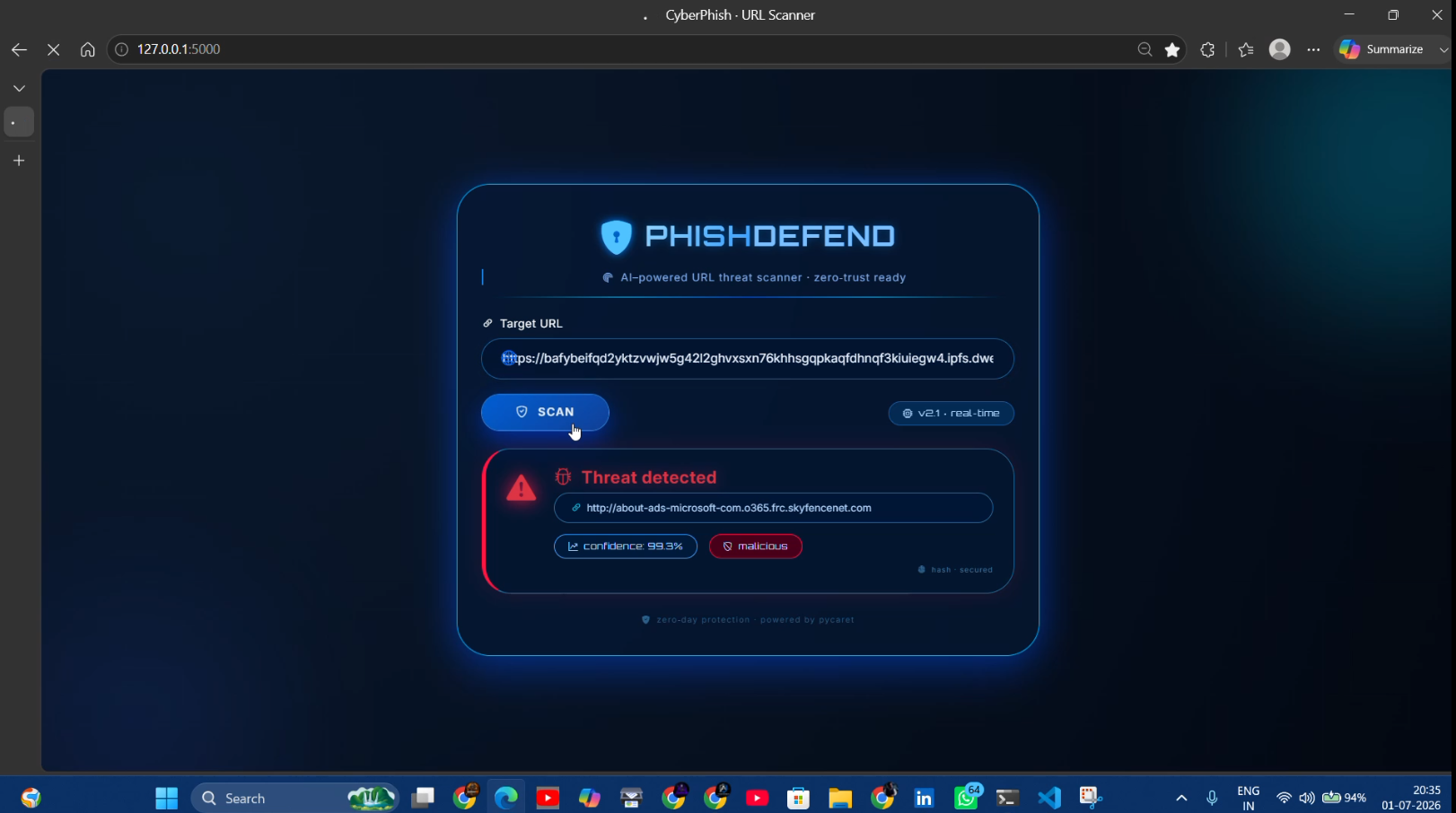
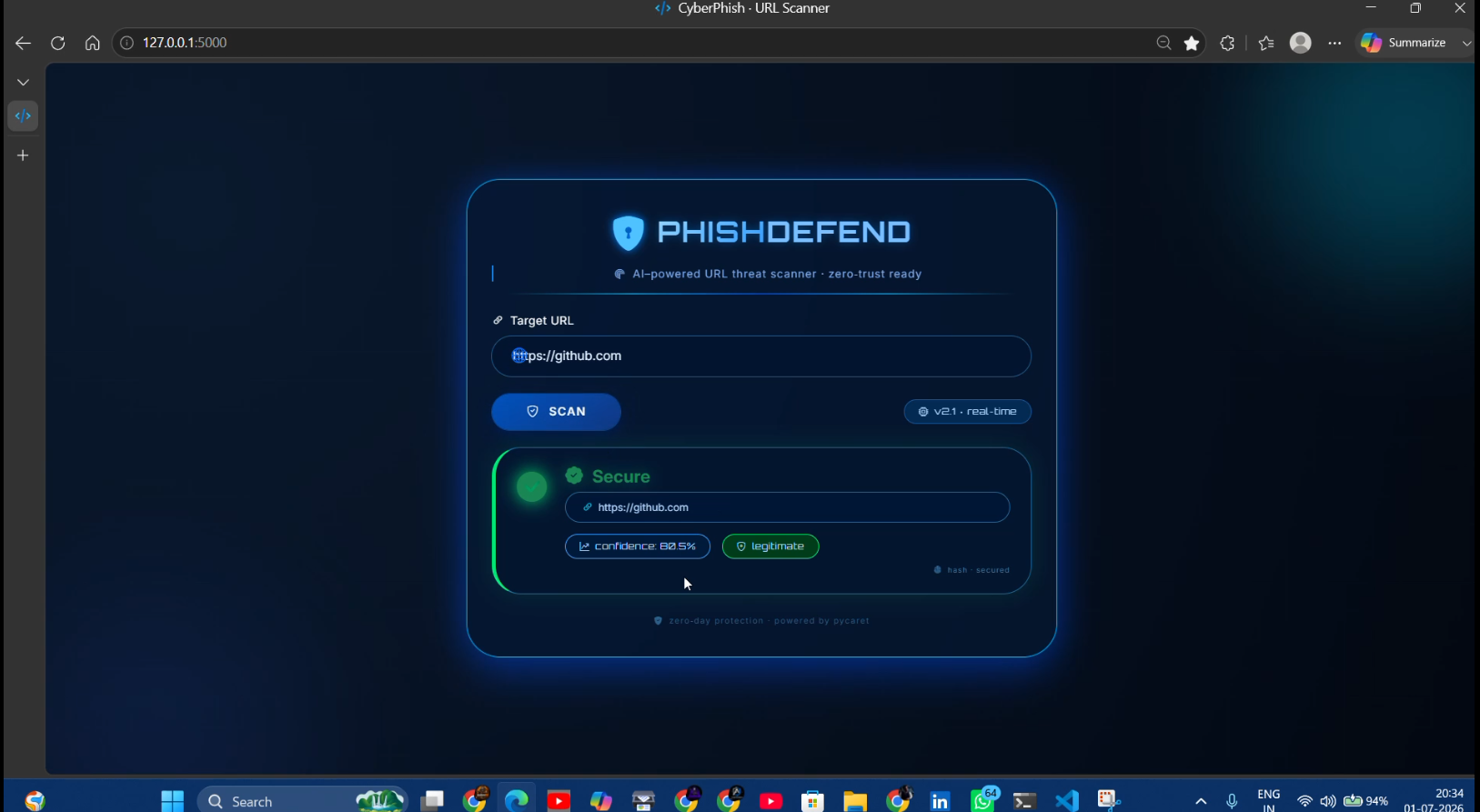
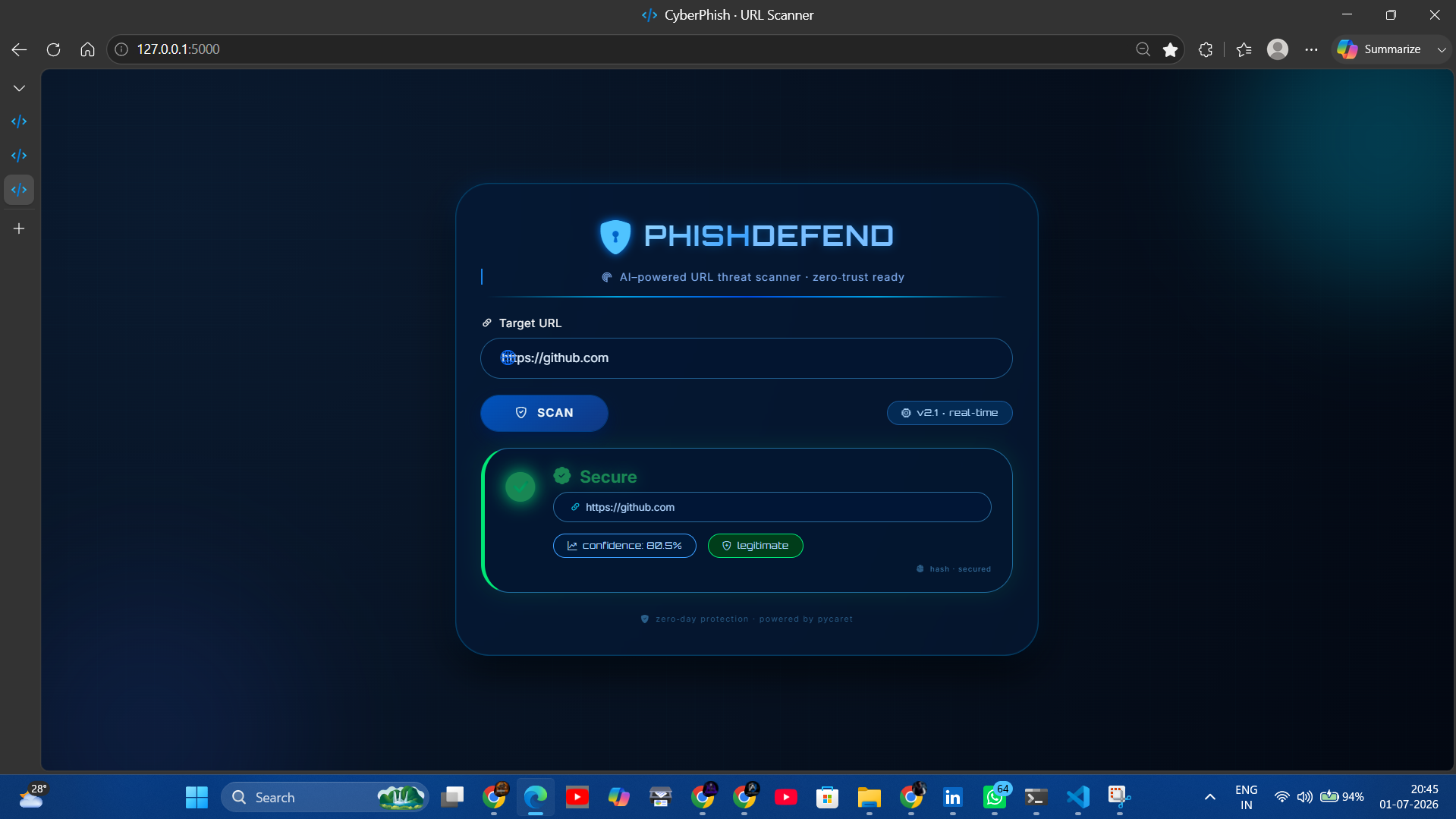
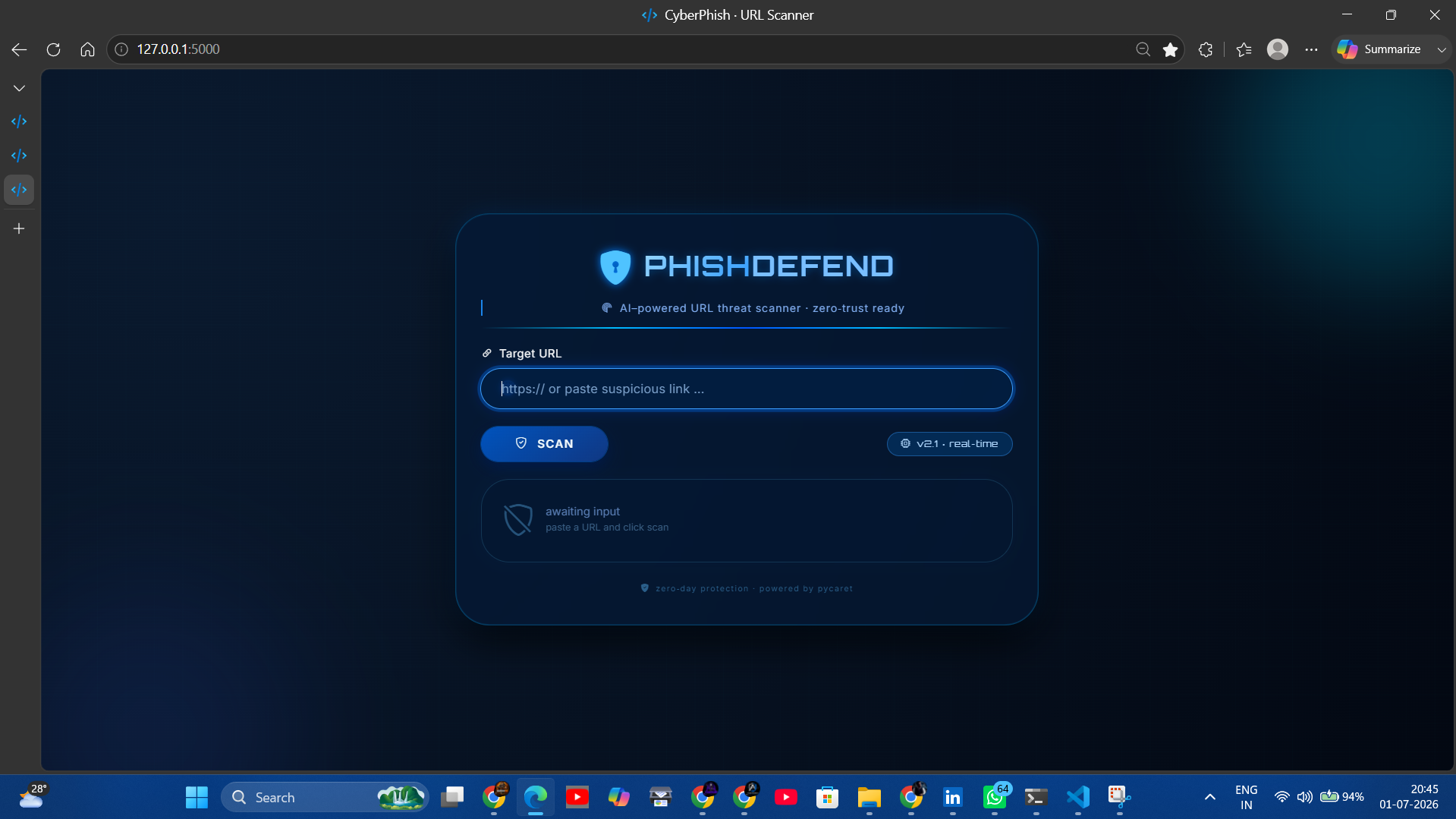
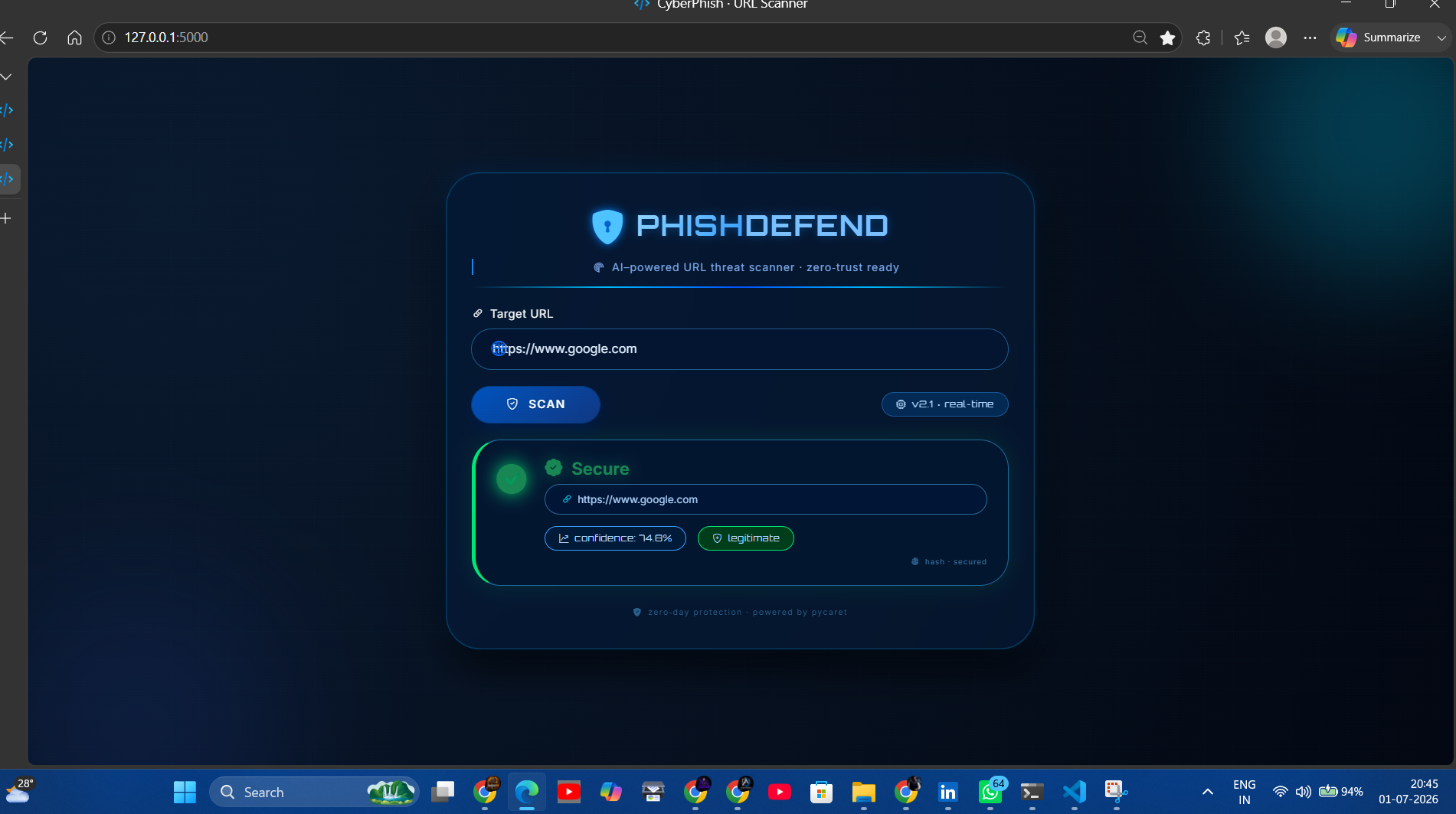
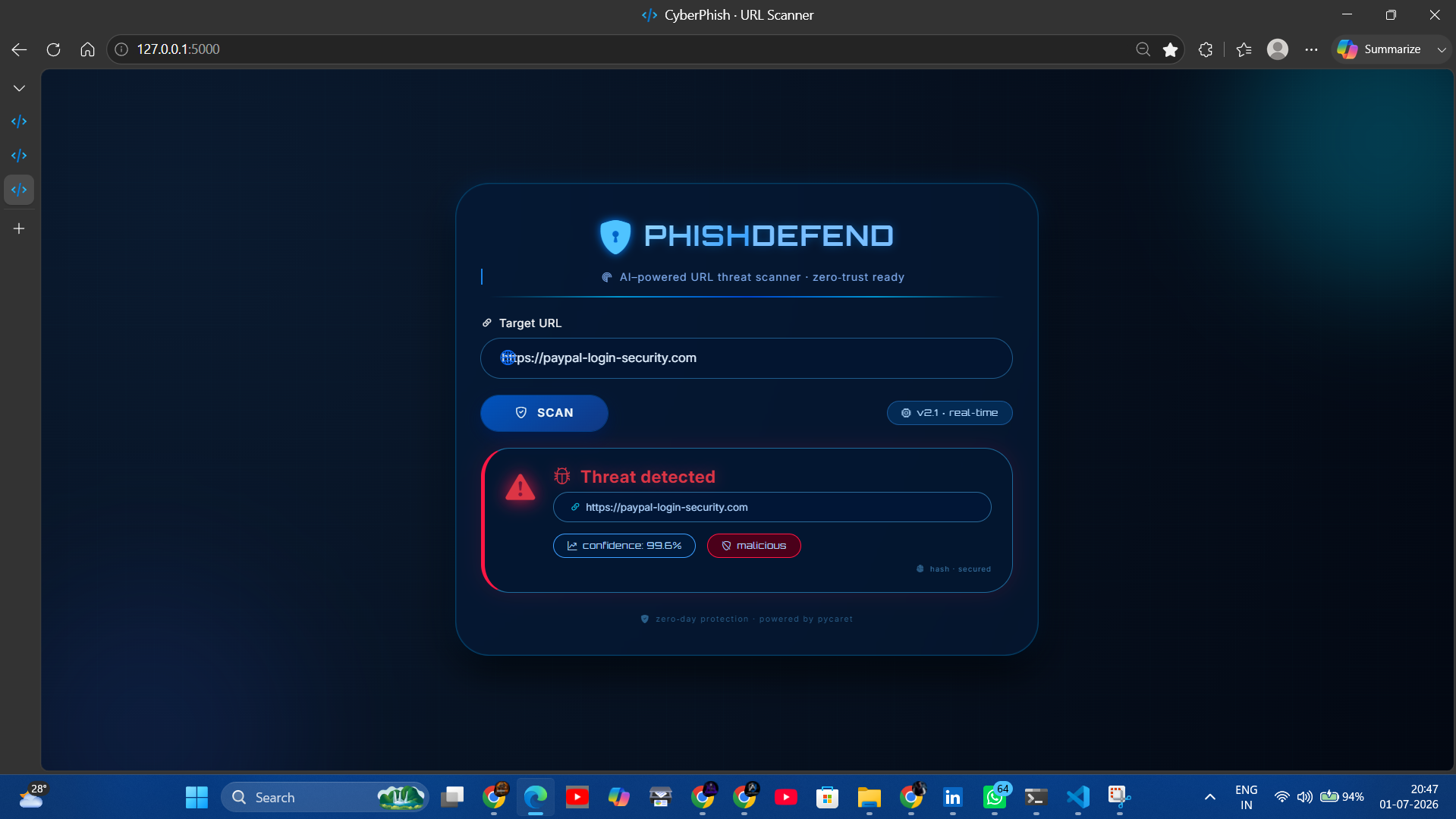
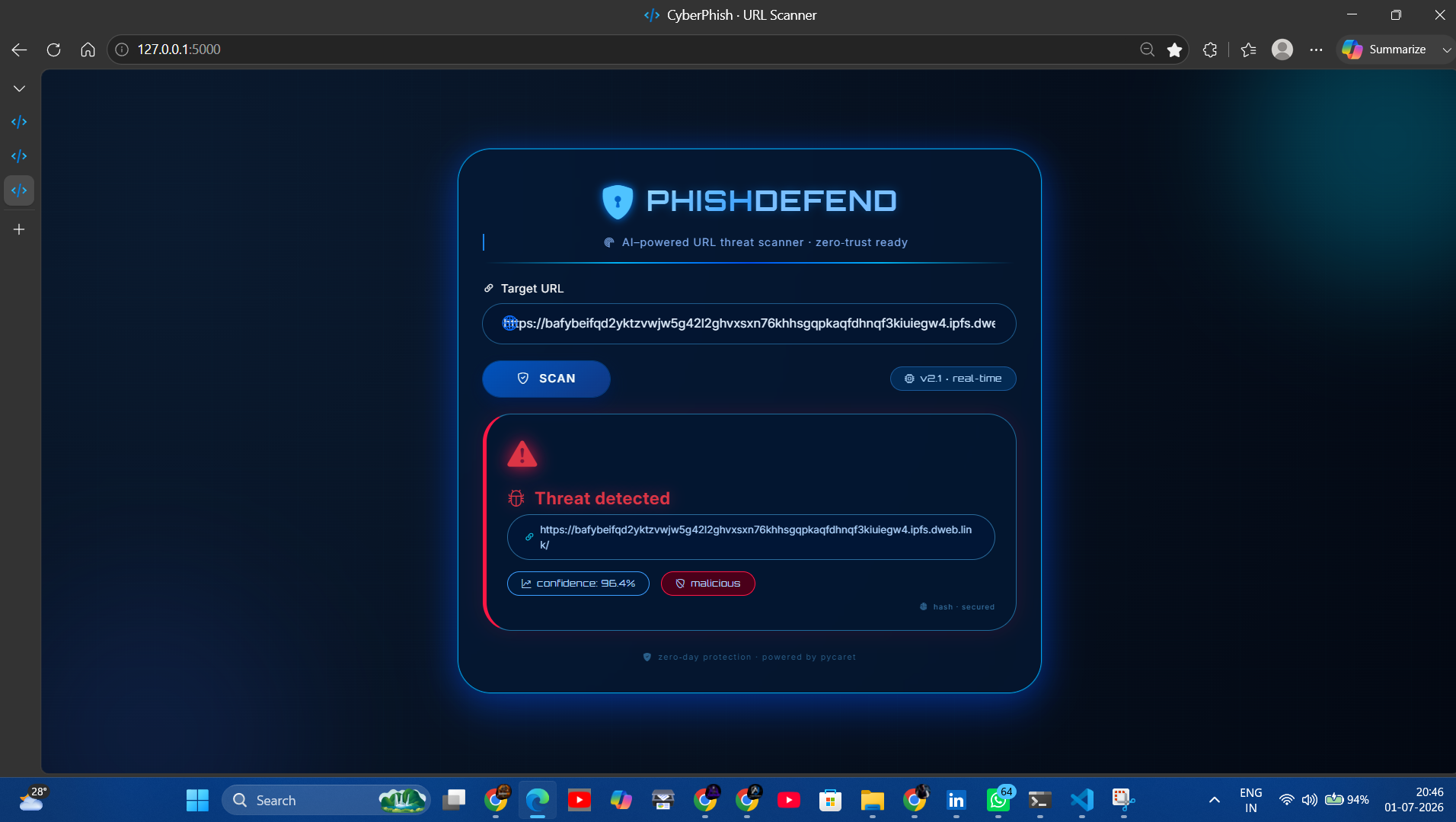
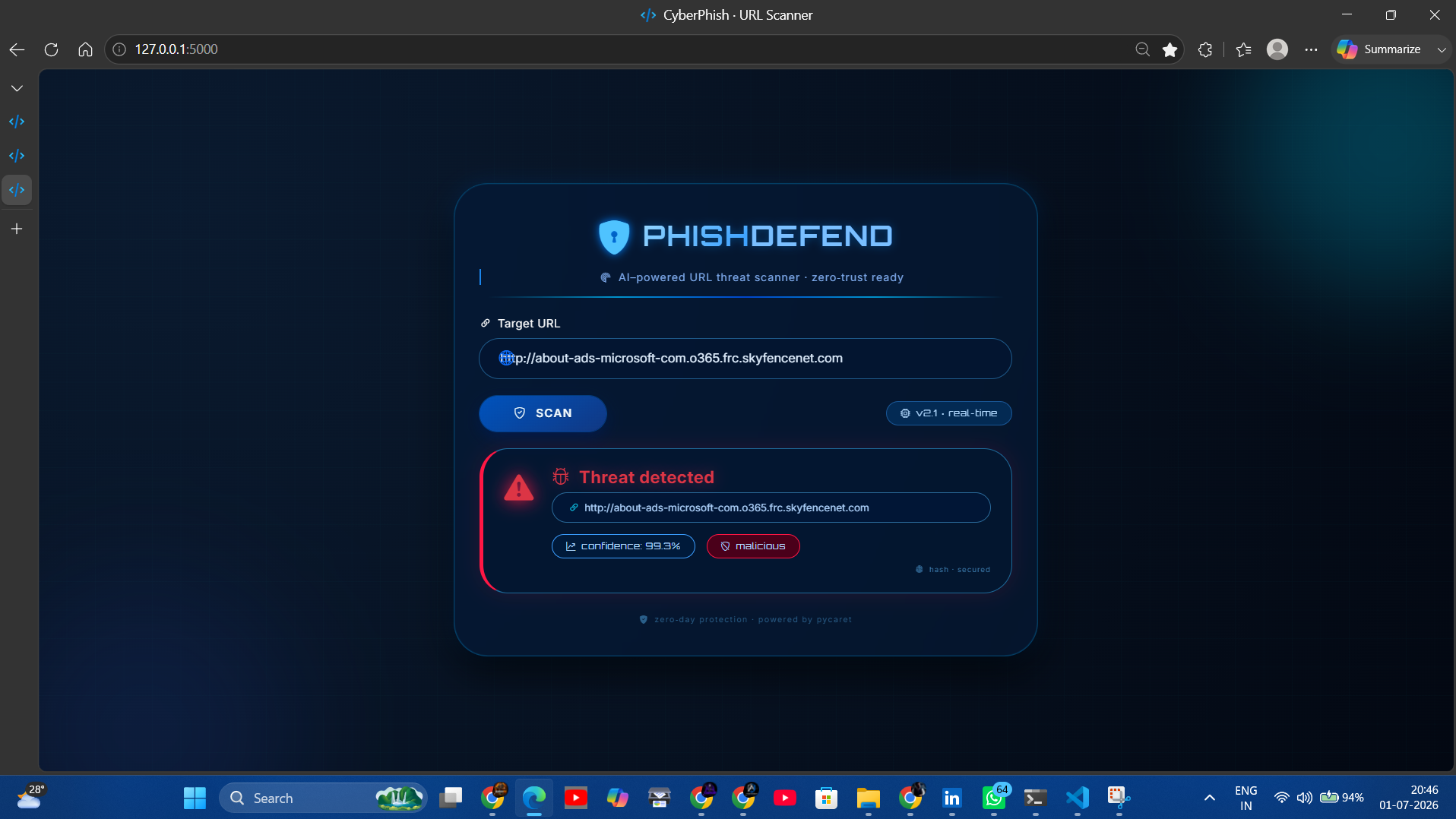
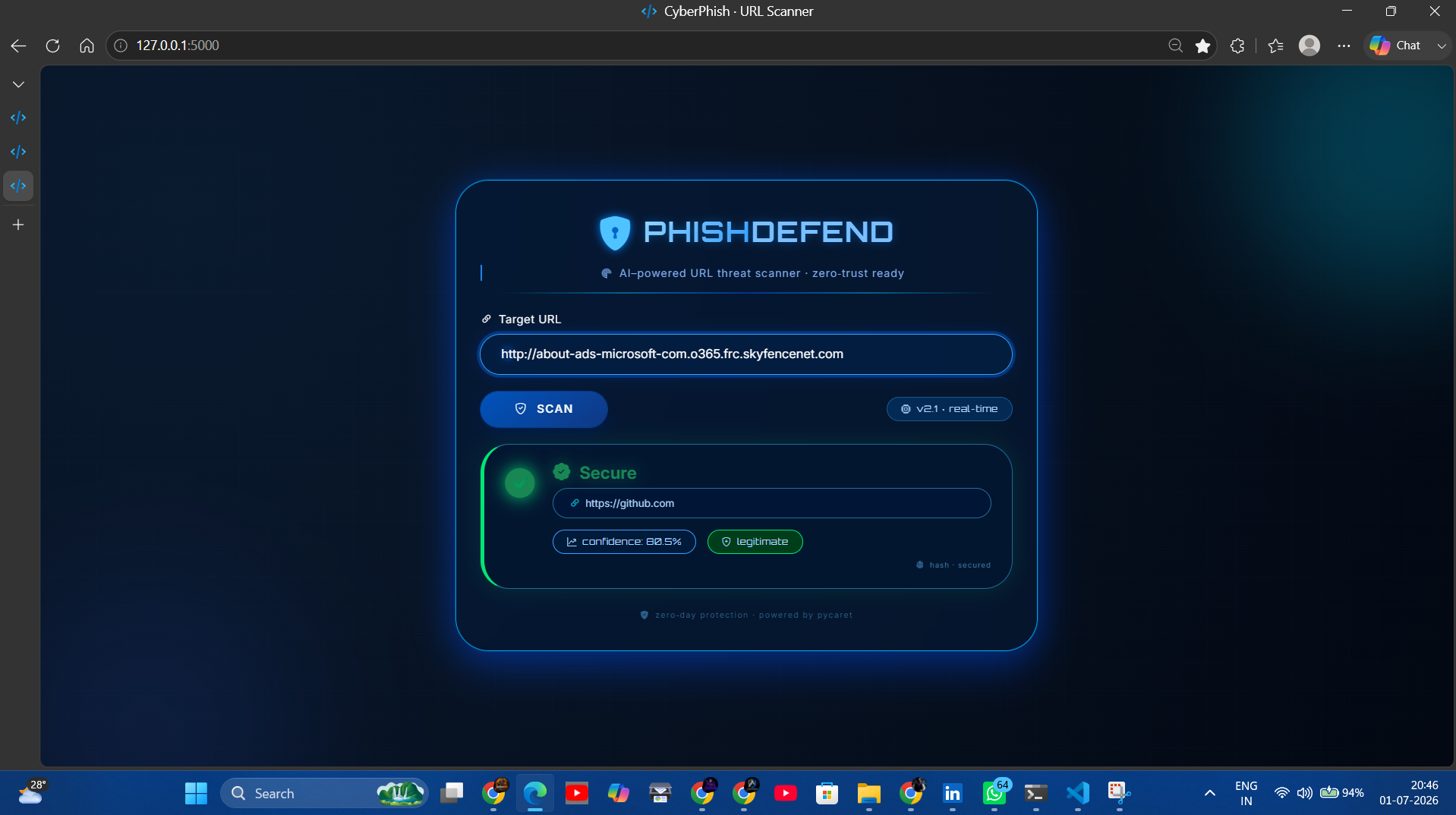
PhishDefend takes any URL and runs it through a machine learning pipeline that scores it as legitimate or phishing, along with a confidence percentage. Try it live here: ai-phishing-url-detector-rdzx.onrender.com
It looks at:
- Address-bar features — URL length, depth, use of URL shorteners, prefix/suffix patterns, dot count, and presence of sensitive keywords (e.g. "login", "verify", "secure")
- Domain-based features — WHOIS domain age and time until expiration (phishing domains tend to be newly registered and short-lived)
- HTML/JS behavior features — iframe usage, mouseover tricks, and redirect chains, compressed via PCA into a single behavioral signal
- Symbol-based red flags — IP addresses in the URL,
@symbols, and unicode/IDN homograph tricks
These features feed into a classification model trained and deployed with PyCaret, which returns a label and confidence score rendered in a clean, cyberpunk-themed UI.
How we built it
- Backend: Flask serving a single route that accepts a URL via POST, extracts features, and runs inference
- Feature engineering: custom Python functions covering lexical, domain, and content-based signals
- Dimensionality reduction: a PCA model condenses correlated HTML/JS behavioral features into one component before they reach the classifier
- Model: a PyCaret classification pipeline trained on labeled phishing/legitimate URL data
- Frontend: a responsive Bootstrap 5 UI with glassmorphism styling, live scan animations, and color-coded threat verdicts
- Deployment: hosted live on Render at ai-phishing-url-detector-rdzx.onrender.com
Challenges we ran into
- Balancing real-time WHOIS/HTTP lookups against response time, since live domain and page-content checks slow down every scan
- Keeping feature extraction robust when a target site is unreachable, blocks scraping, or has malformed HTML
- Making sure feature ordering stayed consistent all the way from extraction through PCA transformation into the final model input
- Getting the app deployed and stable on a free-tier host without breaking the live inference pipeline
What we learned
- How much signal simple lexical features (URL length, dots, dashes, keywords) carry for phishing detection versus heavier content-based checks
- The practical trade-offs of WHOIS-based domain age as a feature — powerful, but slow and sometimes unavailable
- How to package a full ML inference pipeline (feature engineering → PCA → classifier) behind a simple Flask API
- What it takes to move a Flask + ML app from local development to a live, publicly accessible deployment
What's next for PhishDefend
- Add a browser extension for real-time scanning without copy-pasting URLs
- Cache WHOIS/HTTP lookups to speed up repeat scans
- Expand training data to catch newer phishing patterns (typosquatting, homograph domains)
- Add an API endpoint for programmatic/bulk URL checks
🔗 Live demo: https://ai-phishing-url-detector-rdzx.onrender.com/
Built With
- bootstrap
- css3
- cybersecurity
- flask
- html5
- httpx
- jinja
- machine-learning
- pandas
- pca
- phishing-detection
- pycaret
- python
- regex
- scikit-learn
- whois

Log in or sign up for Devpost to join the conversation.