Inspiration
Being Jira users ourselves for many years and seeing what AI can bring to life recently, we identified an opportunity to enrich Jira with new superpowers when it comes to sprint planning.
Every PM knows the pain of backlog grooming sessions that consumes hours, the struggle to translate high-level strategy into concrete sprint compositions, and the constant challenge of balancing technical debt against new feature work.
We wanted to bridge the gap between strategic intent and tactical execution, letting AI handle the heavy lifting.
What it does
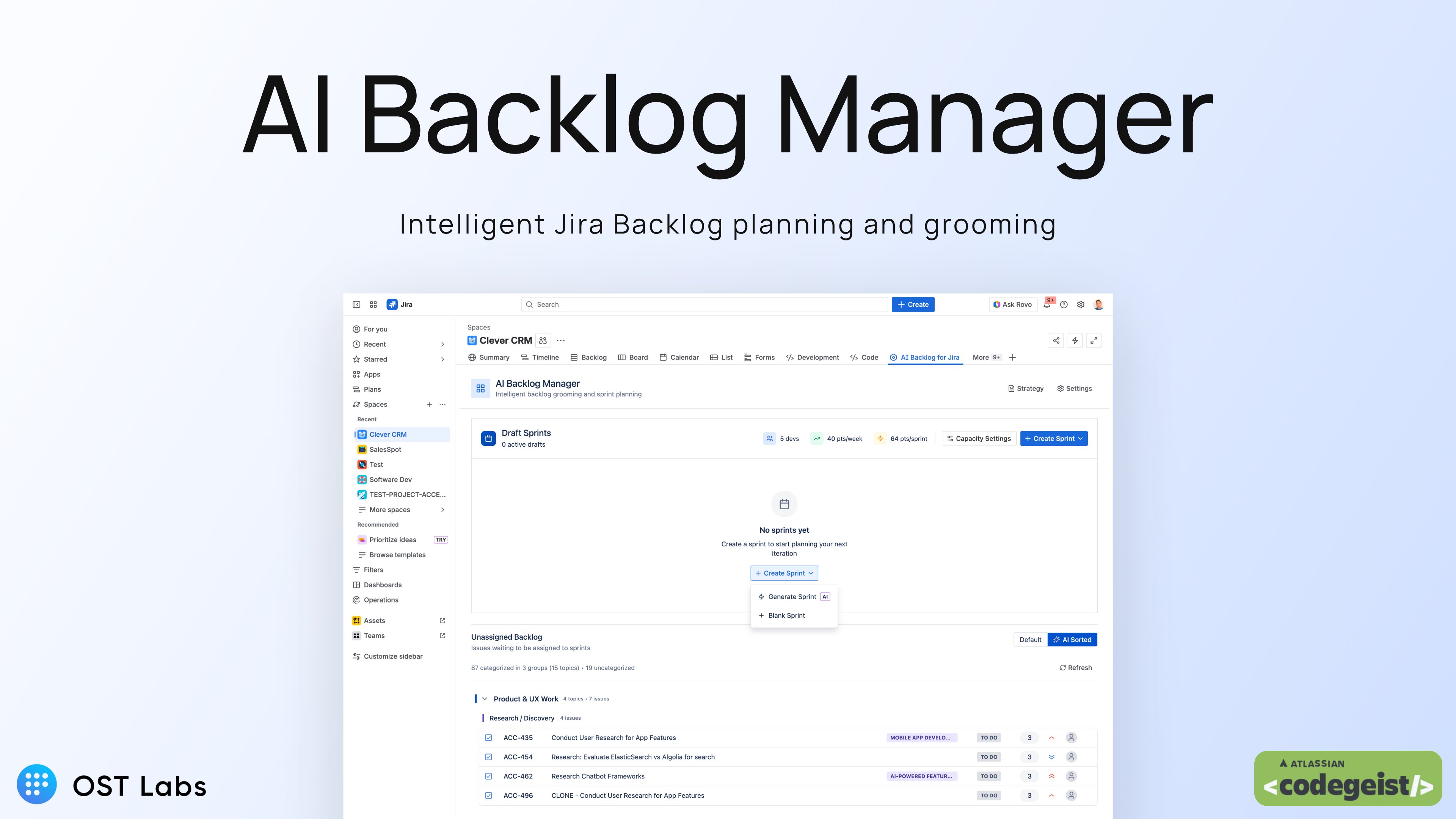
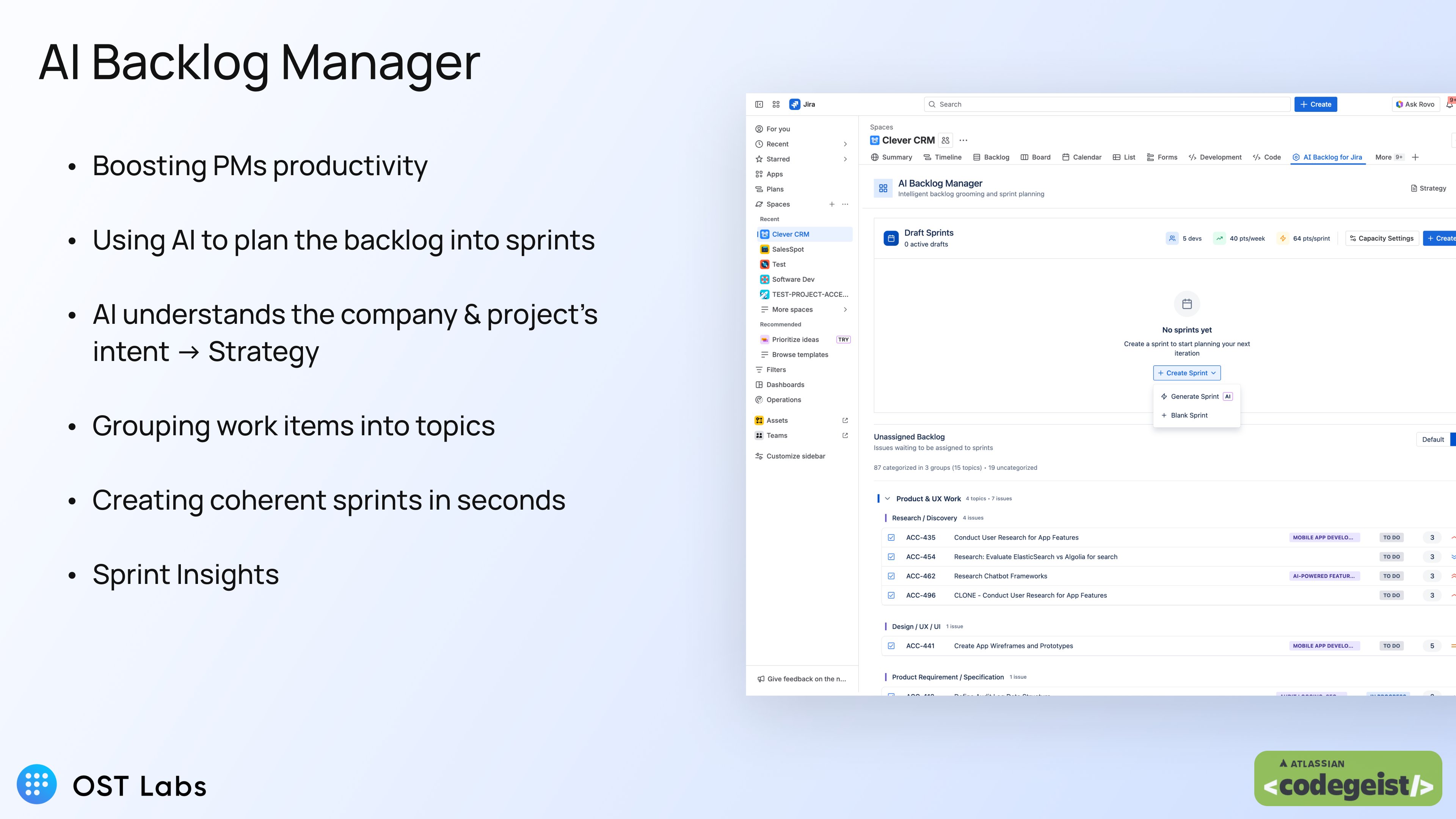
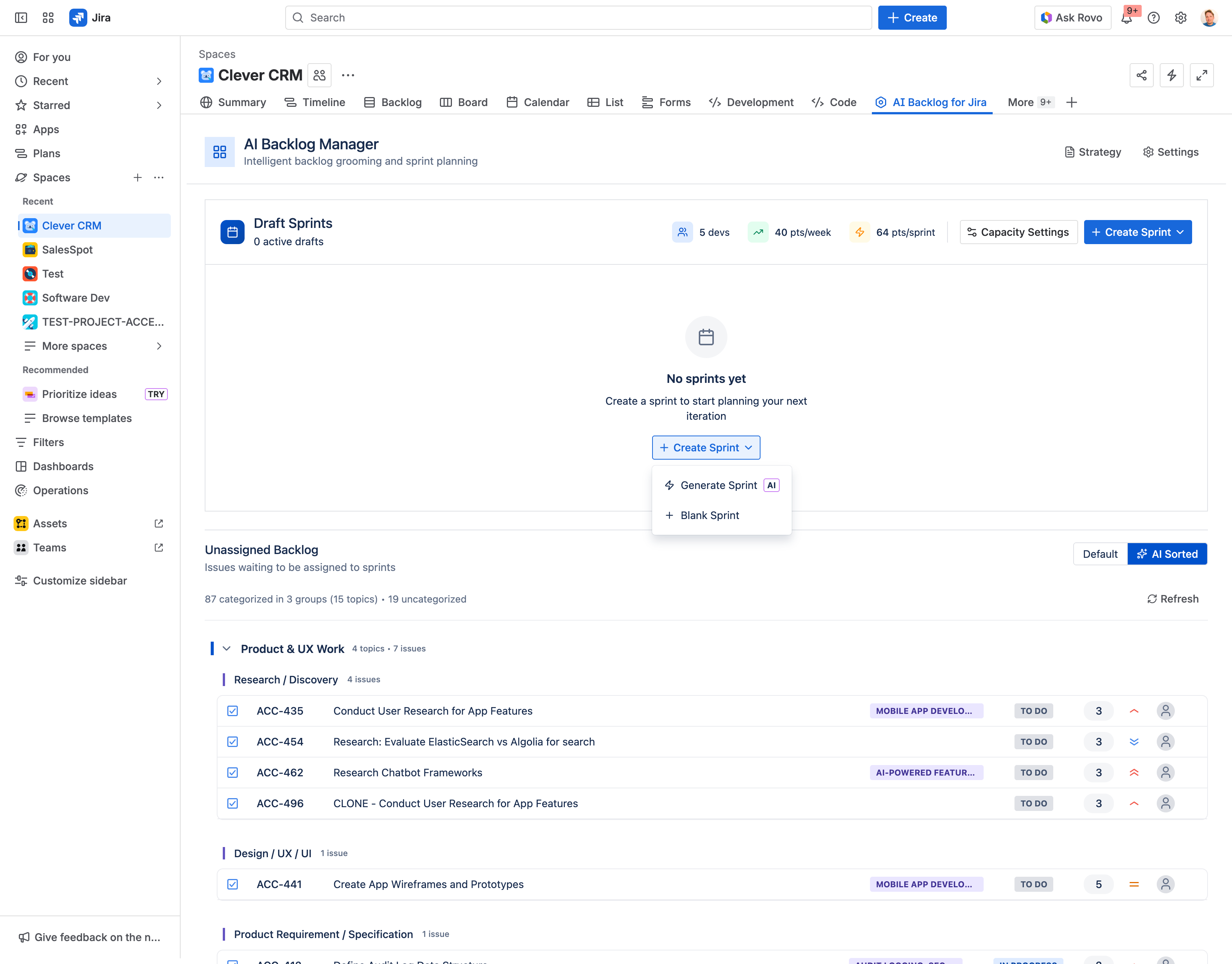
AI is able to understand Jira project intents and provide PMs and users with features to plan work items accordingly, in just seconds.
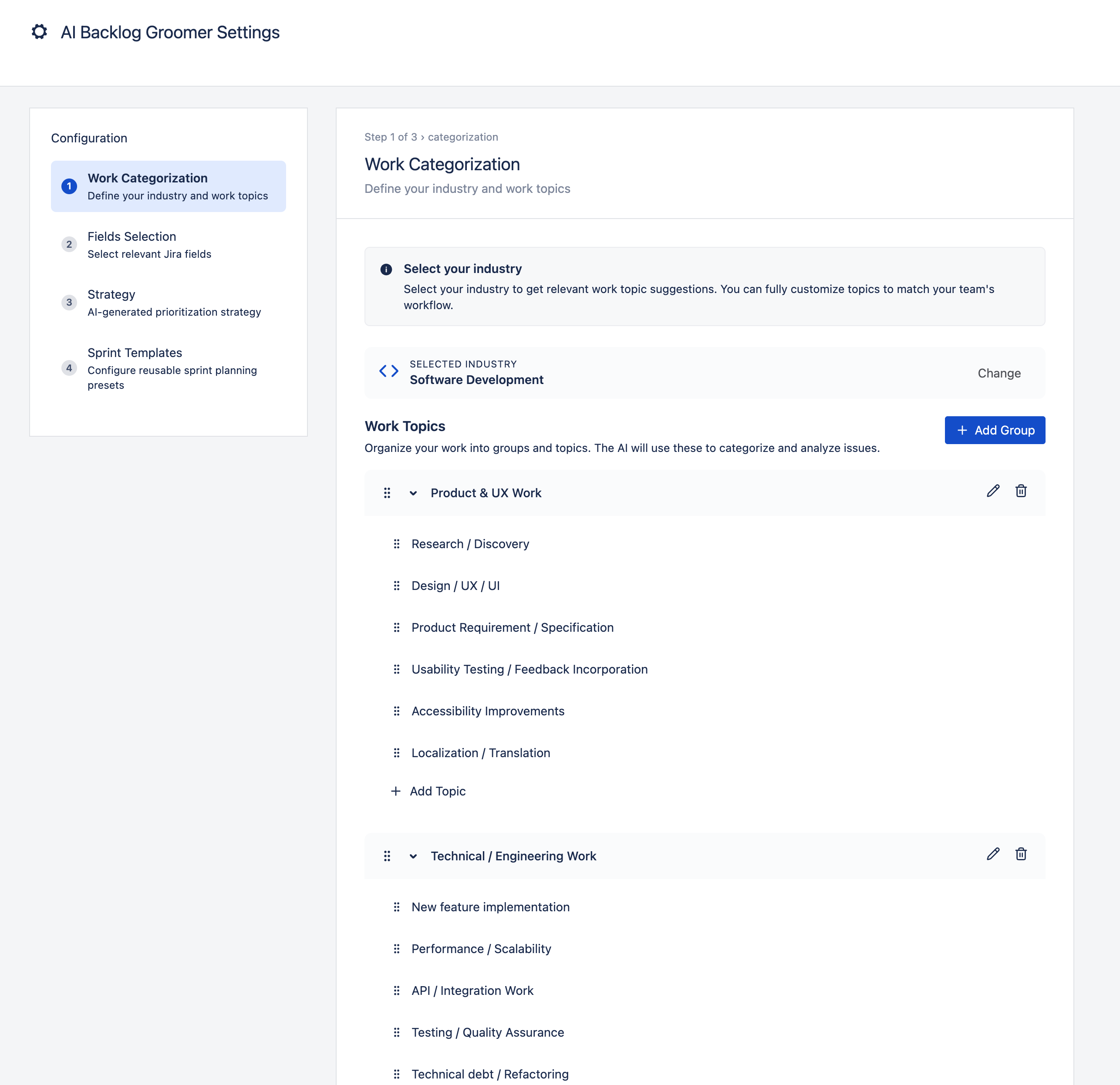
Users define their strategy and work categorization (e.g., "Technical Work" → Bug Fixes, Infrastructure; "Product Work" → New Features, UX Improvements), and the AI automatically classifies backlog work items into these topics.
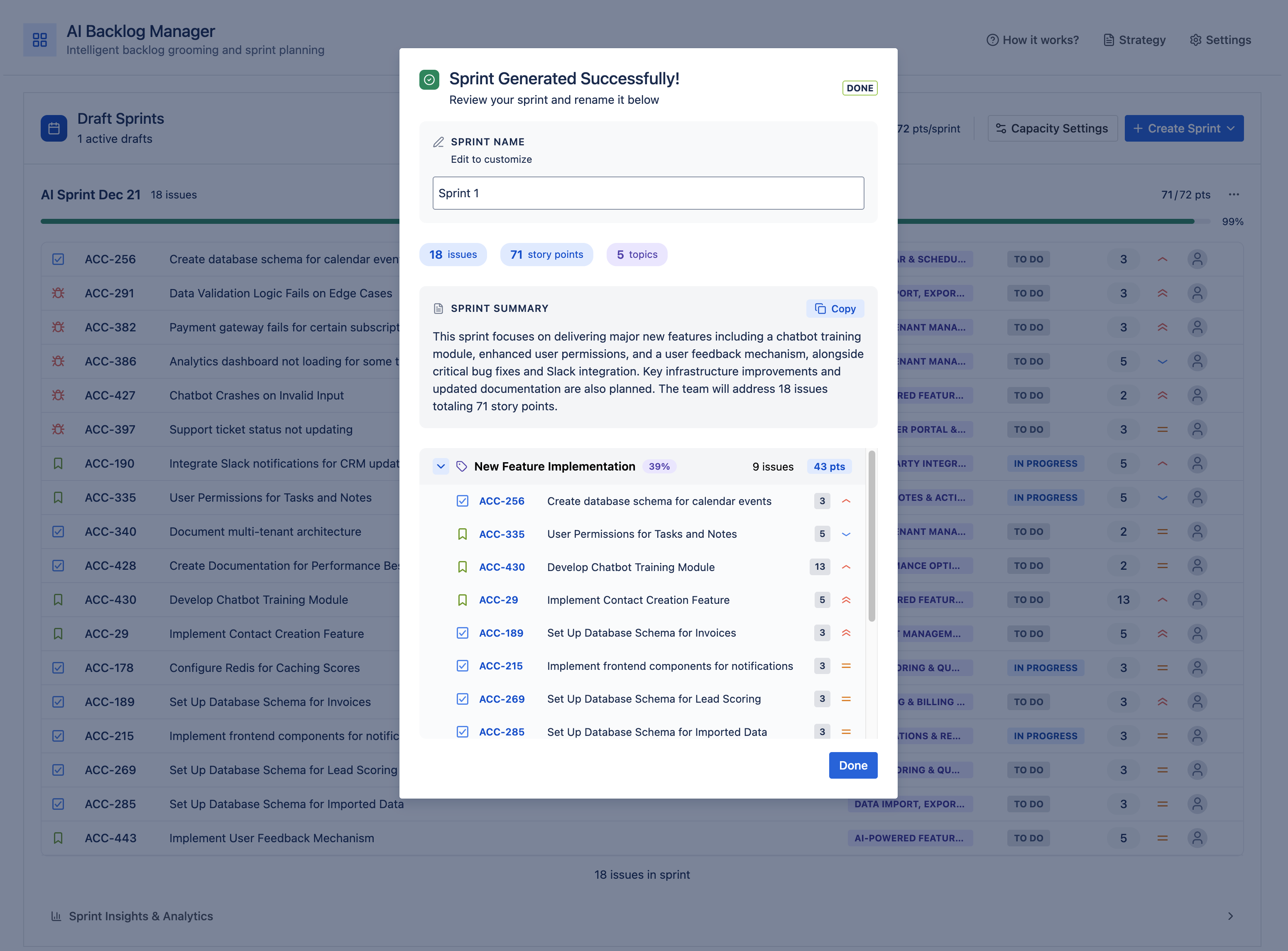
The AI-sorted backlog view groups issues by category, showing teams exactly how their work aligns with strategic priorities. When it's time to plan a sprint, the AI generates draft sprints respecting team capacity, topic allocation percentages, and issue dependencies.
How we built it
It’s built on top of Forge and Forge Remote, with our own backend implementing OpenAI’s APIs.
The frontend uses Custom UI with React and the Atlassian Design System (@atlaskit) for a native Jira experience. Our backend implements a multi-LLM architecture that allows task-specific model selection, using embedding models for semantic clustering and chat models for categorization and sprint generation.
We're excited to see what Forge LLM will bring at a later stage and whether we'll be able to leverage it instead of Forge Remote.
Challenges we ran into
Selecting the right models to balance performance and cost was definitely a challenge. We use a combination of topic clustering and generic LLM models from OpenAI.
Accomplishments that we're proud of
Seeing the app understand user intents, combined with project content, and deliver a draft sprint ready to be started feels almost like magic.
We're particularly proud of the two-level work categorization hierarchy that gives users flexibility without complexity and the real-time integration that keeps categorizations fresh as work items change.
What we learned
Rovo Chat was a first for us and came with its own learning curve.
What's next for AI Backlog for Jira
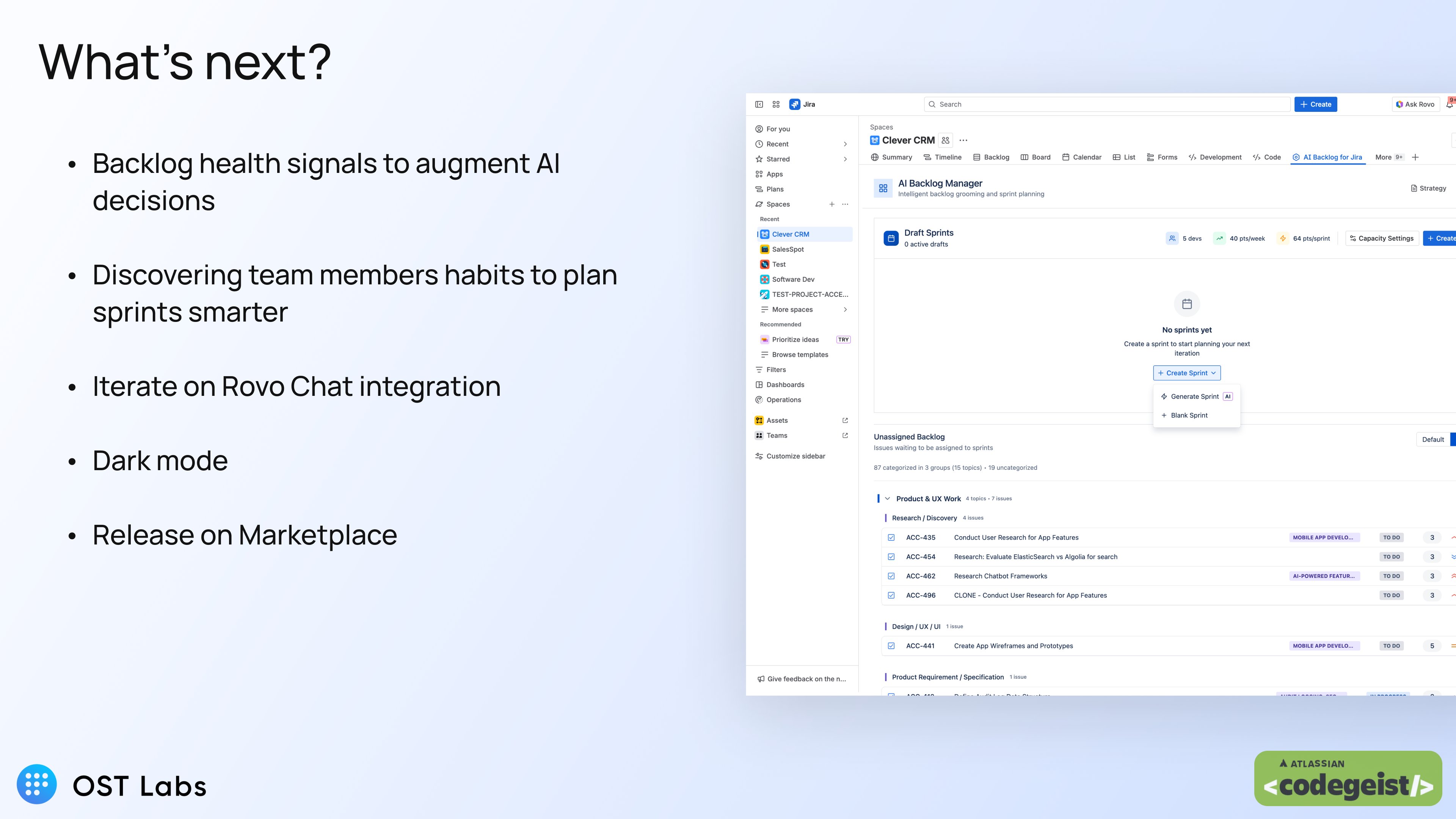
Backlog health signals and team member habits: using AI to make better decisions. We're building features to detect weak tickets (missing acceptance criteria, vague descriptions), identify potential duplicates with confidence scoring, and analyze team velocity patterns to improve capacity estimation. Release to Marketplace soon.
PS: We had to cut the video quite hard to make it fit the 5 minutes duration limit. Sorry about that. Here is a link to a longer loom video containing the settings and a few other things. https://www.loom.com/share/f924796fd60b4a24a5f1d3c386db672a
Built With
- digitalocean
- forge
- openai

Log in or sign up for Devpost to join the conversation.