Inspiration
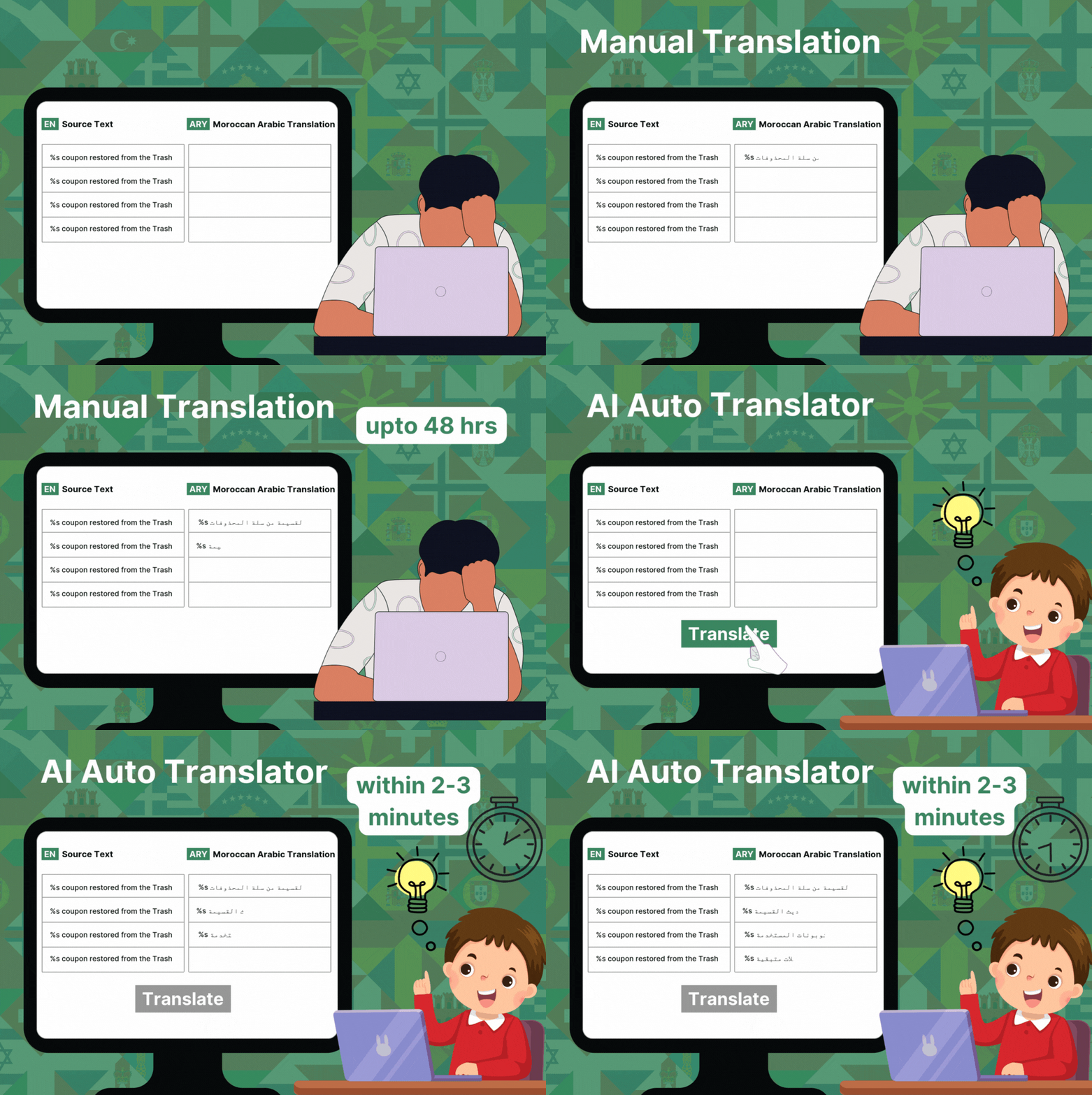
As WordPress plugin developers, we often spend hours manually translating plugin strings for different language users. Loco Translate is a plugin that most developers use to translate any WordPress plugin or theme. It provides the functionality to translate strings one by one, which takes a lot of time, especially as plugins and themes often contain thousands of strings.
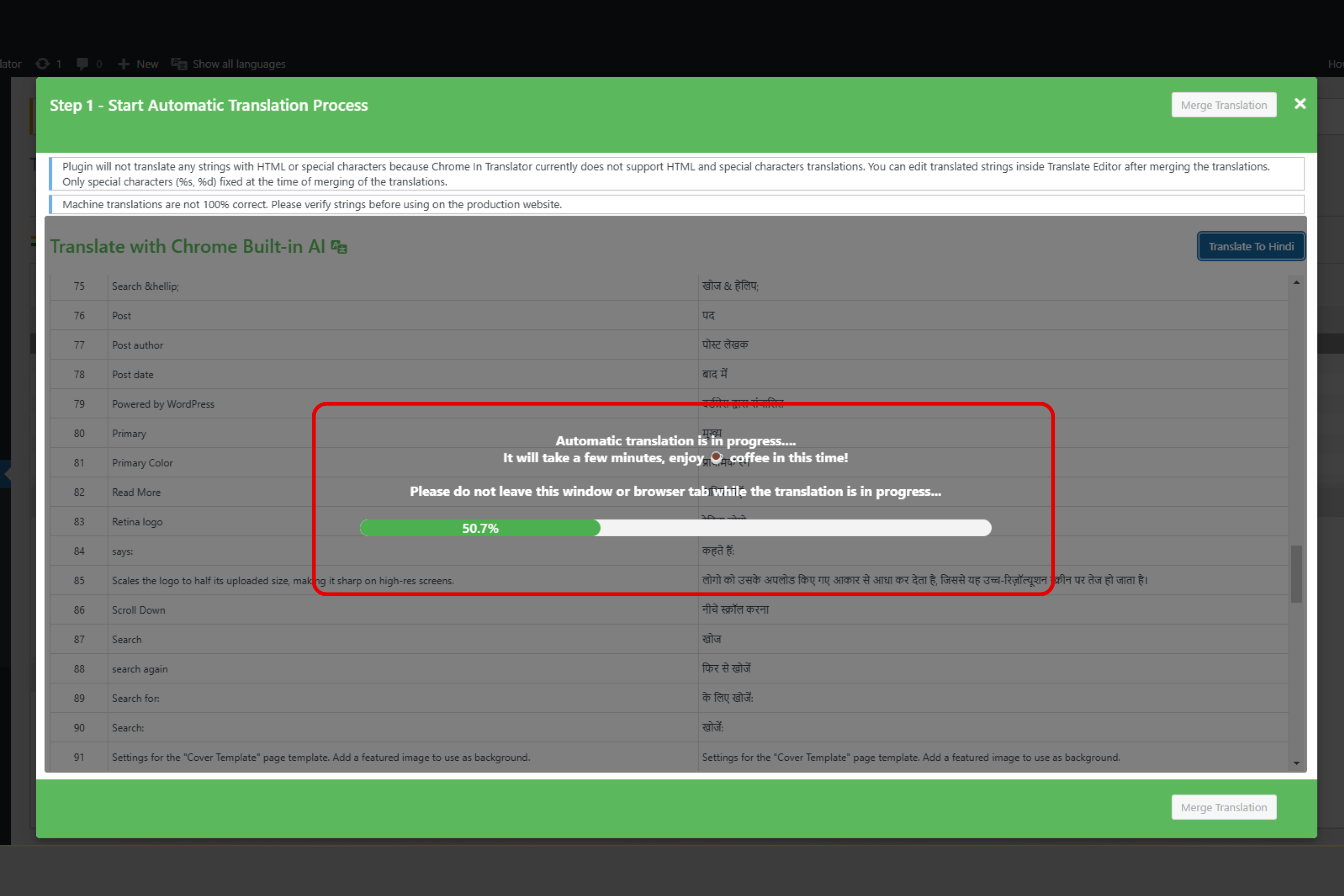
We thought, why not automate this process? That’s where AI Auto Translator comes in. It uses Chrome built-in AI to translate all strings with a single click. We created this cool solution to save developers time and effort.
What It Does
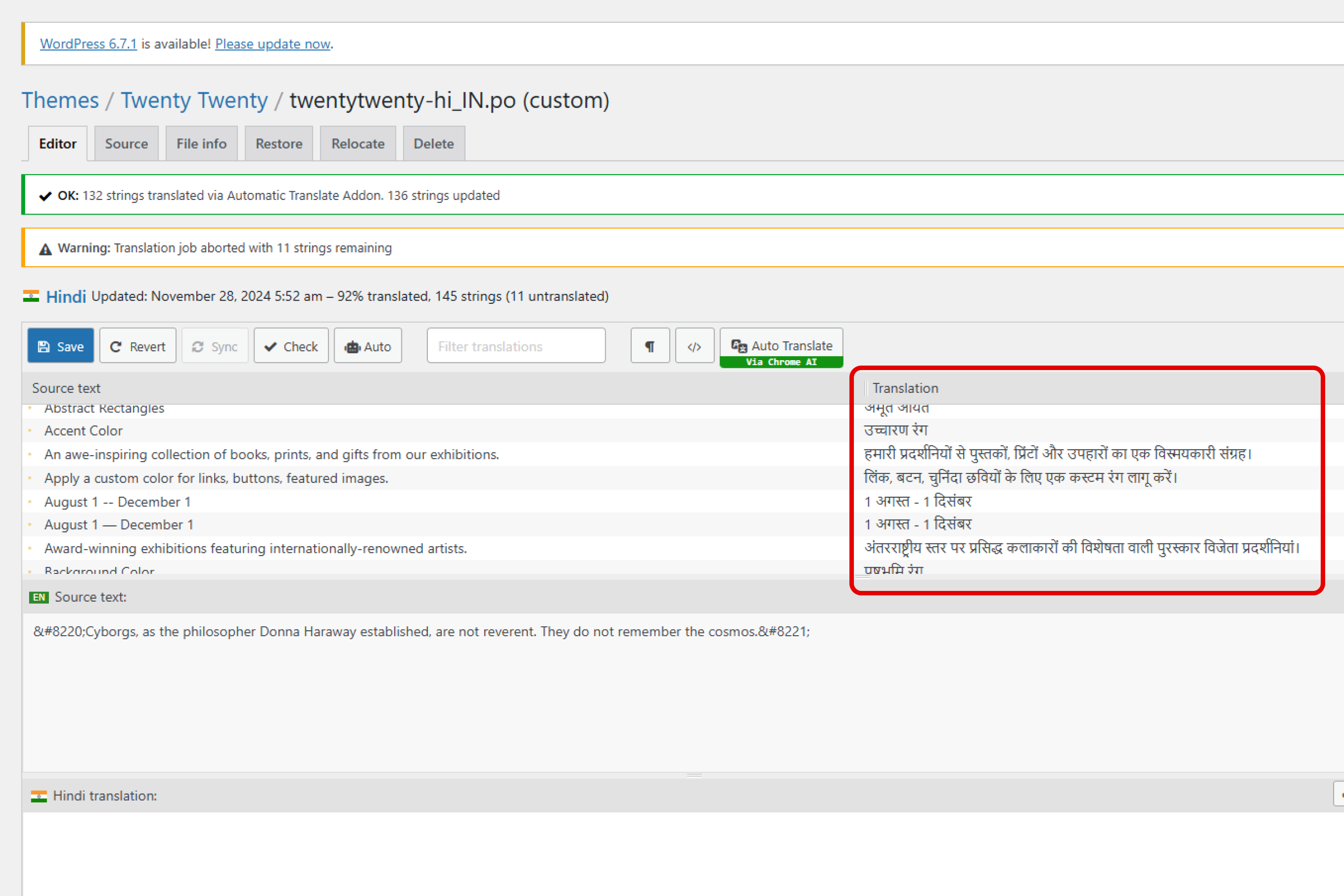
The AI Auto Translator for WordPress Plugins is an addon for the Loco Translate plugin that uses Chrome built-in AI to automatically translate all strings in a WordPress plugin or theme with just one click.
Instead of manually translating each string, users can now:
- Select a plugin or theme to translate.
- Choose their target language.
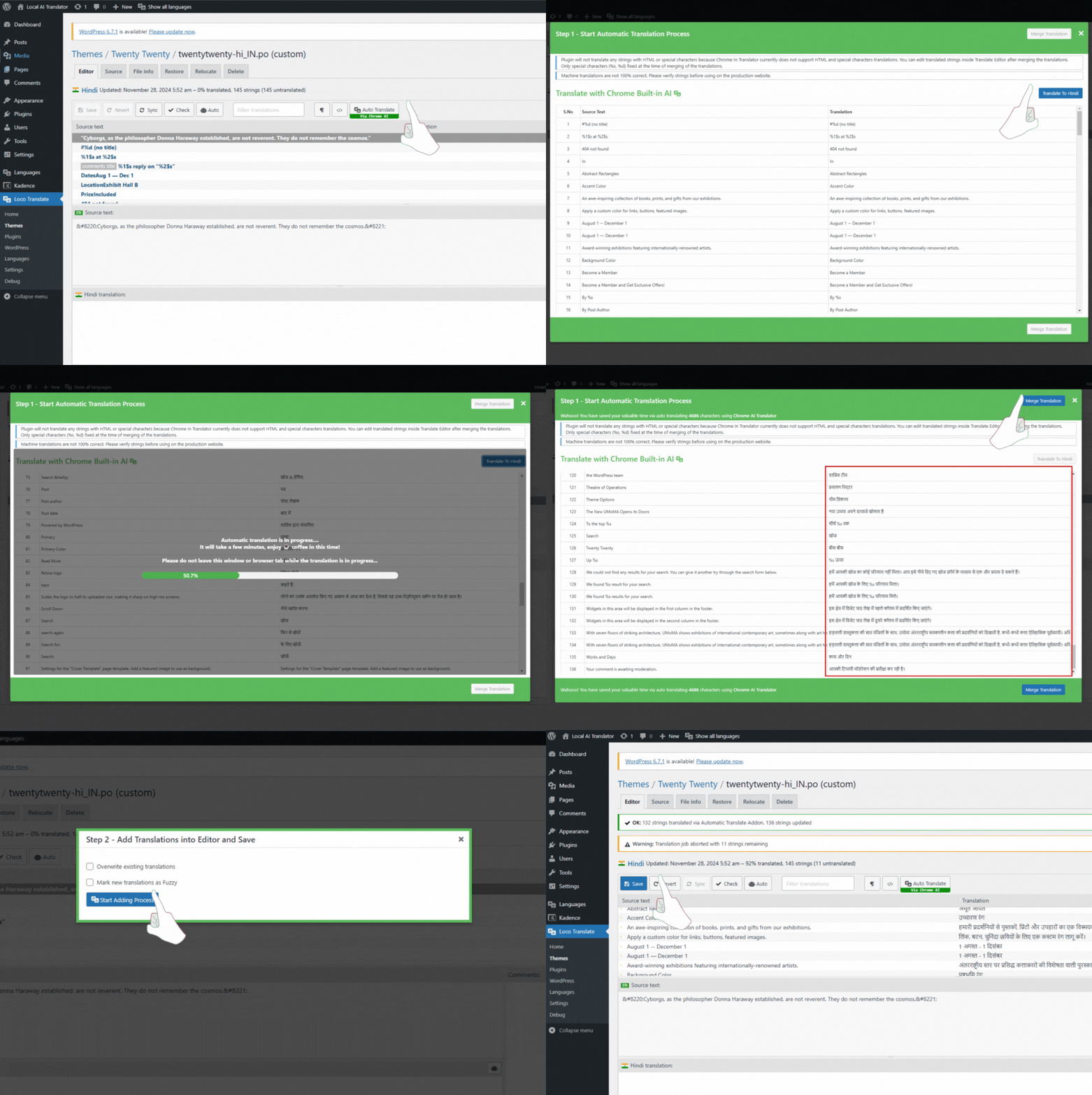
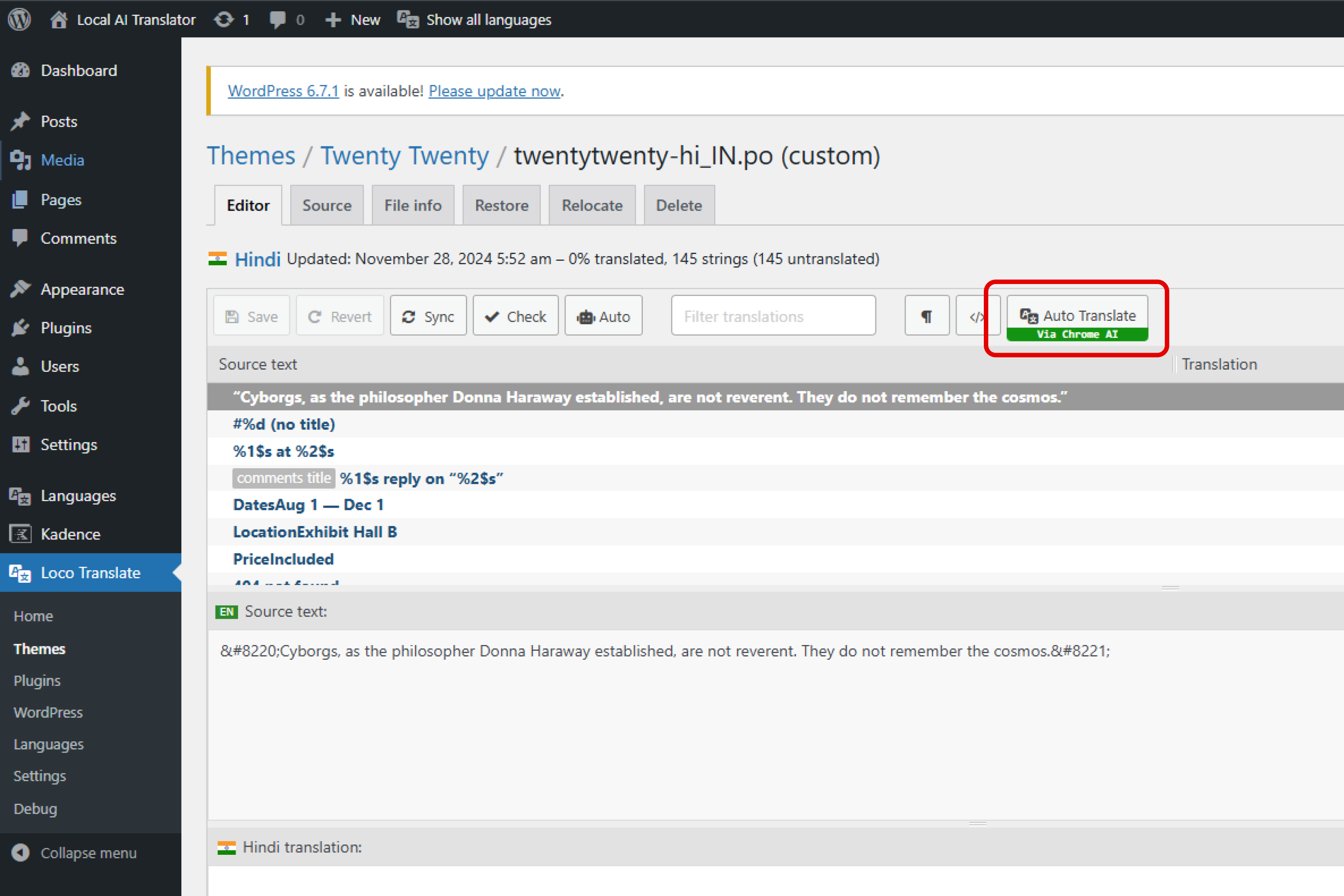
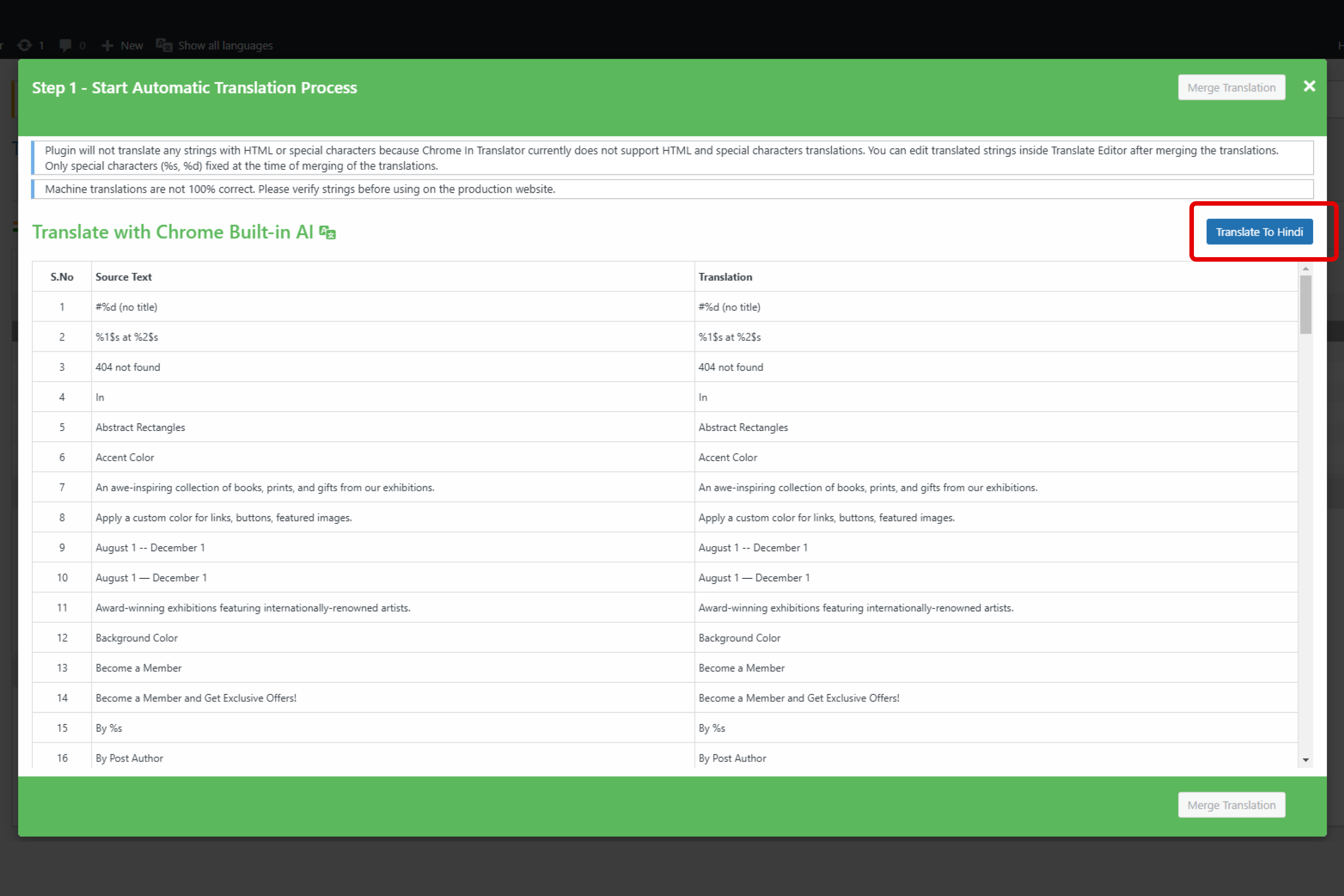
- Click the Auto Translate button to translate all strings instantly.
The result? Translations are applied directly to your plugin or theme, saving hours of work.
How We Built It
Choosing a Base Plugin:
We used the Loco Translate plugin as the base plugin to save development time since it’s widely used for WordPress plugin and theme translations.Developing the Addon:
- We created a custom addon that integrates with Loco Translate to add an Auto Translate button.
- This button interacts with Chrome’s built-in AI to perform automatic translations.
- We created a custom addon that integrates with Loco Translate to add an Auto Translate button.
Easy Workflow & Chrome AI Integration:
- Guided users through enabling the Chrome Translator Modal and installing language packs.
- Designed the addon to handle large datasets and ensure translations are applied efficiently.
- Focused on creating a beginner-friendly interface.
- Guided users through enabling the Chrome Translator Modal and installing language packs.
Challenges We Ran Into
- Chrome AI Integration: Understanding how to programmatically use Chrome’s AI translation capabilities and its integration with WordPress.
- Performance Optimization: Handling thousands of strings at once required careful optimization to prevent timeouts or performance issues.
- User Guidance: Simplifying the setup for enabling the Translator Modal and ensuring users could follow the steps easily was crucial.
Accomplishments That We’re Proud Of
- Successfully creating a one-click translation solution that reduces time and effort for developers.
- Making the plugin easy to use for both developers and non-technical users.
- Integrating with a popular plugin - Loco Translate.
- Receiving positive feedback from other plugin developers.
What’s Next for AI Auto Translator for WordPress Plugins
We plan to:
- Expand Compatibility: Test the addon with large plugins and themes.
- Proper Handling of Dynamic Words & HTML Characters: Plugins and themes handle translations via PO files, which often include HTML tags and special characters. Our next goal is to properly handle the translation of these elements to ensure accuracy.
Try It Yourself!
A plugin specially designed for WordPress developers and website owners. If you’re tired of manual translations, give our plugin a try. We’re confident you’ll love it as it saves hours of work through the power of automation with Chrome’s AI!


Log in or sign up for Devpost to join the conversation.