Inspiration
The idea for this project came from the desire to create a simple, useful assistant that can help users with everyday tasks like checking the weather and managing to-do lists. With the rise of voice assistants like Siri and Alexa, I wanted to build something similar but focused on weather information and task management, all controlled through voice commands.
What it does
This project is a voice-activated AI assistant that can:
- Check the weather: The assistant fetches current weather data for a specified city.
- Manage tasks: Users can add, view, and remove tasks from a to-do list.
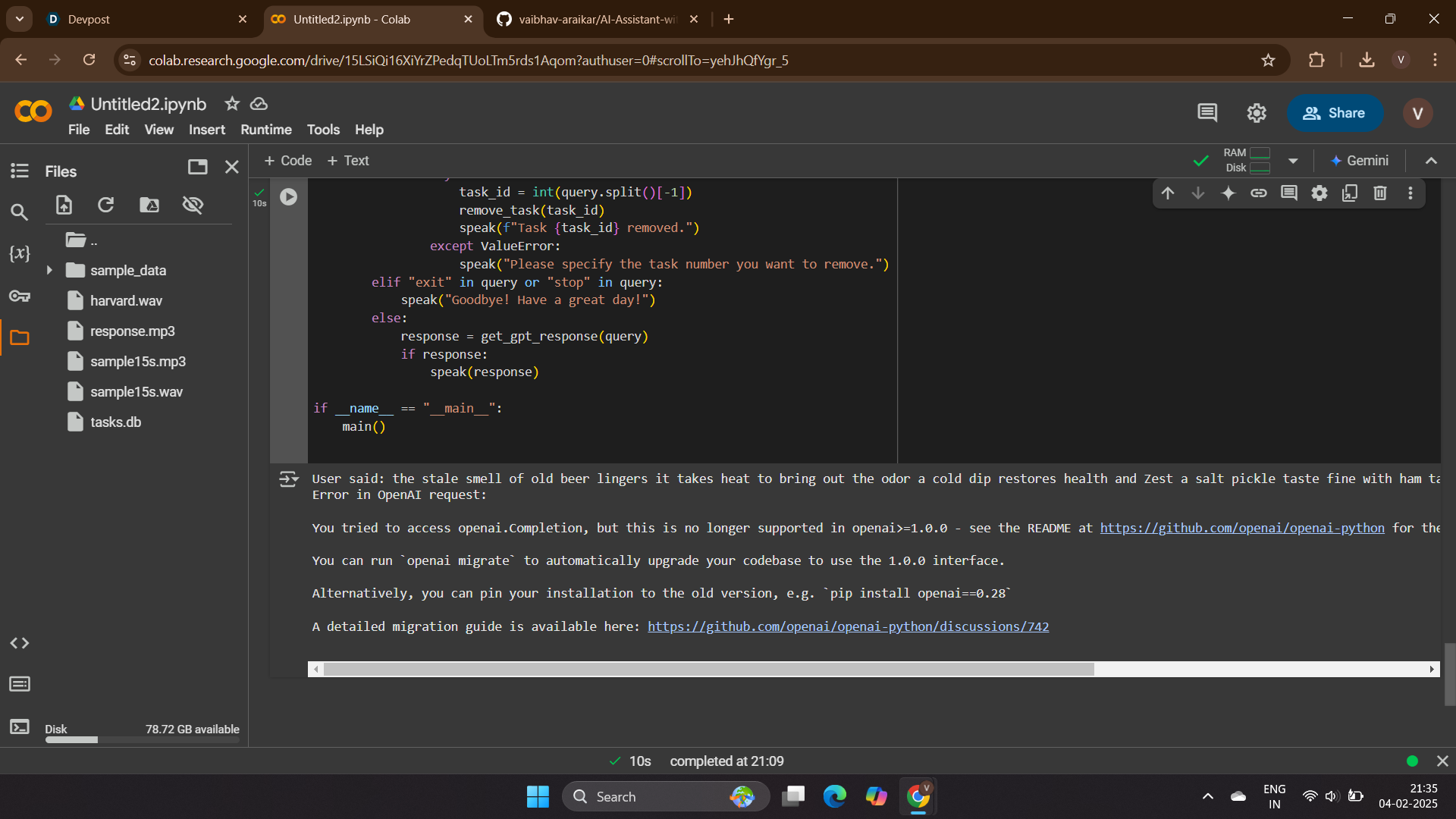
- Answer questions: Using GPT-3, the assistant can respond to general queries or jokes.
- Talk back: The assistant replies using text-to-speech, making it feel more interactive.
How we built it
I used Python for this project and integrated several tools and APIs:
- OpenAI API: To get GPT-based responses for general queries.
- OpenWeatherMap API: To fetch weather data.
- gTTS: For converting text responses to speech.
- SpeechRecognition: For understanding user commands from audio.
- SQLite: To store and manage tasks in a local database. I also used Pygame for audio playback and Pydub to convert MP3 files to WAV for speech recognition.
The project was built with a modular structure, with separate functions for each feature like weather, task management, and handling speech.
Challenges we ran into
The most challenging part of the project was integrating speech recognition with audio files. I had to convert audio from MP3 to WAV for it to be properly recognized. Additionally, managing the database for task storage and ensuring everything worked seamlessly together was also a bit tricky, especially when dealing with external APIs.
Accomplishments that we're proud of
I'm proud that I was able to create a fully functioning voice assistant that combines multiple features like weather updates, task management, and conversational responses. Integrating GPT-3 and making the assistant speak back to users really made the project stand out.
What we learned
This project taught me a lot about integrating various APIs, working with speech recognition, and using databases for managing tasks. I also learned how to handle audio files, convert formats, and use text-to-speech effectively. Most importantly, I learned how to build a useful, interactive application that combines multiple technologies.
What's next for AI Assistant with Weather and Task Management
In the future, I plan to:
- Add more advanced functionalities, like setting reminders and managing calendar events.
- Improve speech recognition accuracy by using machine learning models.
- Make the assistant more conversational by integrating more sophisticated AI algorithms.
- Add a web interface for users to interact with the assistant, in addition to voice commands.


Log in or sign up for Devpost to join the conversation.