-
-
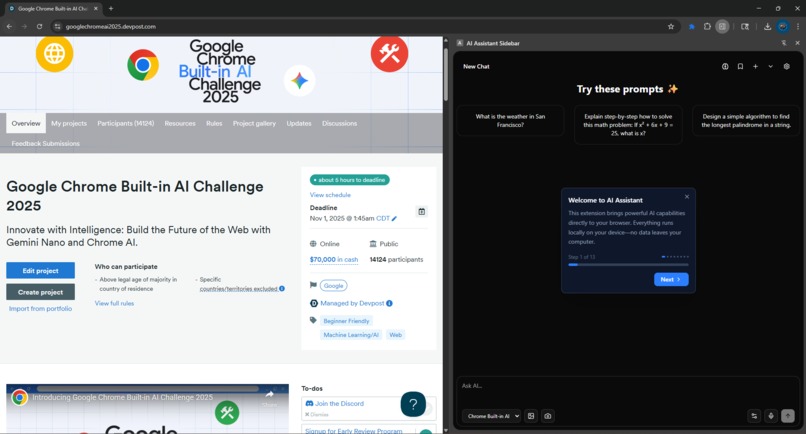
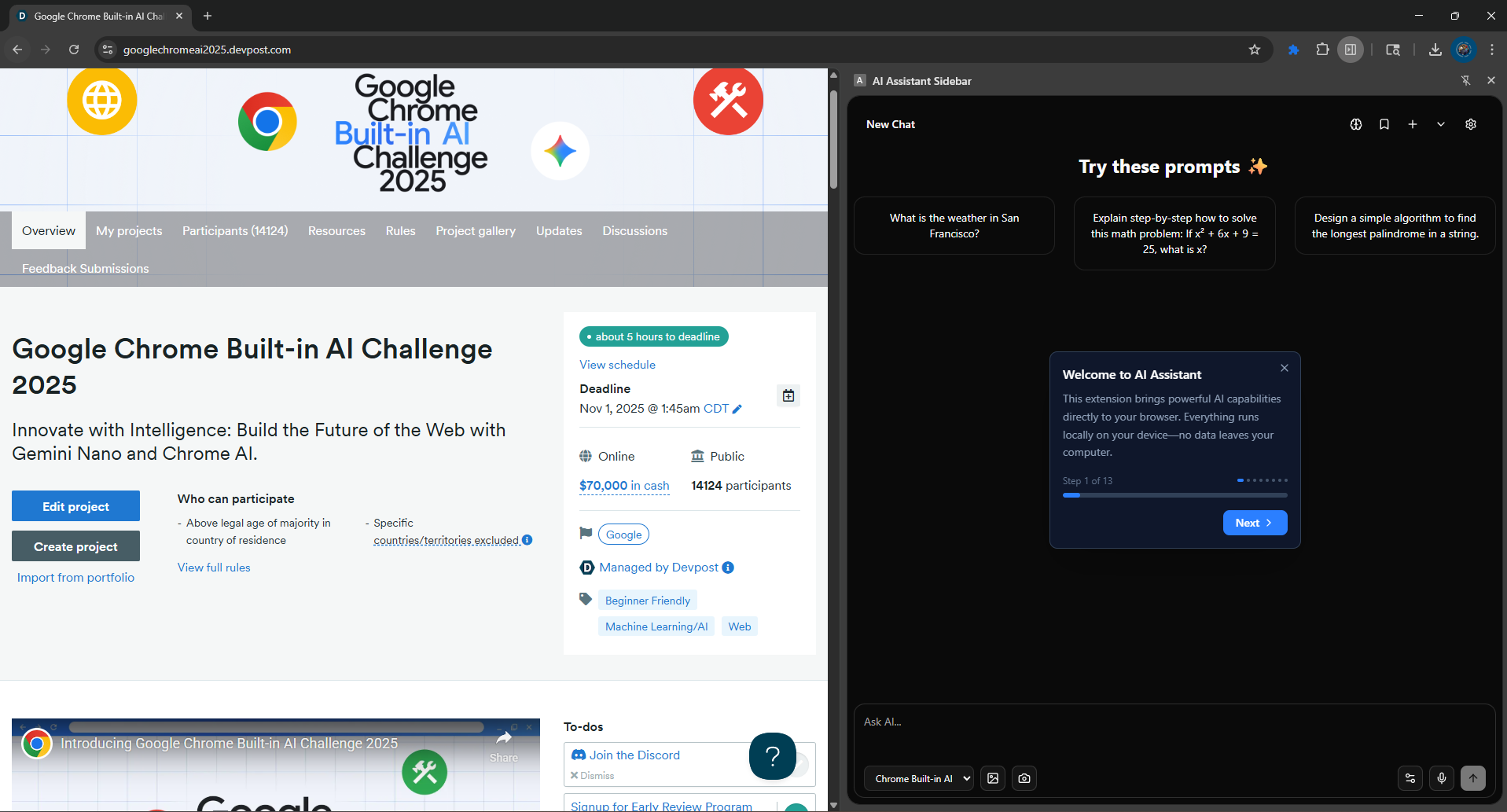
Onboarding
-
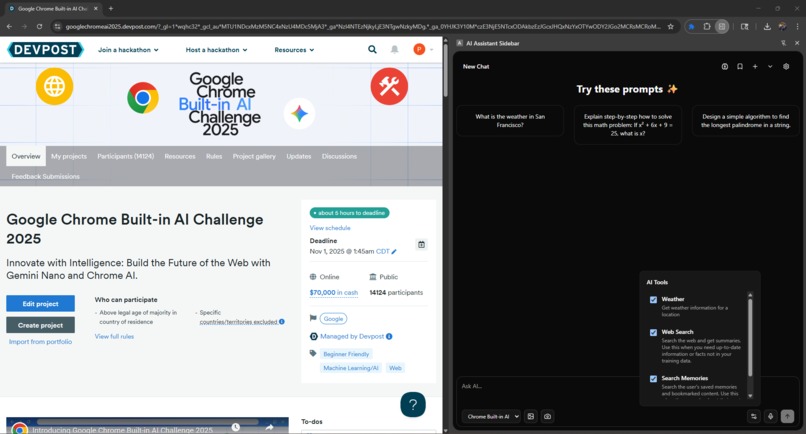
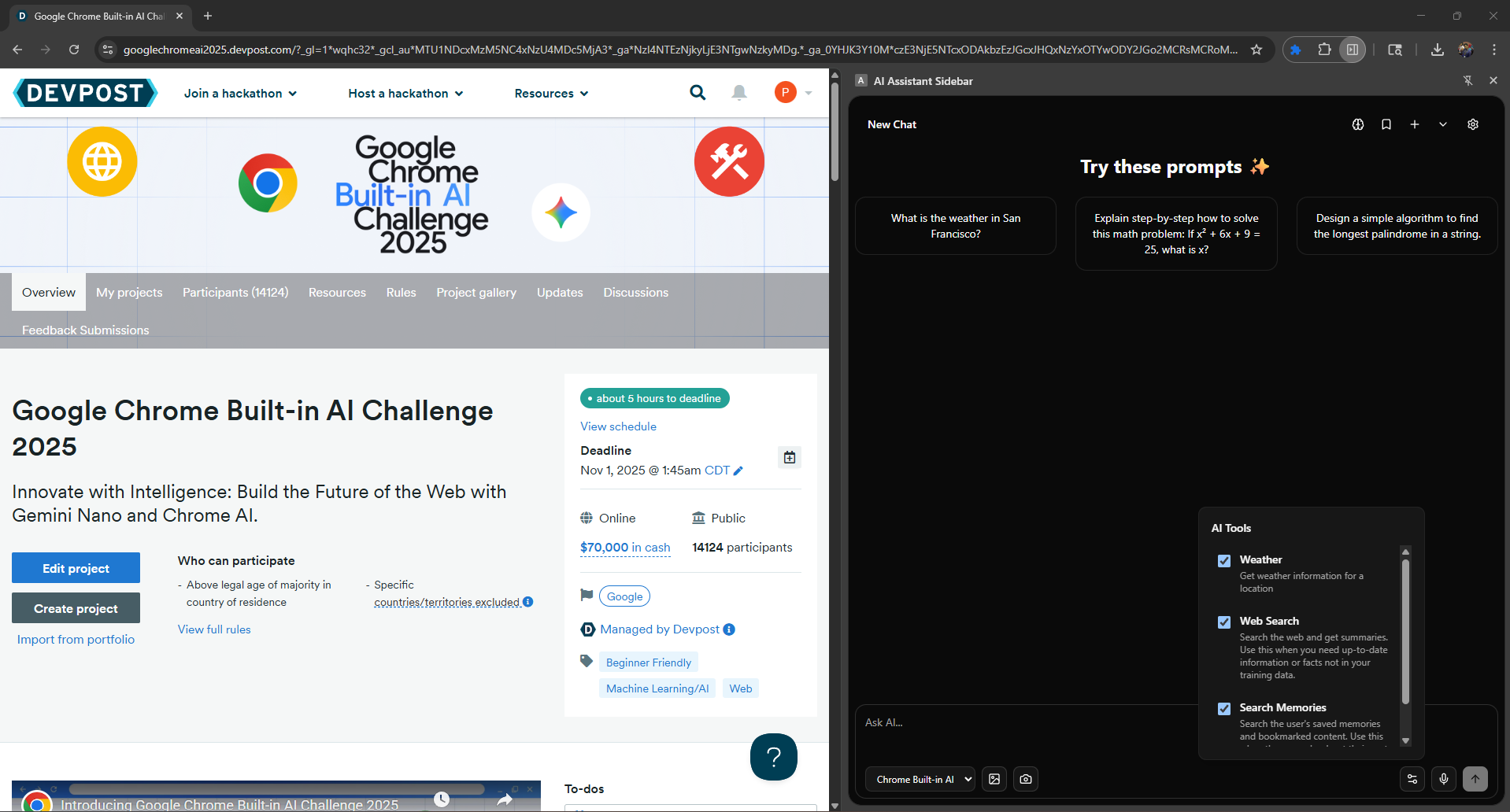
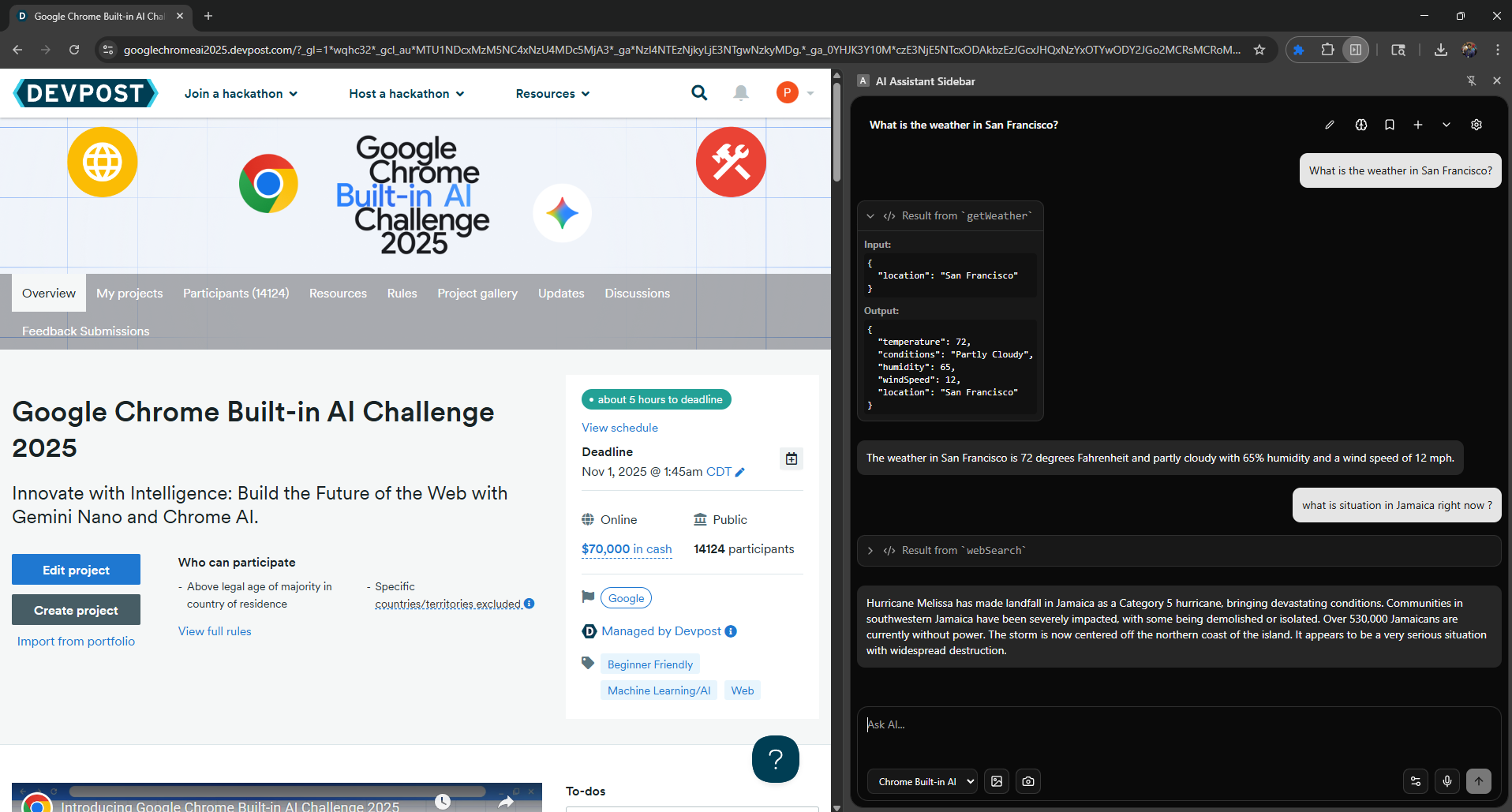
Tool Calling
-
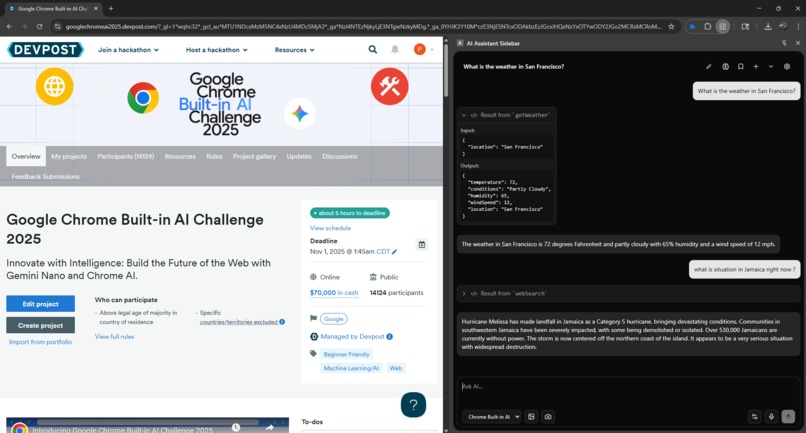
Agentic chat
-
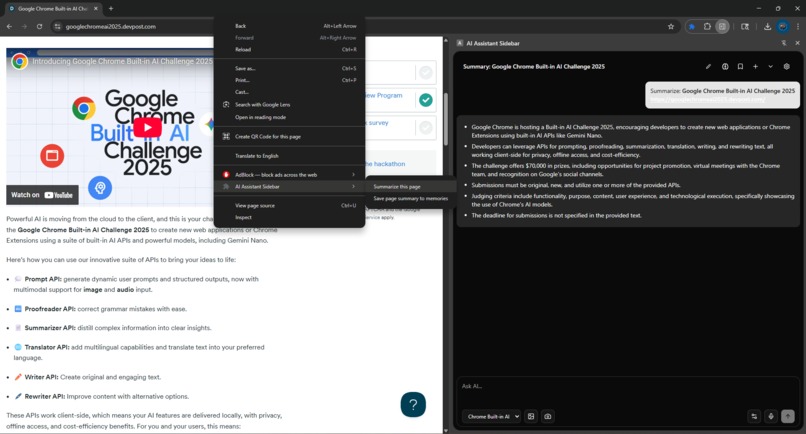
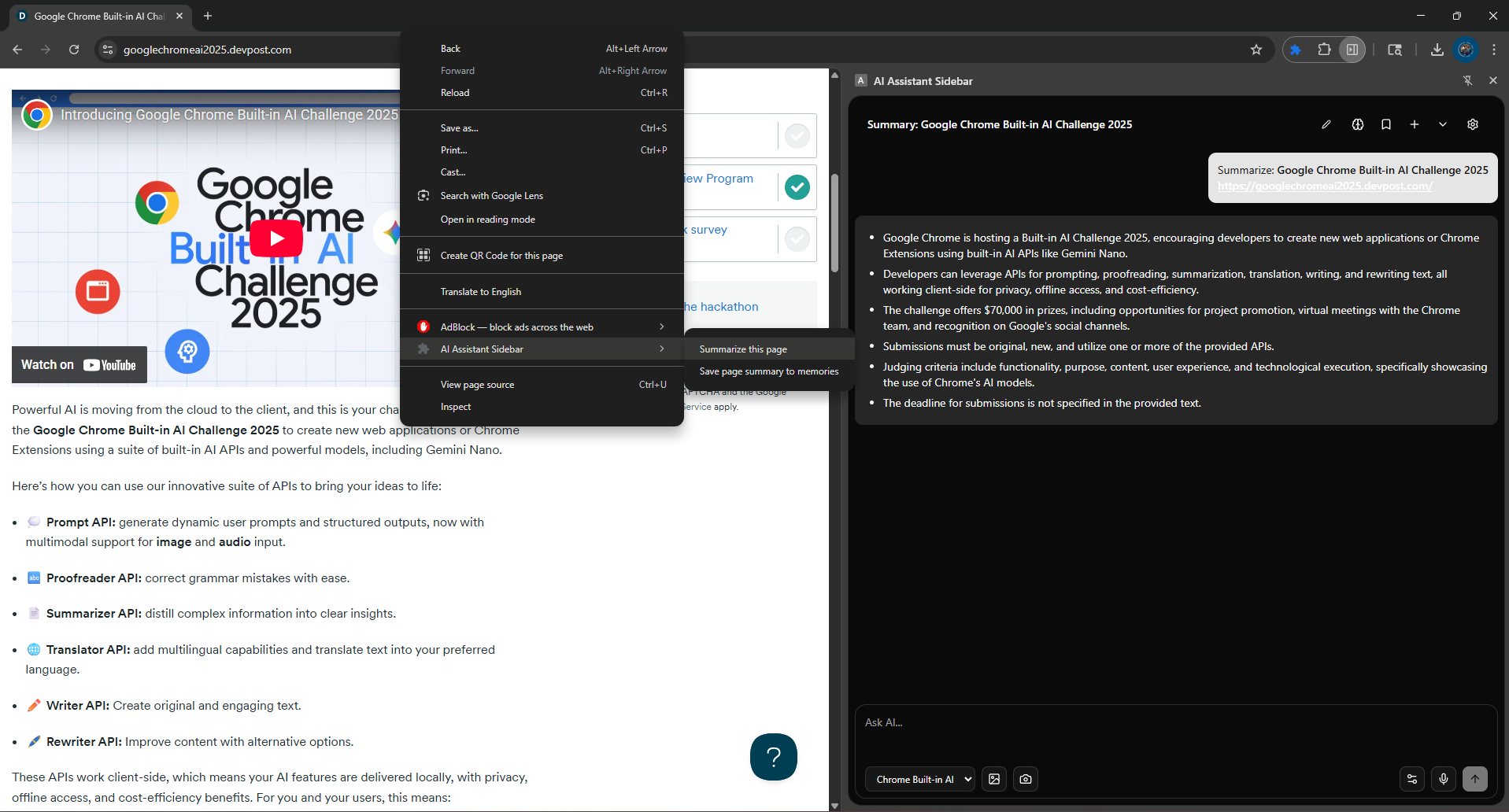
Page Summarization
-
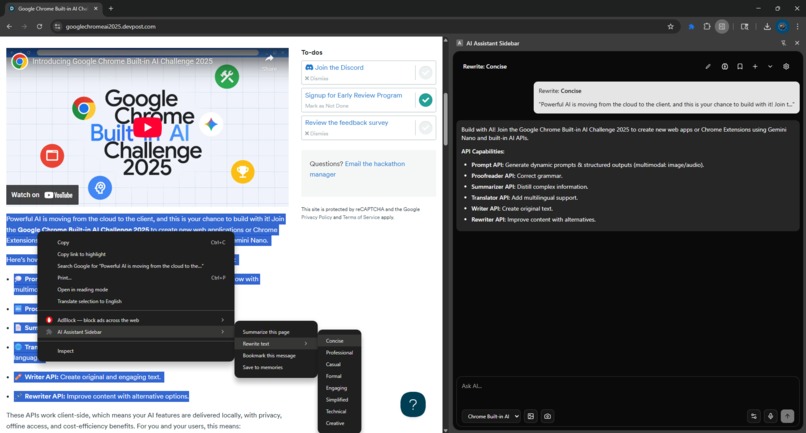
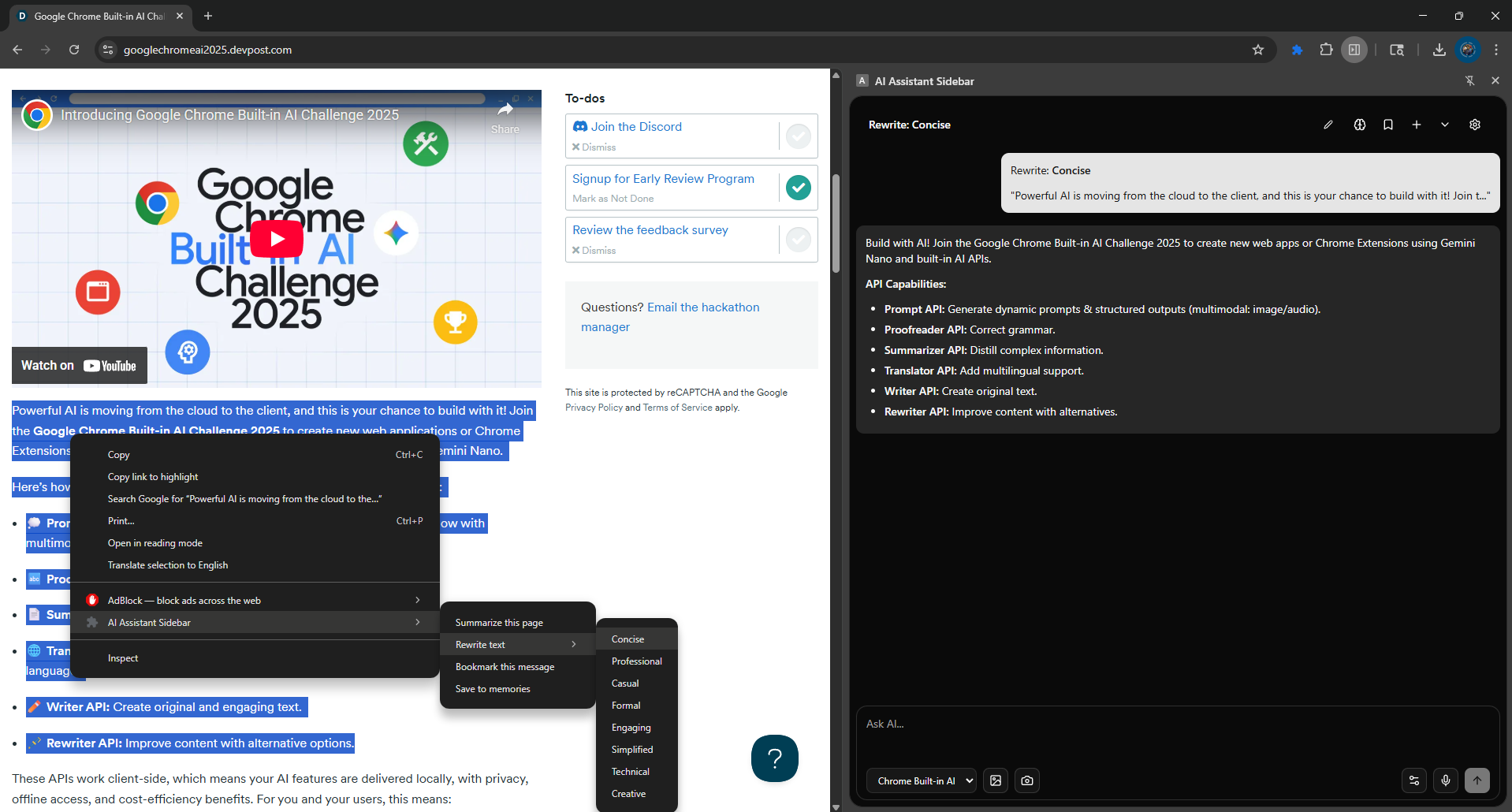
Text Rewrite with pre-defined style
-
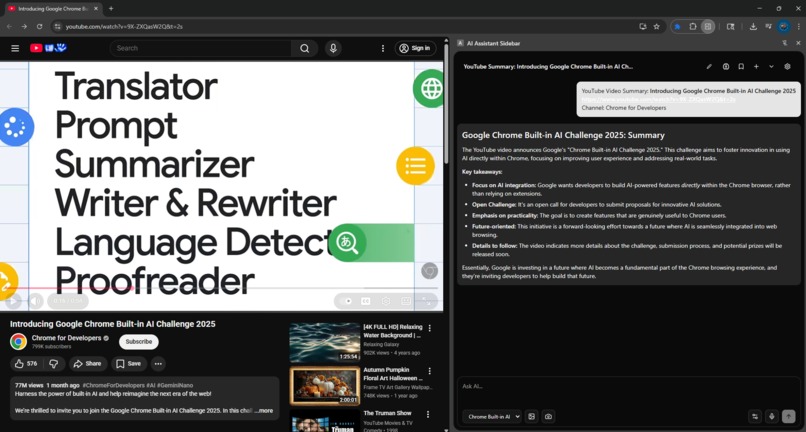
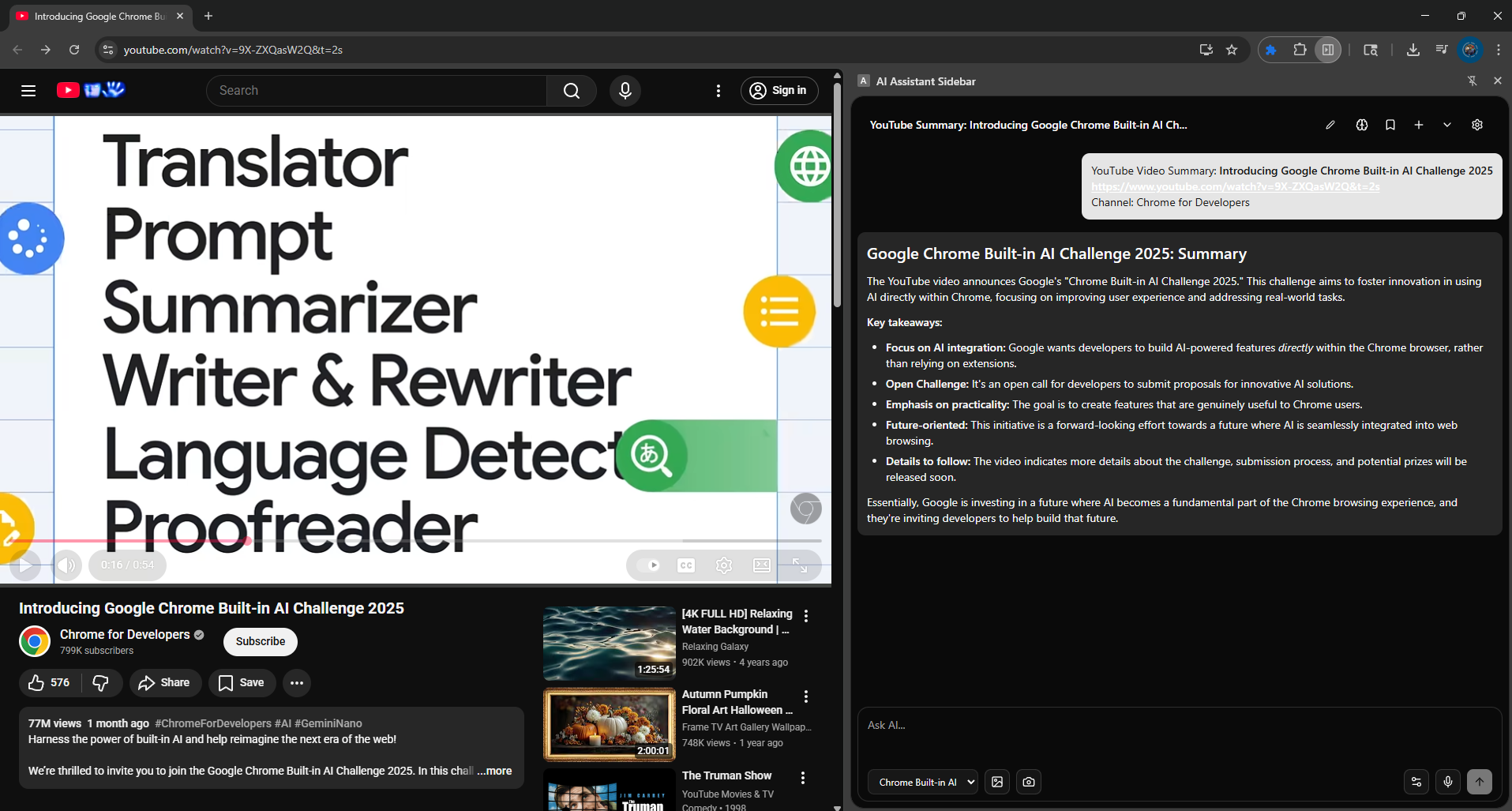
Youtube Video Summarization
AI Assistant Sidebar: Project Story
Inspiration
I avoid using AI for sensitive work—medical questions, financial planning, creative ideas—because I don't trust where my data goes. I wanted to build an AI assistant I'd actually use for everything: fully local, fully private, completely under my control.
The Chrome Built-in AI Challenge came at the perfect moment to prove that privacy-first AI could be modern and feature-rich.
What It Does
AI Assistant Sidebar is an offline-first Chrome AI extension that never sends data to the cloud.
Features:
- Multi-provider AI chat (Chrome Built-in AI → WebLLM → Transformers.js fallback)
- Memory system with semantic search for recalling past conversations
- Bookmarks for saving important messages
- Multimodal input: images, screenshots, voice transcription
- Web & YouTube summarization
- Text rewriting in 8 tones
- Tool integration (weather, web search)
- Chat export/delete management
Everything runs locally. Zero API keys. Zero cloud calls.
How I Built It
Core Architecture: Triple-Provider Fallback
Instead of locking into one model, I built an automatic fallback:
- Chrome Built-in AI (Gemini Nano) - primary
- WebLLM (Llama 3.2 1B) - secondary
- Transformers.js (Llama 3.2 1B) - tertiary
Users get the best experience their device allows.
Tech Stack
- React 19 + Vite 7 + TypeScript + Tailwind CSS
- Vercel AI SDK for unified streaming
- PGlite + pgvector for semantic memory in-browser
- @mozilla/readability for page extraction
- Web Speech API for voice input
- Custom Vite plugin for Transformers.js WASM files
Key Implementation
- Chat history + bookmarks →
chrome.storage.local(50-chat limit) - Images excluded from persistence (privacy)
- Semantic search: vector + keyword hybrid
- Progress streaming during model downloads
- Multi-context messaging (sidebar ↔ background ↔ content)
🚧 Challenges
1. Transformers.js in Extensions
WASM files couldn't find paths in the extension sandbox because manifest v3 restrictions.
Solution: Built a Vite plugin to copy assets to dist/transformers/ and expose via manifest.
2. Semantic Search in Browser
Embedding API requires internet; running locally blocks UI. Solution: Pre-compute embeddings async, use pgvector for similarity, fallback to keyword search.
3. 10MB Storage Limit
Users want unlimited chats; storage fills fast with images. Solution: 50-chat hard limit, exclude images, offer JSON export before deletion.
4. Cross-Context Messaging
Sidebar ↔ background ↔ content communication had race conditions. Solution: UUID-based message IDs, request queues with timeouts.
5. Voice Input in Sandboxed Iframe
Web Speech API + permissions blocked by CSP in iframe. Solution: Created permission.html popup, cached permission in session storage.
🏆 Accomplishments
- ✅ Truly offline-first: No fallback to cloud, no telemetry
- ✅ Universal compatibility: Runs on 85% of Chrome versions via triple fallback
- ✅ Production-grade: Memory search, multimodal, summarisation, tools all work
- ✅ Hard problems solved: Transformers.js in extensions, browser embeddings and cross-context switching
- ✅ Privacy by design: Images excluded from storage, transparent data handling
📚 What We Learned
- Offline-first requires rethinking: Aggressive optimisation, graceful degradation, prioritise what matters
- Hybrid models beat single models: Give users the best available option, not the "best" option
- Privacy needs transparency: Show which provider runs, download progress, and data sources
- Fallback systems expand reach: Redundancy = reliability
- Streaming UX > speed: Users don't mind waiting if they see progress
🚀 What's Next
Short Term: Chrome Web Store launch, performance optimisation, real user feedback
Medium Term: Custom tools, personal document indexing, export formats, keyboard shortcuts, multi-language
Long Term: Mobile support, offline Wikipedia, community tool marketplace, optional device sync
Vision: Privacy-first AI becomes the default, not the exception.
Built With
- pglite
- pgvector
- react
- shadcn
- transfomer.js
- typescript
- vercel
- vite
- webllm

Log in or sign up for Devpost to join the conversation.