-
-

Extension Logo
-
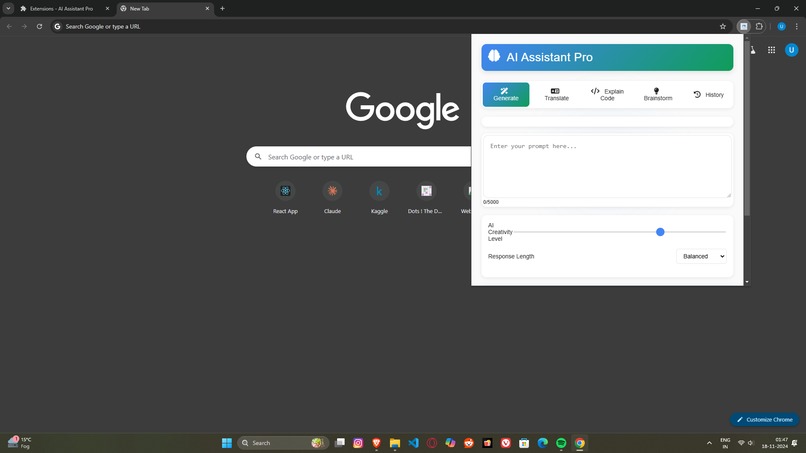
Extension
-
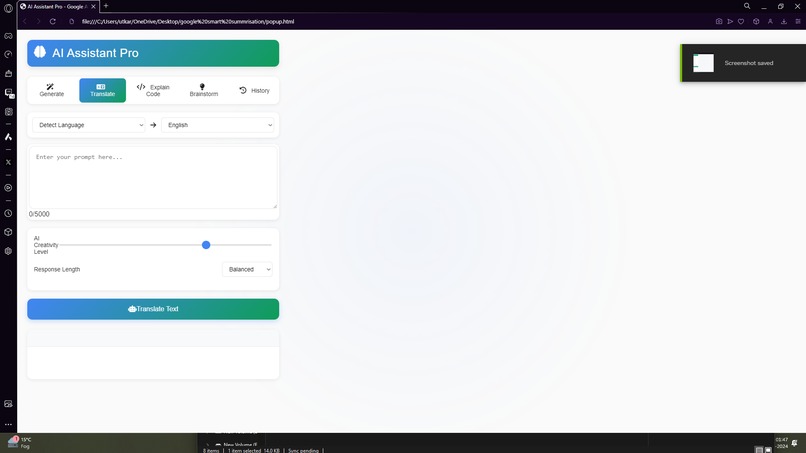
Extensions Features
-
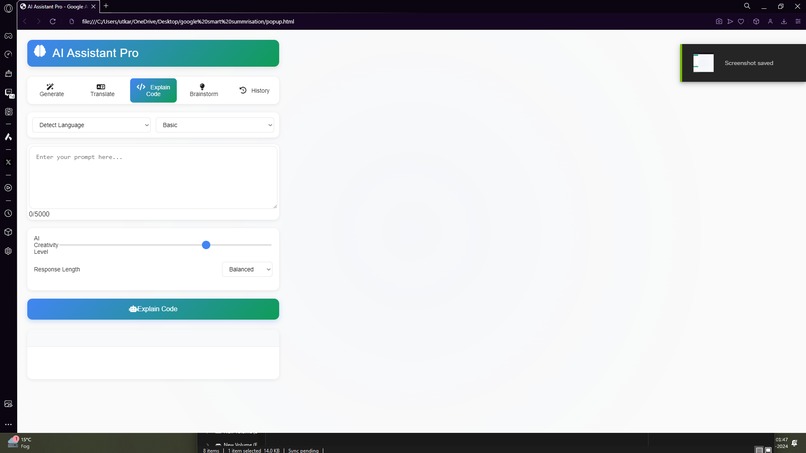
Extensions Features
-
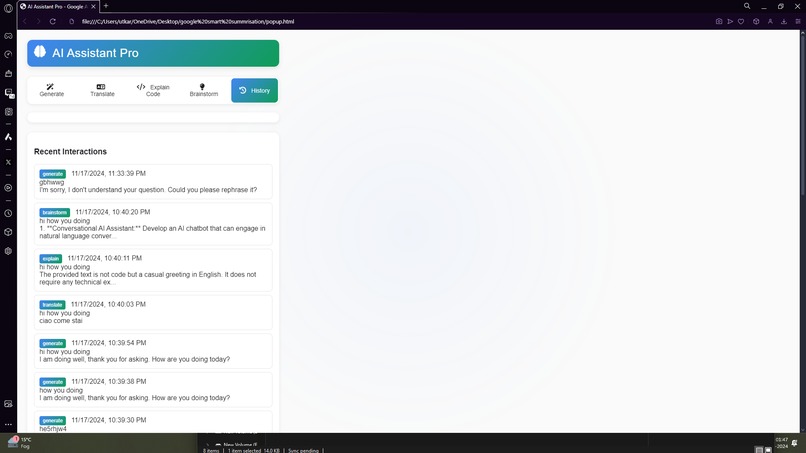
Extensions Features
-
Extensions Features

Inspiration
The inspiration for AI Assistant Pro came from the growing need for more intelligent and context-aware browsing tools. As AI technologies advance, integrating them into everyday tasks can significantly improve productivity and the browsing experience. Participating in the Google AI Hackathon provided the perfect opportunity to explore AI's potential, allowing us to create a versatile Chrome Extension that adapts to various user needs—whether generating content, translating languages, or explaining code.
What it does
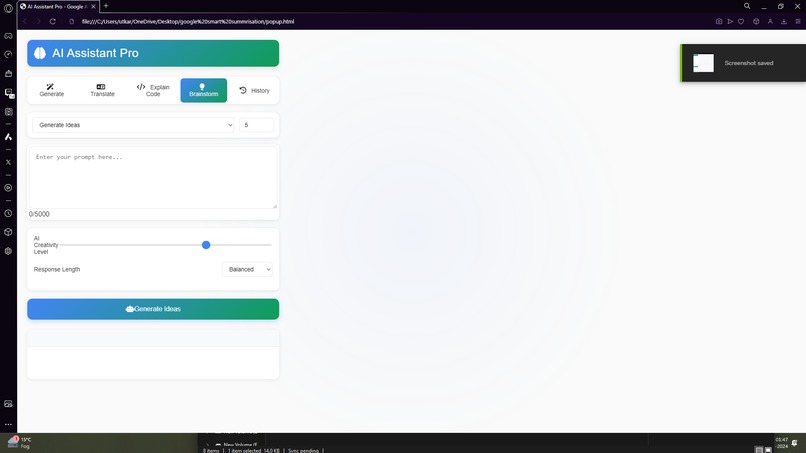
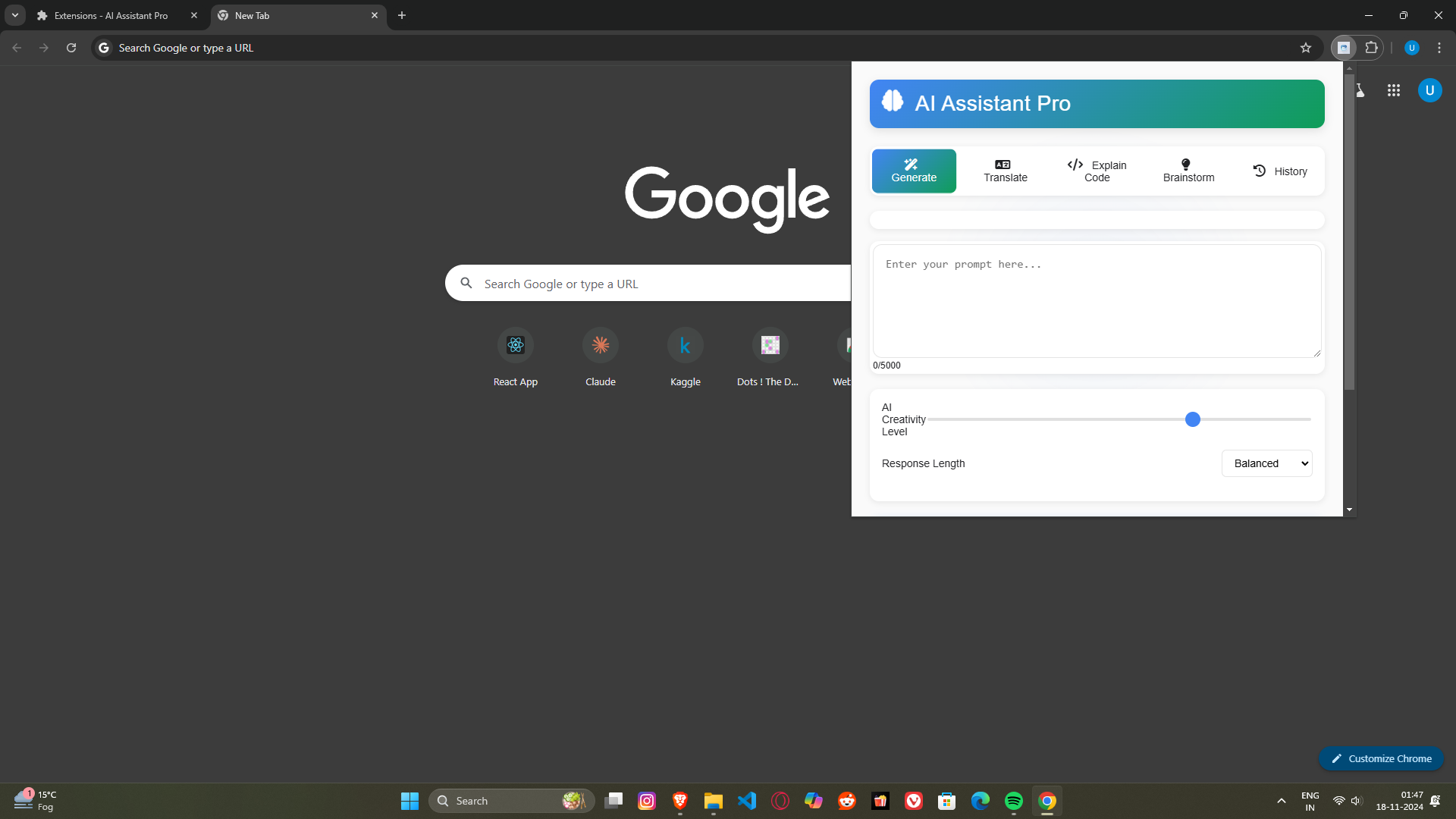
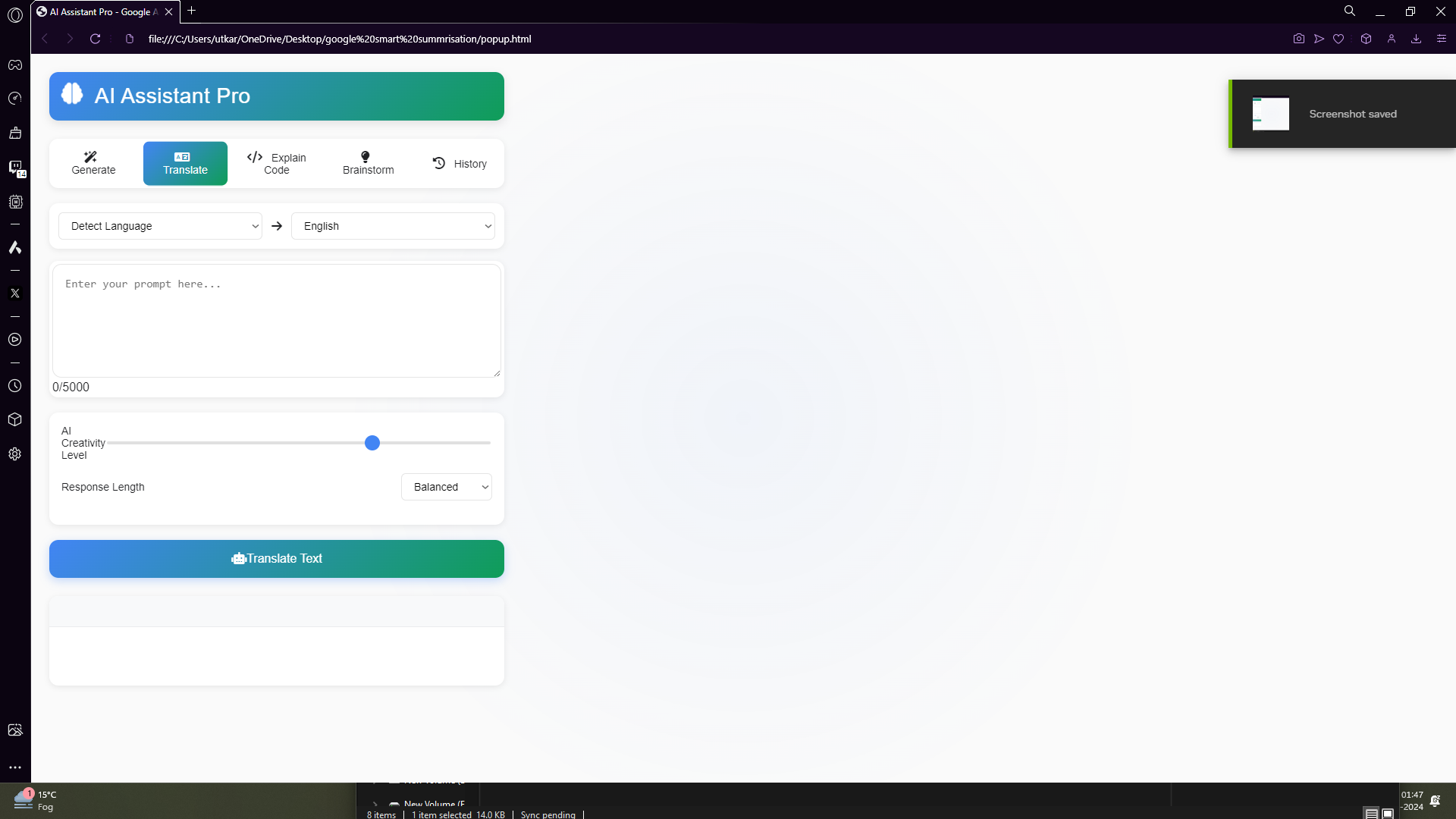
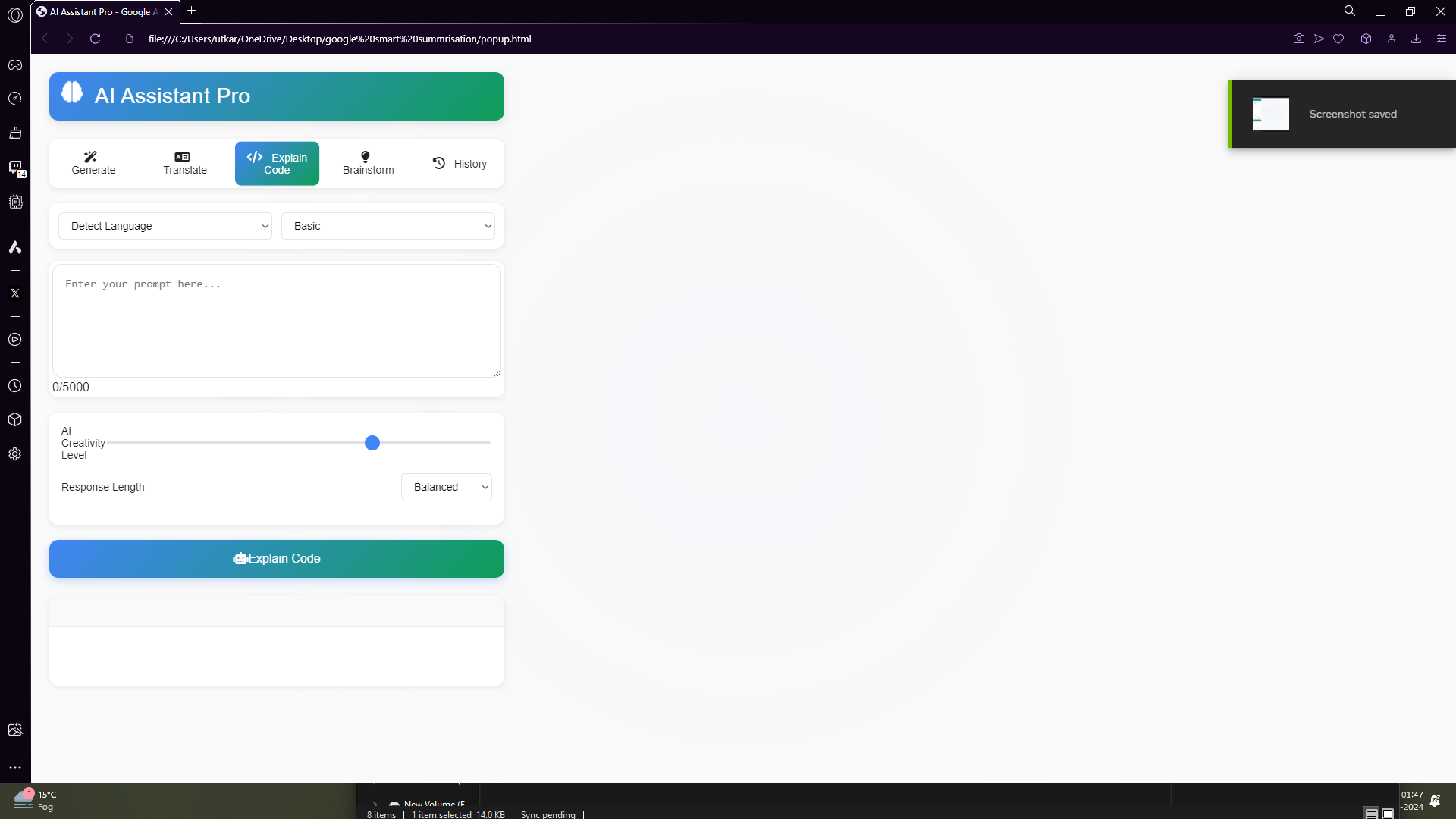
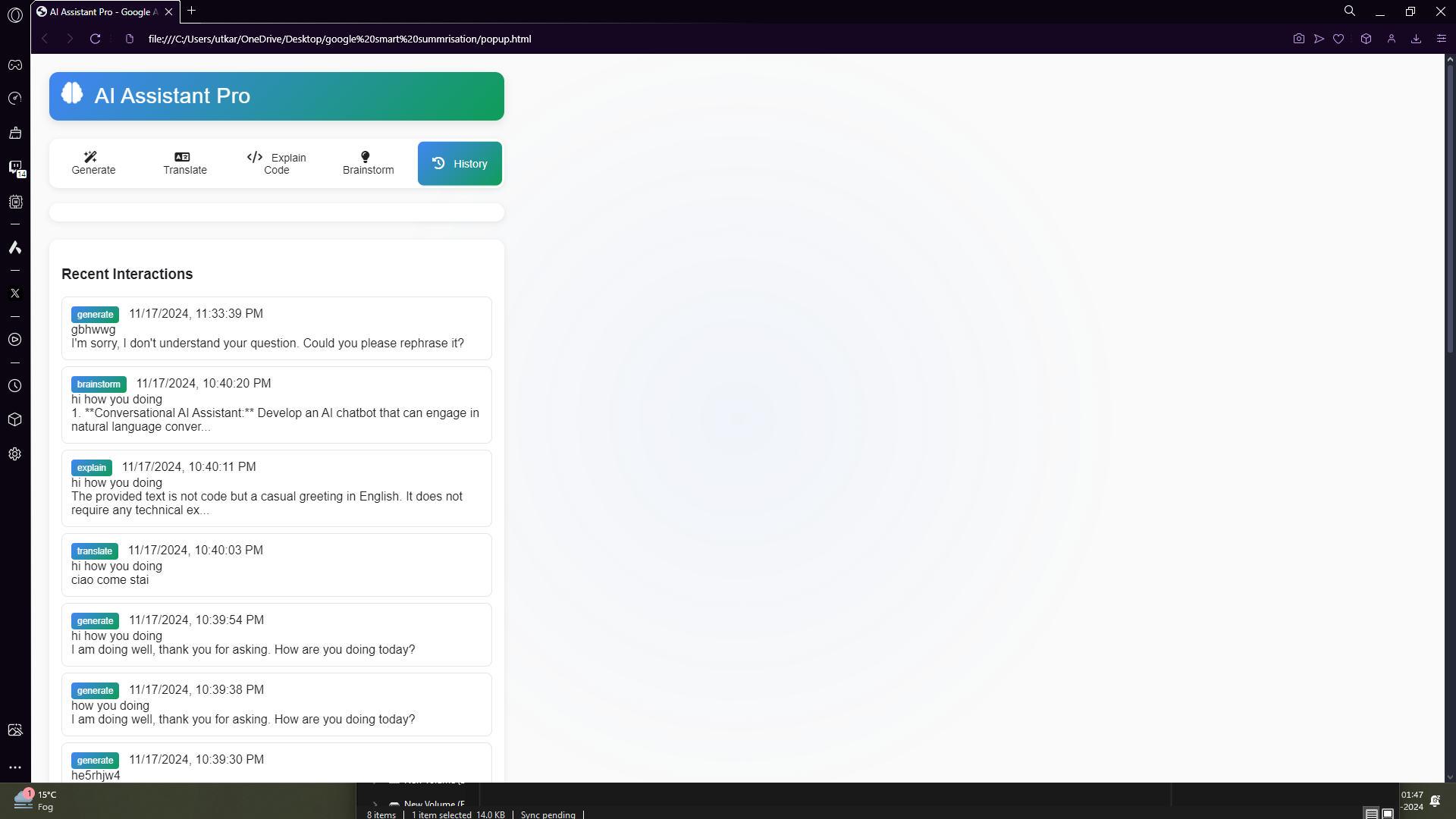
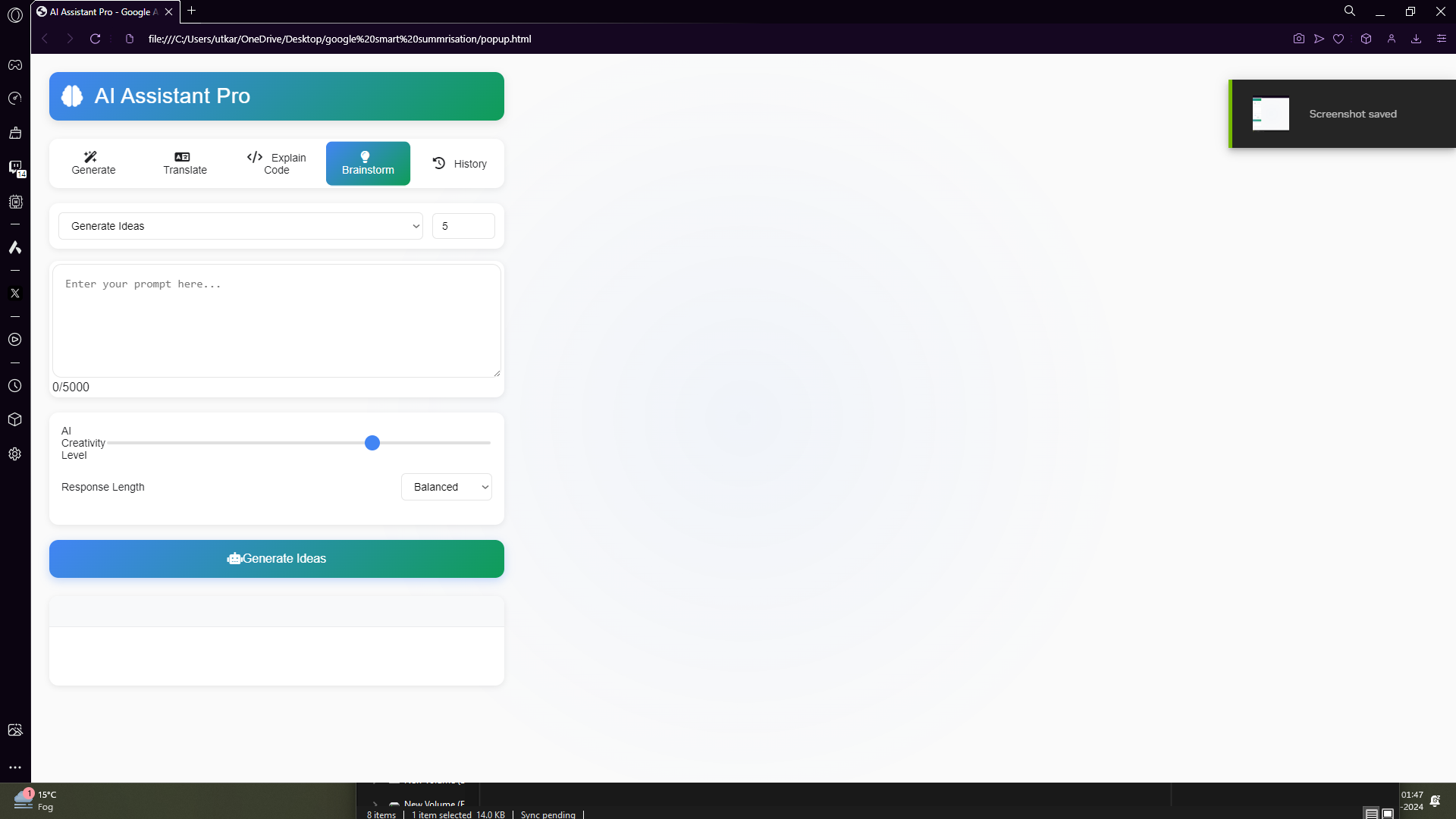
AI Assistant Pro is a powerful Chrome Extension that acts as a multi-functional AI assistant. It offers different modes, including generating content, translating text between languages, explaining code snippets, brainstorming ideas, and tracking the history of interactions. With a dynamic interface and customizable settings, users can adjust AI response levels and access a history of past interactions, making browsing and learning more efficient.
How we built it
We built AI Assistant Pro using JavaScript, HTML, and CSS for the front-end, and integrated Google's Generative Language API for AI functionalities. The extension's architecture includes:
- JavaScript for handling mode selection, user interactions, and API calls.
- HTML and CSS to create a clean, intuitive interface.
- Google's Generative Language API for generating high-quality responses.
We followed a structured development process: outlining the features, creating a dynamic UI, handling API integration, and implementing proper error handling to make the extension reliable.
Challenges we ran into
One of the main challenges was managing different modes within a single extension while ensuring a seamless user experience. Integrating multiple functionalities—such as content generation, code explanation, and translation—required careful UI adjustments and backend handling. Another challenge was setting up proper error management to handle API limitations, network issues, and character count constraints. Designing a clear and easy-to-navigate interface that would not overwhelm the user was also a key hurdle.
Accomplishments that we're proud of
We're particularly proud of successfully integrating Google's Generative Language API and implementing a dynamic mode system that adjusts the interface based on user choices. Creating a user-friendly interface while offering complex functionalities was a significant achievement. Additionally, the history tracking feature allows users to revisit previous interactions easily, adding value to the user experience.
What we learned
Throughout the development of AI Assistant Pro, we learned a lot about API integration, particularly with AI-driven content generation. Managing dynamic user interfaces in a Chrome Extension environment presented unique challenges, pushing us to refine our JavaScript skills. We also gained insights into user-centric design, balancing simplicity with powerful AI capabilities, and dealing with Chrome's permissions and storage features.
What's next for AI-Assistant-Pro---Chrome-Extension
The future of AI Assistant Pro includes several exciting enhancements:
- New Modes: Introducing summarization, sentiment analysis, and data extraction features.
- User Input for API Keys: Allowing users to input their own API keys for a more personalized experience.
- Improved History Management: Adding options for exporting history data and deleting individual entries.
- Dark Mode: A sleek dark mode interface for comfortable browsing at night.
- Advanced Settings Panel: Providing deeper customization options for AI behavior, including finer control over response generation and interface adjustments.
Built With
- chrome
- chrome-extension-api
- chrome-local-storage
- css
- google-cloud
- google-cloud-platfrom
- google-generative-api
- google-generative-language-api
- html
- javascript


Log in or sign up for Devpost to join the conversation.