-
-
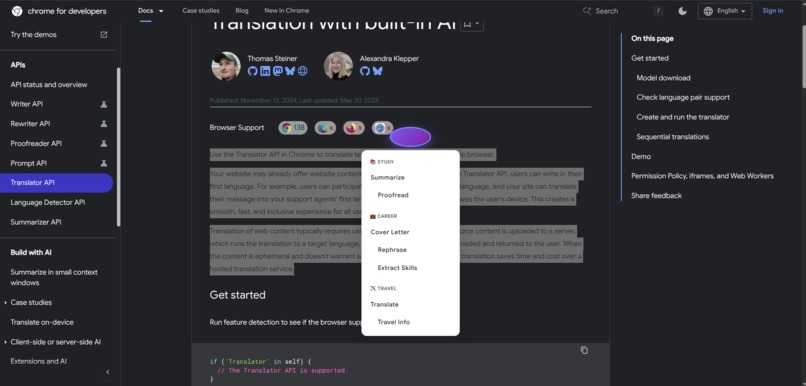
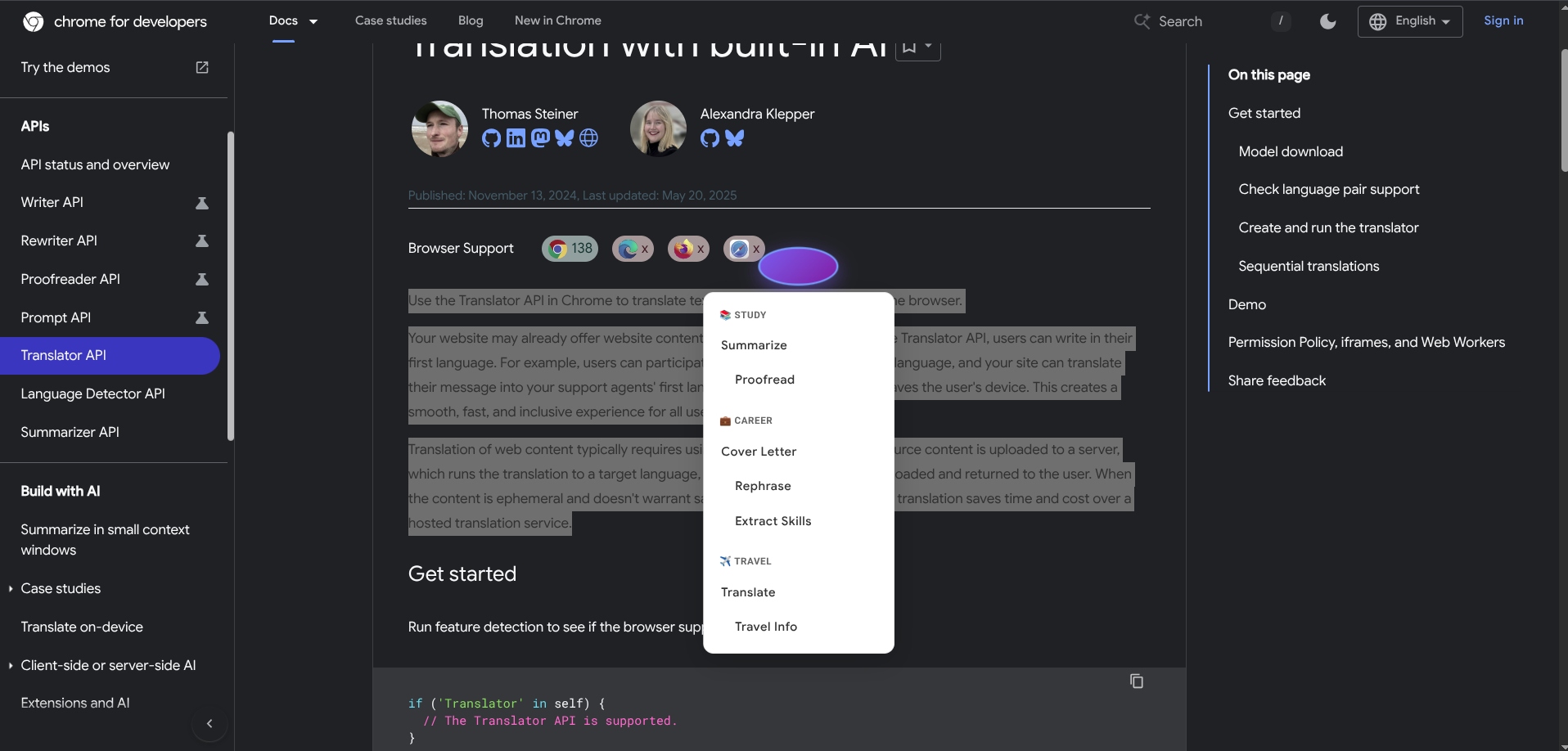
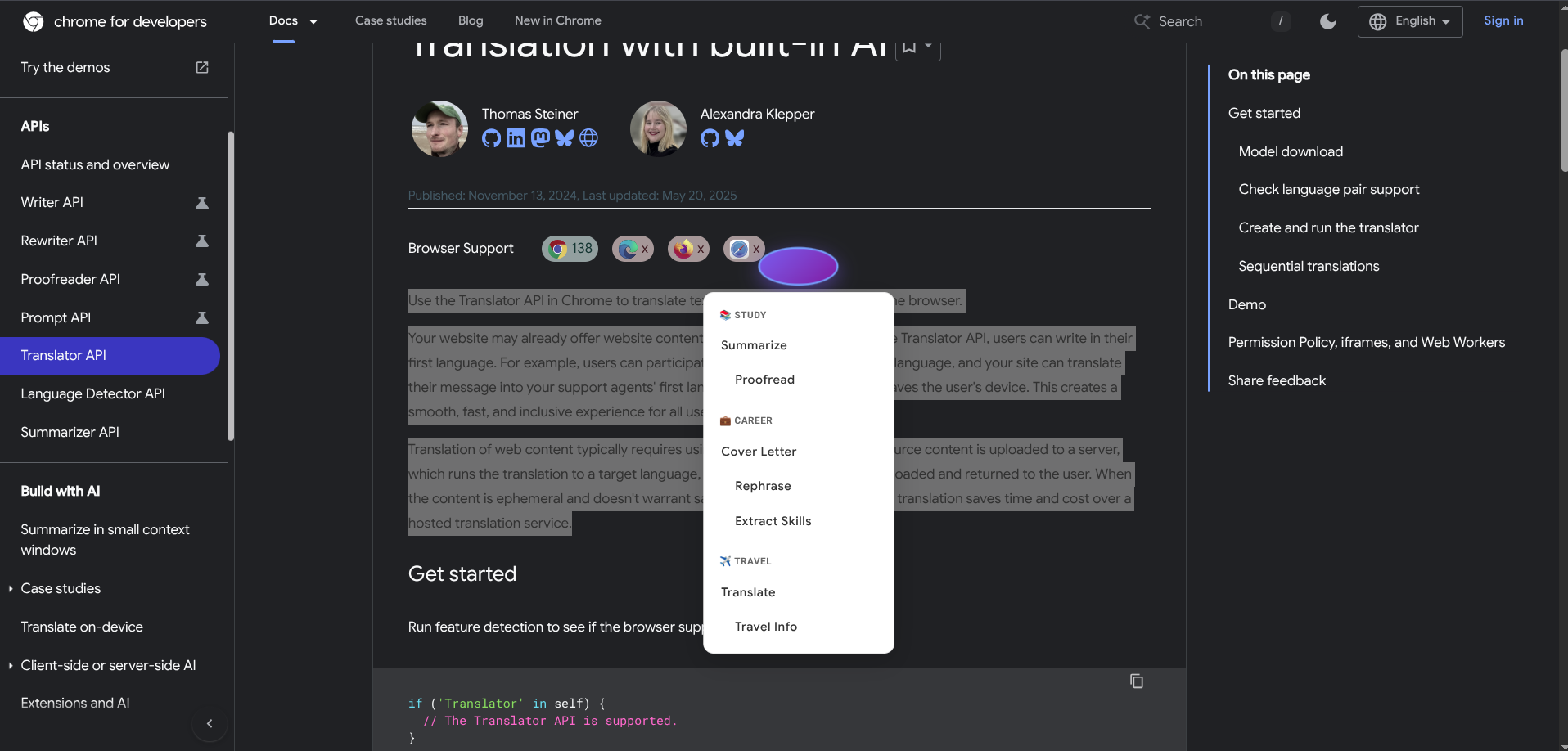
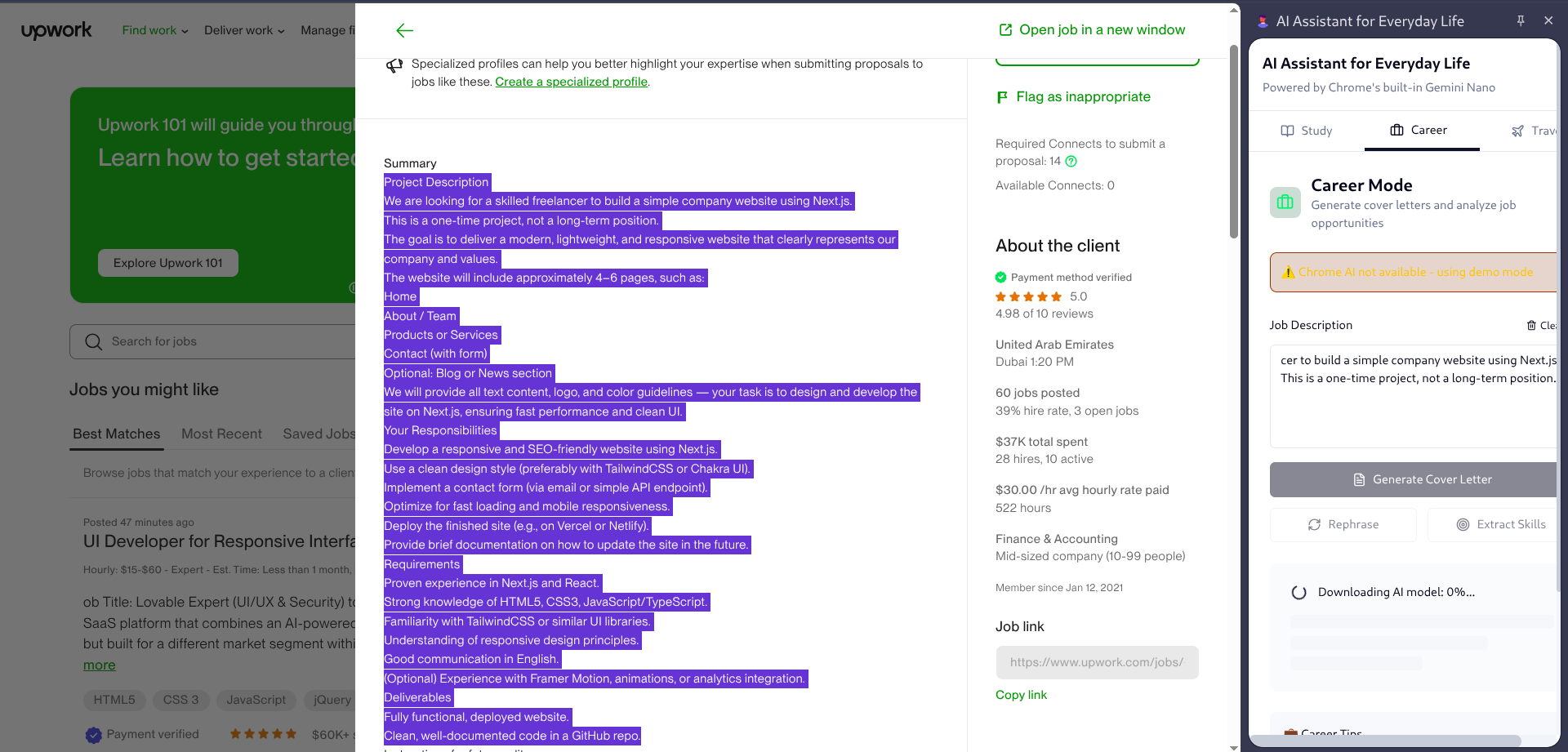
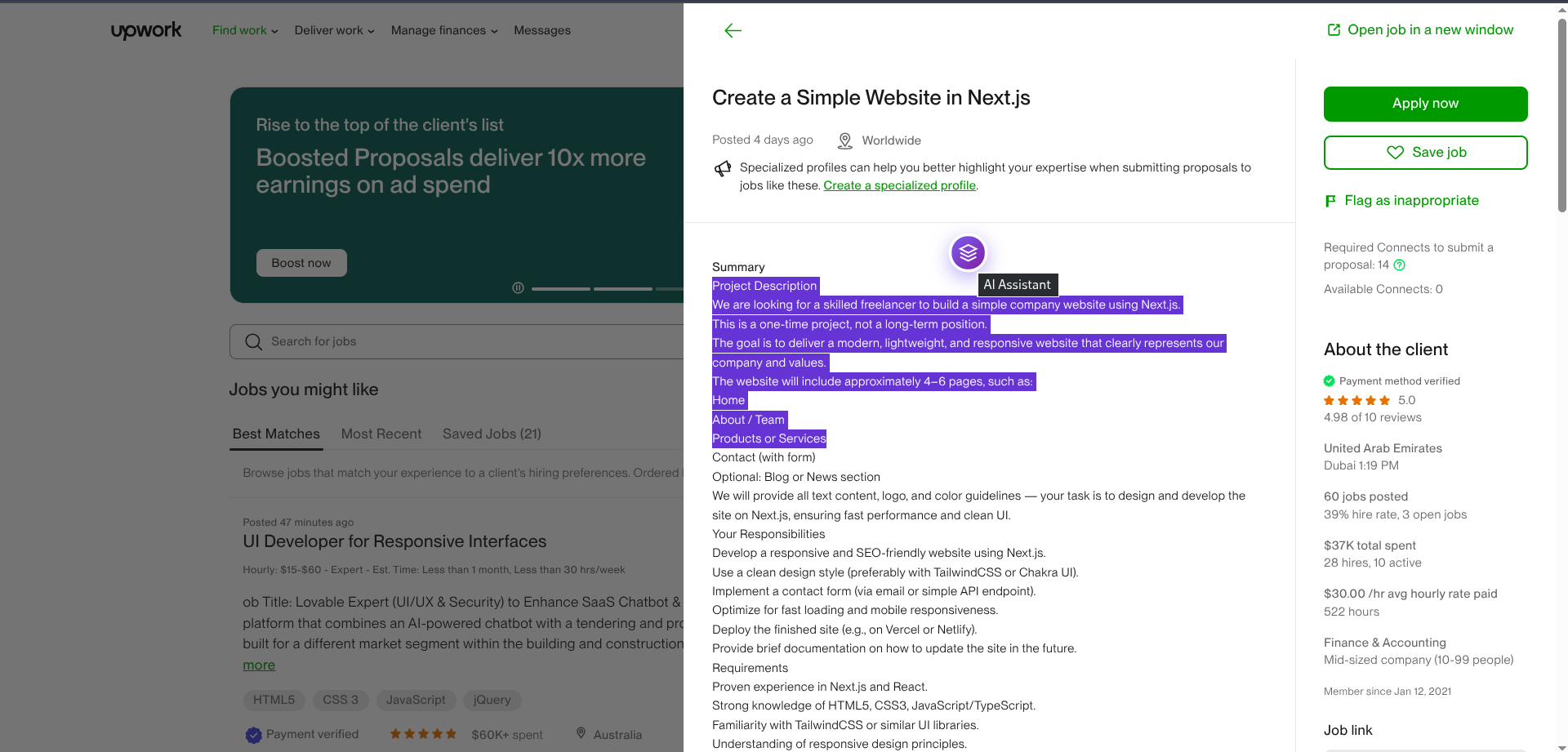
showing floating button
-
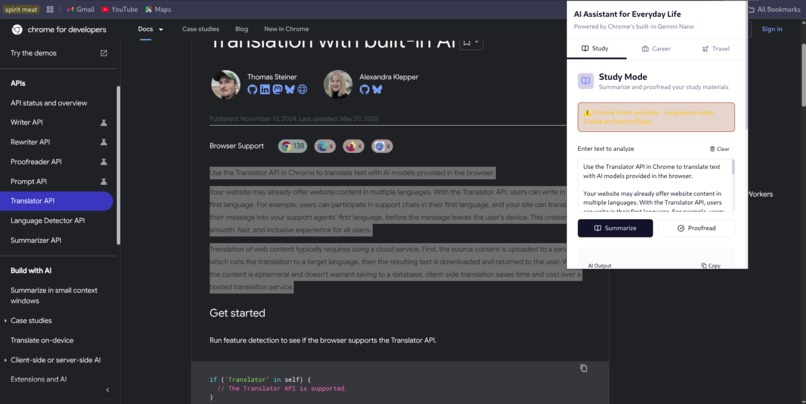
extension
-
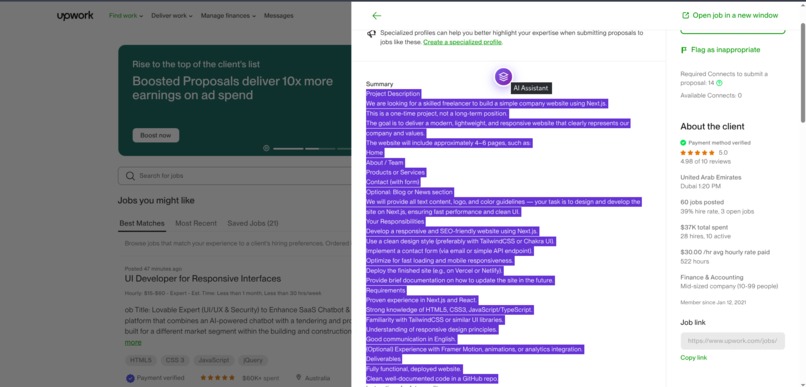
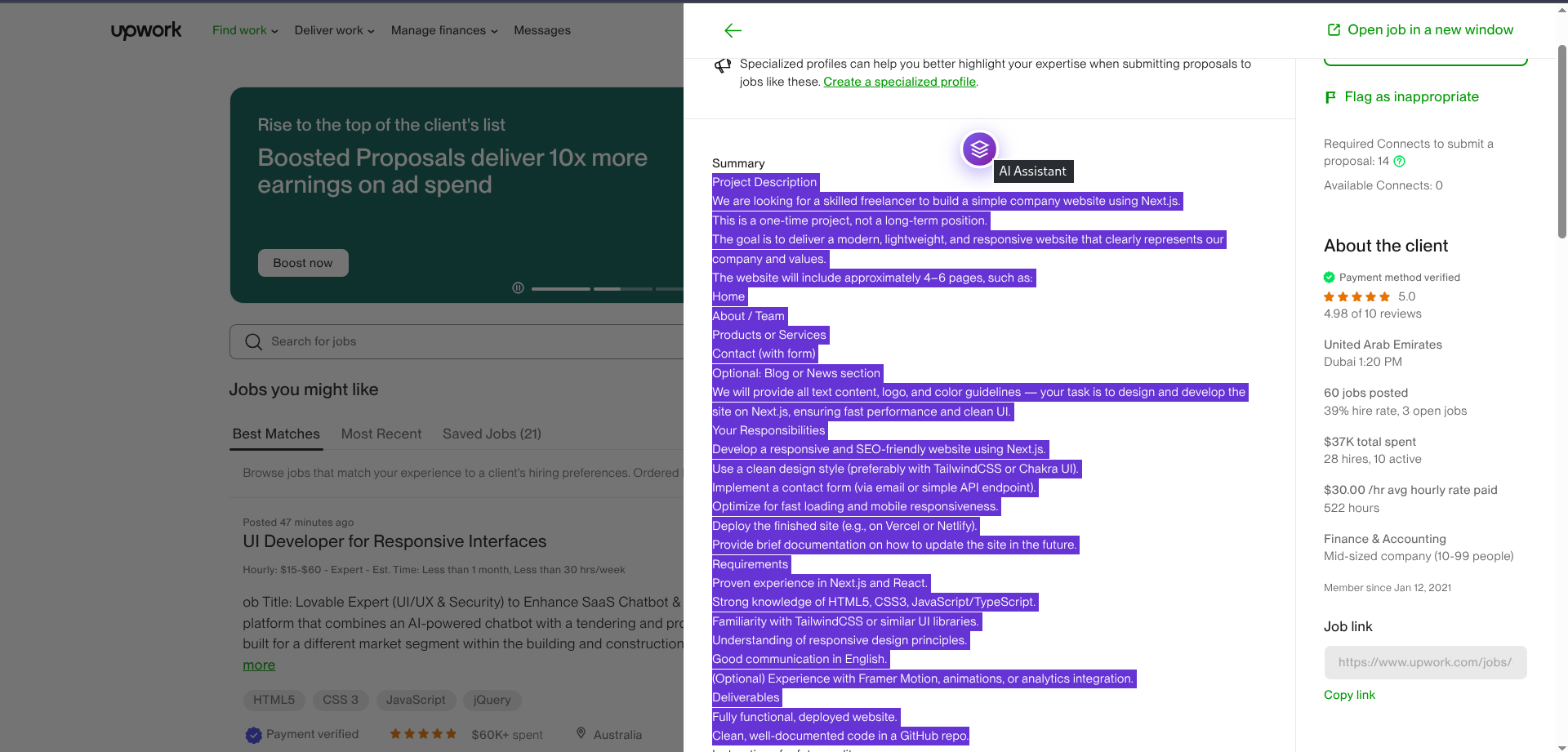
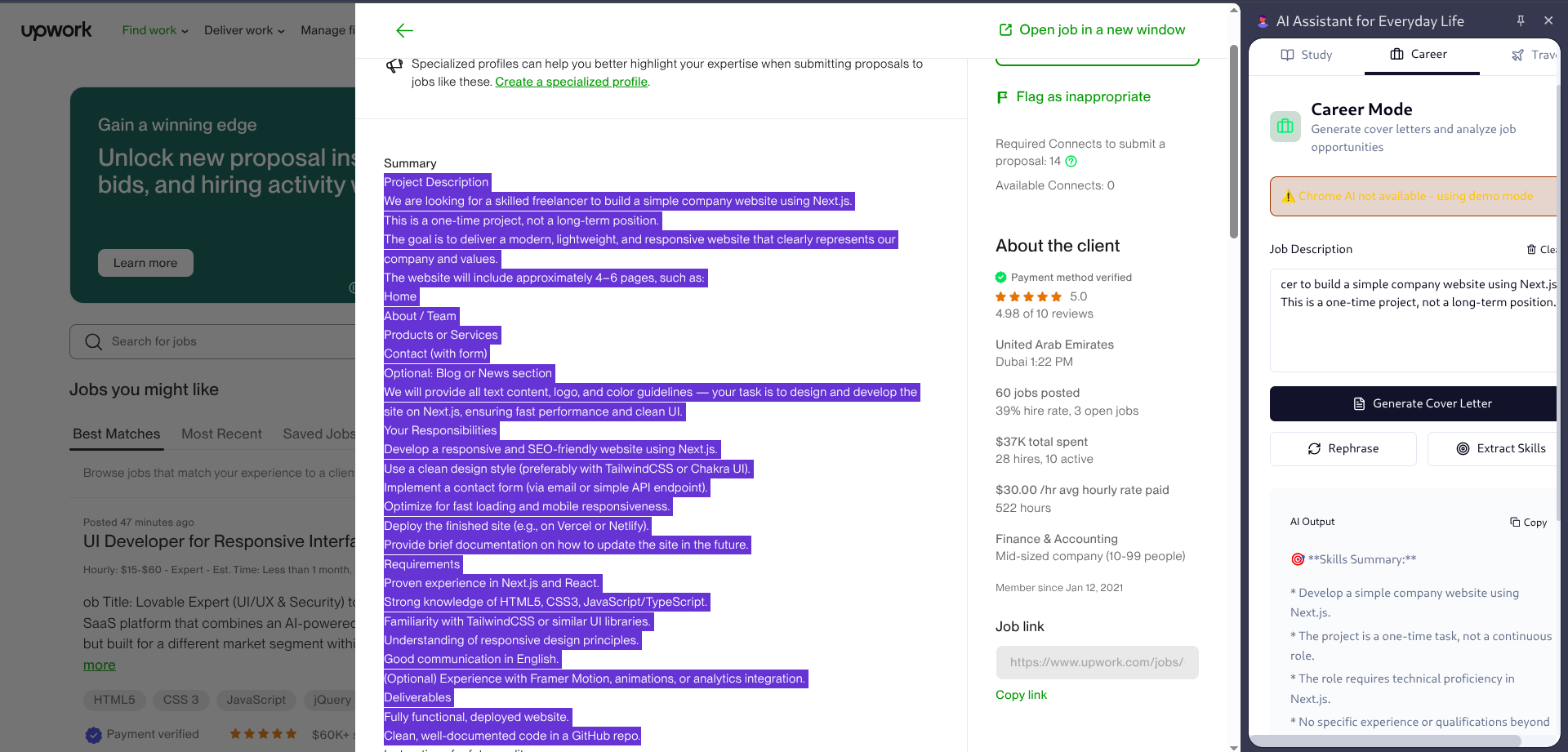
showing career model with floating button
-
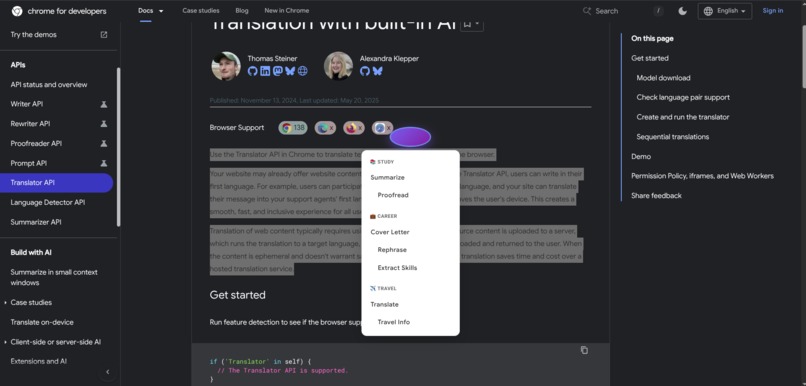
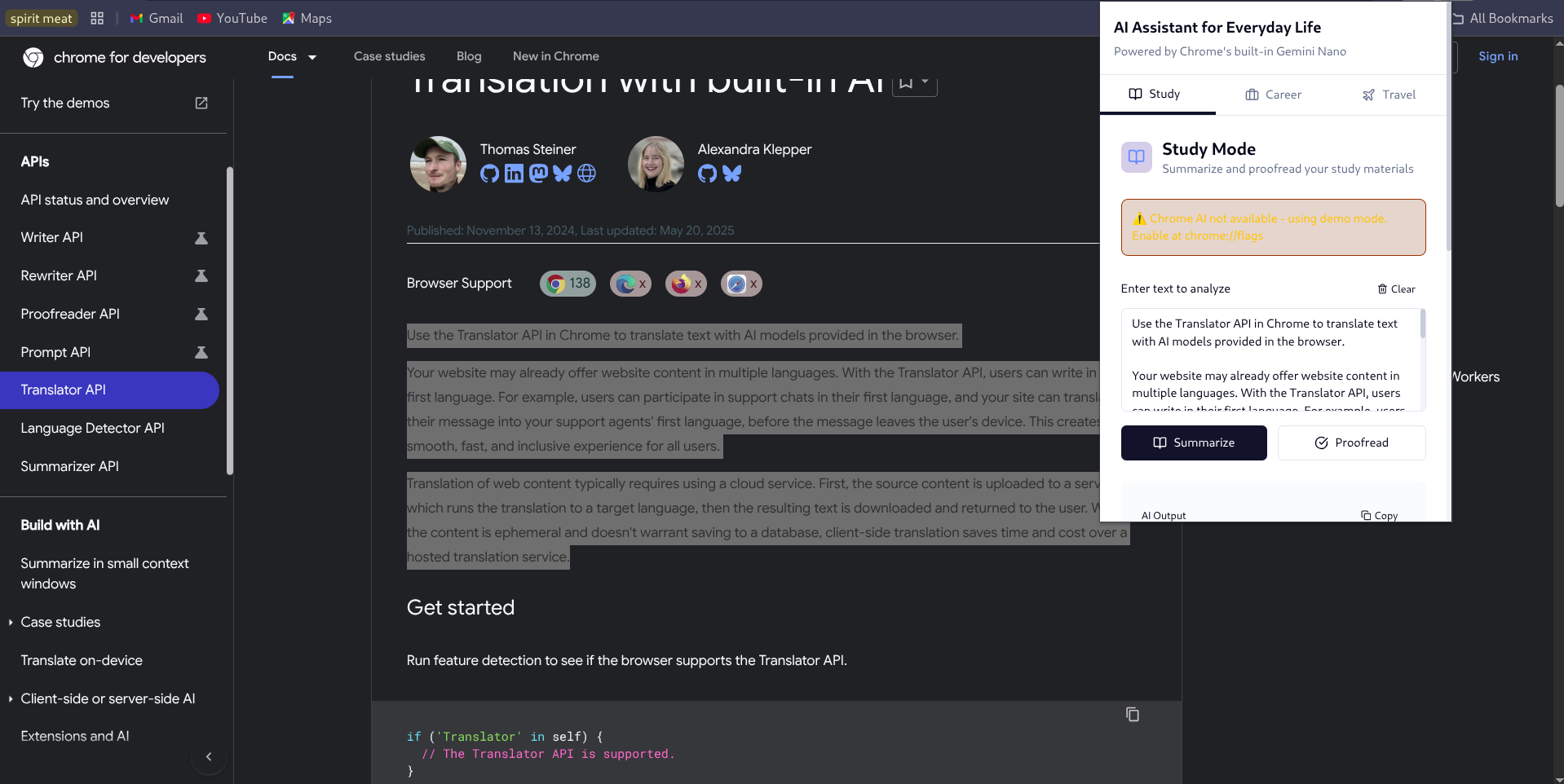
popup and floating button which opens side-panel
-
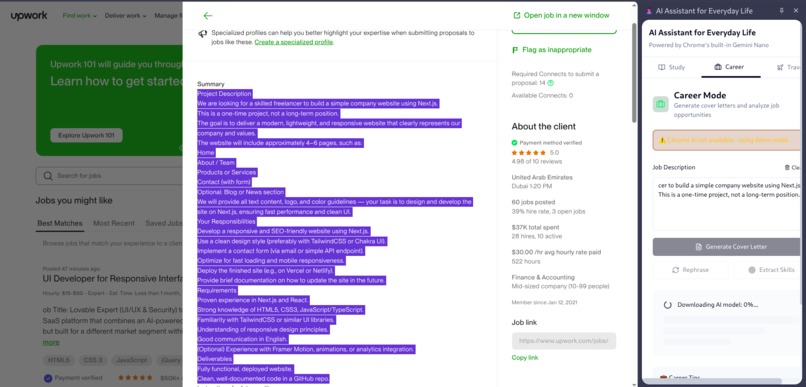
shwoing career model with floating button
-
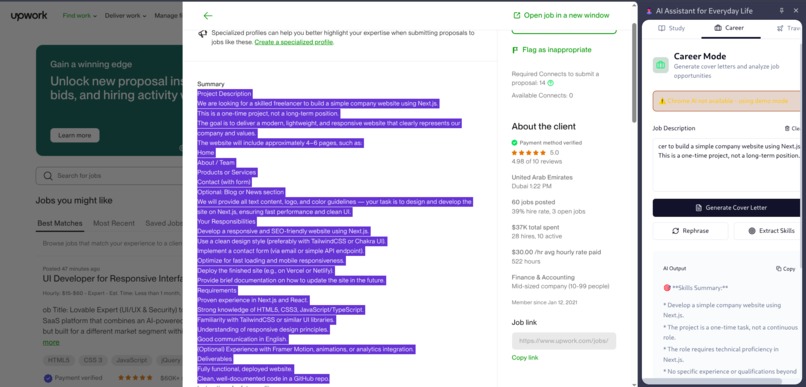
showing career model with floating button
-
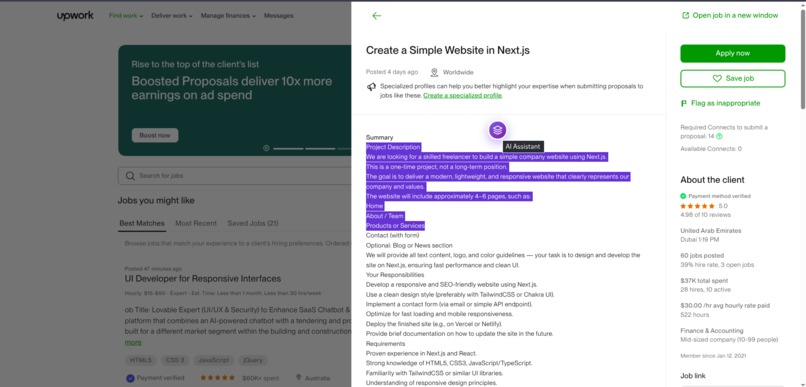
testing career model with floating button
-
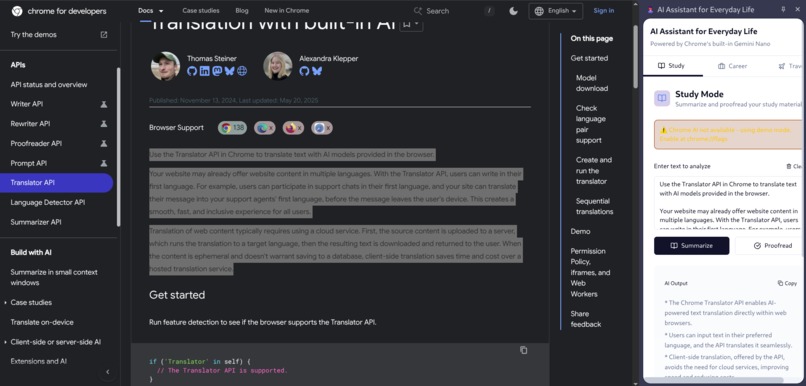
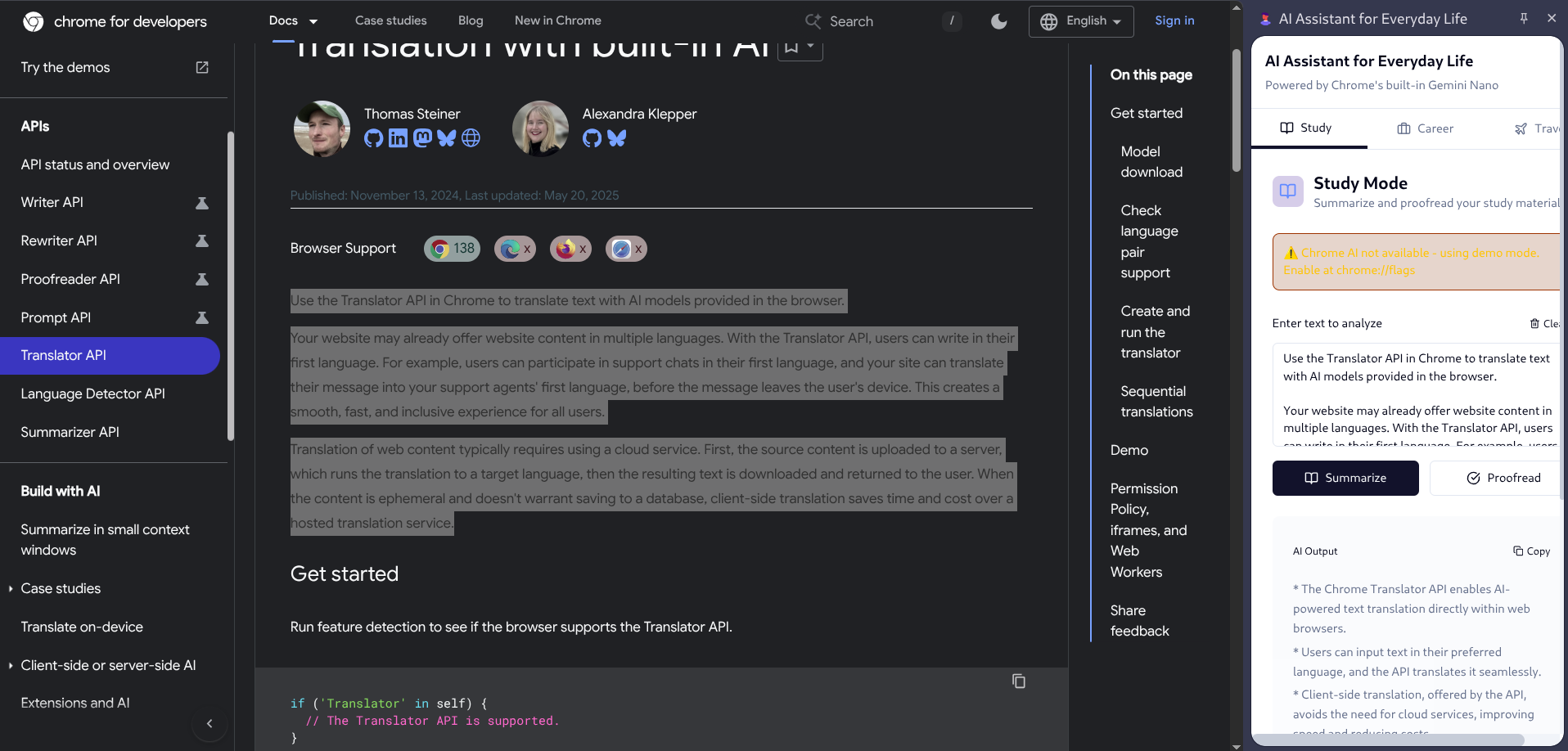
side panel
Inspiration
The inspiration came from a simple question: “What if a powerful AI could live in my browser and adapt to different parts of my daily life, studying, career growth, and travel?” I noticed that students, job seekers, and travelers often switch between multiple apps for tasks like summarizing notes, fixing grammar, writing professional documents, or translating foreign text. Many of these tools are cloud-based, expensive, or raise privacy concerns. With Gemini Nano and Chrome’s built-in AI APIs, I realized it’s possible to bring these features directly to the client, offering: 🔒 Privacy (data never leaves the device) ⚡ Offline reliability 💸 No recurring costs This motivated me to build an AI Assistant for Everyday Life, one extension that seamlessly supports learning, careers, and travel.
What it does
The AI Assistant Extension is a Chrome extension powered by Gemini Nano and Chrome’s built-in AI APIs. It helps users in three everyday scenarios: Study Mode - Summarizes long articles and proofreads notes. Career Mode - Generates cover letters, rewrites paragraphs, and extracts key skills from job postings. Travel Mode - Translates text or images like menus and signs, and explains them in plain English. All features run locally on the client, ensuring privacy, offline availability, and zero server costs.
How we built it
Frontend: React + TailwindCSS + shadcn/ui for a modern and responsive UI. Extension Framework: Chrome Extension (Manifest V3) with popup + side panel. AI APIs: Summarizer API → distill articles and job descriptions Proofreader API → fix grammar and typos Writer API → draft professional content Rewriter API → rephrase text in multiple styles Translator API → translate text to English (and other languages) Prompt API (multimodal) → explain images like menus or signs The extension has three modes: Study Mode → Summarization + Proofreading for learners. Career Mode → Job application assistant with Writer + Rewriter. Travel Mode → Multilingual support with Translator + multimodal Prompt API.
Challenges we ran into
Manifest V3 limitations: Adjusting service workers, storage, and permissions for a smooth experience. New APIs: Documentation for the Chrome AI APIs is evolving, so trial and error were needed. UI/UX balance: Cramming three different assistant modes into one extension while keeping it clean and intuitive. Performance testing: Ensuring summaries, translations, and rewrites work quickly even offline.
Accomplishments that we're proud of
Successfully integrated six different AI APIs (Summarizer, Proofreader, Translator, Writer, Rewriter, and Prompt multimodal) in one seamless extension. Built a clean and intuitive UI with React, Tailwind, shadcn/ui, and Framer Motion. Demonstrated the versatility of client-side AI by applying it to three real-life contexts: learning, career development, and travel. Kept everything lightweight, private, and offline-first — proving the potential of AI directly in the browser.
What we learned
How to integrate Chrome’s experimental AI APIs (Prompt, Writer, Rewriter, Proofreader, Translator, Summarizer). Building a full React + Chrome Extension workflow with Manifest V3. Designing a multi-mode UI with smooth transitions using Framer Motion. The trade-offs of client-side AI vs. cloud AI in terms of privacy, latency, and versatility. Handling multimodal inputs (text + images) efficiently.
What's next for AI-Assistant-Extension
Add more languages and cultural context support for travelers. Introduce personalization so users can save preferences, prompts, and outputs. Explore hybrid AI by combining Gemini Nano with the cloud-based Gemini Developer API for heavier tasks. Package and publish on the Chrome Web Store to make it widely accessible.
Built With
- chrome-extension(manifest-v3)
- css3
- framer-motion
- google-chrome-with-gemini-nano
- html5
- javascript
- prompt-api
- proofreader-api
- react
- rewriter-api
- shadcn
- summarizer-api
- tailwindcss
- translator-api
- typescript
- writer-api

Log in or sign up for Devpost to join the conversation.