-
-
-
-
-
-
-
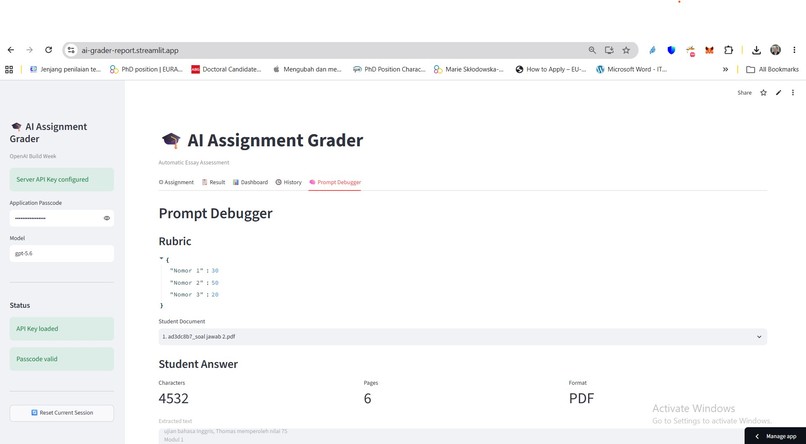
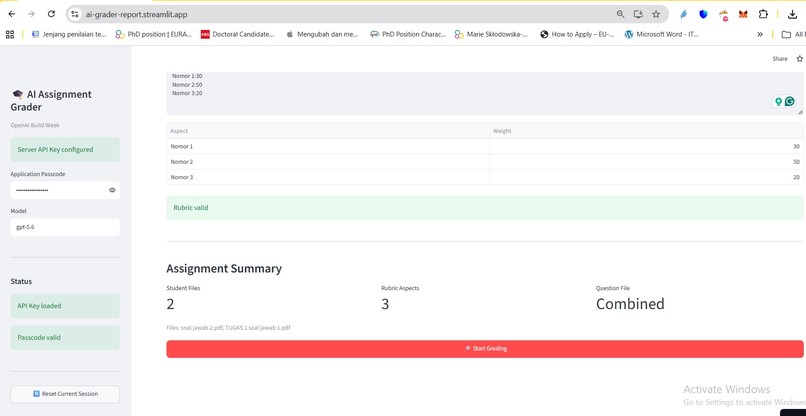
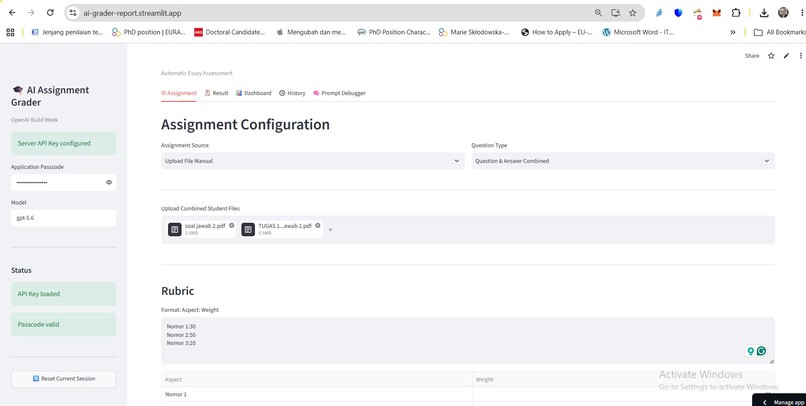
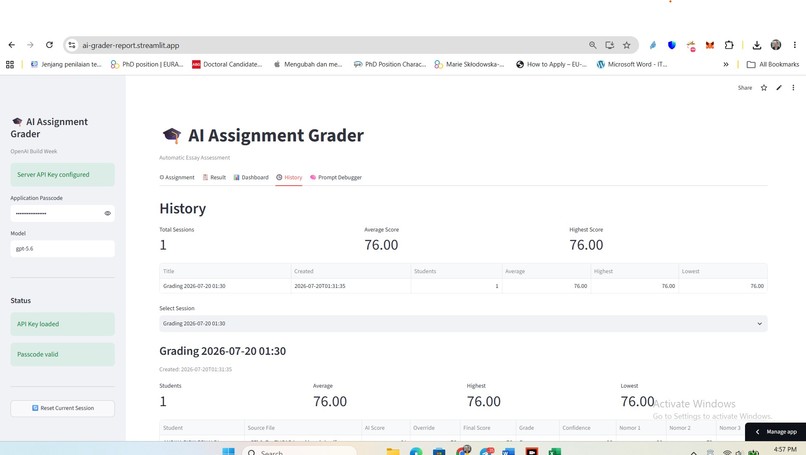
app starting
-
-
-
-
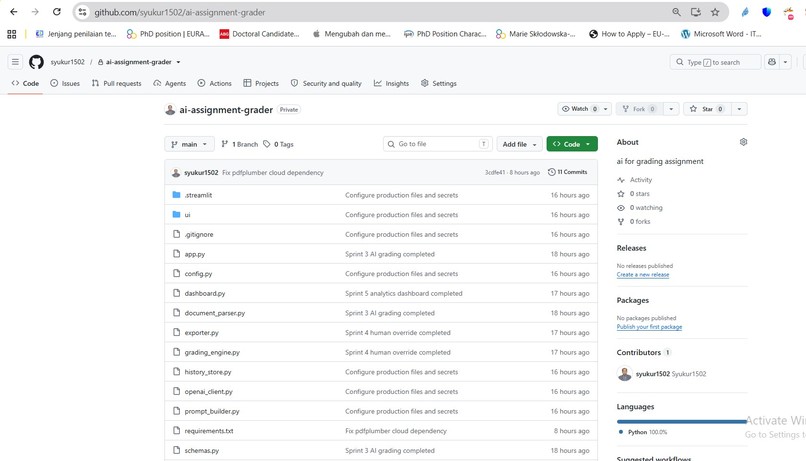
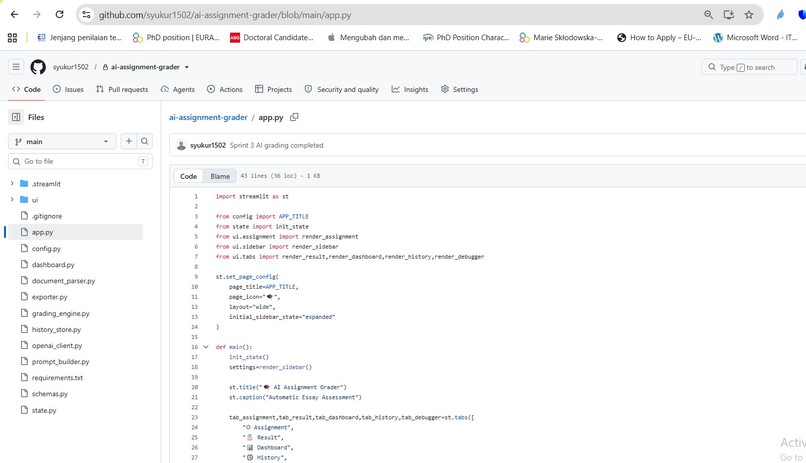
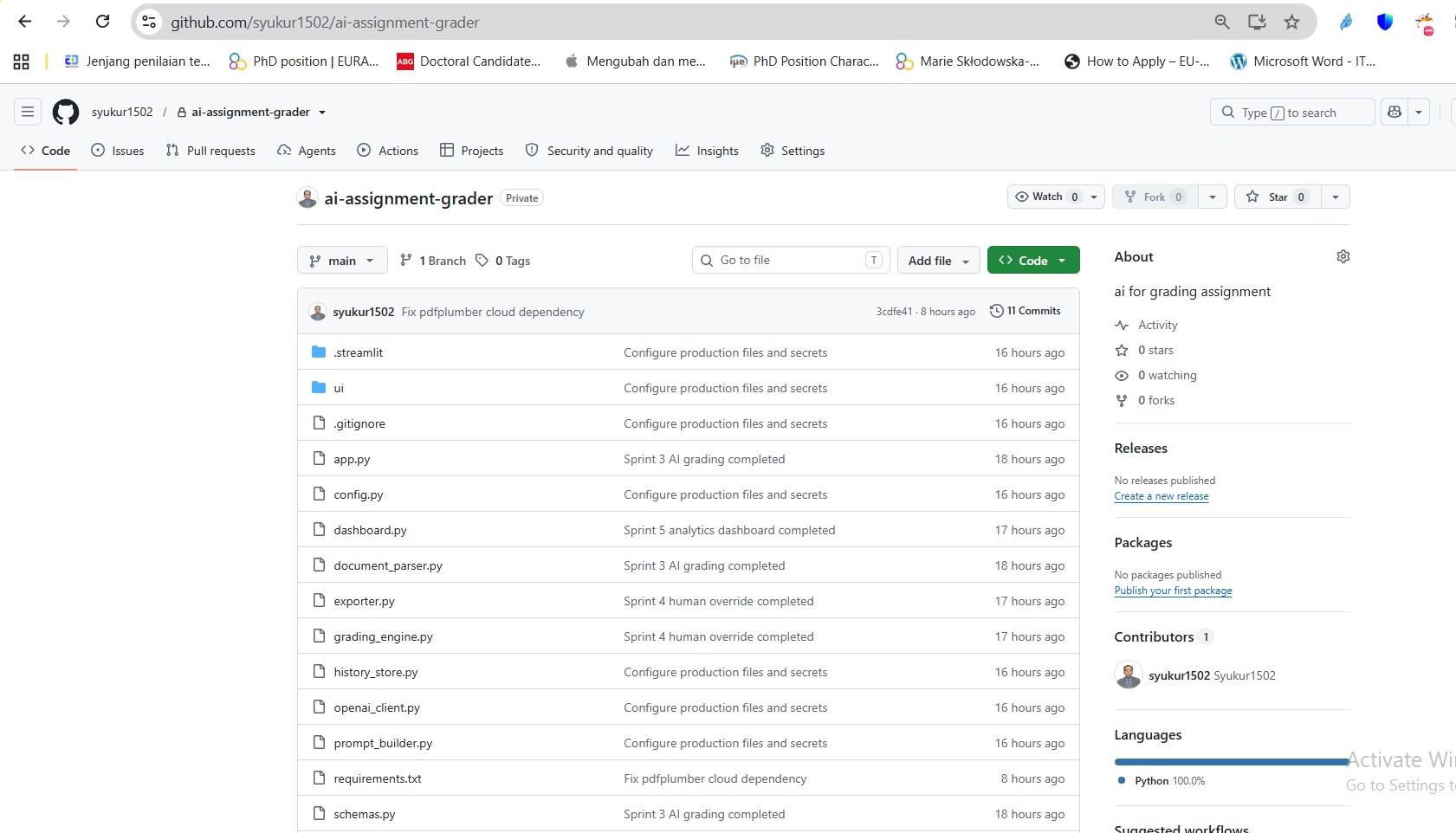
repo
-
-
-
-
-
-
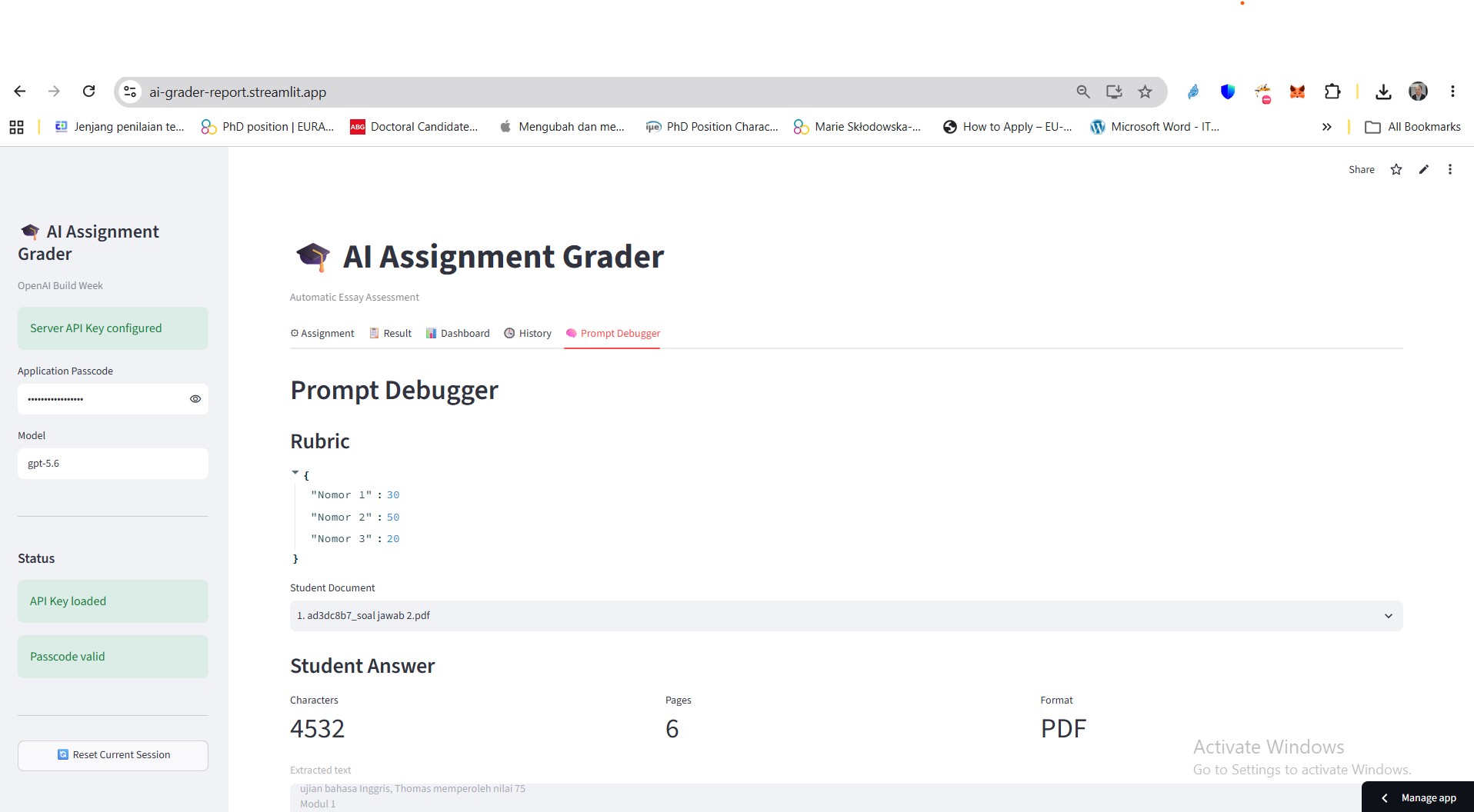
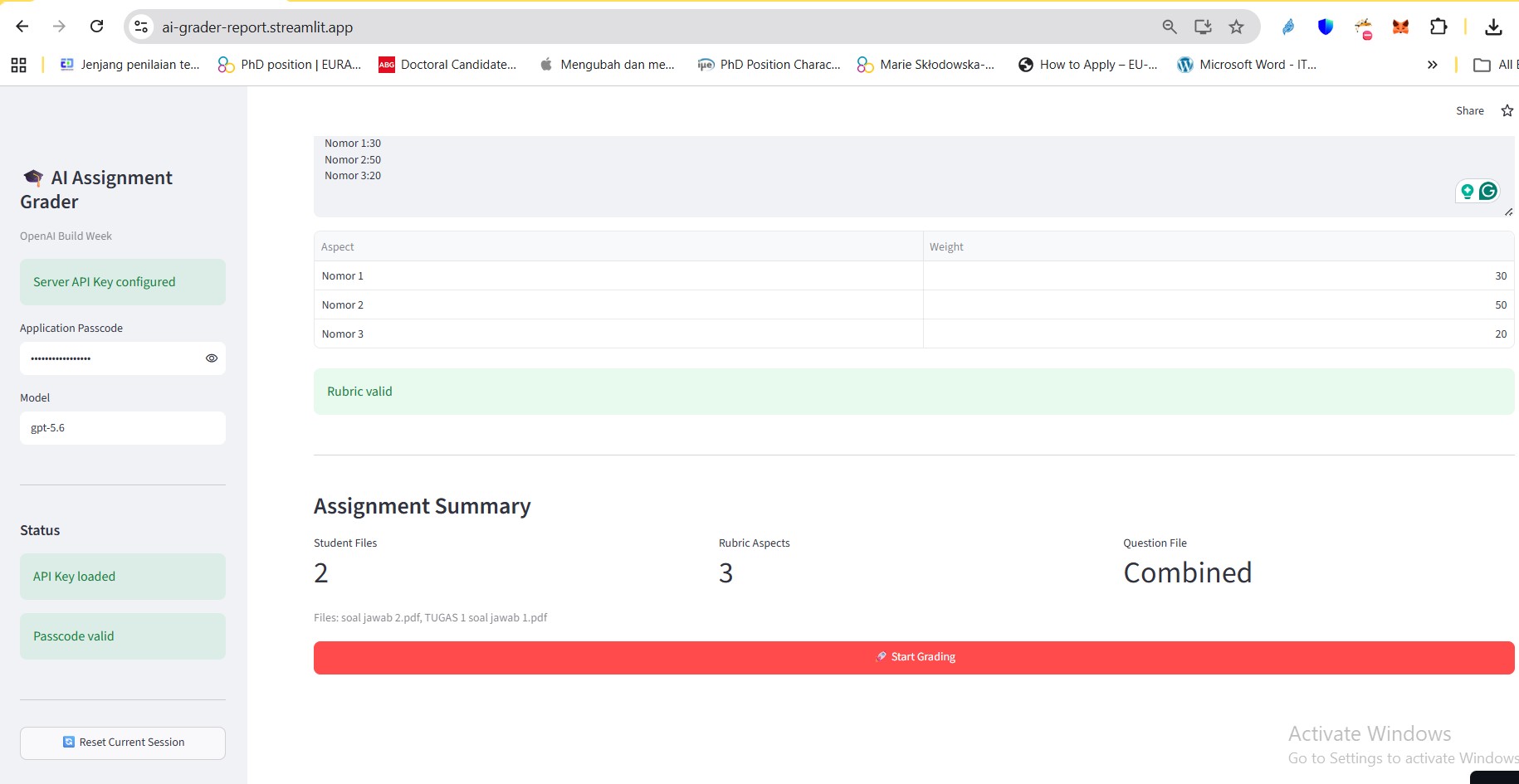
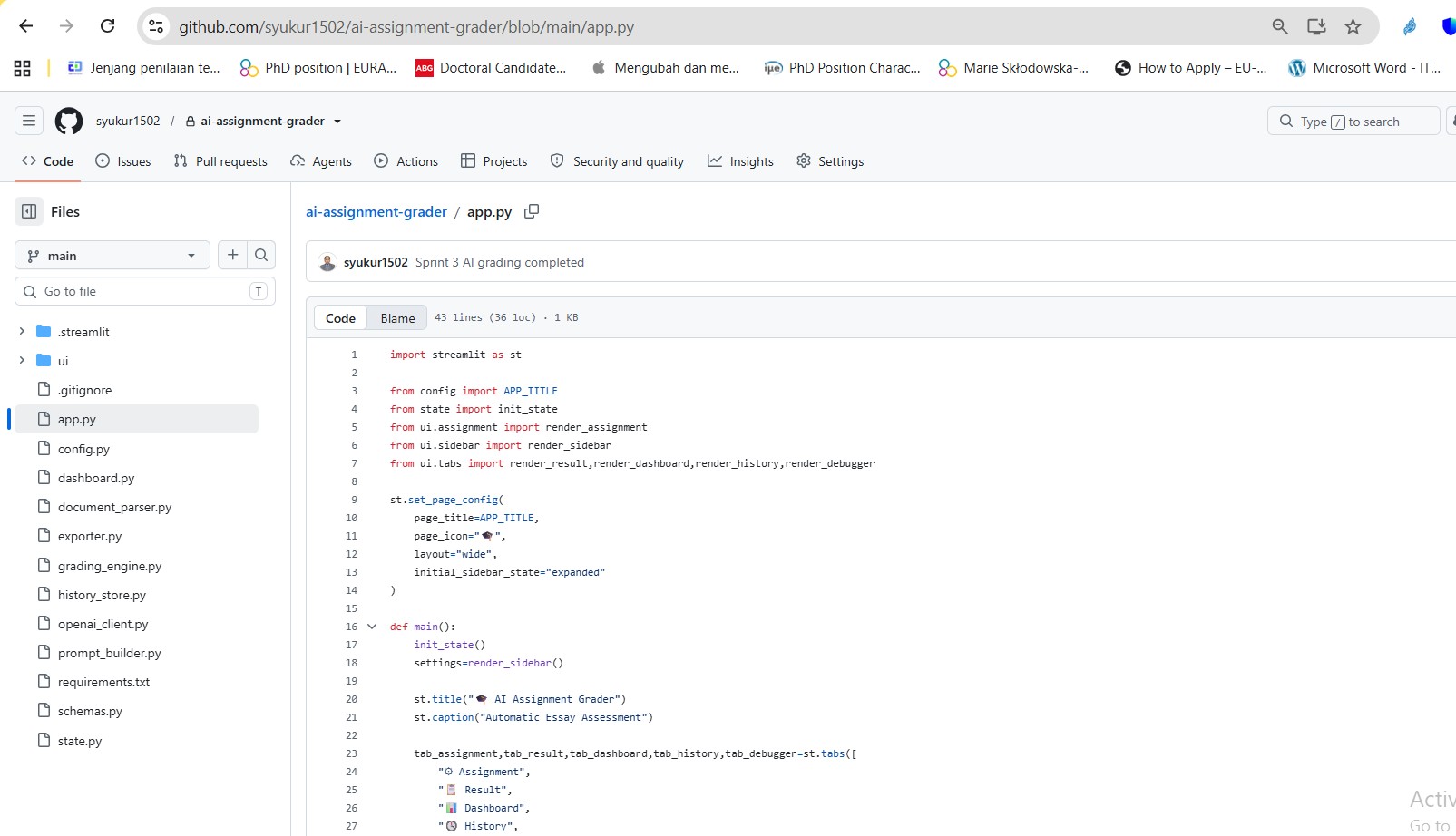
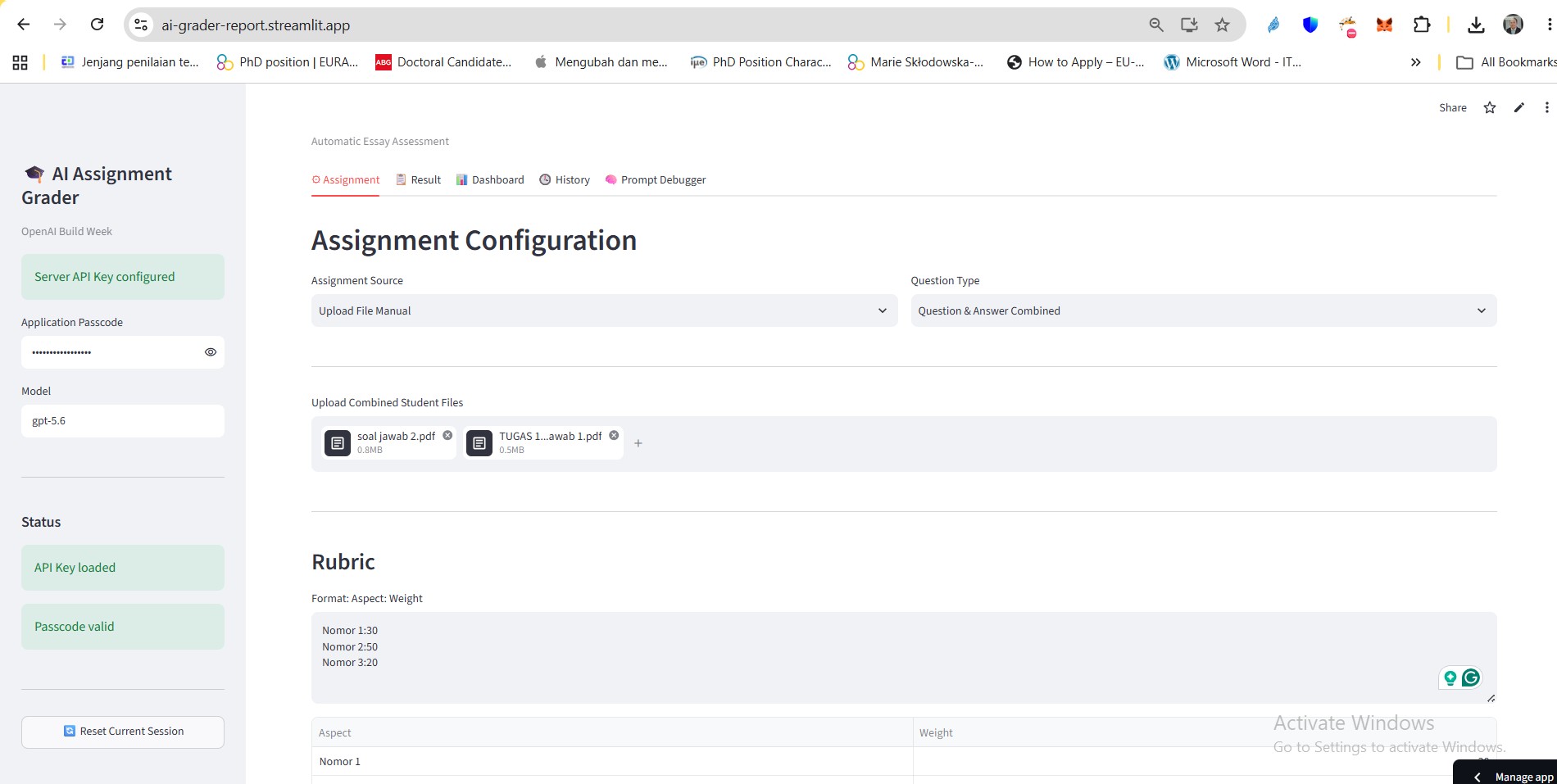
AI-Assignment-Grader
Inspiration
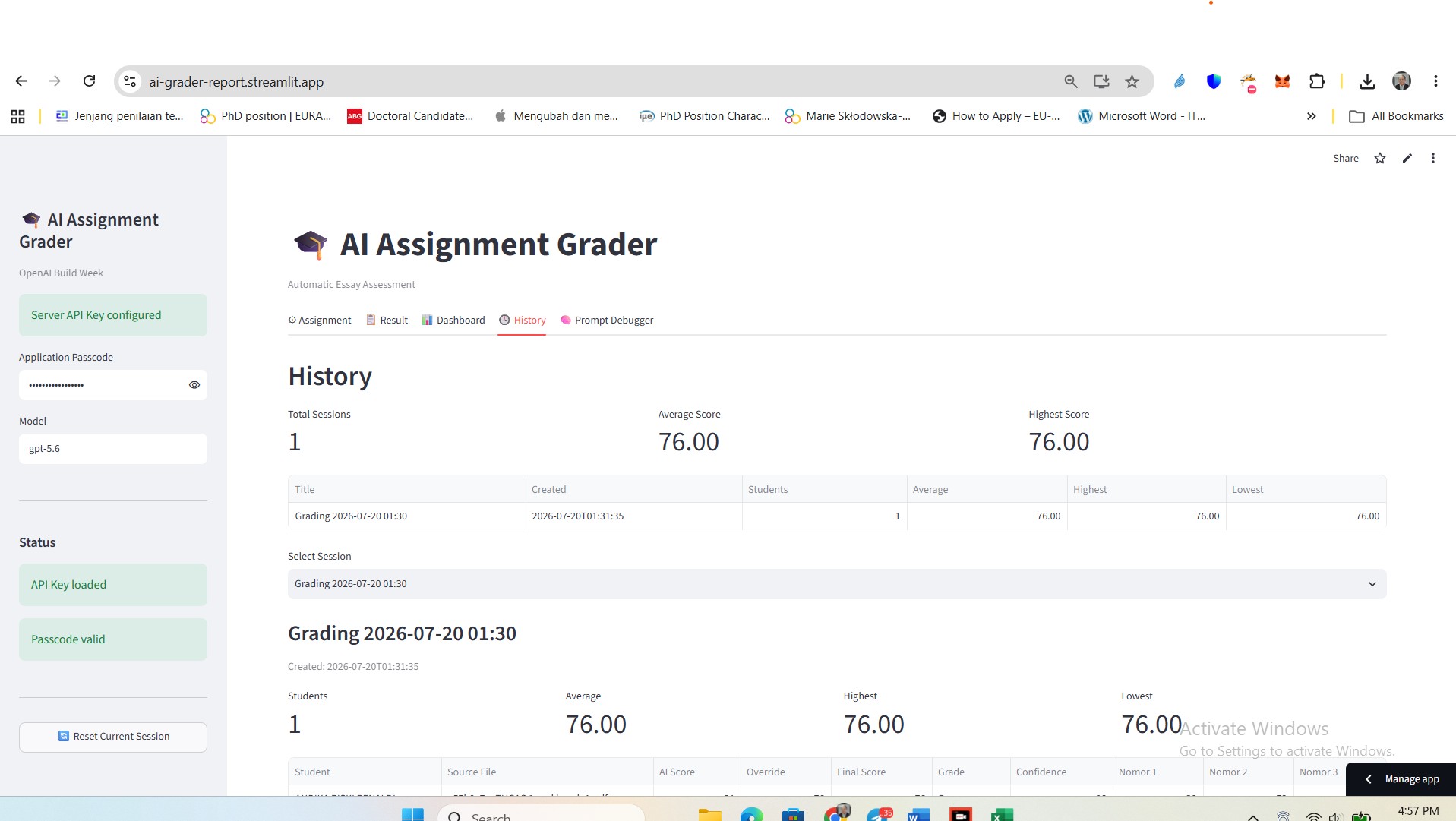
University lecturers spend hours grading assignments other than multiple-choice or closed-solution questions. Open-solution questions, such as essays, reports, and academic writing, are still conducted manually. They require a lot of time due to careful reading, evaluation, and feedback. Many university lecturers spend hours grading essay assignments, reports, and academic writing. This app will help them to accelerate the process of analyzing texts or assignments based on the given rubrics by GPT 5.6. Lecturers upload or link the LMS account and let the app do the rest until they finish. The final results are still at the lecturer’s discretion.
What it does
This app is an AI-powered platform with Streamlit and OpenAI. Streamlit is used for the user interface (UI) with Python as the backend. GPT 5.6 becomes the brain in the grading system. The application has key features for lecturers:
- Form for PDF or DOCX assignments
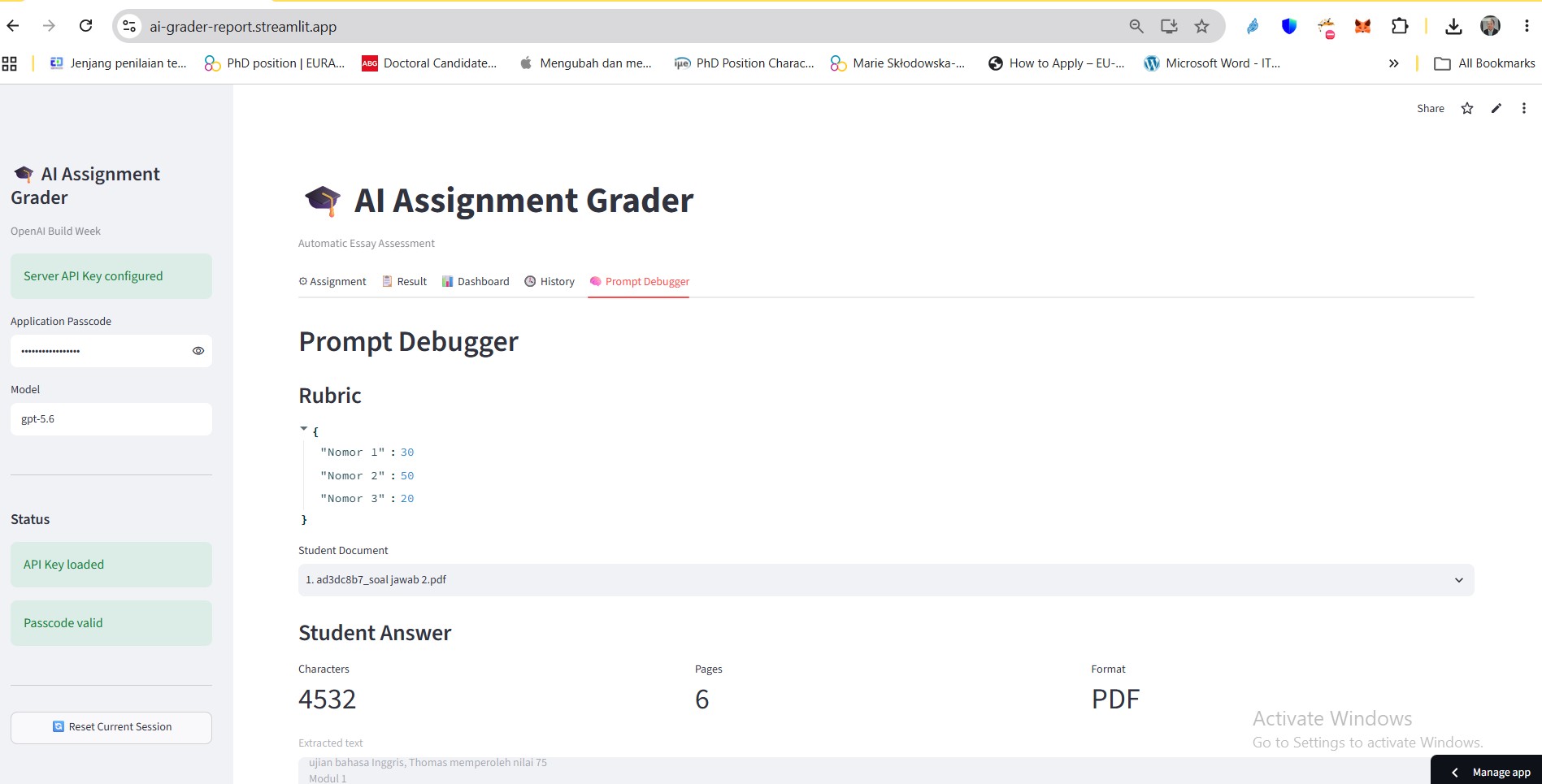
- Customize grading rubrics
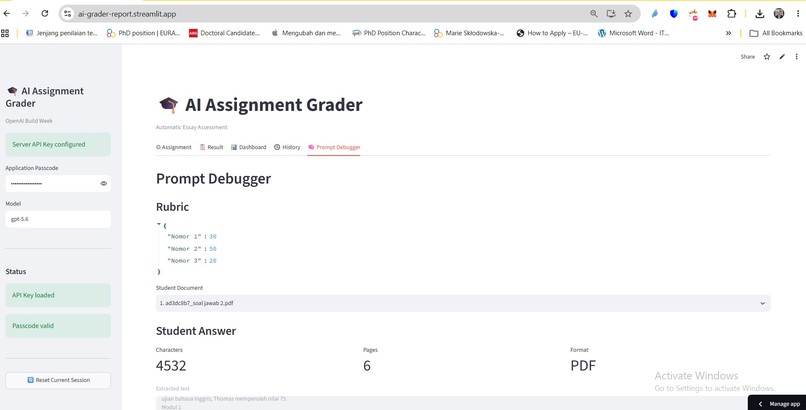
- Extracting student answers
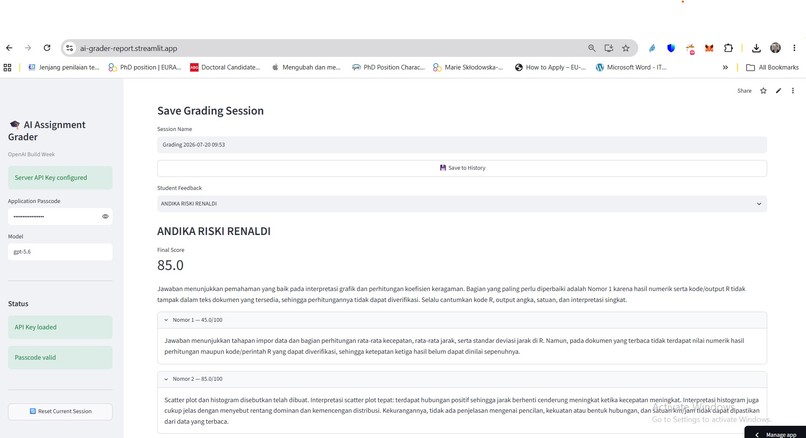
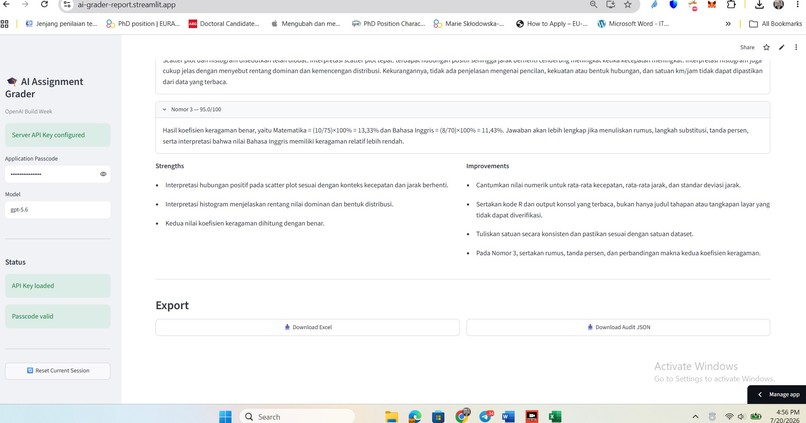
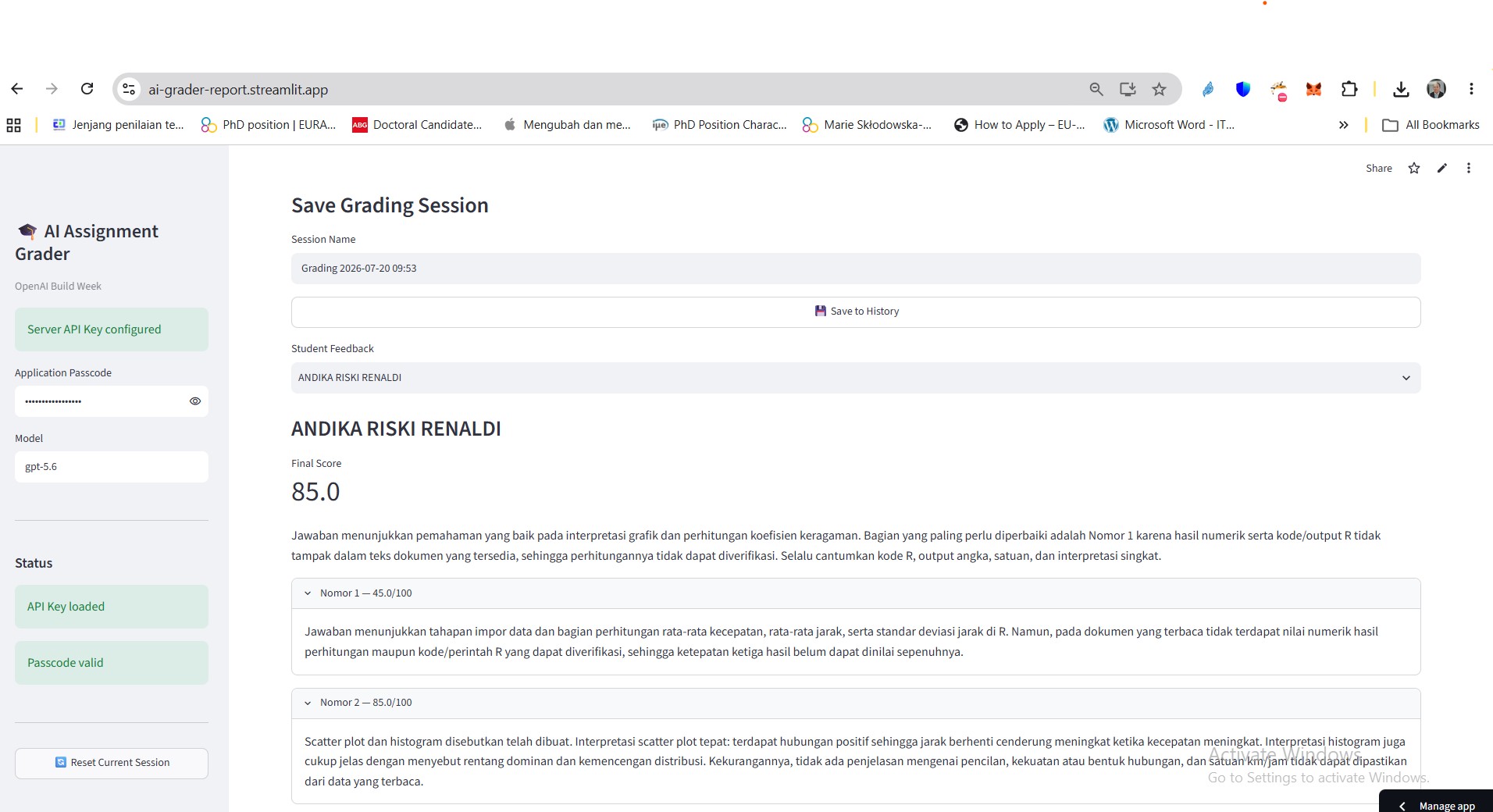
- Feedback for every rubric criterion is generated automatically
- Structured JSON results can be returned
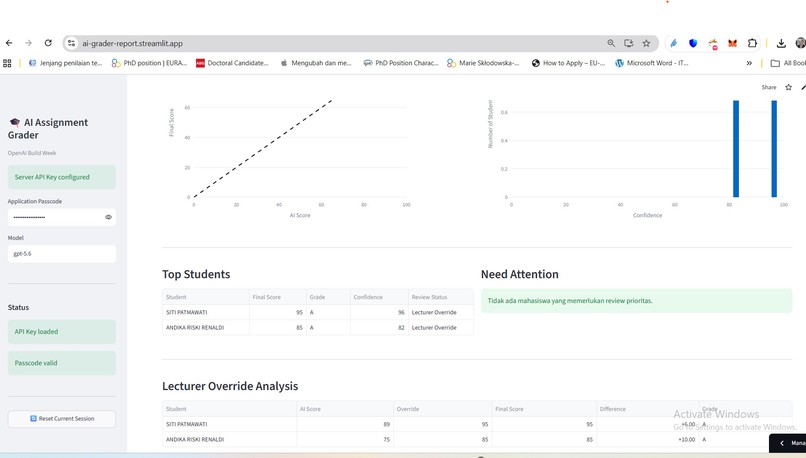
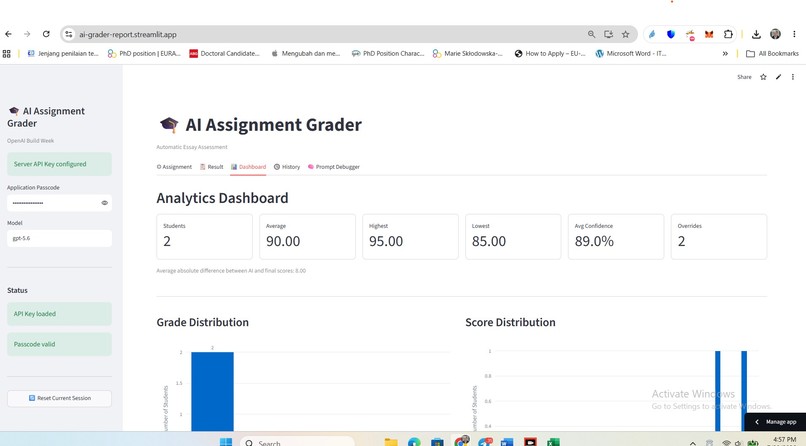
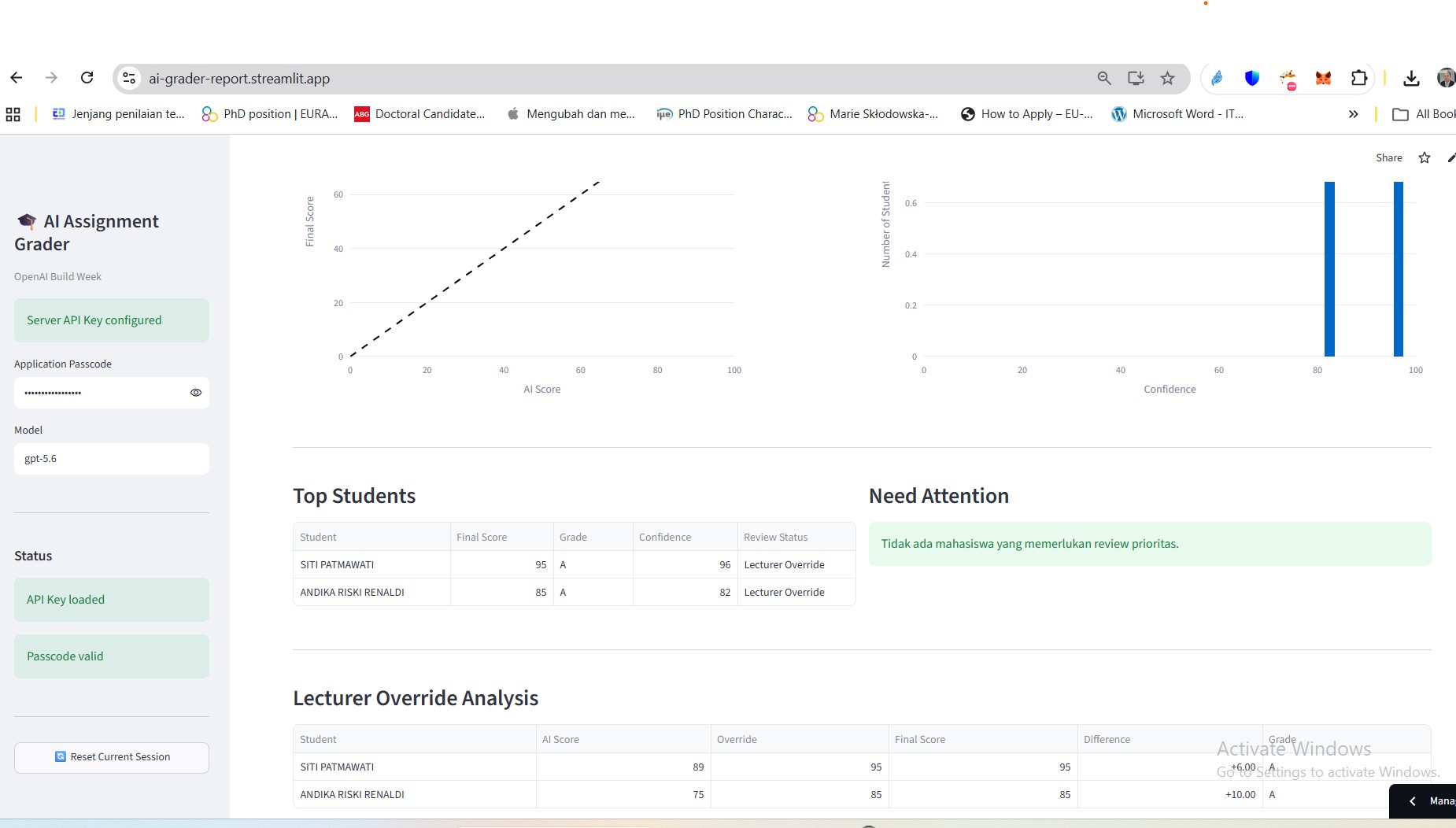
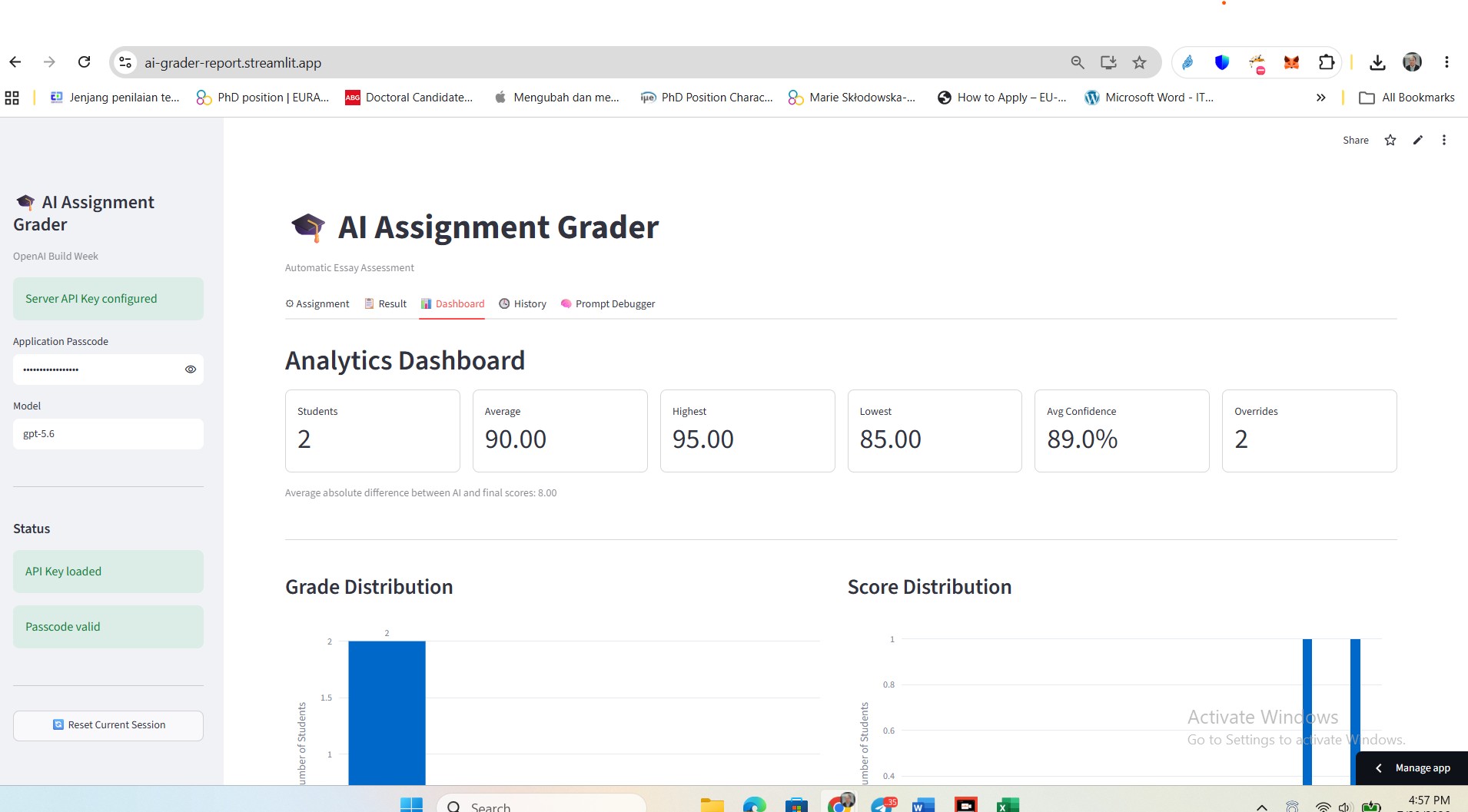
- Class performance visualization
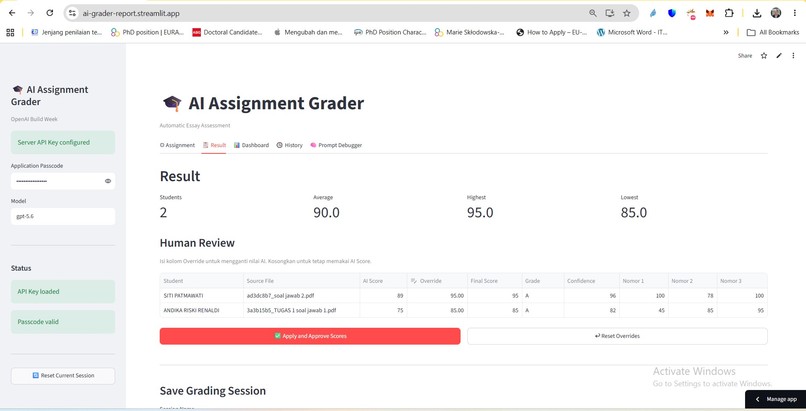
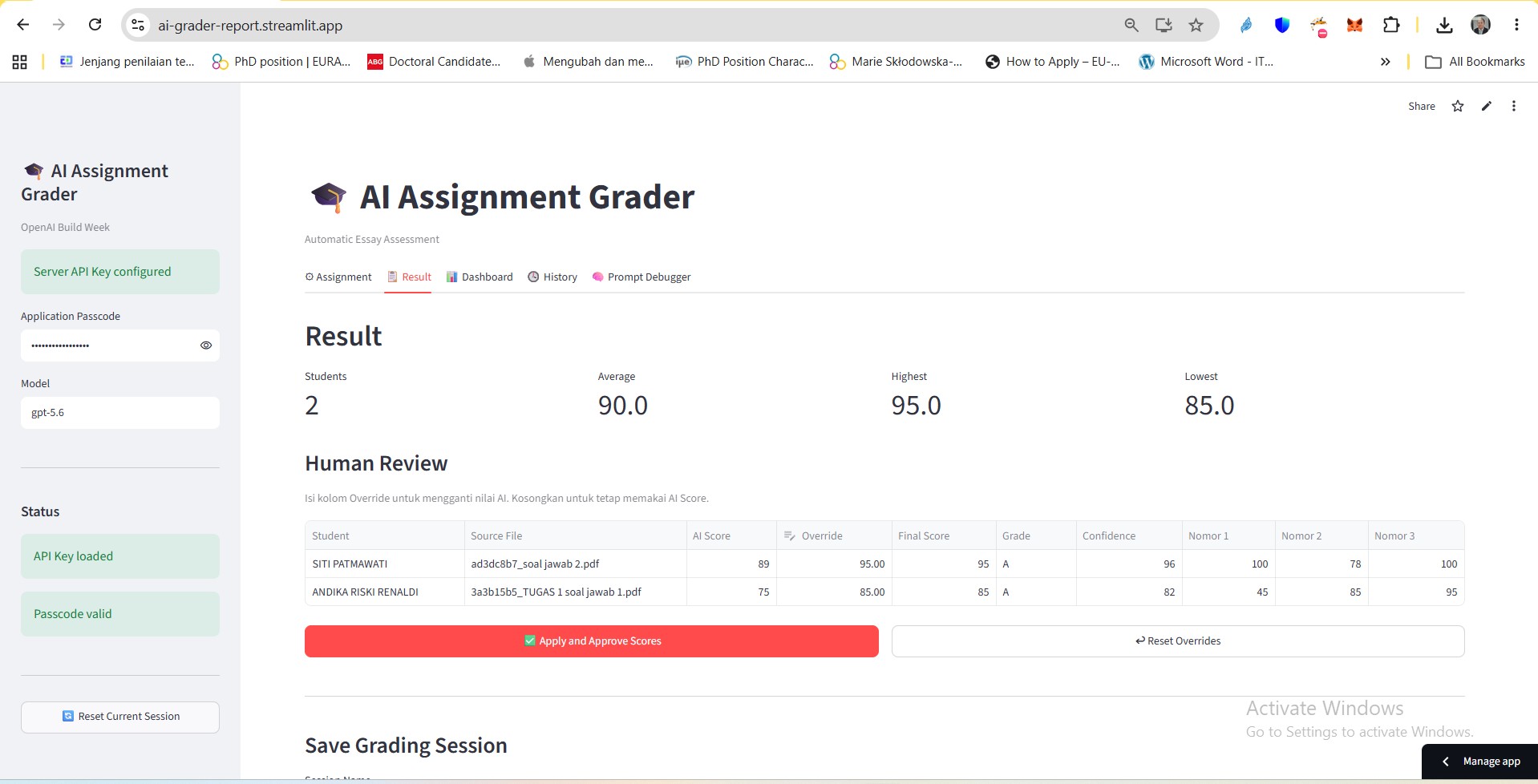
- Override any score before publishing
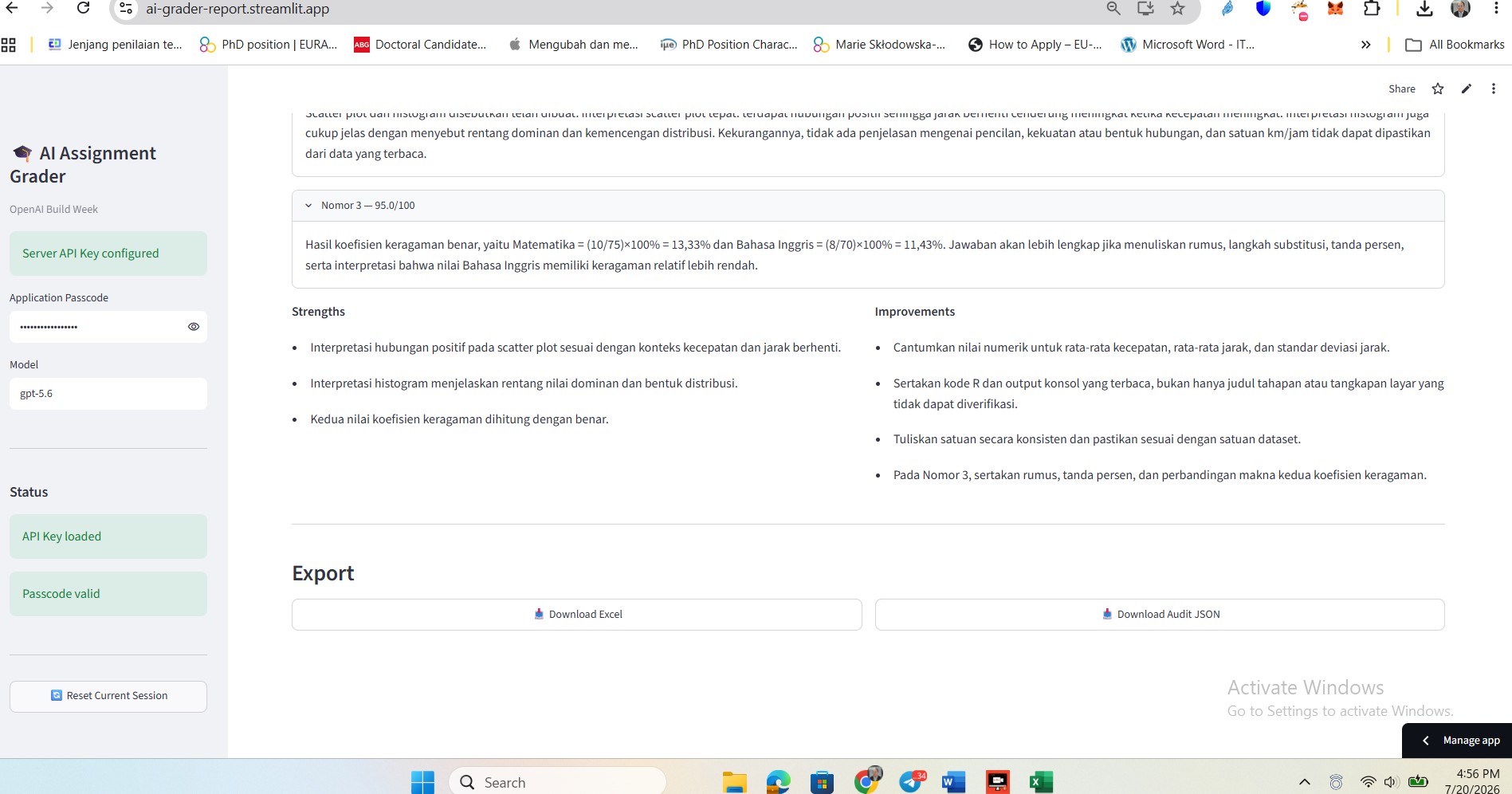
- Exporting final grades to Excel or CSV
It supports:
- Question and answer in one document In this case, lecture upload the answers or questions in one file.
- Separate question files and student answer files The lecturer uploads the questions or task instructions and uploads the students' submissions -LMS Link (For Future development) Paste the link to the assignment directly, and the system will download the tasks and analyze them. This does not exist for now; it will appear in the next development.
How we built it
The project is developed using Python and Streamlit. The workflow is:
- The assignments are uploaded.
- Text is extracted from PDF or DOCX.
- Parsing the rubrics into structured weights.
- GPT-5.6 evaluates each submission.
- Responses are validated against a strict JSON schema.
- Results are converted into Pandas DataFrames.
- The results are reviewed through an editable dashboard.
- Exporting final grades. This app is designed to run in Google Cloud Run, but for now it is hosted in Streamlit.
How GPT-5.6 was used
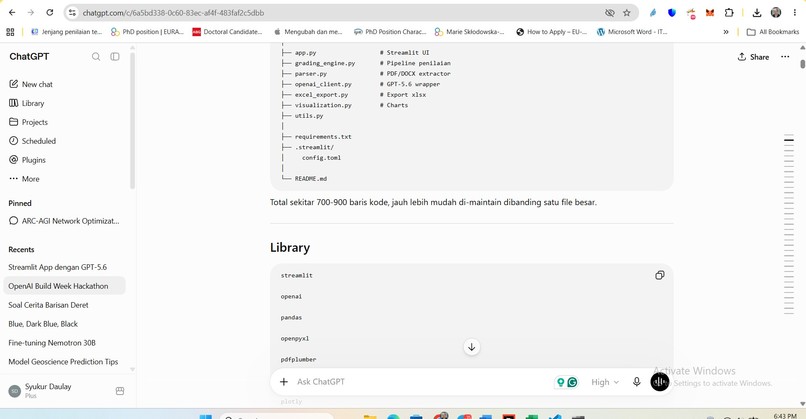
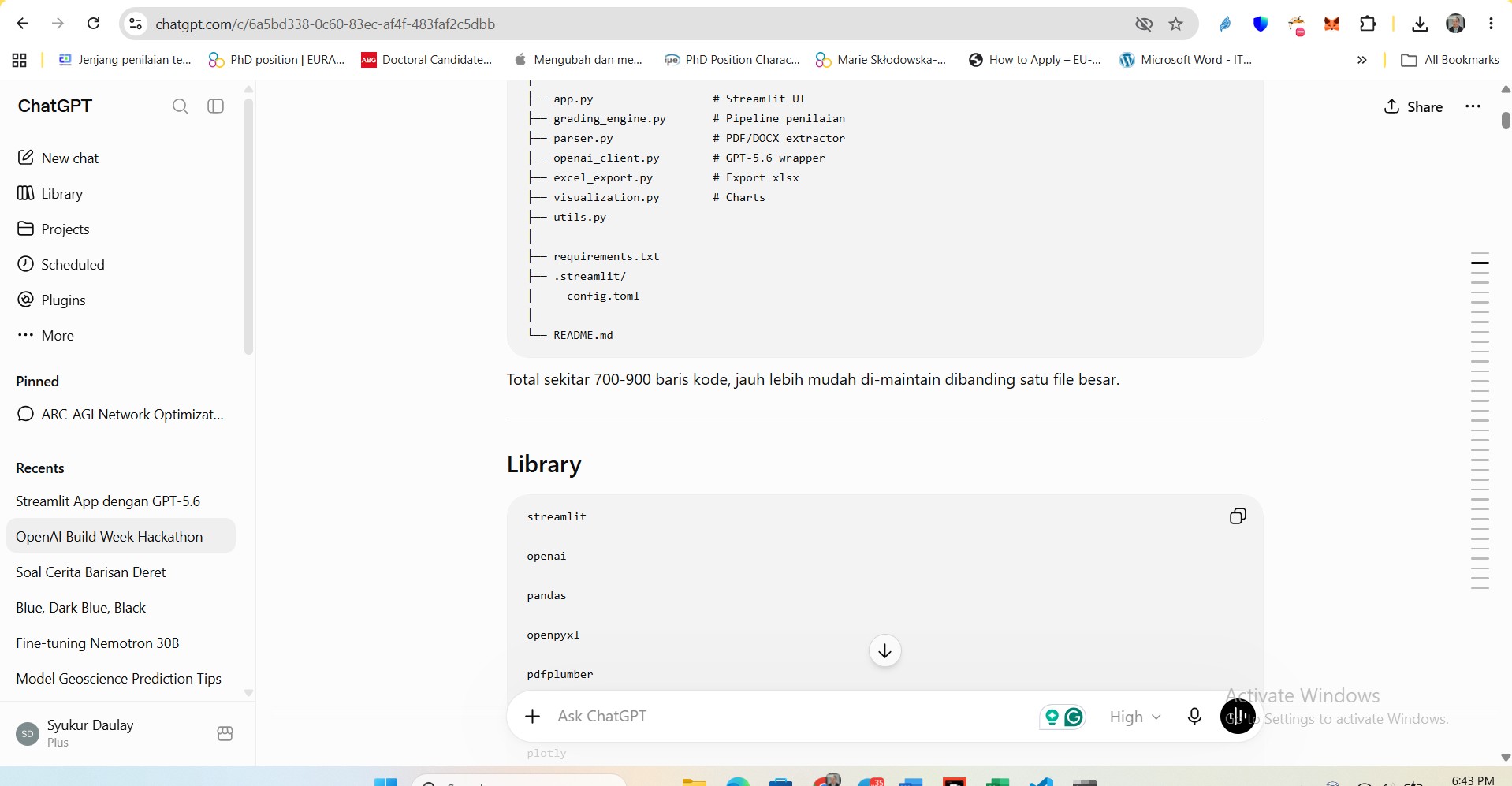
GPT-5.6's role is an assistant for discussing the workflow, architecture, and a brain for this app. The submitted assignment will be extracted to include the question and student response.
- Response analysis
- Response and rubric comparisons
- Scoring for each criterion
- Constructive feedback generation
- Areas of improvement identification
How Codex was used
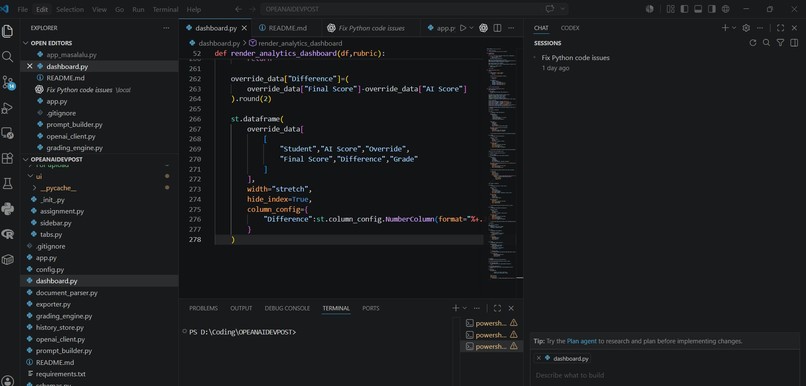
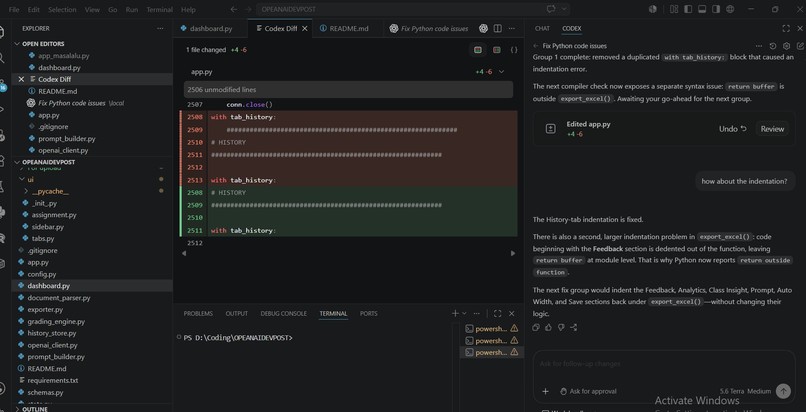
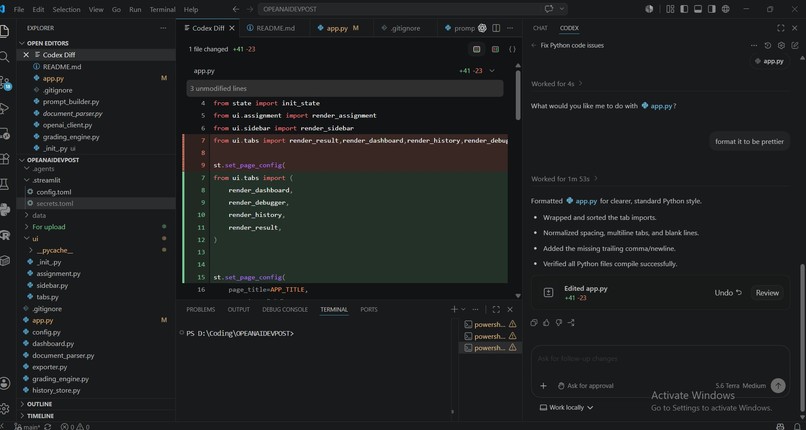
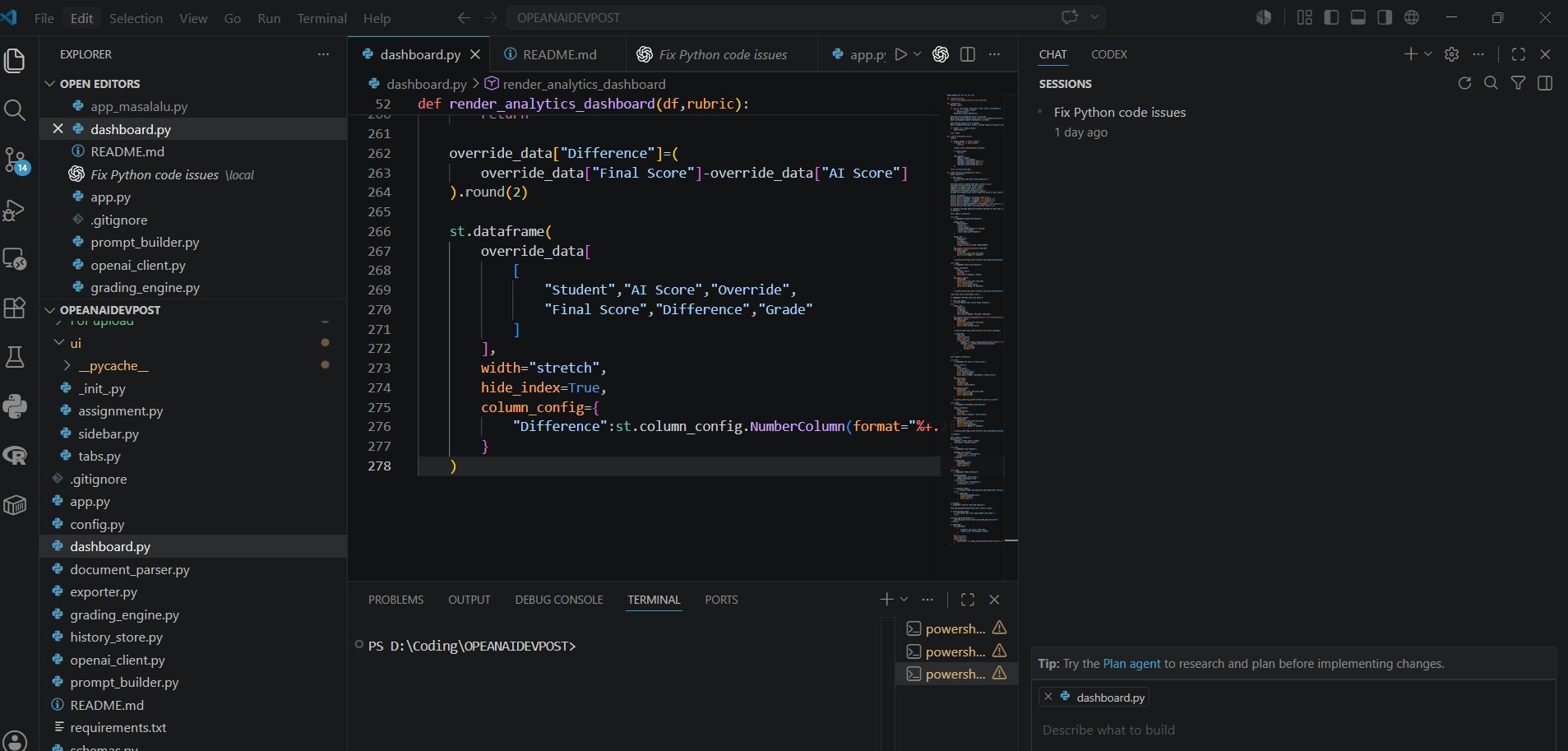
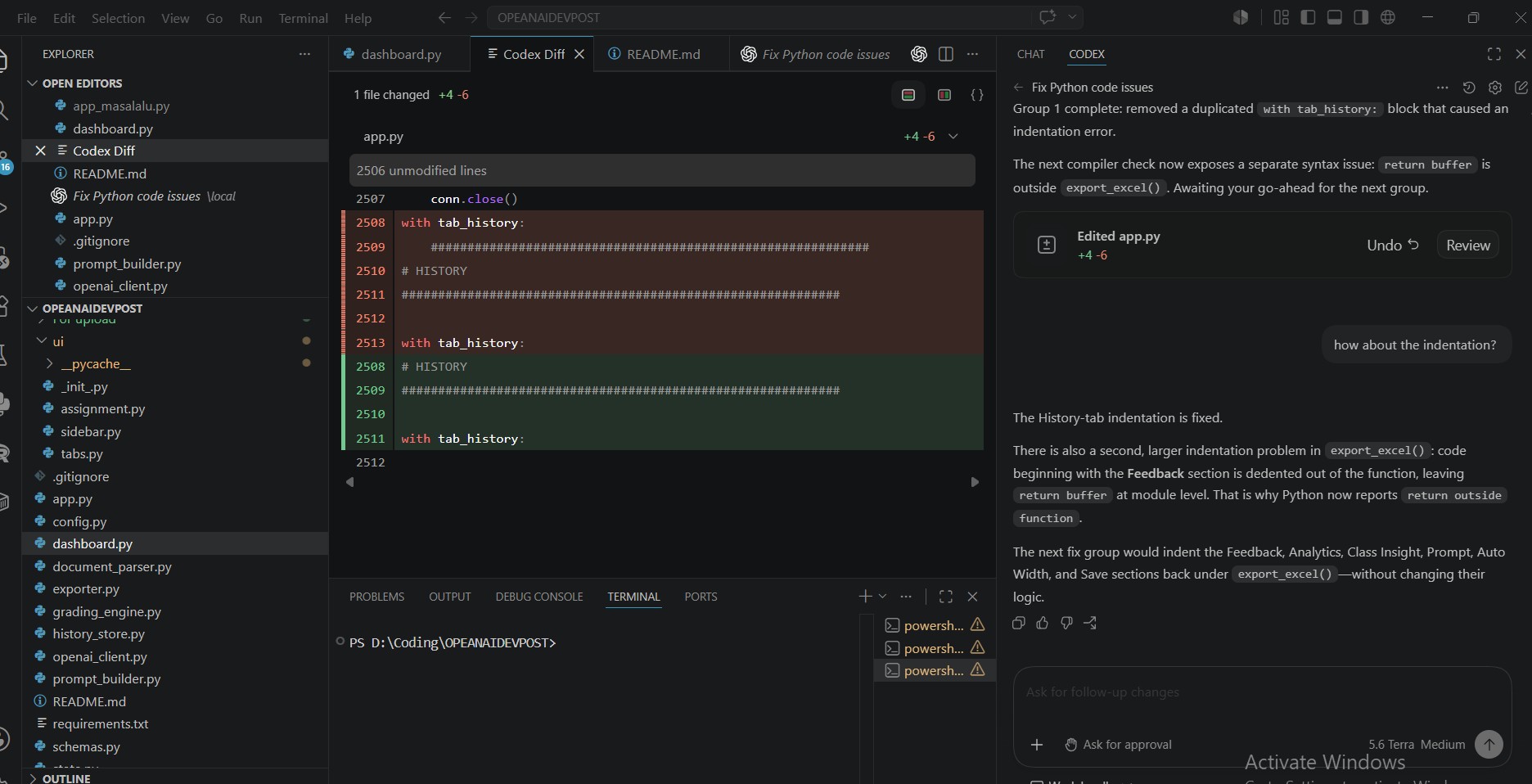
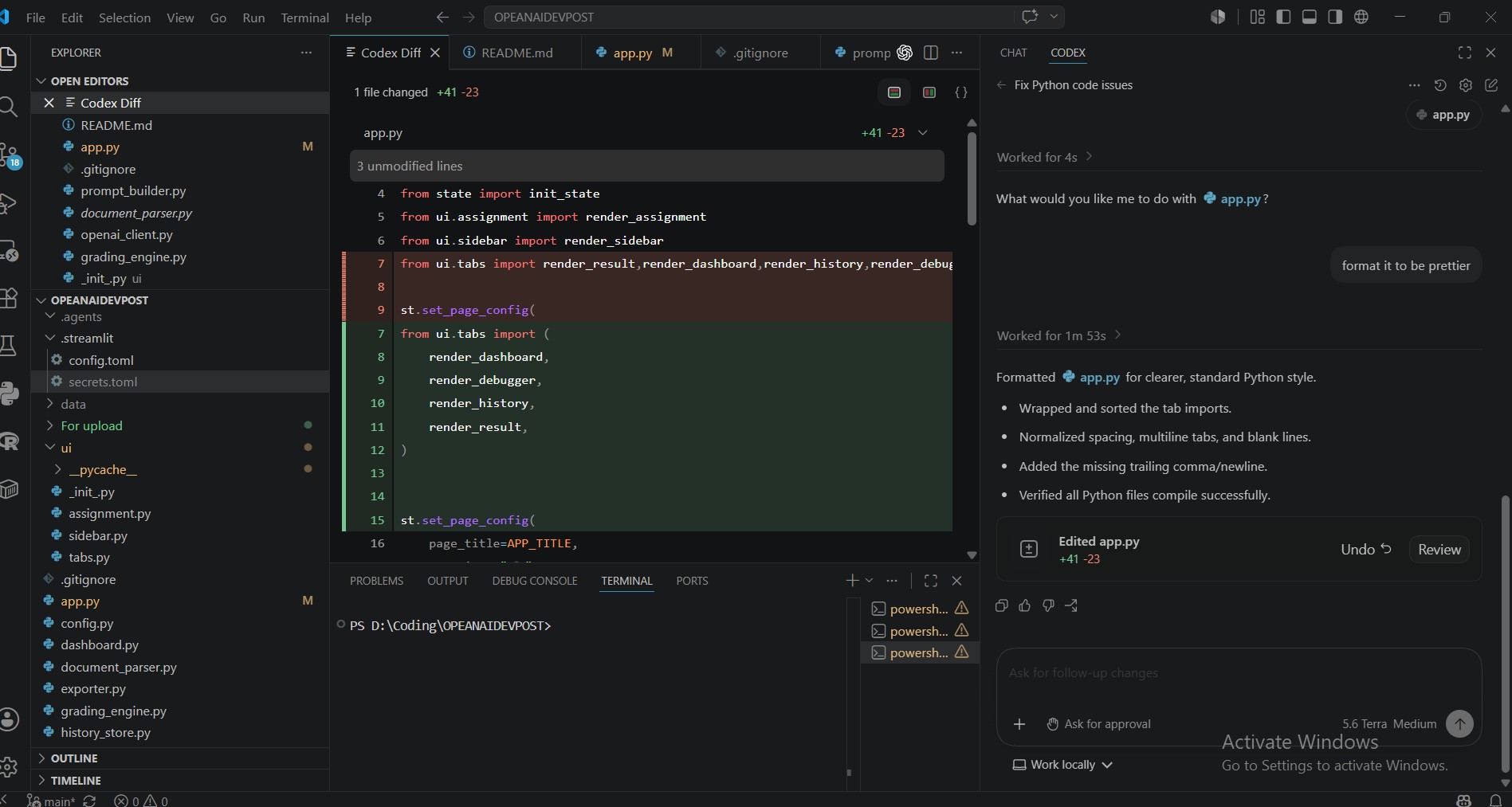
Our editor, Visual Studio Code, is equipped with Codex as an extension. It helps mostly in formatting the code and testing it to see if it works properly by compiling it. So, the code is more readable and prettier. It assists with easier debugging.
Challenges we ran into
Some of the biggest challenges were handling multiple document formats and the various content of the documents, ranging from text and image. Others were data types from lecturer input and dependency conflicts in deployment.
Accomplishments
A complete grading workflow that combines AI automation with human review has been built successfully. It changes hours of manual grading into a minute process, keeping lecturers responsible for the final decision.
What we learned
This project taught us that reliable educational AI depends not only on powerful language models but also on structured prompts, validation, human oversight, and thoughtful user interface design.
What's next
Future work includes:
- Moodle integration
- Google Classroom integration
- LMS APIs
- Plagiarism and AI-generated score
- Multi-language grading
- Institutional analytics dashboard
