
The All-in-One AI Animation Studio for YouTube Creators
Inspiration
The inspiration behind AI Animation Studio came from the growing need for fast, high-quality video production without relying on complex software or expensive tools.
Most creators spend hours moving between separate apps for writing, designing, animating, and editing. The idea was to merge all those creative steps into one seamless, AI-powered workflow and built entirely on Google’s ecosystem and deployed in minutes using Cloud Run.
The project aims to show how Google’s foundation models, when orchestrated through AI Studio, can empower individuals to create complete, professional-quality animated content effortlessly.
What It Does
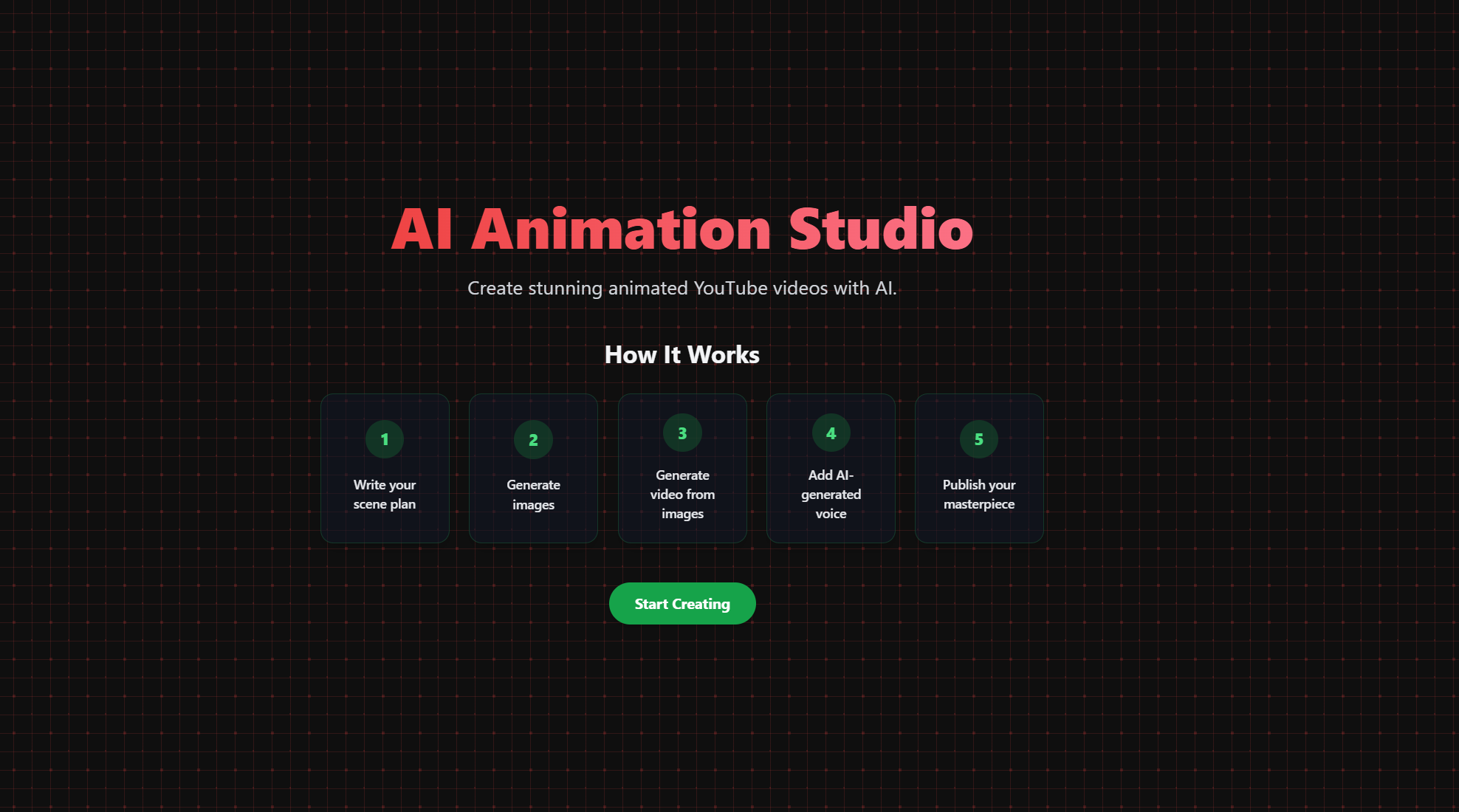
AI Animation Studio is an all-in-one, AI-powered creative platform that allows users to plan, generate, and produce complete YouTube-style animation videos from concept to final output.
Users can:
- Create scenes using natural language and Gemini 2.5 Flash.
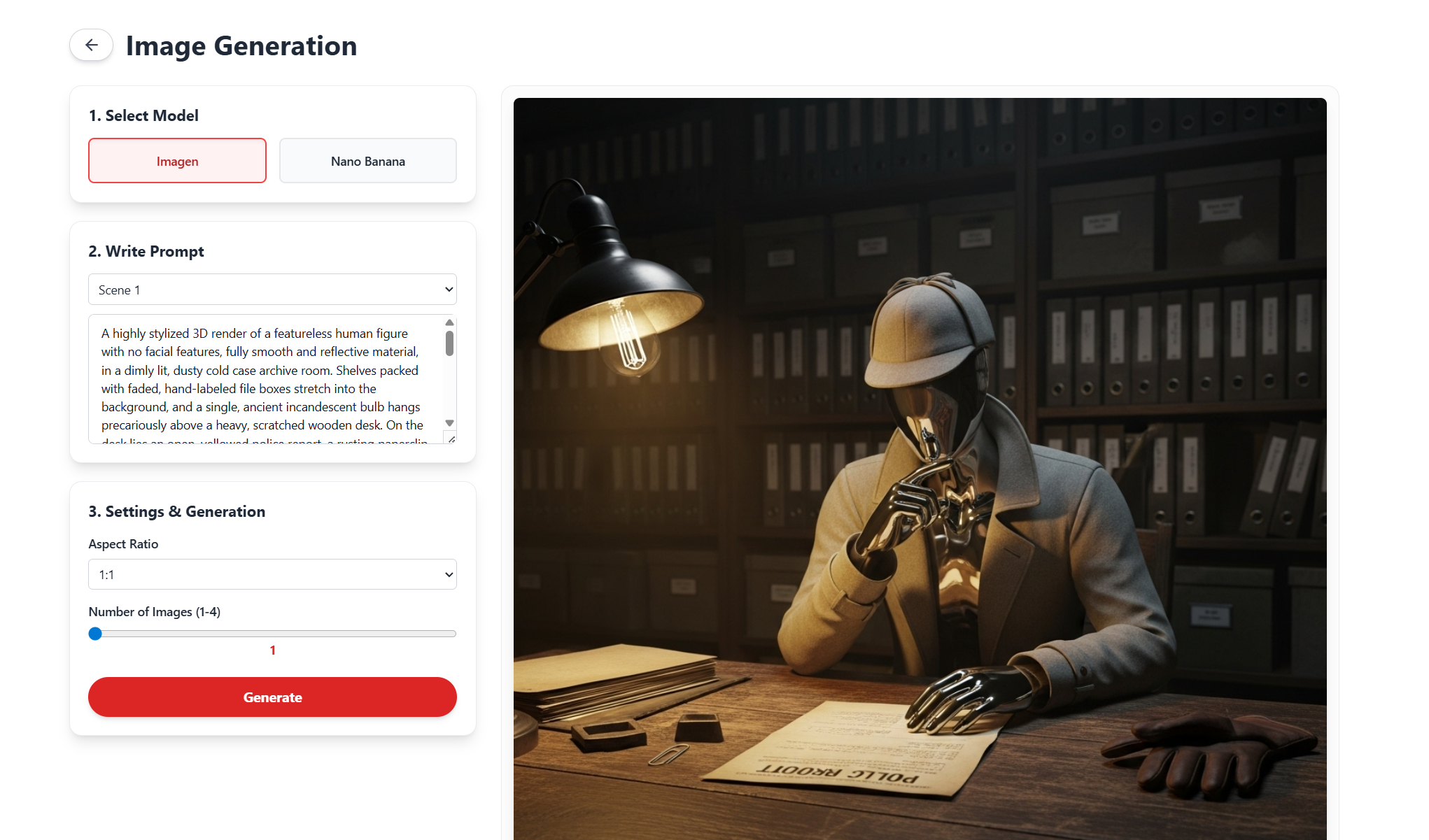
- Generate visuals using Imagen or refine them with Nano Banana (img2img).
- Produce videos with Veo 3 based on images or prompts.
- Add voice narration using Google TTS voice synthesis.
- Edit and publish the final video through a simple, drag-and-drop video editor.
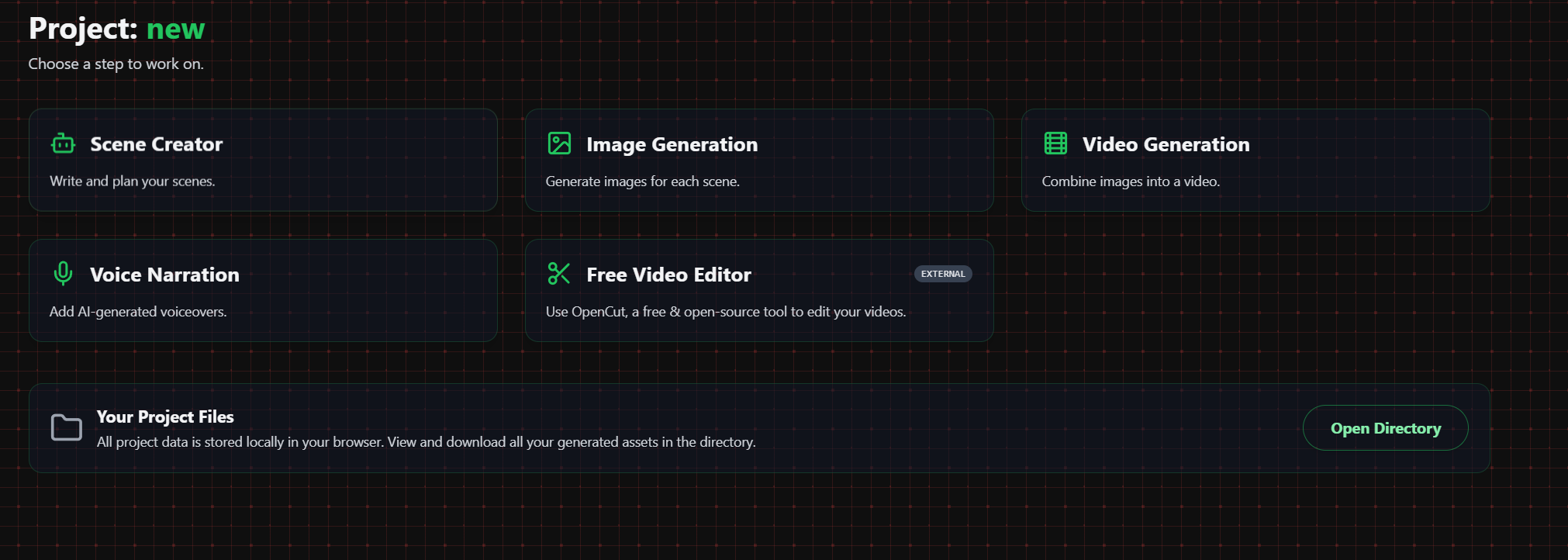
All of these steps are integrated into a single, vibrant UI where every asset text, image, video, or voice is automatically saved and reusable across projects.
How We Built It
Frontend:
Built with React, TailwindCSS to create a colorful, responsive, and modern interface.Backend / Deployment:
Deployed entirely on Google Cloud Run for scalability and speed. The app runs as a containerized serverless service that automatically scales with demand.AI Integration:
- Google AI Studio was used to generate the initial app structure and orchestrate model usage.
- Gemini 2.5 Flash handles text and logic generation (scene writing, narration).
- Imagen and Nano Banana handle image generation and editing.
- Veo 3 is used for short video animation clips.
- Google TTS provides natural-sounding voice narration.
- Google AI Studio was used to generate the initial app structure and orchestrate model usage.
Challenges We Ran Into
- Integration Complexity
- Time Management: Balancing multiple creative features (scene generation, image generation, video editing) within the hackathon timeframe was a challenge.
- Design Consistency: Maintaining a unified, visually appealing UI across five major tools: scene, image, video, voice, and edit while keeping performance fast was a key focus.
Accomplishments That We're Proud Of
- Successfully built a fully serverless AI creative suite that connects Google’s most advanced AI models under one interface.
- Designed a complete creative pipeline from writing to publishing deployable on Cloud Run in minutes.
- Created an app that is visually rich yet easy to use, demonstrating the real potential of AI Studio + Cloud Run synergy.
What We Learned
- How to orchestrate multiple Google AI models together within one environment.
- The power of AI Studio for rapid prototyping and generating production-ready components.
- How Cloud Run simplifies serverless deployment and allows scalable multimedia workloads.
- The importance of clean UI/UX in presenting AI-based creativity tools effectively.
- How to create an architecture that is modular, extendable, and adaptable for future AI upgrades.
What's Next for AI Animation Studio
- Built-in Video Editor: Currently, users can use external editors like OpenCut. The next step is to integrate a full-featured in-app editor with timeline, trimming, and transitions.
- Team Collaboration: Introduce shared projects, real-time co-editing, and version history.
- Template Library: Provide ready-made video templates for common styles like documentaries, explainers, and short films.
- Public Deployment: Launch a hosted public version with user accounts and storage via Firestore.
Technical Architecture
AI Animation Studio is deployed on Google Cloud Run and uses Google AI Studio for code generation, model orchestration, and prompt management.
Detailed Data Flow
Full Google Cloud Integration
Summary
AI Animation Studio showcases how Google Cloud Run and AI Studio can transform creative production through automation and multimodal AI.
By connecting models like Gemini, Imagen, Veo, and TTS under one roof, it delivers a real-world example of how AI can empower creators turning imagination into production-ready animation faster than ever before.
Built With
- css
- gemini
- google-cloud
- imagen
- nanobanana
- react
- veo


Log in or sign up for Devpost to join the conversation.