Inspiration
When running multiple AI coding agents — Claude Code, Codex CLI, and Mavis — on the same machine, I kept hitting the same wall: they had no shared sense of what needed doing. Each agent operated in its own bubble, duplicating work, clobbering each other's changes, or sitting idle while critical tasks piled up. Traditional to-do apps are built for human brains and GUI workflows — not for autonomous agents that read and write files at machine speed.
I wanted a single source of truth that both humans and AI agents could read and modify — something simpler than a database, something every CLI agent could parse without an API. The idea: a plain Markdown file as the coordination protocol, paired with a lightweight desktop panel that gives the human a real-time view of the agent workforce.
What it does
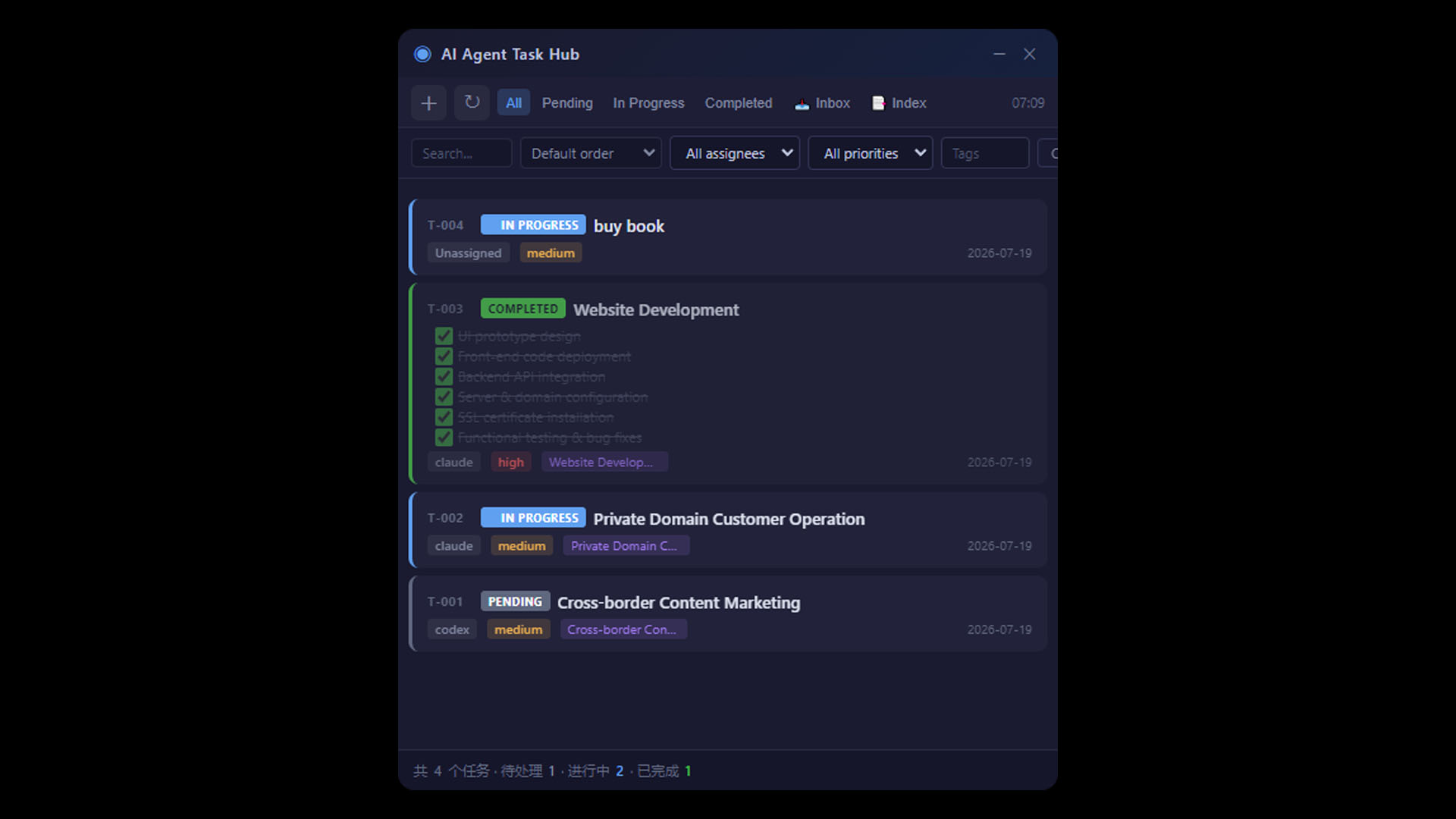
AI Agent Task Hub is a floating desktop panel (Electron) that coordinates multiple AI coding agents through a shared TASKS.md file.
- Shared task registry — All agents (Claude Code, Codex CLI, Mavis) read and write to one
TASKS.md. An agent claims a task by flipping its status toin-progress, updates notes as it works, and marks itcompletedwhen done. No API, no auth — just Markdown. - Always-on floating panel — A frameless, always-on-top window pinned to the corner of the screen. Glance at it any time to see what your agents are working on. Toggle it instantly with a global hotkey.
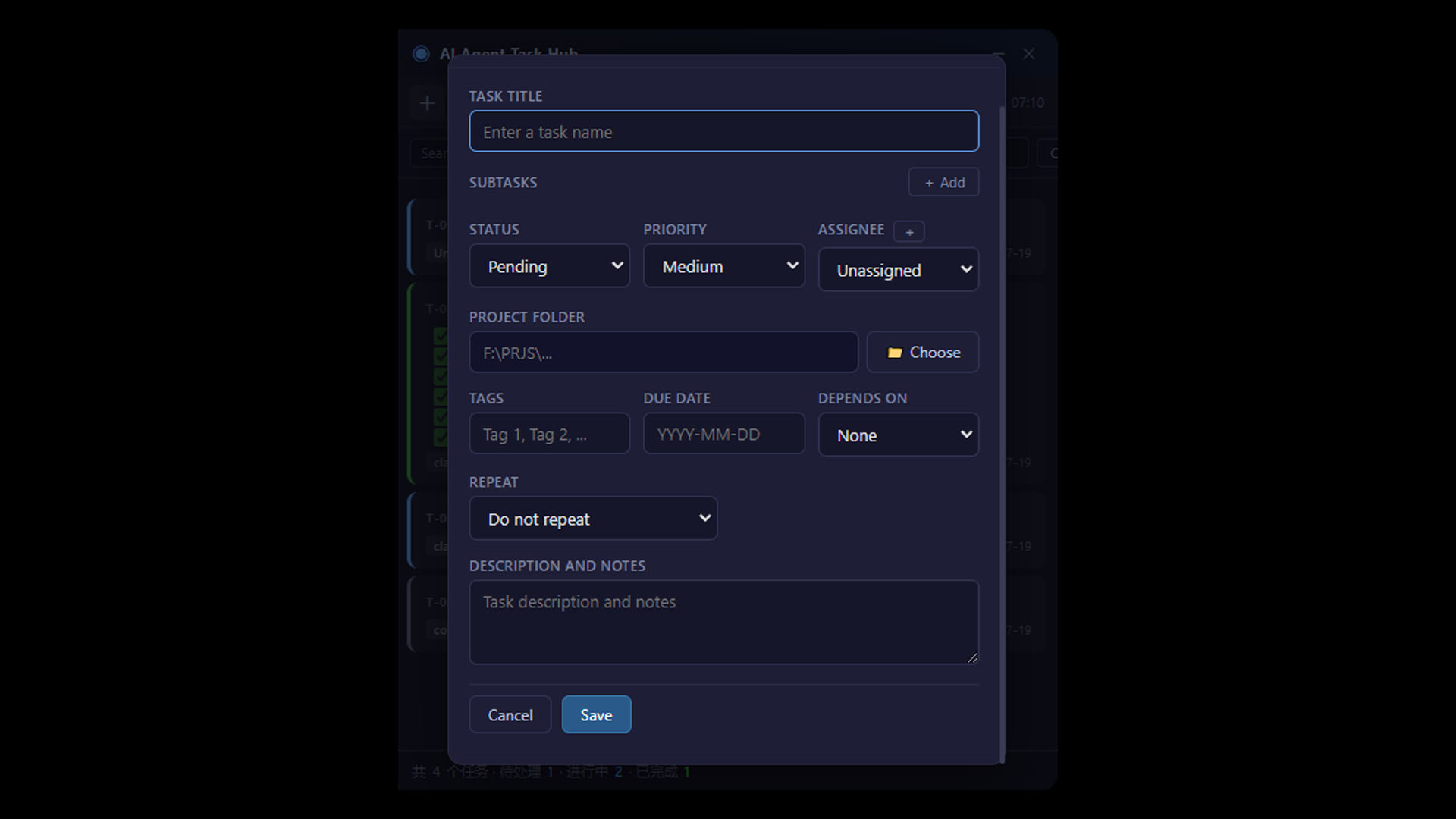
- Full task management — Status workflow (pending → in-progress → blocked → review → completed), priority, assignee, subtasks, tags, due dates, task dependencies, and recurring tasks.
- Quick capture — A minimal quick-note window lets you type a new task in one line and drop it into the inbox without breaking flow.
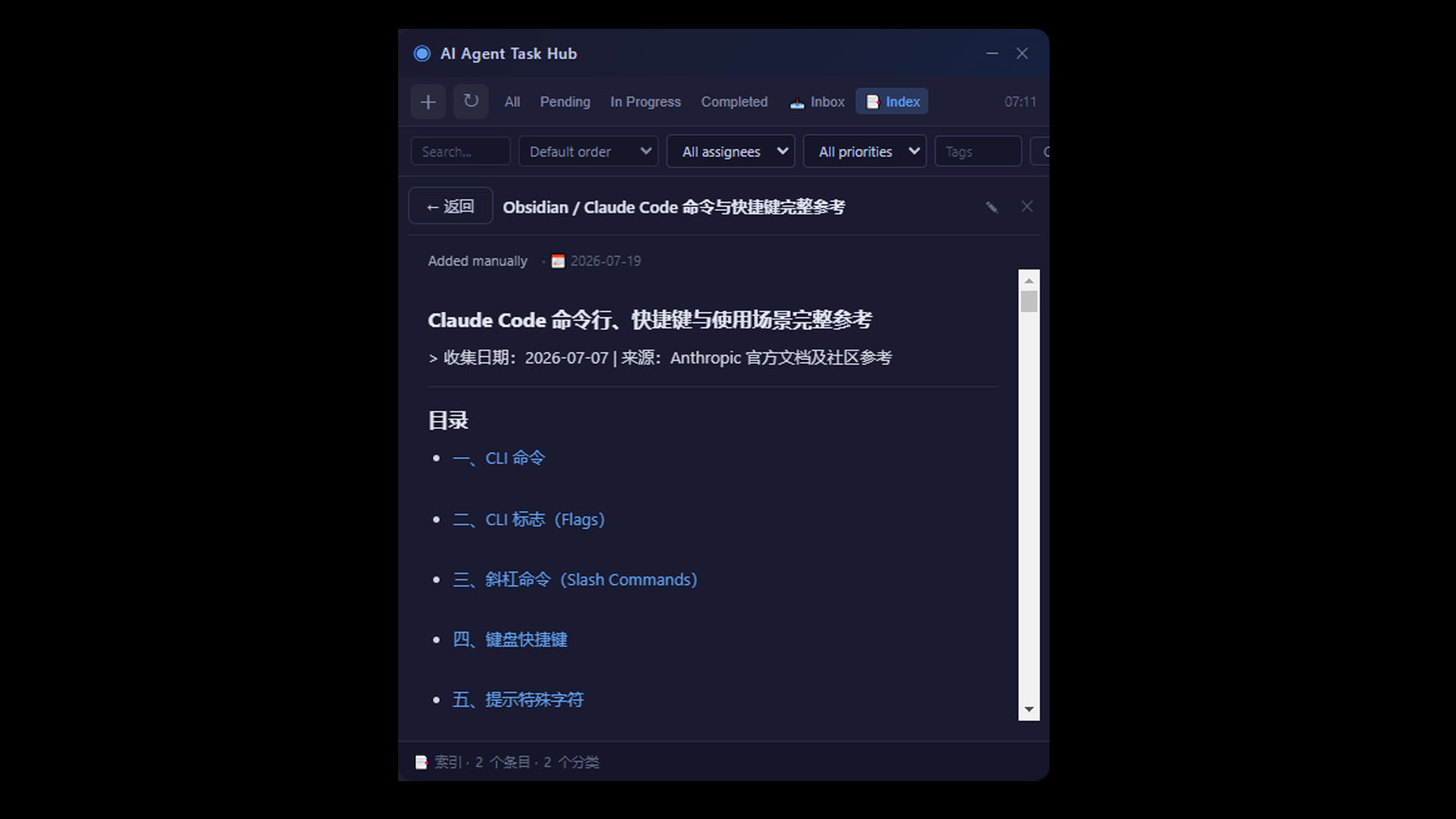
- Knowledge index — A separate category-based knowledge base stores reusable reference docs in Markdown, importable straight from Obsidian.
- Live file watching — The panel watches
TASKS.mdfor changes. When an agent updates a task, the panel refreshes instantly and fires a desktop notification so you always know what your agents are doing. - Obsidian integration —
TASKS.mdcan be symlinked into an Obsidian vault, so the same file is editable from your note app, your agents, or the panel.
How I built it
- Electron for the desktop shell — frameless transparent window, system tray, global shortcuts, native notifications.
- Markdown as the database —
TASKS.mdis the single source of truth. The renderer parses the Markdown table + detail blocks into a structured task list and writes changes back. No backend, no sync service — just a file. - Secure IPC bridge — A
contextBridgepreload exposes only whitelisted file operations to the renderer; all disk access stays in the main process. - Agent protocol — Each AI agent receives a short instructions file (
AGENTS.md/CLAUDE.md) telling it how to read, claim, update, and complete tasks inTASKS.md. The protocol is intentionally human-readable so you can debug it by eye. - Packaging —
electron-builderships both an NSIS installer and a portable.exe.
Challenges I ran into
- Concurrent edits — Multiple agents writing to
TASKS.mdat once can clobber each other. Solved with a clear ownership rule (an agent never touches another agent's in-progress task unless it's stale for 24h) plus debounced file watching. - Markdown as a database — Parsing a Markdown table back into structured data while preserving the protocol footer, header, and detail blocks on save was fiddly. Built a forgiving parser that pads missing columns and keeps non-task sections intact.
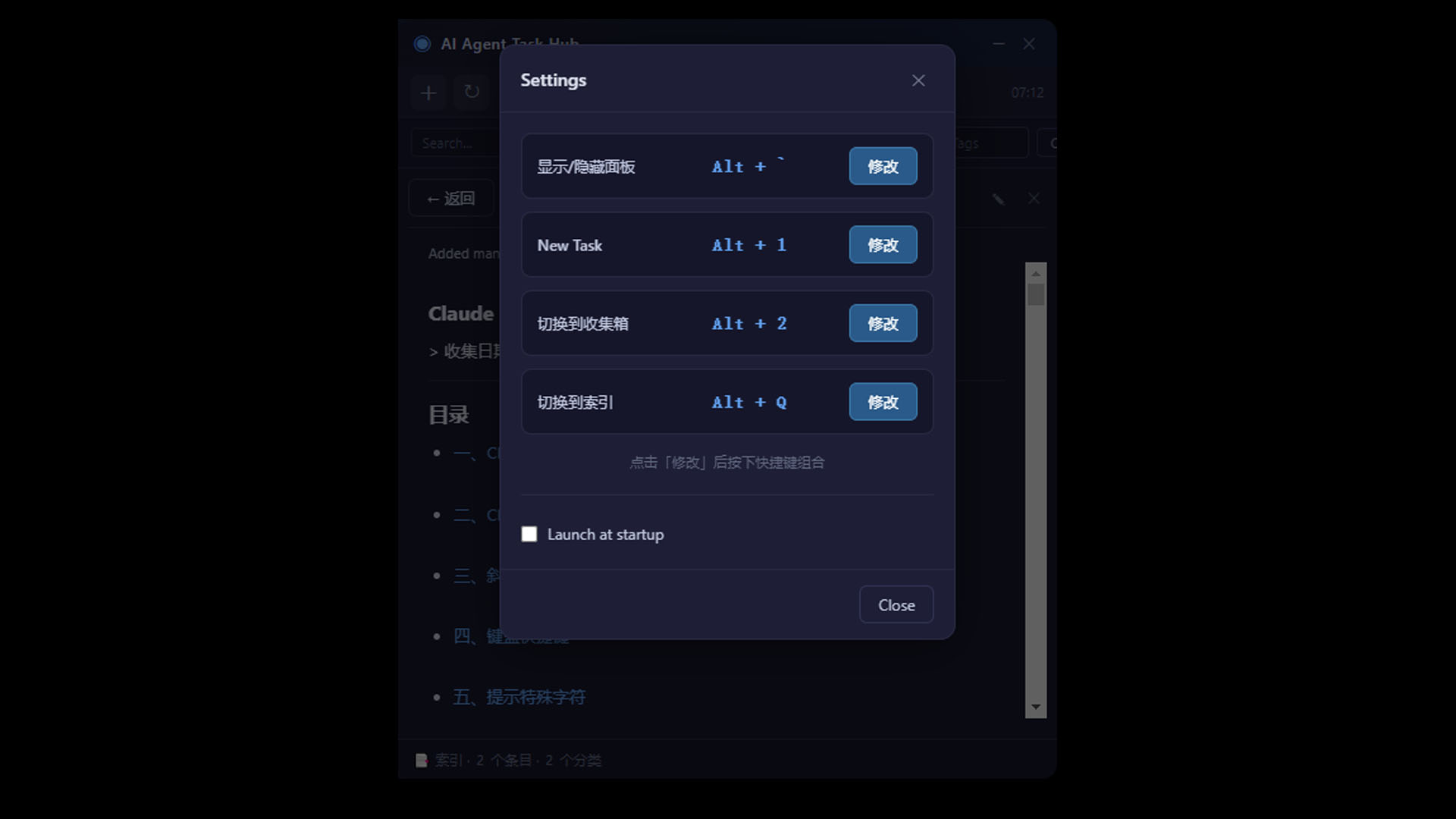
- Global hotkey conflicts — Different machines have different shortcuts in use. Built a fallback chain that tries the configured combo, then safe defaults, so the panel is always reachable.
- Transparent frameless window on Windows — Getting always-on-top, custom titlebar, and click handling to coexist took several iterations.
Accomplishments that I'm proud of
- The whole thing runs on a single Markdown file — no database, no server, no account. Agents and humans literally edit the same text.
- The panel weighs almost nothing and lives unobtrusively in the corner, yet gives you full visibility over an entire agent workforce.
- It actually ships — packaged as both an installer and a portable exe, with auto-start and tray support.
What I learned
- The simplest coordination layer — a shared text file with a clear protocol — can outperform fancy APIs when your "users" are autonomous file-editing agents.
- How to design a protocol strict enough to be machine-parseable but loose enough that a human can fix it in Notepad.
What's next for AI Agent Task Hub
- Cross-machine sync so agents on different machines can share one task board.
- A self-onboarding agent skill so any new agent can learn the protocol automatically.
- A metrics dashboard: tasks completed per agent, average turnaround, bottlenecks.


Log in or sign up for Devpost to join the conversation.