About the AI Adaptive Tutor
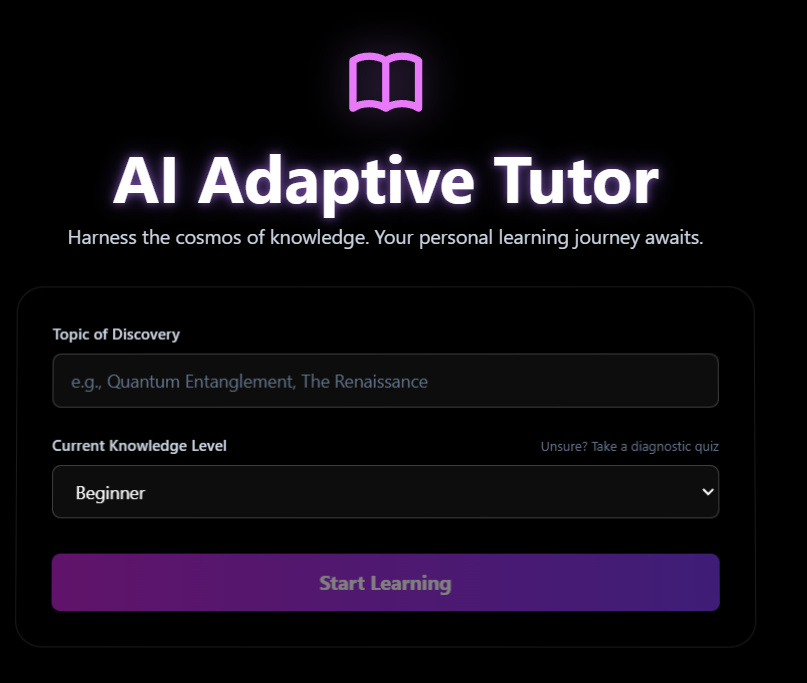
This project is a demonstration of how modern Large Language Models (LLMs) like the Gemini API can be used to create truly personalized and adaptive learning experiences. It moves beyond static content to generate a dynamic, multi-faceted educational journey tailored to the user's specific needs. Inspiration
The core inspiration was to build the "tutor I wish I had." Traditional online learning often presents a one-size-fits-all curriculum. If you don't understand a concept, you're usually just given the same explanation again. I wanted to create a system that could:
Assess Prior Knowledge: Instead of guessing, why not ask? The diagnostic quiz feature allows the system to recommend a starting point, respecting the user's existing knowledge.
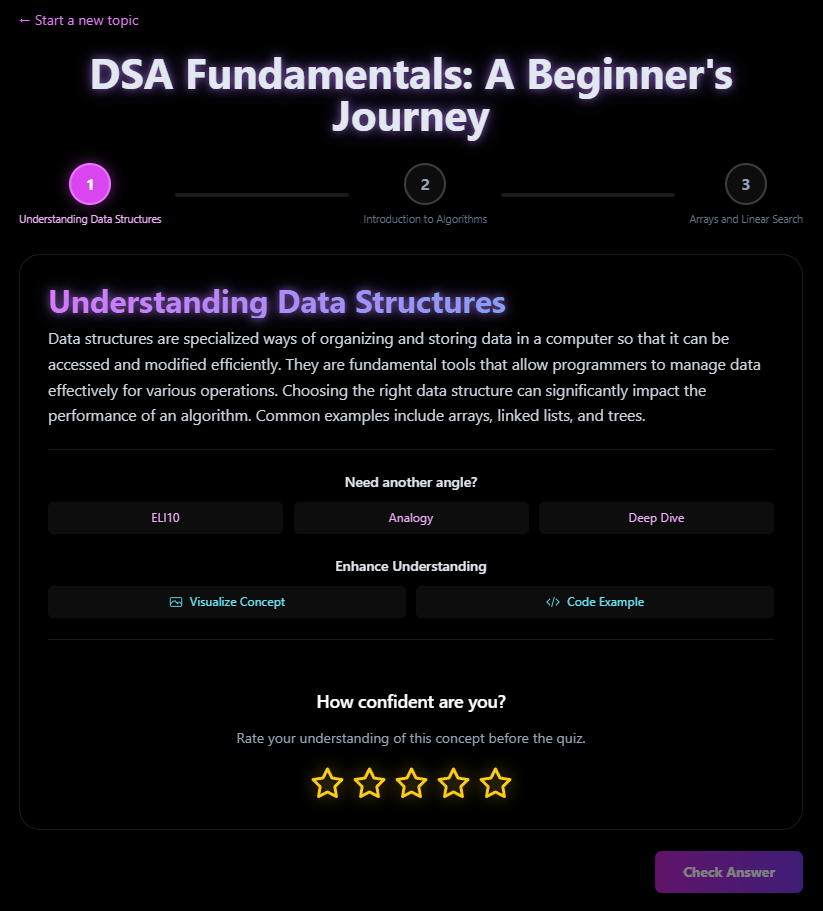
Adapt to Misunderstanding: When a user gets a question wrong, the system doesn't just say "incorrect." It provides a detailed breakdown of why each option was right or wrong, and offers a completely new, simpler analogy to re-explain the core concept.
Cater to Learning Styles: Learning isn't just about reading text. The tutor offers multiple ways to engage with a concept: through different explanatory styles (like an analogy or a technical deep-dive), visual diagrams, and practical code examples.
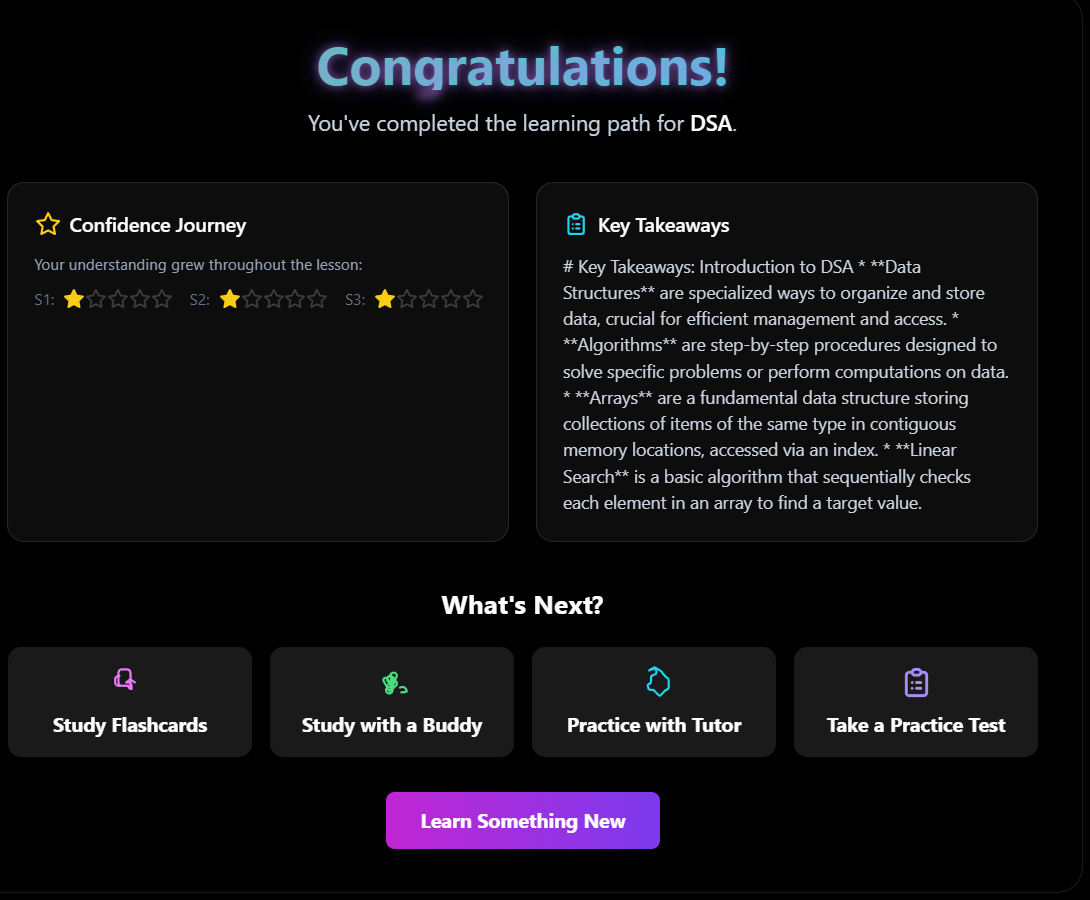
Reinforce Learning: Completing a lesson isn't the end. The system provides flashcards, practice tests, and even conversational partners (a formal tutor or a collaborative study buddy) to help solidify knowledge.
How It Was Built
The application is built with a modern frontend stack, designed to be responsive, performant, and aesthetically pleasing.
Frontend: The UI is built with React and TypeScript, using functional components and hooks for state management. Tailwind CSS is used for styling, allowing for rapid development of a clean, modern interface.
Gemini API Integration: The entire backend logic is powered by the @google/genai library. The services/geminiService.ts file is the heart of the application, orchestrating all calls to the Gemini API.
Structured Output: A key technique is the use of Gemini's JSON Mode with a predefined responseSchema. This is crucial for reliability. By forcing the model to return a valid JSON object that matches my TypeScript types (Curriculum, Lesson, etc.), I can eliminate most of the data parsing errors and build the UI with confidence.
Model Selection: The project strategically uses different Gemini models for different tasks. gemini-2.5-flash is used for most of the text and JSON generation due to its speed and capability. For more complex tasks that require deeper reasoning, like generating accurate code examples, gemini-2.5-pro is employed. For visual tasks, gemini-2.5-flash-image generates diagrams on the fly.
Conversational AI: The "Practice with Tutor" and "Study with Buddy" features use the Chat API (ai.chats.create), leveraging its ability to maintain conversation history and adopt a specific persona through a detailed system instruction.
What I Learned & Challenges Faced
Building this project was a fantastic learning experience, highlighting several key challenges in developing AI-powered applications:
The Art of the Prompt: The single biggest challenge was prompt engineering. The quality of the generated curriculum is directly tied to the precision of the prompt. I learned that being extremely specific is non-negotiable. Phrases like "a concise, 4-sentence explanation" or "a simple, relatable analogy" in the prompt were essential to guide the model toward producing high-quality, structured content.
Ensuring Logical Progression: It was initially difficult to ensure the three lesson steps were not just three random facts, but a coherent, progressive learning path. This was solved by explicitly instructing the model in the prompt to "Ensure the three steps build on each other logically, from foundational concept to practical application."
Managing Latency: AI models, especially for image generation, are not instantaneous. A major UX challenge was creating a responsive interface that didn't feel sluggish. This involved implementing clear loading states (spinners, disabled buttons, and informative text like "Generating Your Path...") to manage user expectations while waiting for the API response.
Handling a "Bad" Response: While JSON mode is very reliable, you must always code defensively. My service layer includes robust try...catch blocks to handle potential API errors or timeouts, translating them into user-friendly error messages instead of crashing the app.

Log in or sign up for Devpost to join the conversation.