-
-
Airia Everywhere Geine test
Inspiration As a developer, I have always struggled with the chronic friction of analyzing uncopyable PDFs, protected web texts, and complex images. I always vaguely wondered, "Can't the AI just see what I'm looking at right now?" However, not knowing how to actually implement this, I kept the idea buried in my head. When I started this hackathon, my expectations were humble. I thought a Chrome extension would only be capable of simple text translation. But while developing the basic features, a spark hit me: "What if I just capture the current screen and send it to the vision model?" That single idea bridged the gap between my imagination and reality. This hackathon wasn't just about completing a functional app; it provided the exact stepping stone I needed to finally bring my long-awaited zero-friction visual tool to life.
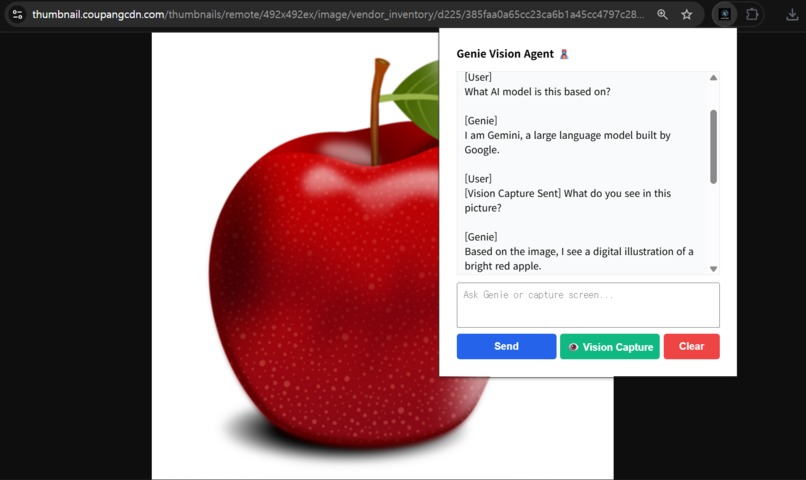
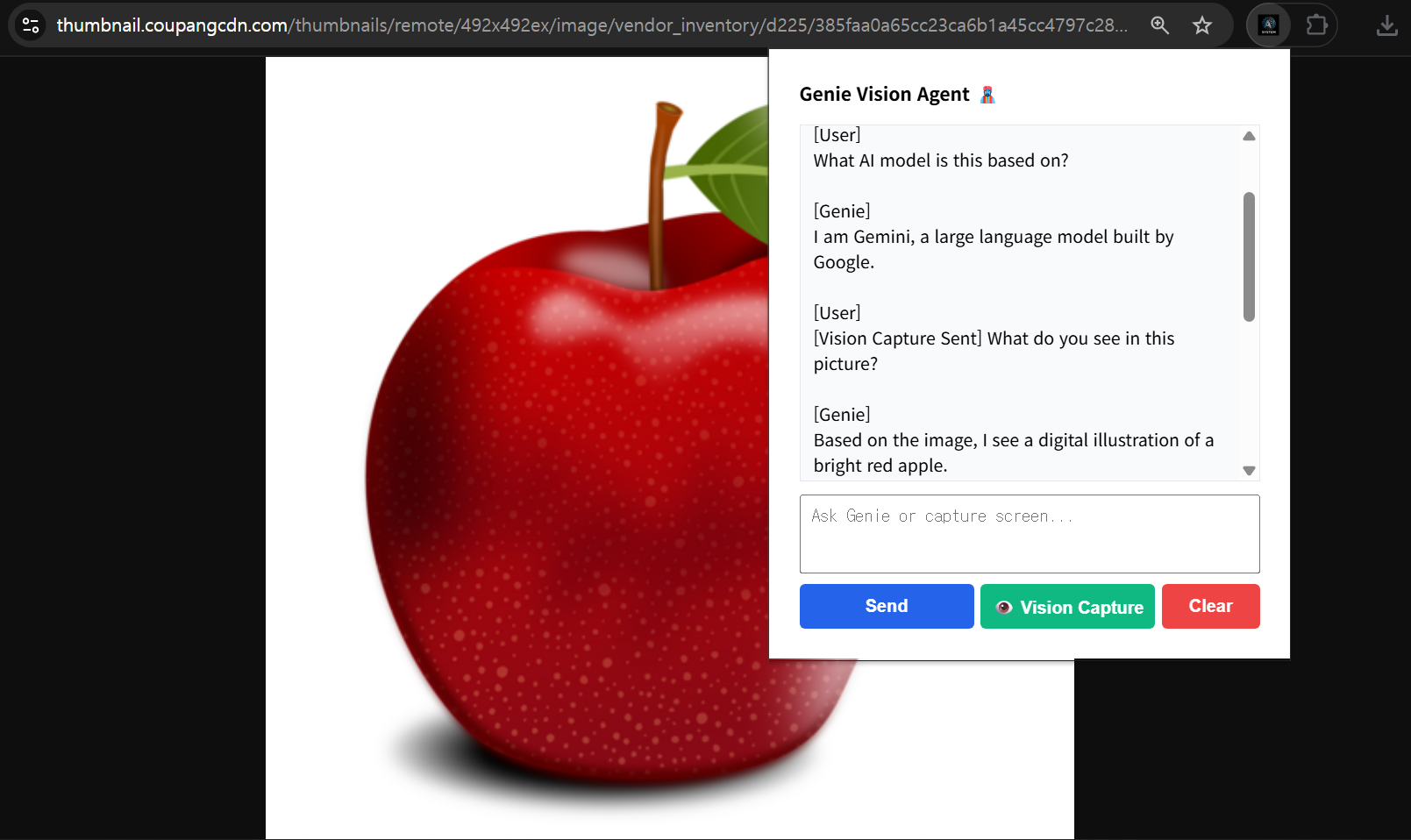
What it does Genie is a zero-friction Chrome Extension that brings the multimodal power of Google's Gemini 3.1 Pro directly to your active browser tab.
One-Click Vision Capture: With a simple keyboard shortcut (Ctrl + Enter), Genie instantly snaps a high-res screenshot of your tab and analyzes it. It can translate charts, identify UI elements, or debug code without you ever needing to open a snipping tool.
Auto-Language Mirroring: Genie automatically detects your input language and replies in the exact same language.
Context-Aware Memory: You can ask follow-up questions about the captured screen just like you would with a human colleague.
OS-Level Summaries: Highlight complex text and right-click to get instant translations or summaries via native OS notifications.
How we built it We utilized Chrome Extension Manifest V3 and the Airia V2 PipelineExecution API, powered by Google Gemini 3.1 Pro. For perception, we used the native chrome.tabs API to give the agent "eyes." To make the UX truly seamless, we engineered an asynchronous Background Service Worker. This acts as a stealth proxy to bypass strict browser CORS policies. More importantly, it allows users to close the extension popup while Genie is "thinking." The service worker handles the heavy multimodal API call in the background and safely stores the response in local storage, ready for when the user returns.
Challenges we ran into Integrating a custom extension with an enterprise API was incredibly tough. First, finding the exact JSON payload structure for Airia V2's multimodal endpoints resulted in countless HTTP 400 errors until we reverse-engineered the required image array format. Second, sending heavy base64 images alongside an endless chat history crashed the server. We solved this by engineering a short-term memory function that intelligently truncates old history, keeping payloads light. Lastly, taming the base model's default identity and formatting required rigorous system prompting to enforce strict plain-text outputs and perfect language mirroring.
Accomplishments that we are proud of Usually, hackathon projects are built, submitted, and then forgotten. But what I am most proud of is that Genie is a tool I genuinely use in my daily life. It completely solved my long-standing frustration with uncopyable documents and images. By obsessing over UX details—like the Ctrl+Enter shortcut and background processing—I turned a complex enterprise API into a lightweight, magical extension that actually saves me time and cognitive load in real-world scenarios.
What is next for Genie Currently, my biggest bottleneck is the API usage limit (around 100 requests per month), forcing me to use Genie sparingly. Winning this hackathon—and securing the Airia Credits—would completely unblock this limitation. But I have an even bigger vision. In a separate project, I built an "AI UI Navigator" that physically clicks screen coordinates based on AI visual planning, but its potential was severely stunted by API budget constraints and clunky screen-capture workflows. My ultimate goal is to fuse Genie's seamless browser integration with the physical actions of the UI Navigator. By providing specific textual instructions, the architecture will form a perfect Zero-Friction Autonomous Loop:
Perception (Genie): The user types a specific command (e.g., "Click the 'Checkout' button in the top right") and hits Ctrl+Enter. Genie instantly captures the active screen.
Cognition (Gemini 3.1 Pro Vision): The AI analyzes the text intent against the image, accurately identifying the target UI element and calculating its exact (X, Y) coordinates.
Action (Local Agent): Genie passes this coordinate data to a local Python script (pyautogui), which takes over the mouse and physically clicks the button on behalf of the user.
Genie won't just "see" and "explain" the browser; it will become a true autonomous agent. I want to evolve Genie from a passive assistant into a limitless, browser-native AI canvas.
🚨 Note to Judges regarding Airia Community Submission: Our agent ("Genie Vision Agent") has been successfully submitted to the Airia Community and is currently under the standard 3-5 day review process. If the public link is not yet active, please check your pending admin dashboard. All source code and the working extension are fully available in our Drive/GitHub link!
Built With
- airia-api
- chrome
- css
- gemini-3.1-pro
- html
- javascript


Log in or sign up for Devpost to join the conversation.