Inspiration
We were inspired by an AI short drama set almost entirely inside a classroom. Despite its simple setting, it made abstract ideas feel vivid through pacing, visual storytelling, and carefully timed reveals.
That led us to a question: what if learning software could do the same thing?
Most AI tutors still explain difficult concepts through chat. The answer may be correct, but students are often left reading another wall of text. For STEM subjects, understanding depends on seeing structure, motion, relationships, and cause and effect—not just receiving more words.
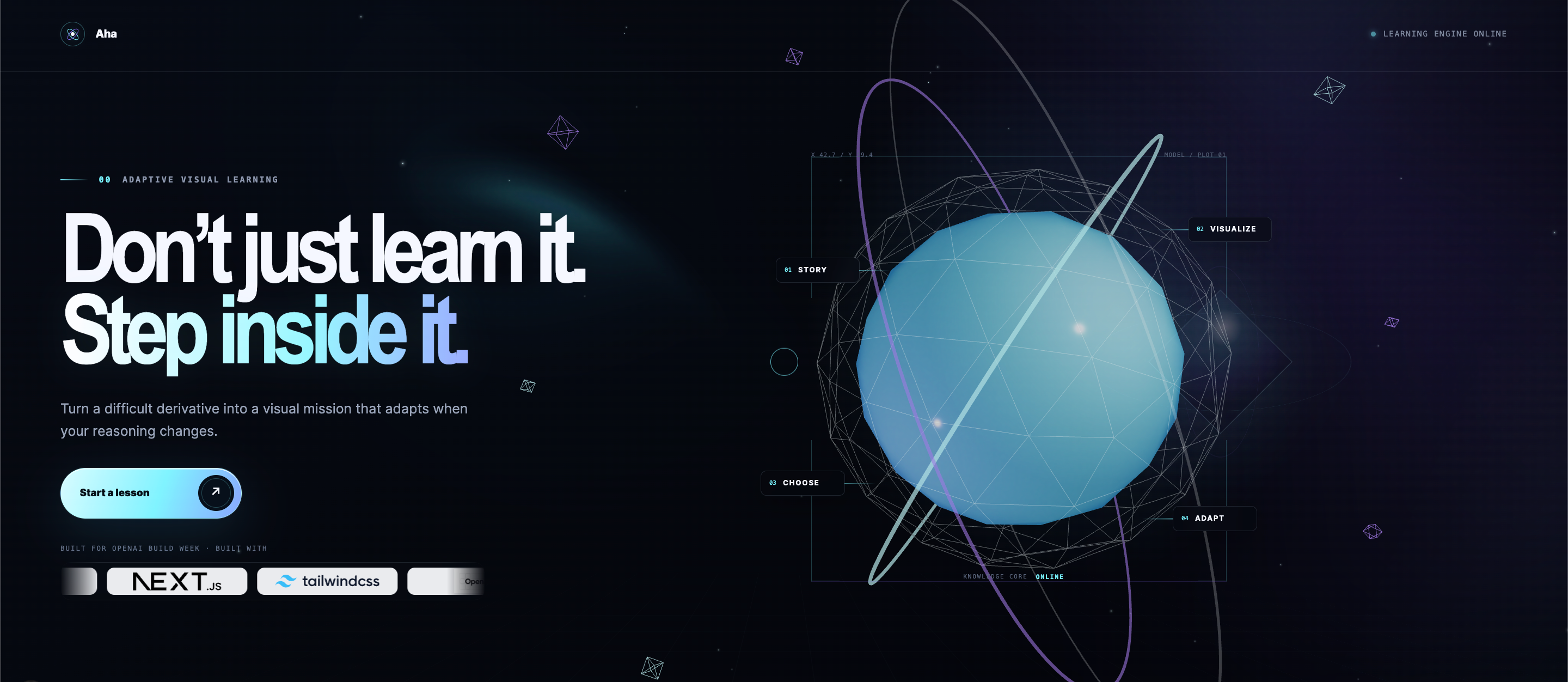
We built Aha to turn a student’s own question into a visual learning experience that explains, pauses, checks understanding, and adapts.
What it does
Aha transforms a STEM question or course PDF into an interactive visual lesson.
A student can enter a question such as:
Differentiate
f(x) = (x² + 1)³and explain the chain rule.
Aha then creates a structured learning experience with:
- An animated whiteboard lesson
- Synchronized natural-language narration
- Visual formulas, diagrams, graphs, and annotations
- Interactive checkpoints that test understanding
- A more cinematic Manim explanation generated in the background
- An unassisted transfer task that asks the student to apply the idea independently
The whiteboard lesson becomes available first, so the student can begin learning without waiting for the heavier rendering pipeline. As the lesson continues, high-quality Manim scenes are generated and can replace the corresponding whiteboard sections when ready.
For longer materials, students can upload a course PDF. Aha extracts the document’s topics and lets the student choose what they want explained before generating a focused lesson.
For convenience, the repository also includes two quick demos that require no API keys and skip the generation wait.
How we built it
Structured lesson generation
Aha uses GPT-5.6 Sol through the OpenAI Responses API with Structured Outputs.
Instead of asking the model to produce a block of prose, we ask it to create a validated lesson specification containing:
- Three to eight lesson sections
- Narration beats
- Visual actions
- Mathematical claims
- Checkpoints
- Learning objectives
- Timing and sequencing information
The result is a constrained JSON scene language interpreted by a fixed browser player. The model can choose what to teach and how to represent it, but it cannot redesign the application or send arbitrary animation code to the browser.
Interactive animated whiteboard
The first visual path is a browser-based animated whiteboard.
Each lesson specification is validated and sanitized before publication. The player then converts it into synchronized actions such as:
- Writing and transforming equations
- Drawing graphs and diagrams
- Highlighting relationships
- Revealing concepts step by step
- Pausing for diagnostic questions
This gives students a responsive lesson quickly while preserving a consistent product experience.
Mathematical verification
STEM explanations need more than fluent language.
Aha separates mathematical facts from presentation wherever they can be checked programmatically. Deterministic validation handles machine-expressible relationships such as numeric results, coordinates, graph scales, and symbolic claims.
A second structured model review examines the completed lesson for possible conceptual or pedagogical issues. Deterministic failures can block publication, while model review remains advisory.
This layered approach helps us balance broad subject coverage with stronger correctness safeguards.
ElevenLabs narration
Aha uses ElevenLabs to generate natural English narration with word-level timestamps.
Those timestamps drive the whiteboard timeline, allowing narration, formulas, highlights, and diagrams to appear together instead of feeling like disconnected media. Captions remain available throughout the lesson.
Background Manim generation
While the student begins the whiteboard lesson, Aha generates richer Manim scenes for individual sections in the background.
GPT-5.6 creates scene code based on the already structured and verified lesson. Before execution, the renderer performs static validation that blocks unsafe imports, filesystem access, operating-system access, network access, and other prohibited behavior.
Validated scenes run only inside a hardened Docker container with restricted resources and no network access.
If a scene passes validation and rendering, it can replace its matching whiteboard section. If it fails, Aha retries within a strict budget and keeps the deterministic whiteboard version available as a reliable fallback.
Generation jobs and recovery
Lesson generation is handled as a multi-stage background job:
- Understand the question or selected PDF topic
- Generate and validate the lesson structure
- Verify mathematical claims
- Generate narration and timestamps
- Publish the interactive whiteboard
- Render Manim upgrades in the background
- Replace individual sections when upgraded media is ready
The interface exposes real progress and supports recovery from narration, validation, and rendering failures.
How we used GPT-5.6
GPT-5.6 is central to Aha’s ability to teach beyond a fixed collection of templates.
We use it to:
- Interpret open-ended STEM questions
- Understand topics selected from uploaded course materials
- Plan the pedagogical structure of each lesson
- Generate constrained whiteboard scene specifications
- Write concise narration and transitions
- Create diagnostic checkpoints
- Review generated lessons for conceptual issues
- Author candidate Manim scenes for isolated validation and rendering
The model provides breadth and creativity, while application contracts, validators, deterministic visual systems, and sandboxing keep its output inside defined boundaries.
How we used Codex
Aha was built entirely with Codex assistance.
Codex collaborated with us across the complete development lifecycle, including:
- Product and learning-experience design
- System architecture
- OpenAI Structured Outputs integration
- Whiteboard runtime development
- Manim renderer and sandbox implementation
- ElevenLabs narration integration
- Mathematical validation
- Job-state and recovery flows
- Responsive UI development
- Automated testing and debugging
- Documentation and deployment preparation
Codex was not used only to generate isolated snippets. It served as an engineering collaborator that helped turn the original concept into a working end-to-end product.
Challenges we faced
Turning model output into an actual lesson
Generating an explanation is easy. Generating a synchronized sequence of narration, equations, diagrams, checkpoints, and visual transitions is much harder.
We addressed this by creating a constrained lesson contract rather than treating the model response as finished content.
Supporting broad STEM topics without losing structure
A fixed template library can be reliable but narrow. Fully open generation can be broad but inconsistent.
Aha combines an expressive model-authored lesson specification with a fixed whiteboard interpreter, deterministic visual primitives, validation, and review.
Generating Manim safely
High-quality Manim scenes benefit from code-level flexibility, but model-generated code cannot be trusted by default.
We created a separate validation and rendering boundary. Candidate code is statically inspected and can run only inside a restricted, networkless Docker environment with strict resource limits.
Synchronizing narration and visuals
Even good narration feels mechanical when equations and highlights appear at the wrong moment.
Using word-level timestamps from ElevenLabs allowed us to coordinate speech and visual actions far more precisely.
Balancing speed with visual quality
Manim rendering can produce beautiful explanations, but students should not stare at a loading screen while every scene renders.
Our two-track system publishes the interactive whiteboard first and upgrades sections asynchronously as Manim output becomes available.
Accomplishments that we are proud of
We are especially proud that Aha:
- Converts open-ended STEM questions and course PDFs into structured visual lessons
- Lets students begin learning before high-quality rendering finishes
- Combines interactive whiteboards with cinematic Manim upgrades
- Synchronizes narration, captions, equations, and visual actions
- Includes checkpoints and an independent transfer task instead of passive playback
- Separates deterministic validation from generative presentation
- Runs model-authored Manim only after validation and inside an isolated renderer
- Provides responsive desktop and mobile learning experiences
- Includes quick demonstrations that can be experienced without external services
Most importantly, Aha feels less like chatting with a general-purpose assistant and more like receiving a lesson created for the student’s specific question.
What we learned
We learned that better educational AI is not simply a more intelligent chatbot.
The most meaningful improvements came from orchestrating multiple systems around the model:
- Structured generation instead of unrestricted prose
- Visual representation instead of text alone
- Interaction instead of passive consumption
- Verification instead of trusting fluency
- Progressive delivery instead of waiting for perfect media
- Sandboxing instead of treating generated code as safe
We also learned that visual timing is part of pedagogy. When an equation transforms at exactly the moment the narration describes the change, the explanation becomes much easier to follow.
What’s next for Aha
Our next steps are to:
- Expand the visual vocabulary for physics, chemistry, engineering, and computer science
- Improve adaptation based on checkpoint responses and recurring misconceptions
- Add richer diagram and simulation primitives
- Make generated Manim scenes faster and more stylistically consistent
- Build learner progress and instructor insight tools
- Improve support for larger course documents and multi-lesson learning paths
- Evaluate which visual explanations produce measurable learning gains
Our long-term goal is for any STEM student to turn the exact concept they are struggling with into an adaptive visual lesson built around how they learn.
Built With
- codex
- docker
- elevenlabs
- gpt-5.6
- manim
- next.js
- pnpm
- react
- svg
- sympy
- three.js
- typescript
- vitest
- zod


Log in or sign up for Devpost to join the conversation.