-
-
AgroVision AI
-
diseases prediction
Inspiration
Smallholder farmers still lose a lot of yield to preventable issues like poor crop choices, soil misuse, and late disease detection. We wanted to turn the kind of AI that usually lives in research papers into something farmers can actually use on a phone: a simple assistant that looks at their soil and leaves, explains what’s going on, and suggests practical next steps in plain language.
What it does
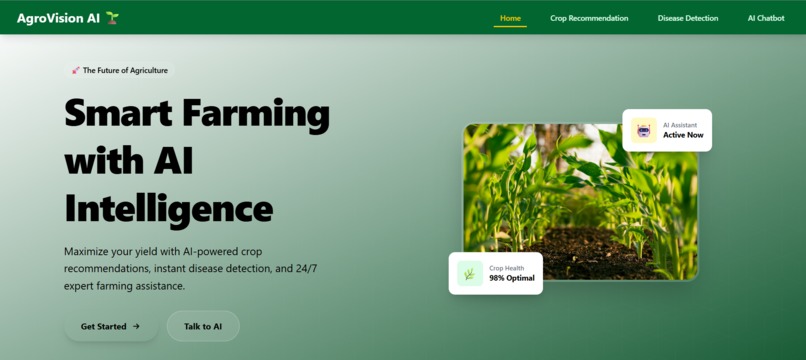
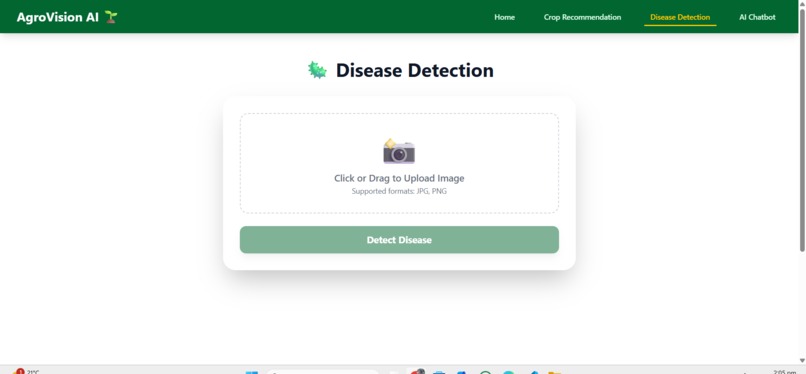
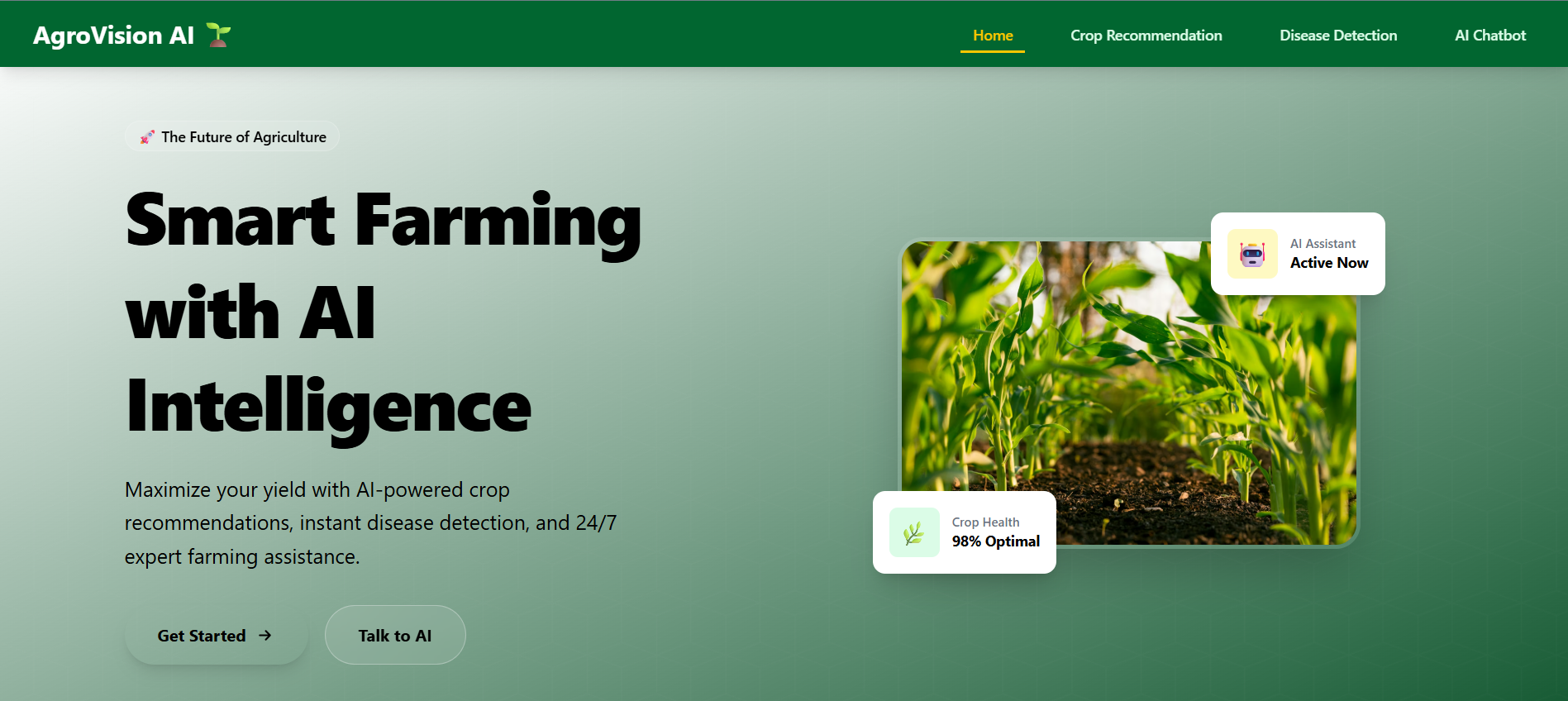
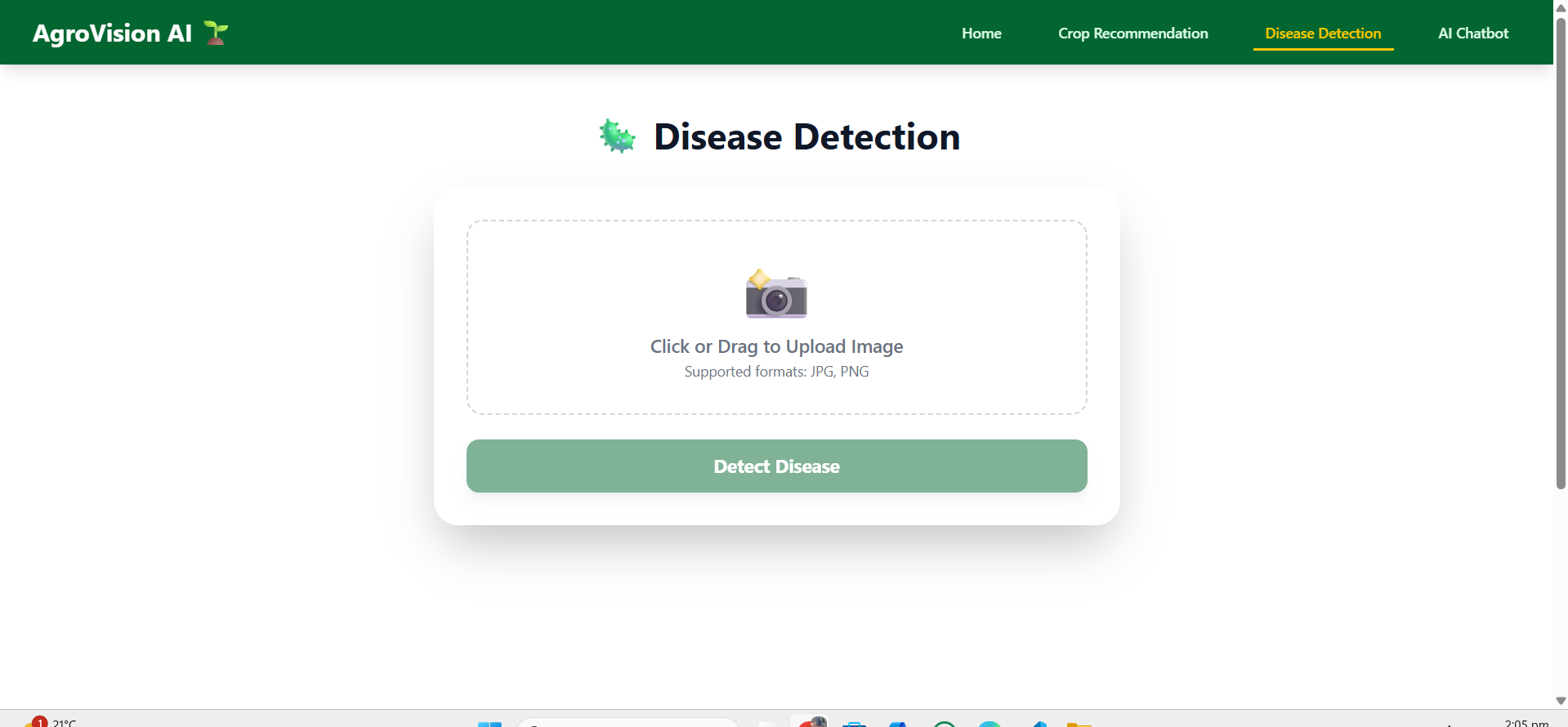
AgroVision AI is a smart agriculture assistant with three core features: crop recommendation, plant disease detection, and an agriculture chatbot. Farmers enter basic information about their soil, weather, rainfall, pH and season to get top crop suggestions with confidence scores. They can upload a photo of a plant leaf to detect likely diseases and how severe they might be. A built‑in chatbot, powered by an LLM, explains the predictions, answers follow‑up questions, and gives actionable farming advice.
How we built it
We built the backend with FastAPI, loading a trained scikit‑learn crop recommendation model and a TensorFlow/Keras CNN for plant disease classification. Data preprocessing, feature engineering, and experimentation were done in Jupyter notebooks before exporting the final models and mappings into the backend. The frontend is a React + Vite single‑page app styled with Tailwind CSS, with dedicated pages for crop recommendation, disease detection, and the chatbot, all talking to the backend via REST APIs. For conversational support, we integrated Groq’s LLaMA‑based model and wired it to accept optional context from crop and disease predictions.
Challenges we ran into
Getting clean, consistent agricultural data that produced stable models was a real challenge, especially mapping farmer‑friendly inputs (like “light rainfall” or “loamy soil”) into the numeric features our models need. We also had to carefully manage model loading and memory usage so the backend stays responsive, especially with the disease CNN. Handling CORS, file uploads for images, and securely wiring the Groq API key into the environment took several iterations. Finally, designing a UI that feels simple for non‑technical users, while still exposing advanced recommendations, required a lot of small UX tweaks.
Accomplishments that we’re proud of
We’re proud that Agro Vision AI brings three different AI capabilities—crop recommendation, disease recognition, and conversational guidance—together into one coherent experience. The system runs end‑to‑end: models load automatically, predictions are fast, and the chatbot can explain why certain crops or diseases were suggested. We also like that the UI is clean and mobile‑friendly, so it’s practical for real farmers and not just a demo. Most importantly, early tests show the recommendations and disease predictions are reasonably accurate and understandable to non‑experts.
What we learned
We learned how much work it takes to turn separate notebooks and models into a production‑style API that real frontends can consume. We gained hands‑on experience with FastAPI, CORS, environment management, and deploying ML models as services instead of one‑off scripts. On the ML side, we saw how sensitive recommendation quality is to normalization, feature selection, and label mappings. And on the UX side, we learned that explanations and good defaults matter just as much as raw model accuracy when you’re designing tools for farmers.
What’s next for AgroVision AI
Next, we want to expand AgroVision AI with more crops, more disease classes, and region‑specific recommendations using local climate and soil data. We plan to add multi‑language support and more visual, step‑by‑step guidance so farmers can follow recommendations even with low digital literacy. We’d also like to integrate real‑time weather APIs and simple farmer profiles so advice can adapt over time. Longer term, our goal is to package AgroVision AI as a lightweight, field‑ready tool that NGOs, cooperatives, and agri‑startups can deploy at scale.
Built With
- artificalintelligence
- computervision
- groq
- machine-learning
- render
- tensorflow
- vercel

Log in or sign up for Devpost to join the conversation.