-
-
-
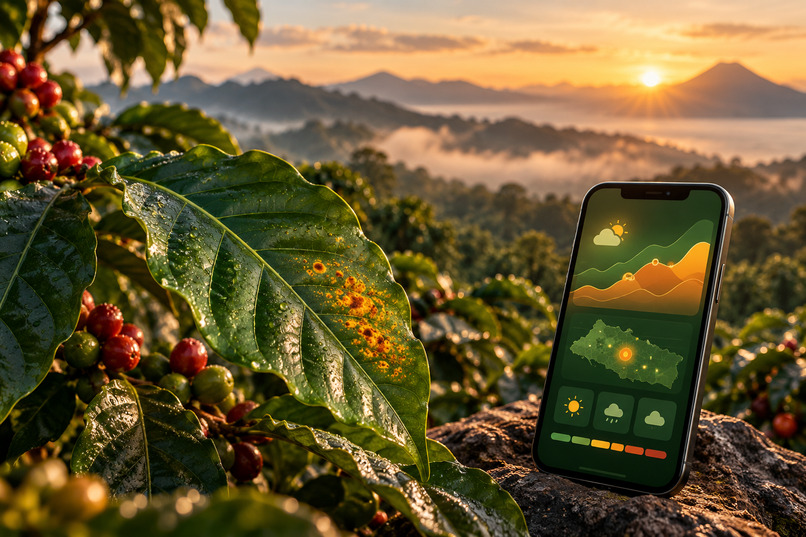
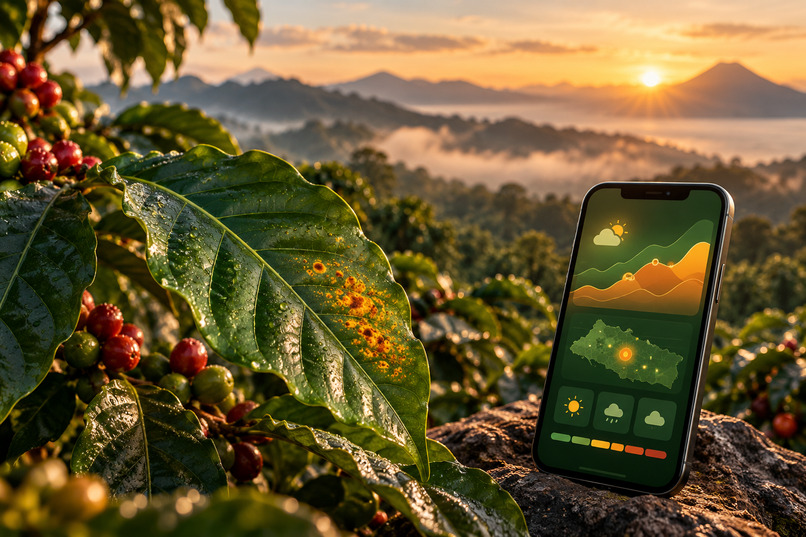
AgroClima combines coffee-leaf guidance with explainable weather risk for Salvadoran growers.
Inspiration
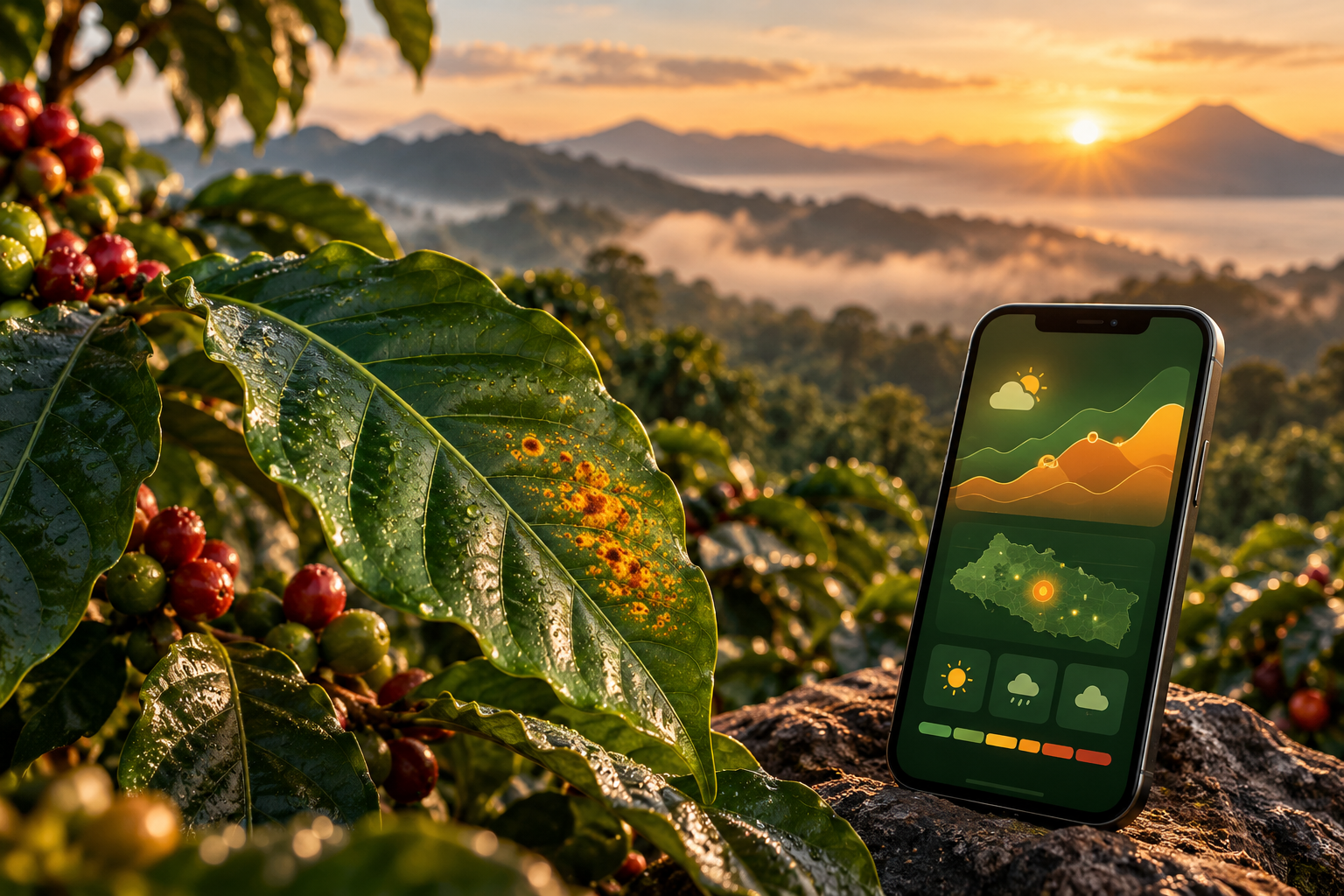
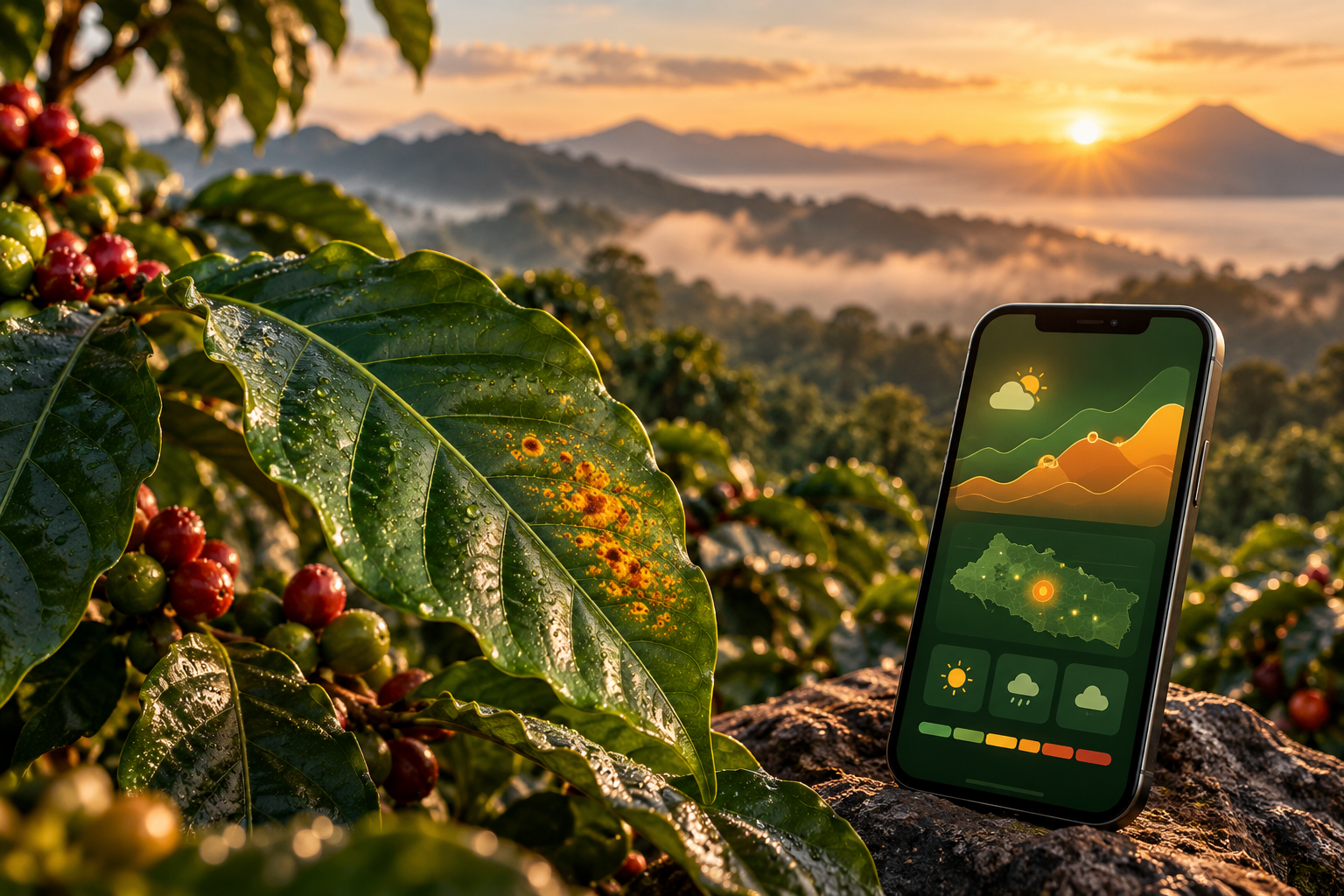
In El Salvador, coffee supports rural livelihoods, but coffee leaf rust (roya) remains a serious threat. A small grower may recognize a damaged leaf without knowing whether the coming week's conditions favor the disease or when to seek help. I wanted to connect weather, an optional photo-based second opinion, and understandable Spanish guidance in one phone-friendly tool.
What it does
AgroClima is a mobile-first Spanish web app for Salvadoran coffee growers. No installation or account is required.
- See the next seven days of coffee-rust weather risk. Choose a municipality or use phone location. The El Salvador map and daily forecast show Bajo, Medio, Alto, or Sin datos, with short explanations grounded in temperature, humidity, and rainfall. This describes conditions favorable to rust, not a prediction that a particular farm has the disease.
- Check a coffee leaf. Take or upload a photo for an AI-assisted second opinion about possible rust. Results are explicitly labeled “Orientativo — no es un diagnóstico”, and the app offers a route to consult an agricultural technician. Unsupported or uncertain photos are not presented as confirmed diagnoses.
- Understand the next step. Read a concise Spanish plan or explanation, listen to the guidance, and share useful information through WhatsApp. The app avoids inventing chemical dosages and includes safety boundaries for follow-up questions.
The core experience runs in a phone browser and is designed for clear language and accessible controls, including transparent unavailable-data states.
How I built it
This was a solo, plan-first build. I used the Devpost Learn Skill Pack workflow with an AI coding agent to define the user, narrow the scope to an end-to-end proof of concept, and record the decisions before implementing the app. The repository includes the resulting scope, product requirements, and technical specification, along with design decisions and tests. This flipped-interaction process meant clarifying the farmer's needs and the limits of the MVP before asking the agent to generate features.
Stack: Next.js, React and TypeScript on Cloudflare Workers via OpenNext. Open-Meteo supplies the seven-day forecast; a deterministic, source-documented rust-risk engine turns weather inputs into explainable daily levels. An OpenAI-compatible vision API provides photo guidance server-side. Speech uses Spanish voice playback with a browser-voice fallback. An optional Blaxel-backed question-answering path can use the current on-screen forecast and leaf result while refusing unsafe or out-of-scope requests. API keys stay server-side; the main flow needs no account or stored farmer profile.
The source, setup instructions, tests and risk-rule references are public in the repository.
Challenges I ran into
The biggest challenge was trust, not adding more AI. Favorable weather is not proof of disease; the risk rules have not yet been validated by Salvadoran agronomists or agricultural institutions. The vision model is also imperfect. A documented evaluation on 252 public laboratory leaf photos from Brazil reported 73% rust-versus-not-rust accuracy and 58% rust detection recall. Those figures are not the accuracy of an individual result or a guarantee for photos taken on Salvadoran farms.
I chose to disclose those limits, avoid showing an uncalibrated per-photo model score as certainty, keep technician consultation available, and say “Sin datos” rather than make up missing forecasts. Keeping weather logic testable and separate from language-model output also made the behavior easier to explain and audit.
Accomplishments I'm proud of
- A deployed, Spanish, mobile-oriented flow connecting seven-day climate risk, an optional leaf photo check, and accessible guidance.
- Explainable weather-risk rules, published sources, and clear coverage limitations rather than a black-box risk percentage.
- Honest risk messaging: the leaf check is a second opinion, uncertain data is disclosed, and no numeric pesticide dose is invented.
- A public MIT-licensed repository with planning documents, automated checks, and screenshots.
What I learned
Using AI effectively starts with context and criteria: understanding the real user's work, choosing one useful workflow, documenting decisions, and checking that generated code actually does what the product claims. I also learned that a small, traceable rules engine is sometimes a better choice than a language model, while AI is useful for interpreting images and answering questions in everyday language. Accessibility, measured evaluation, and clear limitations are product features—not footnotes.
What's next
Validate the weather thresholds with coffee technicians in El Salvador, collect and test on locally representative leaf photos, improve geographic coverage where the app currently says “Sin datos”, and continue evaluating diagnostic errors before broadening the project to other coffee-growing regions.
Try it
Live app: http://agroclima.jaime-8a8.workers.dev
Source and setup: https://github.com/jaime-sql/agroclima
On a phone, select a municipality (or allow location), review the seven-day risk and explanations, optionally upload a coffee-leaf photo, and try the available listen and share actions. See the README for setup, API configuration, tests and known limitations.
Built With
- blaxel
- cloudflare-workers
- devpost-learn-skill-pack
- elevenlabs
- github-actions
- gpt-4.1-mini
- next.js
- open-meteo
- openai-api
- opennext
- playwright
- react
- typescript
- web-speech-api

