-
-
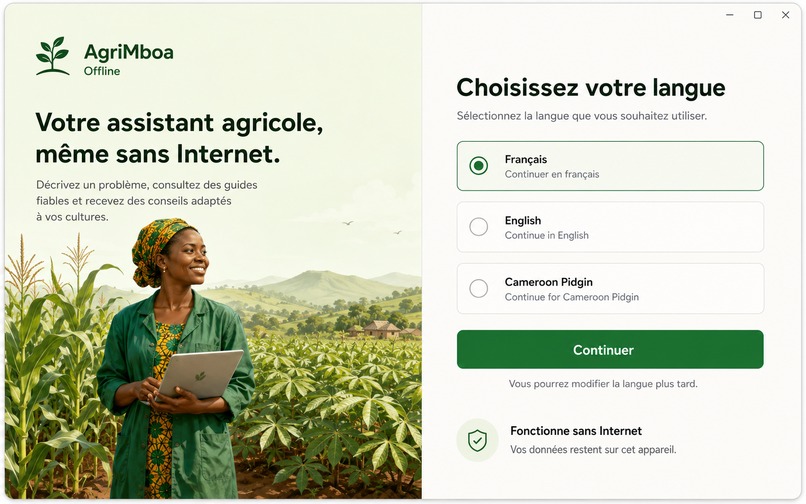
Onboarding Step 1
-
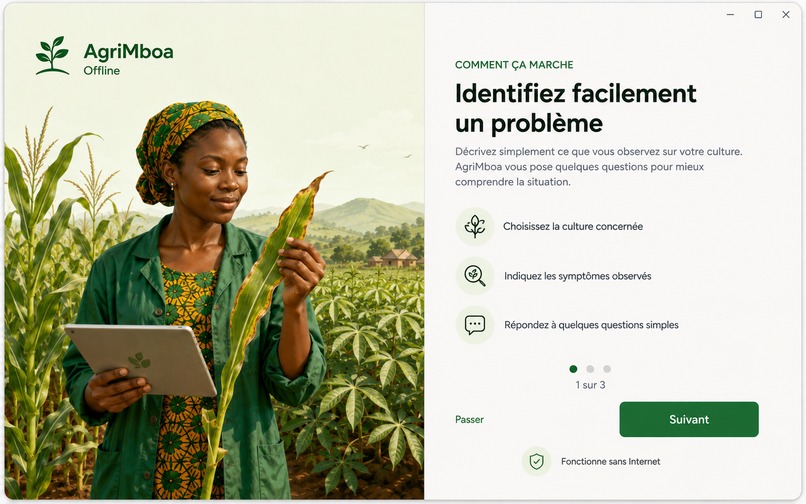
Onboarding Step 2
-
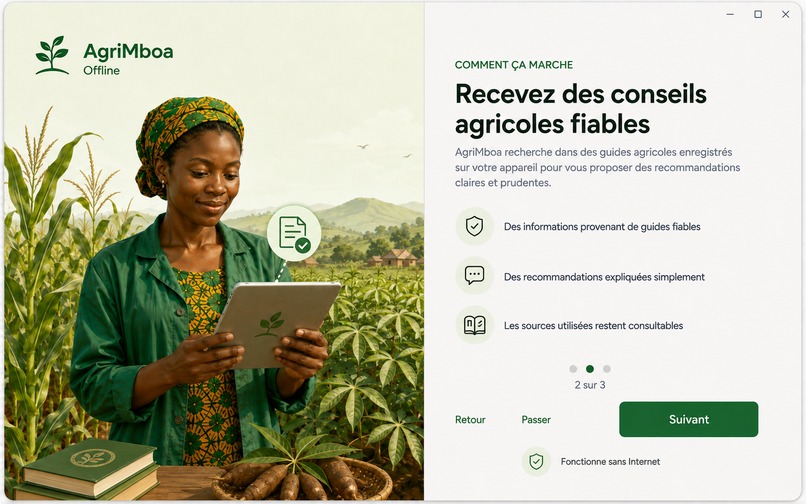
Onboarding Step 3
-
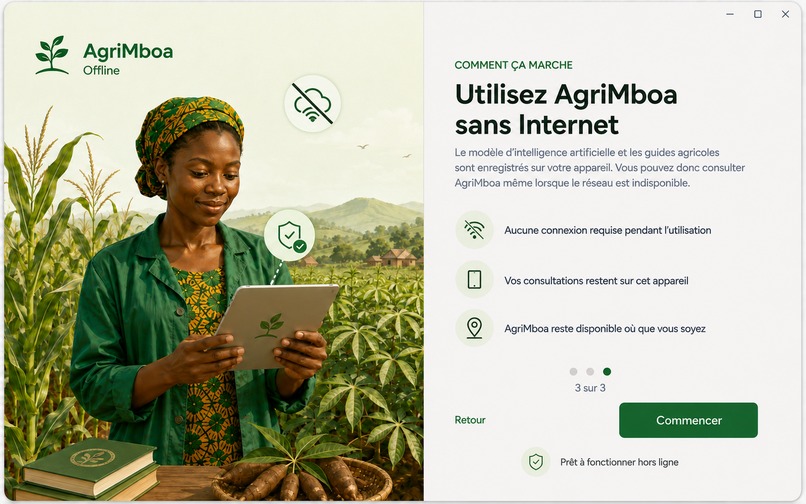
Onboarding Step 4
-
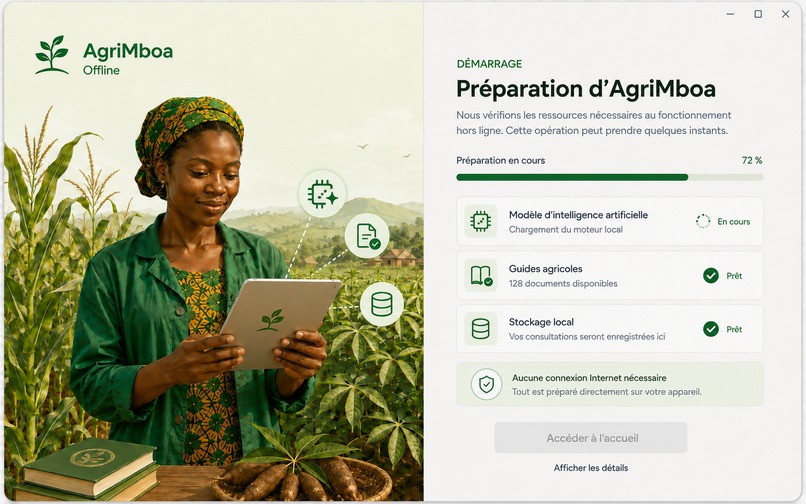
Onboarding Step 5
-
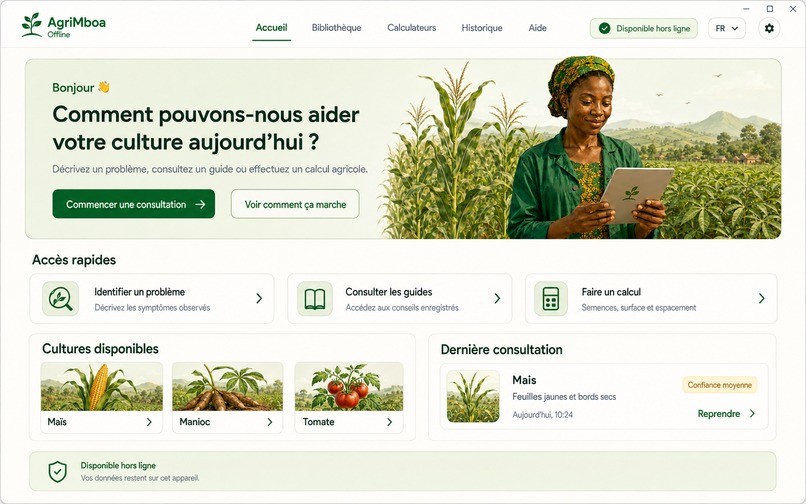
Home page
-
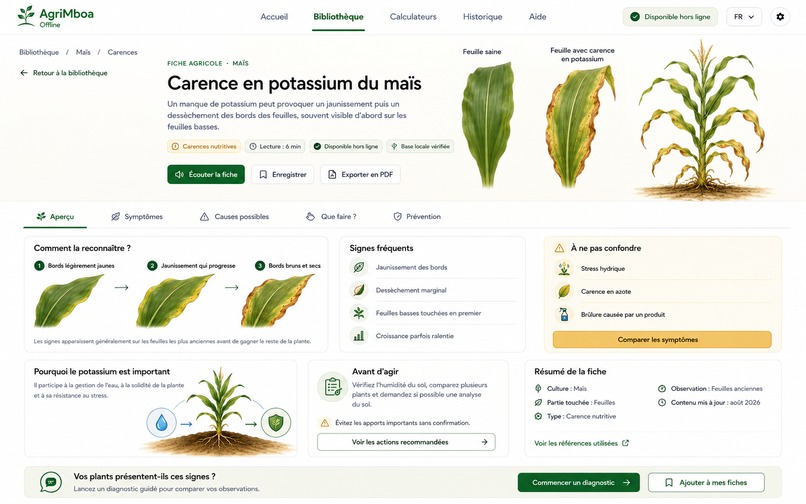
Library Page
-
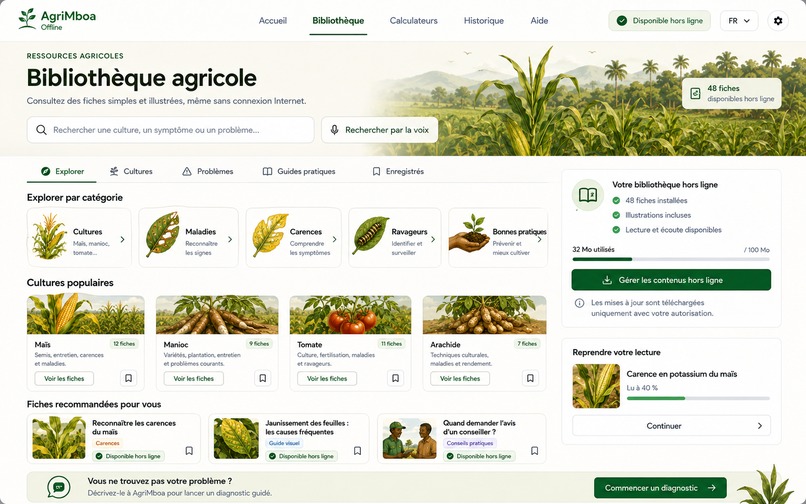
Library Page
AgriMboa Offline
Local AI for healthier crops, anywhere, even offline.
Inspiration
Across Cameroon, many farmers must make important decisions without immediate access to an agronomist, a stable Internet connection, or digital tools designed for their reality. When a crop develops yellow leaves, spots, deformation, wilting, or pest damage, an incorrect interpretation can lead to yield loss or inappropriate treatment.
We created AgriMboa Offline to make agronomic assistance more accessible. Our goal was not to build another cloud-dependent AI demonstration, but a useful application that could run on an ordinary Windows laptop with limited resources.
The name “AgriMboa” combines agriculture with “Mboa”, a word commonly used in Cameroon to refer to the country, the community, or home.
What AgriMboa does
AgriMboa guides users through the observation of four important crops:
- maize;
- cassava;
- tomato;
- plantain.
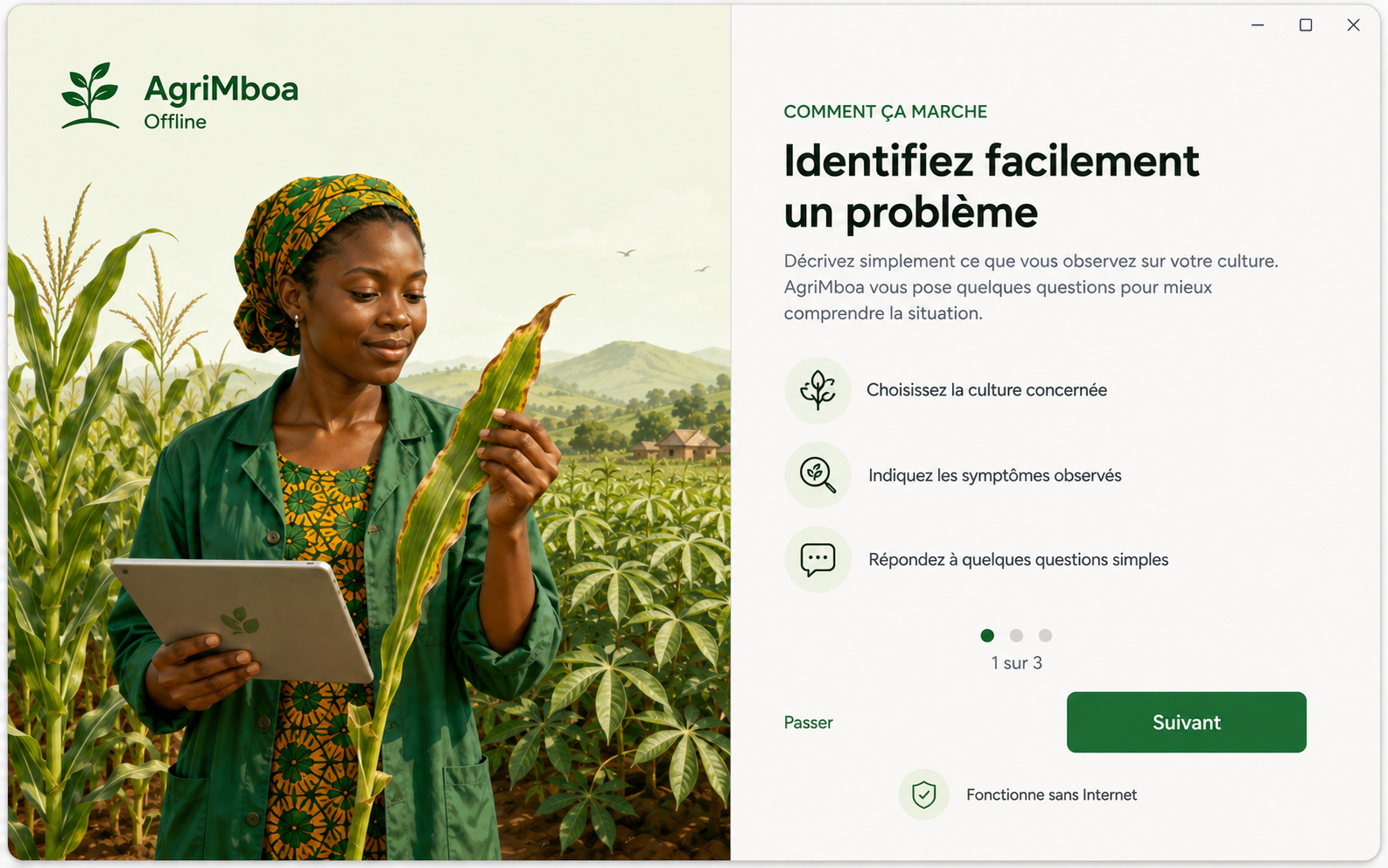
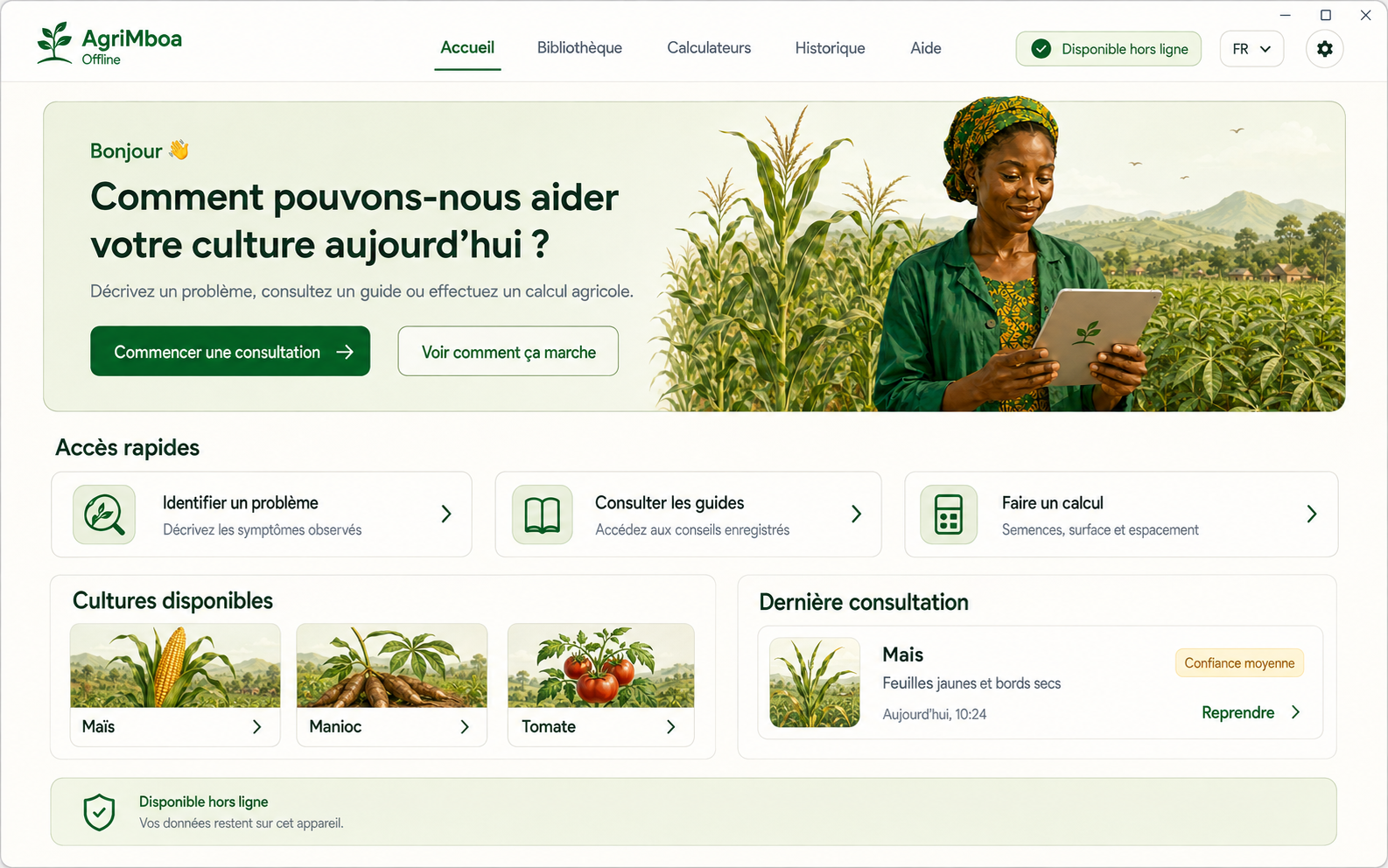
The user selects the crop, the affected plant parts, and the visible symptoms. They can then describe the problem in their own words or record a voice note.
Based on these observations, the local model acts as an agronomic interview assistant. It can generate up to three follow-up questions when the available information is not yet sufficient to distinguish between plausible causes.
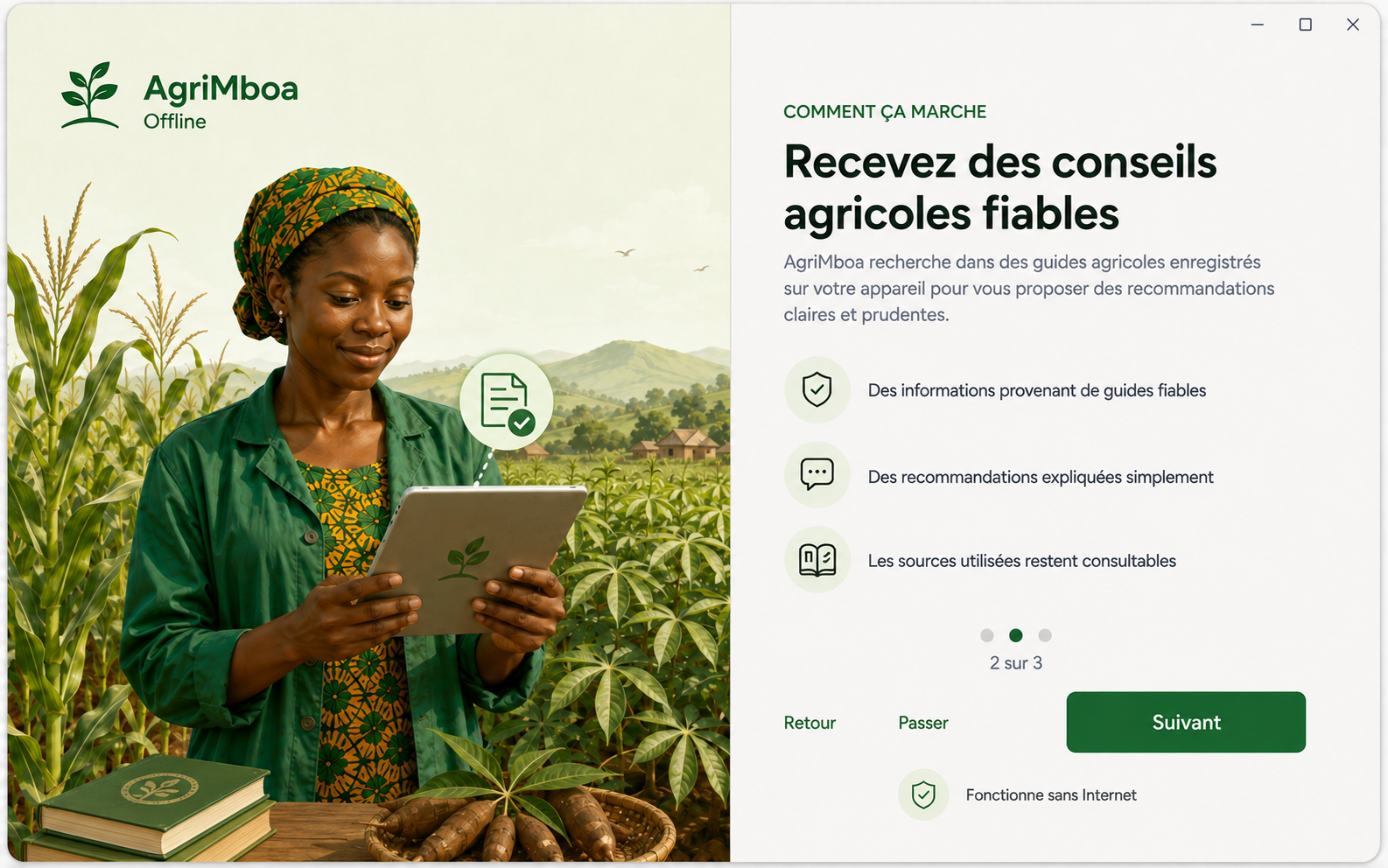
The application then produces a structured result containing:
- a summary of the observations;
- possible causes;
- a confidence level;
- warning signs;
- cautious recommendations;
- an action plan;
- explanations to help the user understand the result;
- follow-up suggestions.
AgriMboa also includes:
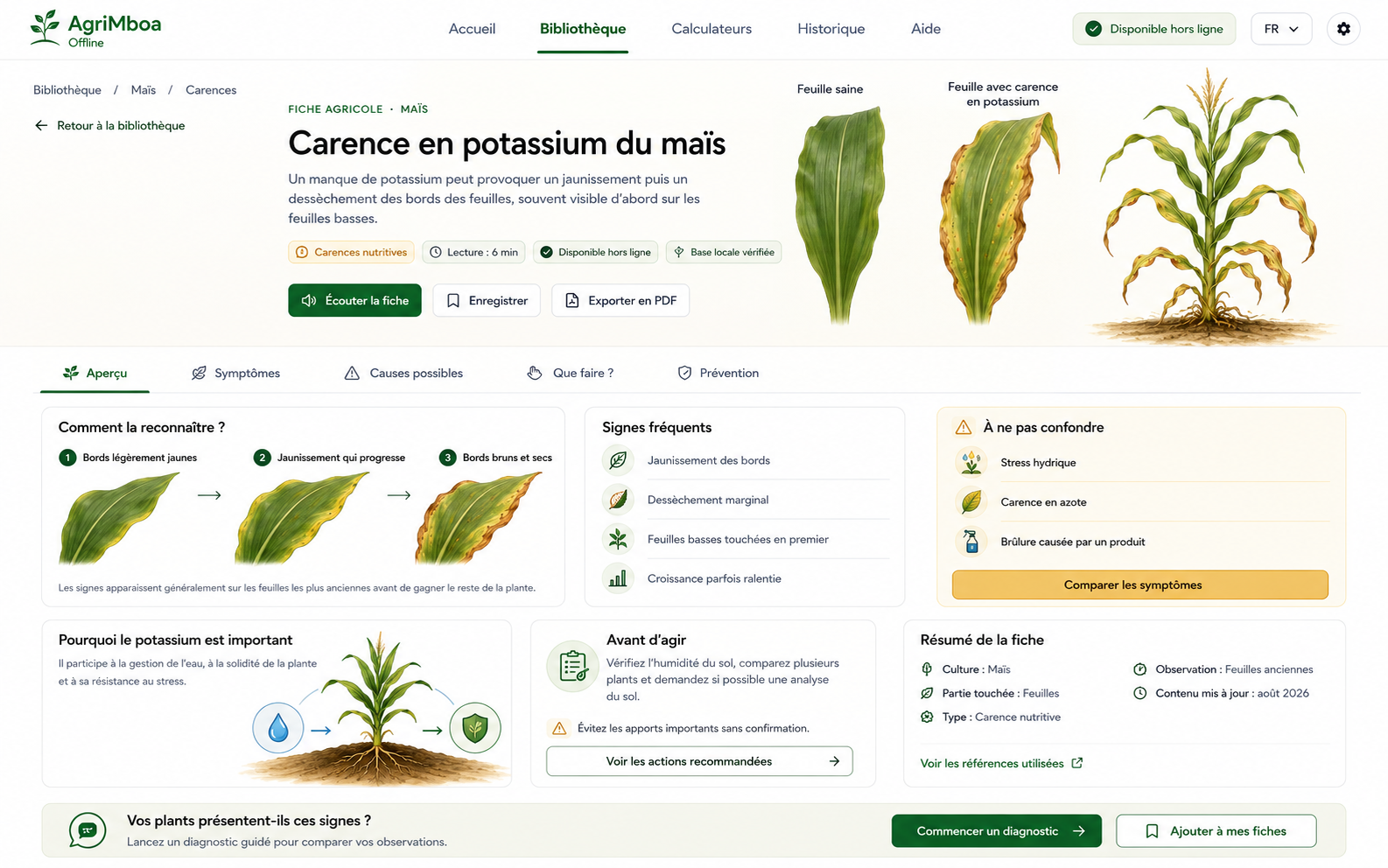
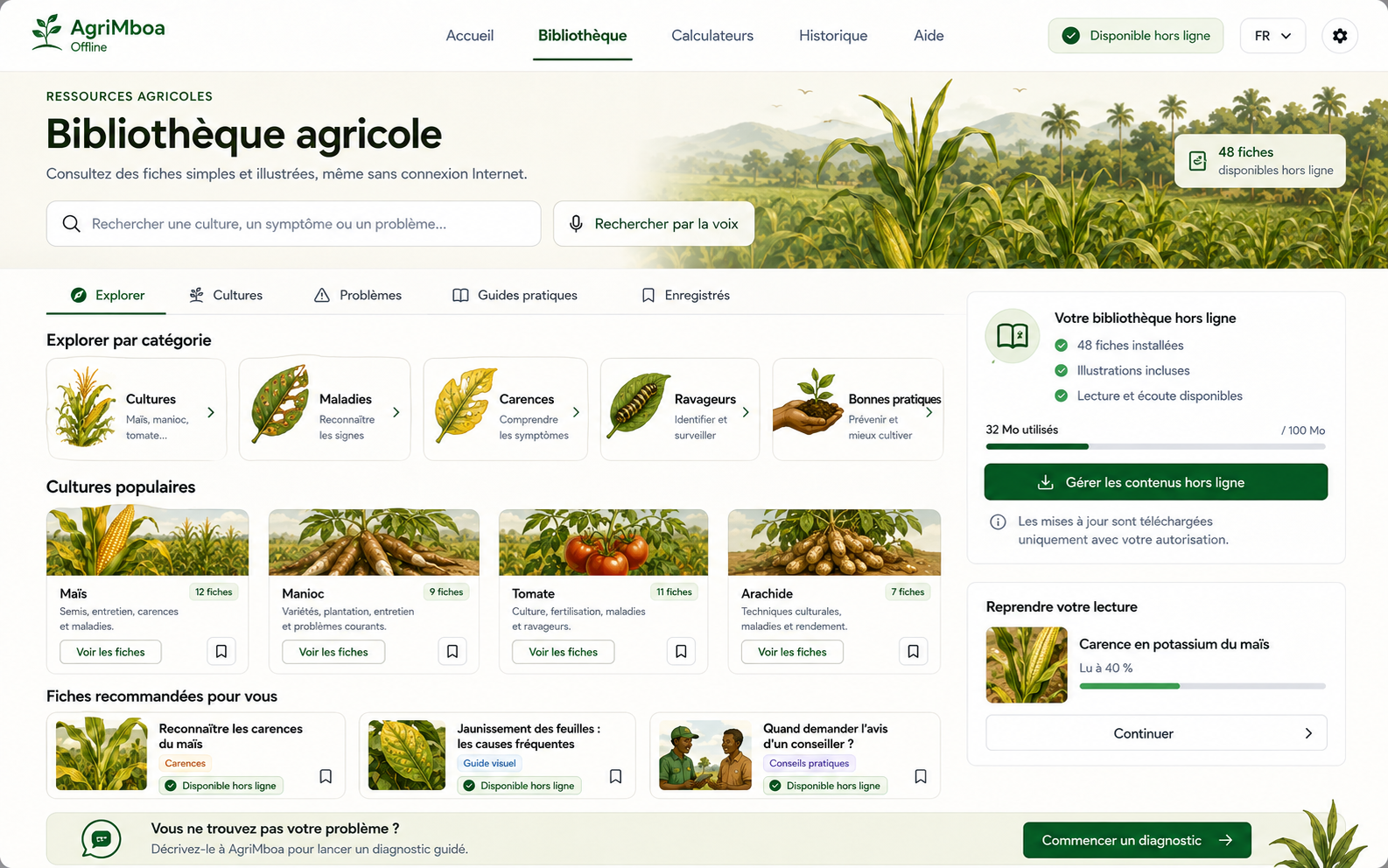
- an offline agricultural library covering all four crops;
- calculators for field area, planting density, seeds, and inputs;
- a real history of locally stored diagnoses;
- crop evolution monitoring;
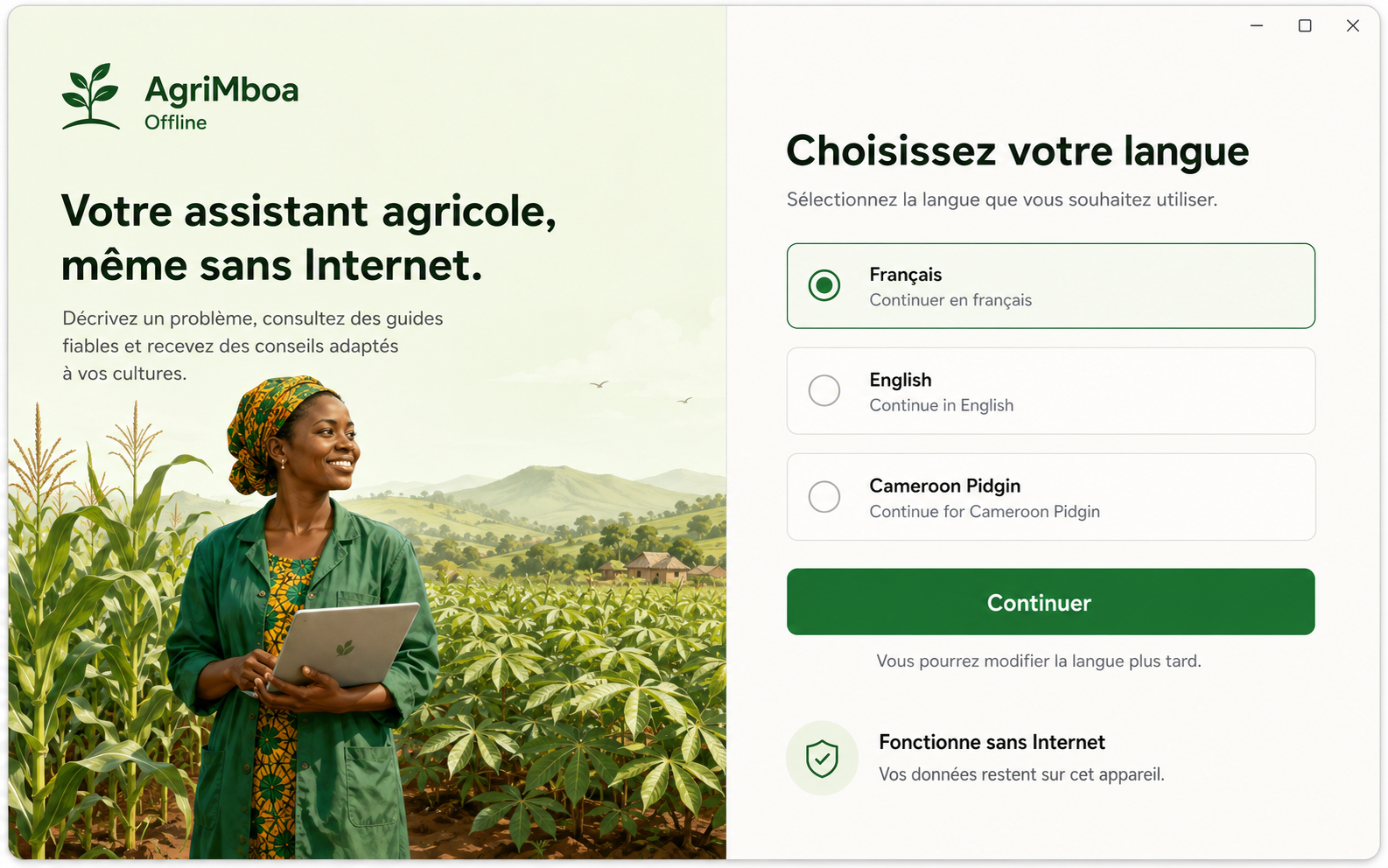
- an interface available in French, English, and Cameroon Pidgin English.
How offline intelligence works
The MVP is powered by Qwen2.5 Instruct in GGUF format, running locally through llama.cpp.
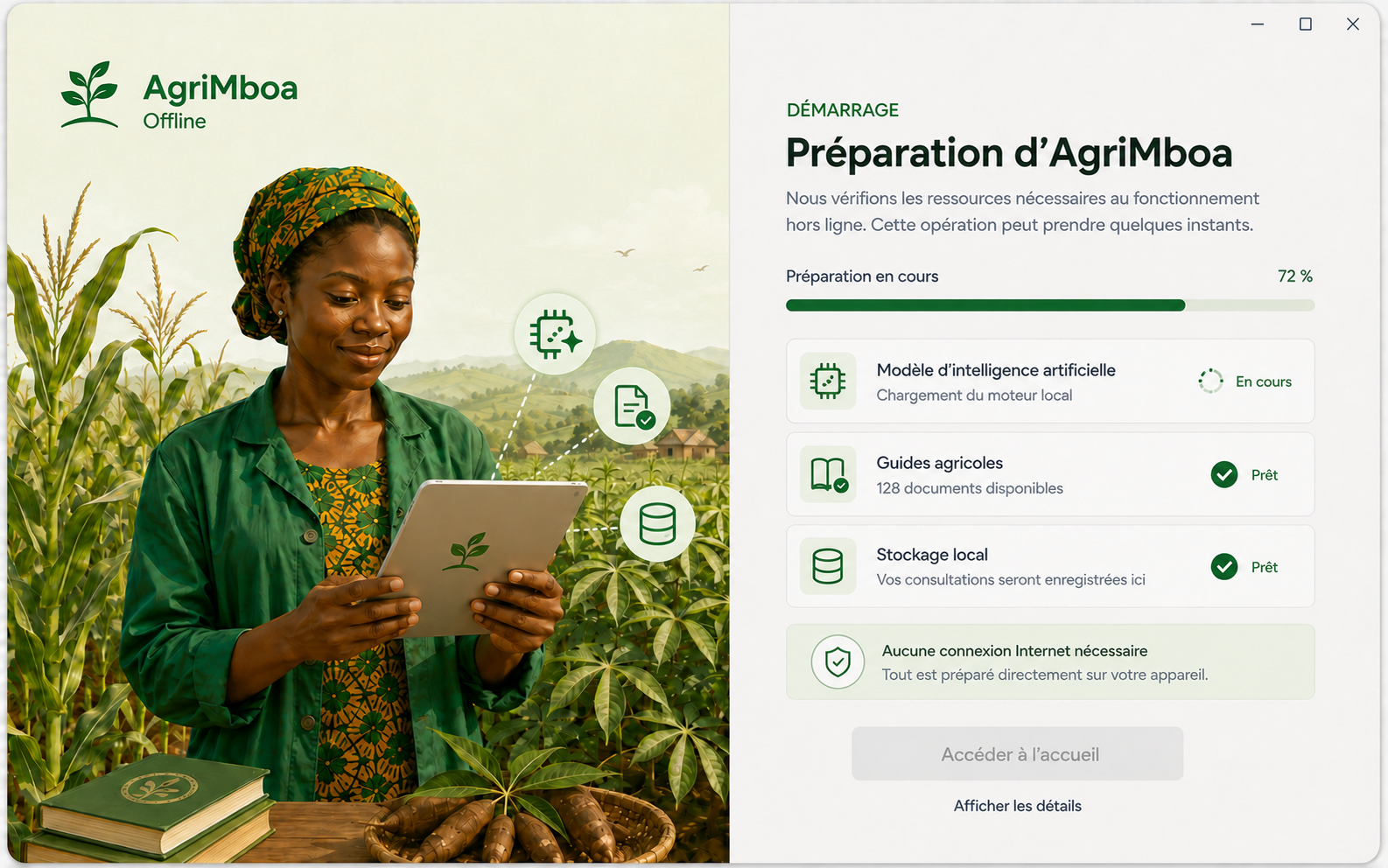
On first launch, the user is clearly informed that an AI model must be downloaded to activate offline intelligence. They can choose between:
- Qwen2.5 1.5B Q4_K_M, which is lighter and faster;
- Qwen2.5 3B Q4_K_M, recommended for better interpretation of observations.
The setup screen displays the model size, download progress, speed, and estimated remaining time. Interrupted downloads can resume, and the completed file is verified using SHA-256 before installation.
Once installed, AgriMboa starts llama-server automatically in the background. The user does not need to open another terminal or understand how llama.cpp works.
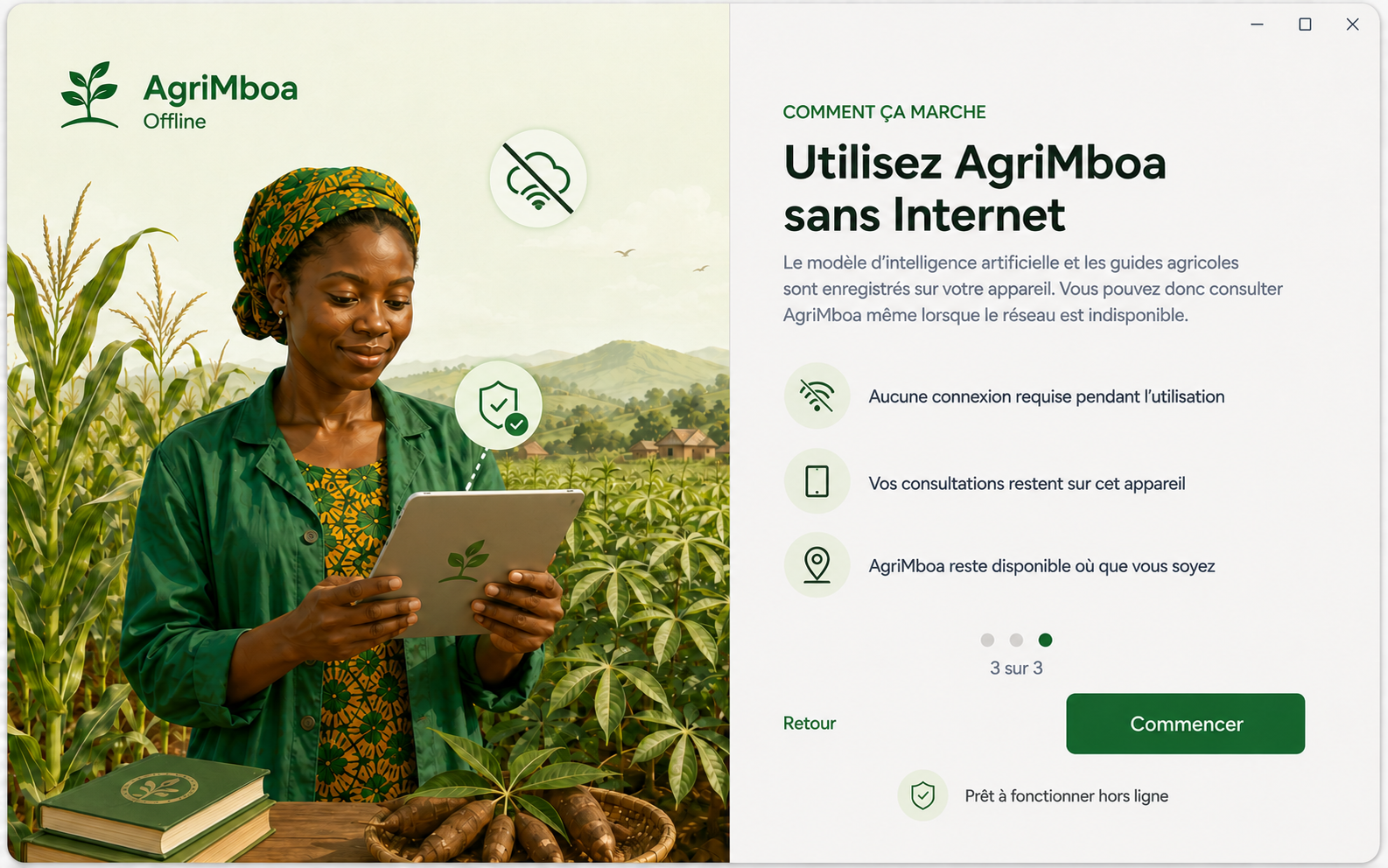
After this initial setup, no Internet connection is required to use the local AI engine, agricultural library, calculators, or locally stored records.
How we built it
AgriMboa is a desktop application built with:
- Vue 3 and TypeScript for the interface;
- Pinia for state management;
- Vue Router for navigation;
- Vue I18n for multilingual support;
- Tailwind CSS for the responsive design system;
- Tauri 2 and Rust for the native application;
- SQLite for crops, questions, answers, guides, history, and results;
- llama.cpp for local inference;
- quantized Qwen2.5 GGUF models to reduce memory usage;
- Whisper for voice transcription;
- Groq as an optional online acceleration layer, without making the offline experience dependent on the cloud.
We separated validated domain data from AI-generated output. SQLite stores structured agricultural content, while the model interprets observations, identifies useful follow-up questions, and creates a contextual response.
Model outputs are requested as JSON and validated before they reach the interface. When an output is invalid, the application uses a controlled fallback instead of displaying an incoherent response.
Main challenges
Running useful AI within 8 GB of RAM
A large model would make the application unusable on the laptops we are targeting. We tested different quantizations and selected Q4_K_M models that can run on CPU with a controlled context window.
Managing response time
On CPU, a dynamic question or complete diagnosis can take time. We reduced prompt size, limited output length, used a single inference slot, and designed loading screens that clearly explain what the application is doing.
Controlling model output
Early versions sometimes returned invalid JSON, repeated a question, or generated an answer that did not match the validated SQLite content. We added schema validation, response normalization, length constraints, and fallback mechanisms.
Making the engine truly autonomous
During early development, llama-server had to be launched manually in a second terminal. For the MVP, we integrated it as a Tauri sidecar so that it starts and stops with AgriMboa.
Designing for accessibility
The application had to remain understandable for users who may not be familiar with artificial intelligence. We used simple language, visual icons, short steps, responsive navigation, and explicit warnings whenever professional advice may still be required.
What we learned
This project taught us that useful local AI is not only about selecting a model. The entire pipeline must be optimized:
- model size;
- memory consumption;
- context length;
- prompt structure;
- output validation;
- local storage;
- engine lifecycle;
- how the user experiences latency and uncertainty.
We also learned that a smaller, carefully constrained model supported by structured data and an appropriate interface can be more useful than a larger model used without safeguards.
Accomplishments we are proud of
We are especially proud of building:
- a coherent end-to-end diagnostic experience;
- a local AI system that can work without an API key;
- an autonomous model download and startup workflow;
- a SQLite database actively used by the application;
- follow-up questions adapted to user observations;
- a rich agricultural library for every crop in the MVP;
- responsive desktop and mobile-oriented interfaces;
- a hybrid architecture that prioritizes local inference while optionally benefiting from an online provider when available.
MVP definition
AgriMboa’s Minimum Viable Product is the Windows version submitted to this challenge. It demonstrates that a contextual agricultural assistant can operate on a commodity laptop using a locally hosted, quantized language model.
The MVP covers the four selected crops, the diagnostic workflow, intelligent follow-up questions, results, action plans, the agricultural library, calculators, and local history.
What is next?
Our vision extends beyond the MVP. We plan to:
- expand the knowledge base to more African crops;
- validate content with agronomists and agricultural institutions;
- improve support for Pidgin English and local languages;
- integrate fully offline voice transcription;
- add local image analysis;
- build an optimized Android version;
- support secure guide and model updates;
- evaluate agronomic performance through real field cases.
AgriMboa aims to become a reliable, accessible, and privacy-respecting agricultural companion: an AI assistant designed for places where connectivity is limited, but every decision matters.
Built With
- gguf
- llama.cpp
- qwen2.5
- rust
- sqlite
- tauri
- typescript
- vue.js
- whisper
