Inspiration
The idea for AgriMate came from thinking about how difficult it can be for farmers and agricultural extension officers to get reliable information when they don't have a stable internet connection.
A lot of AI tools today depend on the cloud, which means you need internet access, data, and a reliable connection. That isn't always realistic, especially in rural areas.
I wanted to build something that could still be useful without the internet and could run on the kind of laptop that many students and people across Africa already have.
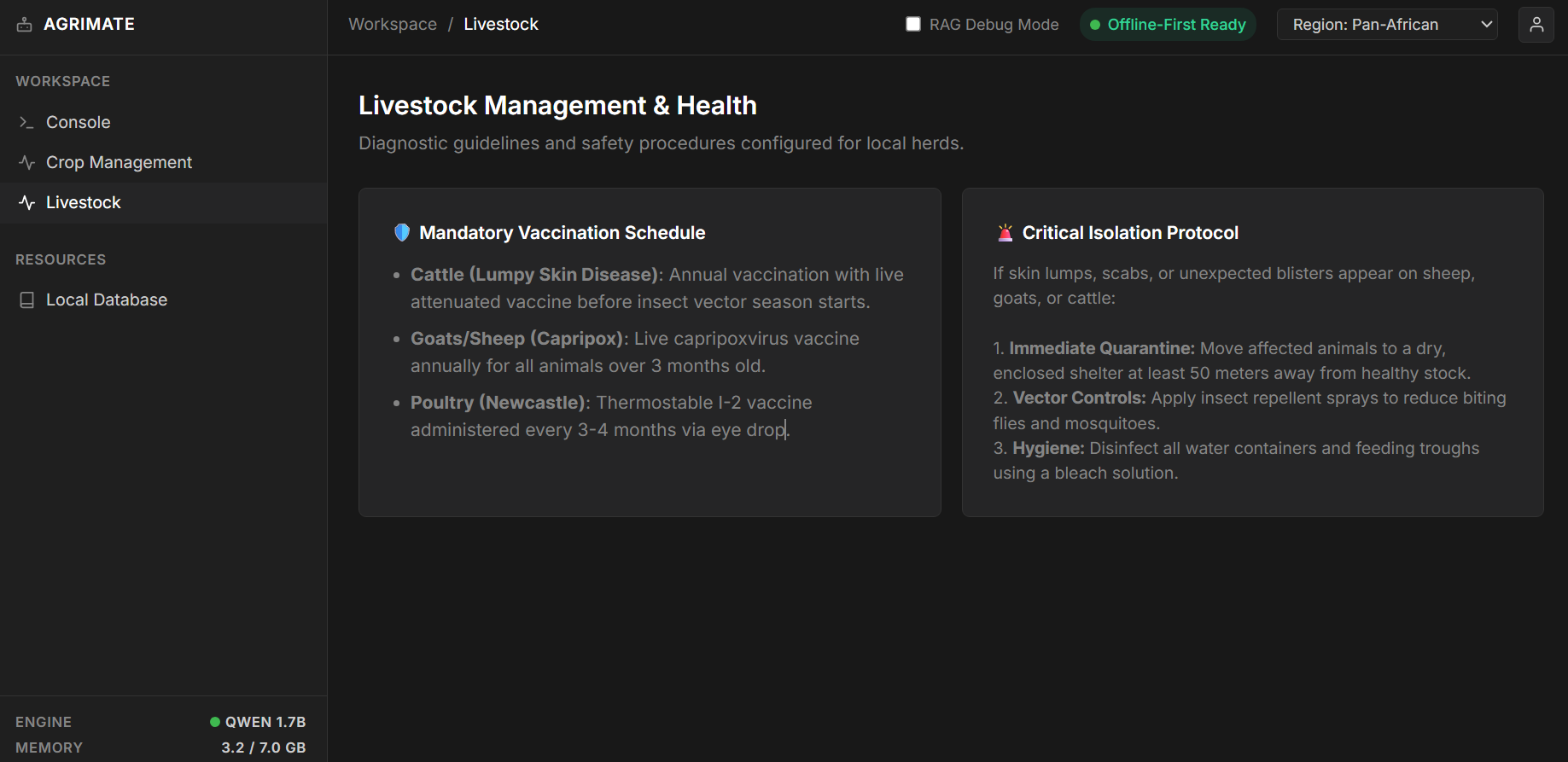
That led me to AgriMate, an offline AI assistant focused on agriculture. It can help users understand crop and livestock problems and provide useful information locally without sending their data to a cloud AI service.
How I Built It
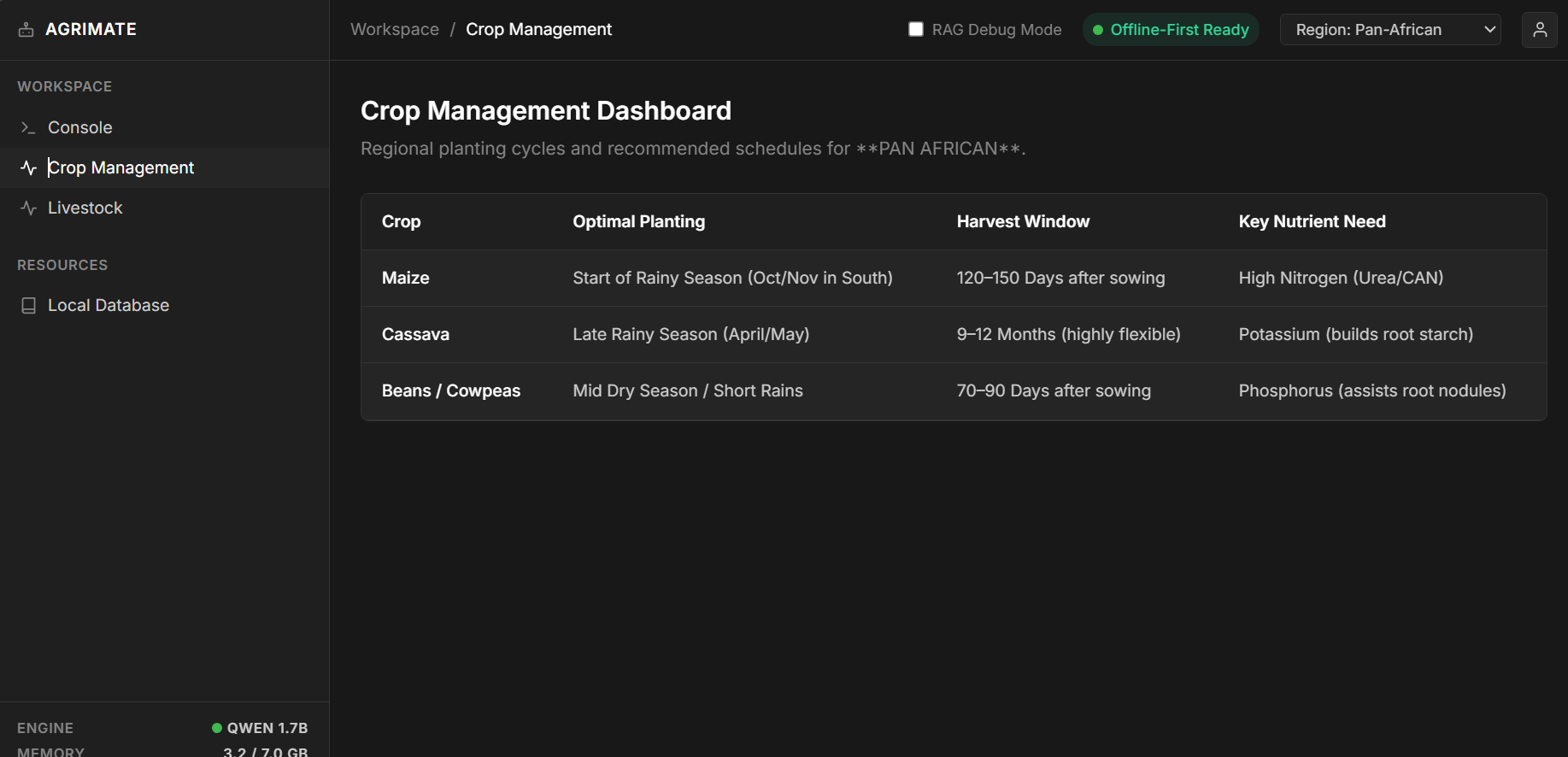
I built AgriMate around a small language model that can run locally on a laptop. I used a quantized Qwen 1.5 1.8B model in GGUF format with llama.cpp.
The application also uses a local knowledge base containing information about African agriculture, crop diseases, livestock diseases, pests, and farming practices.
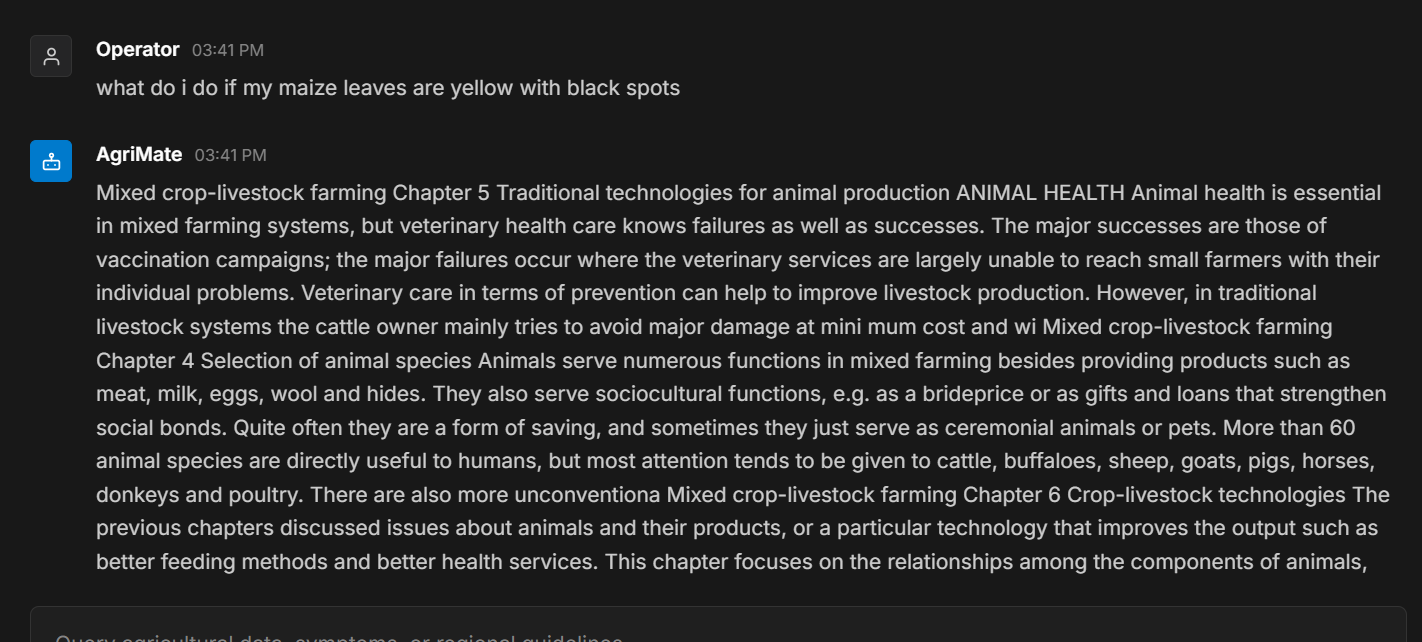
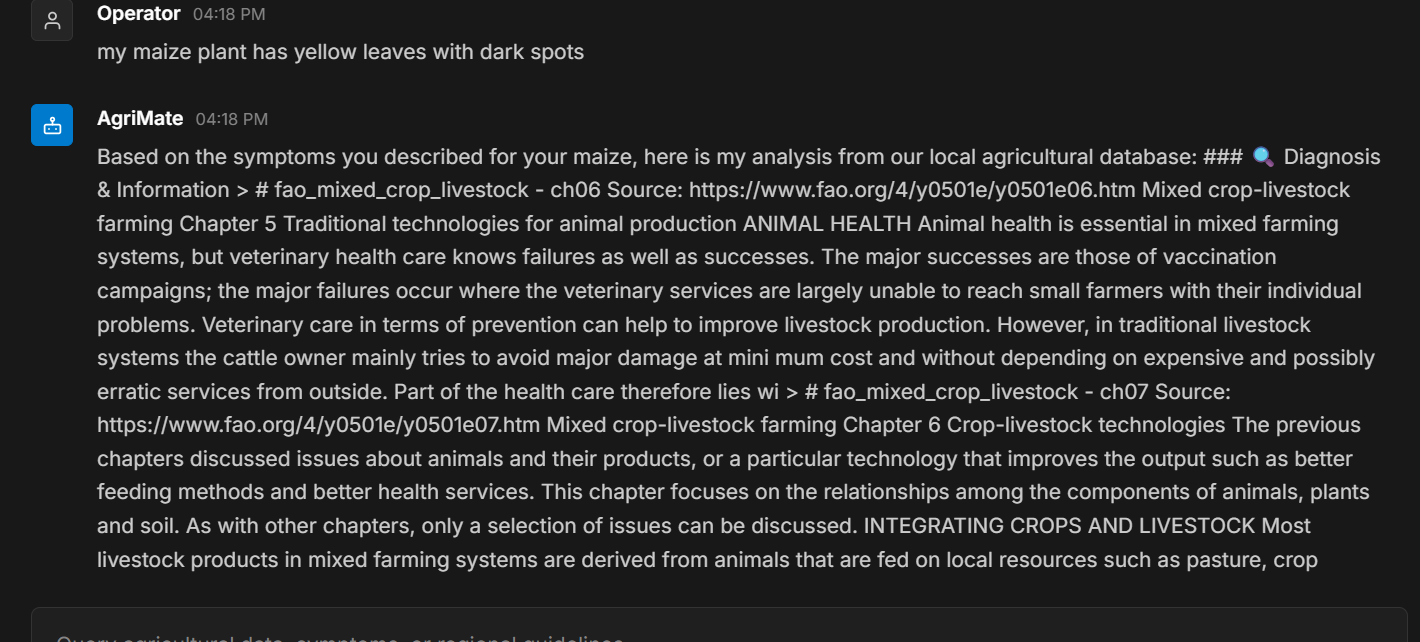
One of the biggest parts of the project was building the RAG system. Instead of allowing the model to answer everything from its general knowledge, AgriMate retrieves relevant information from the local agricultural knowledge base before generating an answer.
I also added conversational memory so that the application can understand follow-up questions.
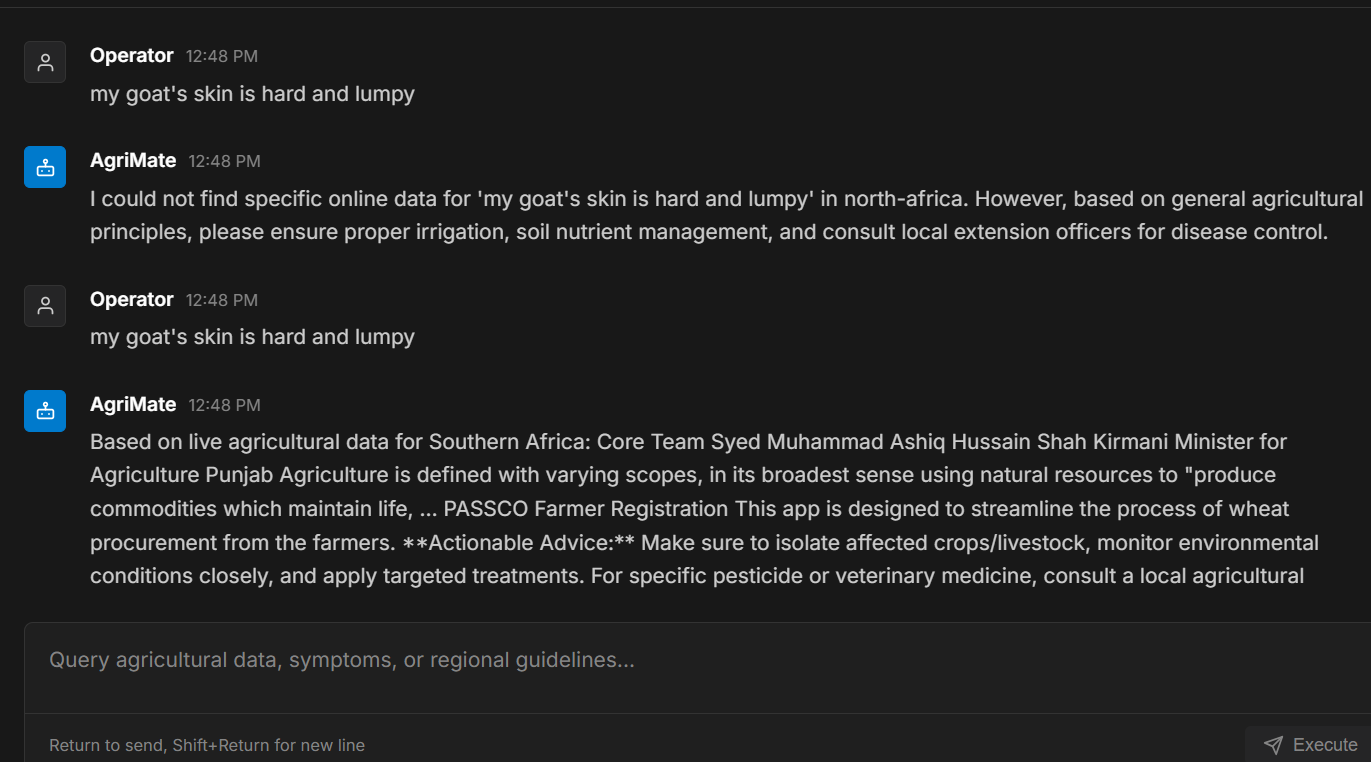
For example, a farmer might first say:
"My goats have hard lumps on their skin."
Then follow up with:
"The lumps are all over the body and there is no pus. They are also losing hair."
AgriMate should understand that the second message is describing the same goats and combine the information instead of treating it as a completely new question.
I built the interface with React and the backend with Python, with the entire system designed to run locally.
Challenges
One of the biggest challenges was getting a small language model to behave reliably.
A smaller model uses much less memory, which is important for the 8 GB laptop requirement, but it also means that the model can sometimes misunderstand a question or give a generic answer.
I had to improve the retrieval and filtering system so that AgriMate would retrieve information relevant to the specific animal or crop being discussed.
Another challenge was conversational context. Initially, the system could lose information from previous messages. I worked on the query analyzer so that information such as symptoms and negative symptoms like "no fever" or "no pus" could be carried into the next question.
I also had to make sure the project could be packaged properly for the challenge and run without depending on cloud services.
What I Learned
This project taught me that building an AI application isn't just about choosing a model.
The model is only one part of the system. Retrieval, memory, filtering, hardware limitations, application design, and testing all have a major impact on how useful the final product is.
I also learned a lot about optimizing AI applications for limited hardware. Using a smaller quantized model showed me that you don't always need a huge model to build something useful.
Most importantly, I learned that AI should be designed around the environment where it will actually be used.
For AgriMate, that means thinking about an 8 GB laptop, limited connectivity, local agricultural knowledge, and the needs of farmers rather than assuming everyone has access to expensive hardware and fast internet.
What's Next
AgriMate is still a work in progress.
In the future, I would like to expand the agricultural knowledge base, support more African languages, improve the diagnostic accuracy, and eventually add features such as image-based crop and livestock disease identification.
The long-term goal is to make AgriMate a practical offline agricultural assistant that can be used by farmers and extension officers even in places where internet access is unreliable or unavailable.
Built With
- agriculture
- artificial-intelligence
- fastapi
- gguf
- knowledgebase
- llama.cpp
- localllm
- machine-learning
- offlineai
- python
- qwen
- rag
- react
- typescript
- vite

Log in or sign up for Devpost to join the conversation.