-
-
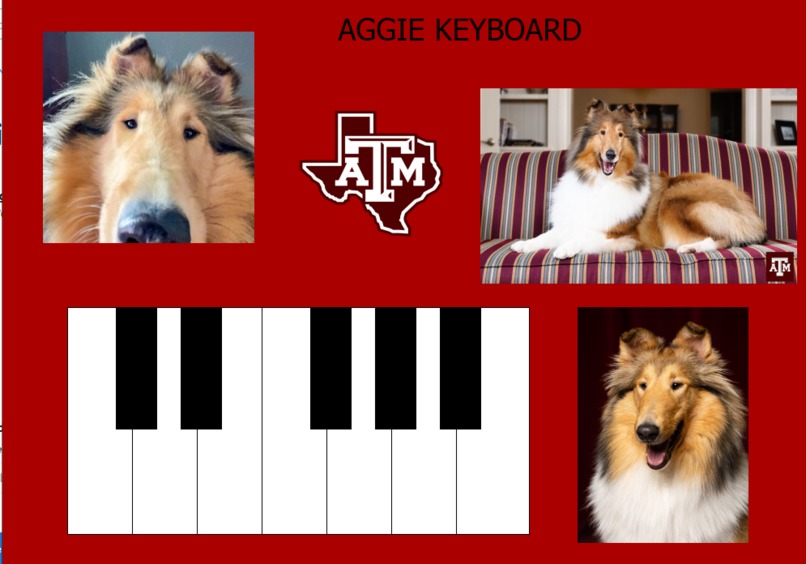
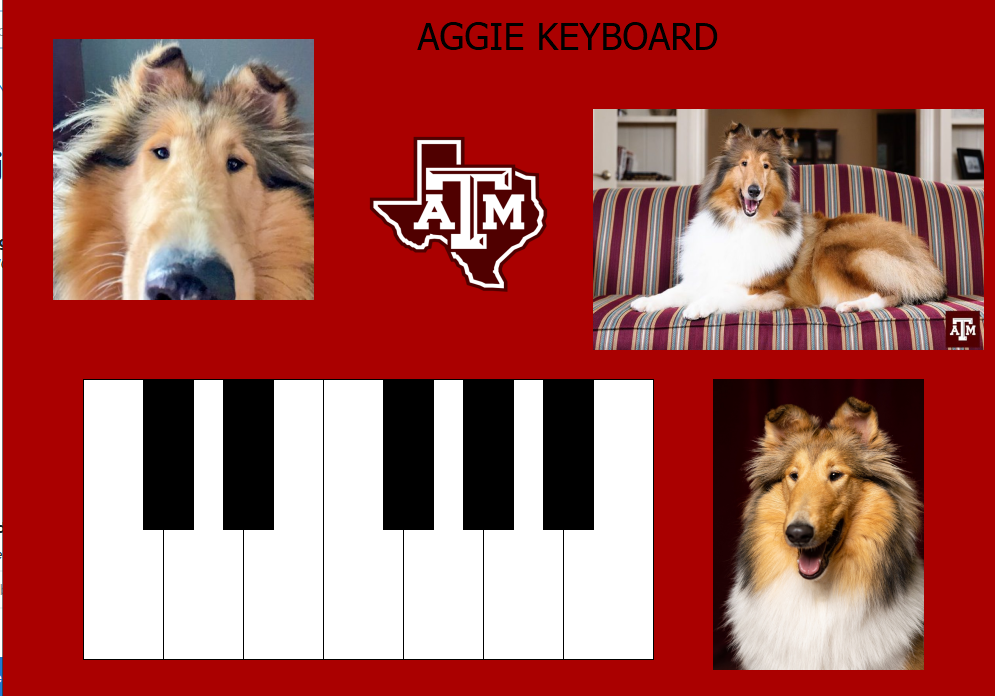
a screenshot of the GUI
Inspiration
Our Aggie pride, and our interest in creating our very first GUI.
What it does
There are 3 audio 'presets' for the piano. You can choose to load whichever one you want. This will cause the piano to play under that preset, ascending in frequency as you go from left to right on the keyboard, much like a piano.
How we built it
We imported the winsound library in Python in order to play audio files, and in order to read audio files from a user directory. We used PyQt5 and QT Designer in order to add images to our GUI, add functioning buttons and change their appearance, add the menu bar, and change the various color schemes used throughout the GUI.
Challenges we ran into
Our first challenge was actually deciding on what we were attempting to create, given that none of us have ever competed in a hackathon before and that we have little experience. Once we decided on what to do, we ran into troubles actually installing compatible versions of the modules we used, namely with Python and PyQt. Past that, adding the images, changing the color schemes of various objects in the interface, and adding functionality to the buttons in the interface were all rather challenging given that none of us had any experience before.
Accomplishments that we're proud of
Making a somewhat aesthetically satisfying GUI, making our Aggie pride known.
What we learned
How to create a simple GUI, how to play sounds using Python, and how to update Spyder.
What's next for Aggie Keyboard
To add a system where you can select among a list of MIDI files and then the piano will play the tune conveyed by the MIDI with the audio preset selected.
Built With
- pyqt5
- python
- winsound

Log in or sign up for Devpost to join the conversation.