-
-
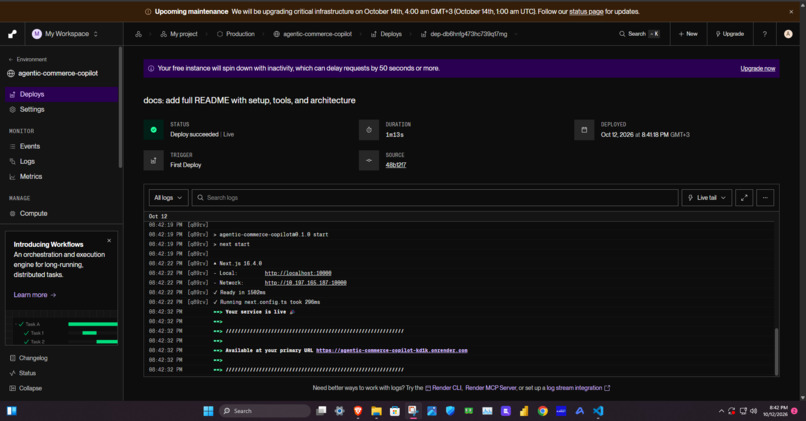
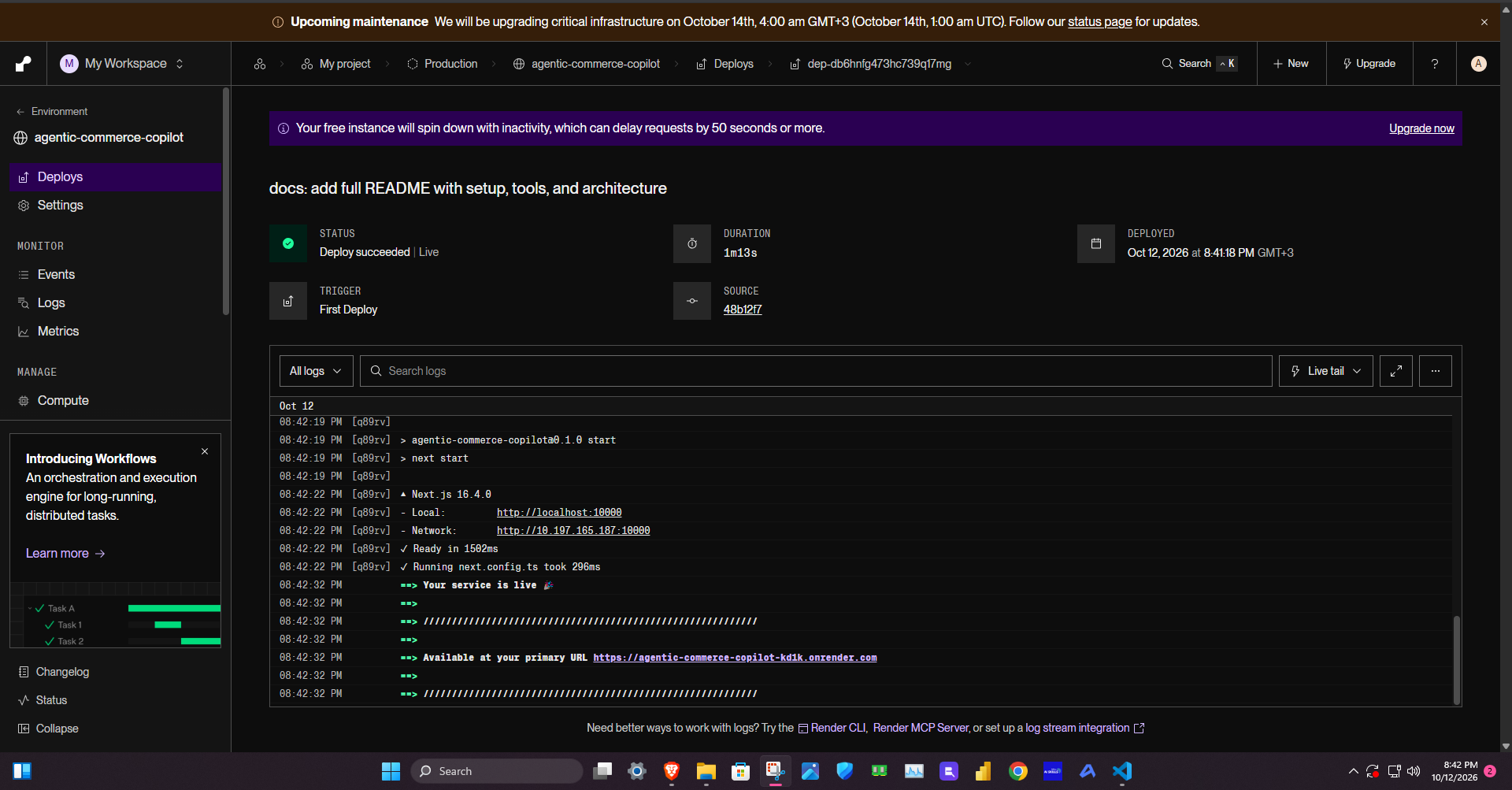
RENDER DASH BOARD
Inspiration
AI agents can now browse, compare, and decide but they still can't pay. I built Agentic Commerce Copilot to close that last mile: an AI shopping agent that finds a product, recommends one, and actually completes checkout with PayPal.
What it does
You describe what you want in plain English. The agent:
- Parses your request into structured search parameters using Groq's
openai/gpt-oss-120b - Searches a 15-product catalog and returns matches
- Recommends exactly one product with plain-text reasoning
- Displays results as cards or a sortable AG Grid comparison table
- Creates a real PayPal sandbox order when you click "Buy with PayPal"
- Redirects you to approve, then captures the payment on return
- Shows a receipt with payer info, order ID, capture ID, and a product recap
How I built it
- Frontend: Next.js 16 (App Router) + Tailwind CSS v4
- AI: Groq SDK with
openai/gpt-oss-120b— used for request parsing and product recommendation - Payments: PayPal Orders v2 REST API (sandbox) — auth, create order, capture order
- Data table: AG Grid Community — sortable/filterable product comparison
- Deploy: Render (Frankfurt, EU Central)
Challenges I ran into
- Groq retired
llama-3.3-70b-versatilemid-hackathon. Switched toopenai/gpt-oss-120band stripped out function-calling in favor of JSON mode for reliability. - PayPal capture must use the same order ID from the create step. Getting the redirect flow right took a few iterations.
- Next.js 16's Turbopack occasionally lost route registration during hot reload — deleting
.nextand restarting fixed it.
What I learned
- PayPal Orders v2 is remarkably clean. Auth → create → capture is three HTTP calls.
- JSON mode on a smaller model is more reliable than tool-calling for structured extraction.
- Server-side API keys are non-negotiable. The PayPal secret never touches the browser.
What's next
- Persist orders in a database instead of
localStorage - Real product data via Channel3 API
- Multi-item cart with a single PayPal order
- Save payment methods for one-click reorder

Log in or sign up for Devpost to join the conversation.