-
-
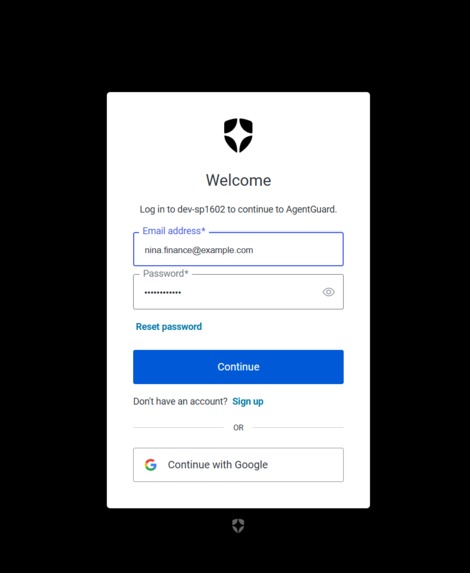
Auth 0
-
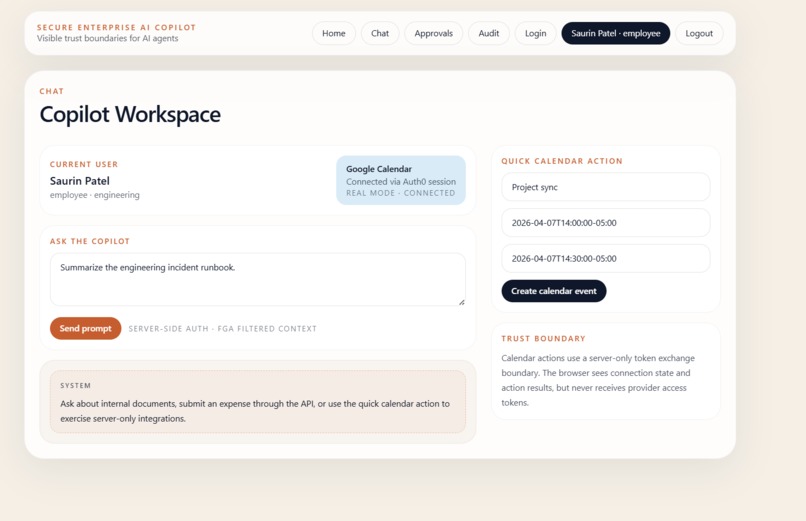
UI
-
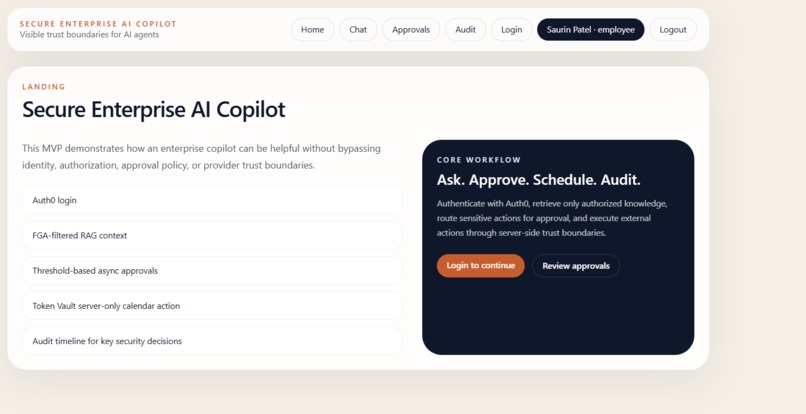
UI
-
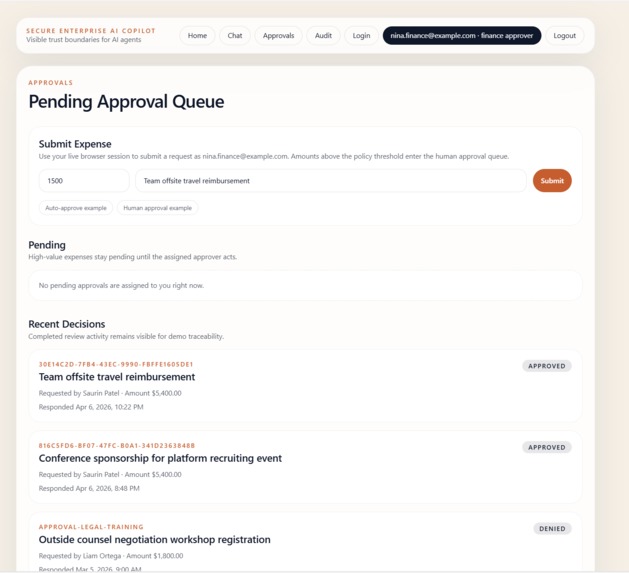
Approvals
-
Audit
The Problem That Kept Us Up at Night
Every AI agent deployed in production today is holding your credentials
like a master key — stored in .env files, passed through context windows,
logged in plaintext. One prompt injection, one leaked log, one misconfigured
deployment: game over, permanently.
We kept asking: why does the agent need to see the credential at all?
What AgentGuard Does
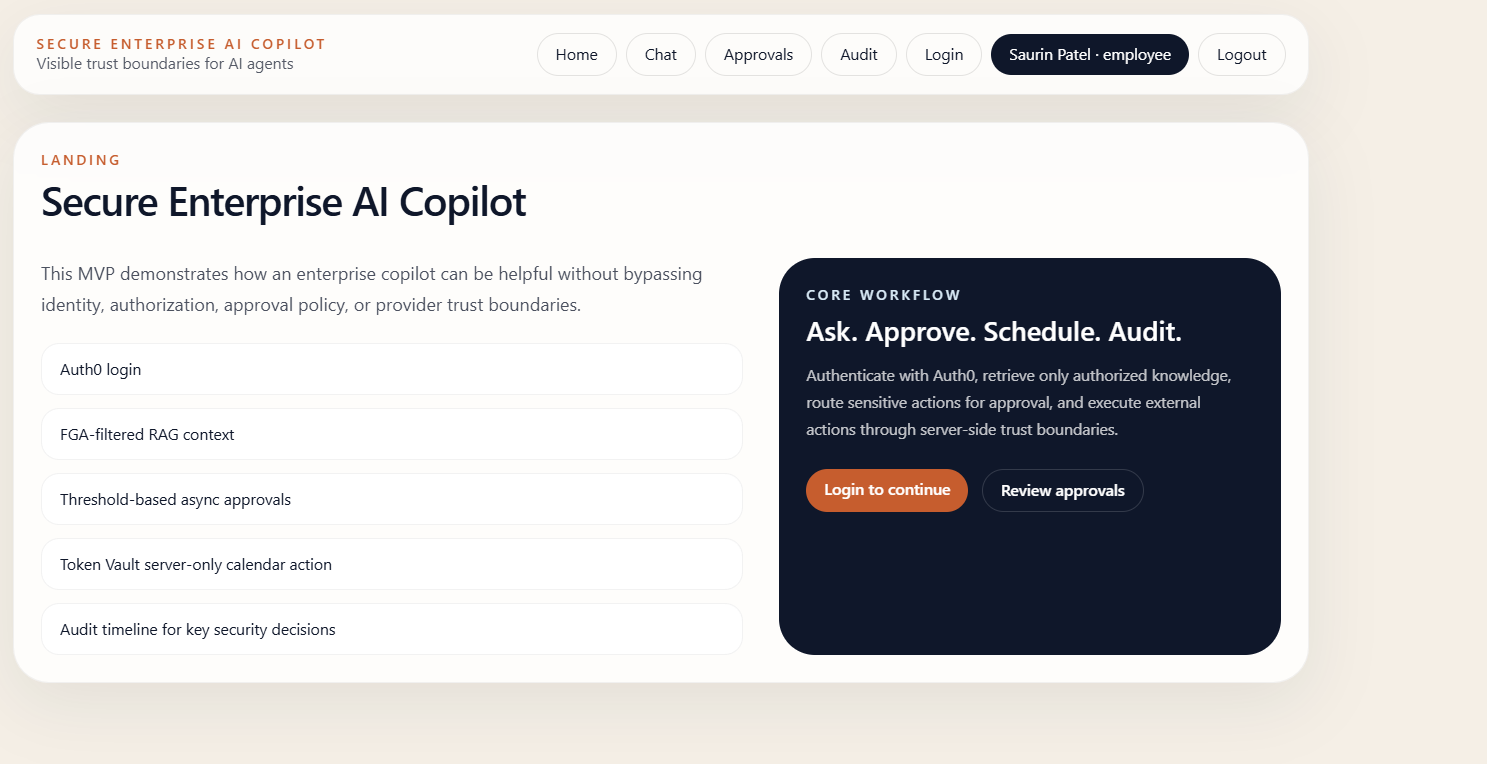
AgentGuard is a secure enterprise AI copilot where the agent is architecturally incapable of leaking credentials it never touches.
Built on Auth0 Token Vault, every sub-agent fetches a just-in-time, scoped token for exactly one action — then that token expires. The agent can't act beyond what it was explicitly authorized to do.
Key capabilities:
- Secure RAG — Auth0 FGA filters documents before they enter the prompt. Unauthorized content never reaches the LLM context.
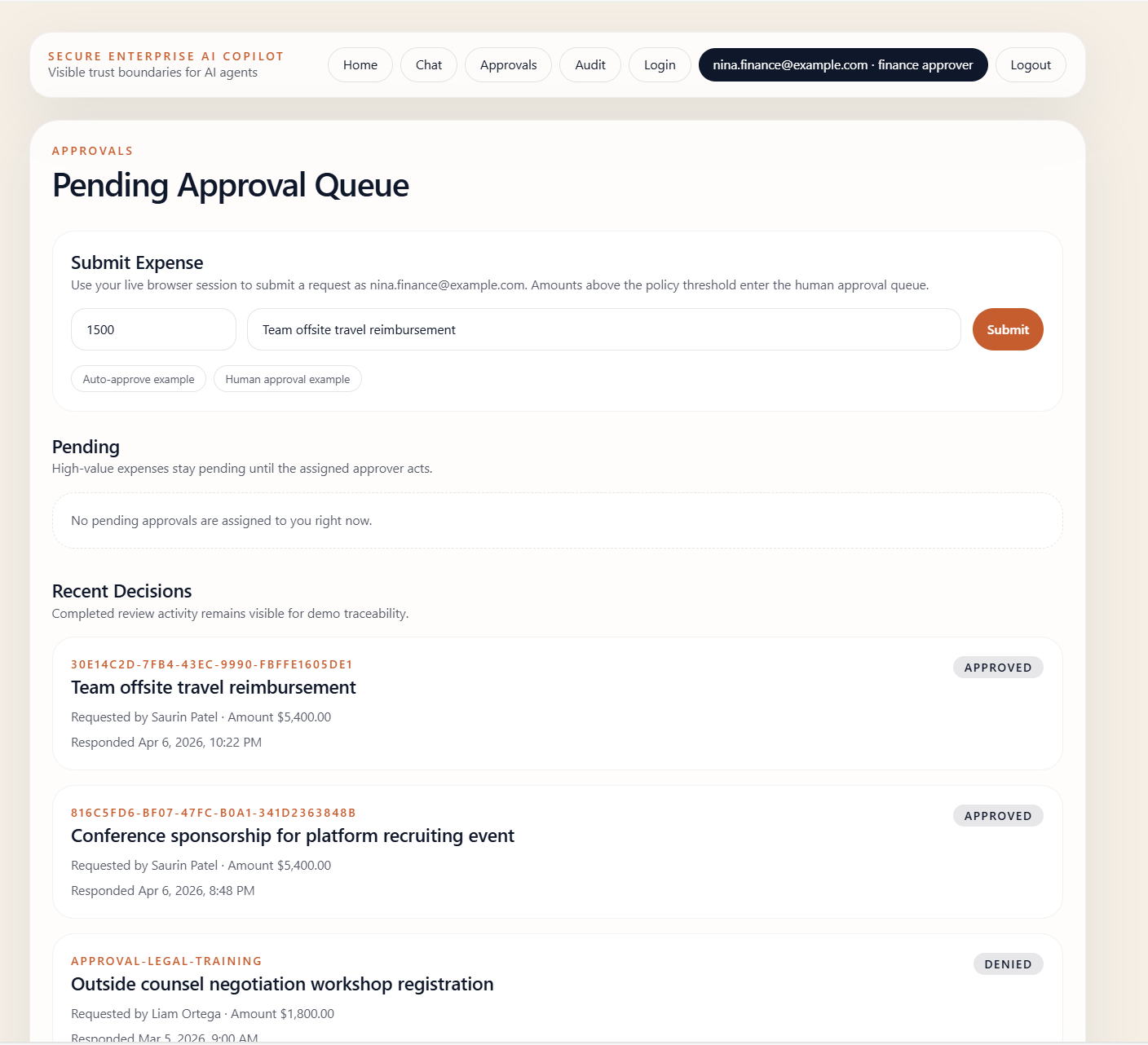
- Human-in-the-loop approval gates — High-value expenses and sensitive actions pause for explicit human approval before execution proceeds.
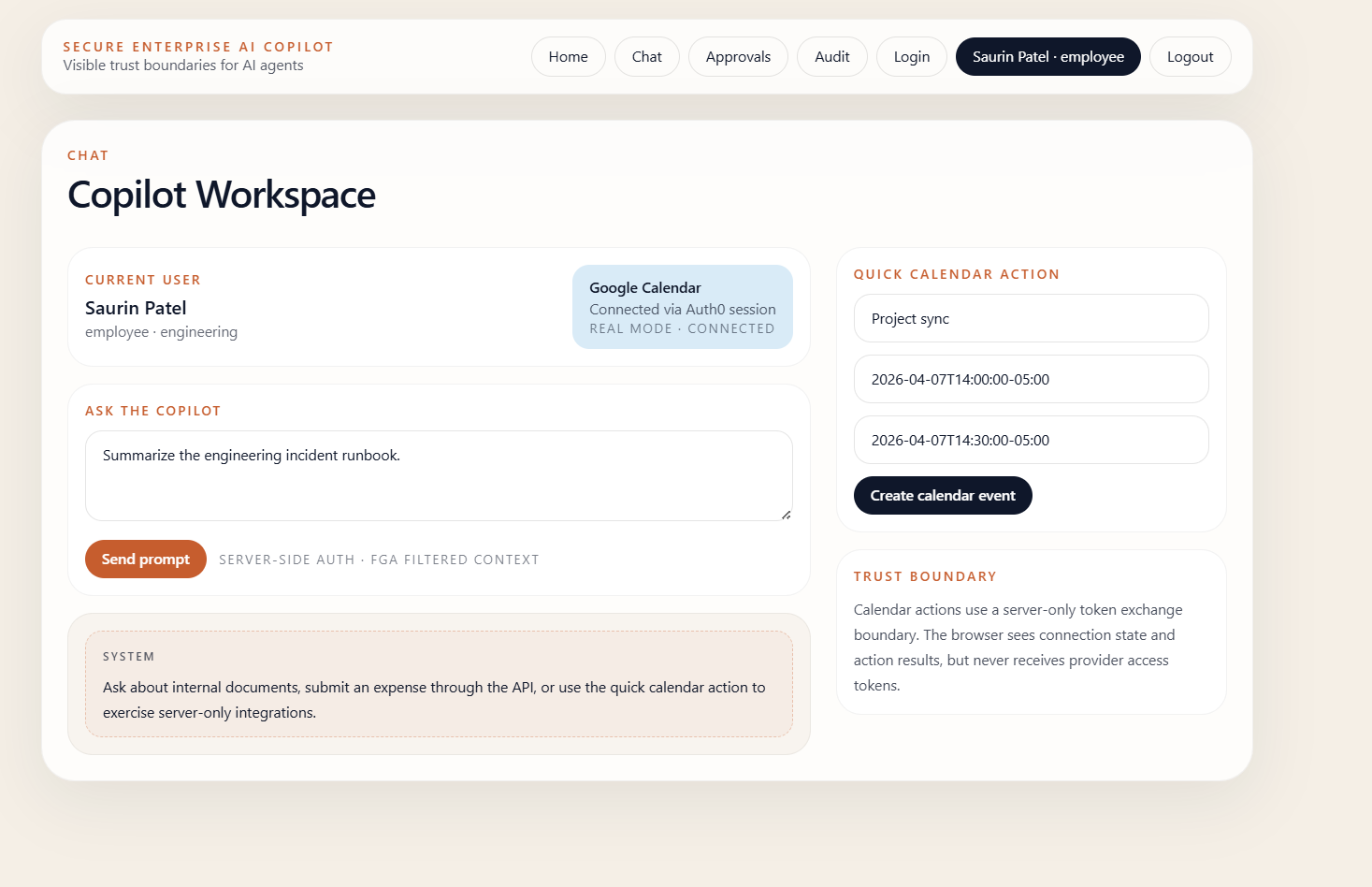
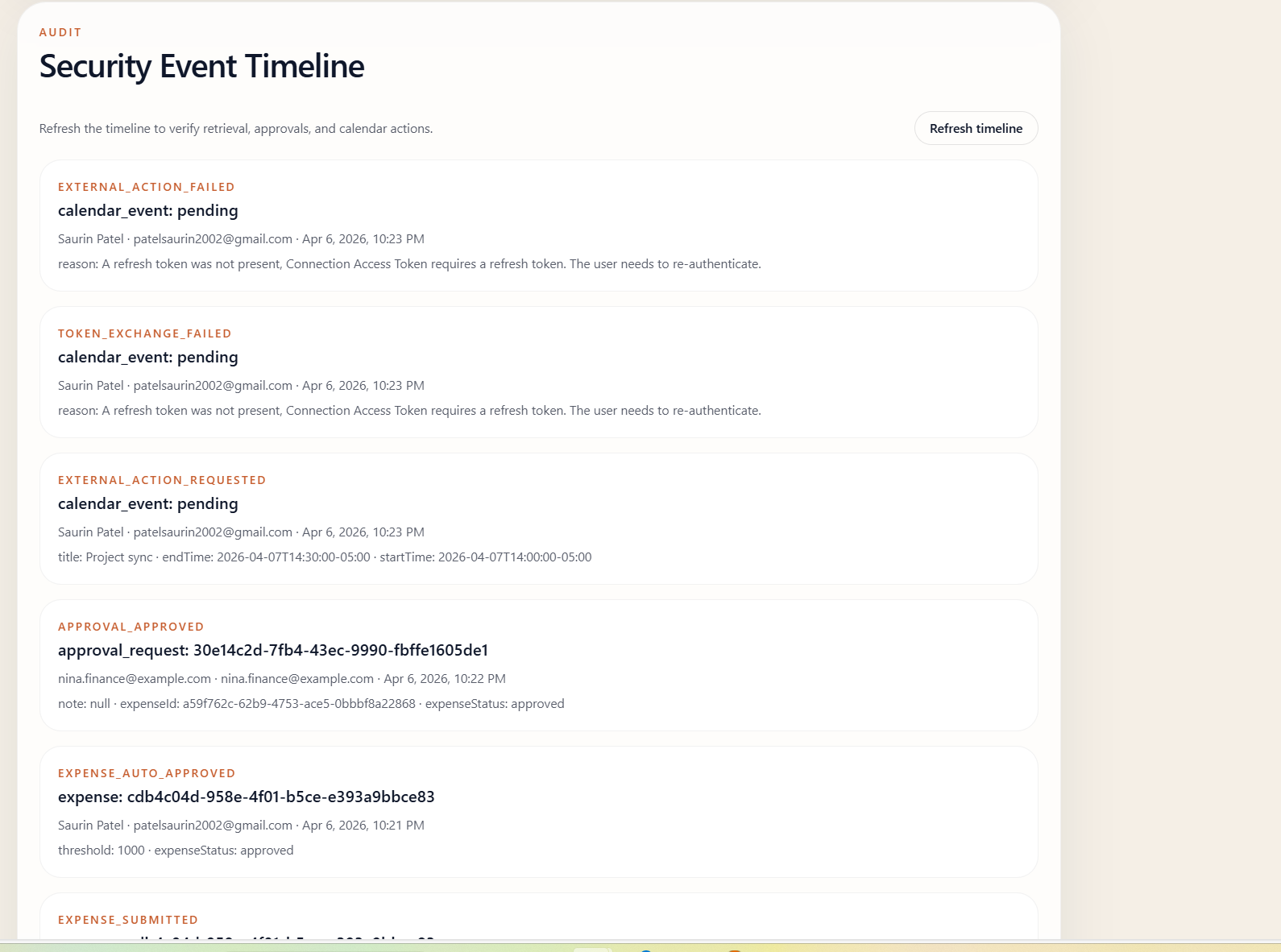
- Token Vault delegated access — Google Calendar actions run server-side only, via Auth0's delegated token exchange. The browser never sees a provider token.
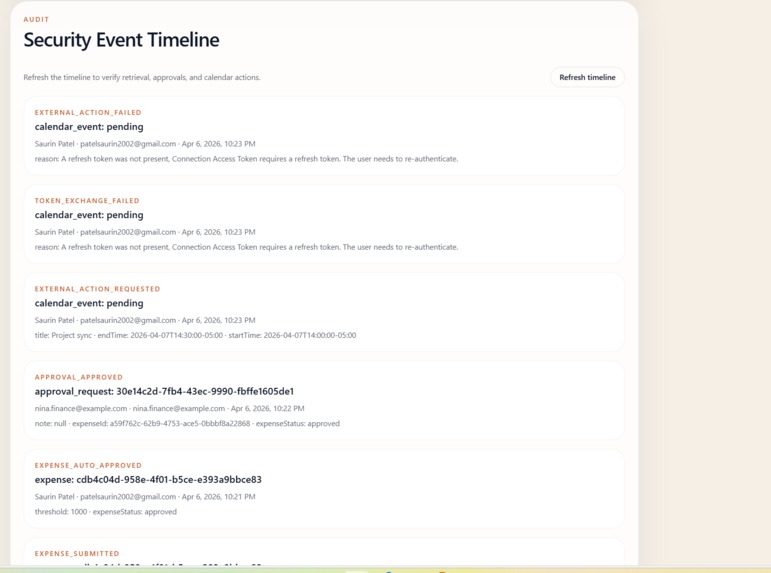
- Tamper-evident audit trail — Every retrieval, approval decision, token exchange, and external action is logged with structured events and visible on a live dashboard.
How We Built It
We designed the app around Token Vault — not the other way around. Every architectural decision flows from one principle: the agent should be incapable of acting beyond what it was explicitly authorized to do.
Stack:
- Next.js 14 App Router + TypeScript
- Auth0 (Universal Login, FGA, Token Vault)
- Prisma + PostgreSQL
- Google Calendar API (via Token Vault delegated access)
- Tailwind CSS
- Vercel (deployment)
Architecture flow:
Browser → Auth0 Login → Next.js App Router ↓ FGA Authorization Boundary ↓ Secure RAG → only authorized chunks enter prompt ↓ Expense Flow → threshold policy → human approval queue ↓ Token Vault → server-only delegated token exchange ↓ Google Calendar API ↓ Audit Logger → every event recorded
Multi-Persona Demo
The app ships with five seeded enterprise personas, each with different authorization scopes:
| Persona | Role | Access |
|---|---|---|
| [email protected] | Engineer | Engineering docs only |
| [email protected] | Eng Manager | Engineering + approvals |
| [email protected] | Finance Approver | Finance docs + expense approval |
| [email protected] | HR Manager | HR documents |
| [email protected] | Legal Reviewer | Legal documents |
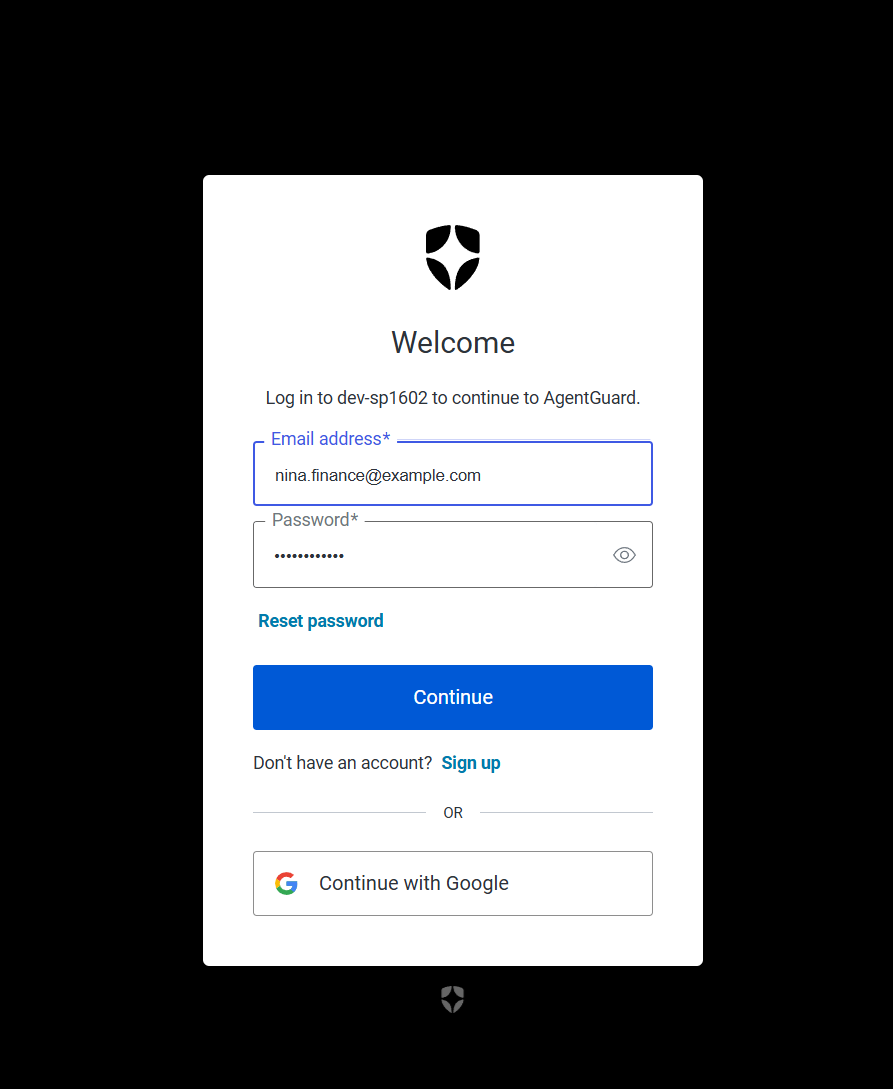
Ask Emma for a legal document — FGA blocks it before it hits the prompt. Submit a high-value expense — it routes to Nina for approval. Request a calendar action — Token Vault exchanges credentials server-side, the browser sees only the result.
What We Learned
The hardest part wasn't the code — it was the mental model shift. Traditional apps think about "what can this user do?" AgentGuard asks "what is this agent physically capable of doing?" Token Vault makes that constraint real, not just a policy written in a README.
We also learned that seed-data fallbacks are a superpower for demos. Every flow stays runnable even when external infrastructure is incomplete — critical for hackathon reliability.
Challenges
- Getting Token Vault's server-only constraint right required careful
separation of
lib/token-vaultfrom any client-side code path - FGA model design for multi-role document access needed several iterations to cover edge cases cleanly demo never breaks regardless of provider status
📝 Bonus Blog Post: Building Secure AI Agents with Auth0 Token Vault
One of the biggest challenges in building AI agents today is not just what they can do, but how securely they can act on behalf of users. In our project, Secure Enterprise AI Copilot, we tackled this challenge by integrating Auth0 Token Vault to safely enable external actions—specifically, creating Google Calendar events on behalf of authenticated users.
Traditionally, connecting an AI agent to third-party services requires storing access tokens somewhere in the application. This introduces significant security risks, especially if tokens are exposed to the frontend or mishandled in server logic. With Token Vault, we were able to completely eliminate direct token handling in our application code, which is a major security improvement.
Our implementation uses a server-side token exchange pattern, where the application exchanges an Auth0-issued token for a provider-specific access token at runtime. This means:
- Tokens are never exposed to the browser
- Tokens are not stored in our database
- External API calls are made only after proper authentication and authorization
This architecture allowed us to build a clean and secure external action flow:
- The user authenticates via Auth0
- The user connects their Google account
- When the AI agent schedules a meeting, our backend performs a Token Vault exchange
- The Google Calendar API is called securely on behalf of the user
By integrating Token Vault alongside Fine-Grained Authorization for RAG and Asynchronous Authorization, we created a system where AI agents are:
- authorized to read only permitted data
- authorized to act within defined boundaries
- capable of securely interacting with external systems
Token Vault was the key enabler that allowed us to extend our AI agent beyond internal actions while maintaining a strong security posture. This is a critical step toward building trustworthy, production-ready AI systems.
Built With
- auth0
- auth0-fga
- auth0-token-vault
- google-calendar-api
- next.js
- openai
- postgresql
- prisma
- tailwind-css
- typescript
- vercel


Log in or sign up for Devpost to join the conversation.