-
-
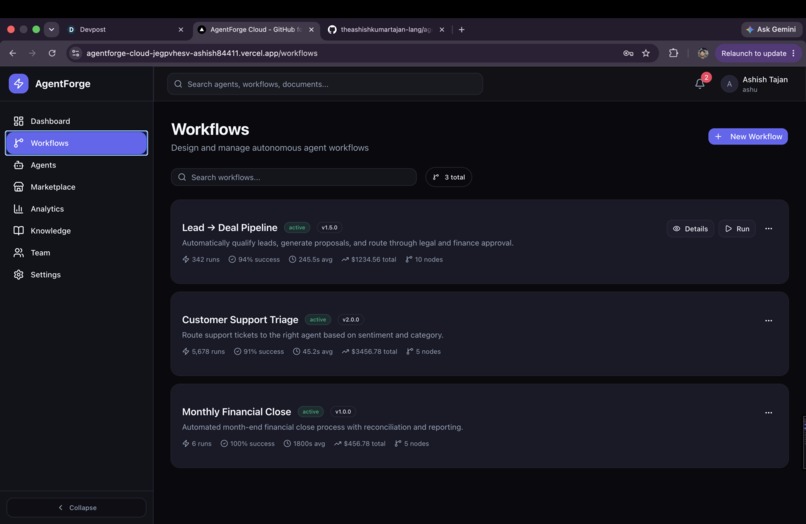
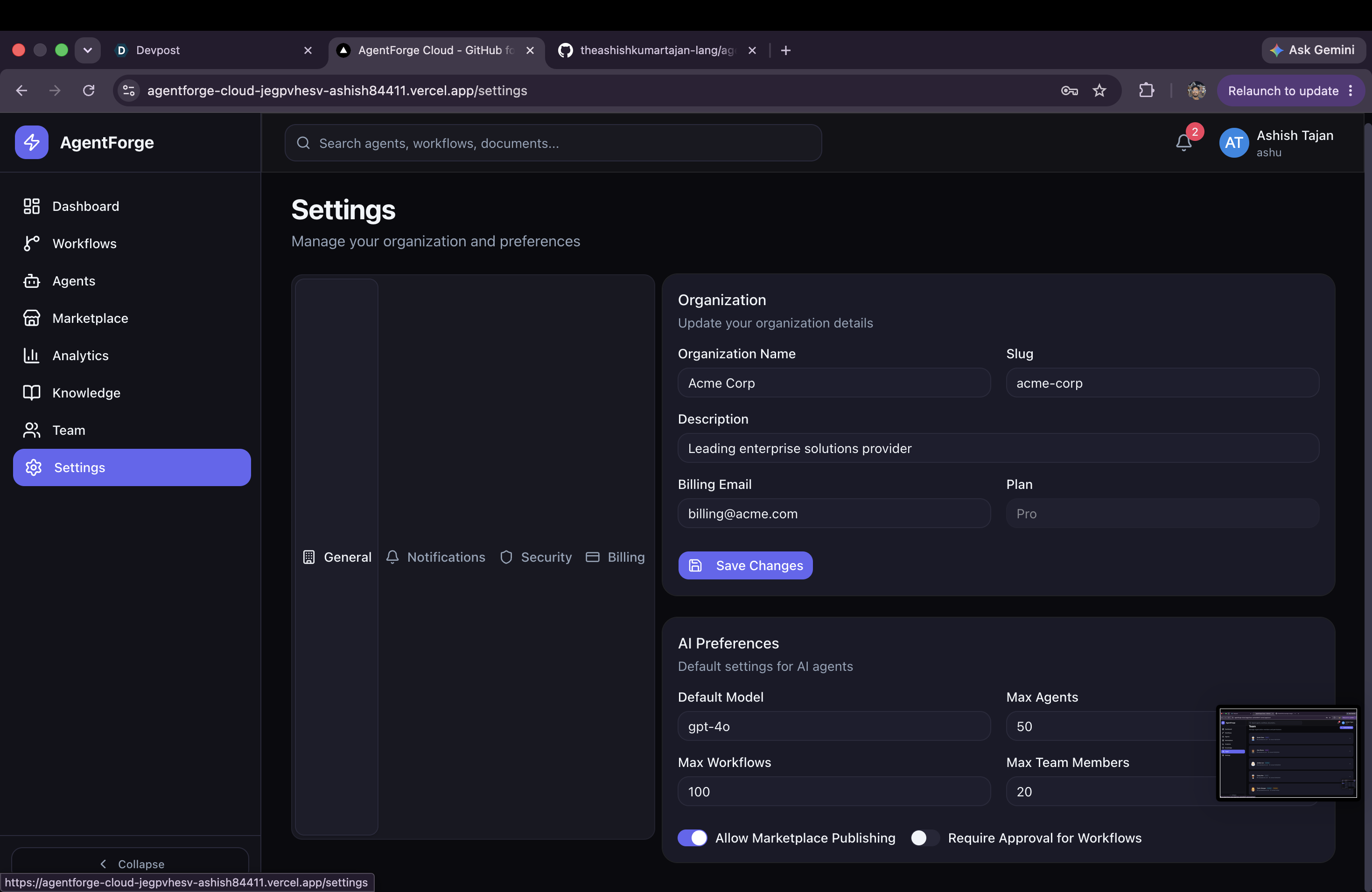
workflows
-
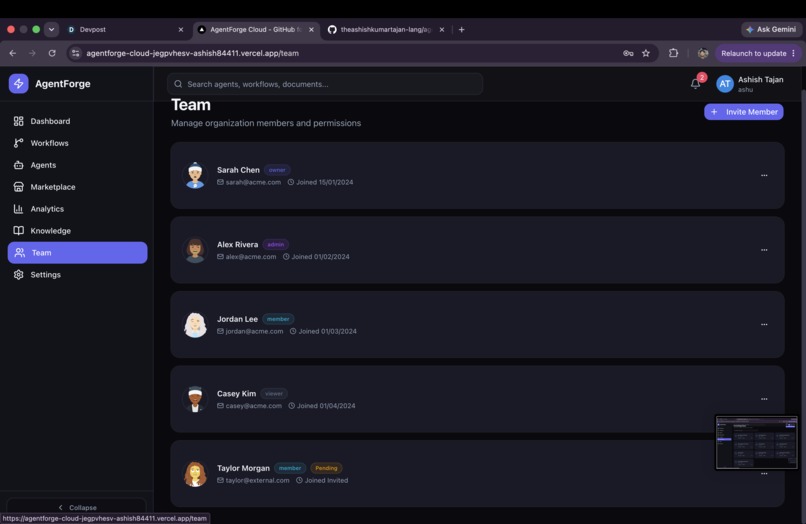
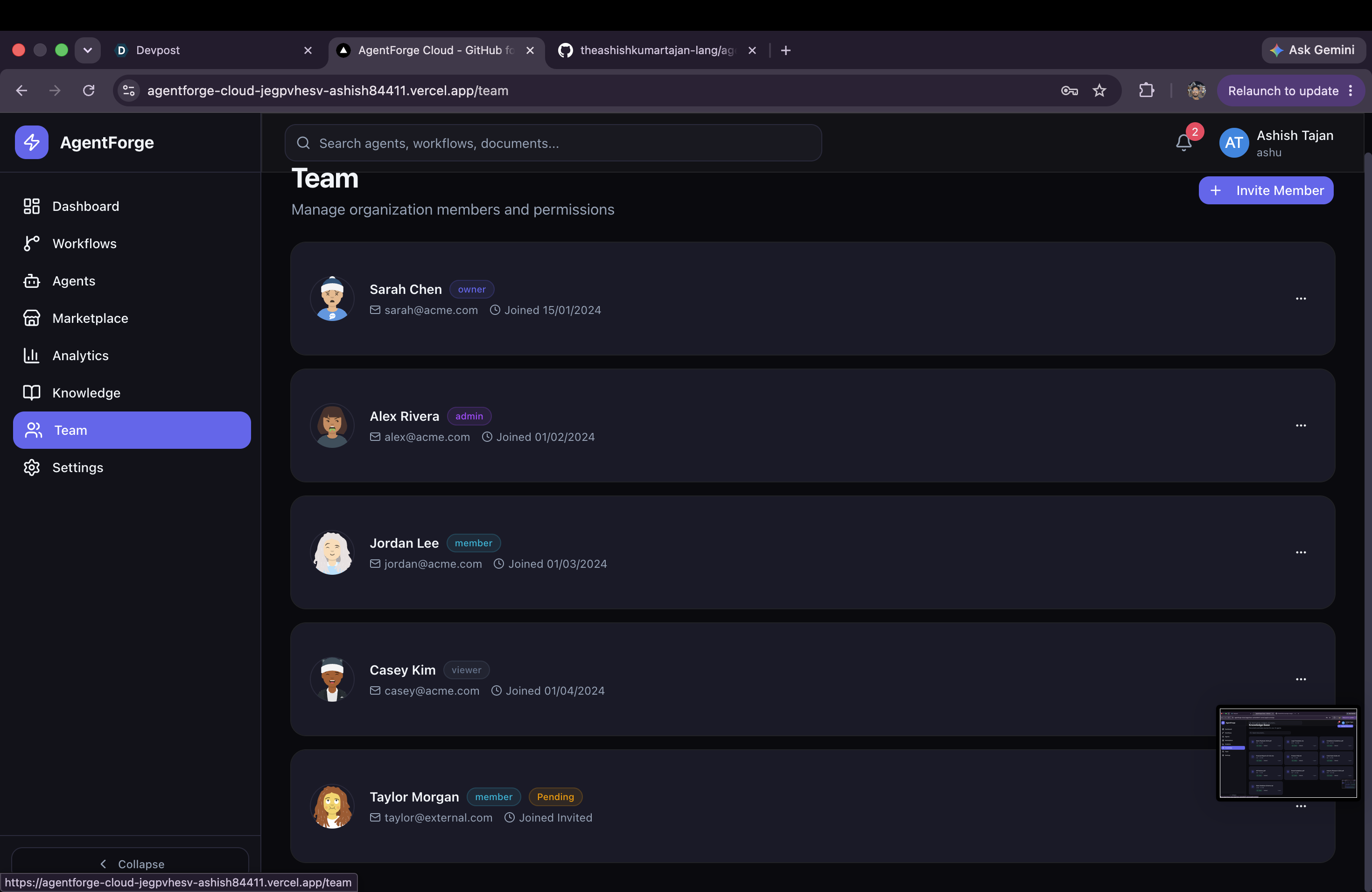
team
-
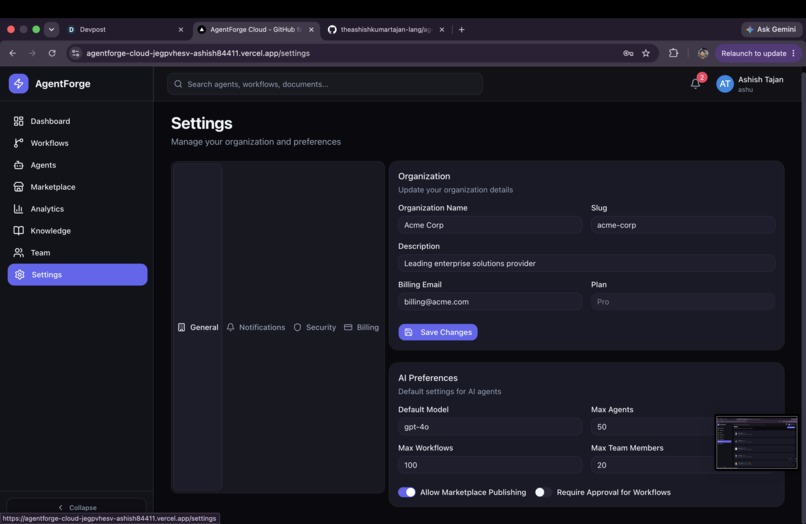
settins
-
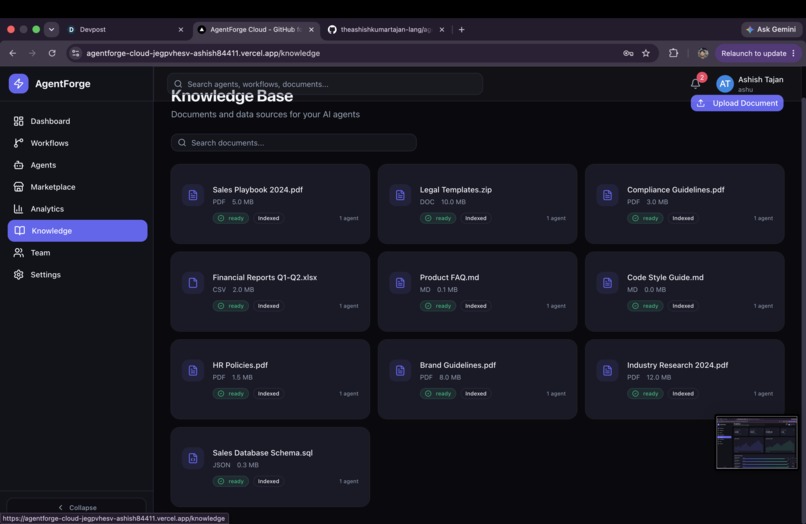
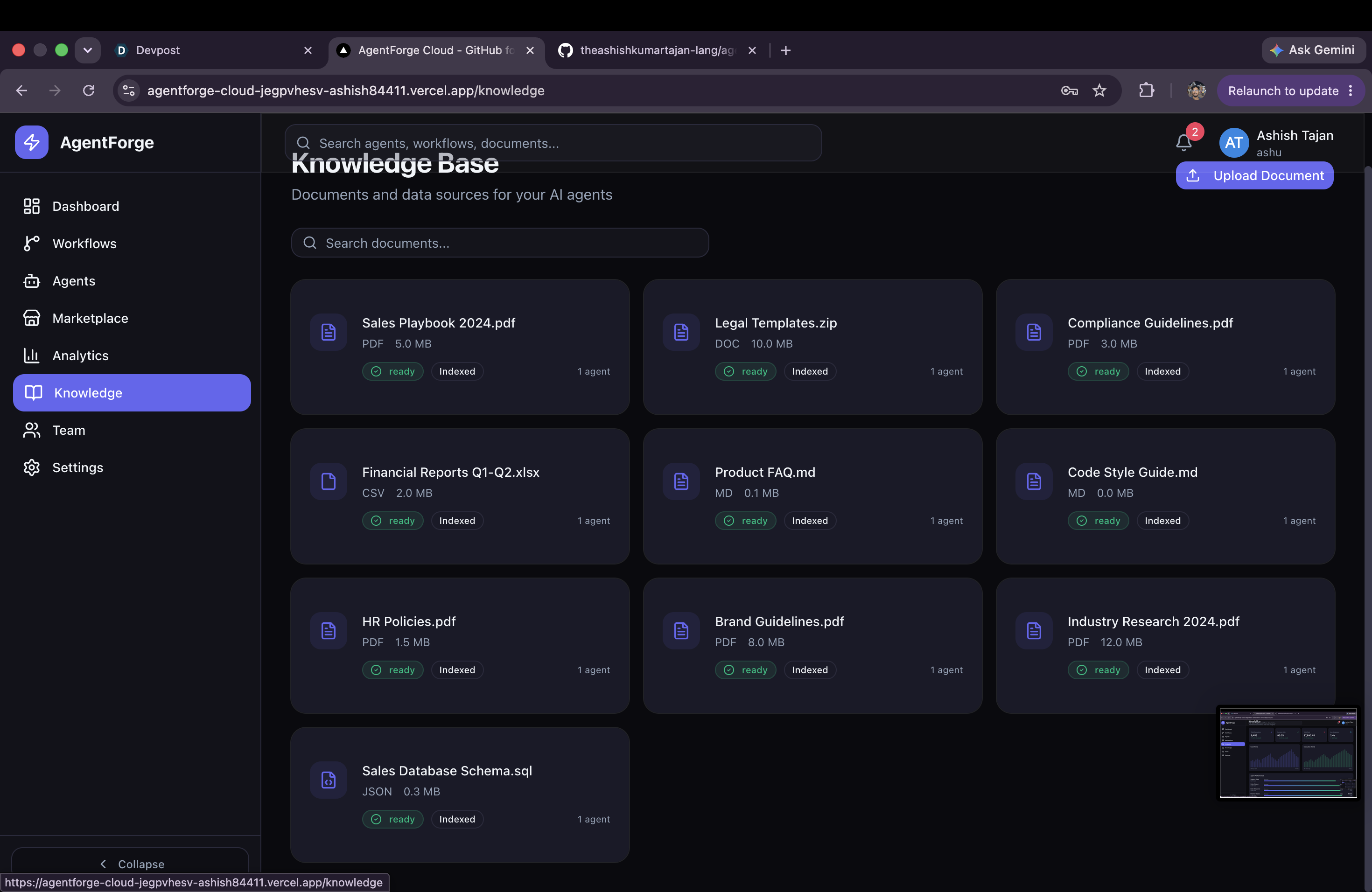
knowledge base
-
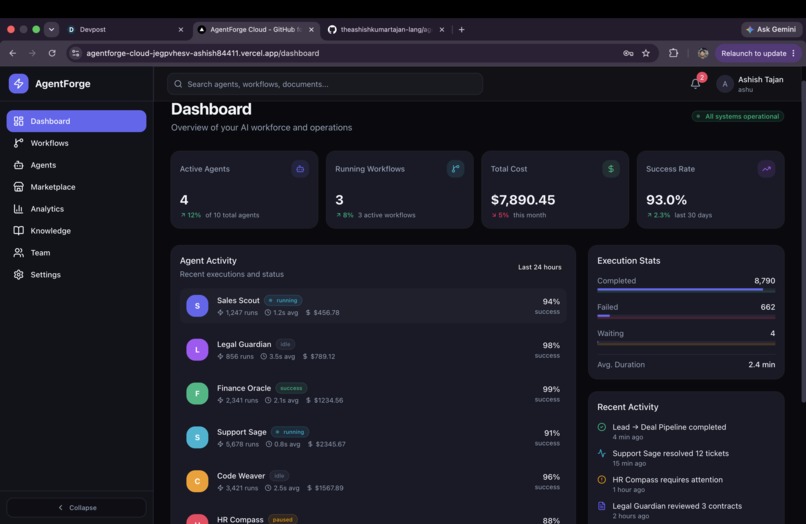
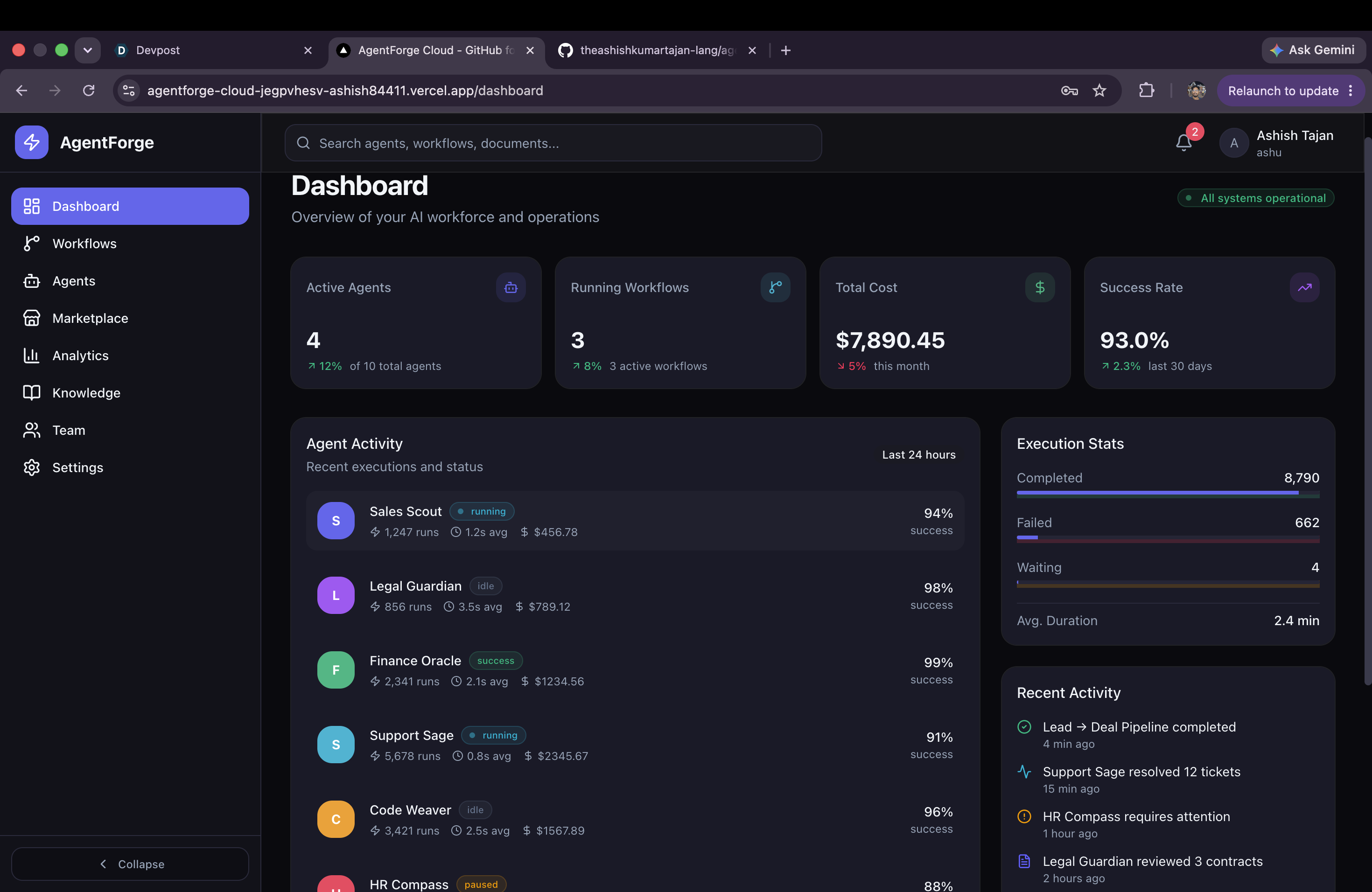
dashboard
-
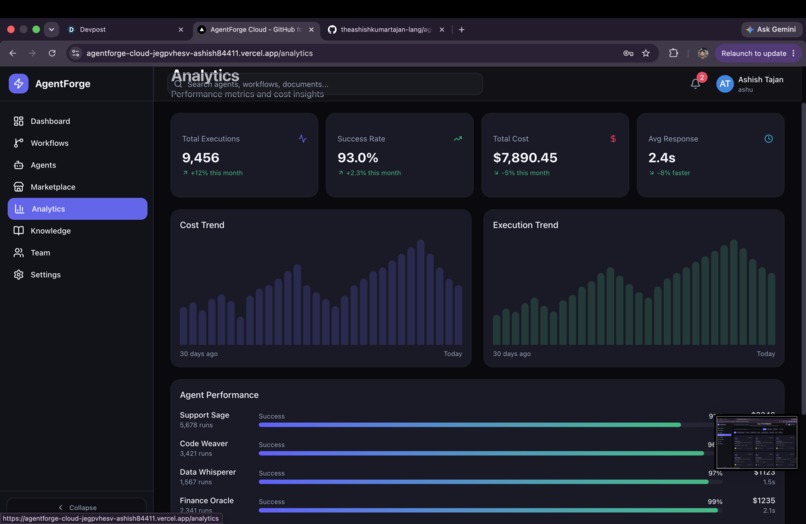
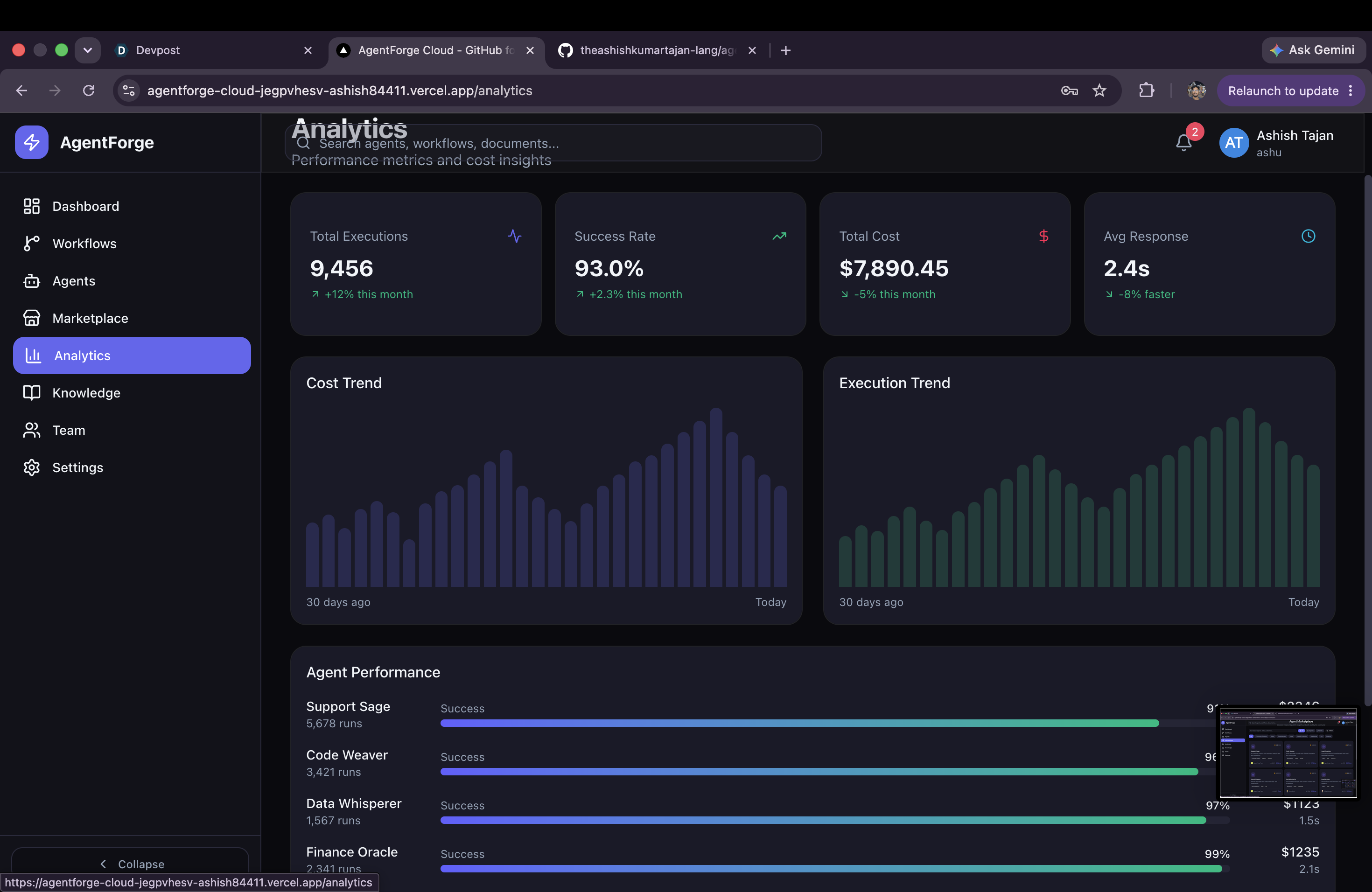
analytics
-
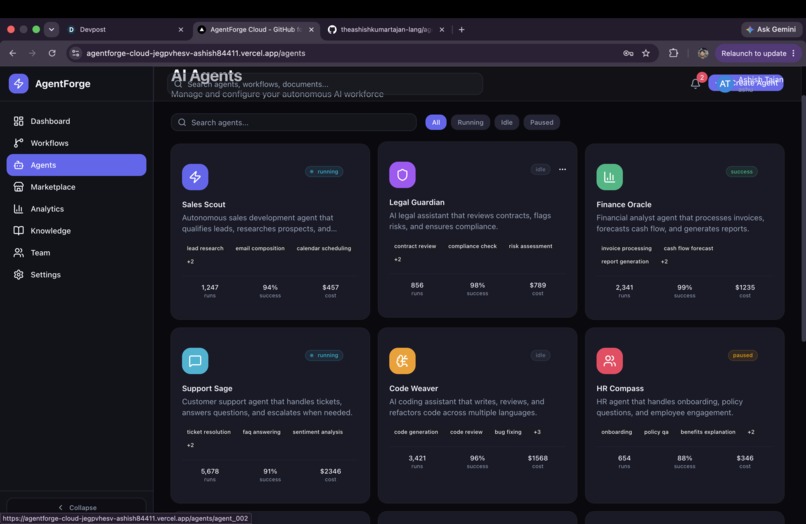
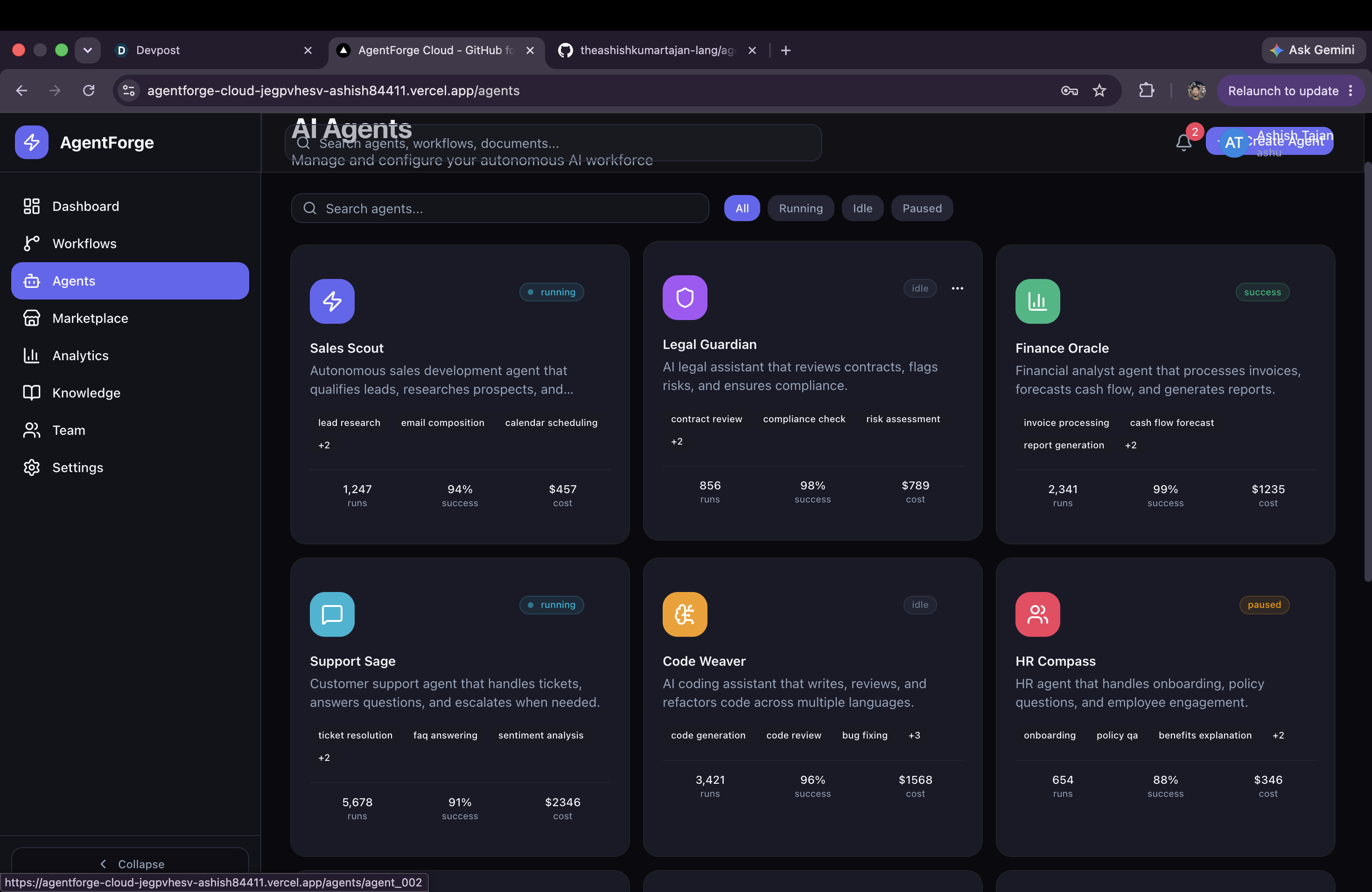
ai agents
-
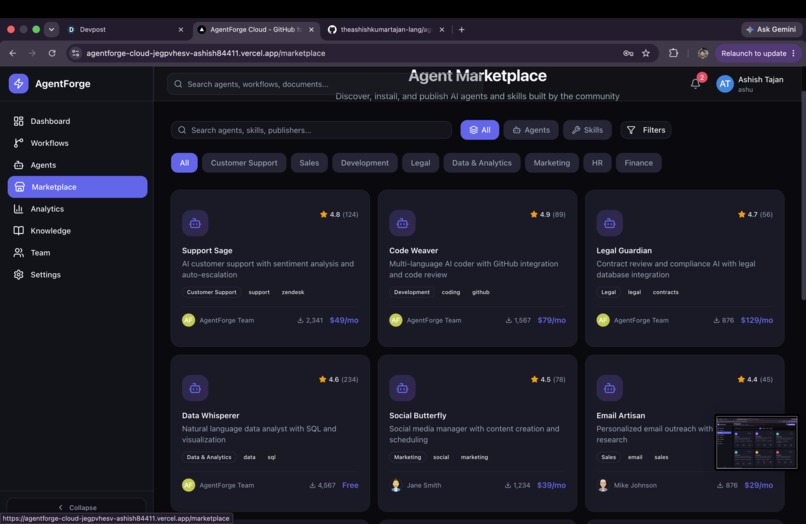
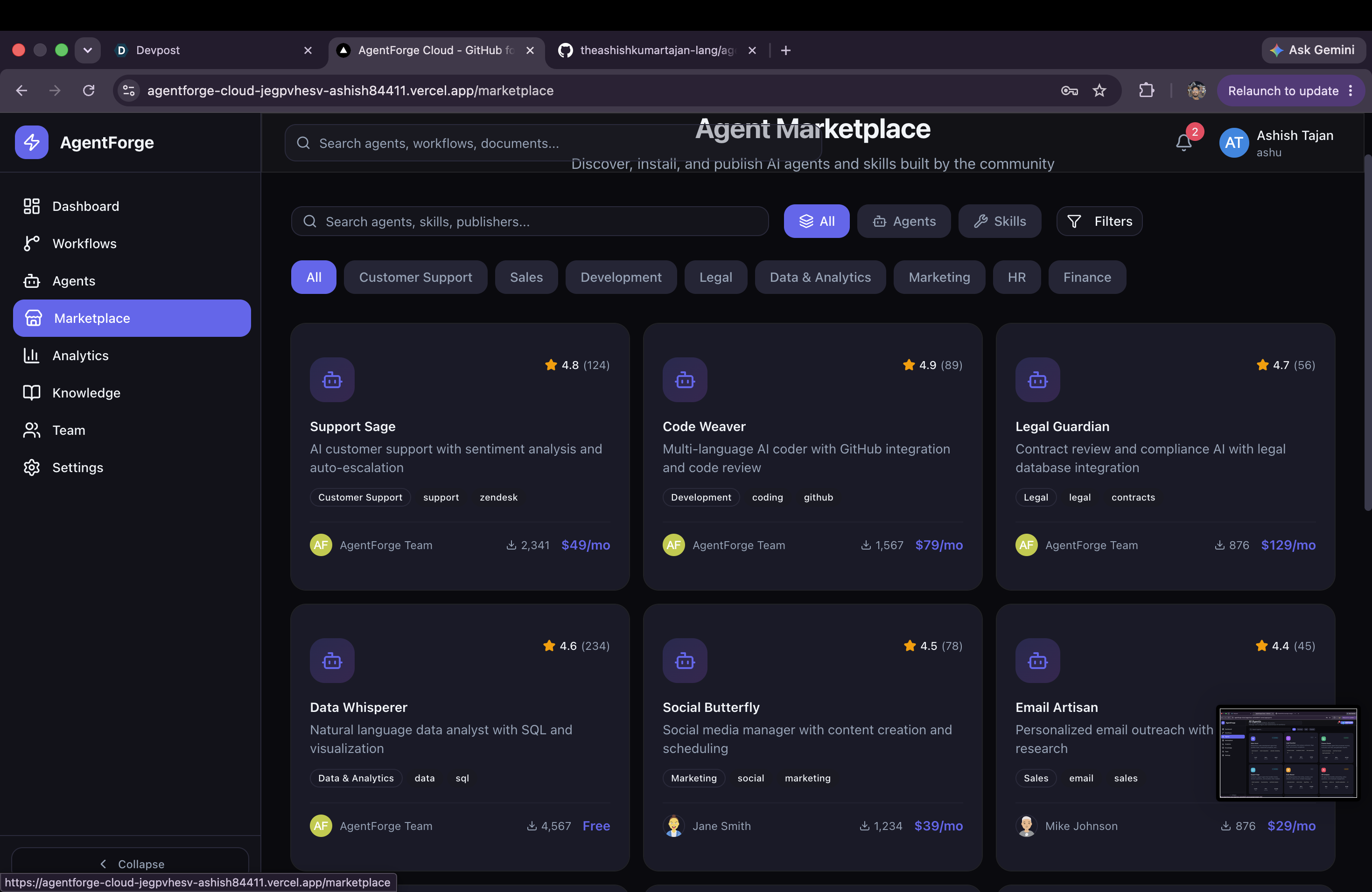
agent marketplace
-
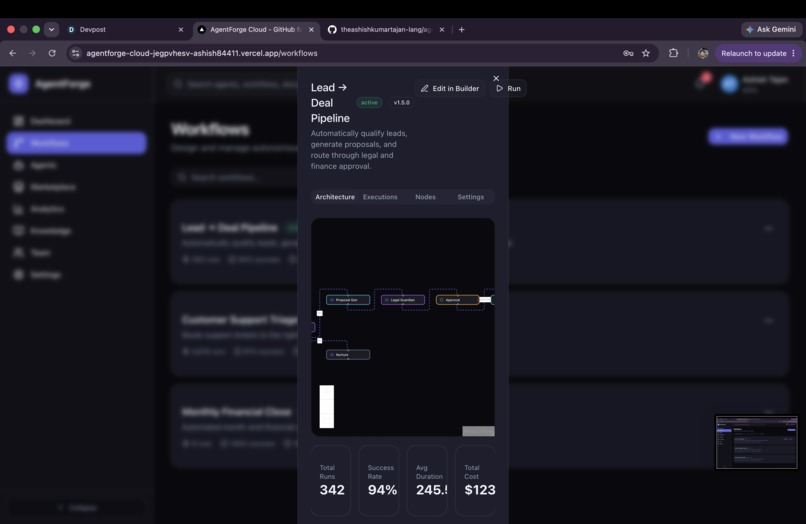
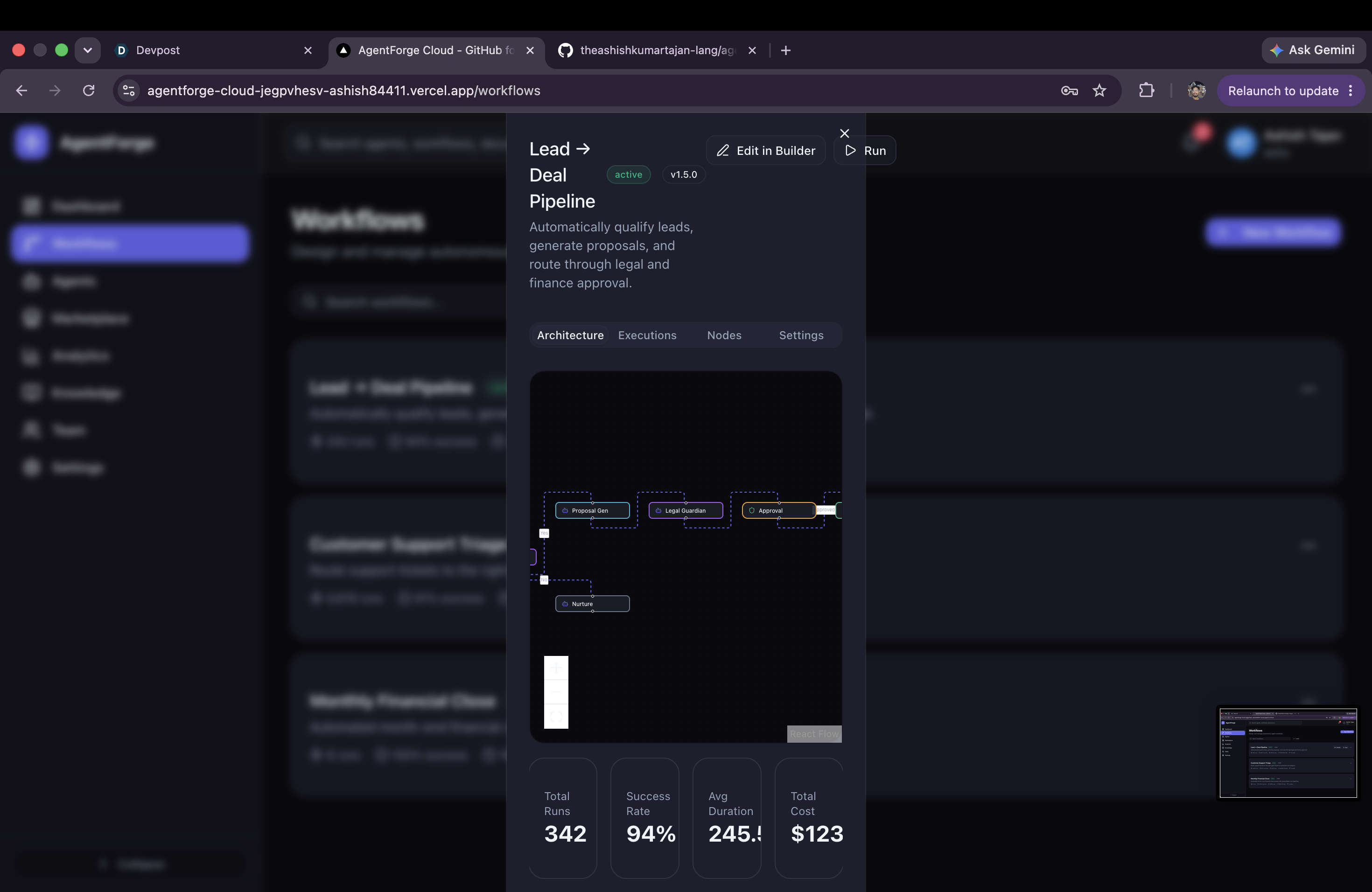
workflows management
-
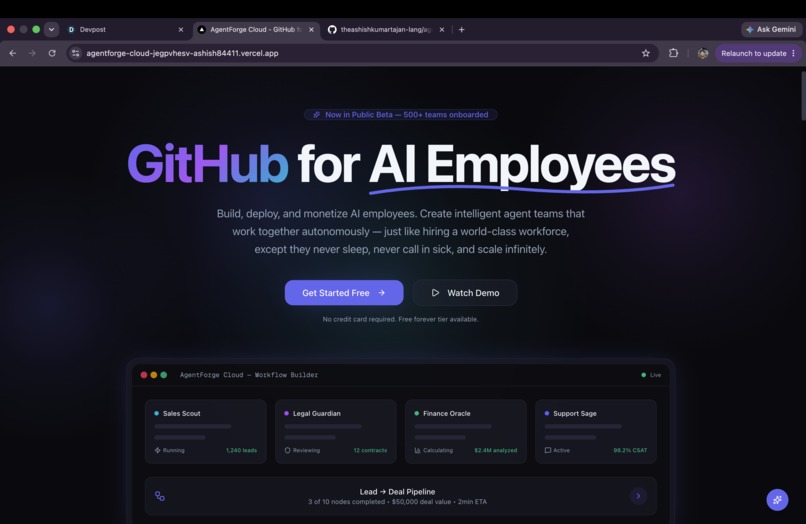
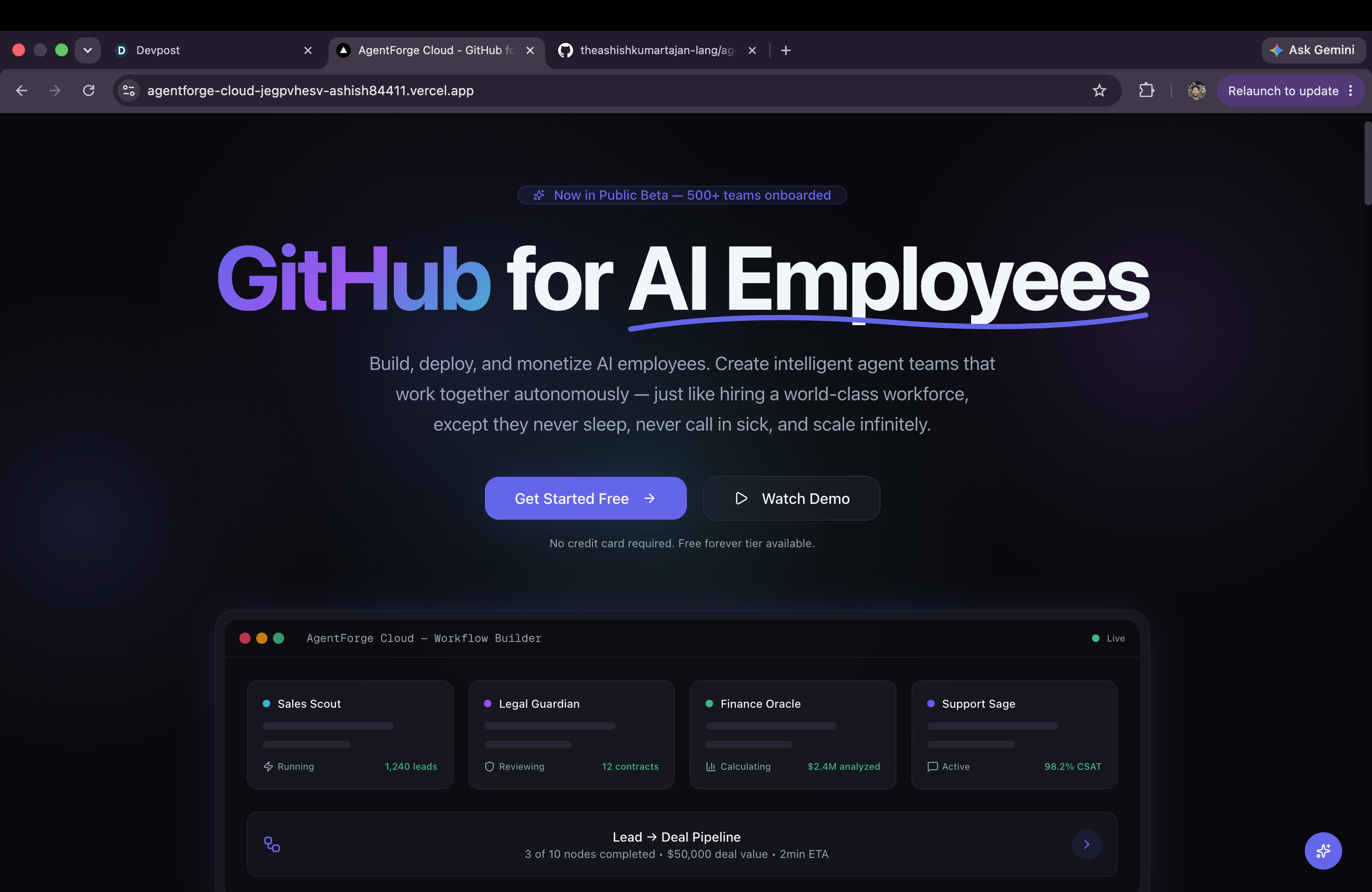
landing page
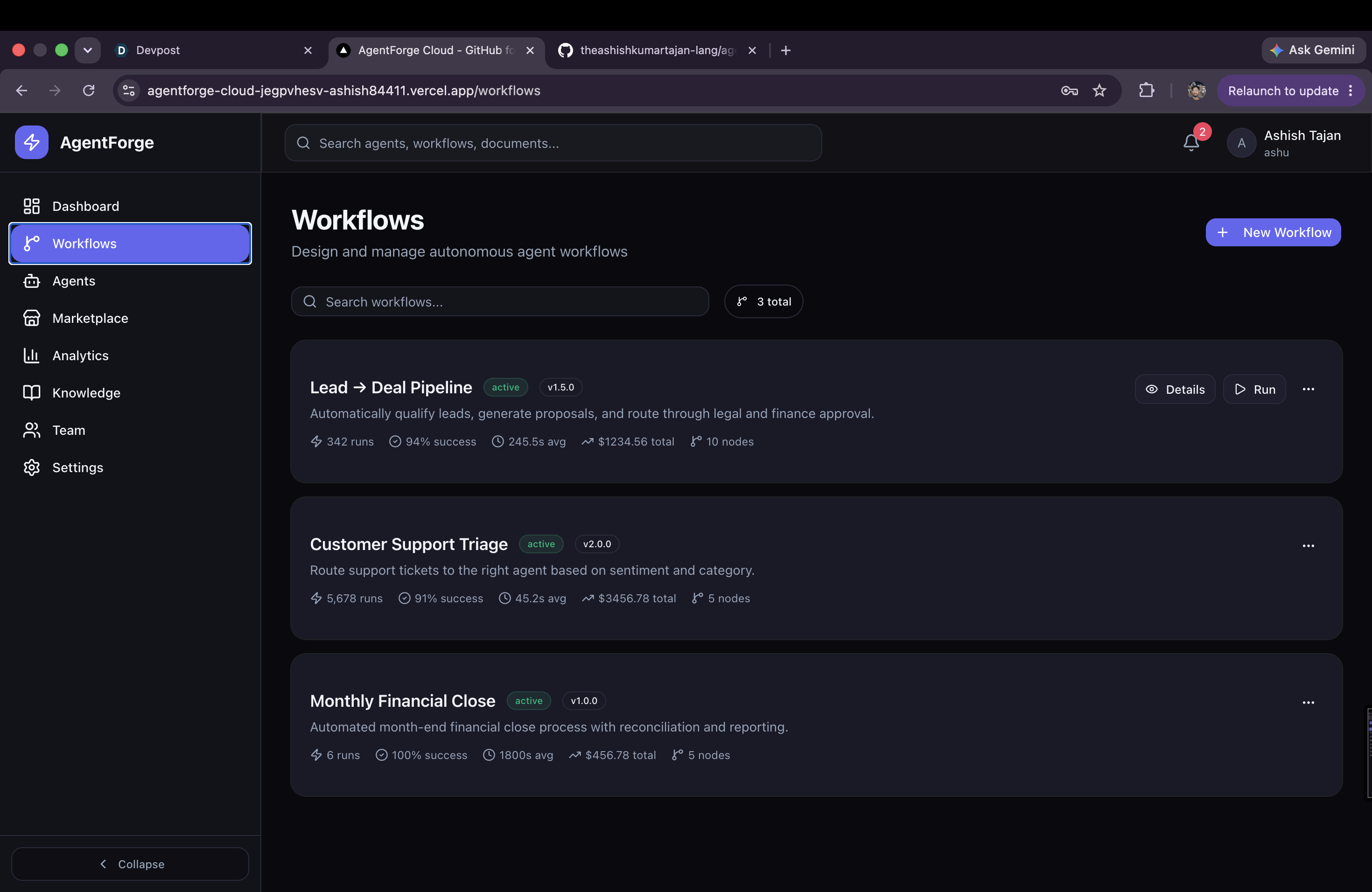
Inspiration
The idea for AgentForge Cloud came from something I kept noticing throughout 2024. AI agents were getting really good, but the tools for building and managing them still felt... honestly kind of messy. Most people were connecting LLM APIs, spreadsheets, Slack bots and random scripts just to make things work.
Developers have GitHub to build and share software, but there wasn't really a platform that treated AI agents the same way. I kept thinking, what if building an AI employee felt as simple as pushing code to GitHub?
That's where AgentForge Cloud started. I wanted to build one place where people could create AI agents, connect them into workflows, deploy them, and even publish them for others to use.
What it does
AgentForge Cloud is basically an operating system for AI agents.
It starts with a modern landing page that introduces the platform, but the real feature is the visual workflow builder. I took a lot of inspiration from tools like Make.com because I wanted people to build AI automations visually instead of writing hundreds of lines of code.
Users can drag different node types onto a canvas. Trigger nodes can listen for webhooks, schedules, or events. Agent nodes connect to AI models. Condition nodes handle branching logic, and action nodes integrate with external services.
I also built a five-step wizard that makes creating an AI agent pretty straightforward. Users choose a template, configure the model, select from over 45 different skills, connect plugins, review everything, and deploy.
The platform also includes a knowledge base where agents can search uploaded documents, plus a marketplace where people can discover, install, and publish agents and skills.
Everything is built on AWS Aurora PostgreSQL and deployed on Vercel, so it's ready to scale beyond just a hackathon demo.
How I built it
I wanted to use technologies that would still make sense if I kept working on this after the hackathon.
The frontend is built with Next.js 16, React 19, TypeScript, Tailwind CSS and shadcn/ui v4. Zustand handles client state while Prisma connects everything to AWS Aurora PostgreSQL.
The workflow builder uses React Flow with custom nodes, side configuration panels and workflow execution simulation. For the landing page I built a Canvas-based Aurora animation with Framer Motion to make it feel a bit more premium.
One feature I'm really happy with is Demo Mode. If there's no database connected, every API automatically switches to realistic mock data. That means anyone can try the platform instantly, but connecting a real database later only takes changing an environment variable.
Challenges I ran into
One bug took me way longer than I'd like to admit.
I kept getting a hydration error in production because shadcn/ui's DropdownMenuTrigger already renders a button. I had accidentally placed another Button inside it, which created invalid HTML (<button> inside <button>). It worked during development but completely broke production. Eventually I tracked it down and replaced the inner button with a styled div.
I also spent quite a bit of time fighting Prisma version differences after following documentation meant for Prisma v6 while my project was using v5.
Another challenge was making the demo actually feel real. Instead of filling everything with "Lorem Ipsum", I wrote realistic content for agents, marketplace listings, skills, plugins and documentation. It took a lot longer, but I think it makes a huge difference when someone tries the app.
Getting the workflow execution animation working smoothly without breaking React Flow state was another fun headache.
What I'm proud of
More than anything, I'm proud that this doesn't feel like a weekend prototype.
The workflow builder feels polished, every node has its own configuration panel, the marketplace has actual content instead of placeholders, and the knowledge base is fully functional.
I'm also really happy with the landing page. The Aurora animation, Bento layout, scrolling effects and overall UI give a strong first impression.
Probably my favorite feature though is Demo Mode. I wanted judges to open the app and immediately experience everything without needing to configure a database first.
What I learned
This project taught me quite a bit.
I learned that shadcn/ui v4 behaves differently than earlier versions, especially with component composition.
React Flow is incredibly powerful, but synchronizing node state across different panels gets complicated pretty quickly.
I also realized that building a good demo isn't just about features. Good mock data, polished UI and realistic interactions matter just as much.
Using strict TypeScript across the project also saved me from countless runtime bugs.
What's next
I'm definitely not done with AgentForge Cloud.
The next thing I want to build is real-time collaboration so multiple users can edit workflows together.
After that I want to add marketplace monetization using Stripe so developers can actually earn money by publishing AI agents.
I'm also planning direct integrations with OpenAI, Anthropic and local models, plus a React Native app for monitoring agents on mobile.
Long term, my goal is pretty simple. I want AgentForge Cloud to become the place people think of when they want to build, deploy and share AI agents—the same way developers think about GitHub when they think about code.
Built With
- awsaurorapostgresql
- bcryptjs
- framermotion
- lucidereact
- next.js
- prisma
- react
- recharts
- shadcn/ui
- sonner
- tailwind
- typescript
- vercel
- zustand


Log in or sign up for Devpost to join the conversation.